
Animated Fantasy Film Scene
A detailed multi-part prompt for a 3D animated fantasy sequence involving a brave knight and a surprisingly tired dragon, complete with camera directions and dialogue.
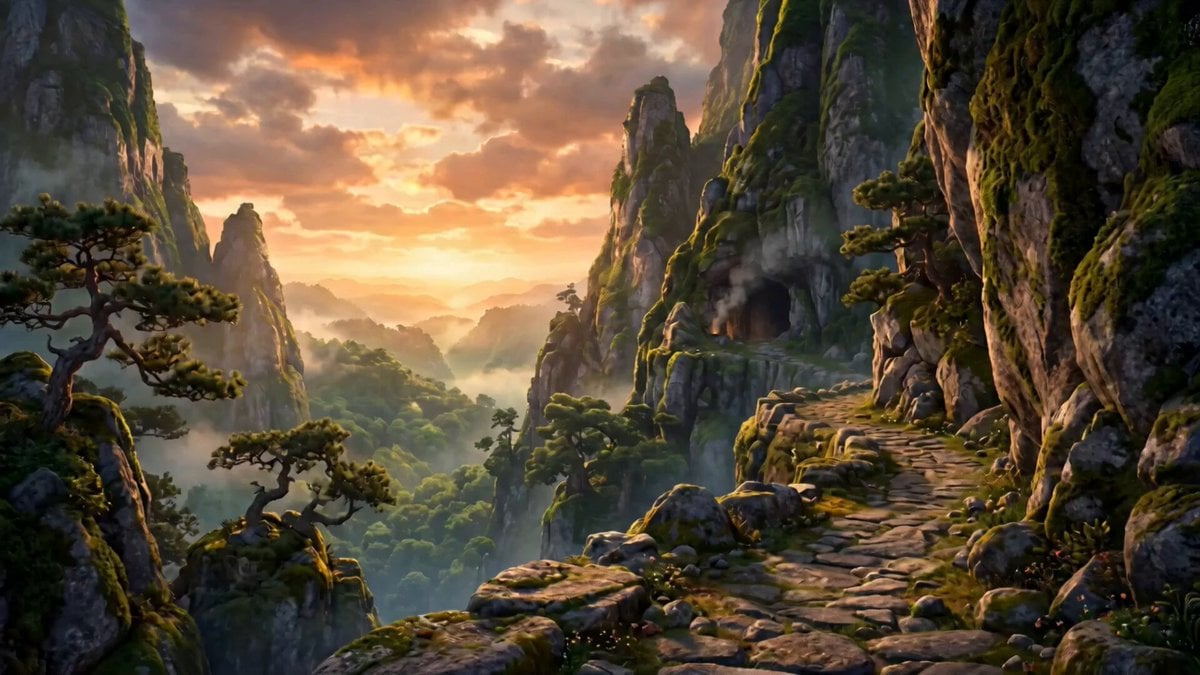
- Prompt included
- Model and format preset
- Free template
The prompt behind this video
Copy the exact prompt behind Animated Fantasy Film Scene, or open it in the studio and make it yours.
The Dragon Doesn't Want a Knight (60 Seconds) Ultra-high-quality 3D animated fantasy film, DreamWorks/Pixar-level animation, cinematic storytelling, rich medieval fantasy world, highly expressive facial animation, lush forests, ancient moss-covered mountains, warm volumetric lighting, magical atmosphere, realistic fire, detailed dragon scales, cinematic depth of field, dynamic camera movement, smooth transitions, emotional comedy, orchestral fantasy score, 4K HDR, vibrant colors. Characters: Knight: Young, determined but inexperienced, around 20 years old. Polished silver armor with a royal blue cape, expressive face, messy brown hair, slightly awkward but brave. Dragon: Enormous emerald-green dragon with glowing amber eyes, large horns, weathered scales, intimidating appearance but surprisingly gentle and sarcastic personality. Deep, warm voice. PART 1 (0:00–0:15) — The Hero Arrives 0:00–0:05 Camera: Epic aerial drone shot soaring above mist-covered mountains at sunrise. The camera dives toward an ancient cave carved into a towering cliff. Smoke lazily drifts from the entrance as birds scatter into the sky. Action: A lone knight climbs the rocky trail with determination, gripping his sword tightly while his blue cape billows dramatically in the wind. Audio: Grand orchestral score builds with distant dragon roars echoing through the valley. 0:05–0:10 Camera: Low-angle tracking shot following behind the knight as he enters the cave. The environment grows darker, illuminated only by glowing lava cracks and shafts of sunlight breaking through the ceiling. Action: He stops, raises his sword toward the darkness, and takes a deep breath. Knight (shouting heroically): "Fear me, beast! I've come to slay the dragon!" 0:10–0:15 Camera: Slow cinematic dolly through the darkness until an enormous emerald dragon is revealed sleeping peacefully atop a mountain of treasure. Close-up on one sleepy amber eye opening as it lets out a massive yawn, releasing a tiny puff of fire. Dragon (half asleep): "...Can you come back tomorrow?" The knight freezes in complete confusion. PART 2 (0:15–0:30) — The Most Tired Dragon 0:15–0:20 Camera: Medium two-shot. The knight awkwardly lowers his sword while the dragon stretches lazily, scratching behind one horn. Dragon (with a sigh): "I'm exhausted." The epic music abruptly stops, leaving only awkward silence. Knight: "...Wait... what?" 0:20–0:25 Camera: Slow pan across the cave, revealing piles of broken swords, shattered shields, cracked armor, and bent spears stacked in one corner. Dragon (casually): "I've had six knights this week." 0:25–0:30 Camera: Close-up of the dragon rolling its eyes. Dragon: "None of them even introduced themselves." A tiny baby dragon peeks out from behind a treasure chest, gives the knight a cheerful little wave, then quickly hides again. The knight blinks, completely speechless. PART 3 (0:30–0:45) — The Truth 0:30–0:35 Camera: Slow push-in on the knight as he relaxes and carefully places his sword on the ground. Knight: "...So..." "What do you actually want?" 0:35–0:40 Camera: Close-up on the dragon's face. Its playful smile fades as it gazes toward the cave entrance, where golden evening light shines across the valley. A long, quiet pause. 0:40–0:45 Camera: Extreme close-up of the dragon's eyes. Dragon (softly): "Honestly..." Small pause. "...A friend." The soundtrack shifts into a gentle piano melody. PART 4 (0:45–1:00) — A Different Kind of Victory 0:45–0:50 Camera: Warm montage with smooth cinematic transitions. The knight and dragon sit beside a campfire inside the cave. The dragon carefully roasts marshmallows using tiny controlled flames. Knight (laughing): "This wasn't in knight school." Dragon (smiling): "Neither was loneliness." 0:50–0:55 Camera: Wide shot outside the cave. The King leads hundreds of armored soldiers charging up the mountain, banners waving and dust rising beneath galloping horses. King (shouting): "Did you defeat the dragon?" 0:55–1:00 Camera: Heroic medium shot of the knight standing beside the dragon at the cave entrance. The dragon nervously peeks from behind him. The knight smiles. Knight: "No." A brief pause. "...I met him." Final Camera: The camera slowly cranes upward, revealing the knight and dragon standing together against the glowing sunset as the music reaches an emotional crescendo. Fade to Black.
How to use Animated Fantasy Film Scene in 3 steps
- 1
Open
The prompt is already in the box next to the preview, with the template's model and format selected.
- 2…a portrait of your subject in softgolden-hour light, 85mm…
Personalize
Edit the subject and creative details for your destination.
- 3Generate
Generate
Press Generate — your video is created in PicX Studio, so you can compare it with the original and refine one variable at a time.
More like this
Templates with the same subject, style or setup. Open one to see its prompt.
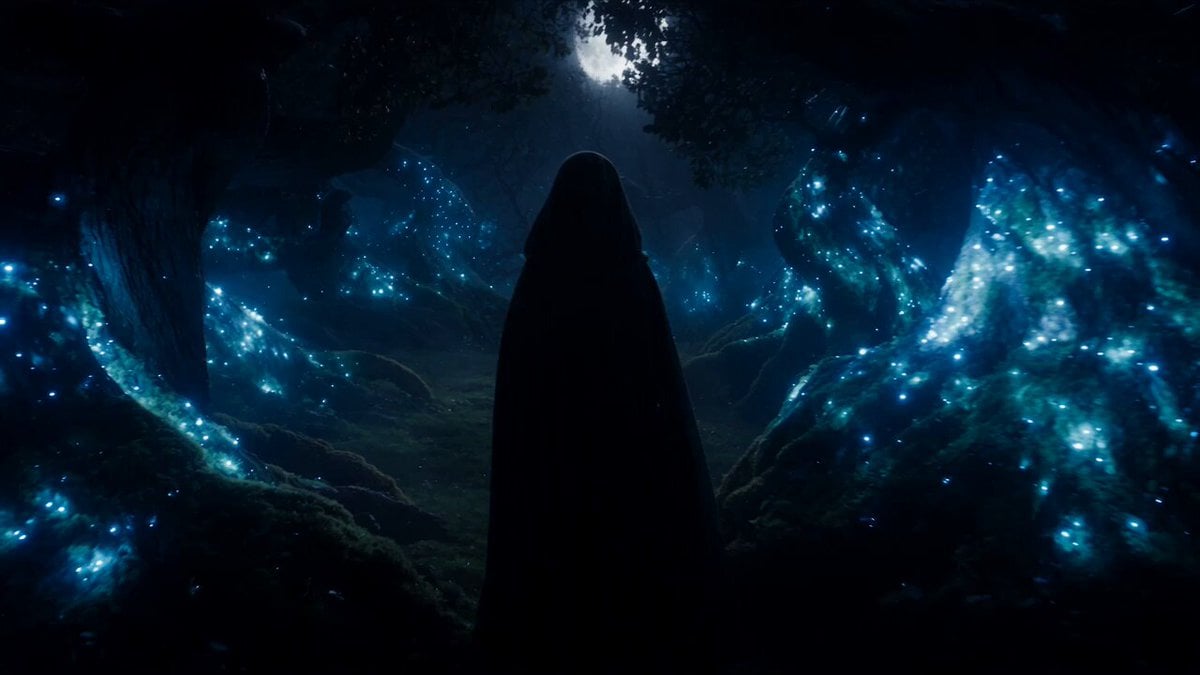
Forest Fantasy Girl Short Film
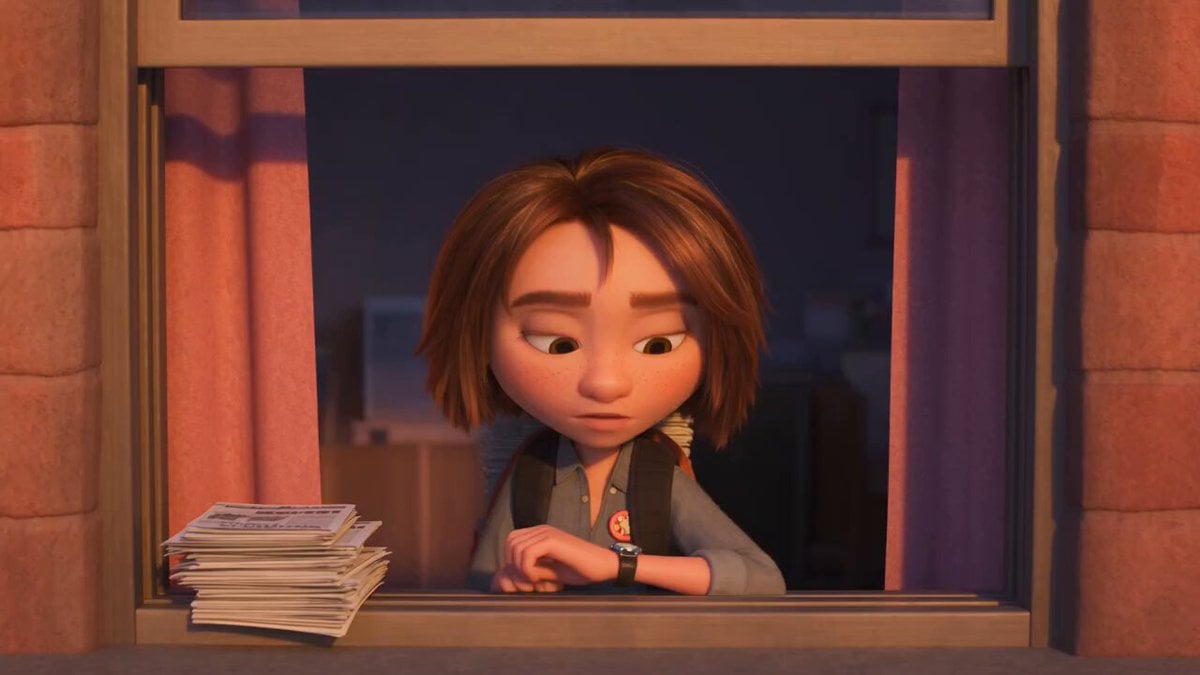
3D Animated Newspaper Delivery Short - Seedance 2.5

3D Animated Cat and Old Man - Seedance

Dragon Rider Cinematic Flight — Seedance 2.5
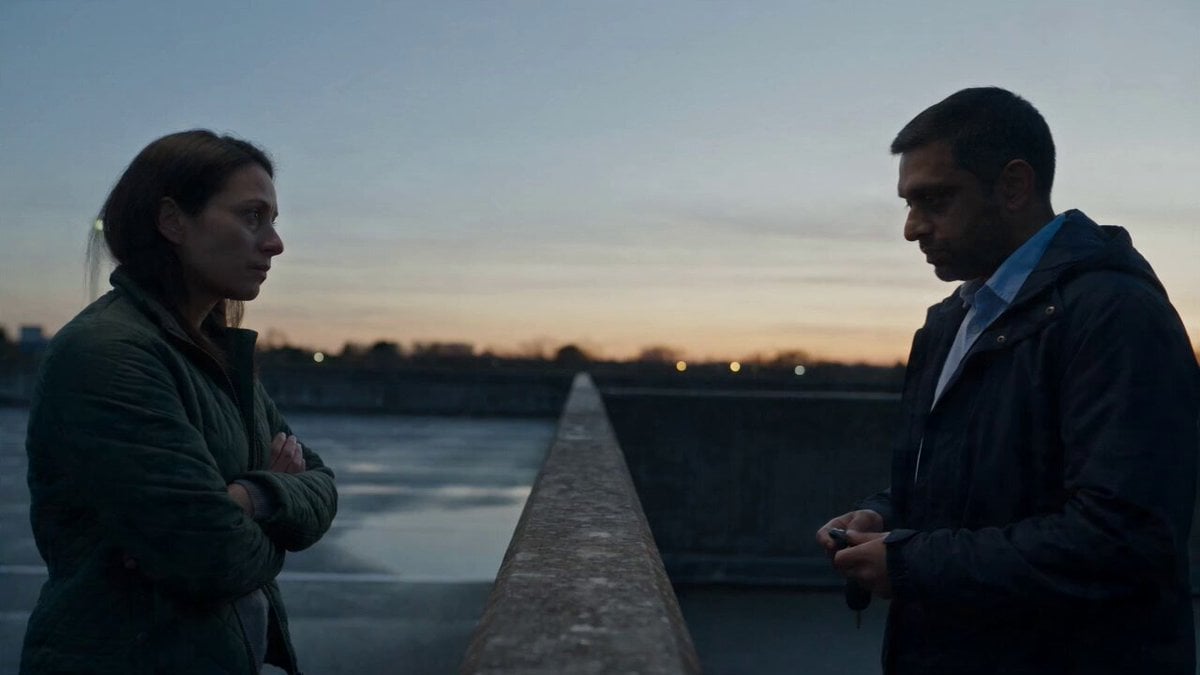
Hospital Car Park Dialogue Lip Sync
Global Flower Thank-You Film
Youth Racing Short Film
Mechanical Flower Bloom Brand Film
Oceanic Civilization Epic Sci-Fi Film
Floating Desert Museum Cinematic Film
Haute Couture Dream Bokeh Film
Window-to-Eye Concept Film
Make it yours
Animated Fantasy Film Scene works as-is. These are the safest ways to change it without losing the look.
Change one field
Copy a single group, rewrite it, and generate again so you can see what that field is doing.
Keep the frame, change the subject
Hold the composition and light of Animated Fantasy Film Scene, then swap wardrobe, props or the person for a new take.
| If the result… | Why | Fix |
|---|---|---|
| The result drifts from the preview | Too many fields changed at once. | Reuse Animated Fantasy Film Scene as-is first, then change one group — subject, light, or setting. |
| The model over-stylizes the scene | The prose prompt leaves finish and camera underspecified. | Add one camera or lighting sentence and stay on Seedance 2.0. |
More Seedance 2.0 templates
Other prompts made for Seedance 2.0.

Comical Martial Arts Punch Scene

Maglev Train Action Sequence

Martial Arts Fight Sequence

Wuxia Protection and Trust Script

Vintage Korean Arcade MiniDV Vlog

Mercedes 190 SL Luxury Ad

Rainy Night Supernatural Reverse Comedy Video Script

Amazon Civilization Discovery

Futuristic South Asian City Transformation

Cozy Luxury Cafe Commercial
More video prompts
Fresh picks from across the catalog.
Reverse Rain Neon Drama
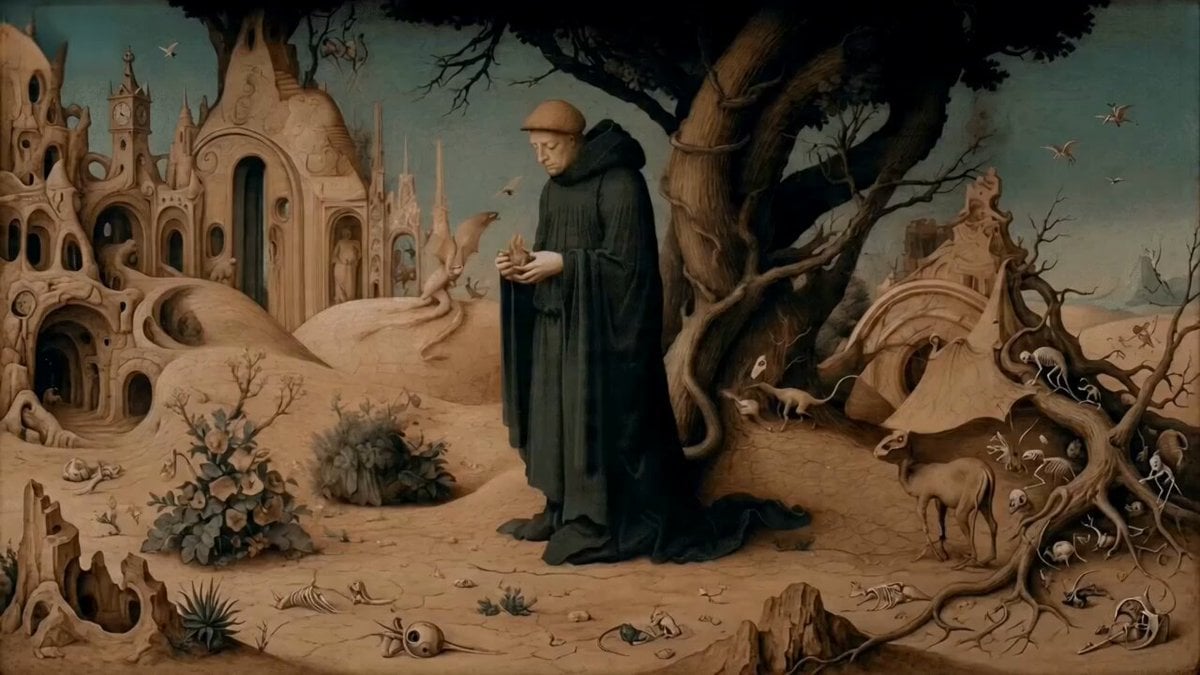
Monk Placing a Glowing Flame in Hieronymus Bosch Style
Daily Routine 15-Cut Sequence Prompt
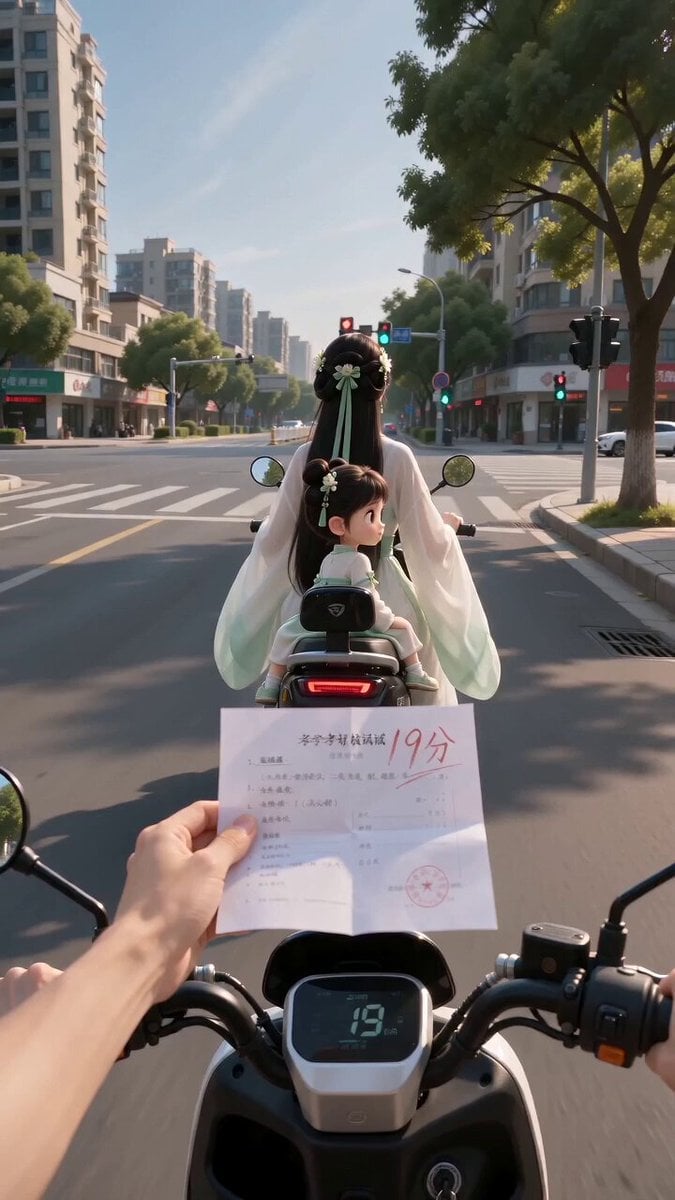
Ancient POV Child Report Card
Avant-Garde Anime Girl Sequence
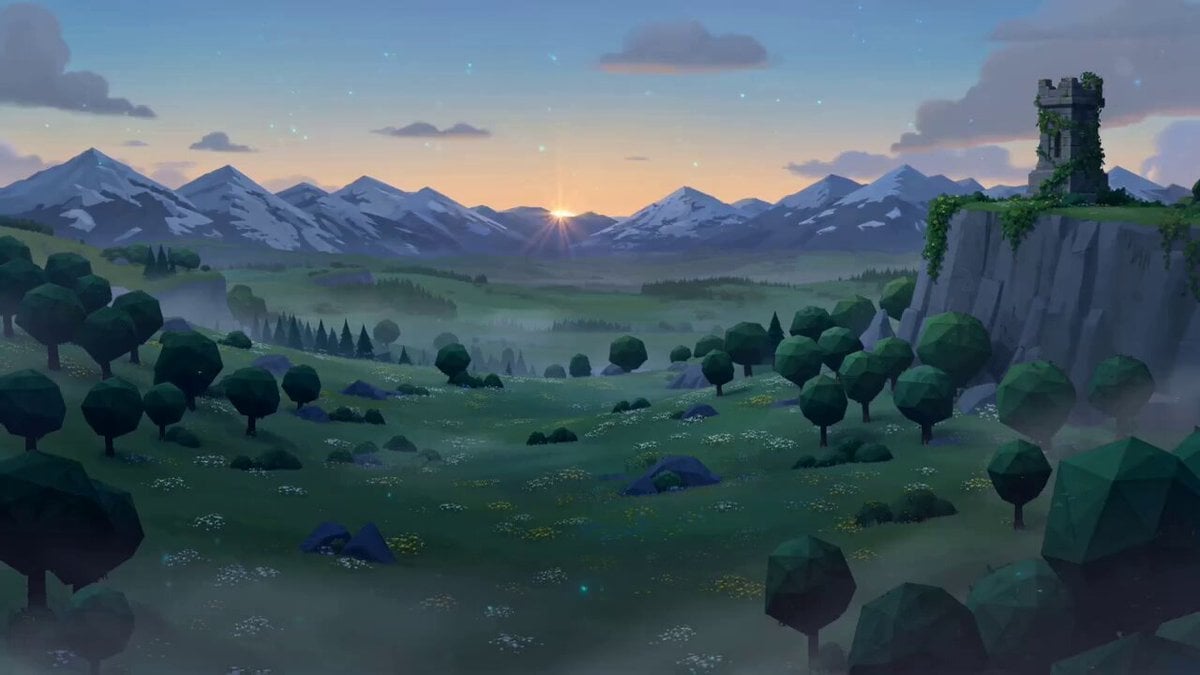
Zelda: Breath of the Wild - Hyrule Dawn Cinematic Prompt
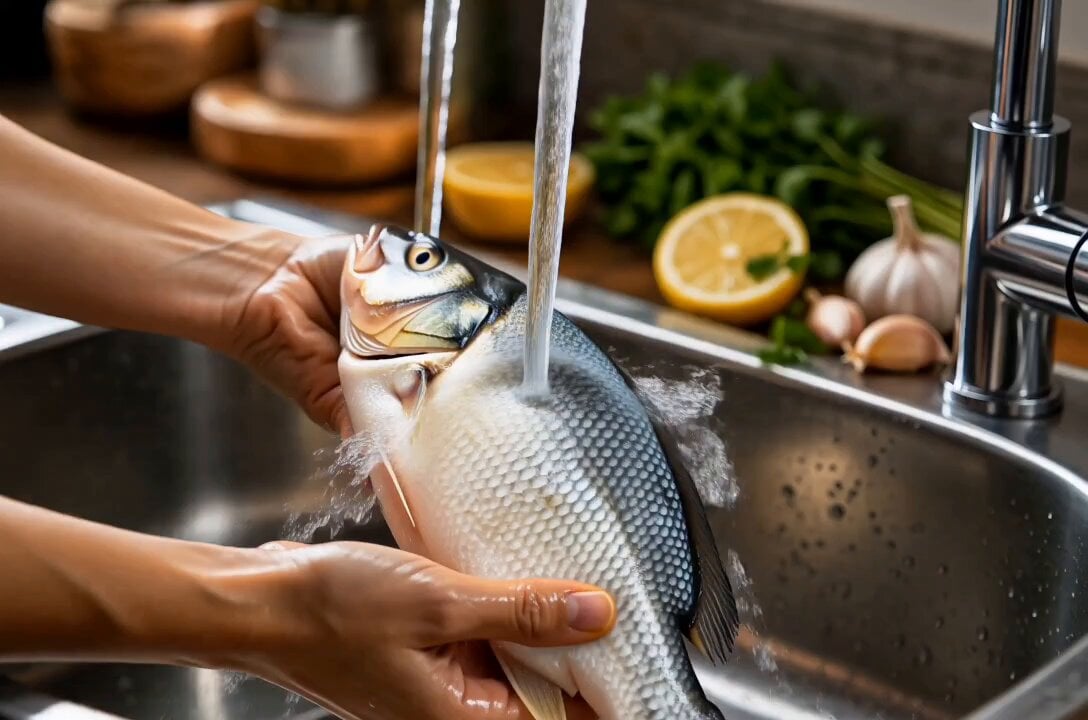
Cinematic Fish Cooking Commercial
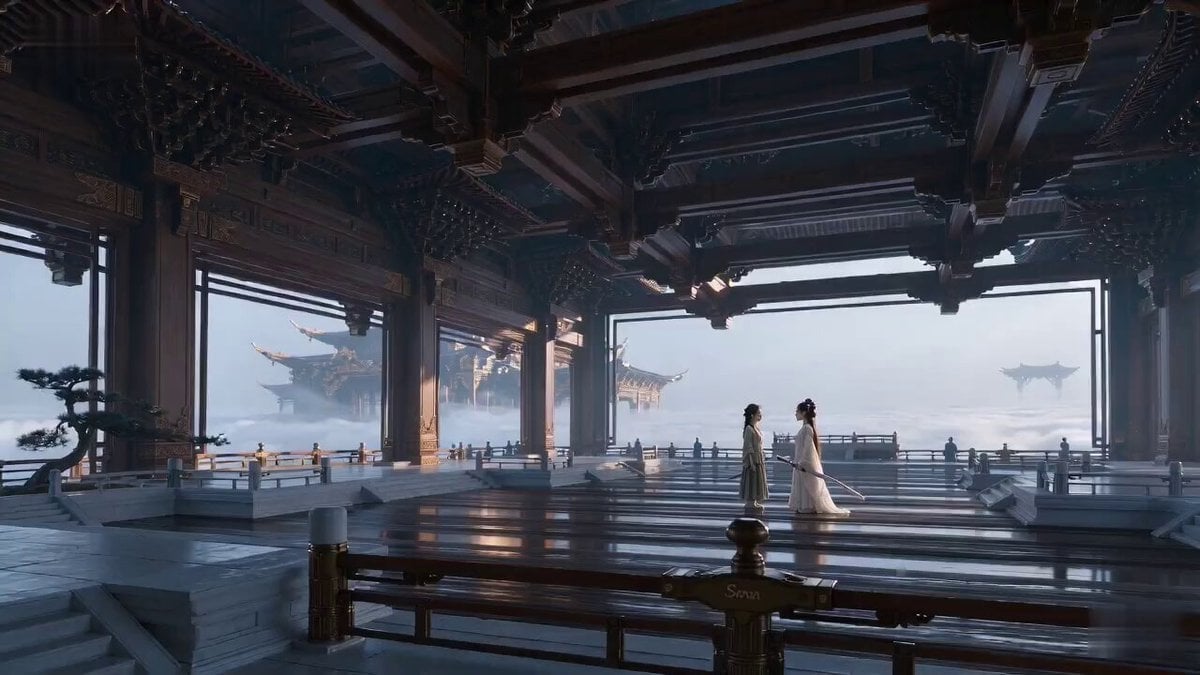
Ancient Swordsman Duel Face-off
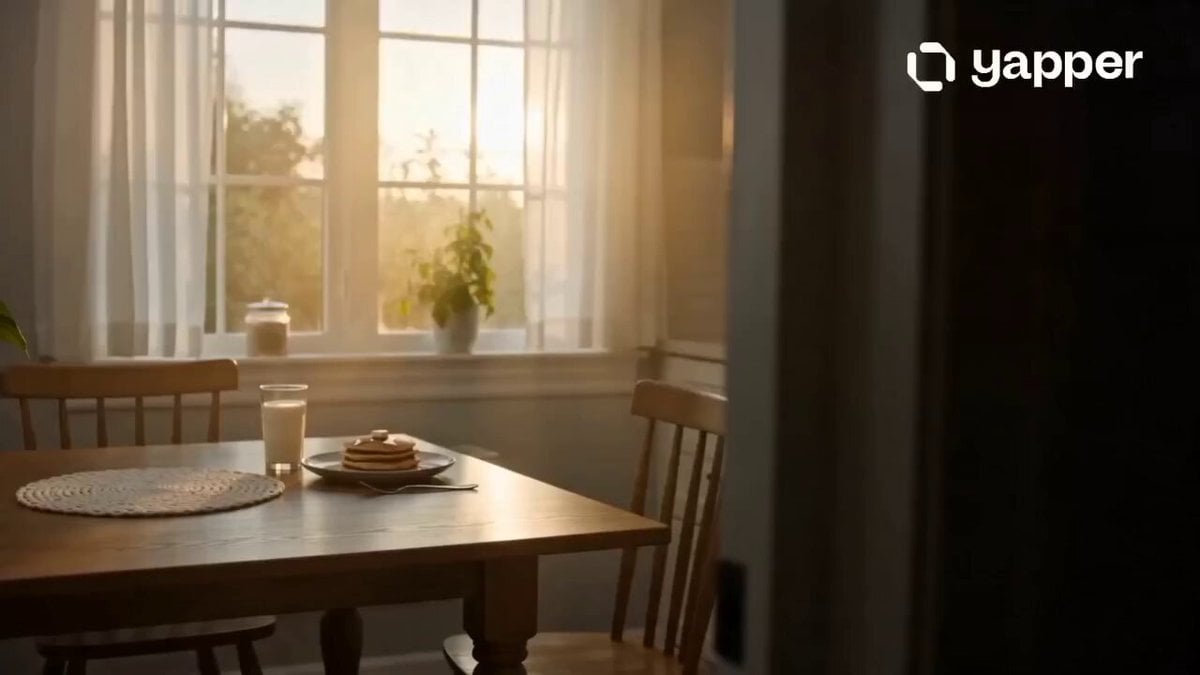
Mother’s Love Cinematic Story
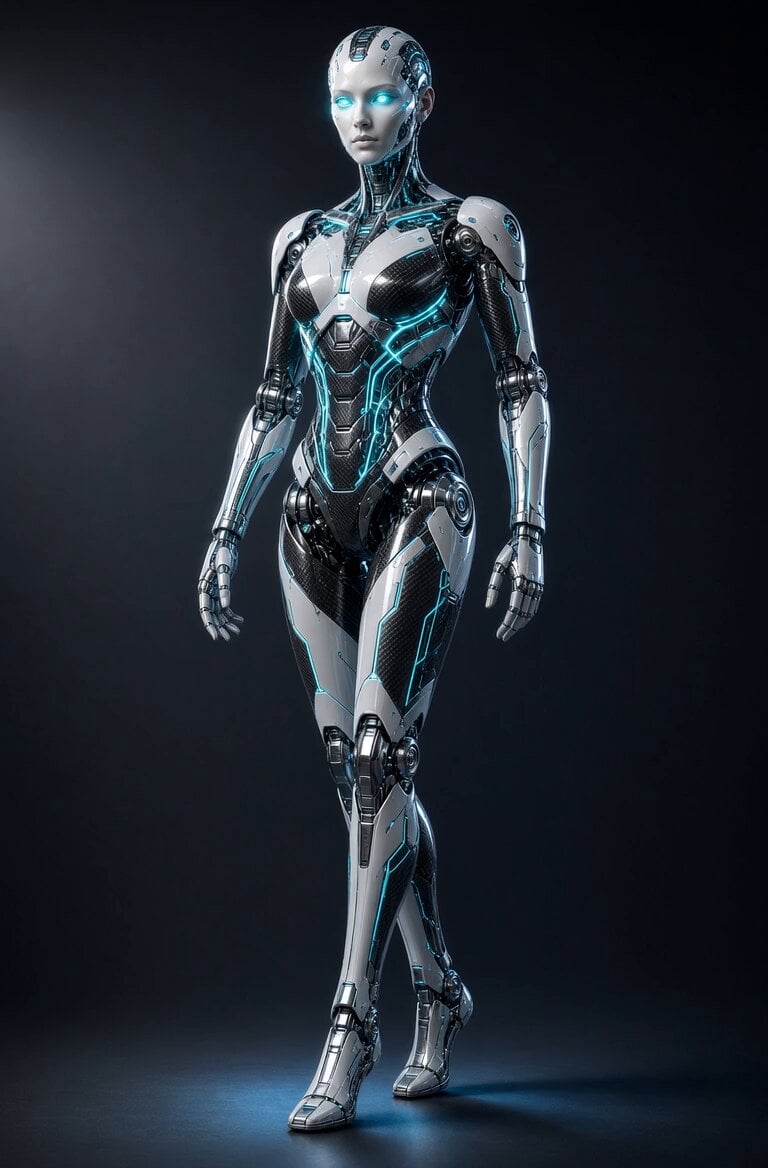
Glowing Android Mechanical Motion
Browse template categories
Animated Fantasy Film Scene questions
How do I use the Animated Fantasy Film Scene template?
Add your photo if the template asks for one, edit the prompt if you like — the template's model and format are already selected — and press Generate. Your version opens in PicX Studio.
Can I customize the Animated Fantasy Film Scene template?
Yes. You can change the subject, setting, lighting, mood, format, and available model controls before creating your video.
Is the Animated Fantasy Film Scene template free?
Opening and editing this template is free. Generating uses credits, shown on the Generate button when you are signed in.
Which AI model should I use?
Start with Seedance 2.0, which is the model associated with this template. You can compare another compatible model for a different finish.
Looking for something else? Browse all templates.

Your photo, any look
Thousands of ready templates for every top image and video model, from one credit balance.