
3D Cartoon Anime Scene - School Comedy Style
A detailed cinematic prompt for creating a 3D cartoon animation featuring a comedic interaction between two schoolgirls at night.
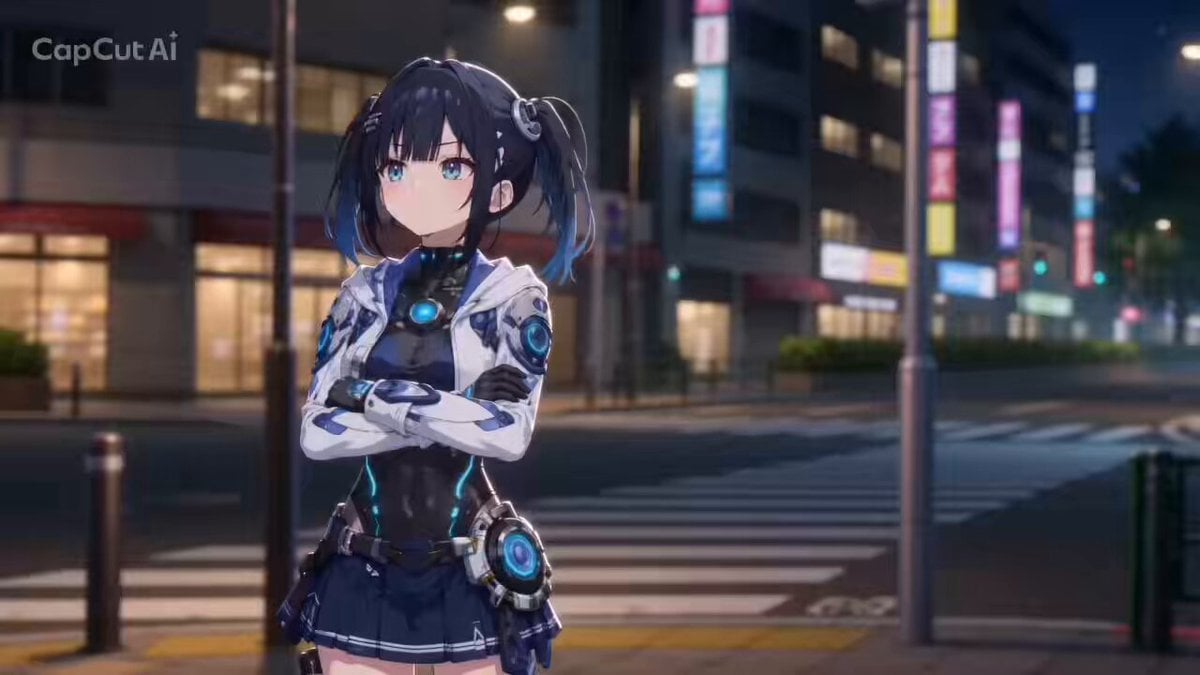
- Prompt included
- Model and format preset
- Premium template
The prompt behind this video
Copy the exact prompt behind 3D Cartoon Anime Scene - School Comedy Style, or open it in the studio and make it yours.
10秒、16:9、アニメ調3Dカートゥーンアニメーション。 夜の学校帰りの街角。柔らかなネオンと街灯。青春ラブコメ風の空気感。 画像1の女性が画面手前に立っている。 少しツンとした態度で視線をそらしながら、「私は別に……」と言いたげな表情。 腕を軽く組み、照れを隠すように口を尖らせる。 その後ろで、画像2の女性が、テンポよく左右へ高速移動しながら赤髪の彼女をからかう。 各セリフごとに「高速移動 → ピタッと静止 → 可愛い決めポーズ」を繰り返す。 0〜2秒: 画像2の女性が画像1の彼女の右後ろから、ぴょこんと顔を出す。 「またまた〜」 片手を口元に当て、ニヤニヤ笑いながら身体を前に倒す。 もう片方の手で“バレてるよ〜”というように指をフリフリ. 言い終わると、高速で左側へ移動。 2〜4秒: 画像2の女性が今度は画像1の女性の左後ろから勢いよく顔を出し、 「そんなこと言って」 両手を広げて肩をすくめるジェスチャー。 さらに片手で画像1の女性を指差しながら、いたずらっぽくウインク。 髪とリボンが大きく揺れる。 4〜6秒: 画像2の彼女が画像1の彼女のすぐ後ろへ高速移動。 「ホントはアイツのこと」 画像2の女性は画像1の女性の肩越しに顔を近づけ、意味深なニヤニヤ笑顔。 両手を胸の前で組み、身体を左右に小さく揺らす。 画像1の女性はうつむき、体をプルプルとふるわせている。 6〜10秒: 最後は画像2の女性が画像1の彼女の横からぴょこんと飛び出し、 「気になってるんじゃないの?」 と上目遣いでニコッと笑いながら、両手で大きな🫶ハンドサイン。 そのまま顔を近づけ、あざと可愛い決めポーズで静止。 画像1の彼女は耐えきれず赤面し、画像2の彼女に向かって「ち、ちがう!」と目を閉じて抗議する 動きは誇張された3Dカートゥーンアニメ調。 「ゆっくりした入りと抜き」+「中間の高速化」。 ポーズ間をビュンと歪ませるように崩す。 カメラ: ダイナミックなキャラ追従。 青髪の彼女の左右移動に合わせて軽くパン。 決めポーズ時は顔のアップ。 テンポよくカット切り替え。 動作設計: 肩・腰・脚を連動させ、全身で感情表現。 髪、スカート、リボンが大きく揺れる。 コミカルかつ高品質な日本アニメーション。 エフェクト: 高速移動時に軽い残像と風圧。 動きの軌跡にシャープなラインエフェクト。 決めポーズ時に短いスローモーション。
How to use 3D Cartoon Anime Scene - School Comedy Style in 3 steps
- 1
Open
The prompt is already in the box next to the preview, with the template's model and format selected.
- 2…a portrait of your subject in softgolden-hour light, 85mm…
Personalize
Edit the subject and creative details for your destination.
- 3Generate
Generate
Press Generate — your video is created in PicX Studio, so you can compare it with the original and refine one variable at a time.
More like this
Templates with the same subject, style or setup. Open one to see its prompt.

Cartoon Donut Heist Bakery Chase
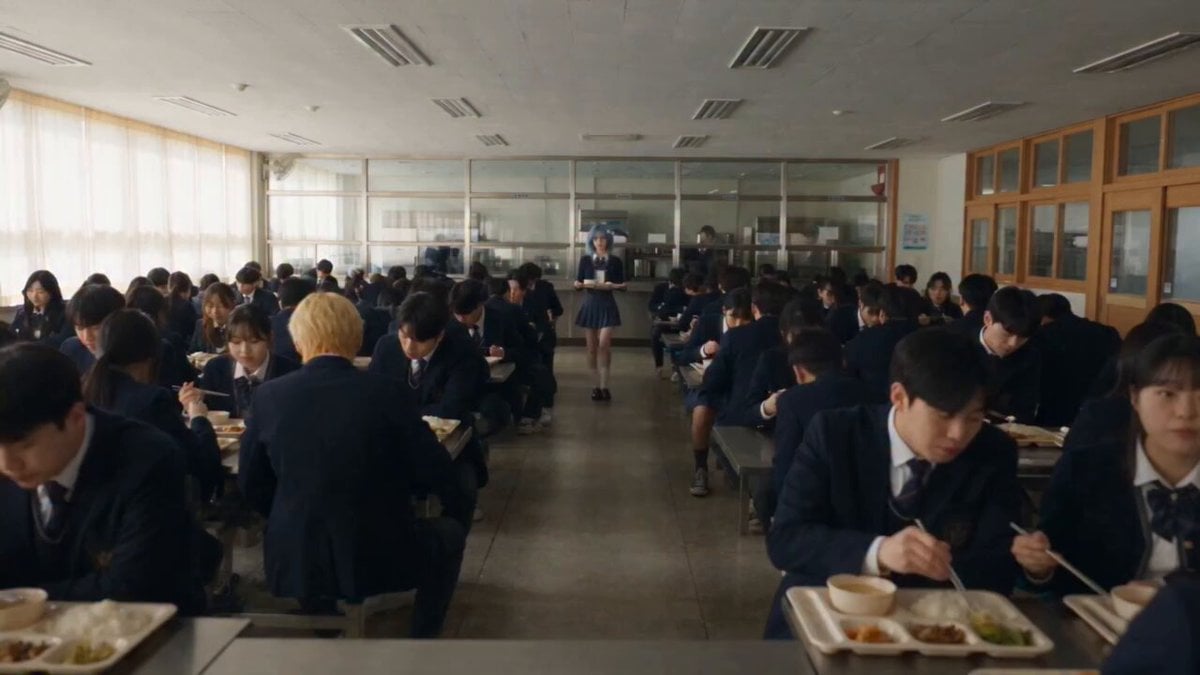
Anime School Cafeteria Encounter
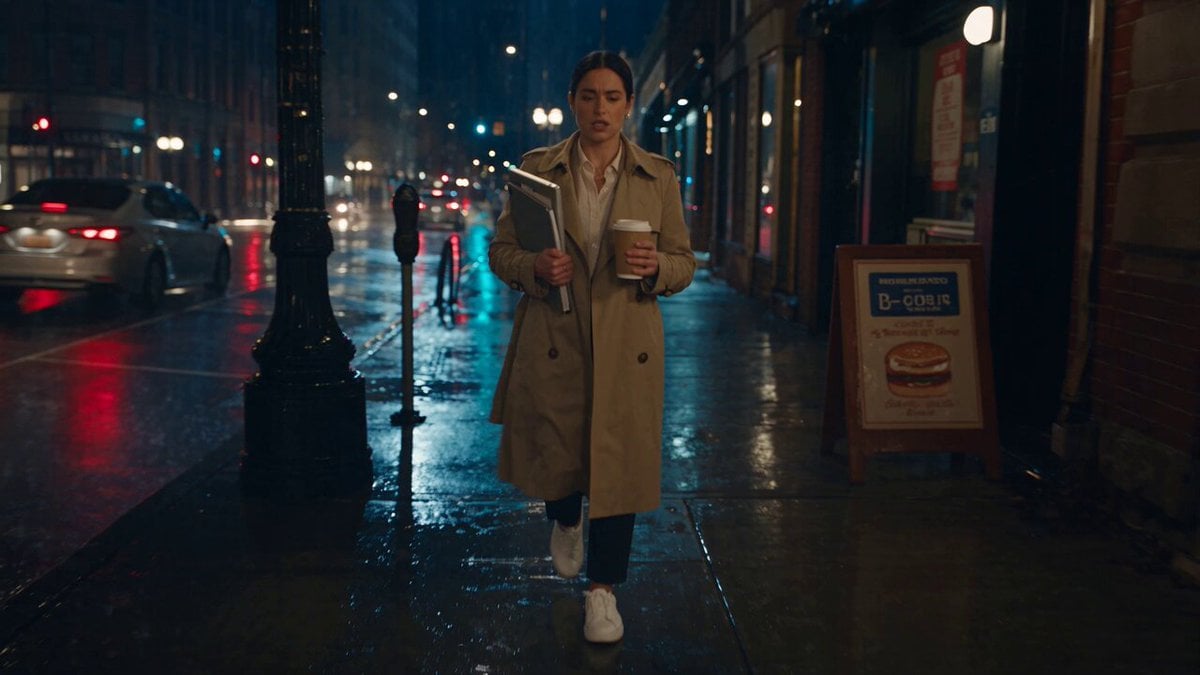
Viking in Modern America Comedy - Seedance 2.5
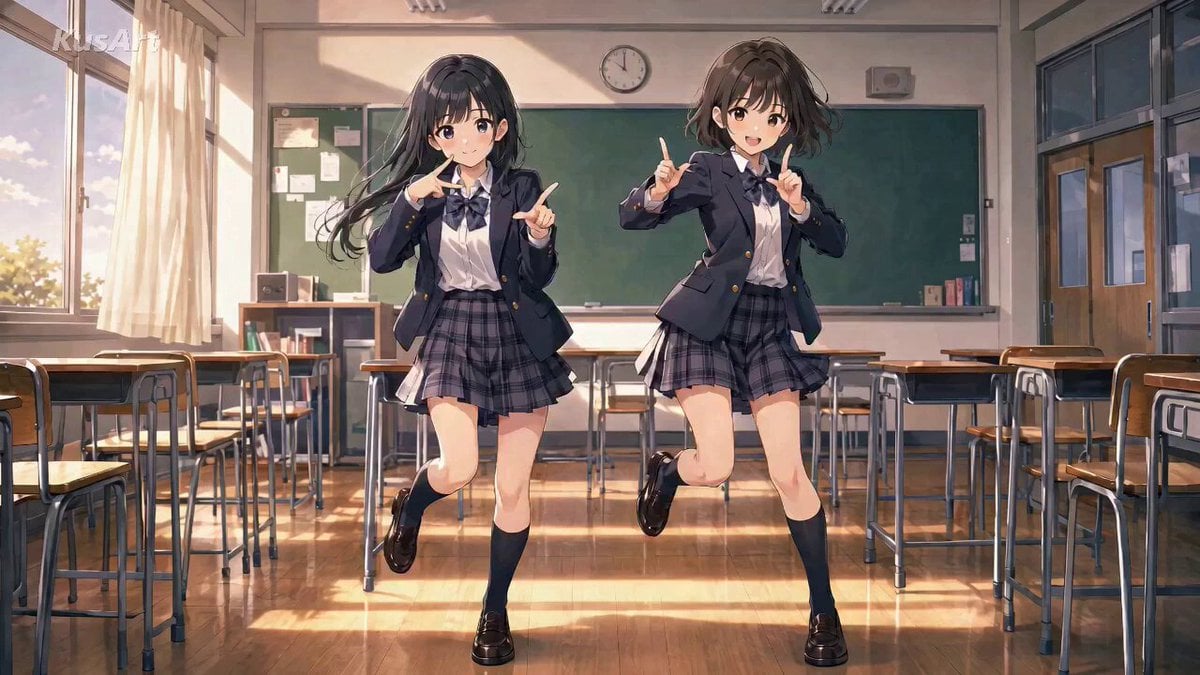
Anime High School Pair Dance
Comedy Coke Bottle Prank Reel — Kling 3.0 O3 Pro

MiniMax H3 Character Introduction

Japanese Pure Love Short Film

Studio Ghibli Dumpling Kitchen Cooking Scene
Anime Character School Classroom Dance
3D Cartoon Anime Girl with Pudding
Cartoon Bullfight Arena — Girl vs Bull (Seedance)
Dim Sum Chase — Shrimp Dumpling Monster
Make it yours
3D Cartoon Anime Scene - School Comedy Style works as-is. These are the safest ways to change it without losing the look.
Change one field
Copy a single group, rewrite it, and generate again so you can see what that field is doing.
Keep the frame, change the subject
Hold the composition and light of 3D Cartoon Anime Scene - School Comedy Style, then swap wardrobe, props or the person for a new take.
| If the result… | Why | Fix |
|---|---|---|
| The result drifts from the preview | Too many fields changed at once. | Reuse 3D Cartoon Anime Scene - School Comedy Style as-is first, then change one group — subject, light, or setting. |
| The model over-stylizes the scene | The prose prompt leaves finish and camera underspecified. | Add one camera or lighting sentence and stay on Seedance 2.0. |
More Seedance 2.0 templates
Other prompts made for Seedance 2.0.

Comical Martial Arts Punch Scene

Maglev Train Action Sequence

Martial Arts Fight Sequence

Wuxia Protection and Trust Script

Vintage Korean Arcade MiniDV Vlog

Mercedes 190 SL Luxury Ad

Rainy Night Supernatural Reverse Comedy Video Script

Amazon Civilization Discovery

Futuristic South Asian City Transformation

Cozy Luxury Cafe Commercial
More video prompts
Fresh picks from across the catalog.
Australian Football Fan Eating Hot Dog
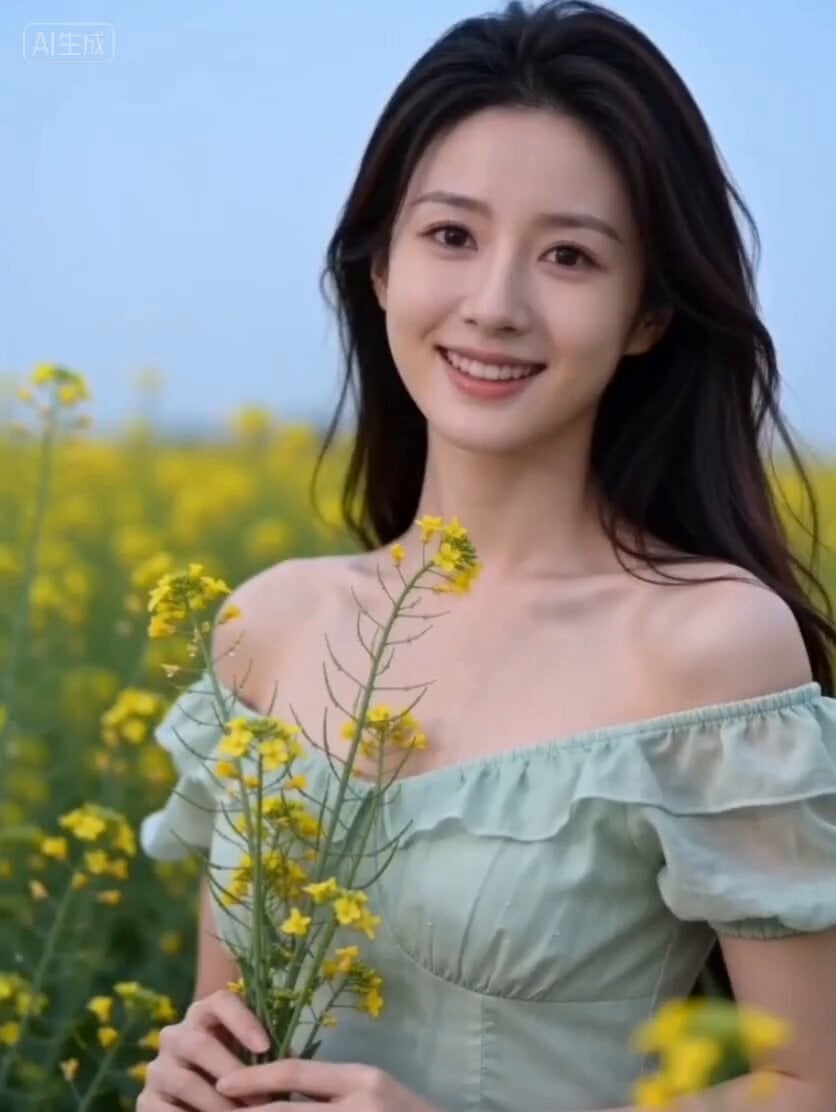
Spring Outing Vlog Prompt for Seedance 2.0
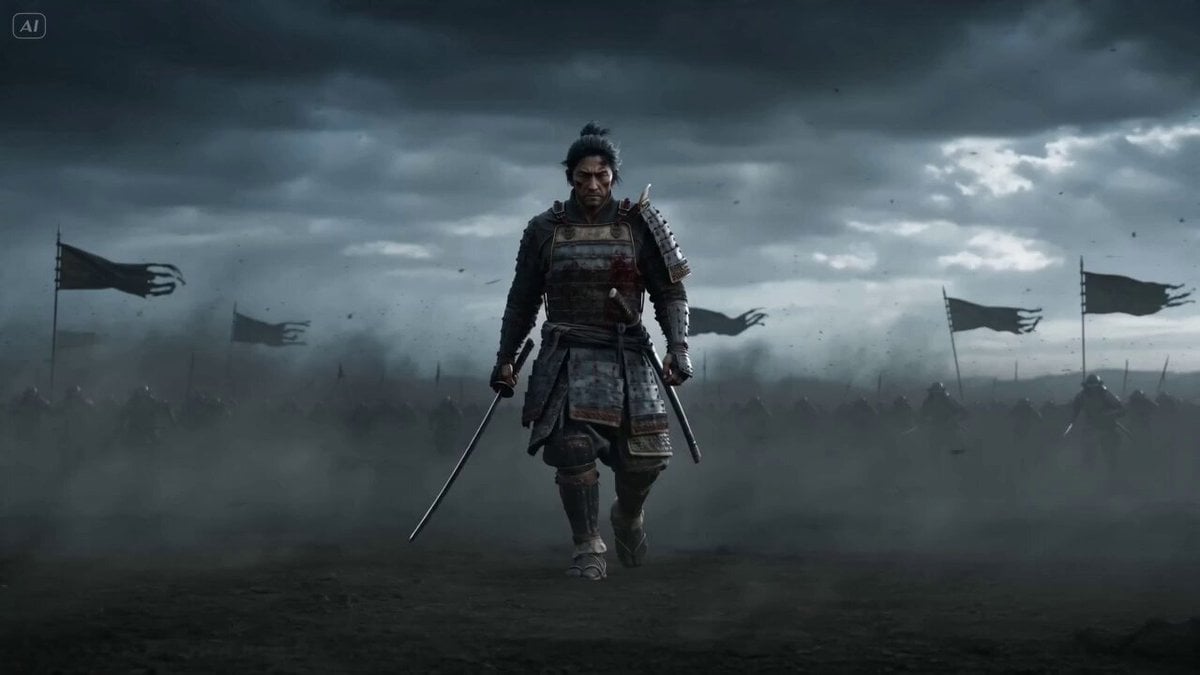
Epic Samurai Multi-Slash Sequence
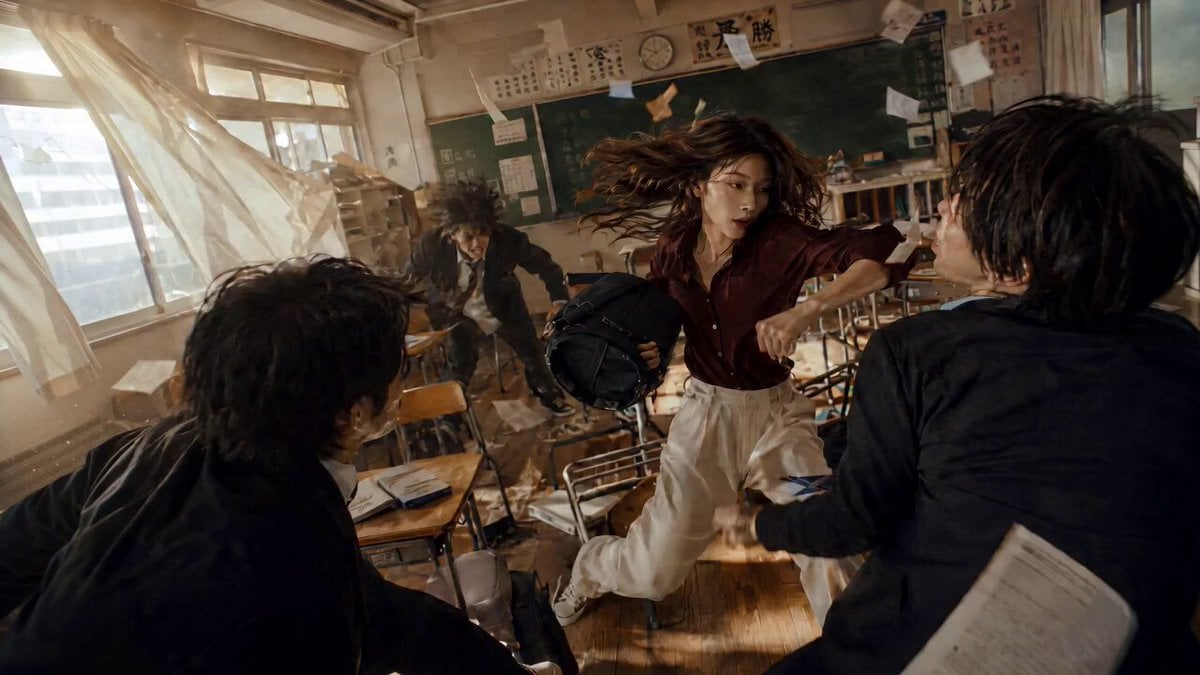
Martial Arts Action Sequence
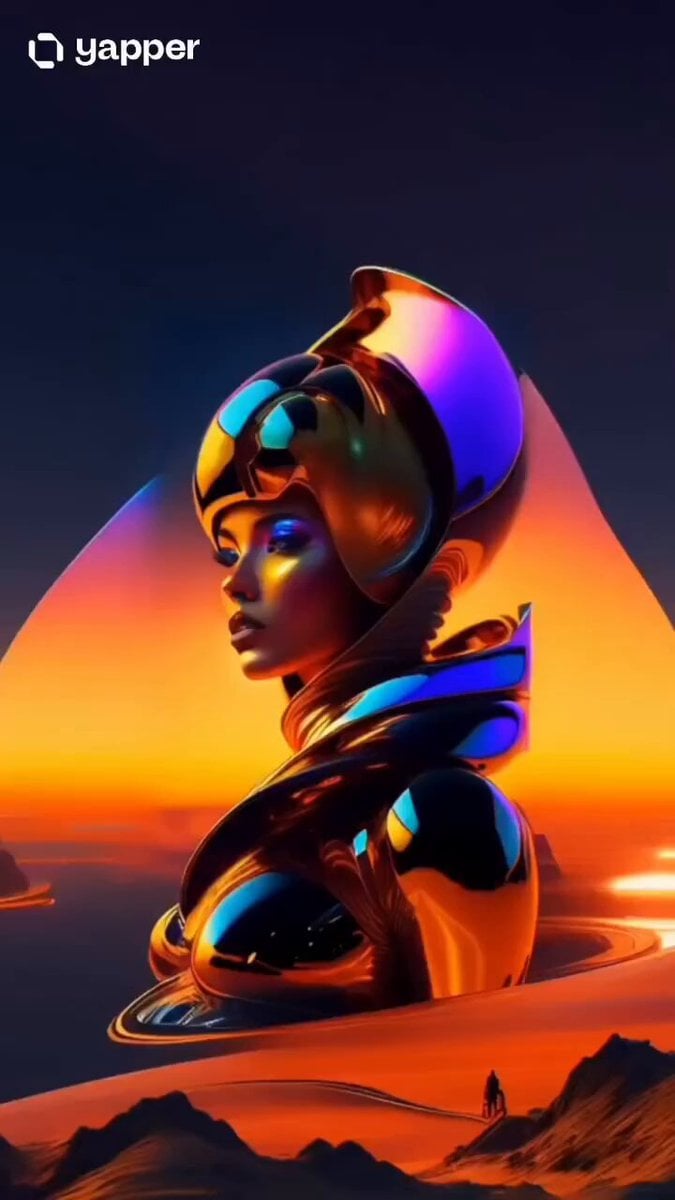
Luxury Lip Gloss Beauty Commercial
Miniature Sachet Sized Kitten Video
Tron-Inspired Speed Chase
Korean Woman Rooftop MiniDV Vlog
Cinematic 8K Video Prompt for Southeast Asian Night Market
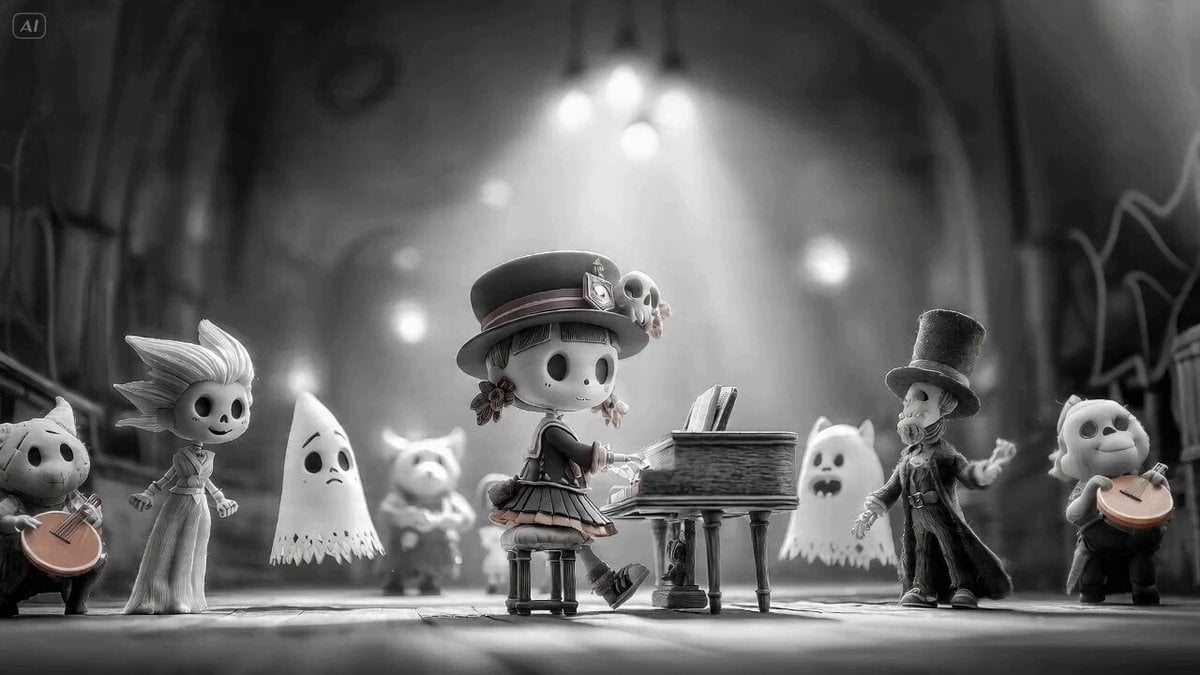
Seedance 2.0 prompt for a monster choir with black-and-white to color transition
Browse template categories
3D Cartoon Anime Scene - School Comedy Style questions
How do I use the 3D Cartoon Anime Scene - School Comedy Style template?
Add your photo if the template asks for one, edit the prompt if you like — the template's model and format are already selected — and press Generate. Your version opens in PicX Studio.
Can I customize the 3D Cartoon Anime Scene - School Comedy Style template?
Yes. You can change the subject, setting, lighting, mood, format, and available model controls before creating your video.
Is the 3D Cartoon Anime Scene - School Comedy Style template free?
Opening and editing this template is free. Generating uses credits, shown on the Generate button when you are signed in.
Which AI model should I use?
Start with Seedance 2.0, which is the model associated with this template. You can compare another compatible model for a different finish.
Looking for something else? Browse all templates.

Your photo, any look
Thousands of ready templates for every top image and video model, from one credit balance.