How do I use the Miniature Sachet Sized Kitten Video template?
Edit the prompt in the box under the preview — the template's model and format are already selected — and press Generate. Your version appears right on this page.
A detailed cinematic prompt for generating an ultra-realistic macro video of a tiny kitten perched on a human finger, complete with specific audio instructions for a cute TikTok aesthetic.
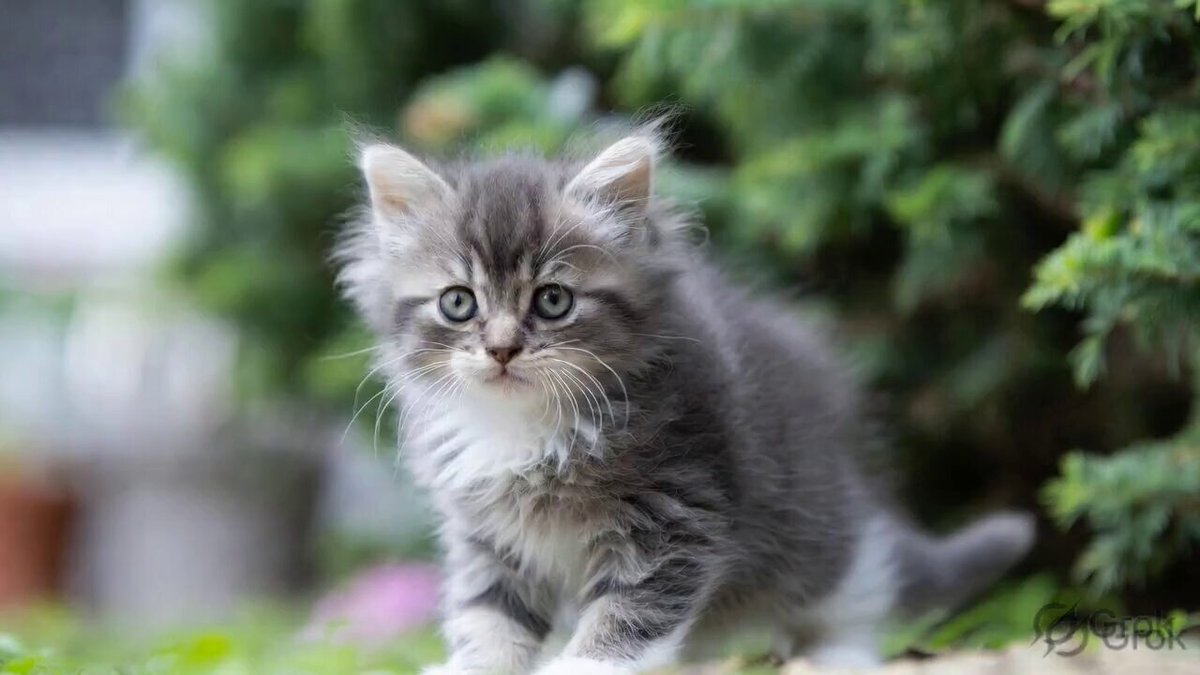
6-second ultra-realistic cinematic macro video of an extremely tiny black-and-white kitten the size of a human fingertip standing on a human finger, soft fluffy fur moving gently from tiny breeze, the kitten looking around curiously while opening its mouth and making adorable “ngeong ngeong” sounds, tiny paws gripping the skin naturally, huge sparkling eyes, realistic whiskers twitching, shallow depth of field, warm cozy lighting, ultra detailed skin pores and fur strands, macro DSLR lens look, photorealistic, emotional cute atmosphere, subtle handheld camera movement, soft bokeh background, realistic motion, TikTok cute-core aesthetic. Audio: Cute TikTok-style kawaii background music with tiny bells, soft plucky ukulele, playful chime melody, combined with adorable realistic kitten “ngeong ngeong” meows synced to mouth movement, cozy viral TikTok vibe.
6-second ultra-realistic cinematic macro video of an extremely tiny black-and-white kitten the size of a human fingertip standing on a human finger, soft fluffy fur moving gently from tiny breeze, the kitten looking around curiously while opening its mouth and making adorable “ngeong ngeong” sounds, tiny paws gripping the skin naturally, huge sparkling eyes, realistic whiskers twitching, shallow depth of field, warm cozy lighting, ultra detailed skin pores and fur strands, macro DSLR lens look, photorealistic, emotional cute atmosphere, subtle handheld camera movement, soft bokeh background, realistic motion, TikTok cute-core aesthetic. Audio: Cute TikTok-style kawaii background music with tiny bells, soft plucky ukulele, playful chime melody, combined with adorable realistic kitten “ngeong ngeong” meows synced to mouth movement, cozy viral TikTok vibe.
Edit the prompt in the box under the preview — the template's model and format are already selected — and press Generate. Your version appears right on this page.
Yes. You can change the subject, setting, lighting, mood, format, and available model controls before creating your video.
Opening and editing this template is free. Generating uses credits, shown on the Generate button when you are signed in.
Start with Grok Imagine, which is the model associated with this template. You can compare another compatible model for a different finish.
Follow a topic to a crawlable collection of related PicX Studio templates.