How do I use the Abstract High Fashion Photo Prompt template?
Edit the prompt in the box under the preview — the template's model and format are already selected — and press Generate. Your version appears right on this page.
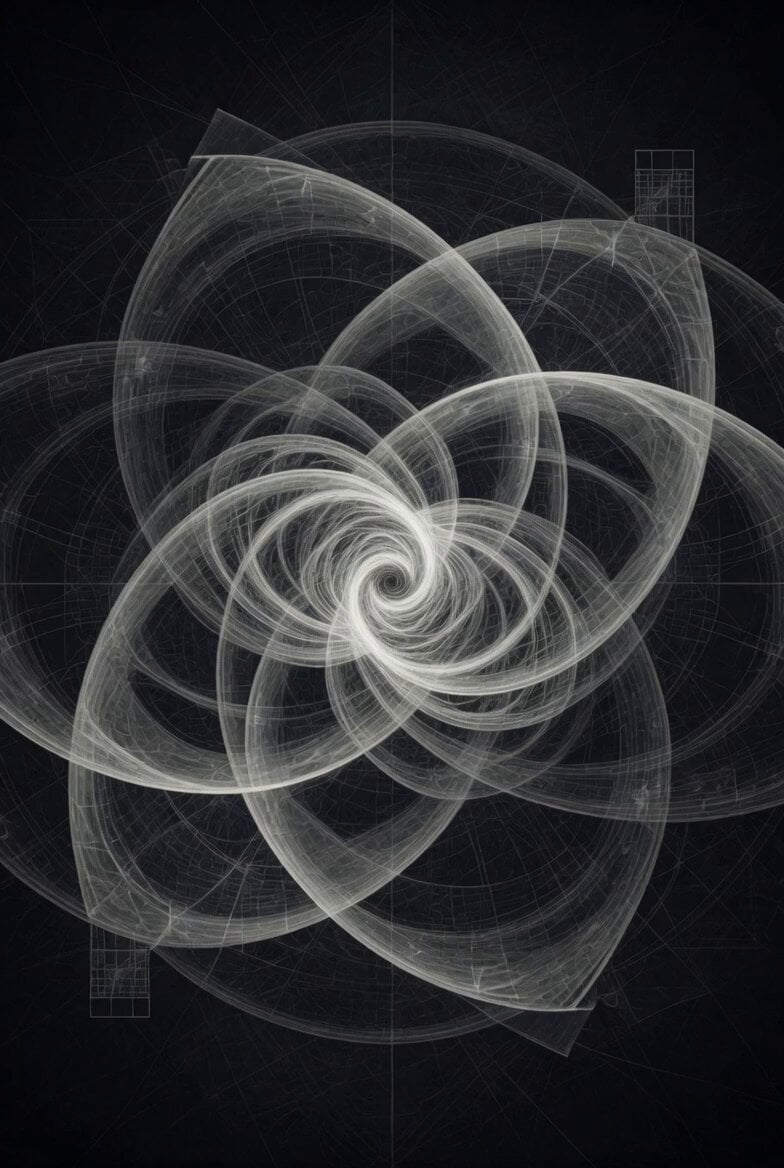
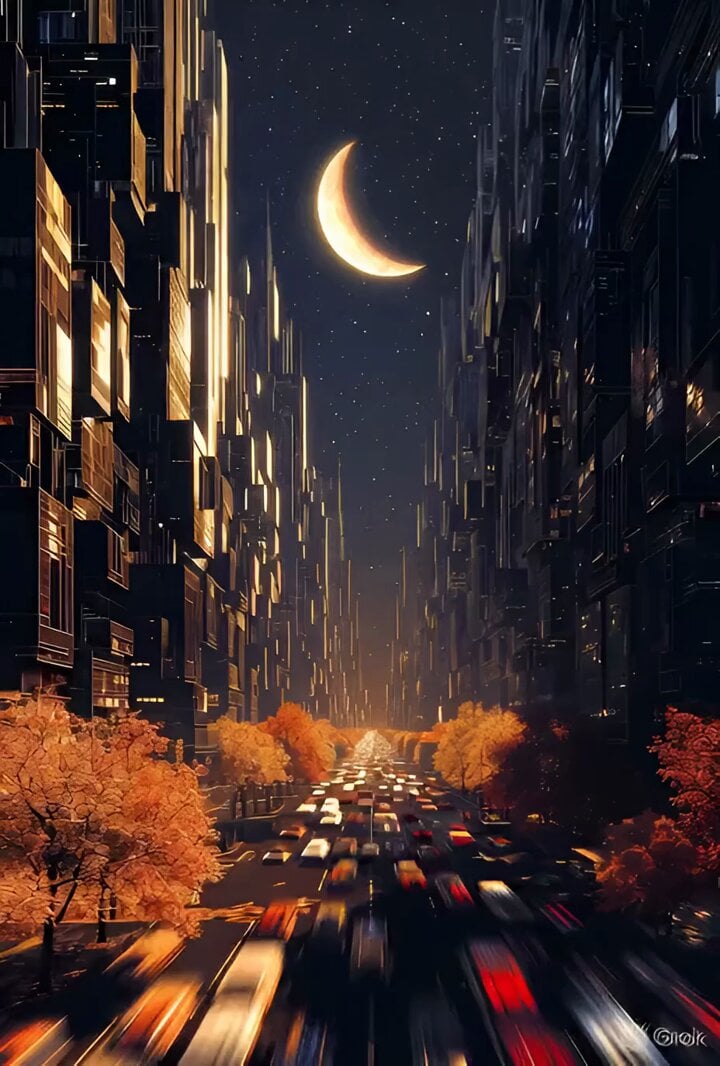
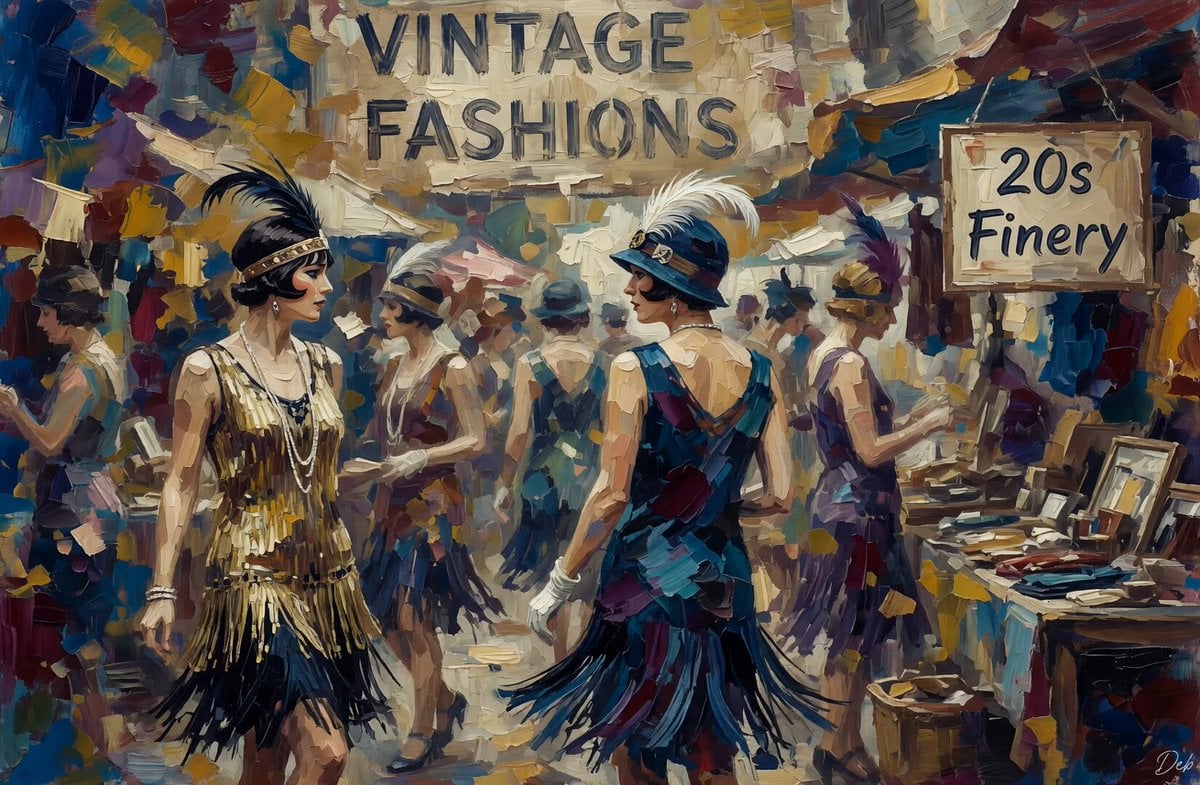
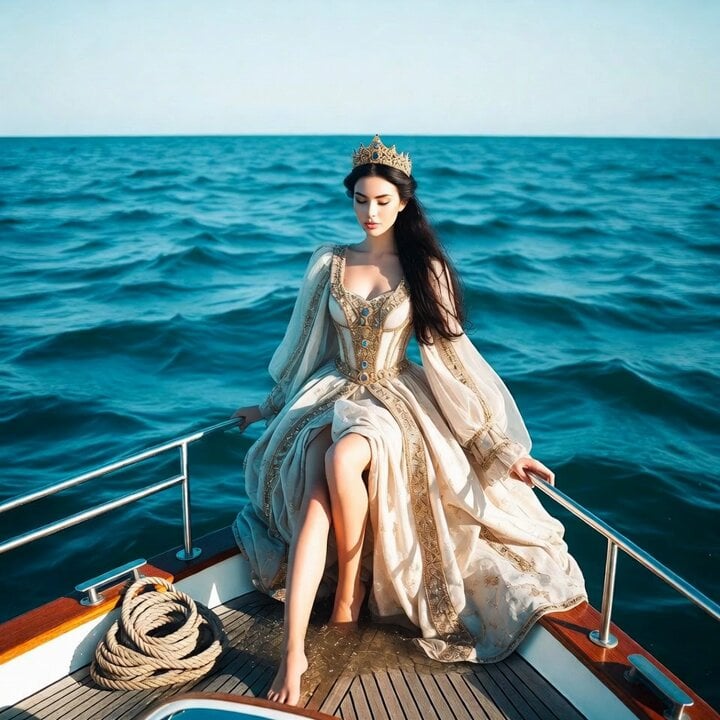
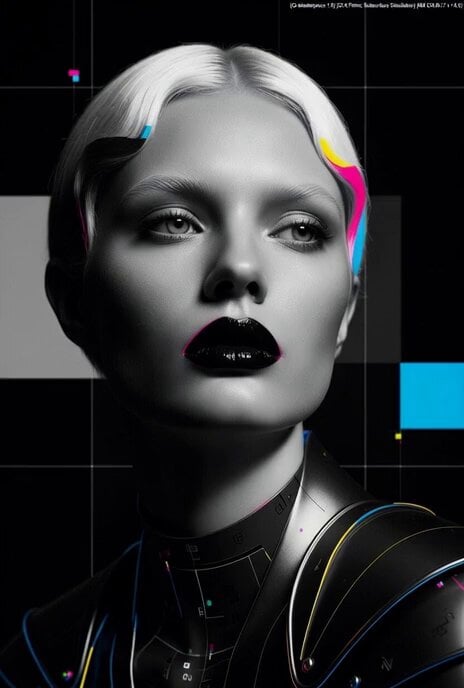
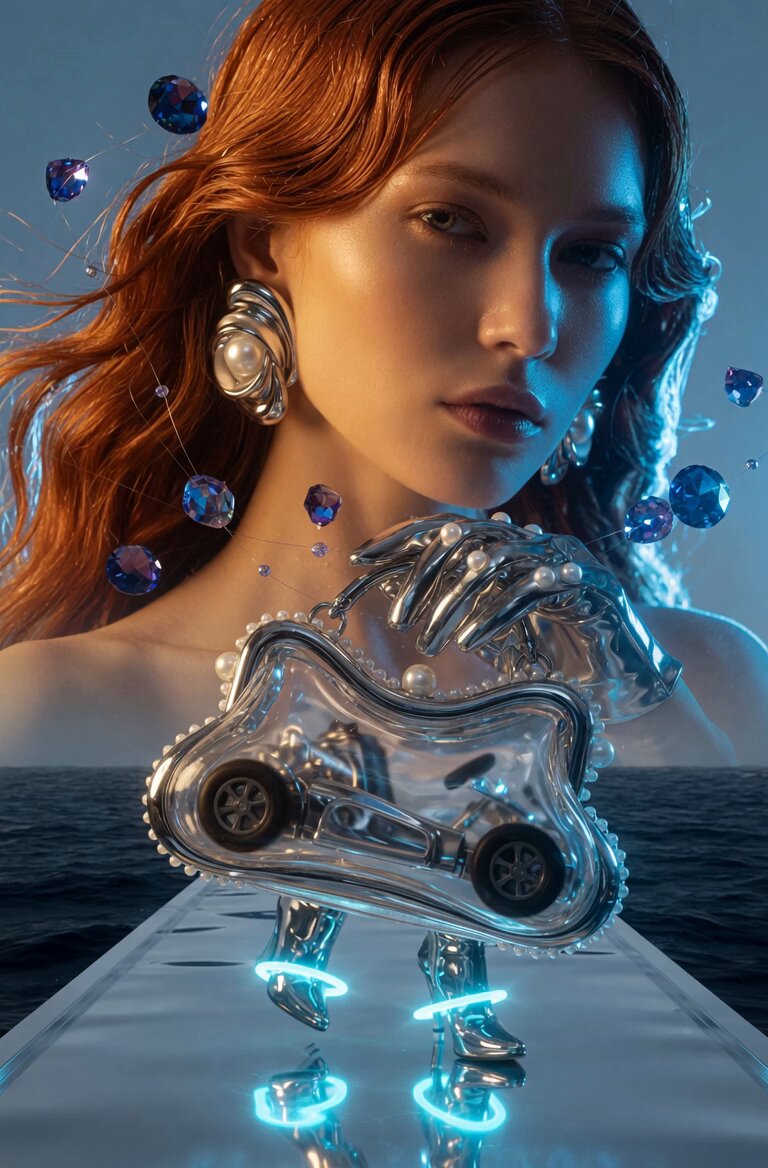
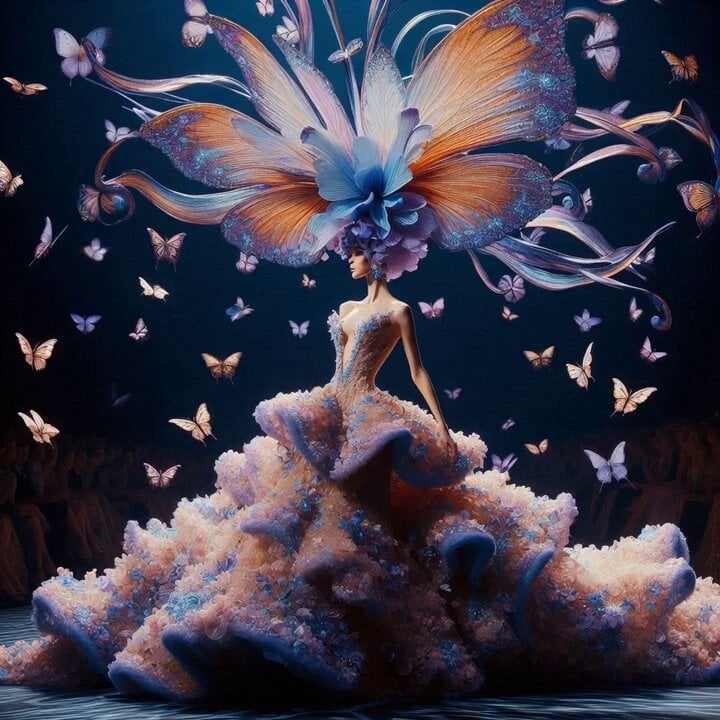
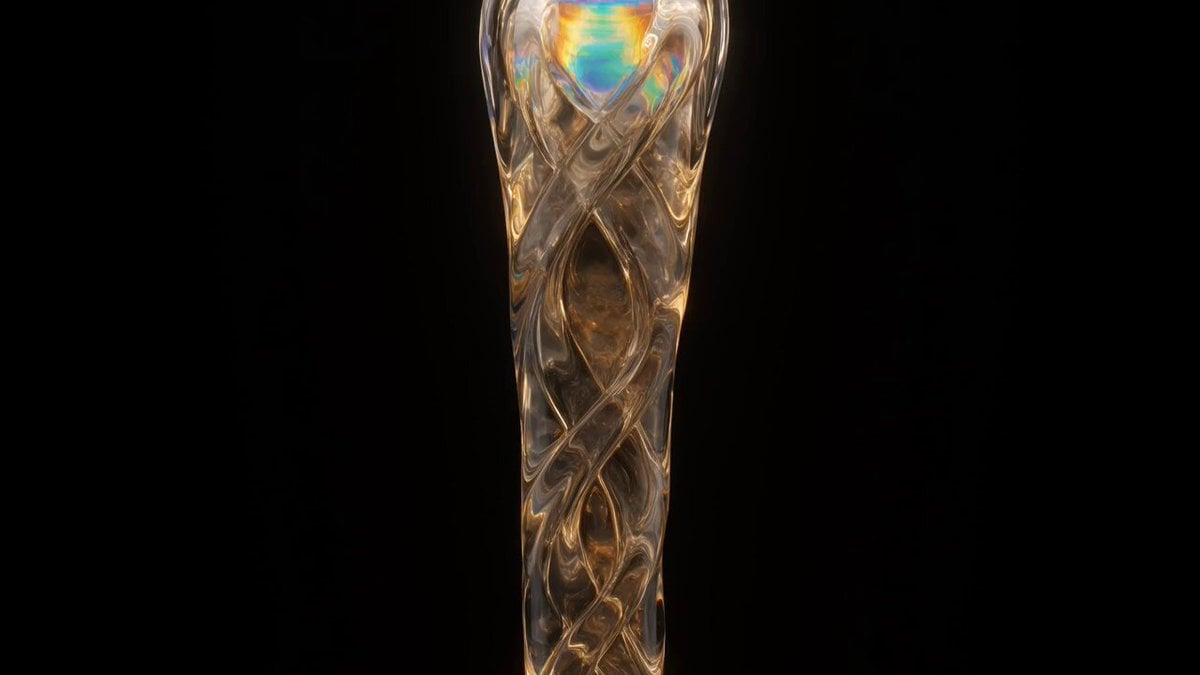
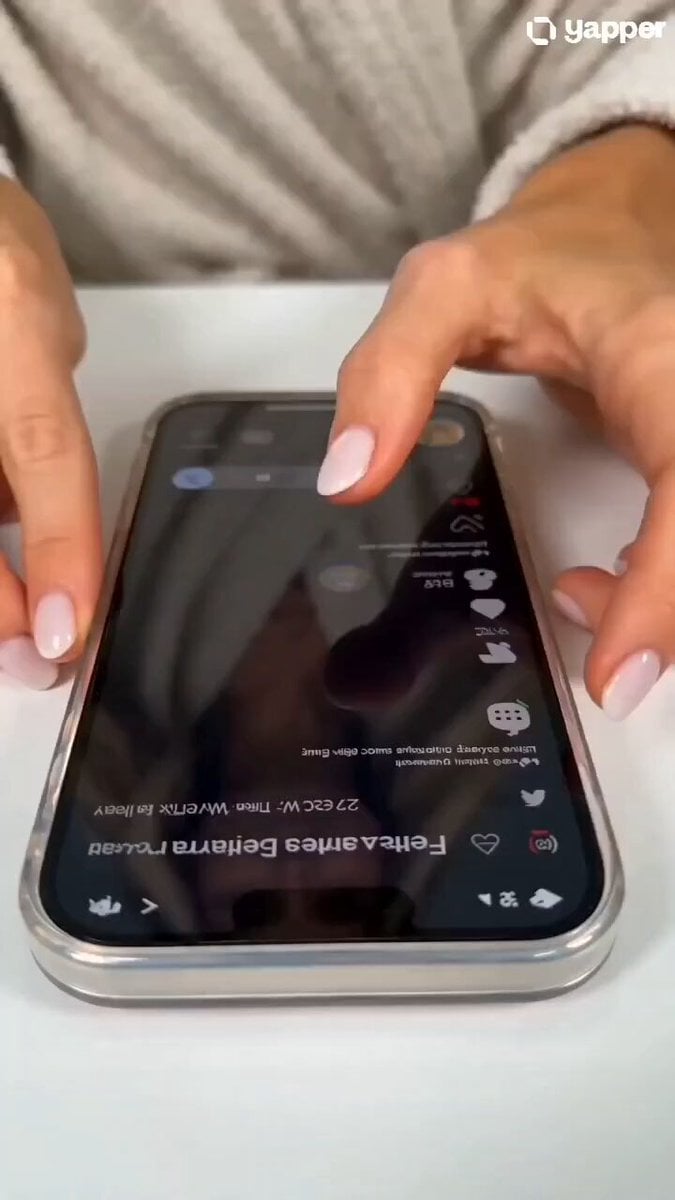
A detailed prompt for Grok Imagine to generate a high-fashion abstract figure captured in a candid 35mm style, emphasizing color-blocking, 80s anime aesthetics, and raw, tactile textures.
candid 35mm capture of high fashion abstract figure in color-blocked vinyl and knit, natural window light creating shallow bokeh and subtle handheld shake, vibrant yellow-blue 80s heavy anime cel blocks fracturing halftone dots across surfaces, organic distortion on exaggerated proportions, vertical phone lock screen framing with leading color edges, raw tactile vinyl sheen and knit imperfections, bold contrast palette with unedited snapshot vibe
candid 35mm capture of high fashion abstract figure in color-blocked vinyl and knit, natural window light creating shallow bokeh and subtle handheld shake, vibrant yellow-blue 80s heavy anime cel blocks fracturing halftone dots across surfaces, organic distortion on exaggerated proportions, vertical phone lock screen framing with leading color edges, raw tactile vinyl sheen and knit imperfections, bold contrast palette with unedited snapshot vibe
Edit the prompt in the box under the preview — the template's model and format are already selected — and press Generate. Your version appears right on this page.
Yes. You can change the subject, setting, lighting, mood, format, and available model controls before creating your video.
Opening and editing this template is free. Generating uses credits, shown on the Generate button when you are signed in.
Start with Grok Imagine, which is the model associated with this template. You can compare another compatible model for a different finish.
Follow a topic to a crawlable collection of related PicX Studio templates.