
Grok Imagine video prompt for abstract liquid spectacle
A highly detailed Grok Imagine video prompt focused on pure visual spectacle: a massive column of liquid glass water suspended in zero gravity, slowly morphing into organic shapes, with specific instructions for light…
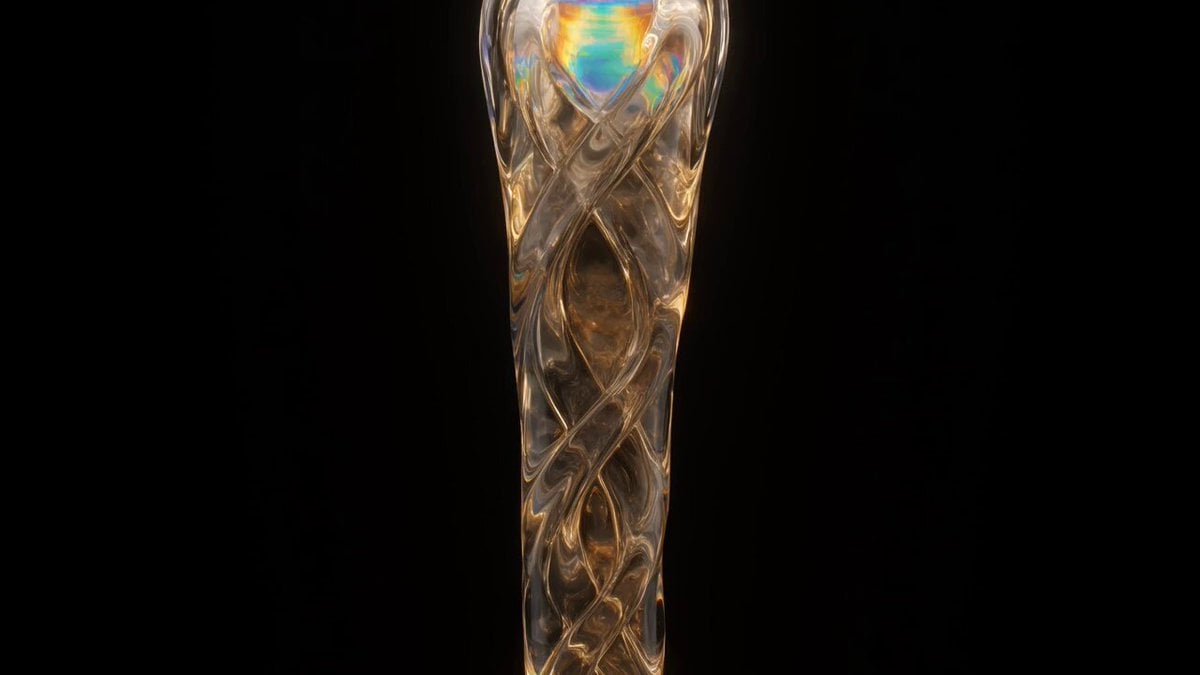
- Prompt included
- Model and format preset
- Premium template
The prompt behind this video
Copy the exact prompt behind Grok Imagine video prompt for abstract liquid spectacle, or open it in the studio and make it yours.
No characters, and no narrative, just pure visual spectacle. A massive column of water suspended in zero gravity inside a dark void. The water is impossibly clear and behaves like liquid glass. It slowly morphs between organic shapes: a helix, a blooming flower, a wave frozen mid-curl, a sphere that breathes. Inside the water, light refracts into iridescent chromatic spectrums: prismatic rainbows, oil-slick purples and teals, golden caustic patterns dancing across the interior surface. The camera orbits the water sculpture slowly, catching different refraction angles with each degree of rotation. The light source is a single point of warm white light that creates hard caustics and soft chromatic dispersion simultaneously. As the orbit continues: - The water form splits into two mirrored shapes that dance around each other - Micro-droplets separate and float nearby like orbiting moons - The chromatic spectrum intensifies, filling the void with scattered rainbow light Style: Abstract art film meets scientific visualization, slow orbit at 15 degrees per second, macro-level detail on water surface tension and internal refraction, black void background with zero environmental distraction, 8K with ray-traced caustics, ASMR-level audio of water movement, meditative and hypnotic.
How to use Grok Imagine video prompt for abstract liquid spectacle in 3 steps
- 1
Open
The prompt is already in the box next to the preview, with the template's model and format selected.
- 2…a portrait of your subject in softgolden-hour light, 85mm…
Personalize
Edit the subject and creative details for your destination.
- 3Generate
Generate
Press Generate — your video is created in PicX Studio, so you can compare it with the original and refine one variable at a time.
More like this
Templates with the same subject, style or setup. Open one to see its prompt.
Grok-imagine 1.5 Digital Human Video Script
Grok Imagine Mechanical and Ethereal Creature Prompts
Grok Imagine Video of a Graceful Warrior
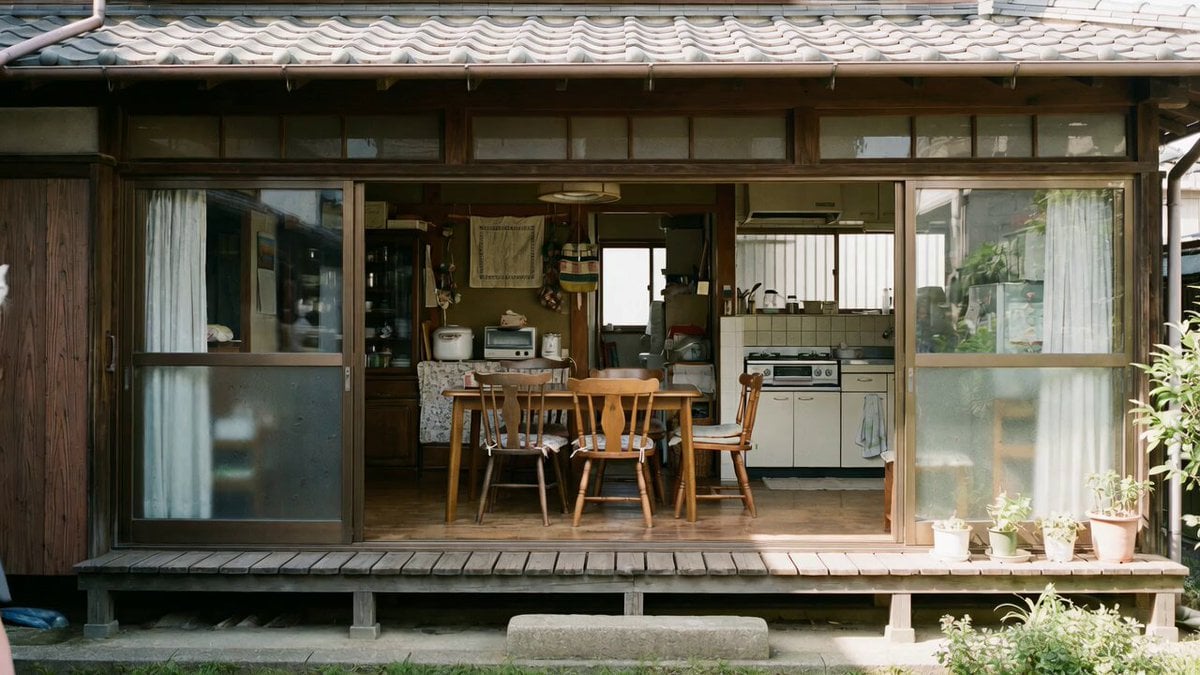
Grok Imagine prompt with negative constraints and scenario
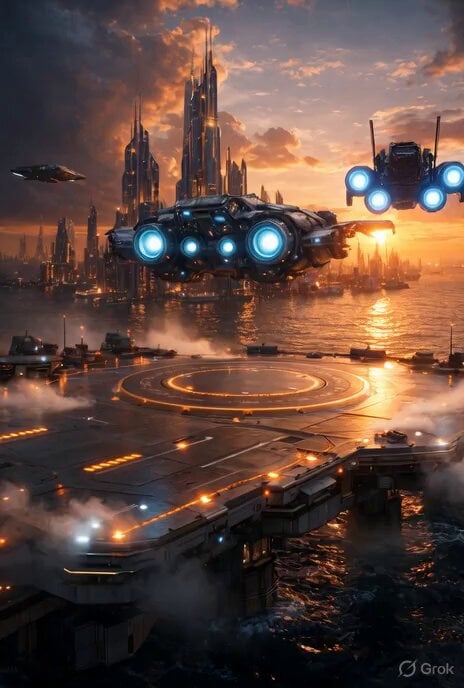
Grok Imagine prompt for cinematic VFX scene (Scene 2 - Landing)
Grok Imagine video prompt part 1: Morning routine
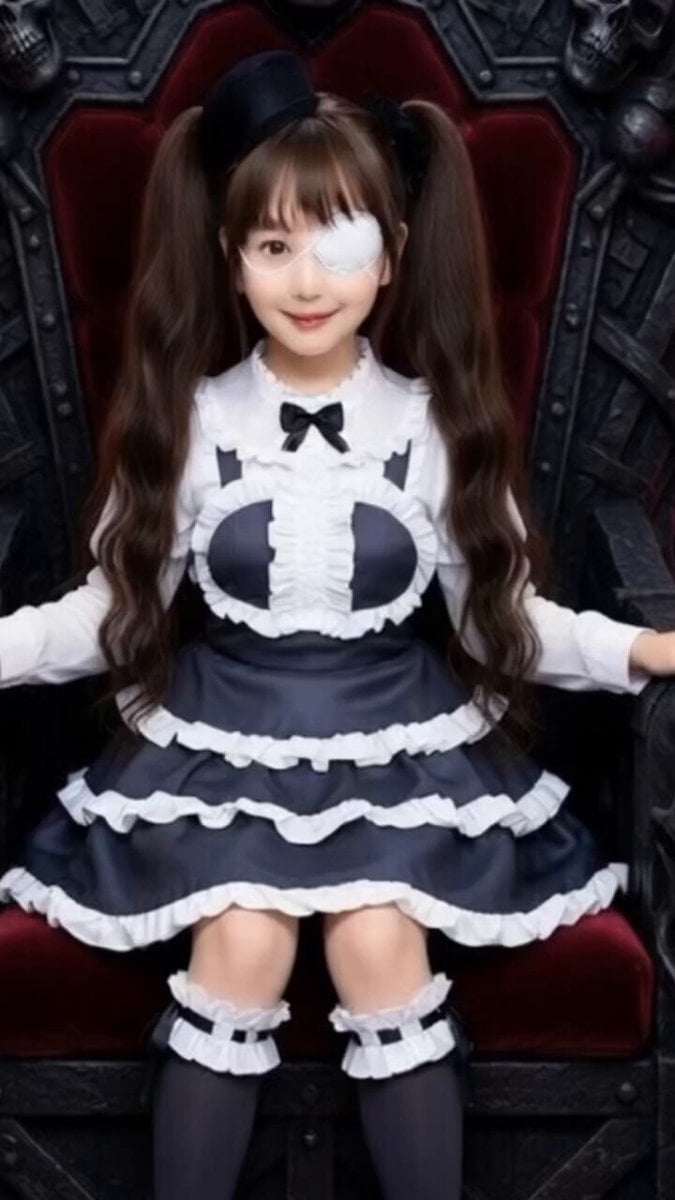
Grok Imagine Prompt: Yurine Kingdom Apocalypse Day
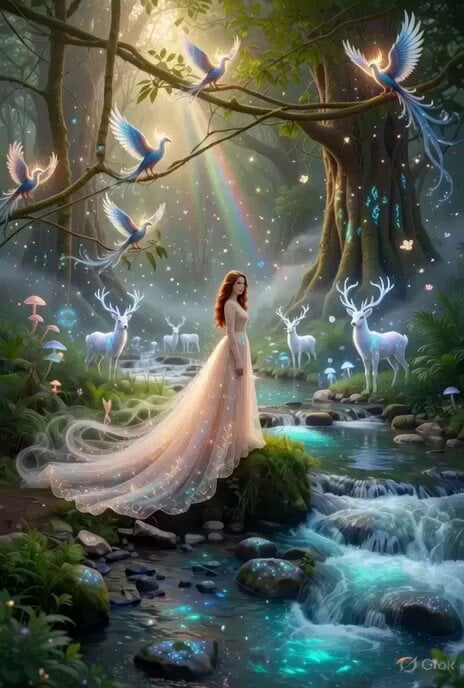
Enchanting Forest Grok Imagine Video Prompt
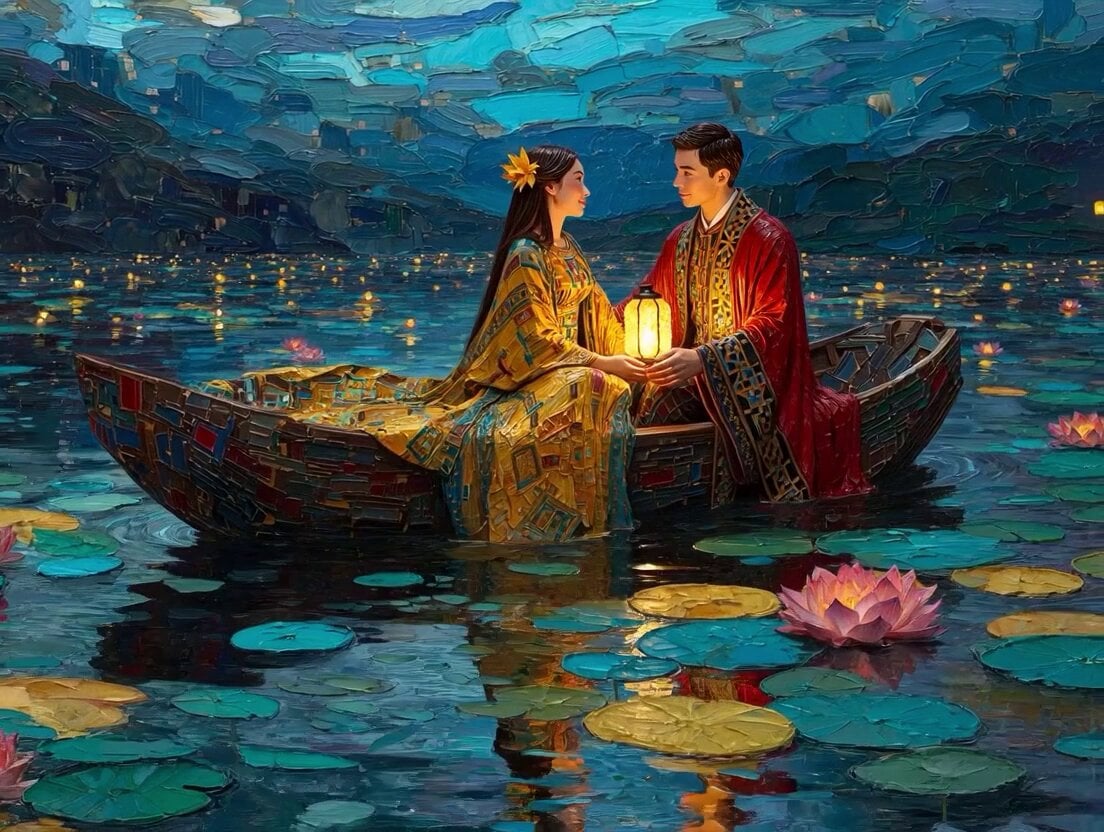
Klimt-Inspired Impasto Painting of Lovers (Midjourney/Grok Imagine)
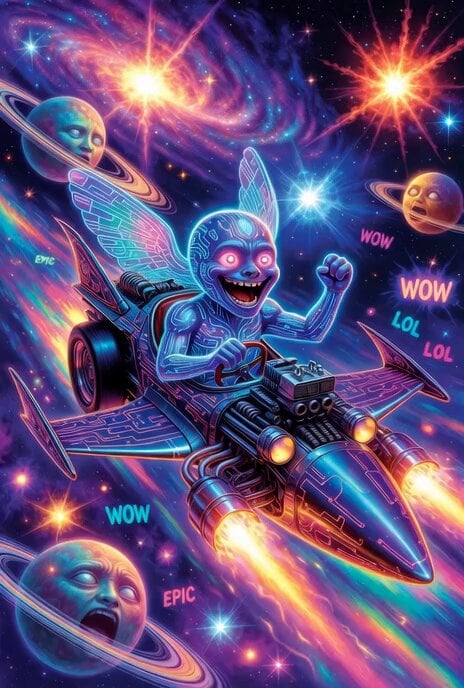
Grok Imagine prompt: Grok driving a cosmic hot rod spaceship

Grok Imagine Prompt: Linux, Containers/K8s, and OpenClaw OS Concepts
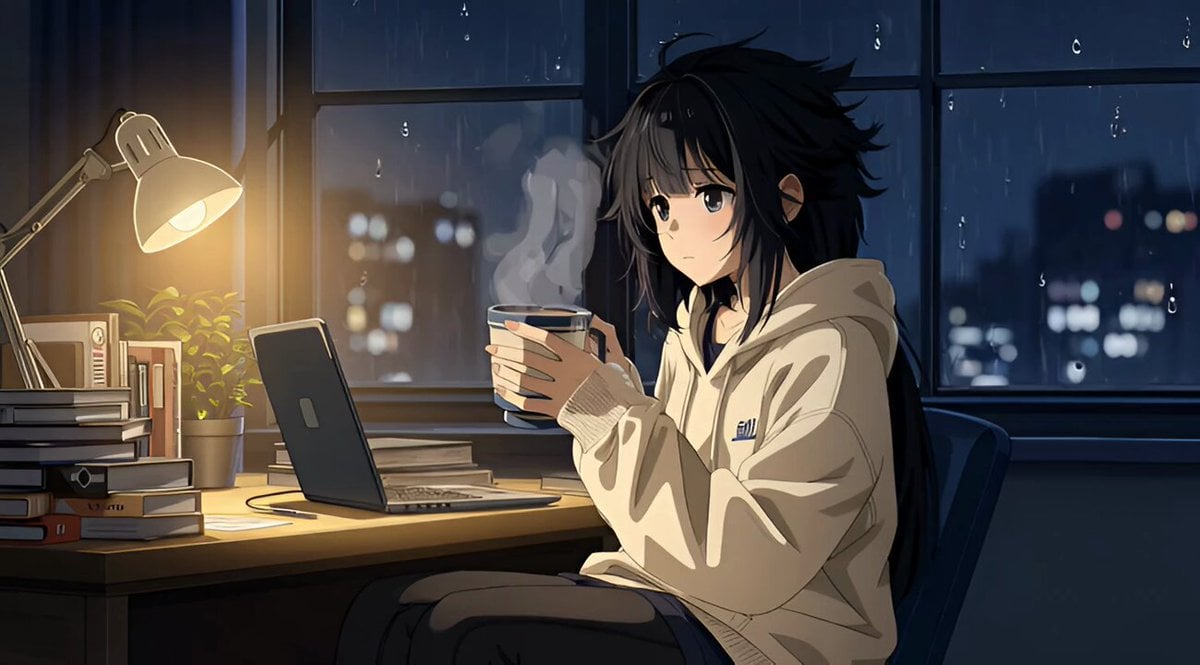
Grok Imagine R2V Multi-Image Reference Tutorial
Make it yours
Grok Imagine video prompt for abstract liquid spectacle works as-is. These are the safest ways to change it without losing the look.
Change one field
Copy a single group, rewrite it, and generate again so you can see what that field is doing.
Keep the frame, change the subject
Hold the composition and light of Grok Imagine video prompt for abstract liquid spectacle, then swap wardrobe, props or the person for a new take.
| If the result… | Why | Fix |
|---|---|---|
| The result drifts from the preview | Too many fields changed at once. | Reuse Grok Imagine video prompt for abstract liquid spectacle as-is first, then change one group — subject, light, or setting. |
| The model over-stylizes the scene | The prose prompt leaves finish and camera underspecified. | Add one camera or lighting sentence and stay on Grok Imagine. |
More Grok Imagine templates
Other prompts made for Grok Imagine.

Kaleidoscopic Cosmic Dolphin Video

Horror Daffy Duck Video Transition

America 250th Anniversary Celebration

Glowing Water Forest Night Prompt

Soft Pink Roses Dreamer Prompt

Ninja Wizard Levitation Jump

Coffee Cup Interaction Motion

Voice Controlled Water Animation

Pterodactyl Transformation Journey

Candle Mandala Mirror Video
More video prompts
Fresh picks from across the catalog.
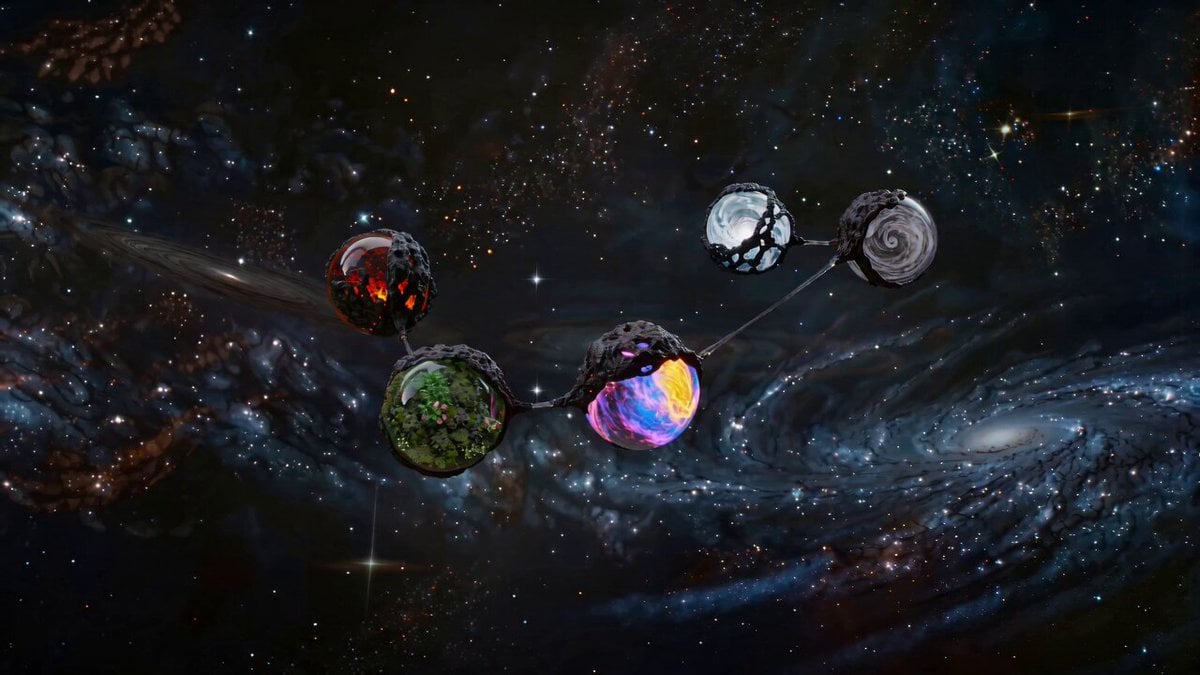
Cosmic Elemental Alien Orbs
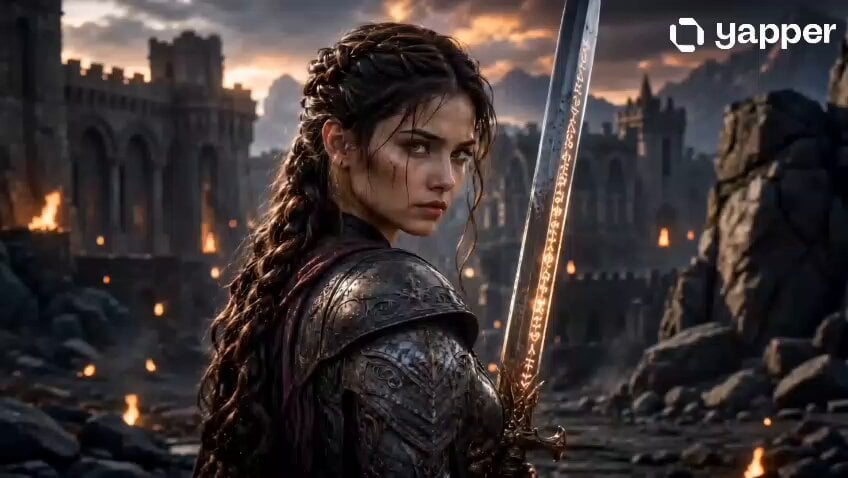
Fantasy Female Warrior Journey
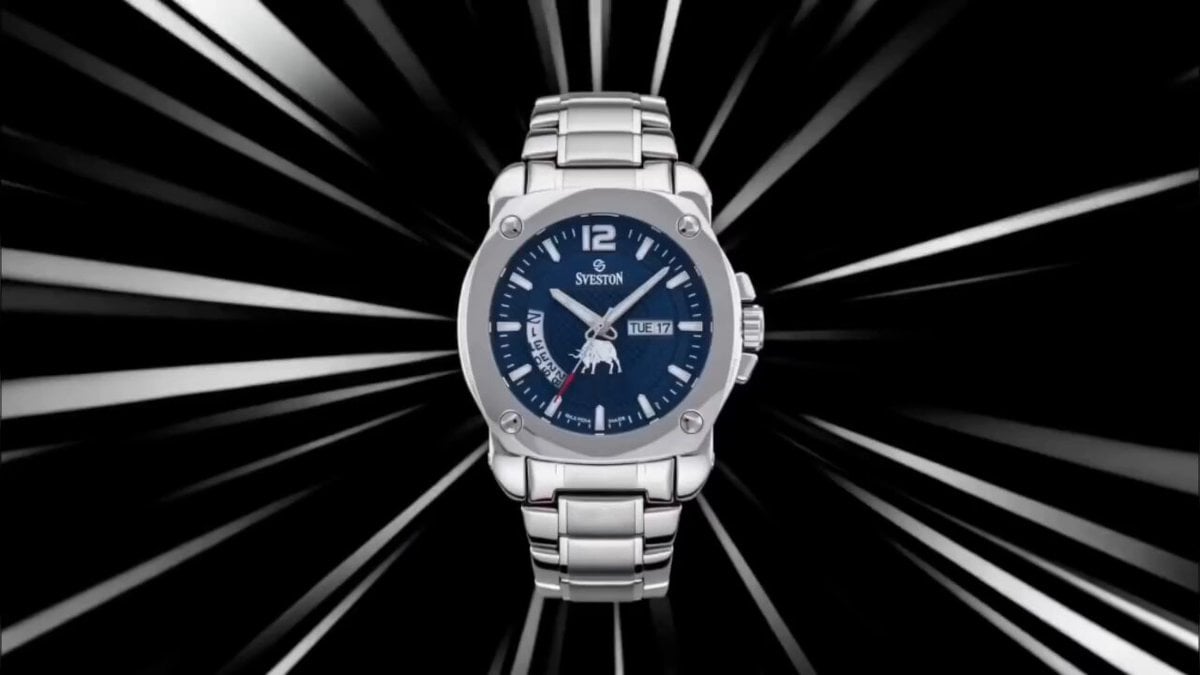
Kinetic Typography Watch Commercial
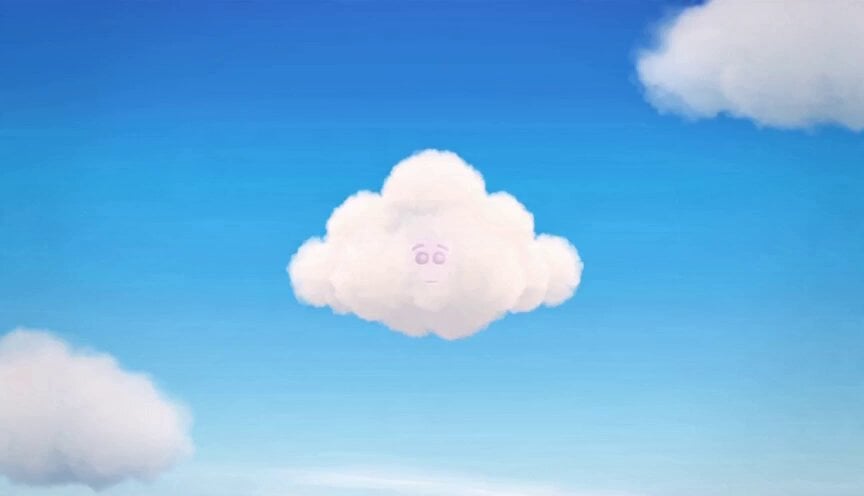
Pastel Cloud Animation Prompt
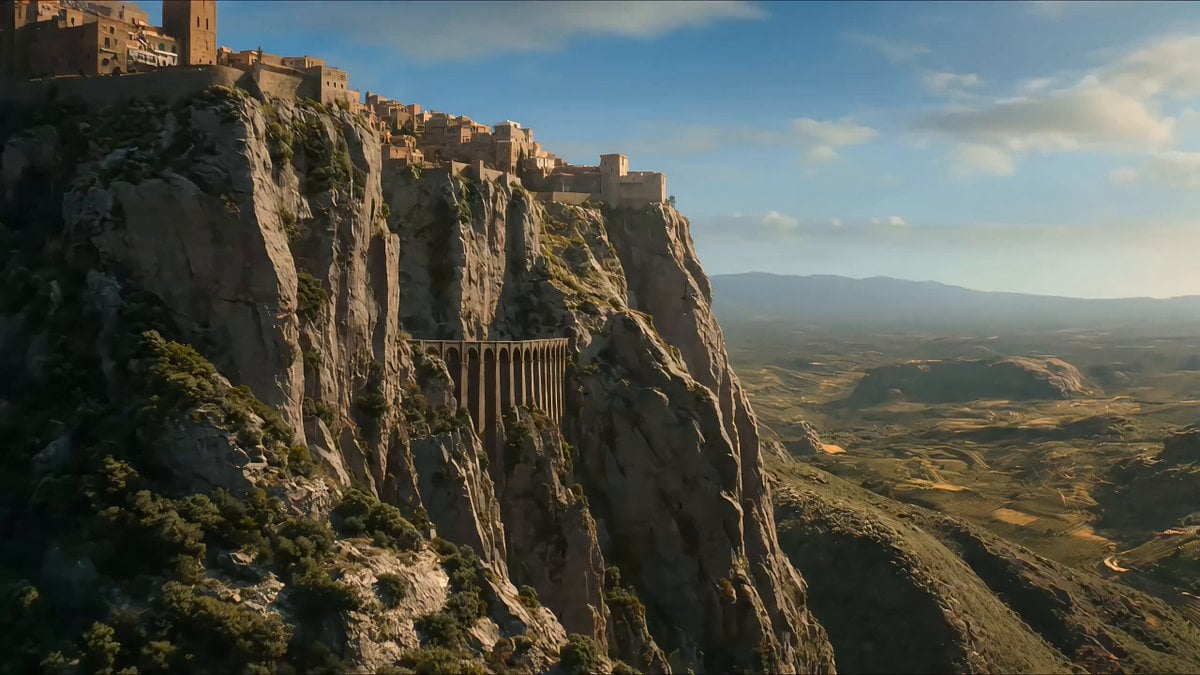
Fantasy Warhorse Aqueduct Action Shot
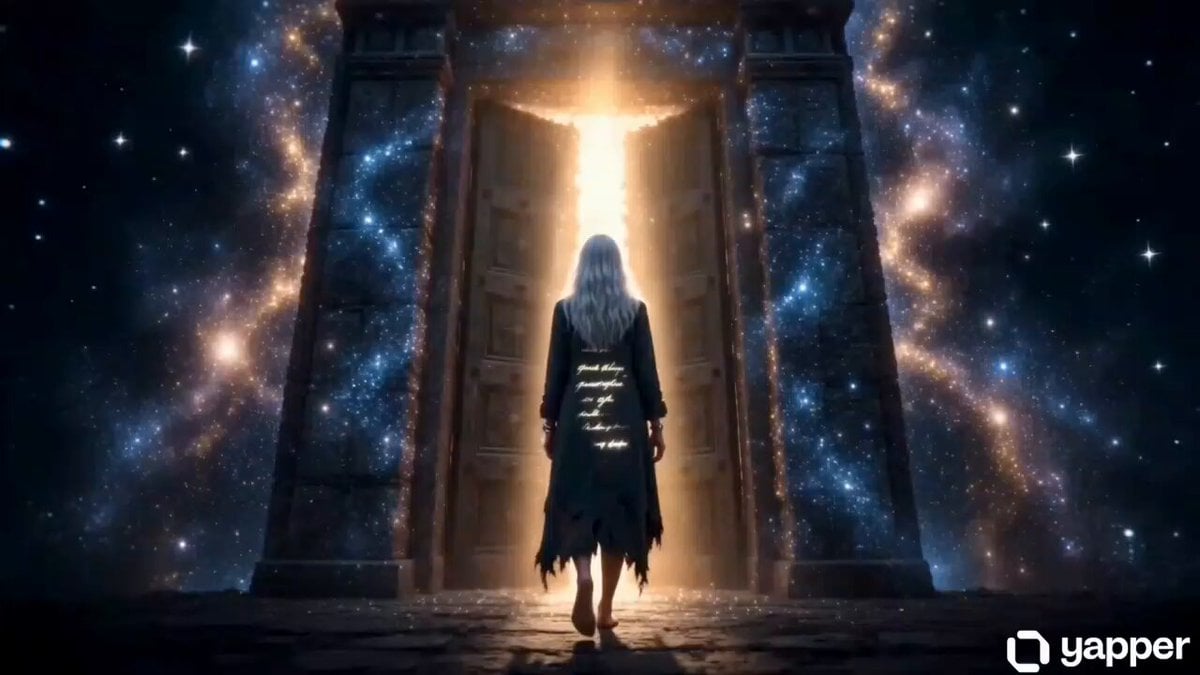
Interdimensional Librarian Surreal Fantasy Scene
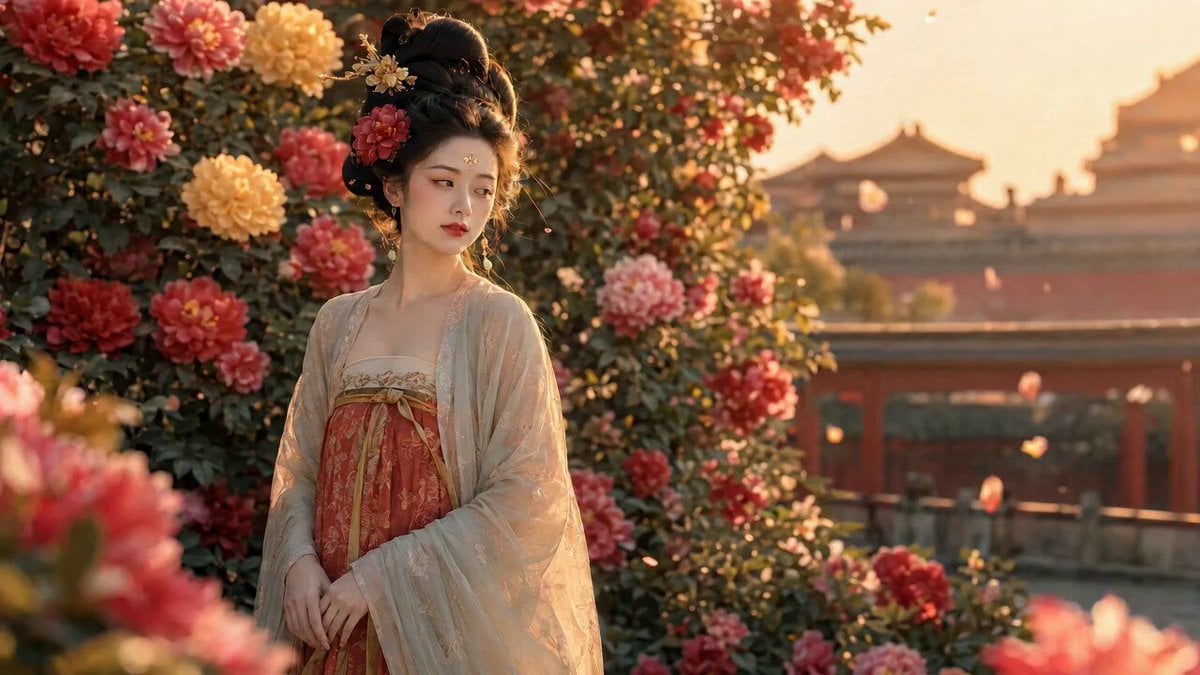
Tang Dynasty Beauty Garden Video
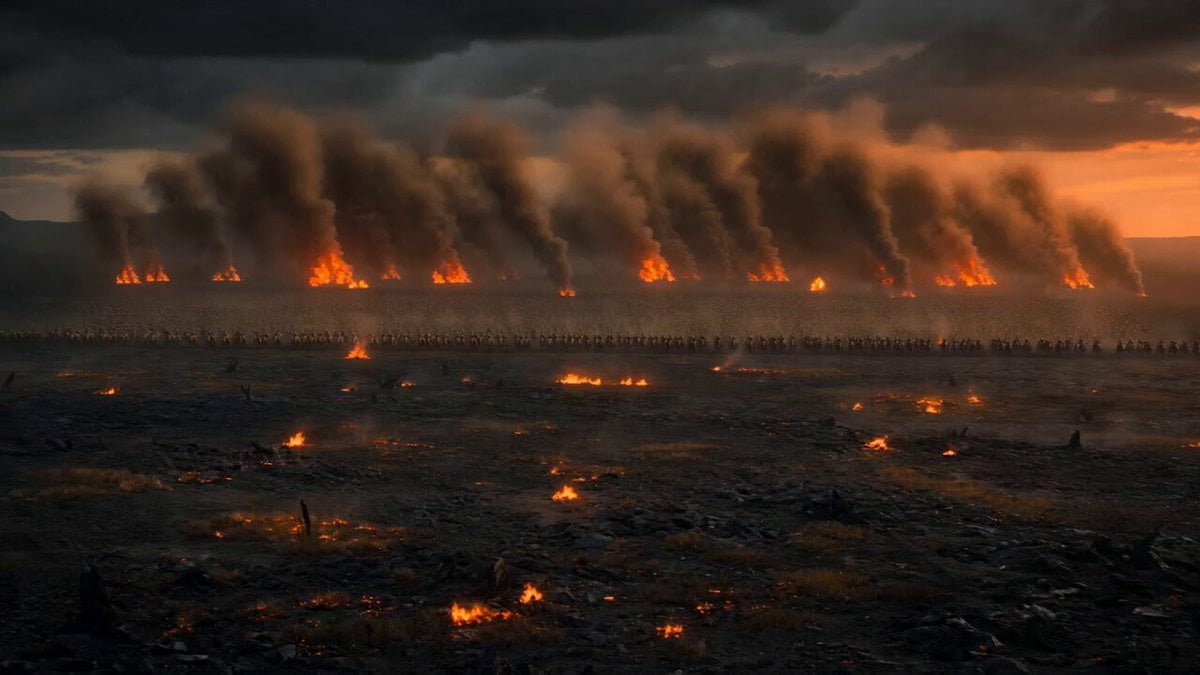
Dark Fantasy Volcanic War Sequence
Red Moon Eclipse Chaos Video

Wasteland Battle Cinematic Video Sequence
Browse template categories
Grok Imagine video prompt for abstract liquid spectacle questions
How do I use the Grok Imagine video prompt for abstract liquid spectacle template?
Add your photo if the template asks for one, edit the prompt if you like — the template's model and format are already selected — and press Generate. Your version opens in PicX Studio.
Can I customize the Grok Imagine video prompt for abstract liquid spectacle template?
Yes. You can change the subject, setting, lighting, mood, format, and available model controls before creating your video.
Is the Grok Imagine video prompt for abstract liquid spectacle template free?
Opening and editing this template is free. Generating uses credits, shown on the Generate button when you are signed in.
Which AI model should I use?
Start with Grok Imagine, which is the model associated with this template. You can compare another compatible model for a different finish.
Looking for something else? Browse all templates.

Your photo, any look
Thousands of ready templates for every top image and video model, from one credit balance.