How do I use the Abstract Cinematic Lighting Video Prompt template?
Edit the prompt in the box under the preview — the template's model and format are already selected — and press Generate. Your version appears right on this page.
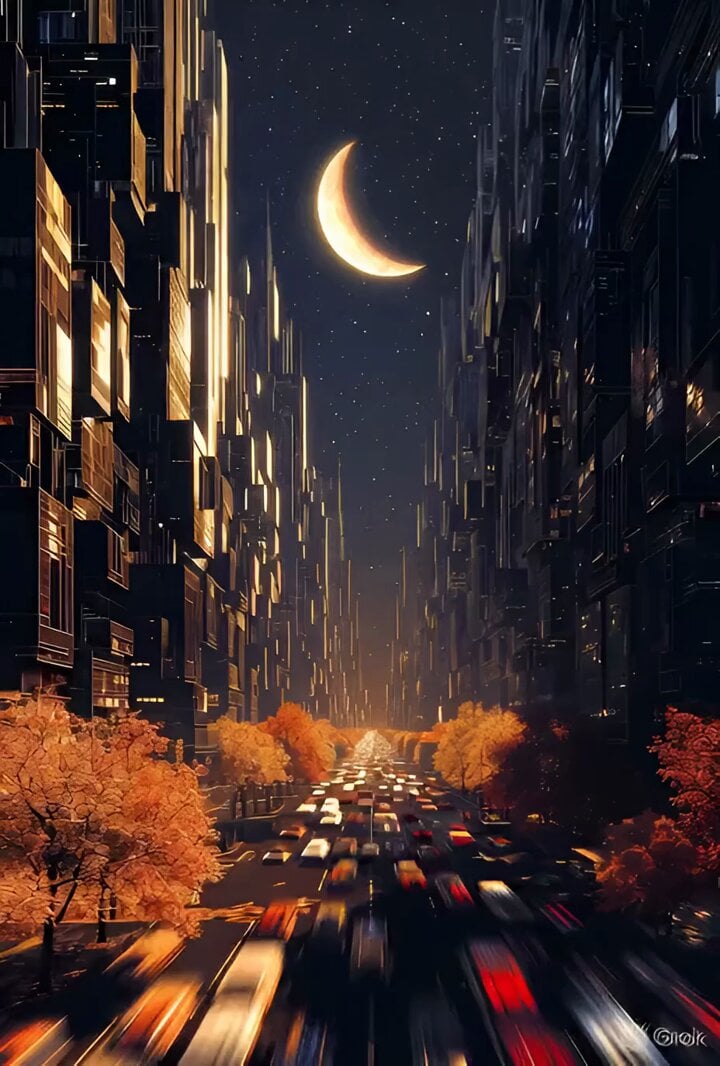
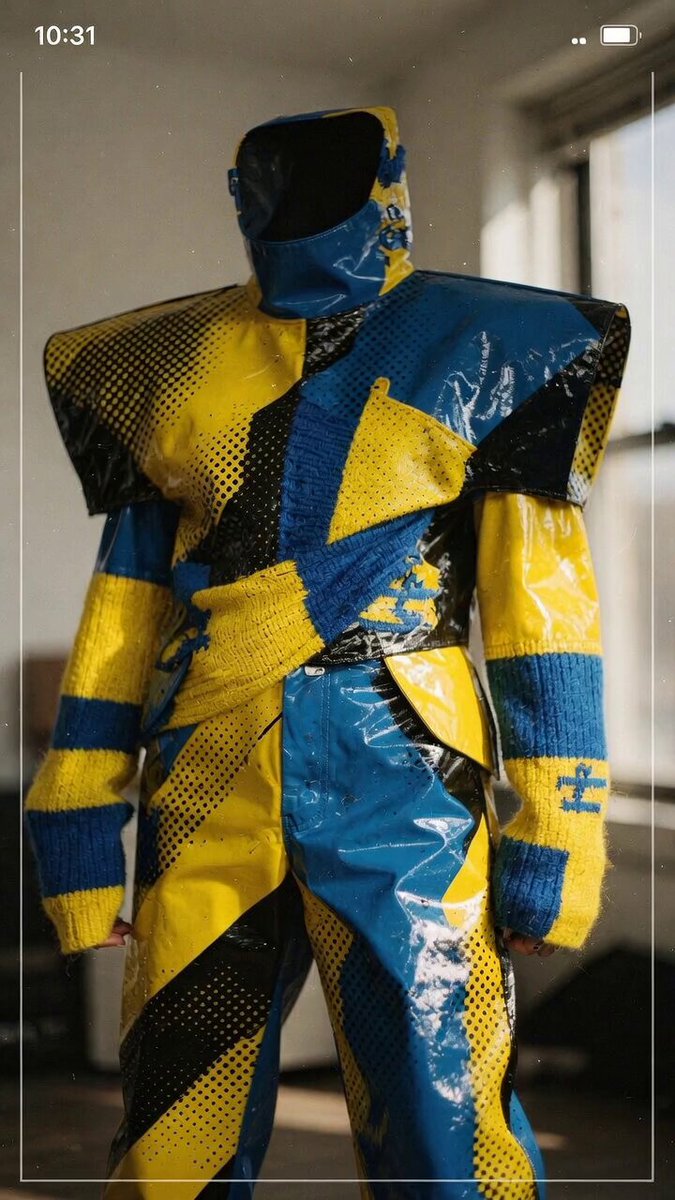
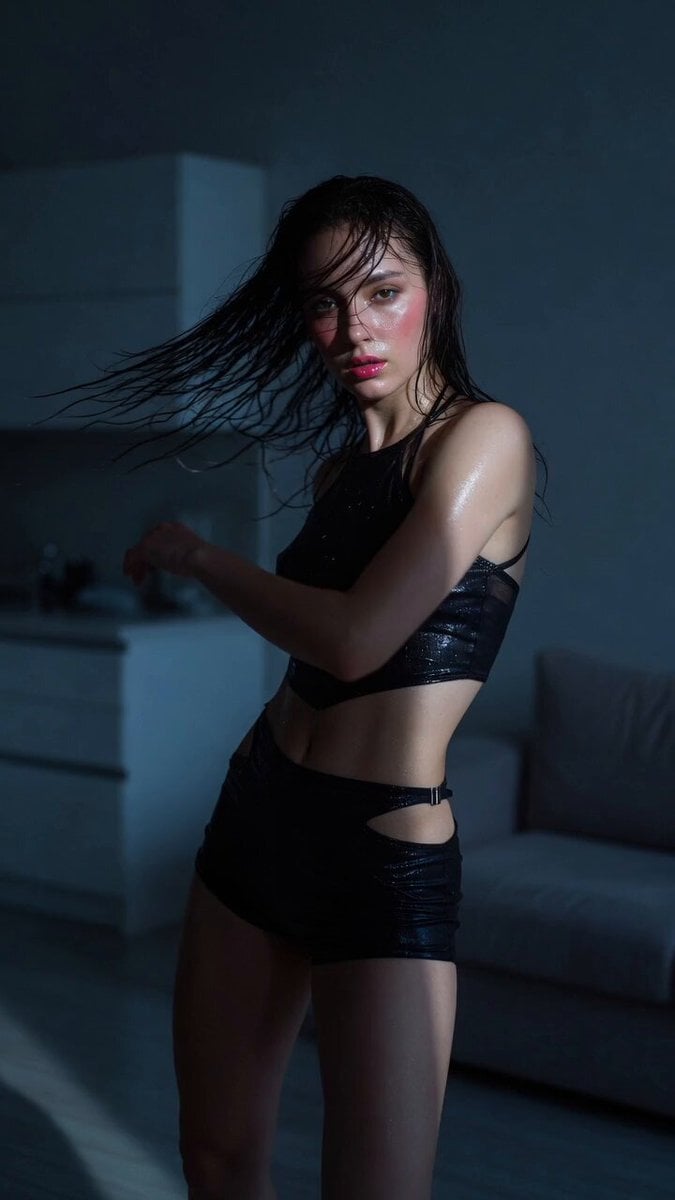
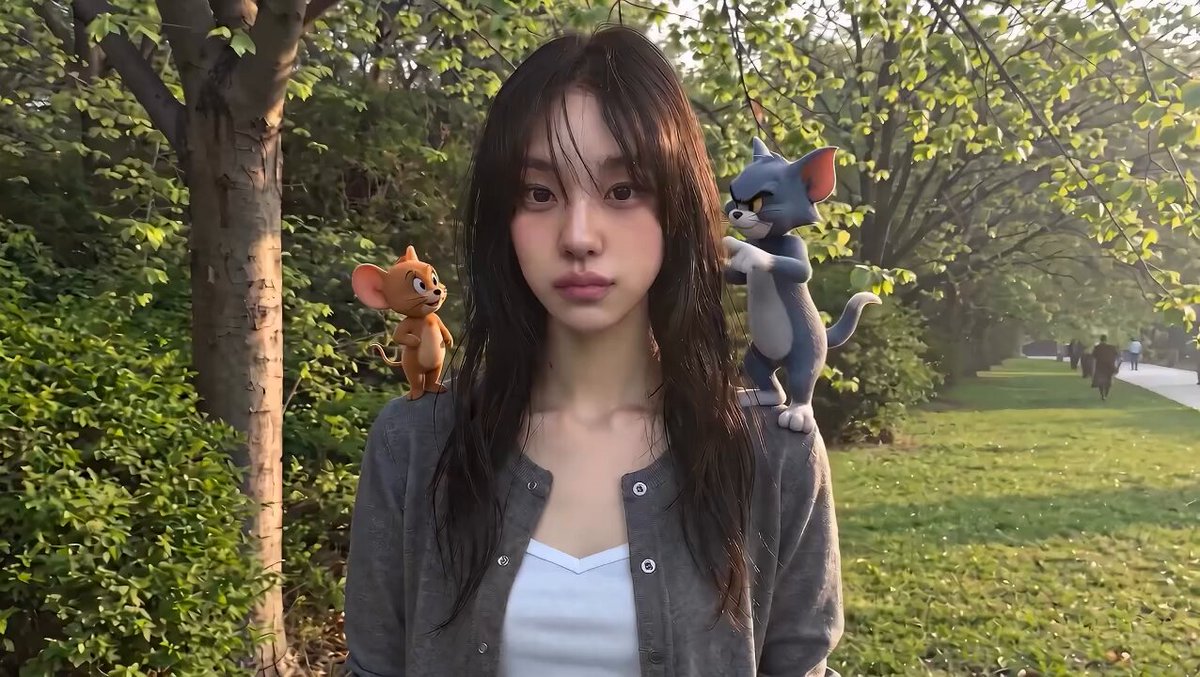
A stylistically complex prompt for Grok Imagine that uses Rembrandt lighting, motion blur, and film grain to create a moody, abstract cinematic sequence.
伦勃朗光结合暗夜朦光,营造斑驳弥散、迷离抽象的斑驳光影,色彩完美配色、高反差、基调暗朦/泛朦,强烈的胶片颗粒感、粒子高噪点、分层模糊晕染,对焦模糊、动态模糊、人影与场景重叠、强透视,独特视角、大面积负空间(留白)、极简背景,画面融入局部创意英文信息点缀。25
伦勃朗光结合暗夜朦光,营造斑驳弥散、迷离抽象的斑驳光影,色彩完美配色、高反差、基调暗朦/泛朦,强烈的胶片颗粒感、粒子高噪点、分层模糊晕染,对焦模糊、动态模糊、人影与场景重叠、强透视,独特视角、大面积负空间(留白)、极简背景,画面融入局部创意英文信息点缀。25
Edit the prompt in the box under the preview — the template's model and format are already selected — and press Generate. Your version appears right on this page.
Yes. You can change the subject, setting, lighting, mood, format, and available model controls before creating your video.
Opening and editing this template is free. Generating uses credits, shown on the Generate button when you are signed in.
Start with Grok Imagine, which is the model associated with this template. You can compare another compatible model for a different finish.
Follow a topic to a crawlable collection of related PicX Studio templates.