How do I use the Realistic Portrait Lighting template?
Edit the prompt in the box under the preview — the template's model and format are already selected — and press Generate. Your version appears right on this page.
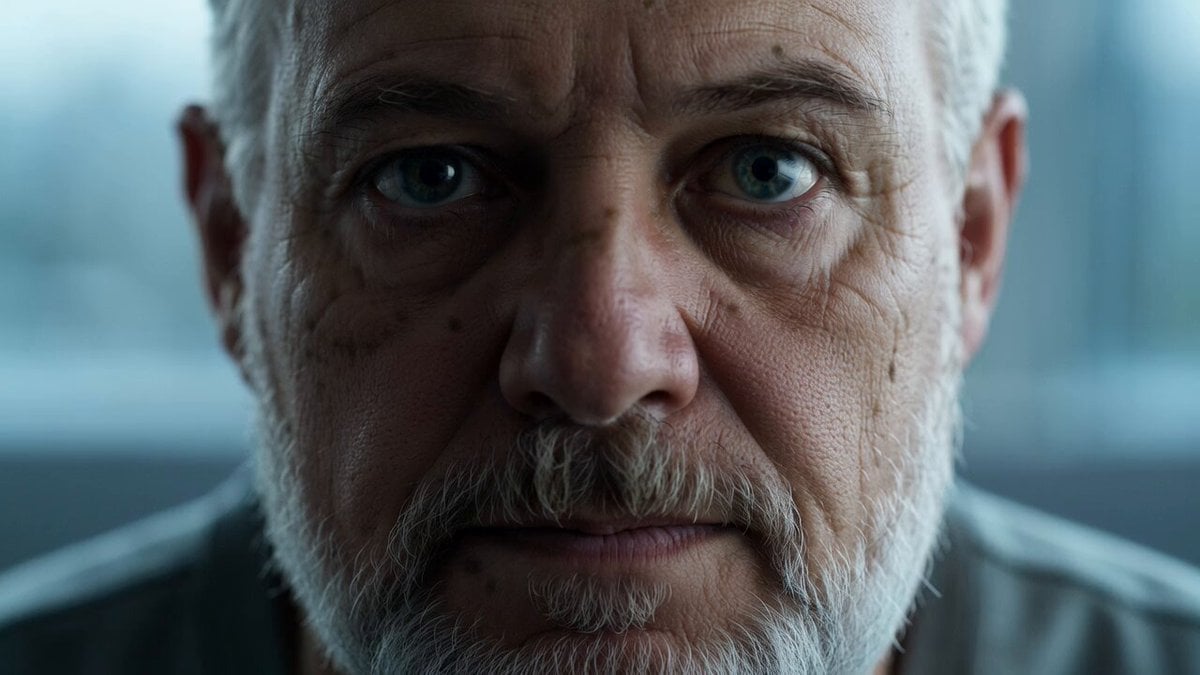
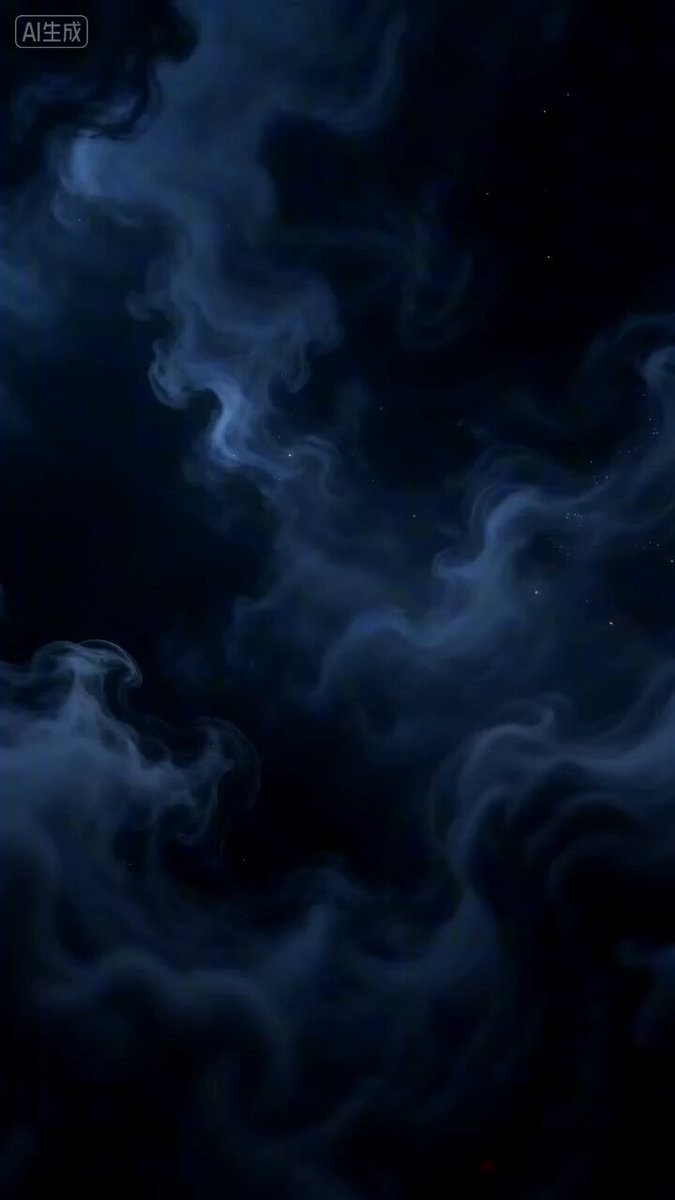
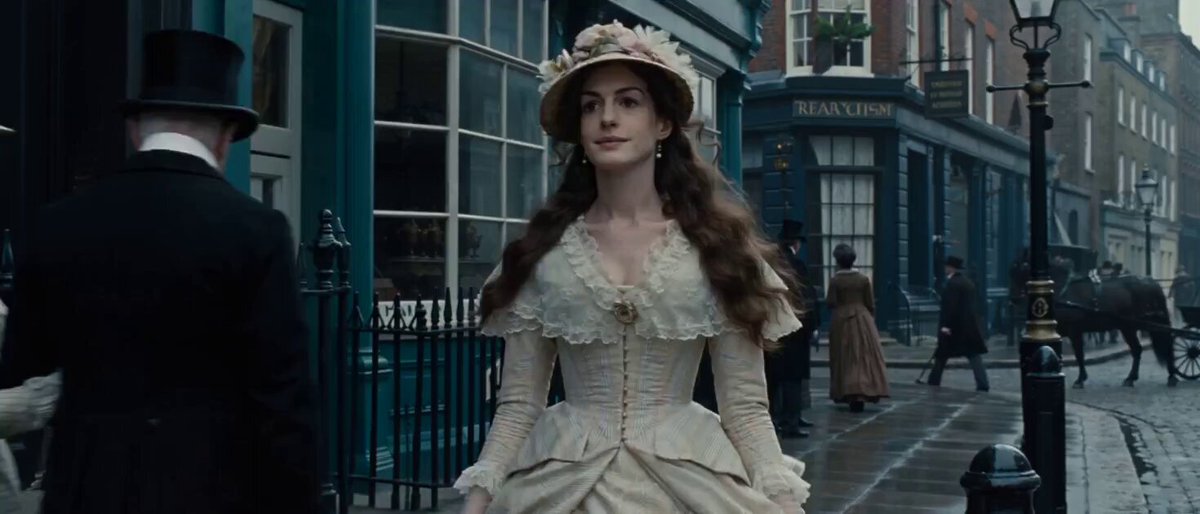
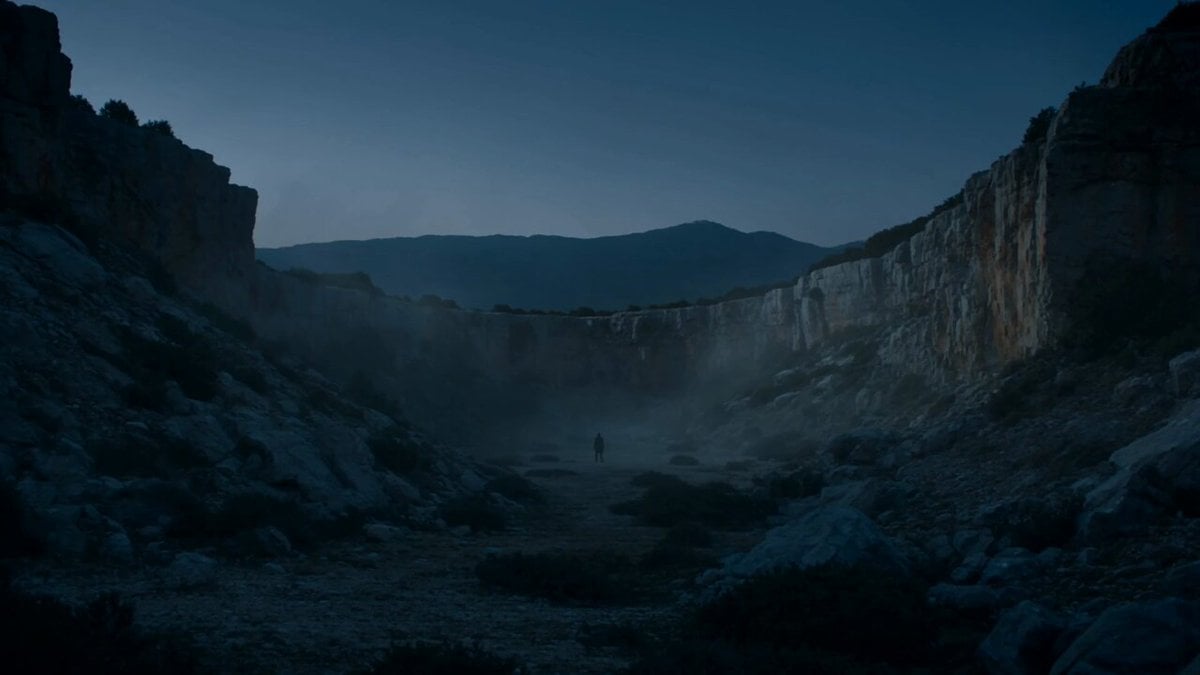
A technical prompt for high-contrast, low-key lighting in vertical 4K video, focusing on sharp skin textures and professional color grading for social media content.
9:16 竖屏构图,4K 超清写实画质。低调(Low-key)光影风格,高对比度。冷色调环境背景与主体服装形成鲜明反差,强调人物轮廓感与肌肤光泽,具有社交媒体短视频的典型锐利质感。
9:16 竖屏构图,4K 超清写实画质。低调(Low-key)光影风格,高对比度。冷色调环境背景与主体服装形成鲜明反差,强调人物轮廓感与肌肤光泽,具有社交媒体短视频的典型锐利质感。
Edit the prompt in the box under the preview — the template's model and format are already selected — and press Generate. Your version appears right on this page.
Yes. You can change the subject, setting, lighting, mood, format, and available model controls before creating your video.
Opening and editing this template is free. Generating uses credits, shown on the Generate button when you are signed in.
Start with Grok Imagine, which is the model associated with this template. You can compare another compatible model for a different finish.
Follow a topic to a crawlable collection of related PicX Studio templates.