
Acoustic Serenade and Emotional Reaction Storyboard
An extremely detailed, time-coded storyboard prompt for Seedance 2.0, generated from an image-to-video process, describing a musical performance and the emotional reaction of the listener, including specific camera…
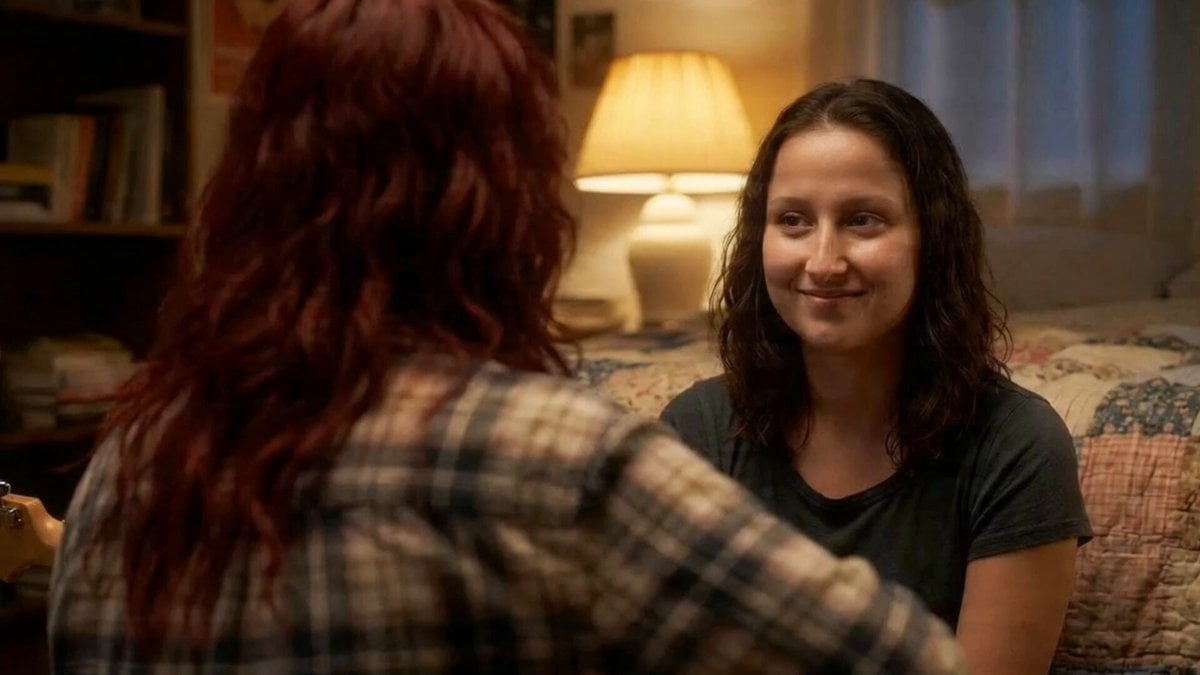
- Prompt included
- Model and format preset
- Free template
The prompt behind this video
Copy the exact prompt behind Acoustic Serenade and Emotional Reaction Storyboard, or open it in the studio and make it yours.
[00:00 – 00:03 | OVER-THE-SHOULDER MEDIUM SHOT - SLOW PUSH IN] Camera sits just behind and above the red-haired girl's left shoulder, her wild crimson waves and the neck of her acoustic guitar filling the foreground in soft bokeh. Across from her, Ruby, brown curls, dark tee, quilt-covered bed at her back, comes into sharp focus. The warm amber glow of the bedside lamp halos the room. The red-haired girl's strumming hand begins to move. She opens her mouth and sings softly: "Ruby… oh Ruby…" The camera breathes forward almost imperceptibly, closing the emotional distance. [00:03 – 00:06 | EXTREME CLOSE-UP - GUITAR HAND, LOW ANGLE] Cut to a ground-level macro shot angled upward at the strumming hand against the guitar body. Fingers move with loose, unhurried grace across the strings. The warm lamplight catches the shimmer of each string vibration. The faint resonance of the acoustic body fills the frame. Her voice drifts over: "…do you know how much you mean to me?" [00:06 – 00:10 | TIGHT CLOSE-UP - RUBY'S FACE, STATIC] Hard cut to Ruby's face centered, lit entirely by the golden lamp behind her. Her lips are parted just slightly, cheeks flushed, eyes glistening with the quiet weight of being truly seen. A slow, disbelieving smile creeps in at the corner of her mouth. She doesn't speak. She doesn't need to. The song does it all: "Ruby… my Ruby…" [00:10 – 00:13 | TWO-SHOT MEDIUM - WIDE, HANDHELD DRIFT] Camera floats back on a subtle handheld drift, revealing both girls in the full frame for the first time the cluttered bookshelves, the faded quilt, the soft chaos of a lived-in room. The red-haired girl leans slightly forward as she reaches the final line, voice barely above a whisper: "…I'll love you till the very end." The last chord rings out and hangs in the air. [00:13 – 00:15 | EXTREME CLOSE-UP - RUBY'S EYES, SLOW RACK FOCUS] The final cut lands on Ruby's eyes alone. Focus pulls soft… then razor sharp. A single tear catches the lamplight on her lower lash line, not yet fallen. She exhales.
How to use Acoustic Serenade and Emotional Reaction Storyboard in 3 steps
- 1
Open
The prompt is already in the box next to the preview, with the template's model and format selected.
- 2…a portrait of your subject in softgolden-hour light, 85mm…
Personalize
Edit the subject and creative details for your destination.
- 3Generate
Generate
Press Generate — your video is created in PicX Studio, so you can compare it with the original and refine one variable at a time.
More like this
Templates with the same subject, style or setup. Open one to see its prompt.
Emotional Breakdown and Fabric Interaction - Seedance 2.5

3x3 Grid Storyboard Racing — Kling 3.0 O3 Pro

Dragon Rider Cinematic Flight — Seedance 2.5
Emotional Disaster Short Film Storyboard
Gpt2 Gpt2 Seedance Storyboard to Video
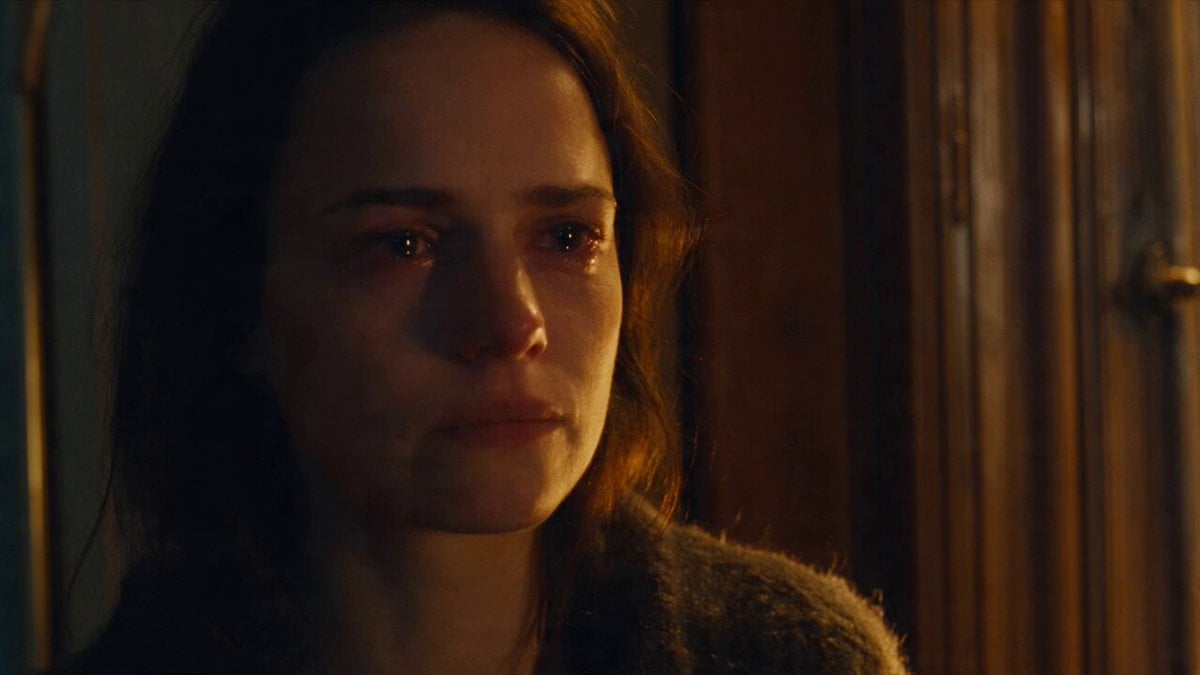
Emotional Parisian Apartment Drama
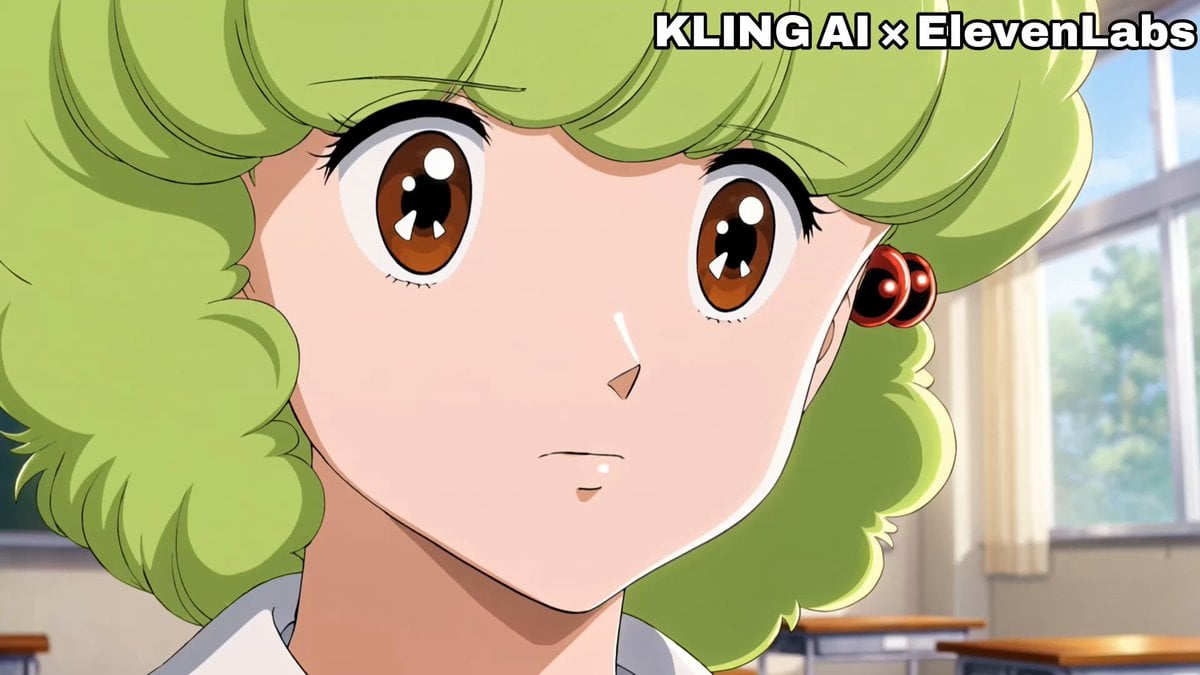
Emotional Anime Monologue Video
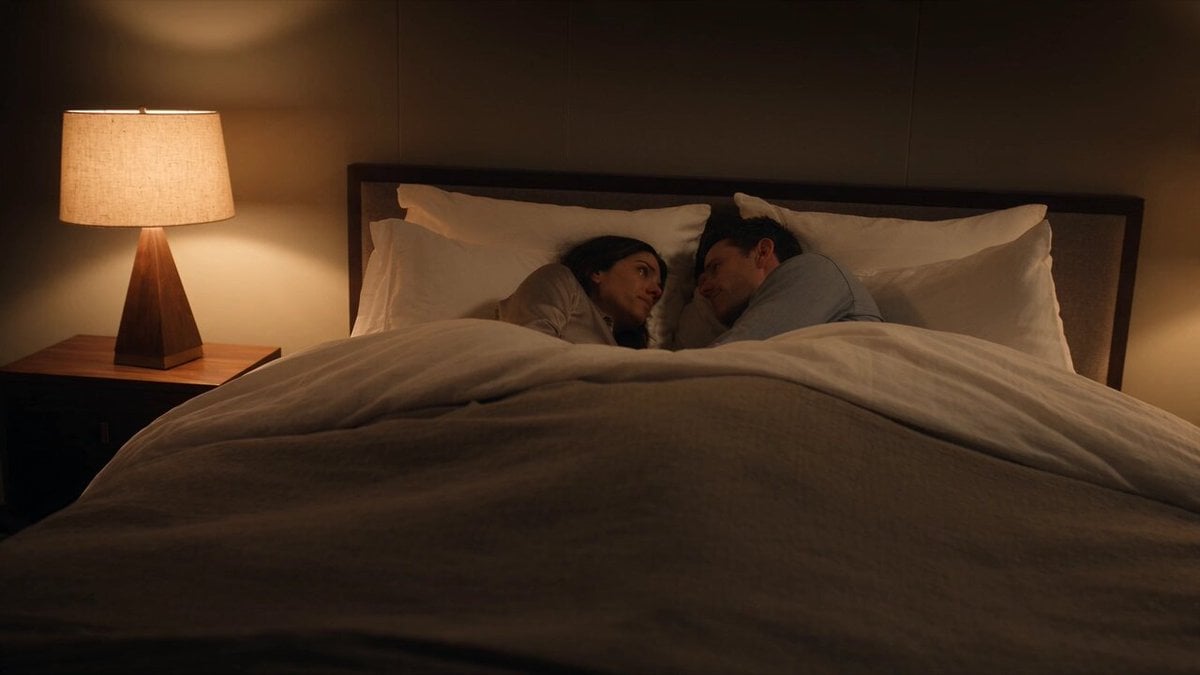
Emotional Bedroom Dialogue Scene
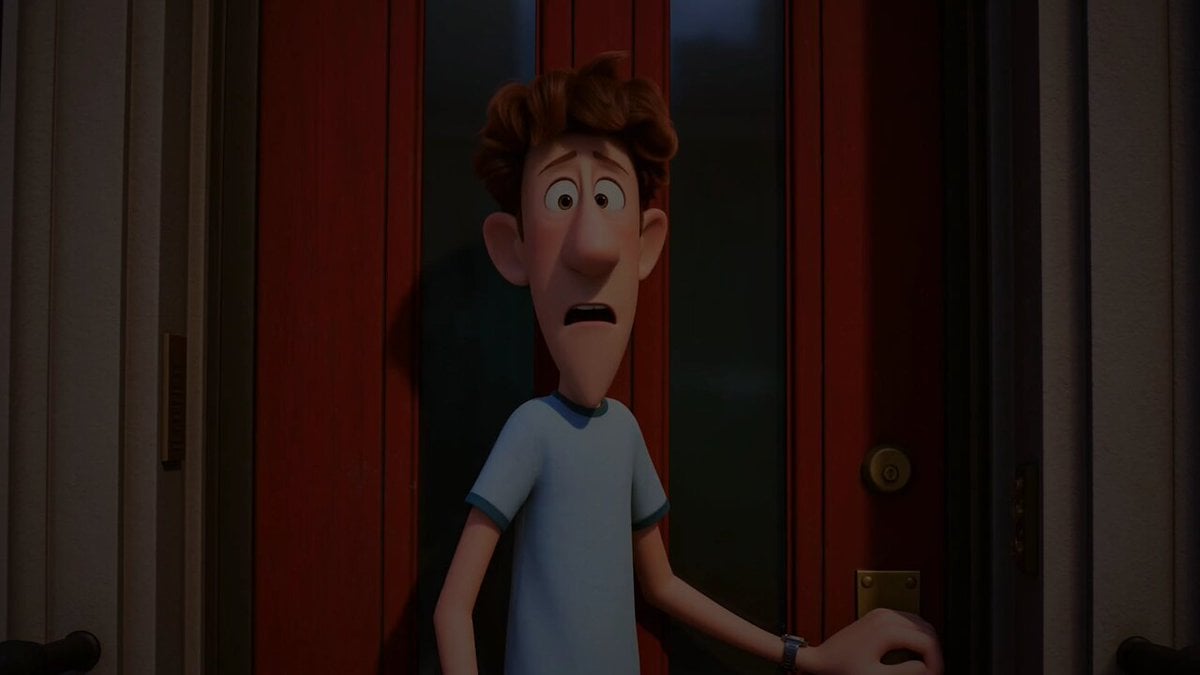
Pigeon Nemesis Pixar Animation Storyboard

Gag Anime Comedy Reaction Scene
Apartment Arrival Storyboard Animation
Modern Urban Fantasy Comedy Storyboard
Make it yours
Acoustic Serenade and Emotional Reaction Storyboard works as-is. These are the safest ways to change it without losing the look.
Change one field
Copy a single group, rewrite it, and generate again so you can see what that field is doing.
Keep the frame, change the subject
Hold the composition and light of Acoustic Serenade and Emotional Reaction Storyboard, then swap wardrobe, props or the person for a new take.
| If the result… | Why | Fix |
|---|---|---|
| The result drifts from the preview | Too many fields changed at once. | Reuse Acoustic Serenade and Emotional Reaction Storyboard as-is first, then change one group — subject, light, or setting. |
| The model over-stylizes the scene | The prose prompt leaves finish and camera underspecified. | Add one camera or lighting sentence and stay on Seedance 2.0. |
More Seedance 2.0 templates
Other prompts made for Seedance 2.0.

Comical Martial Arts Punch Scene

Maglev Train Action Sequence

Martial Arts Fight Sequence

Wuxia Protection and Trust Script

Vintage Korean Arcade MiniDV Vlog

Mercedes 190 SL Luxury Ad

Rainy Night Supernatural Reverse Comedy Video Script

Amazon Civilization Discovery

Futuristic South Asian City Transformation

Cozy Luxury Cafe Commercial
More video prompts
Fresh picks from across the catalog.

Dubai Good Evening Cityscape
Miniature Bakery Pancake Tower
Feral Werewolf Transformation Cinematic Sequence

Cyberpunk Anime Heroine Action Scene
Nightclub Trance Slow Motion Video
Elevencreative Time Freeze

One-shot Wuxia epic with cinematic camera work
Homemade Saltbread Baking Commercial
Photorealistic Concert Scene Generation
Surreal Immortal Mountain Environment Awakening
Browse template categories
Acoustic Serenade and Emotional Reaction Storyboard questions
How do I use the Acoustic Serenade and Emotional Reaction Storyboard template?
Add your photo if the template asks for one, edit the prompt if you like — the template's model and format are already selected — and press Generate. Your version opens in PicX Studio.
Can I customize the Acoustic Serenade and Emotional Reaction Storyboard template?
Yes. You can change the subject, setting, lighting, mood, format, and available model controls before creating your video.
Is the Acoustic Serenade and Emotional Reaction Storyboard template free?
Opening and editing this template is free. Generating uses credits, shown on the Generate button when you are signed in.
Which AI model should I use?
Start with Seedance 2.0, which is the model associated with this template. You can compare another compatible model for a different finish.
Looking for something else? Browse all templates.

Your photo, any look
Thousands of ready templates for every top image and video model, from one credit balance.