
Abstract Tech Advertisement
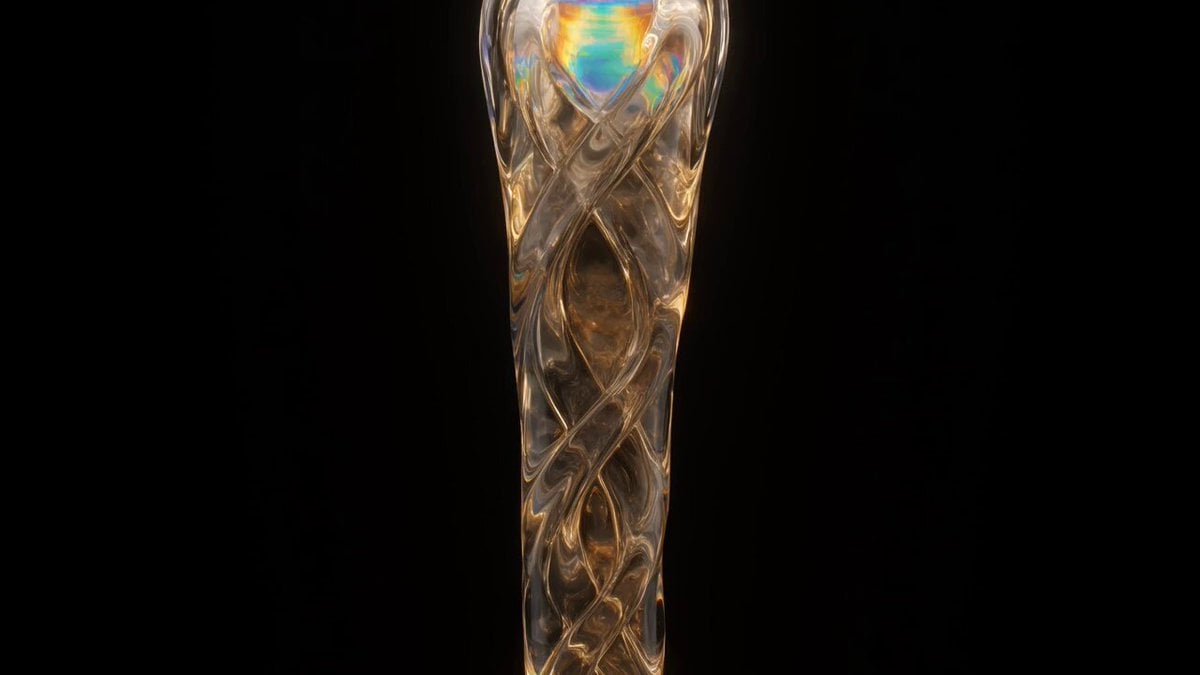
A sophisticated prompt for creating branding and advertisements featuring liquid glass, black holes, and xAI-style design elements.
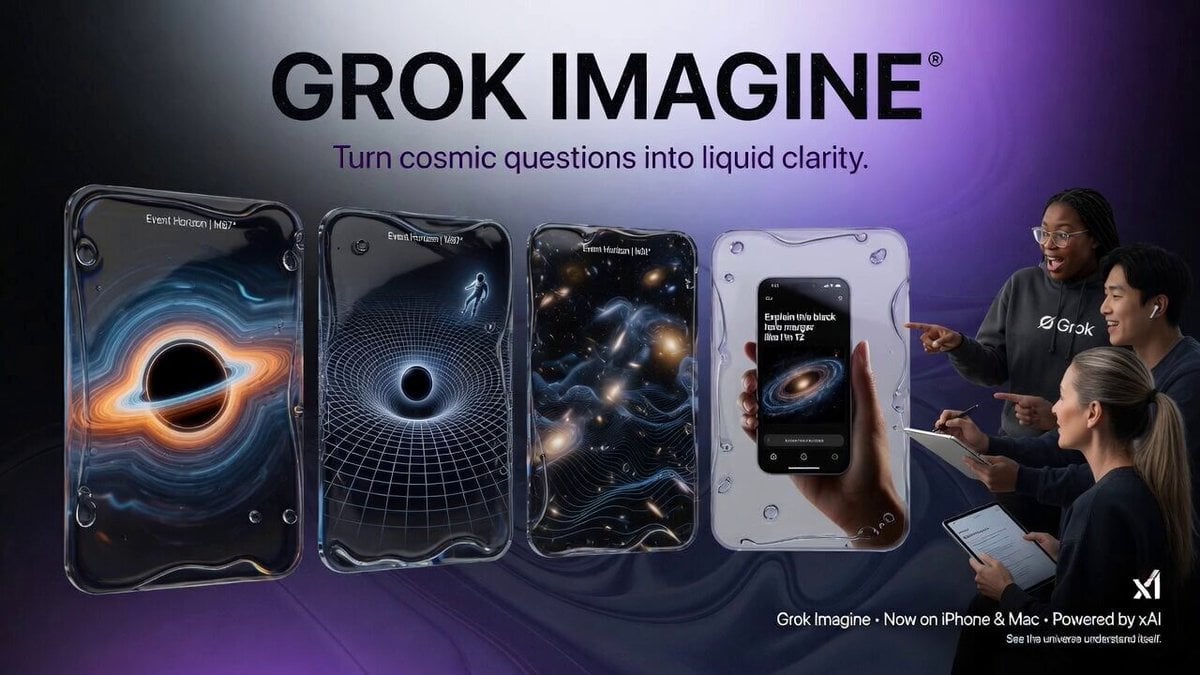
- Prompt included
- Model and format preset
- Free template
The prompt behind this video
Copy the exact prompt behind Abstract Tech Advertisement, or open it in the studio and make it yours.
An advertisement for Grok Imagine featuring liquid glass UI elements, image sequence black holes and cosmos understanding editorial xAI branded font and designs sharp high quality style ad real people
How to use Abstract Tech Advertisement in 3 steps
- 1
Open
The prompt is already in the box next to the preview, with the template's model and format selected.
- 2…a portrait of your subject in softgolden-hour light, 85mm…
Personalize
Edit the subject and creative details for your destination.
- 3Generate
Generate
Press Generate — your video is created in PicX Studio, so you can compare it with the original and refine one variable at a time.
More like this
Templates with the same subject, style or setup. Open one to see its prompt.
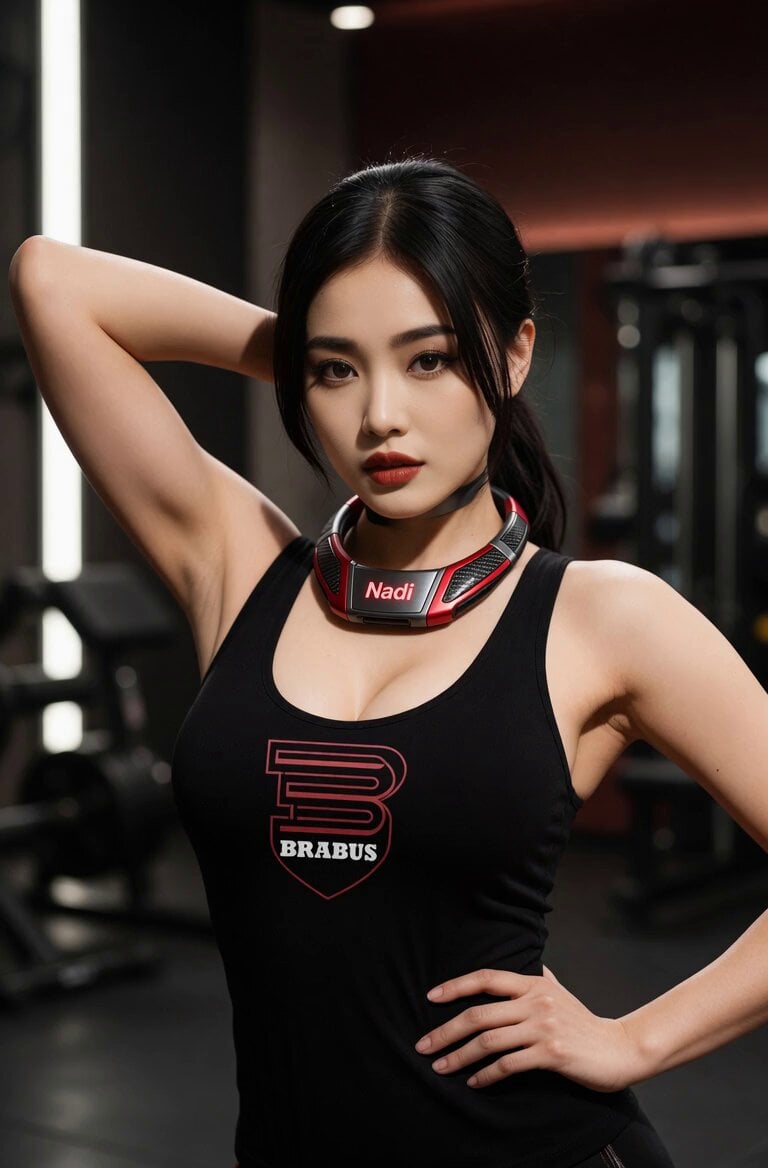
Confident Gym Wearable Tech Portrait
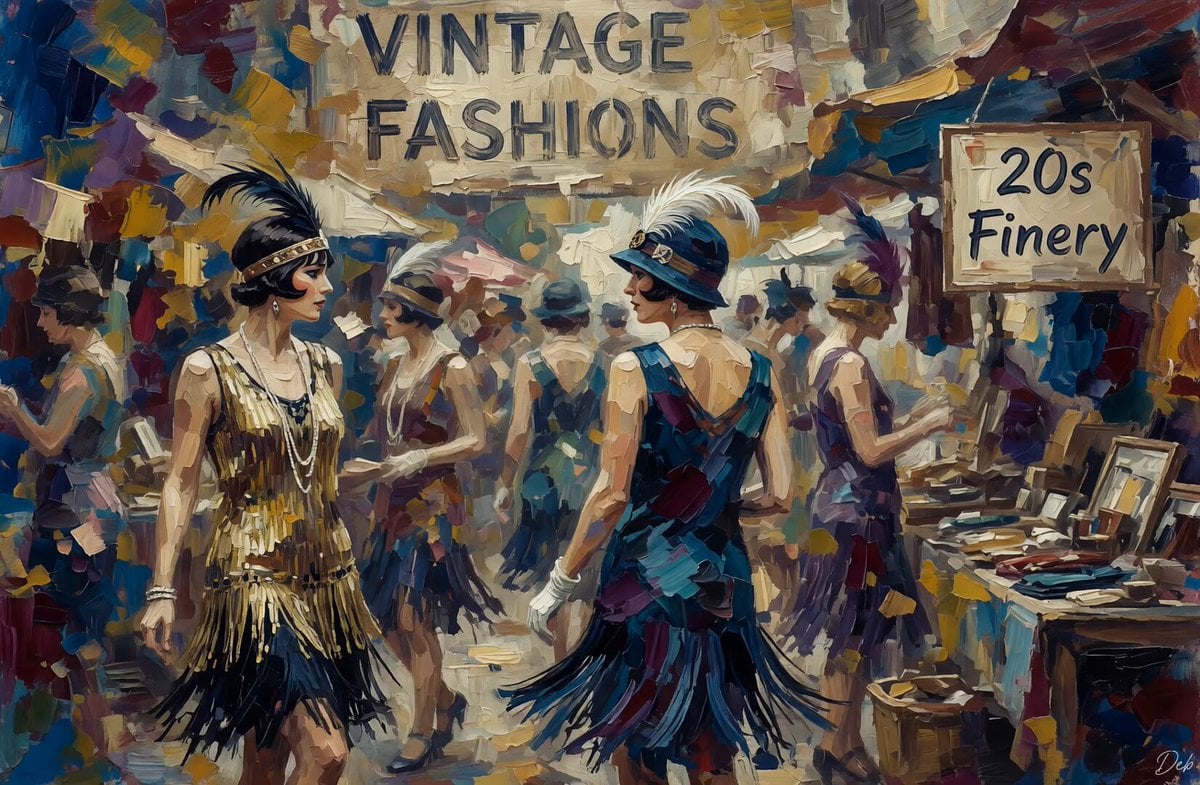
Vintage Abstract Flappers Market
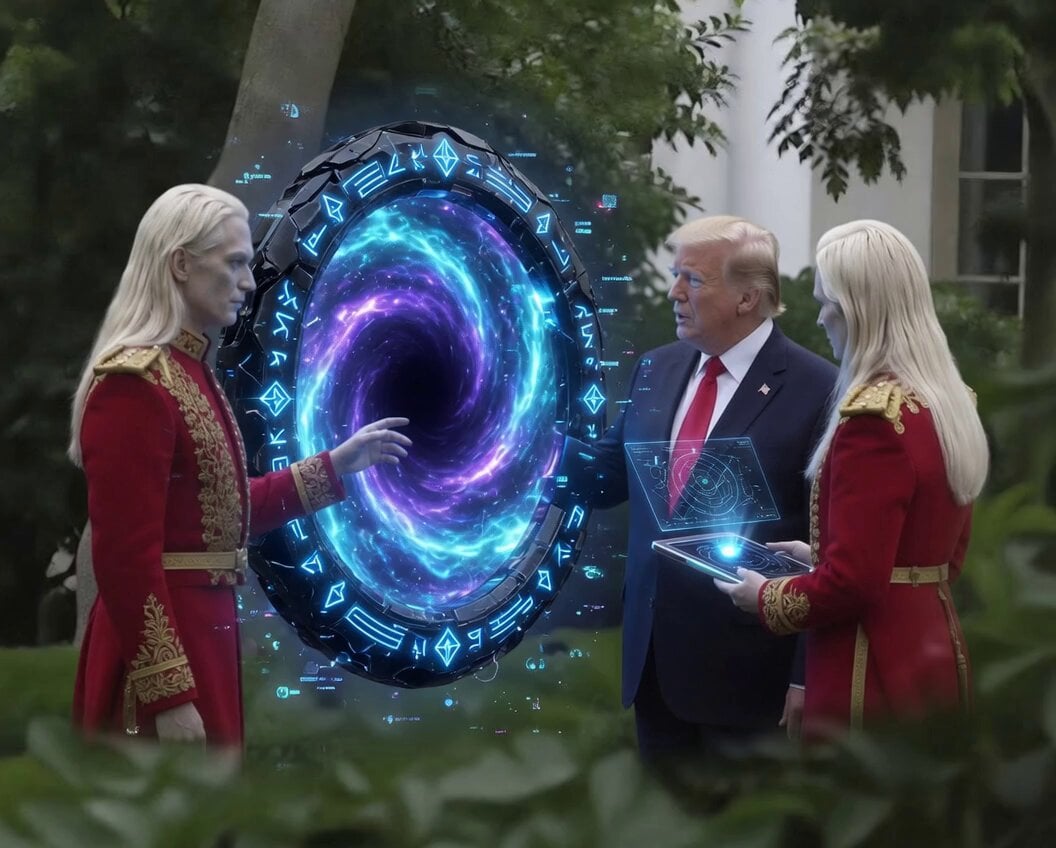
Futuristic 3D Blueprints and Alien Tech
Abstract Intelligence Formal System
Abstract geometric flow around a void
Ram 1701 jeans advertisement video prompt
Abstract time and entropy video prompt
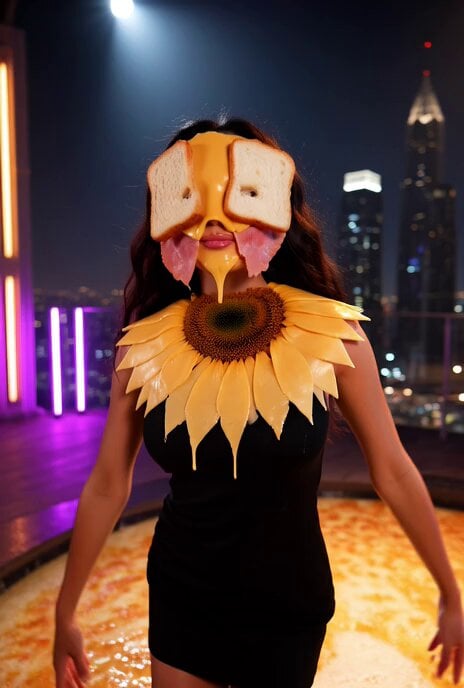
Abstract fashion model made of lunch meat video prompt (truncated)
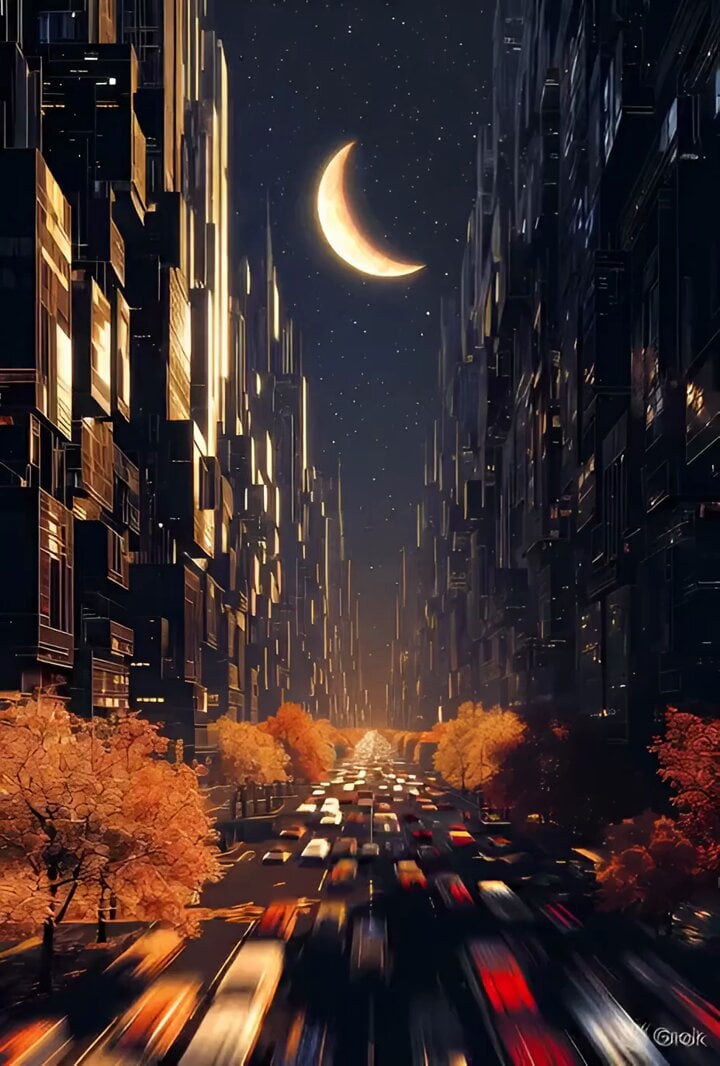
Futuristic Abstract City at Night
Grok Imagine video prompt for abstract liquid spectacle
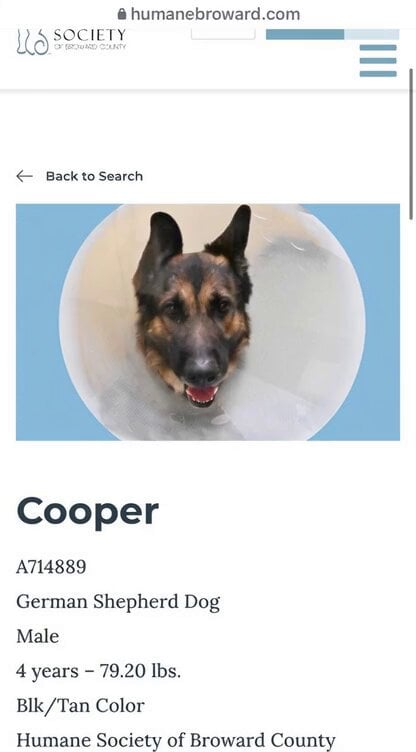
Animate shelter dog photo into adoption advertisement
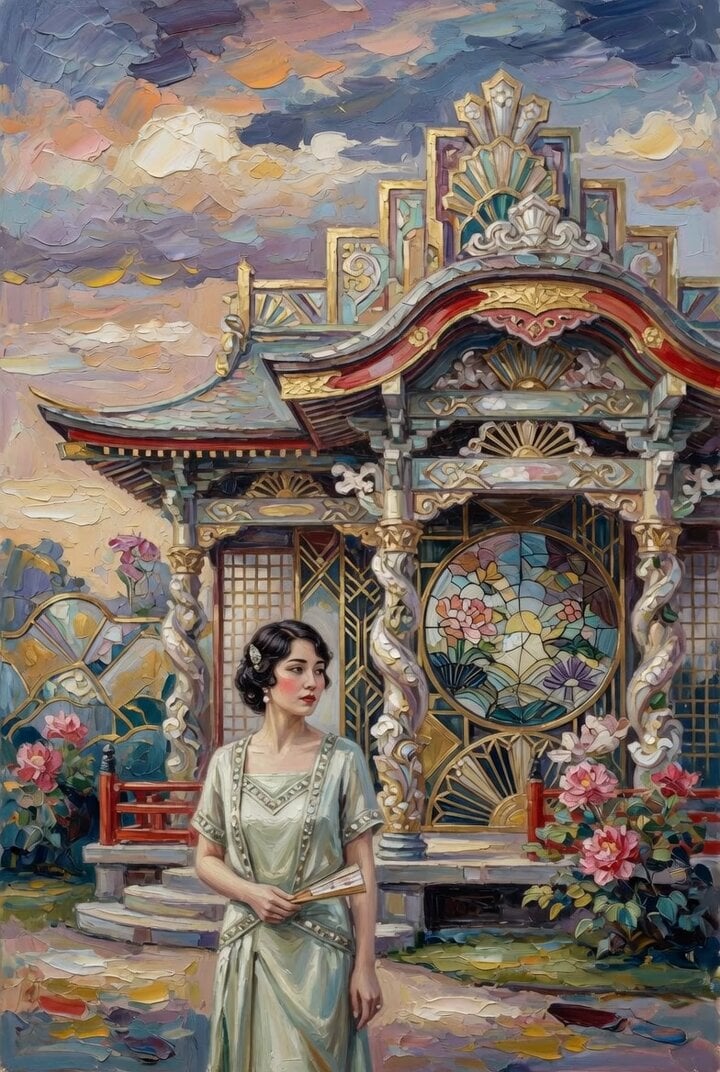
Woman at Abstract Pavilion Oil Painting Video
Make it yours
Abstract Tech Advertisement works as-is. These are the safest ways to change it without losing the look.
Change one field
Copy a single group, rewrite it, and generate again so you can see what that field is doing.
Keep the frame, change the subject
Hold the composition and light of Abstract Tech Advertisement, then swap wardrobe, props or the person for a new take.
| If the result… | Why | Fix |
|---|---|---|
| The result drifts from the preview | Too many fields changed at once. | Reuse Abstract Tech Advertisement as-is first, then change one group — subject, light, or setting. |
| The model over-stylizes the scene | The prose prompt leaves finish and camera underspecified. | Add one camera or lighting sentence and stay on Grok Imagine. |
More Grok Imagine templates
Other prompts made for Grok Imagine.

Soft Pink Roses Dreamer Prompt

Ninja Wizard Levitation Jump

Coffee Cup Interaction Motion

Voice Controlled Water Animation

Pterodactyl Transformation Journey

Candle Mandala Mirror Video

Psychedelic Purple Disc World Video

Mecha Runway Tap Dance Video Prompt

Quantum Inventor in Sonoran Desert

Emotional Angry Couple Drama
More video prompts
Fresh picks from across the catalog.
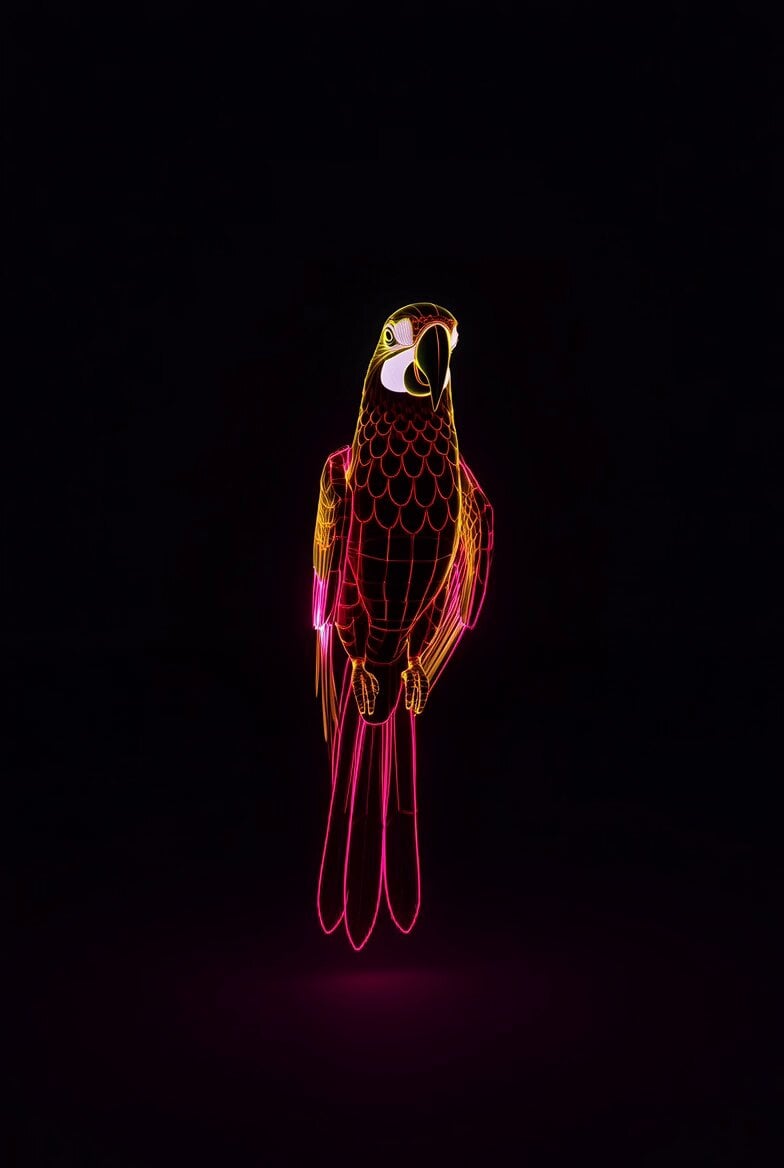
Neon Wireframe Parrot
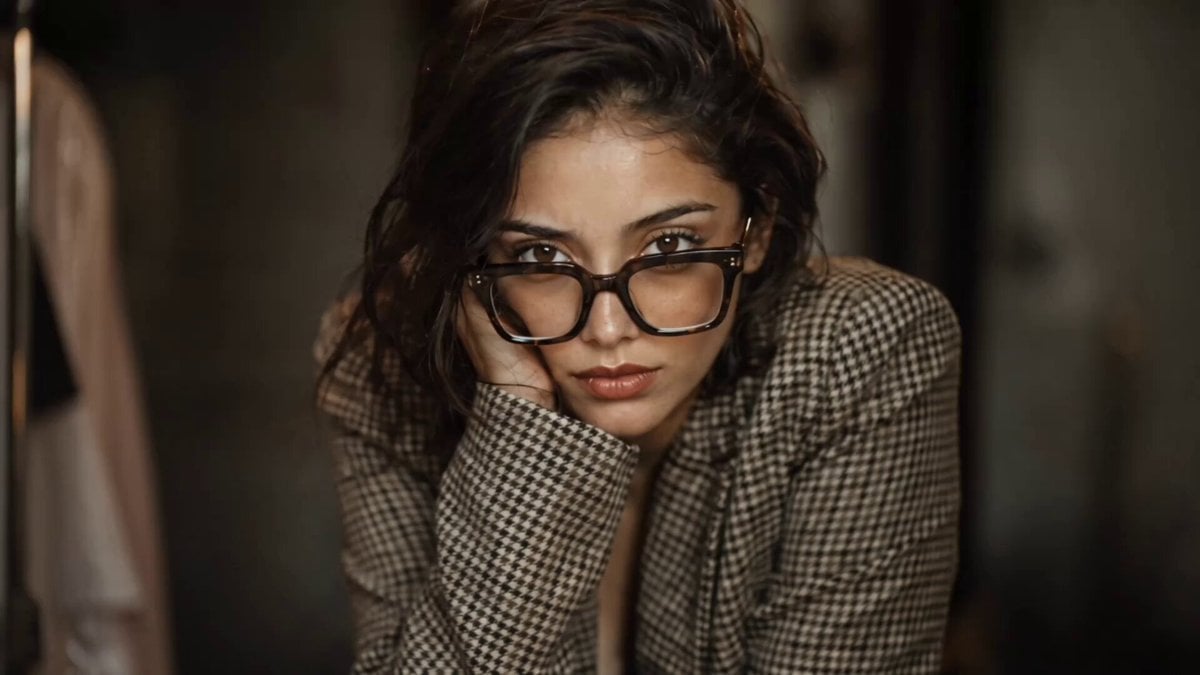
Realistic Vanity Character Monologue
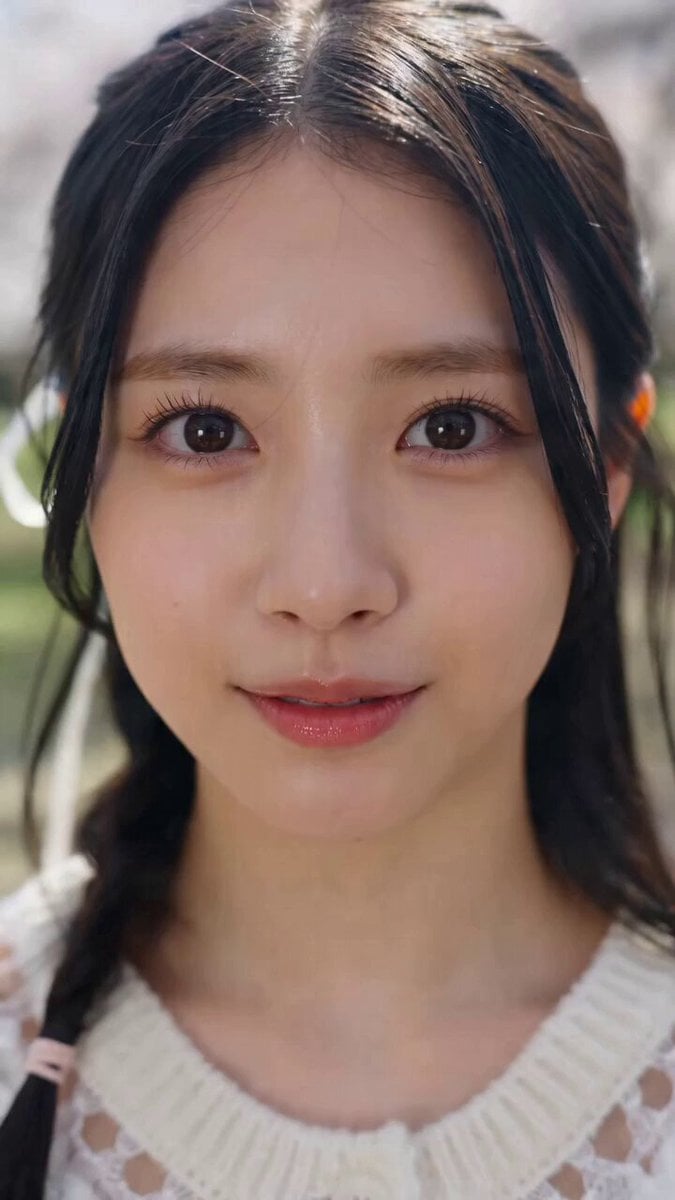
K-pop Style Dance MV in Tokyo
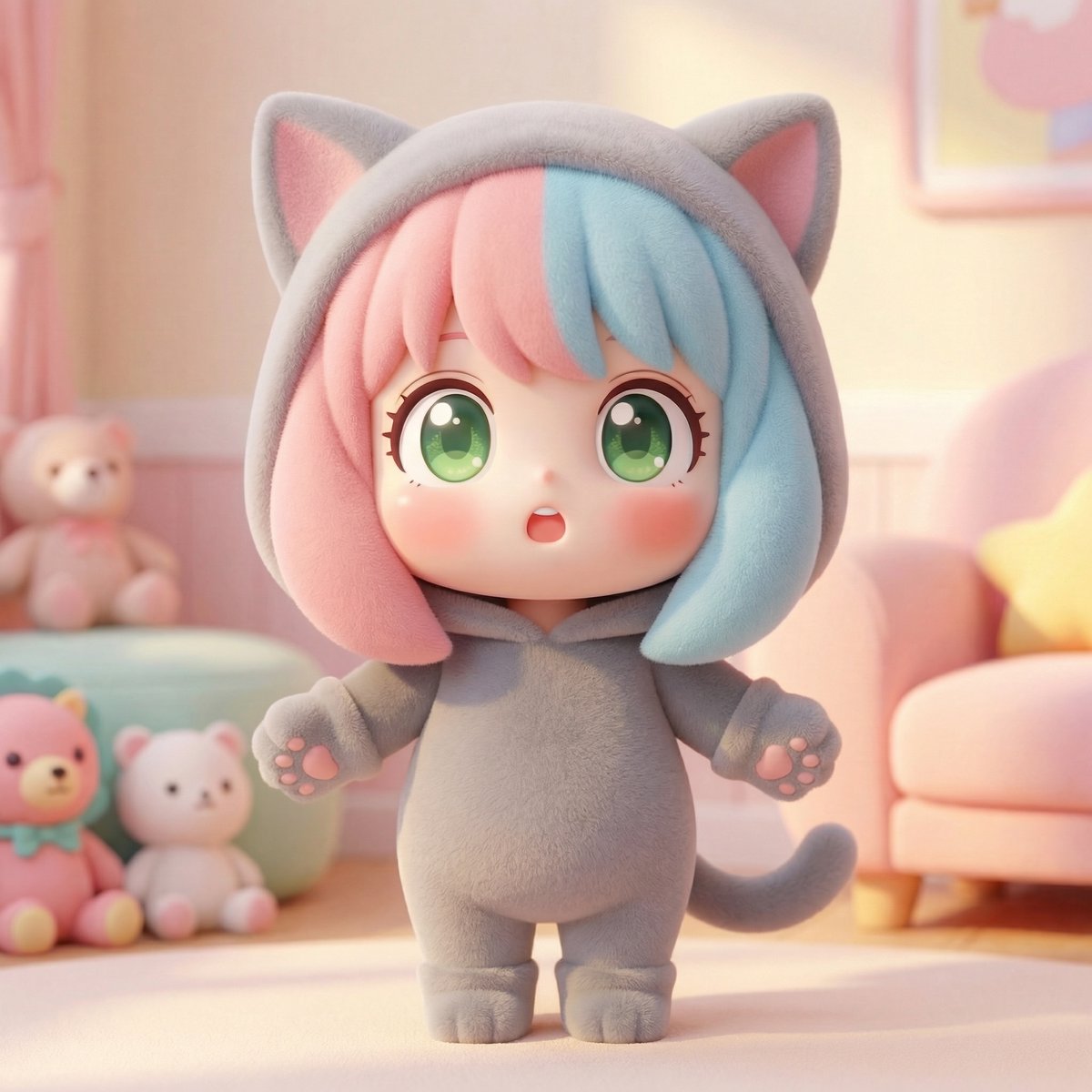
Chibi Fight in a Modern Living Room

Cosmic Sand Silhouette Transformation

Skiing Video Generation Prompt with Detailed Scene Breakdown
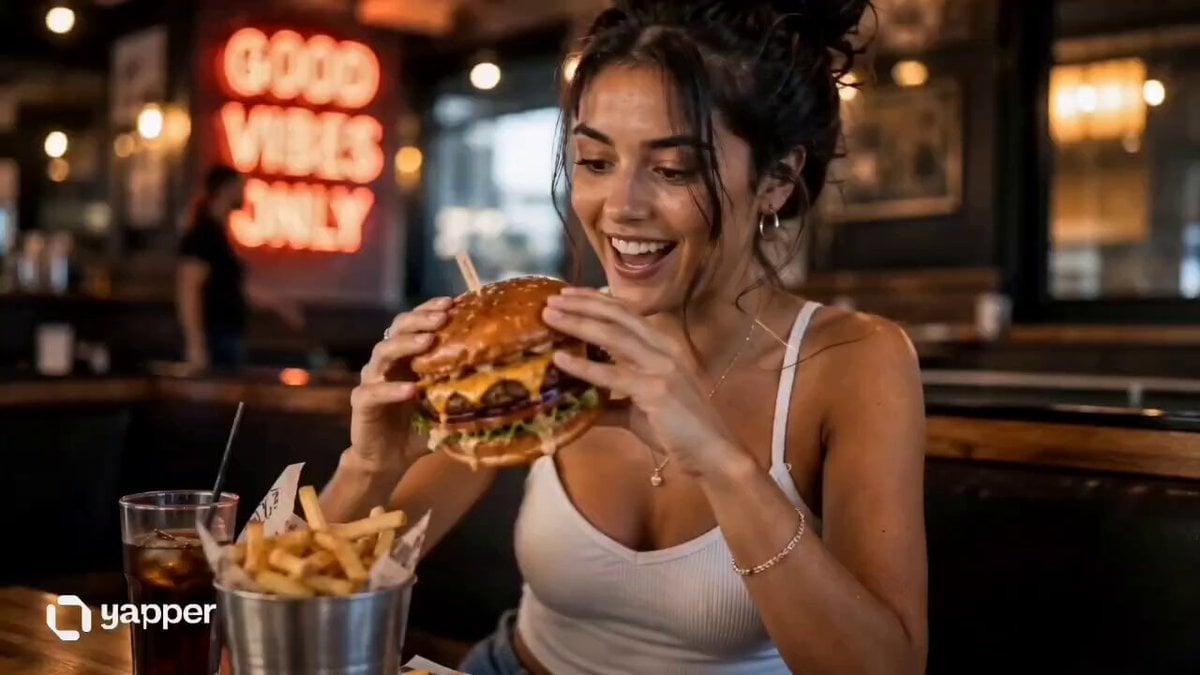
UGC Burger Review Animation
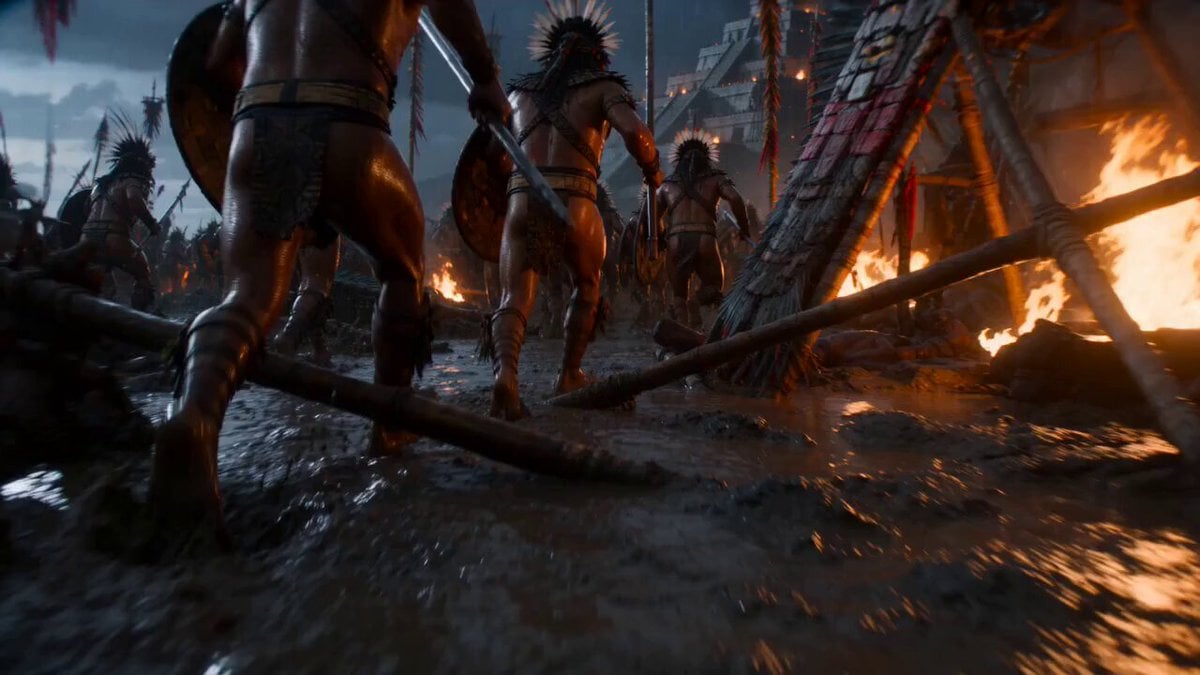
Cinematic War Rhythm Video Prompt
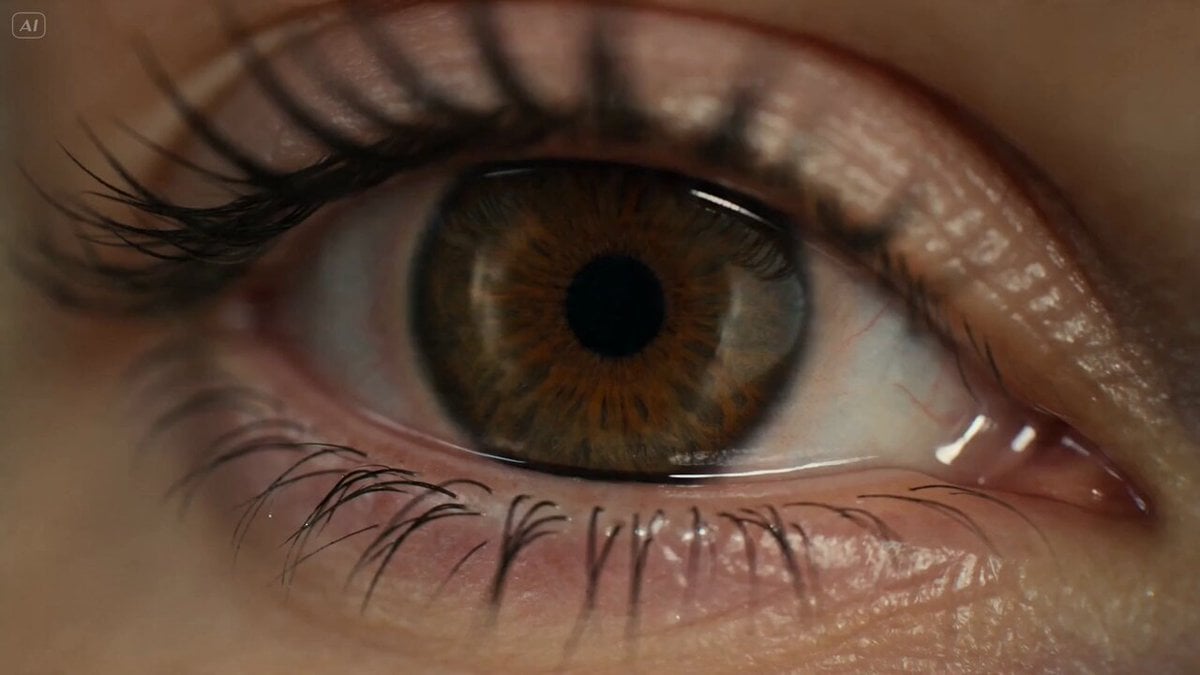
Surreal Eye Ocean Macro
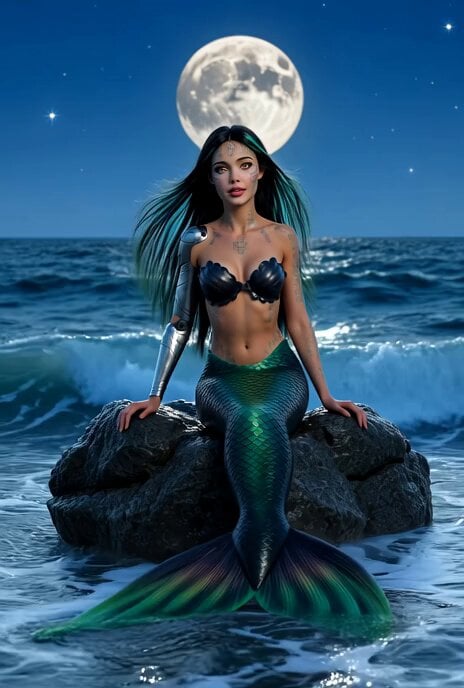
Ethereal Russian robot mermaid longing for land
Browse template categories
Abstract Tech Advertisement questions
How do I use the Abstract Tech Advertisement template?
Add your photo if the template asks for one, edit the prompt if you like — the template's model and format are already selected — and press Generate. Your version opens in PicX Studio.
Can I customize the Abstract Tech Advertisement template?
Yes. You can change the subject, setting, lighting, mood, format, and available model controls before creating your video.
Is the Abstract Tech Advertisement template free?
Opening and editing this template is free. Generating uses credits, shown on the Generate button when you are signed in.
Which AI model should I use?
Start with Grok Imagine, which is the model associated with this template. You can compare another compatible model for a different finish.
Looking for something else? Browse all templates.

Your photo, any look
Thousands of ready templates for every top image and video model, from one credit balance.