
Abstract time and entropy video prompt
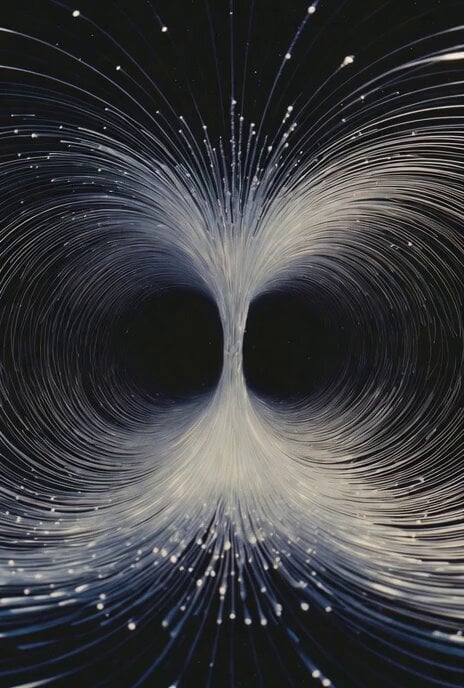
A highly abstract and poetic Grok Imagine prompt describing time pouring sideways, seconds stretching thin, and the arrow of entropy hesitating and forgetting direction.
- Prompt included
- Model and format preset
- Premium template
The prompt behind this video
Copy the exact prompt behind Abstract time and entropy video prompt, or open it in the studio and make it yours.
Time pours sideways through the field lines seconds stretched thin as magnetic flux, each tick a vector arrow pointing toward convergence or elegant divergence. the arrow of entropy hesitates, then forgets direction attraction becomes memory, repulsion becomes prophecy.
How to use Abstract time and entropy video prompt in 3 steps
- 1
Open
The prompt is already in the box next to the preview, with the template's model and format selected.
- 2…a portrait of your subject in softgolden-hour light, 85mm…
Personalize
Edit the subject and creative details for your destination.
- 3Generate
Generate
Press Generate — your video is created in PicX Studio, so you can compare it with the original and refine one variable at a time.
More like this
Templates with the same subject, style or setup. Open one to see its prompt.
Vintage Abstract Flappers Market
Lunar Home Time-Lapse
Abstract Intelligence Formal System
Abstract geometric flow around a void
Abstract fashion model made of lunch meat video prompt (truncated)
Futuristic Abstract City at Night
Grok Imagine video prompt for abstract liquid spectacle
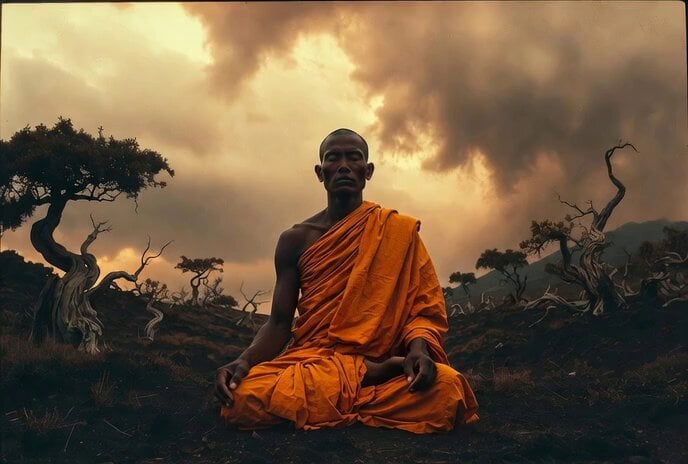
Weather Change Timelapse Video Prompt
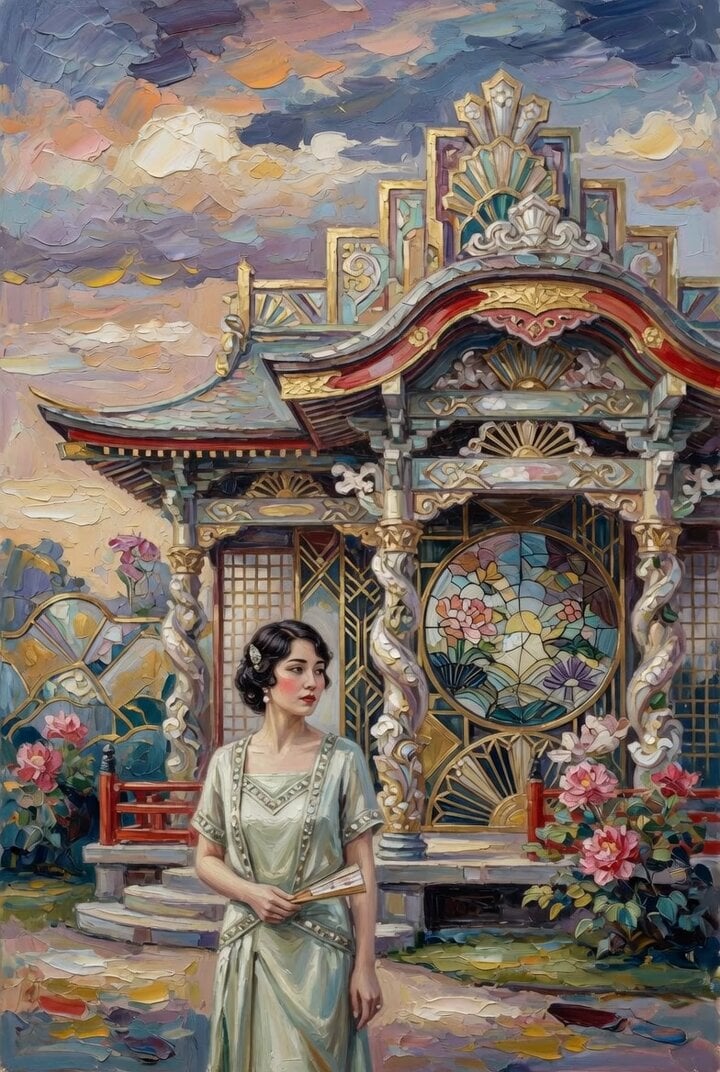
Woman at Abstract Pavilion Oil Painting Video
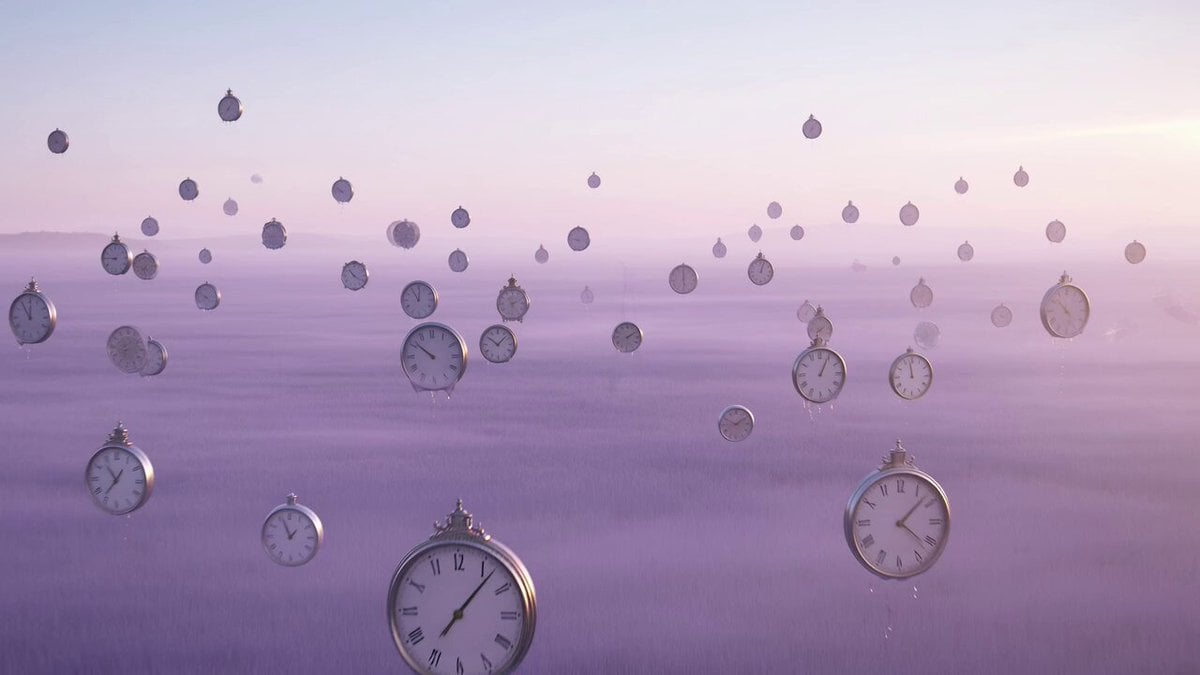
Surreal time-bending reverie video prompt
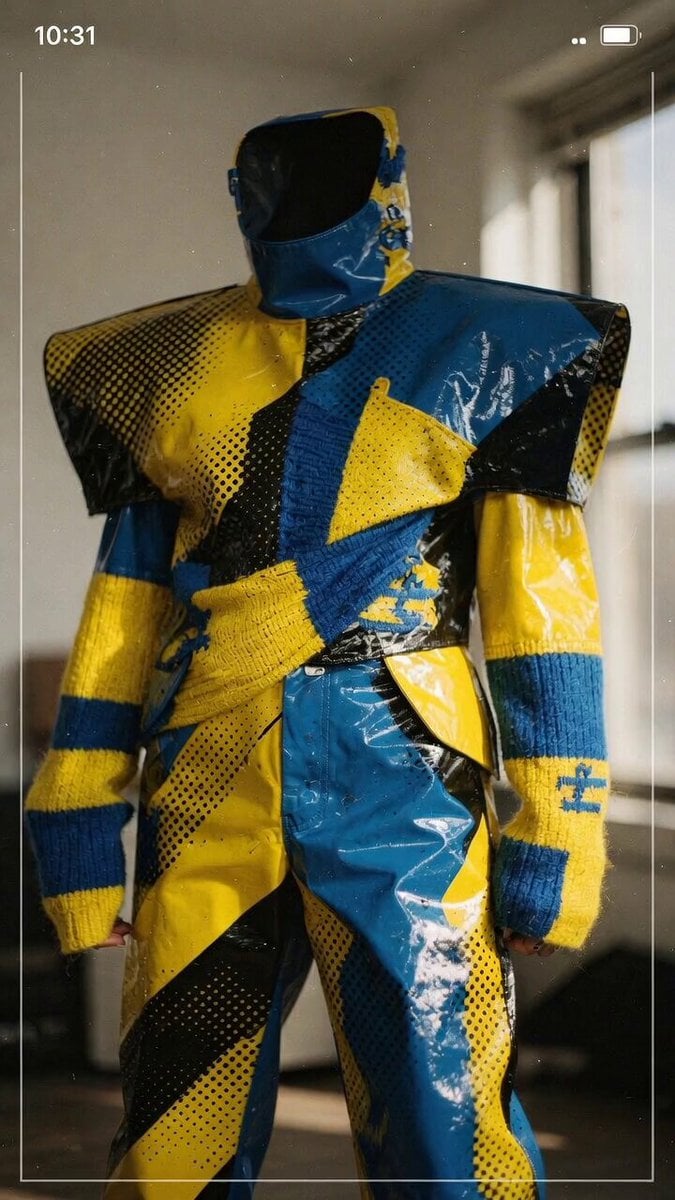
Abstract High Fashion Photo Prompt
Abstract Cinematic Lighting Video Prompt
Make it yours
Abstract time and entropy video prompt works as-is. These are the safest ways to change it without losing the look.
Change one field
Copy a single group, rewrite it, and generate again so you can see what that field is doing.
Keep the frame, change the subject
Hold the composition and light of Abstract time and entropy video prompt, then swap wardrobe, props or the person for a new take.
| If the result… | Why | Fix |
|---|---|---|
| The result drifts from the preview | Too many fields changed at once. | Reuse Abstract time and entropy video prompt as-is first, then change one group — subject, light, or setting. |
| The model over-stylizes the scene | The prose prompt leaves finish and camera underspecified. | Add one camera or lighting sentence and stay on Grok Imagine. |
More Grok Imagine templates
Other prompts made for Grok Imagine.

Psychedelic Purple Disc World Video

Mecha Runway Tap Dance Video Prompt
Quantum Inventor in Sonoran Desert

Emotional Angry Couple Drama
Train Zooming in Star Field Video Prompt

Cyberpunk Guerrilla Girl Video Generation

Detailed multi-part video prompt
Interior View Video Generation Prompt
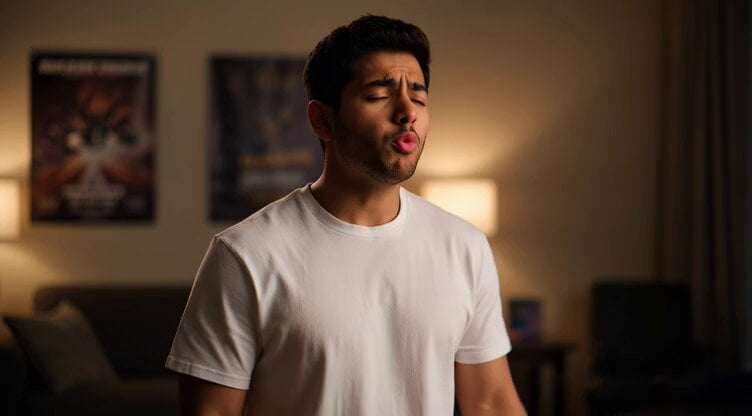
GTA 6 never came out in 1 million years

Bitcoin liferaft video prompt
More video prompts
Fresh picks from across the catalog.
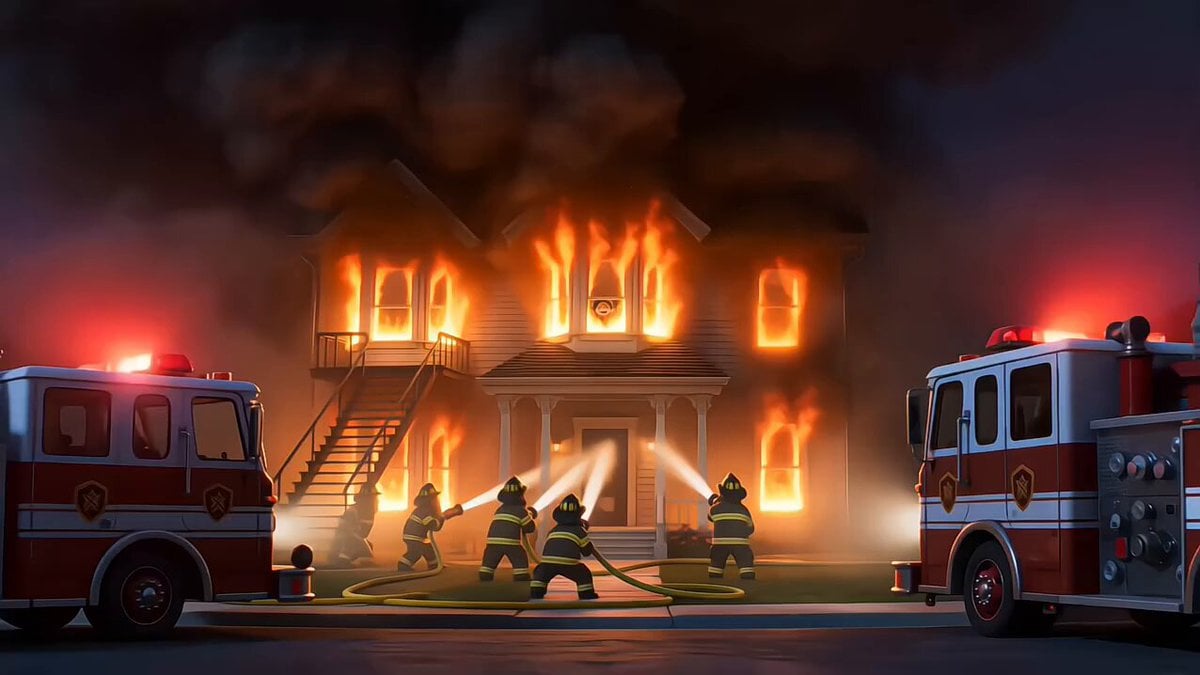
Cinematic Night Rescue Scene
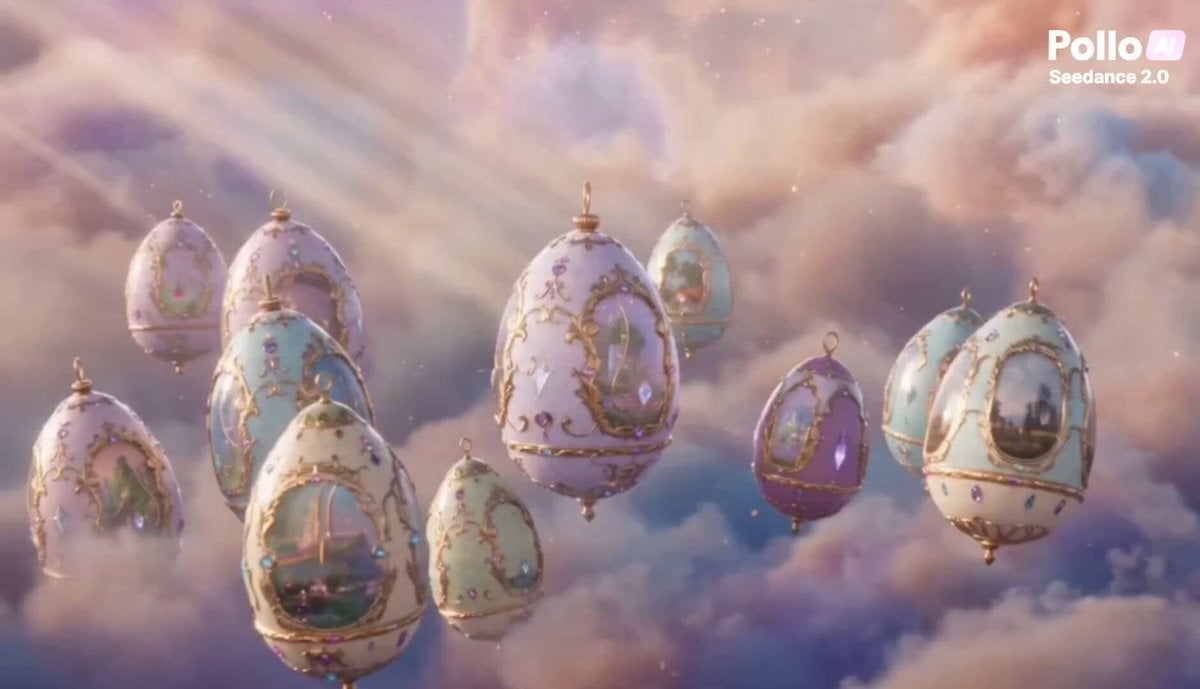
Enchanted Fabergé Easter Egg Video Prompt
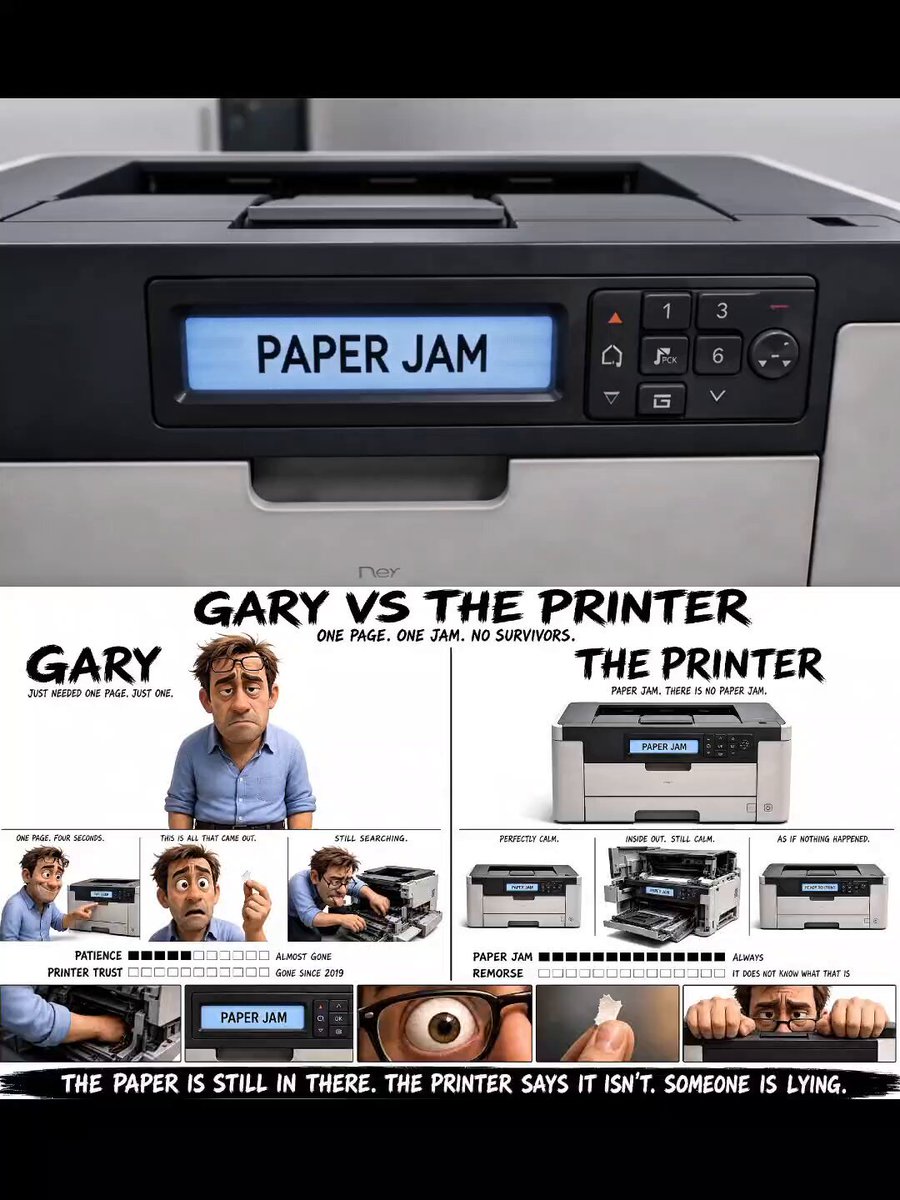
Office Copier Frustration Skit
OKX Alien Creature Cinematic Video Prompt for Seedance 2.0
Giant and Glowing Butterfly Story
Dialogue-Driven Realistic Scene with Ambient Sound Video

Universal Statistics Promotional Video Prompt
Surreal Dark Beauty Portrait
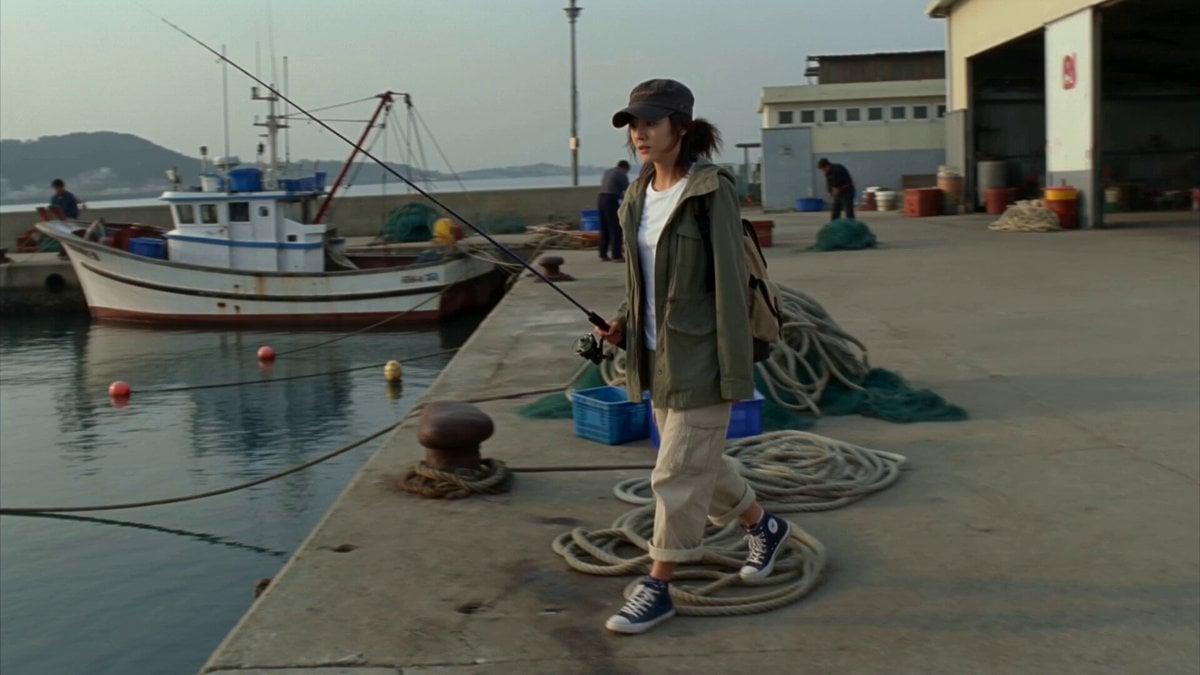
Retro MiniDV Busan Fishing Harbor Documentary
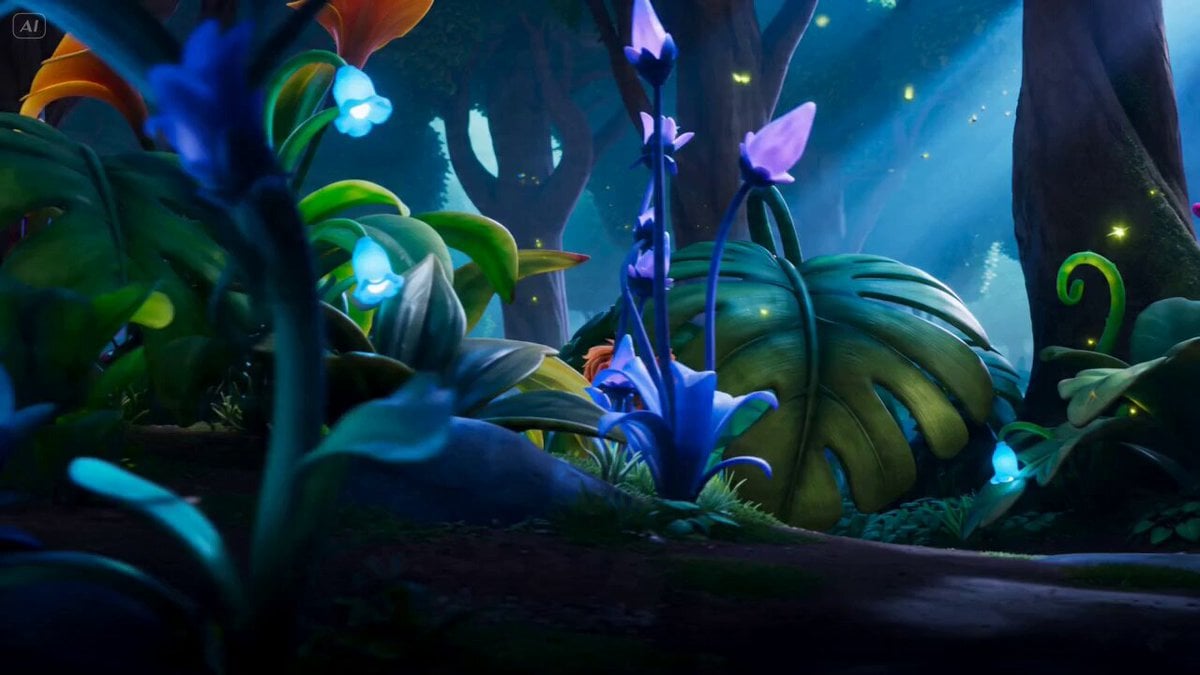
Seedance 2.0 Prompt: Cute Adventure Story
Browse template categories
Abstract time and entropy video prompt questions
How do I use the Abstract time and entropy video prompt template?
Add your photo if the template asks for one, edit the prompt if you like — the template's model and format are already selected — and press Generate. Your version opens in PicX Studio.
Can I customize the Abstract time and entropy video prompt template?
Yes. You can change the subject, setting, lighting, mood, format, and available model controls before creating your video.
Is the Abstract time and entropy video prompt template free?
Opening and editing this template is free. Generating uses credits, shown on the Generate button when you are signed in.
Which AI model should I use?
Start with Grok Imagine, which is the model associated with this template. You can compare another compatible model for a different finish.
Looking for something else? Browse all templates.

Your photo, any look
Thousands of ready templates for every top image and video model, from one credit balance.