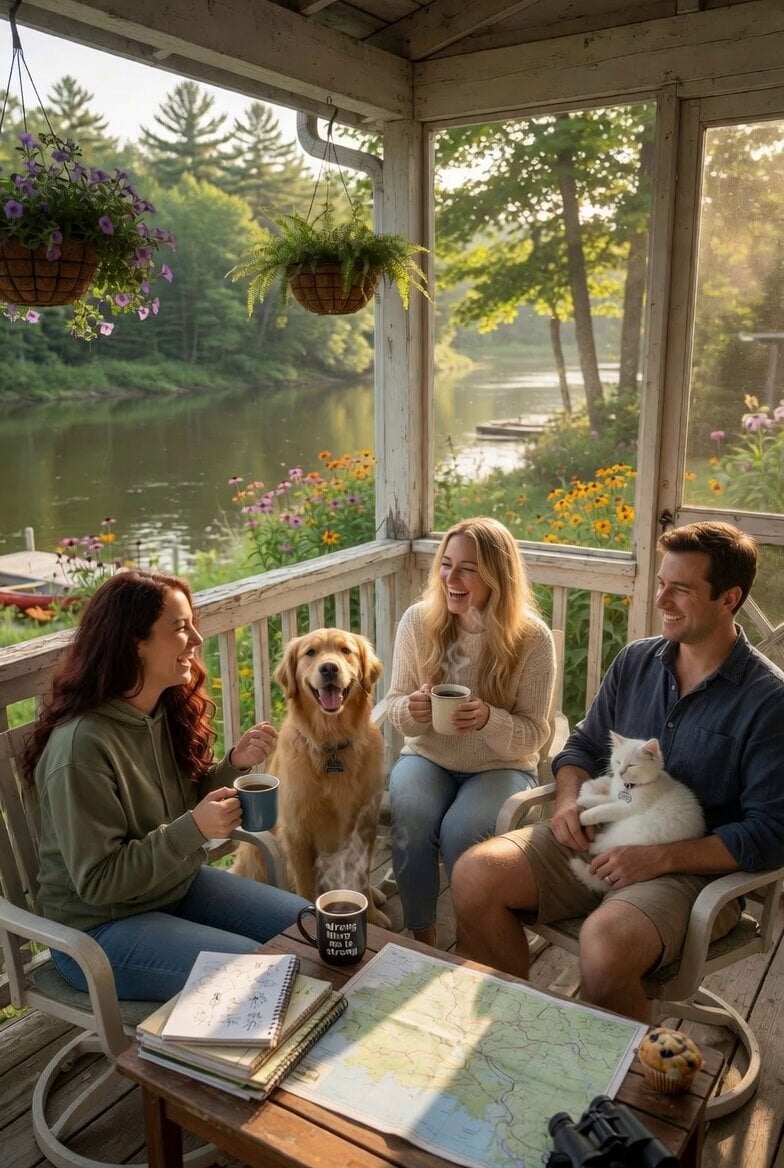
How do I use the Dialogue-Driven Realistic Scene with Ambient Sound Video template?
Edit the prompt in the box under the preview — the template's model and format are already selected — and press Generate. Your version appears right on this page.
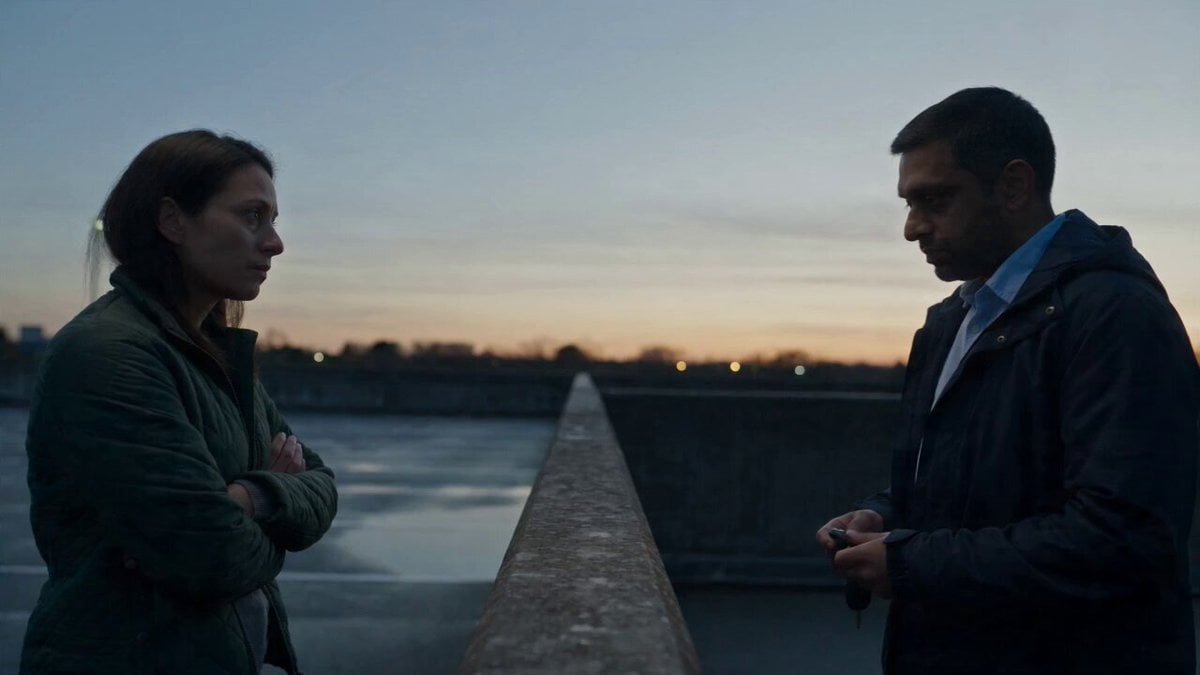
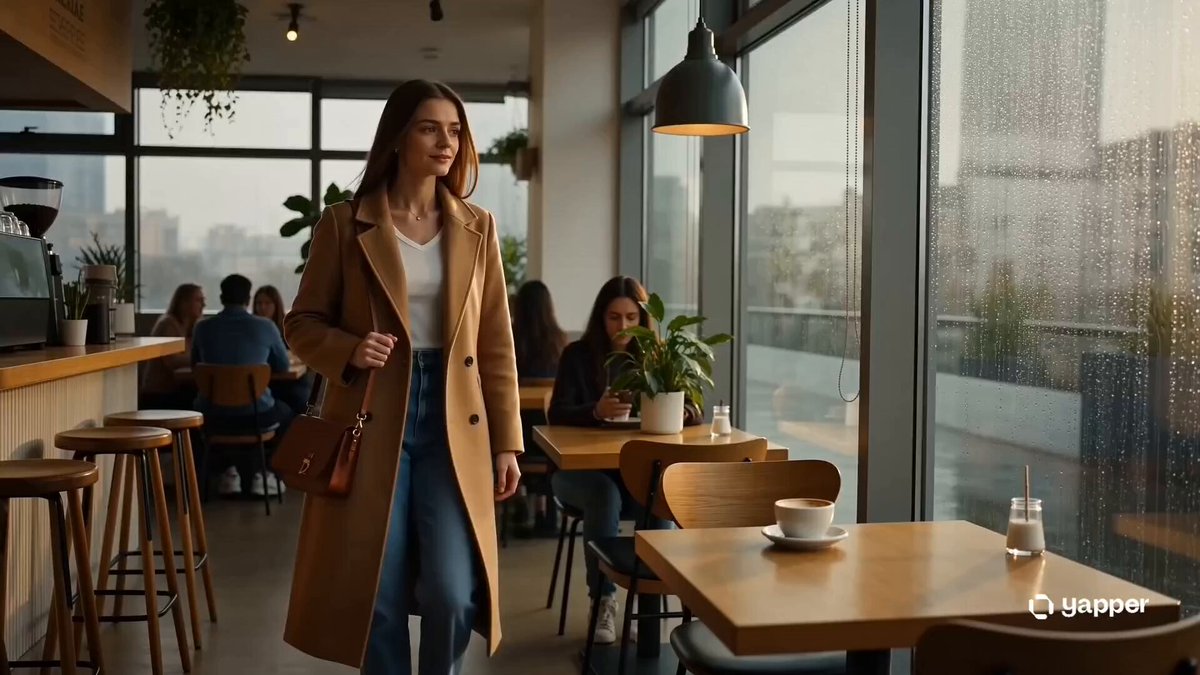
A Grok Imagine prompt requesting a realistic video scene with a man and a woman talking, specifying no background music, only natural ambient sounds like equipment humming and footsteps, focusing on dialogue-driven…
不要背景音樂,但有場景,男女之間有對話 No background music. Natural ambient sounds only (equipment humming, light mechanical noise, footsteps). A realistic scene with a man and a woman talking to each other. Dialogue-driven interaction in a natural environmen
不要背景音樂,但有場景,男女之間有對話 No background music. Natural ambient sounds only (equipment humming, light mechanical noise, footsteps). A realistic scene with a man and a woman talking to each other. Dialogue-driven interaction in a natural environmen
Edit the prompt in the box under the preview — the template's model and format are already selected — and press Generate. Your version appears right on this page.
Yes. You can change the subject, setting, lighting, mood, format, and available model controls before creating your video.
Opening and editing this template is free. Generating uses credits, shown on the Generate button when you are signed in.
Start with Grok Imagine, which is the model associated with this template. You can compare another compatible model for a different finish.
Follow a topic to a crawlable collection of related PicX Studio templates.