
Stone Humanoid Stop Motion Animation
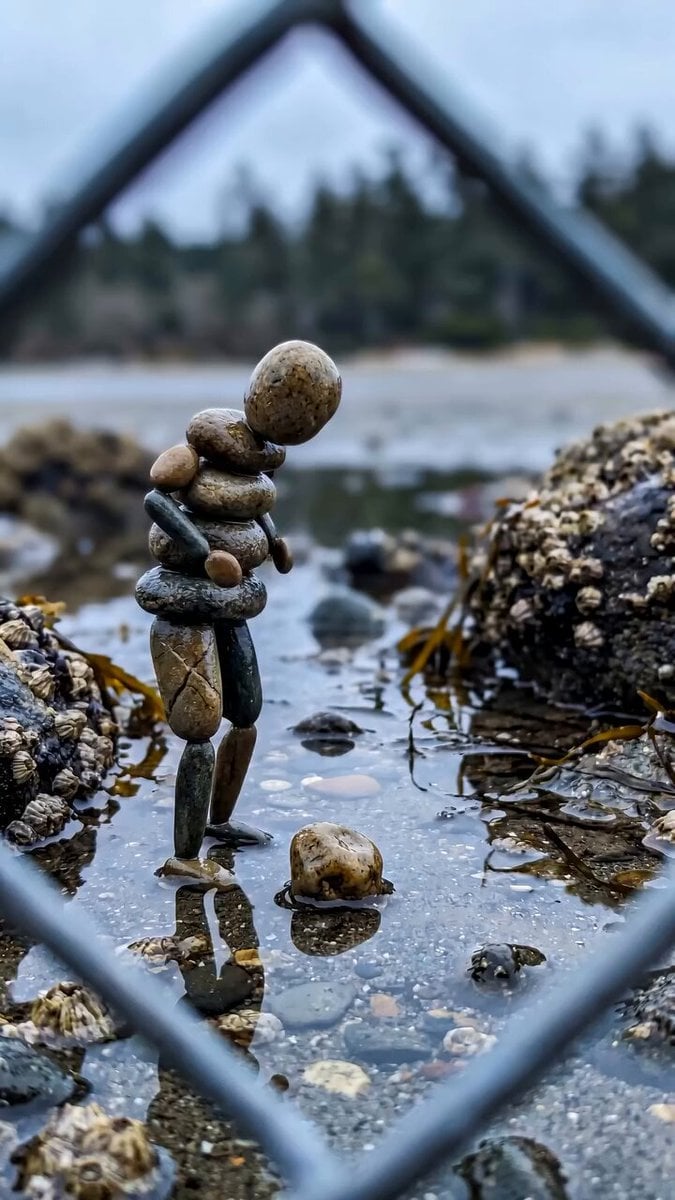
A detailed prompt for creating a cinematic stop-motion animation featuring a stone figure coming to life on a seashore, with focus on physics and texture.
- Prompt included
- Model and format preset
- Free template
The prompt behind this video
Copy the exact prompt behind Stone Humanoid Stop Motion Animation, or open it in the studio and make it yours.
Create a 21-second vertical 9:16 cinematic stop-motion animation. A tiny humanoid figure made entirely from naturally shaped smooth beach stones comes to life in a shallow tidal pool on a rocky seashore. Each body part is constructed from individual stones—large oval stone as the head, stacked rounded stones for the torso, smaller stones forming arms and legs. The scene is filmed through a slightly out-of-focus chain-link fence, creating a natural foreground frame. Behind the character is a calm shoreline, shallow seawater, barnacle-covered rocks, seaweed, and a softly blurred forest under an overcast sky. Photorealistic textures, natural muted colors, shallow depth of field, realistic water reflections. Animation: The stone figure slowly balances itself and begins moving like a playful little human. It shifts its weight, raises one leg, bends its knees, swings its stone arms, and performs a quirky little dance while carefully maintaining balance on the wet surface. Tiny ripples form beneath every footstep, and its reflection moves naturally in the water. The movements should feel hand-crafted stop-motion, slightly imperfect but believable, with realistic stone physics and weight. Toward the final seconds, the figure loses its balance, stumbles, and collapses naturally, with the individual stones separating and tumbling onto the shallow wet ground. The character completely disassembles into ordinary stones. End with the camera holding on the scattered stones and their reflections. Camera: locked-off smartphone-style vertical composition, subtle natural camera movement, medium-full shot, low angle close to water level, strong foreground bokeh from the fence, cinematic depth of field. Lighting: soft diffused daylight, overcast coastal atmosphere, realistic reflections and wet stone highlights. Style: ultra-realistic live-action environment + whimsical photorealistic stone stop-motion character, tactile stone textures, physically believable movement, cinematic macro photography, no CGI-looking surfaces, no text, no humans. Negative prompt: cartoon, plastic-looking stones, exaggerated facial features, smooth CGI character, floating objects, unrealistic physics, extra limbs, changing environment, camera cuts, text, watermark, oversaturated colors.
How to use Stone Humanoid Stop Motion Animation in 3 steps
- 1
Open
The prompt is already in the box next to the preview, with the template's model and format selected.
- 2…a portrait of your subject in softgolden-hour light, 85mm…
Personalize
Edit the subject and creative details for your destination.
- 3Generate
Generate
Press Generate — your video is created in PicX Studio, so you can compare it with the original and refine one variable at a time.
More like this
Templates with the same subject, style or setup. Open one to see its prompt.
Stop-Motion Chip Stacking Animation
Stop Motion Animation Prompt
Clay Stop-Motion Animation Template
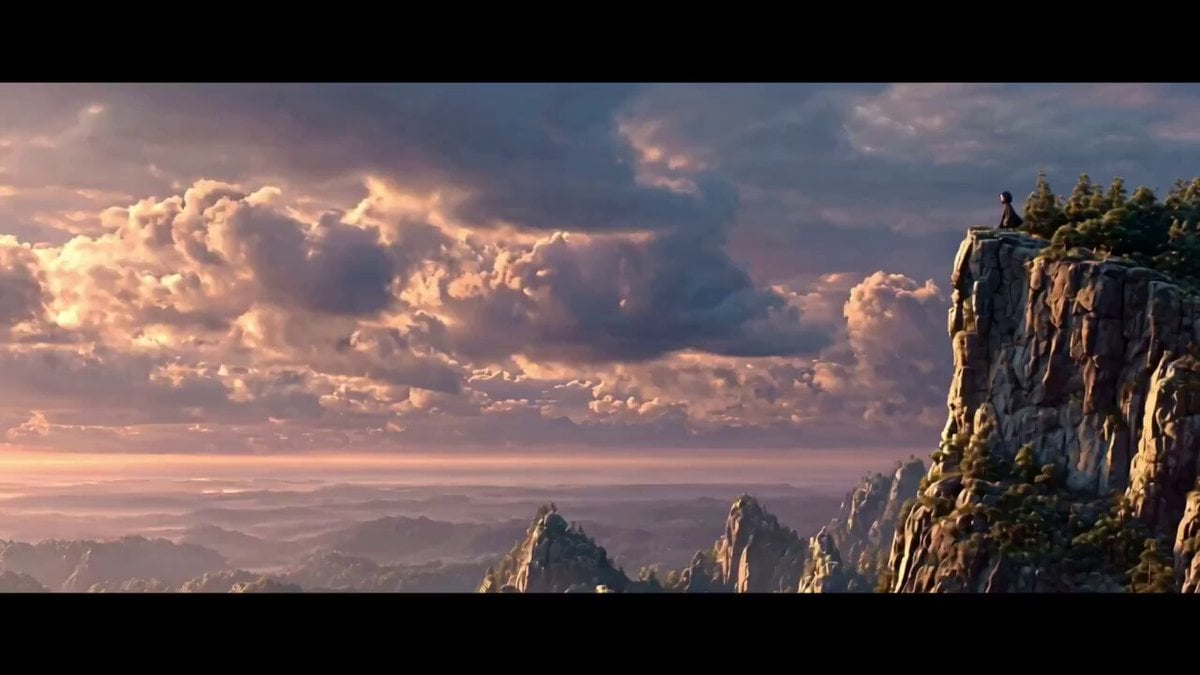
Stop Motion Miniature Animation

Stop Motion Paper Craft Assembly Animation
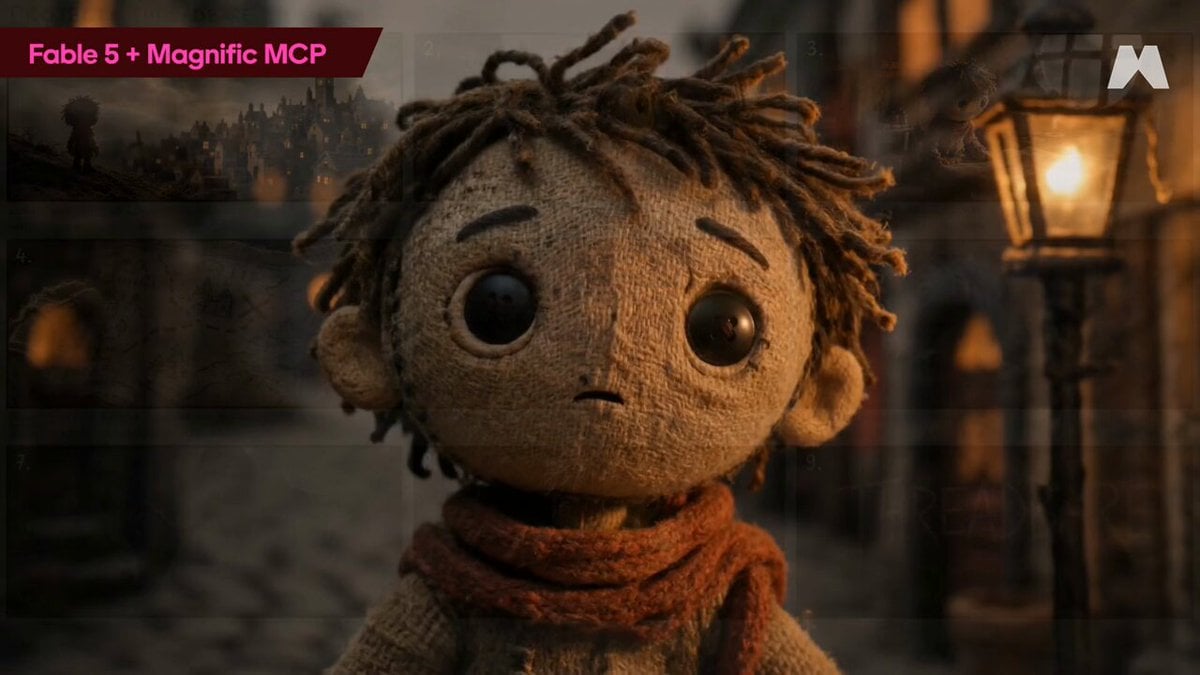
Stop-Motion Burlap Animation
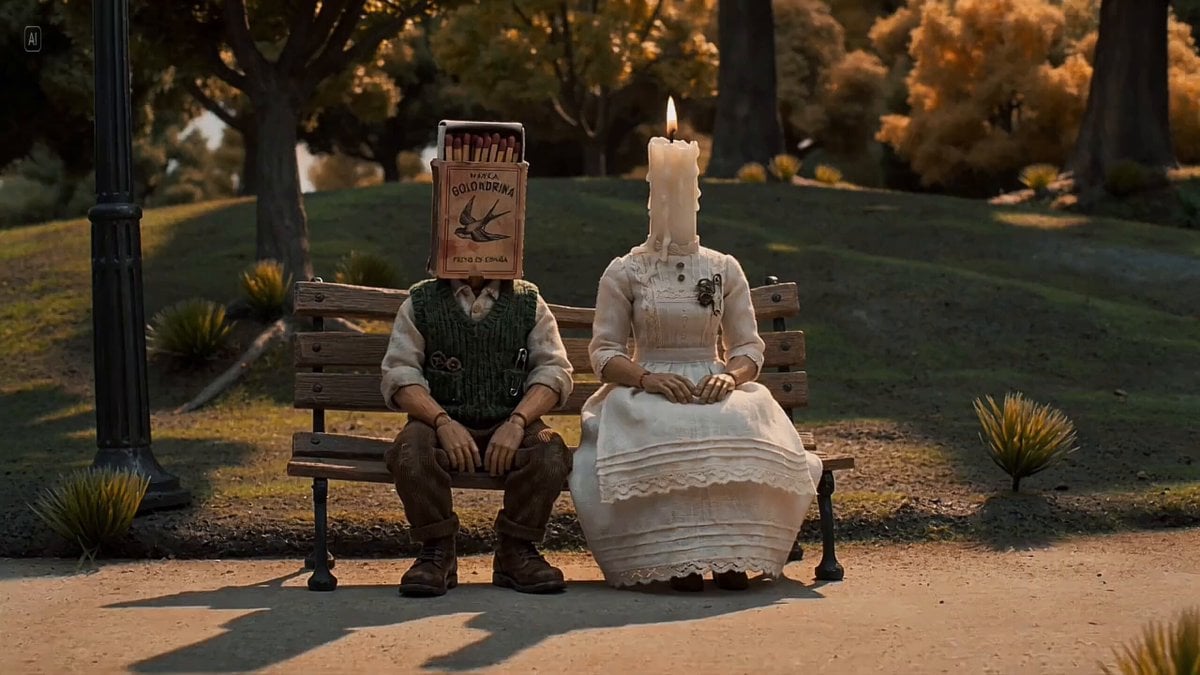
The Saddest Story Told in Stop-Motion Clay Animation
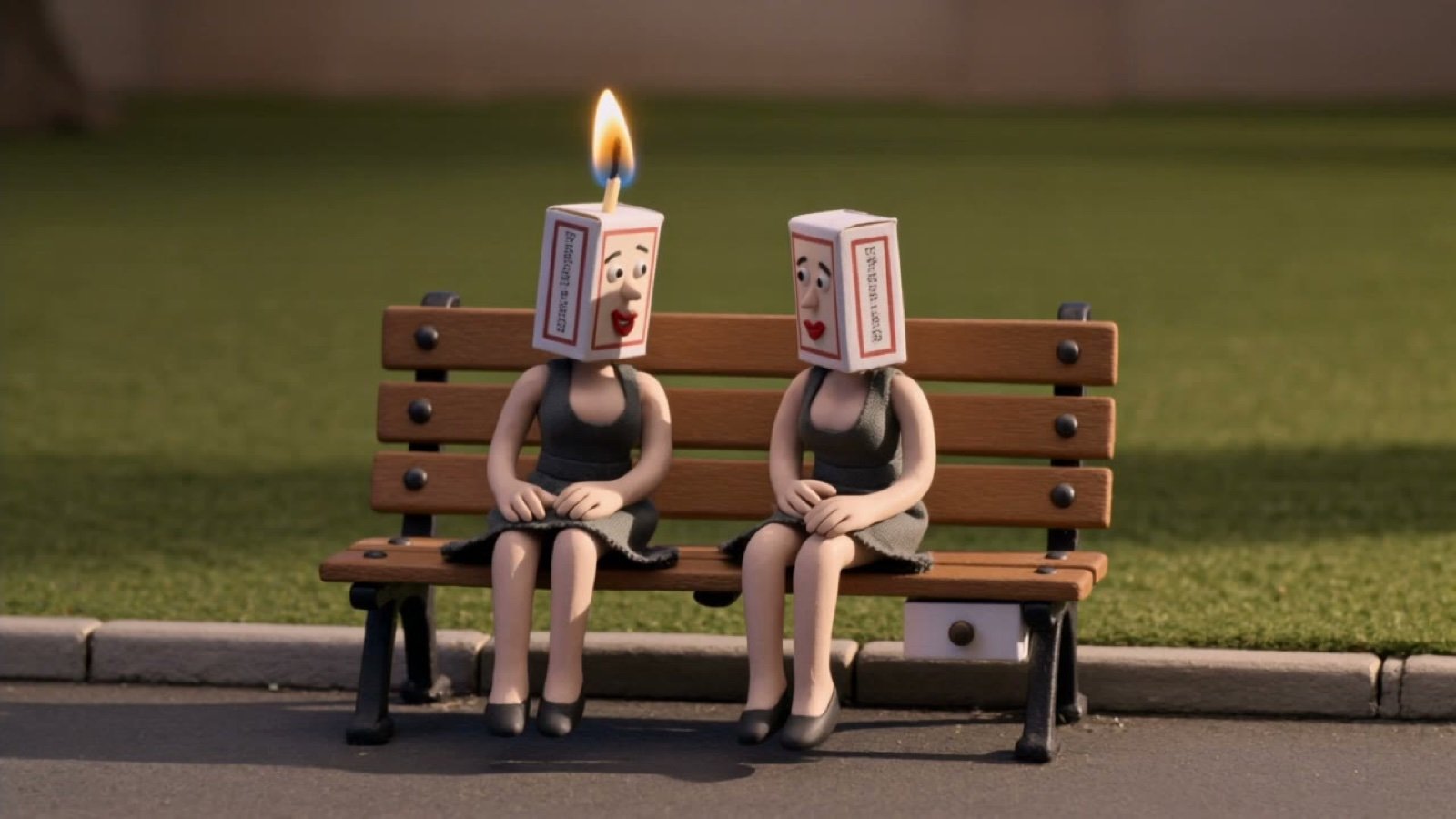
Stop-Motion Clay Animation Story Prompt
Stop-Motion Claymation Nutella Cafe
Slow-Motion 90s Diner Explosion - Seedance 2.5
3D Glossy Fairy Animation - Seedance 2.5
Food Summoning POV Stop-Motion Video
Make it yours
Stone Humanoid Stop Motion Animation works as-is. These are the safest ways to change it without losing the look.
Change one field
Copy a single group, rewrite it, and generate again so you can see what that field is doing.
Keep the frame, change the subject
Hold the composition and light of Stone Humanoid Stop Motion Animation, then swap wardrobe, props or the person for a new take.
| If the result… | Why | Fix |
|---|---|---|
| The result drifts from the preview | Too many fields changed at once. | Reuse Stone Humanoid Stop Motion Animation as-is first, then change one group — subject, light, or setting. |
| The model over-stylizes the scene | The prose prompt leaves finish and camera underspecified. | Add one camera or lighting sentence and stay on Seedance 2.0. |
More Seedance 2.0 templates
Other prompts made for Seedance 2.0.

Comical Martial Arts Punch Scene

Maglev Train Action Sequence

Martial Arts Fight Sequence

Wuxia Protection and Trust Script

Vintage Korean Arcade MiniDV Vlog

Mercedes 190 SL Luxury Ad

Rainy Night Supernatural Reverse Comedy Video Script

Amazon Civilization Discovery

Futuristic South Asian City Transformation

Cozy Luxury Cafe Commercial
More video prompts
Fresh picks from across the catalog.
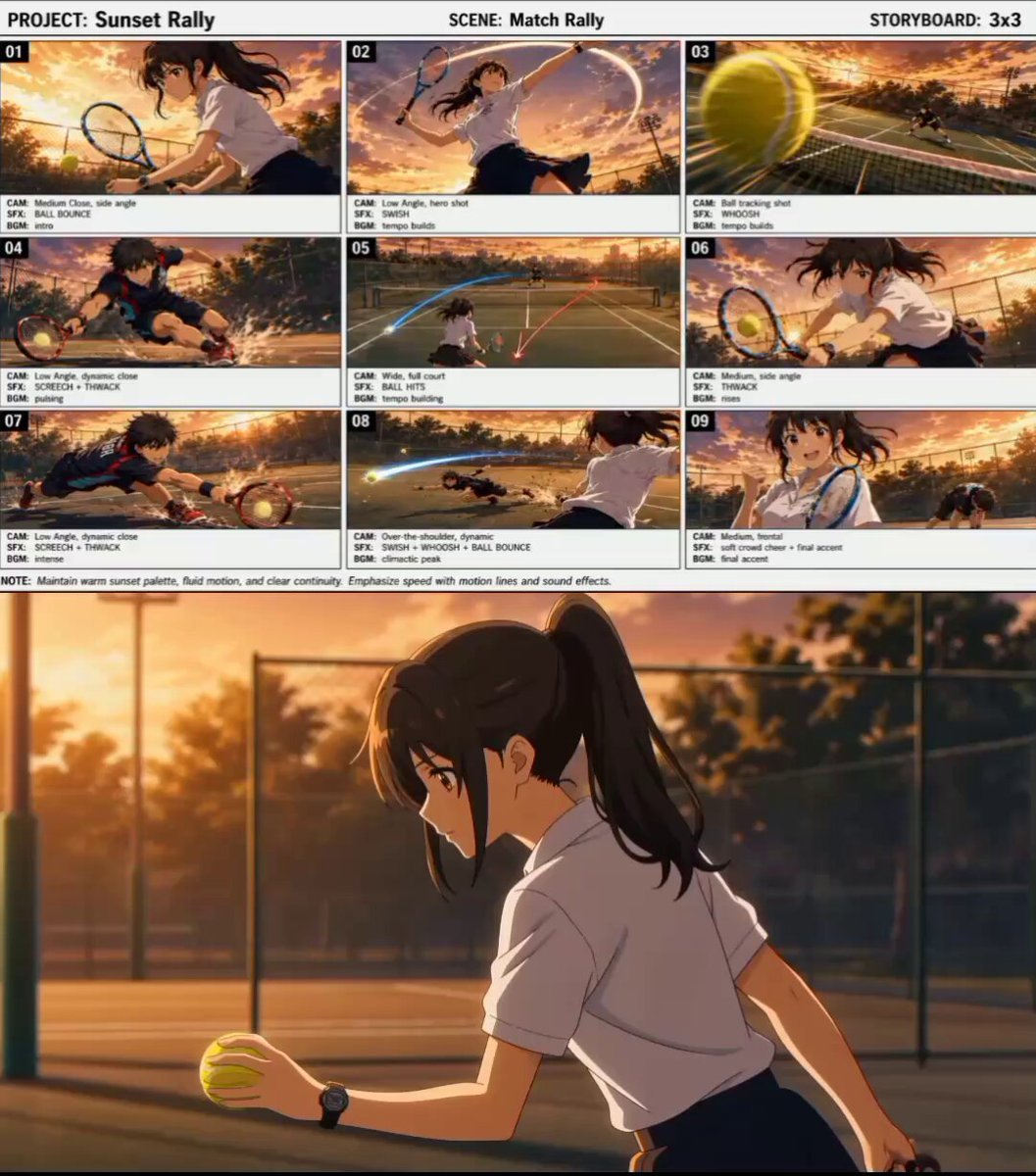
Cinematic Anime Tennis Match
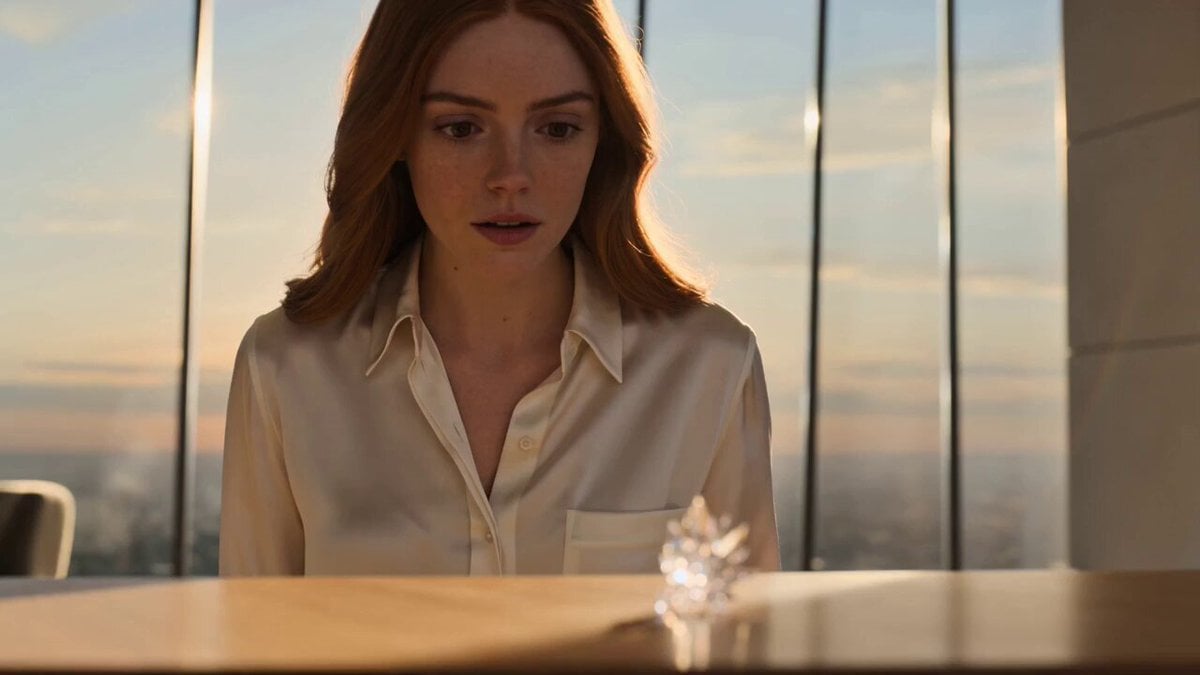
Futuristic Crystalline AI Creature Interaction
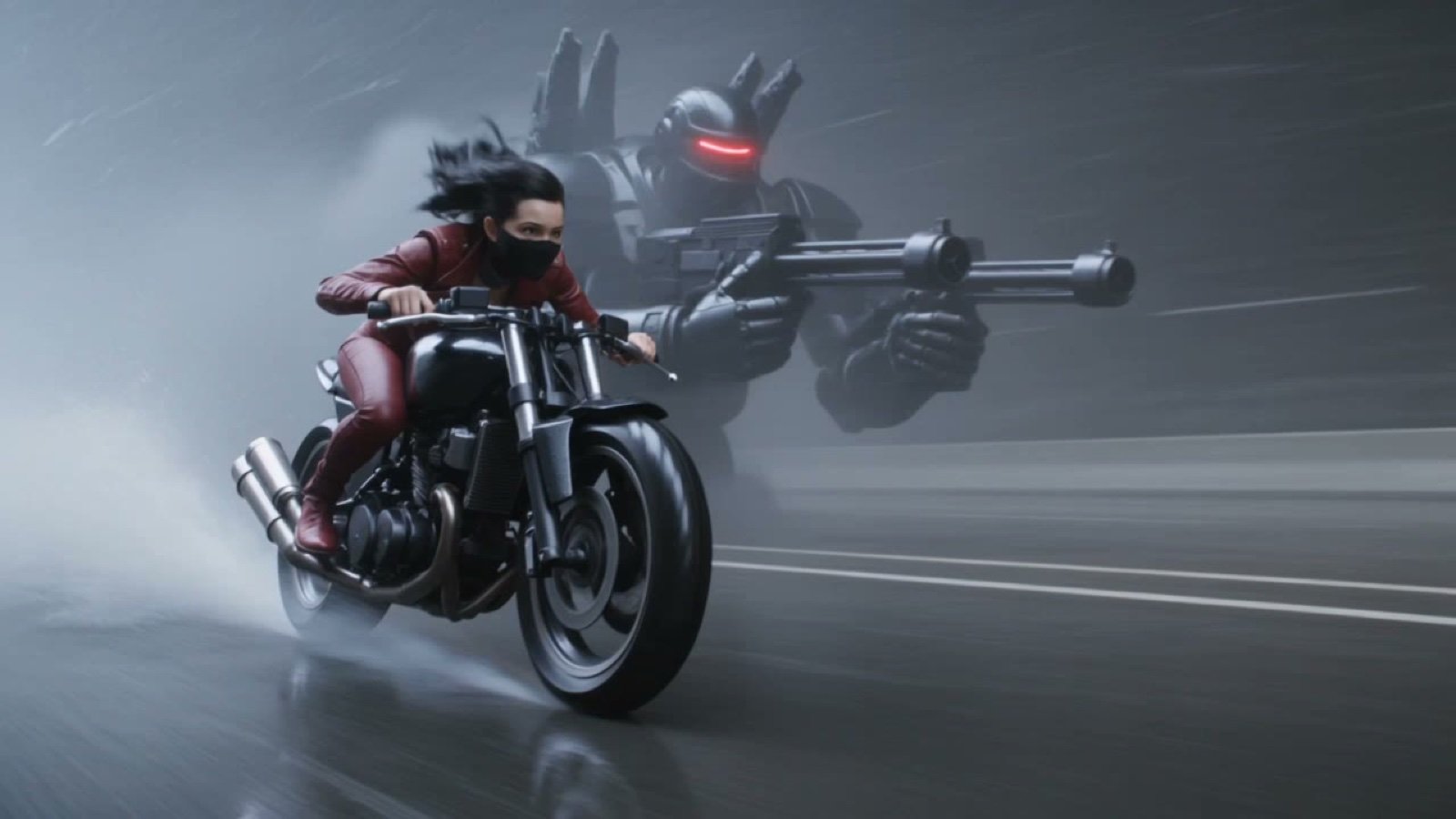
Photorealistic Cyberpunk Motorcycle-Robot Chase in Heavy Rain
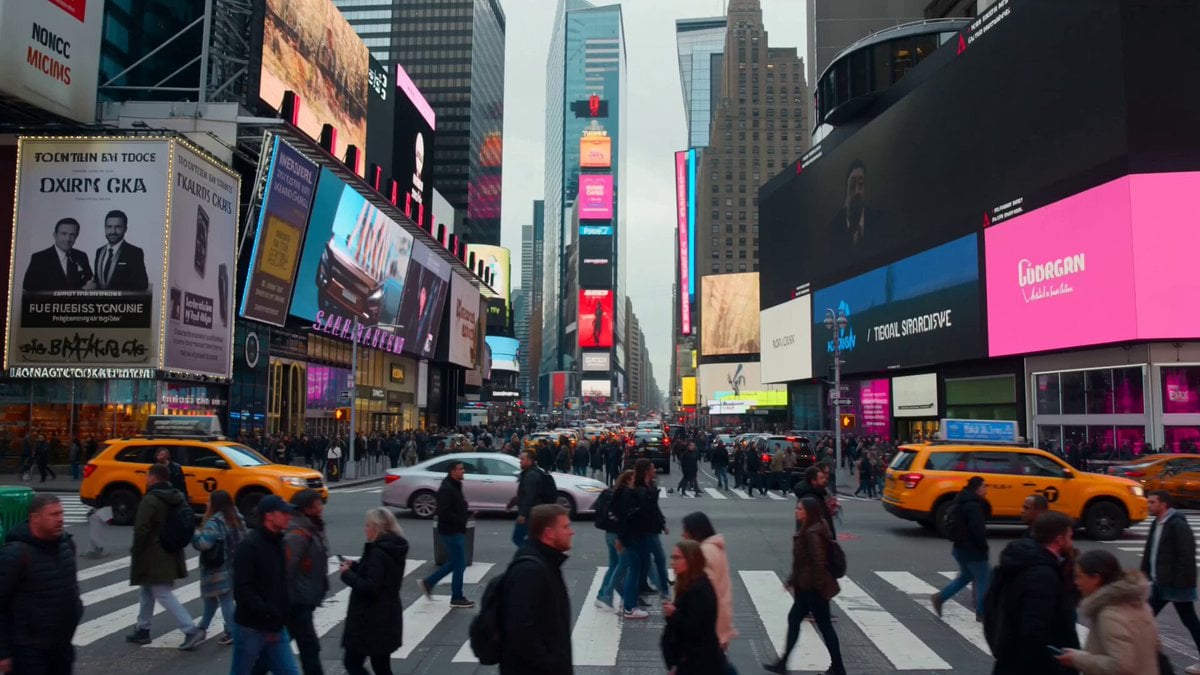
Monochrome to Color Transition Sequence
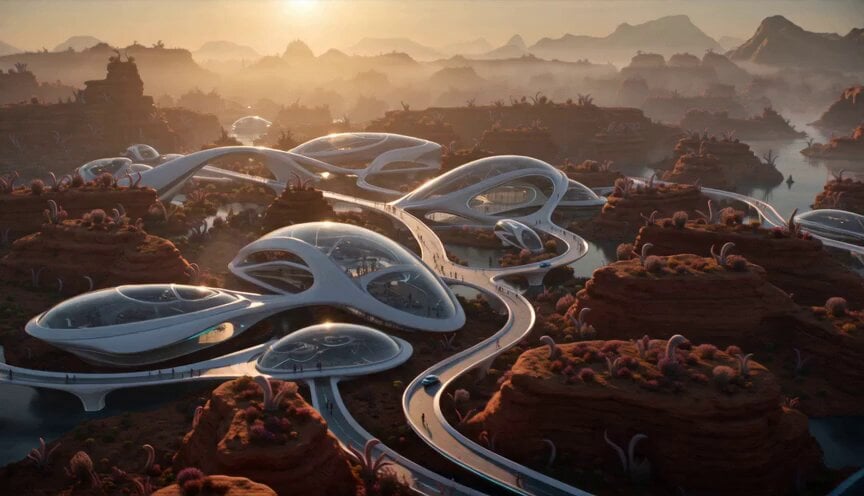
Alien Planet Morning Routine
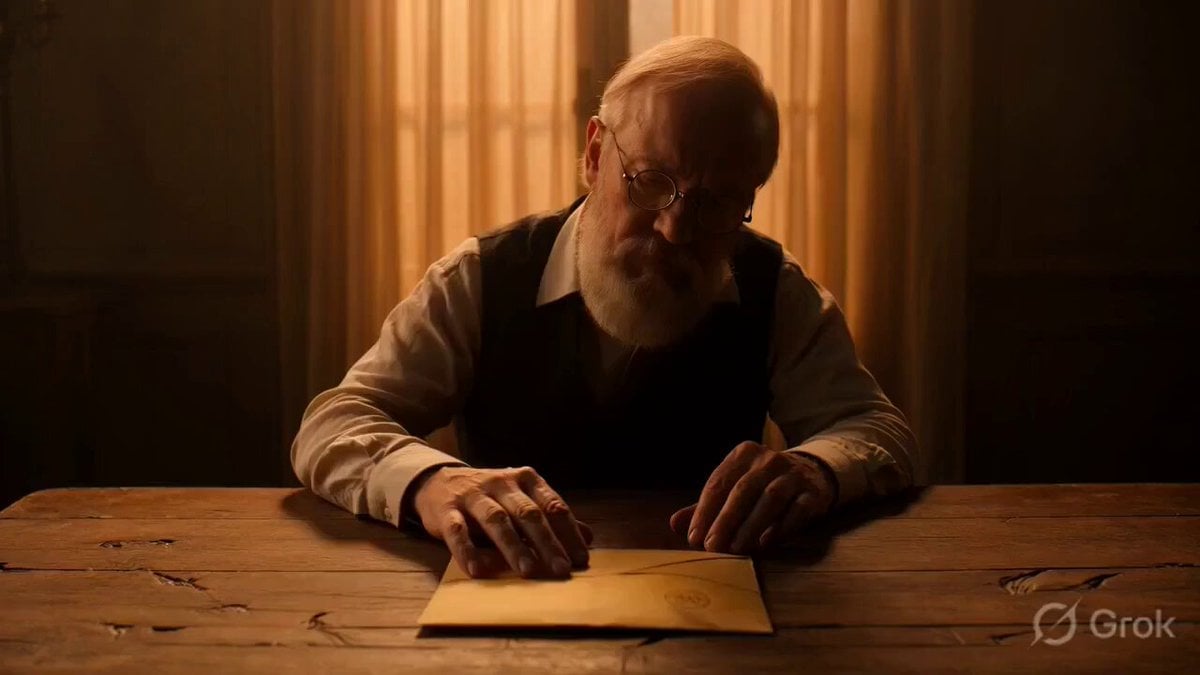
Multi-scene video prompt for a short film about a letter and a memory
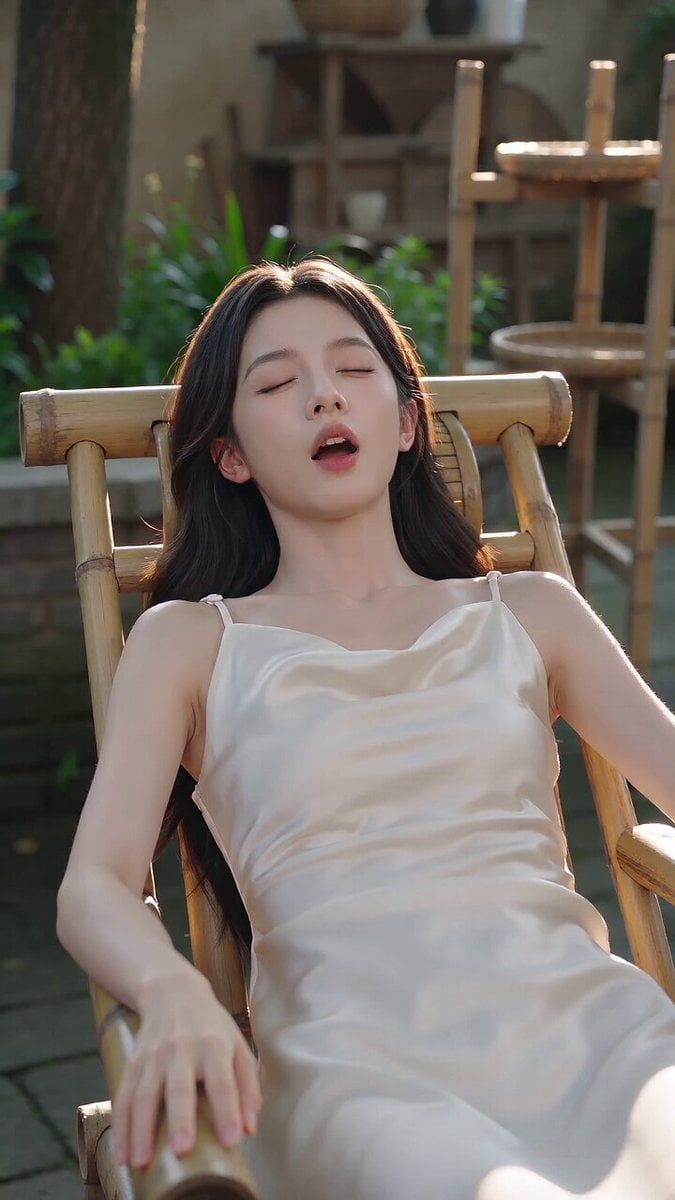
Funny Farmyard Hen Surprise
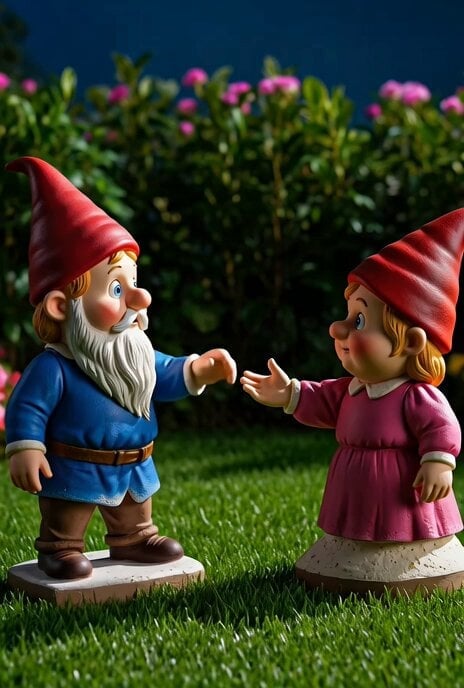
Magical Garden Gnomes Video
Luxury Skincare Commercial 3D Animation

Italian Espresso Coffee Commercial
Browse template categories
Stone Humanoid Stop Motion Animation questions
How do I use the Stone Humanoid Stop Motion Animation template?
Add your photo if the template asks for one, edit the prompt if you like — the template's model and format are already selected — and press Generate. Your version opens in PicX Studio.
Can I customize the Stone Humanoid Stop Motion Animation template?
Yes. You can change the subject, setting, lighting, mood, format, and available model controls before creating your video.
Is the Stone Humanoid Stop Motion Animation template free?
Opening and editing this template is free. Generating uses credits, shown on the Generate button when you are signed in.
Which AI model should I use?
Start with Seedance 2.0, which is the model associated with this template. You can compare another compatible model for a different finish.
Looking for something else? Browse all templates.

Your photo, any look
Thousands of ready templates for every top image and video model, from one credit balance.