How do I use the Stop-Motion Clay Animation Story Prompt template?
Edit the prompt in the box under the preview — the template's model and format are already selected — and press Generate. Your version appears right on this page.
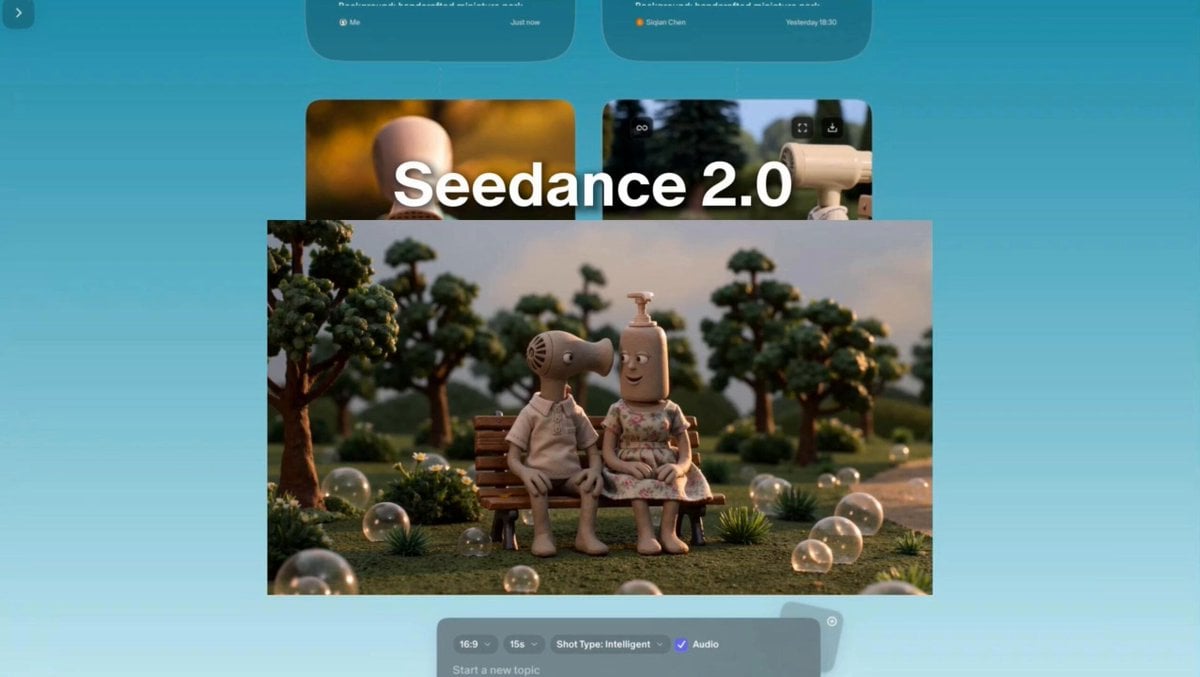
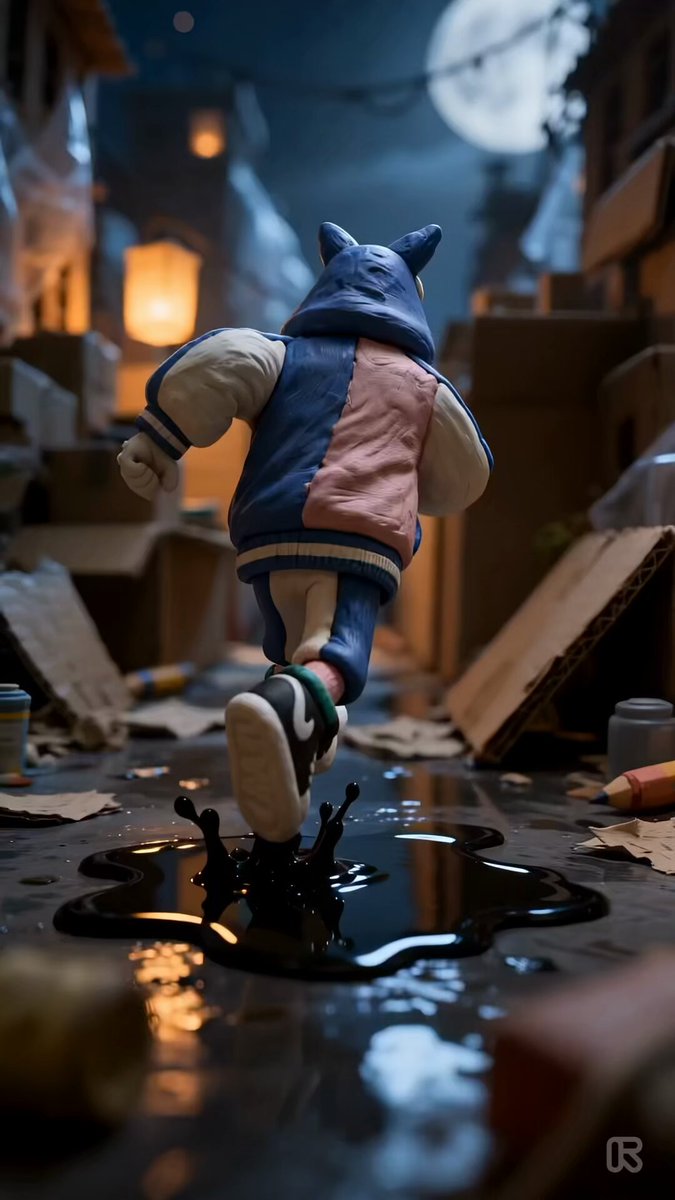
A multi-shot prompt for Seedance 2.0 designed to generate a stop-motion clay animation video with tactile materials and real fabric.
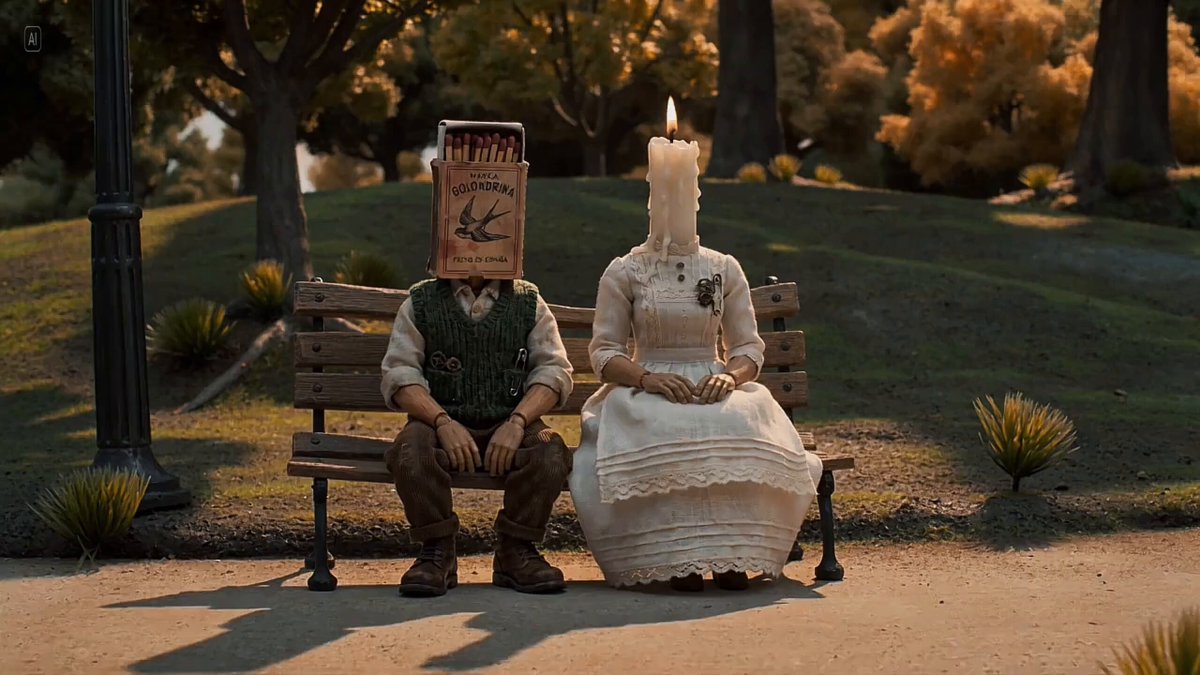
Stop-motion clay animation with handcrafted tactile materials and real fabric, set under warm afternoon park lighting. Wide shot: a clay figure with a matchbox head and a clay figure with a lit candle head sit together on a real tiny park bench, mid-conversation. The candle flame flickers gently, the matchbox drawer is slightly open, and they appear close and relaxed. [cut] A distant rumble. Both heads turn. [cut] Close-up: a clay figure with a fire extinguisher head rolls in on a real tiny motorcycle, pressure gauge redlined, nozzle tilted back, and one hand loose on the handlebar. He stops and says nothing. [cut] Close-up of the candle head: the flame doubles in size instantly and wax drips straight down. [cut] Wide shot: the candle stands up, smooths her skirt, and gets on the back of the motorcycle without looking back. The motorcycle pulls away. [cut] Close-up of the matchbox head: alone on the bench, the little drawer slides open and all the matches slowly fall out one by one onto the ground.
Stop-motion clay animation with handcrafted tactile materials and real fabric, set under warm afternoon park lighting. Wide shot: a clay figure with a matchbox head and a clay figure with a lit candle head sit together on a real tiny park bench, mid-conversation. The candle flame flickers gently, the matchbox drawer is slightly open, and they appear close and relaxed. [cut] A distant rumble. Both heads turn. [cut] Close-up: a clay figure with a fire extinguisher head rolls in on a real tiny motorcycle, pressure gauge redlined, nozzle tilted back, and one hand loose on the handlebar. He stops and says nothing. [cut] Close-up of the candle head: the flame doubles in size instantly and wax drips straight down. [cut] Wide shot: the candle stands up, smooths her skirt, and gets on the back of the motorcycle without looking back. The motorcycle pulls away. [cut] Close-up of the matchbox head: alone on the bench, the little drawer slides open and all the matches slowly fall out one by one onto the ground.
Edit the prompt in the box under the preview — the template's model and format are already selected — and press Generate. Your version appears right on this page.
Yes. You can change the subject, setting, lighting, mood, format, and available model controls before creating your video.
Opening and editing this template is free. Generating uses credits, shown on the Generate button when you are signed in.
Start with Seedance 2.0, which is the model associated with this template. You can compare another compatible model for a different finish.
Follow a topic to a crawlable collection of related PicX Studio templates.