
Skeleton Underground Wrestling
An incredibly detailed prompt for a realistic skeleton wrestling match, including timestamped camera movements and physics details.
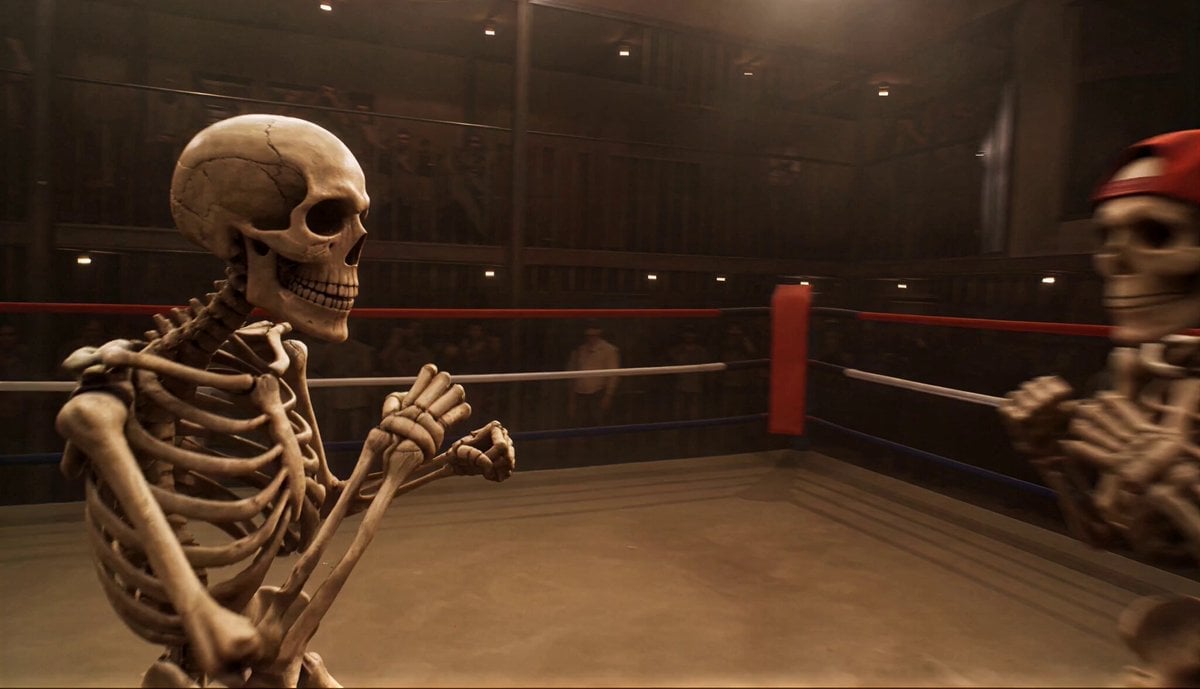
- Prompt included
- Model and format preset
- Premium template
The prompt behind this video
Copy the exact prompt behind Skeleton Underground Wrestling, or open it in the studio and make it yours.
Ultra-realistic underground wrestling ring, enclosed space, worn ropes, dusty mat, dim overhead lights creating hard shadows, slight haze in air. Crowd blurred in darkness, subtle movement only. Two skeleton fighters: Fighter 1 (villain) aggressive, heavy strikes. Fighter 2 (hero, red cap) calm, precise, reactive. 0:00–0:02 close-up: both circling inside ring, footwork tight, bones creaking subtly. Camera handheld orbit, 50mm lens, slight shake. 0:02–0:04 first attack: villain throws fast right punch. Hero leans back minimal distance. 👉 micro slow-motion (0.5x) during dodge, showing precise head movement, air displacement. Camera snap push-in. 0:04–0:06 hero counters with quick body strike, no exaggeration, grounded impact. Camera whip pan following fist. 0:06–0:08 rapid exchange: 2–3 punches, blocks, tight spacing, realistic speed. Camera tight orbit + quick reframes. 0:08–0:10 villain swings heavy hook → hero ducks + sidestep. 👉 brief slow-mo on dodge + bone passing close to skull. 0:10–0:12 hero lands clean combo (2 hits max), sharp, efficient. Dust lifts from mat. Camera follows motion with slight shake. 0:12–0:13 clinch break, both reset stance, breathing visible in movement. 0:13–0:15 final move: hero precise strike to skull → opponent collapses instantly. Camera slight slow-down on impact, then stabilize wide shot. Cinematography: handheld realism, tight framing, no flashy moves, controlled chaos, fast pacing with micro slow-mo accents only on dodges. AUDIO: Only realistic sound effects (SFX), no background music, no cinematic score, no music layers. Focus on natural environmental sounds and action-based audio only.
How to use Skeleton Underground Wrestling in 3 steps
- 1
Open
The prompt is already in the box next to the preview, with the template's model and format selected.
- 2…a portrait of your subject in softgolden-hour light, 85mm…
Personalize
Edit the subject and creative details for your destination.
- 3Generate
Generate
Press Generate — your video is created in PicX Studio, so you can compare it with the original and refine one variable at a time.
More like this
Templates with the same subject, style or setup. Open one to see its prompt.
Underground Temple Escape — Seedance 2.0
Crystal Cavern Mag-Lev Race — Seedance 2.0
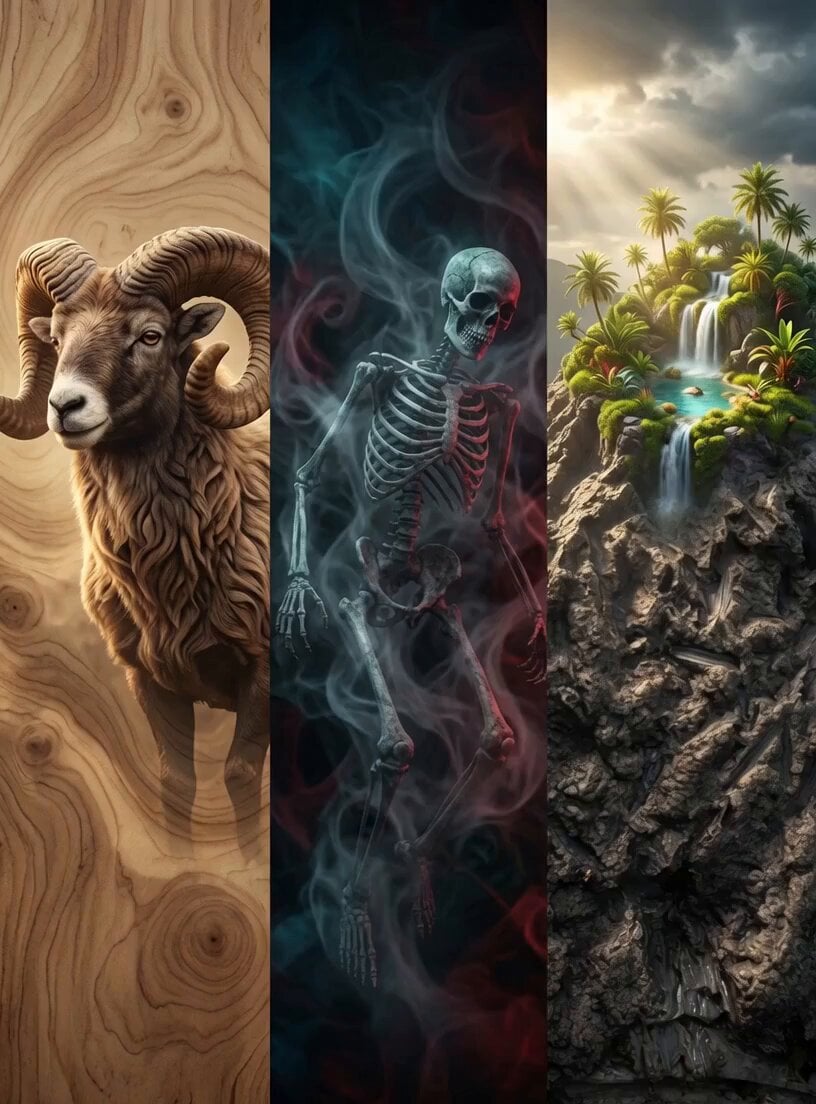
Skeleton Riding Ram Mountain Quest
Wrestling Documentary Montage
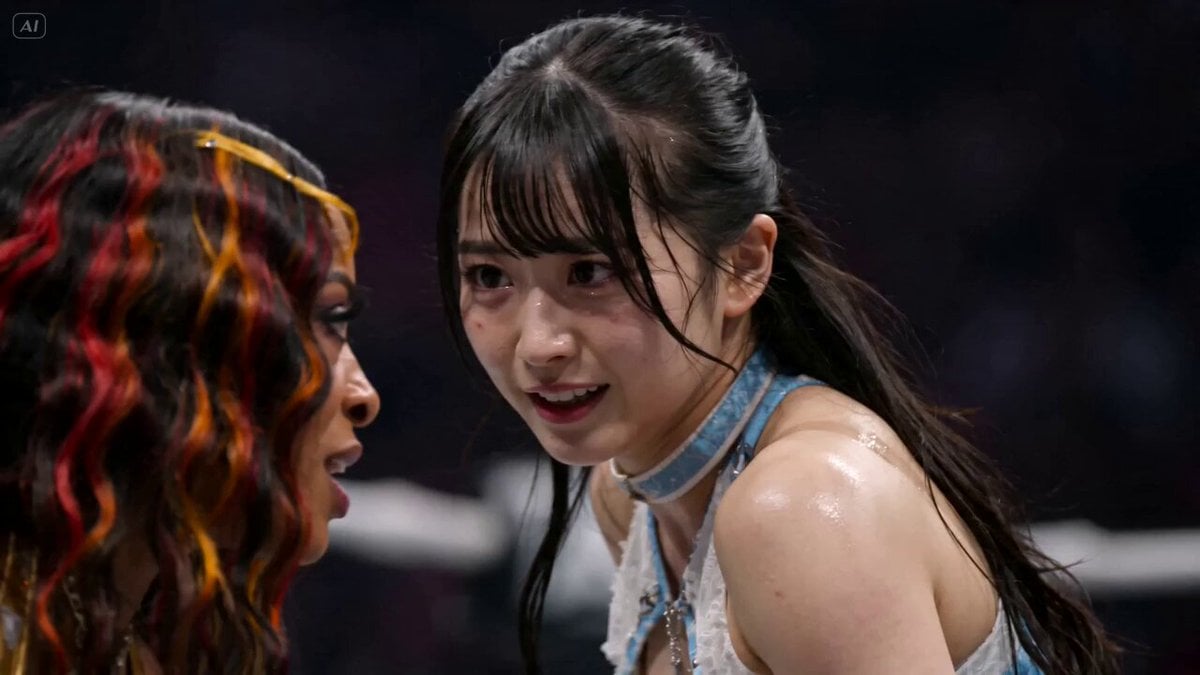
AEW Women's Championship Wrestling Match
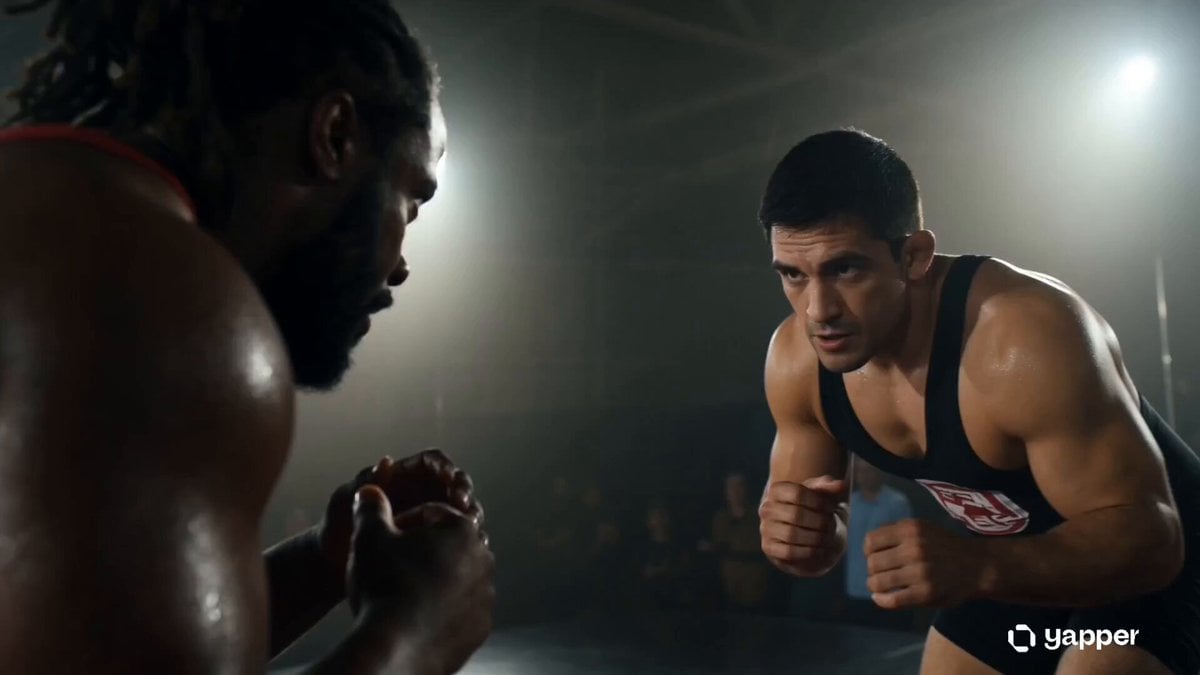
Gritty Wrestling Arena Sequence
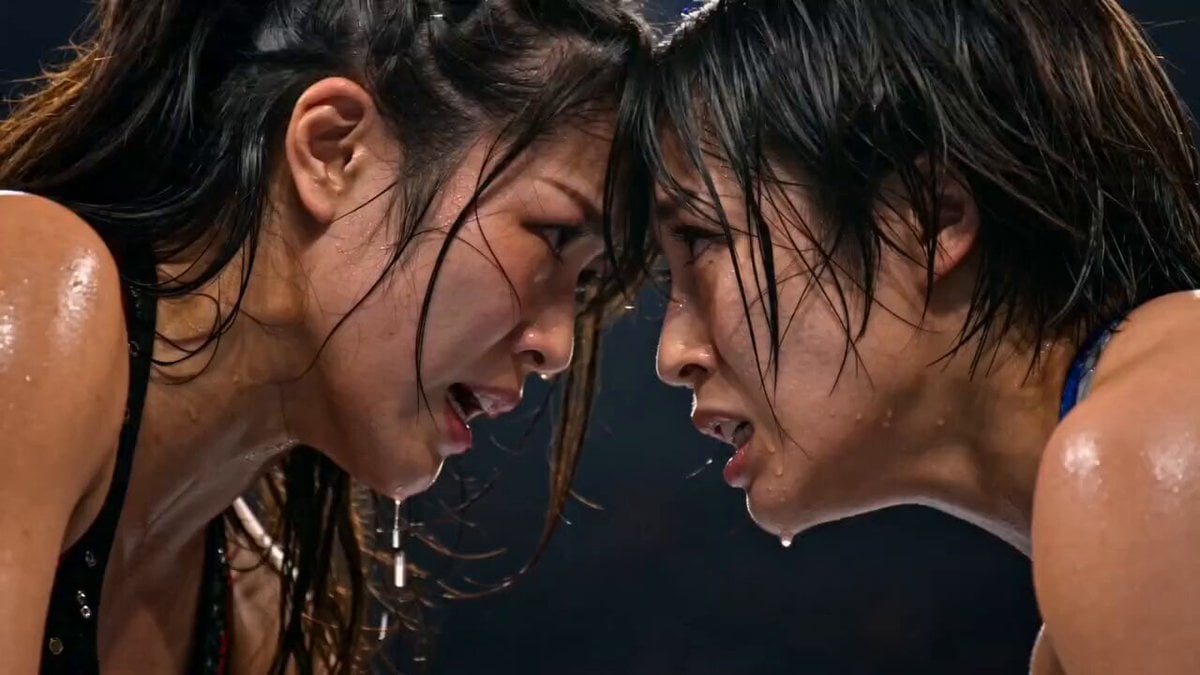
Japanese Female Wrestling Finale
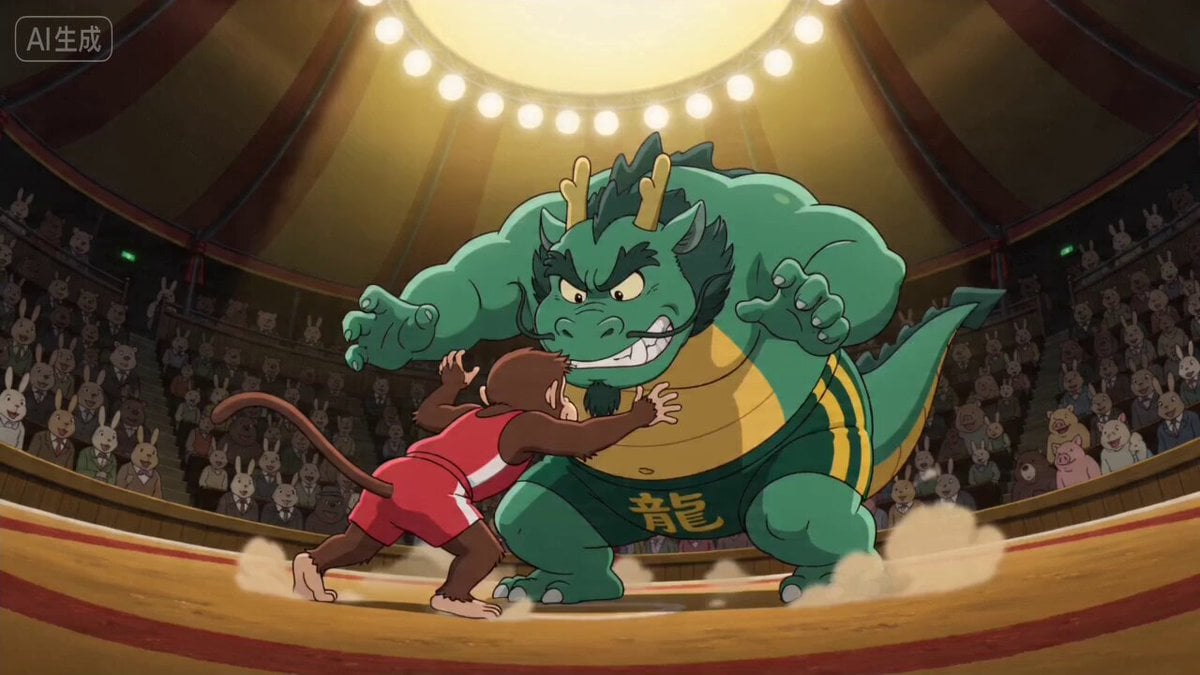
Ghibli Style Dragon vs Monkey Wrestling Match
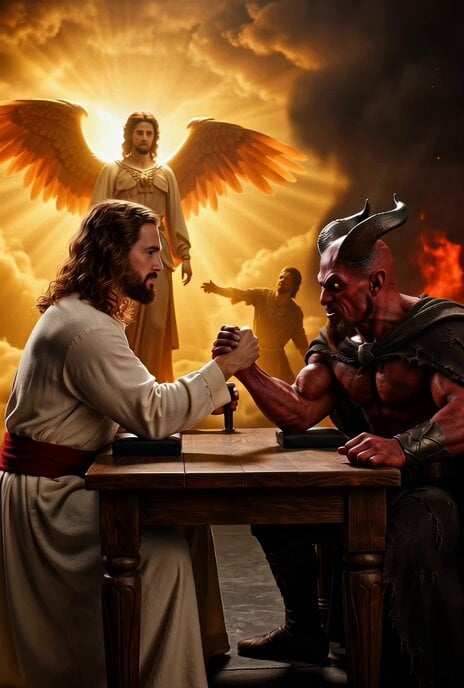
Jesus vs. Devil Arm Wrestling Video Prompt
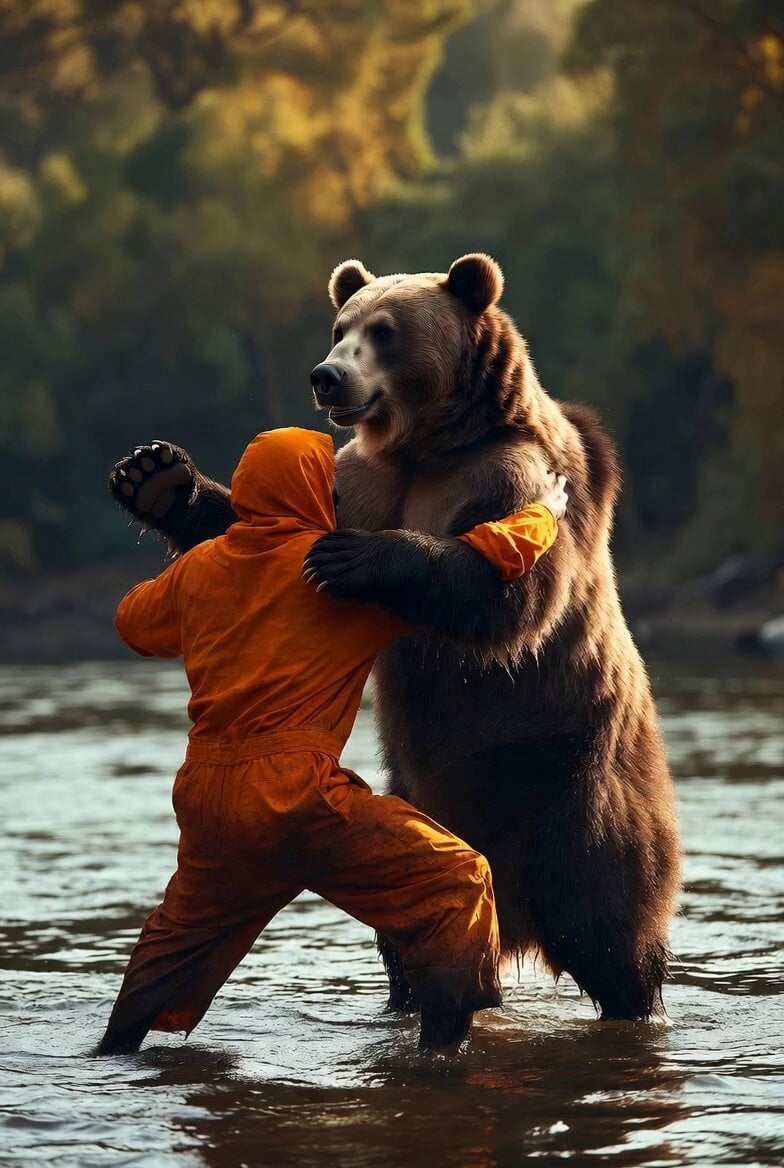
Man Wrestling Bear Animation
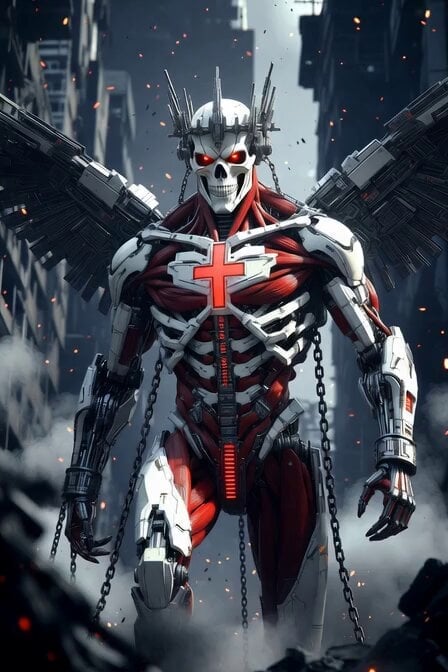
Cybernetic Skeleton Warrior Cinematic
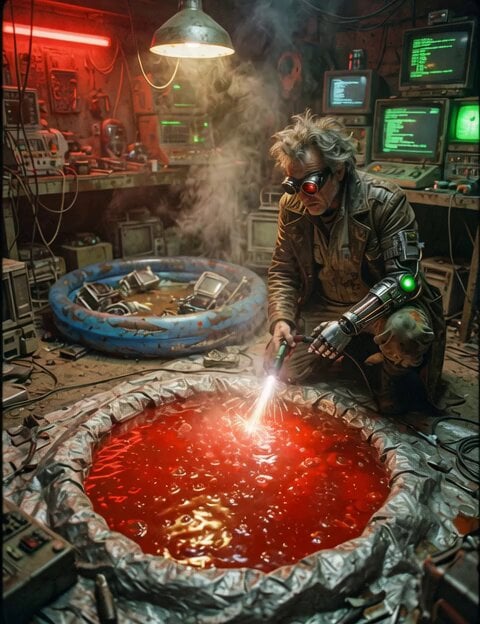
Jello Wrestling Character Duplication
Make it yours
Skeleton Underground Wrestling works as-is. These are the safest ways to change it without losing the look.
Change one field
Copy a single group, rewrite it, and generate again so you can see what that field is doing.
Keep the frame, change the subject
Hold the composition and light of Skeleton Underground Wrestling, then swap wardrobe, props or the person for a new take.
| If the result… | Why | Fix |
|---|---|---|
| The result drifts from the preview | Too many fields changed at once. | Reuse Skeleton Underground Wrestling as-is first, then change one group — subject, light, or setting. |
| The model over-stylizes the scene | The prose prompt leaves finish and camera underspecified. | Add one camera or lighting sentence and stay on Seedance 2.0. |
More Seedance 2.0 templates
Other prompts made for Seedance 2.0.

Comical Martial Arts Punch Scene

Maglev Train Action Sequence

Martial Arts Fight Sequence

Wuxia Protection and Trust Script

Vintage Korean Arcade MiniDV Vlog

Mercedes 190 SL Luxury Ad

Rainy Night Supernatural Reverse Comedy Video Script

Amazon Civilization Discovery

Futuristic South Asian City Transformation

Cozy Luxury Cafe Commercial
More video prompts
Fresh picks from across the catalog.
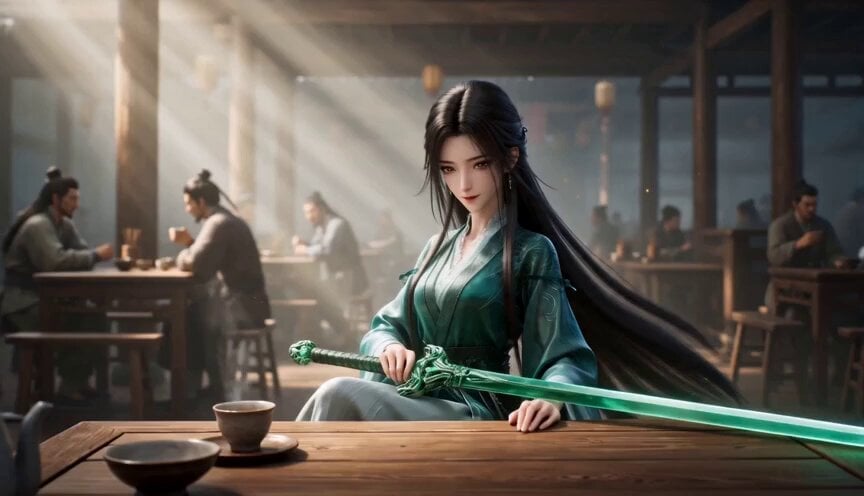
Elegant Wuxia Teahouse Fight Animation
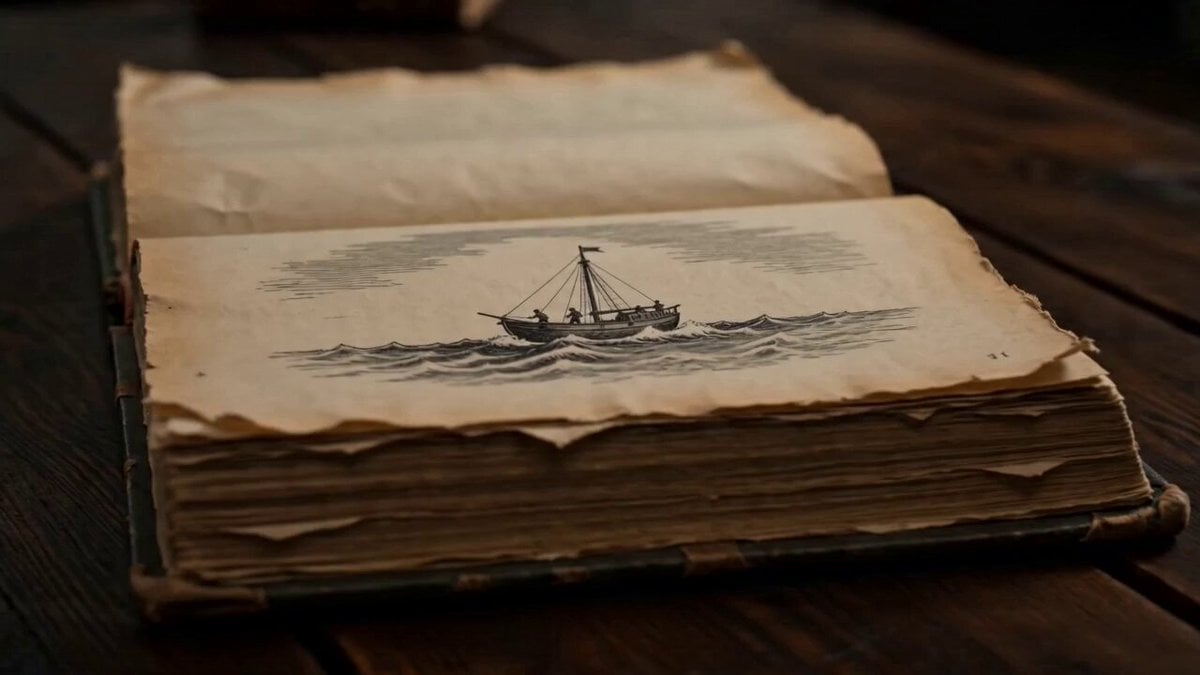
Ancient Book Stormy Sea Diorama
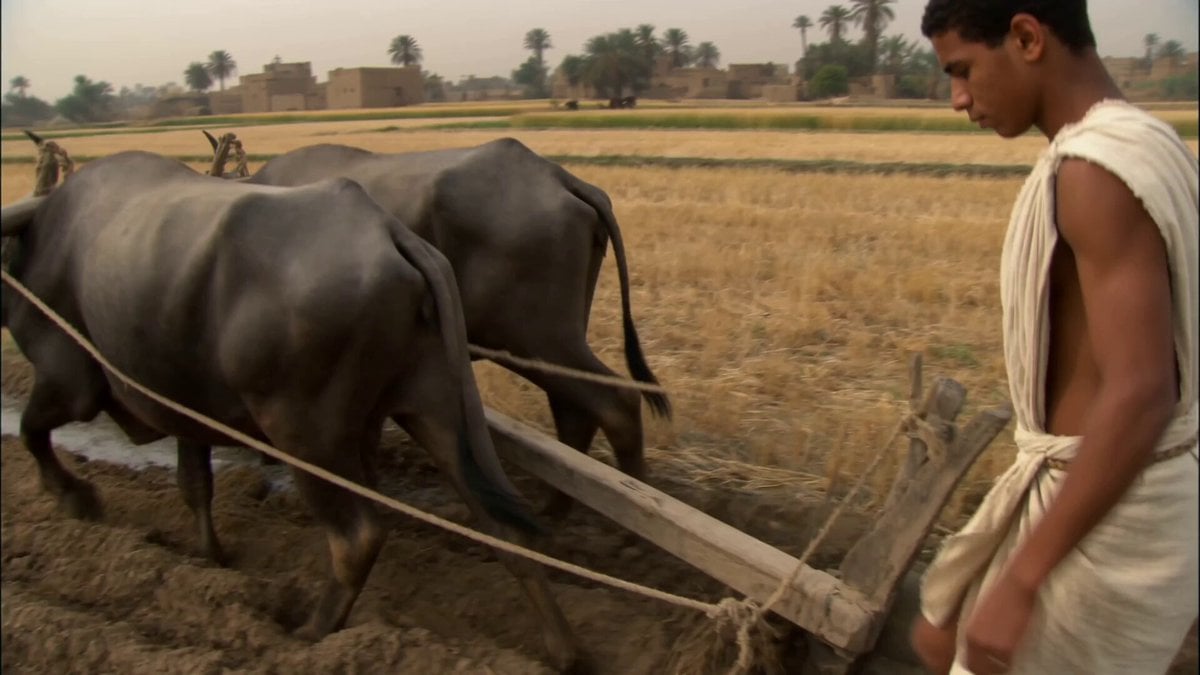
Ancient Egypt Handheld DV Footage
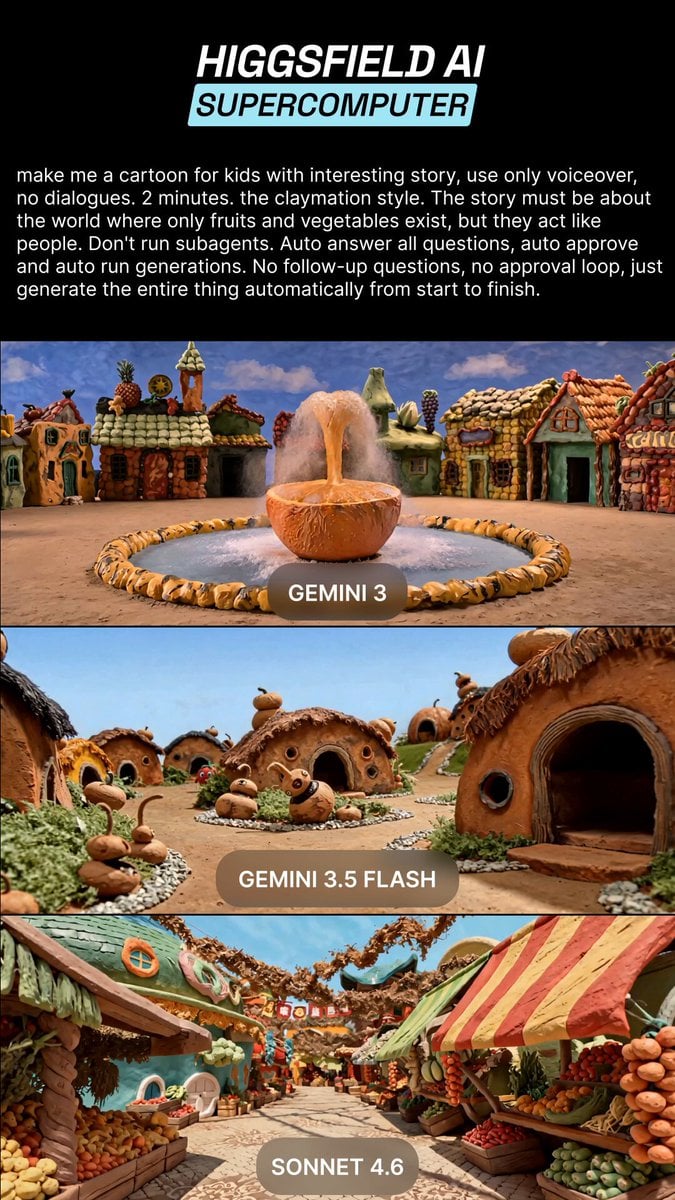
Claymation Fruit Kids Cartoon
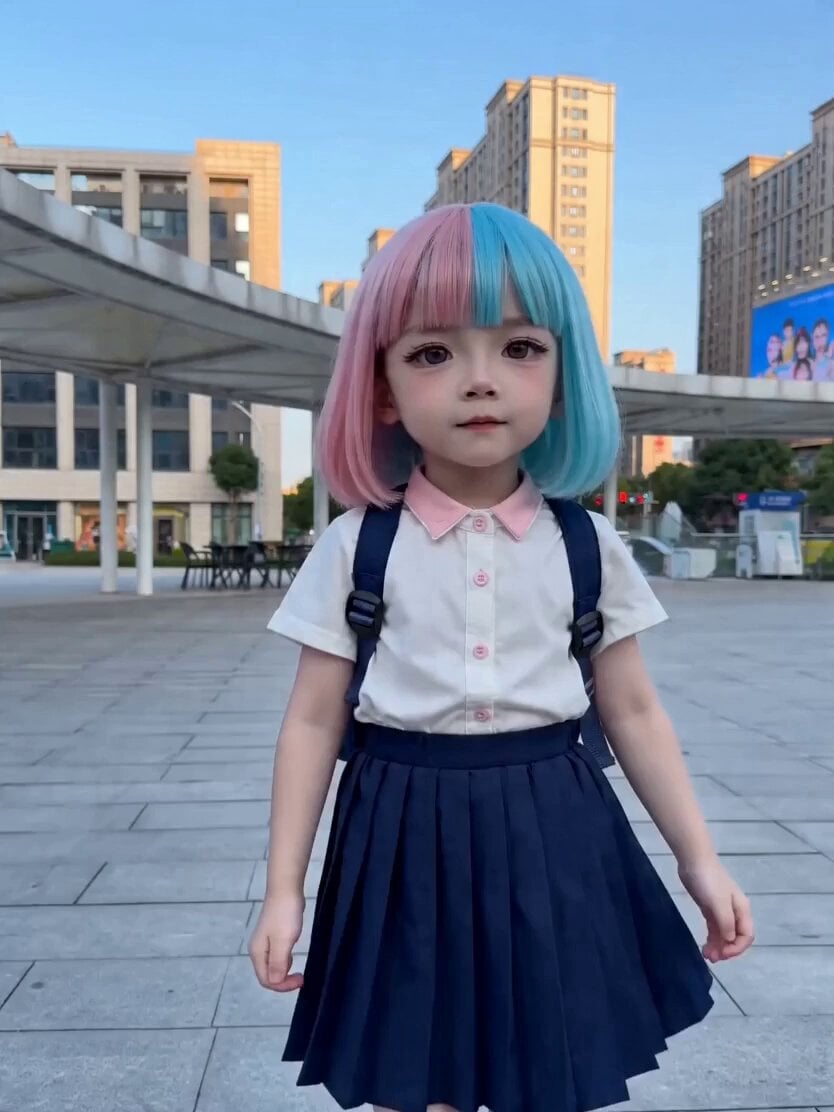
Seedance 2.0 Dance Video Template
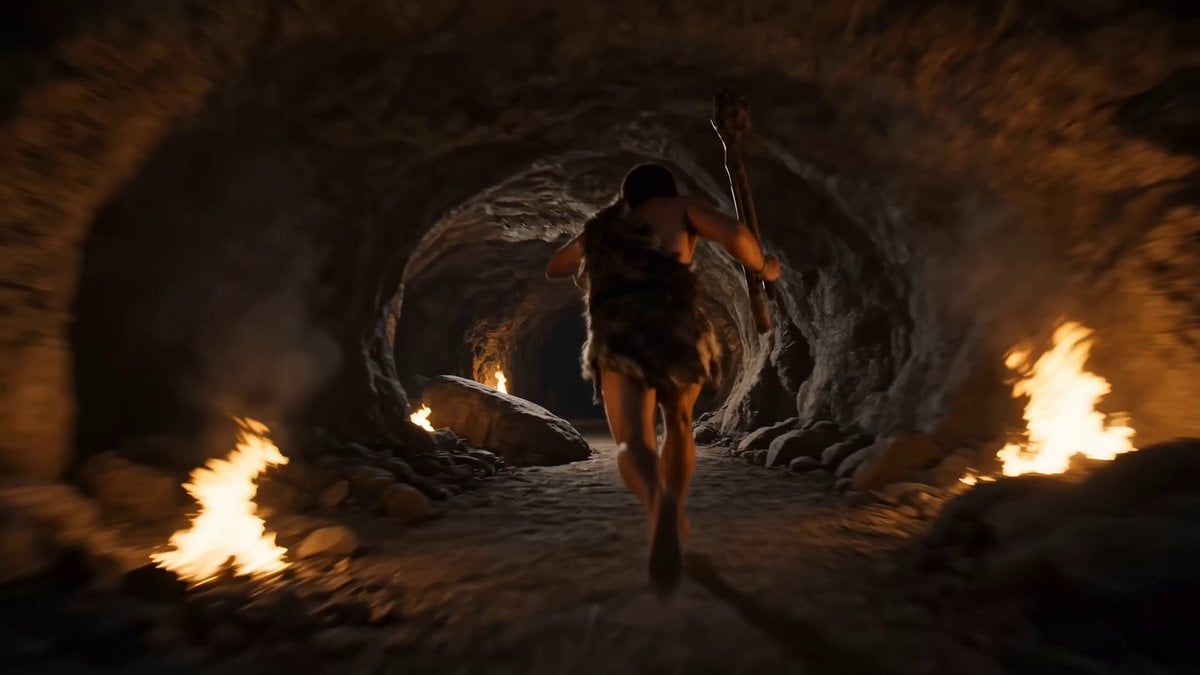
Prompt : Create a 15 second high energy continuous
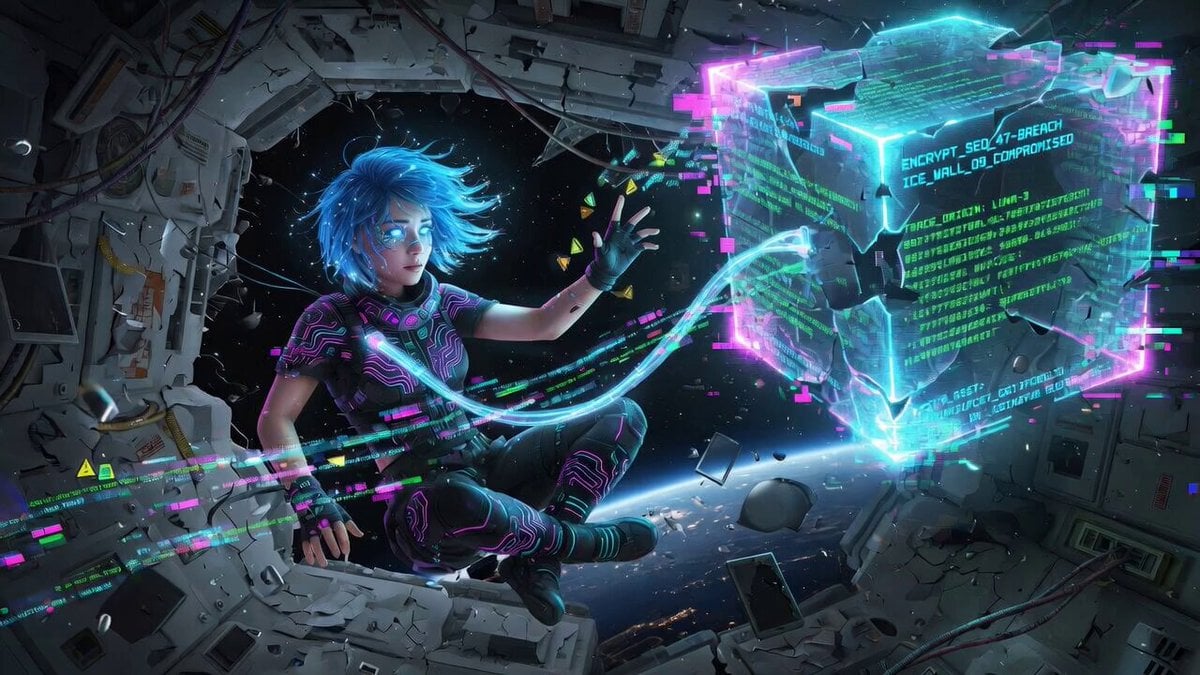
Cinematic video generation prompt: Cybernetic netrunner hacking
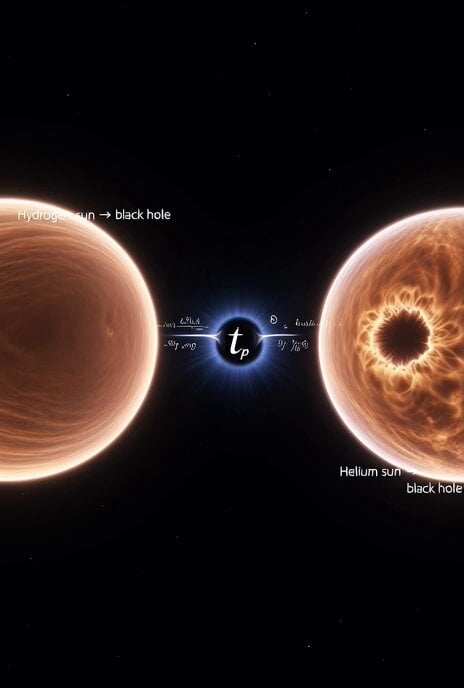
Cosmic Sun Collapse Visualization

Magical Mushroom Dream
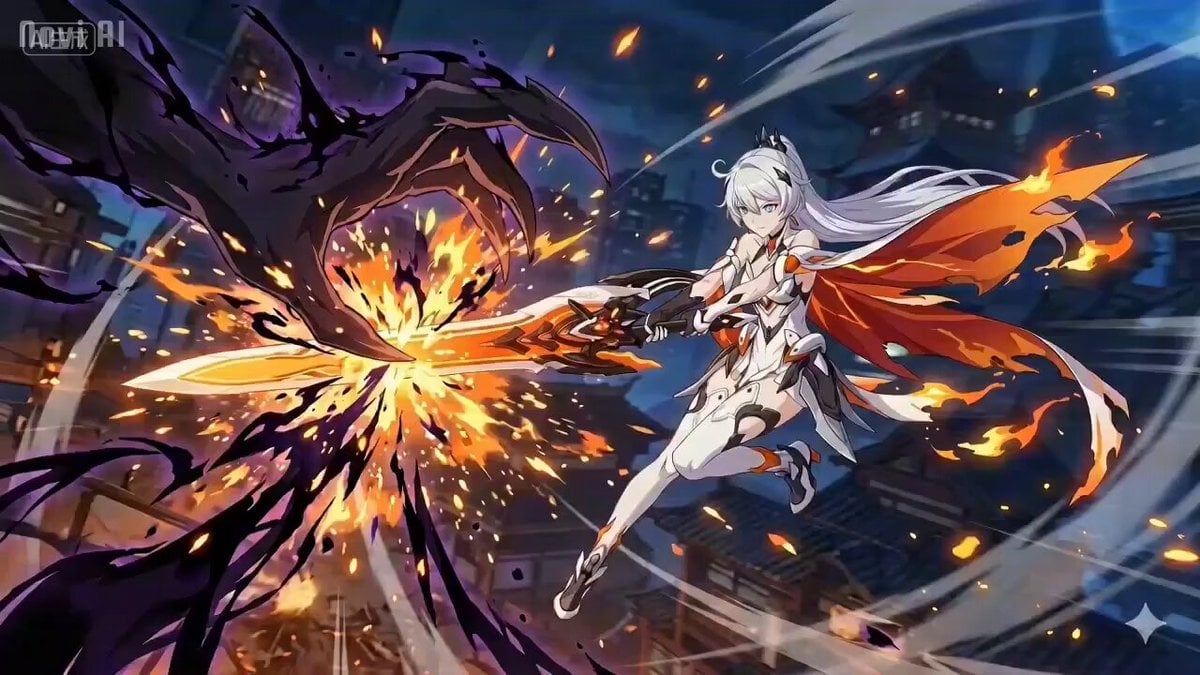
Anime Combat Scene: Knight vs. Shadow Monster
Browse template categories
Skeleton Underground Wrestling questions
How do I use the Skeleton Underground Wrestling template?
Add your photo if the template asks for one, edit the prompt if you like — the template's model and format are already selected — and press Generate. Your version opens in PicX Studio.
Can I customize the Skeleton Underground Wrestling template?
Yes. You can change the subject, setting, lighting, mood, format, and available model controls before creating your video.
Is the Skeleton Underground Wrestling template free?
Opening and editing this template is free. Generating uses credits, shown on the Generate button when you are signed in.
Which AI model should I use?
Start with Seedance 2.0, which is the model associated with this template. You can compare another compatible model for a different finish.
Looking for something else? Browse all templates.

Your photo, any look
Thousands of ready templates for every top image and video model, from one credit balance.