
Japanese Female Wrestling Finale
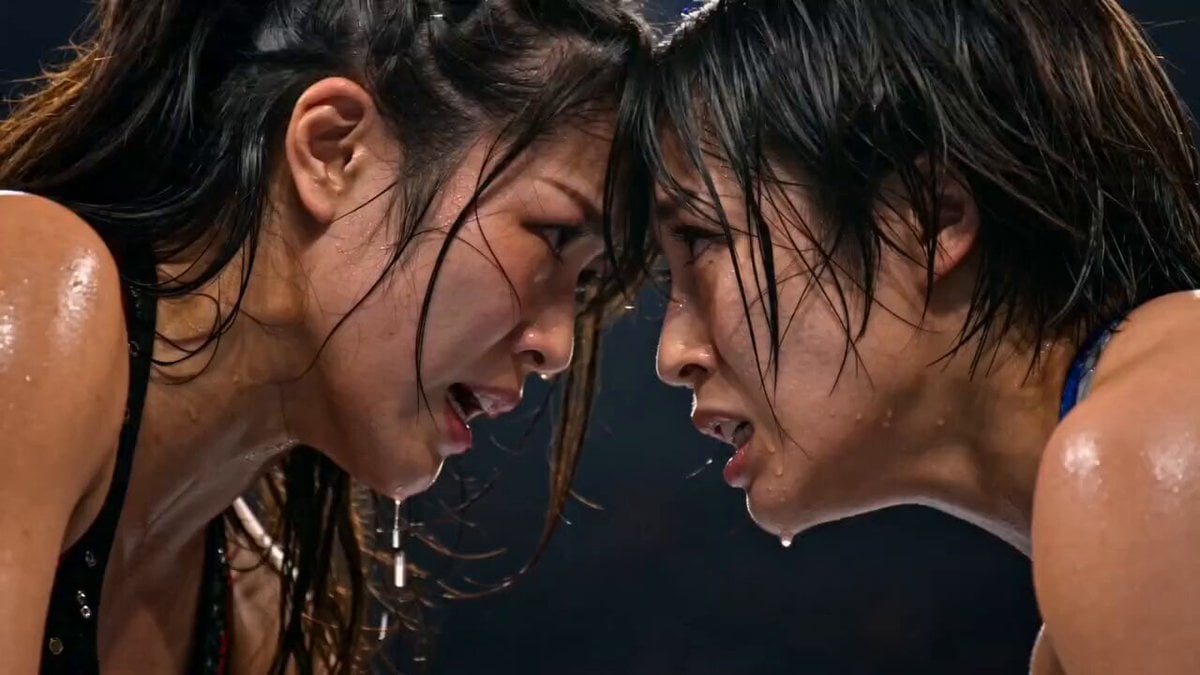
A cinematic video prompt for a WWE-style championship final featuring Japanese female wrestlers, focusing on moves and atmosphere.
- Prompt included
- Model and format preset
- Free template
The prompt behind this video
Copy the exact prompt behind Japanese Female Wrestling Finale, or open it in the studio and make it yours.
Create a hyper-realistic, cinematic 15-second continuous sequence depicting a WWE-style championship finale between two highly athletic Japanese female wrestlers in a packed arena. Follow a precise match progression: fatigued staredown → explosive clothesline → submission hold battle → DDT counter → near fall → German suplex → top-rope moonsault finisher → clean three-count → championship celebration with belt, confetti, and corner pyro. Maintain consistent character identity and matching ring attire throughout. Emphasize realistic sweat, impact physics, crowd energy, and dramatic slow motion on key moves. End with a rising crane shot capturing the victor’s pose. Output should feel like a live WWE broadcast—photorealistic, high contrast, 60fps.
How to use Japanese Female Wrestling Finale in 3 steps
- 1
Open
The prompt is already in the box next to the preview, with the template's model and format selected.
- 2…a portrait of your subject in softgolden-hour light, 85mm…
Personalize
Edit the subject and creative details for your destination.
- 3Generate
Generate
Press Generate — your video is created in PicX Studio, so you can compare it with the original and refine one variable at a time.
More like this
Templates with the same subject, style or setup. Open one to see its prompt.

Japanese Pure Love Short Film

Kyoto Morning Selfie Vlog
Misa Time Freeze Japanese

Japanese Summer Festival Travel Vlog

Rural Japanese Slice of Life Journey
Female Morning Fitness Lifestyle Vlog
Female Rapper Performance Music Video
Retro Japanese Family Home Scene
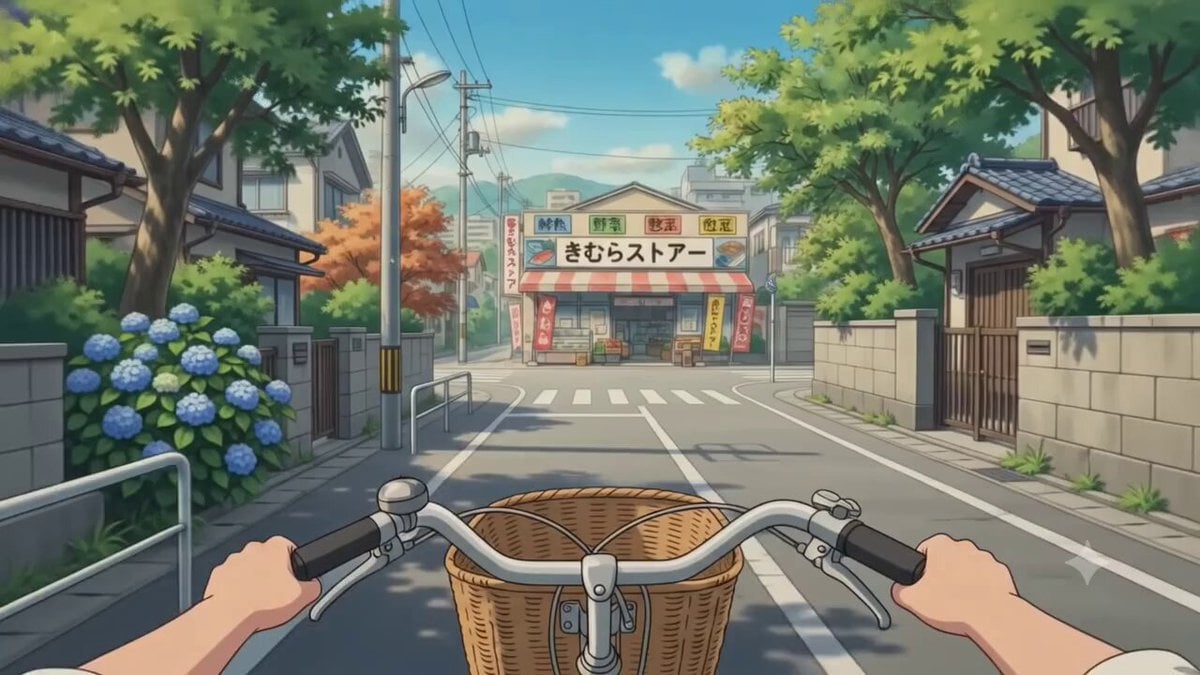
POV Japanese Residential Neighborhood Bike Trip
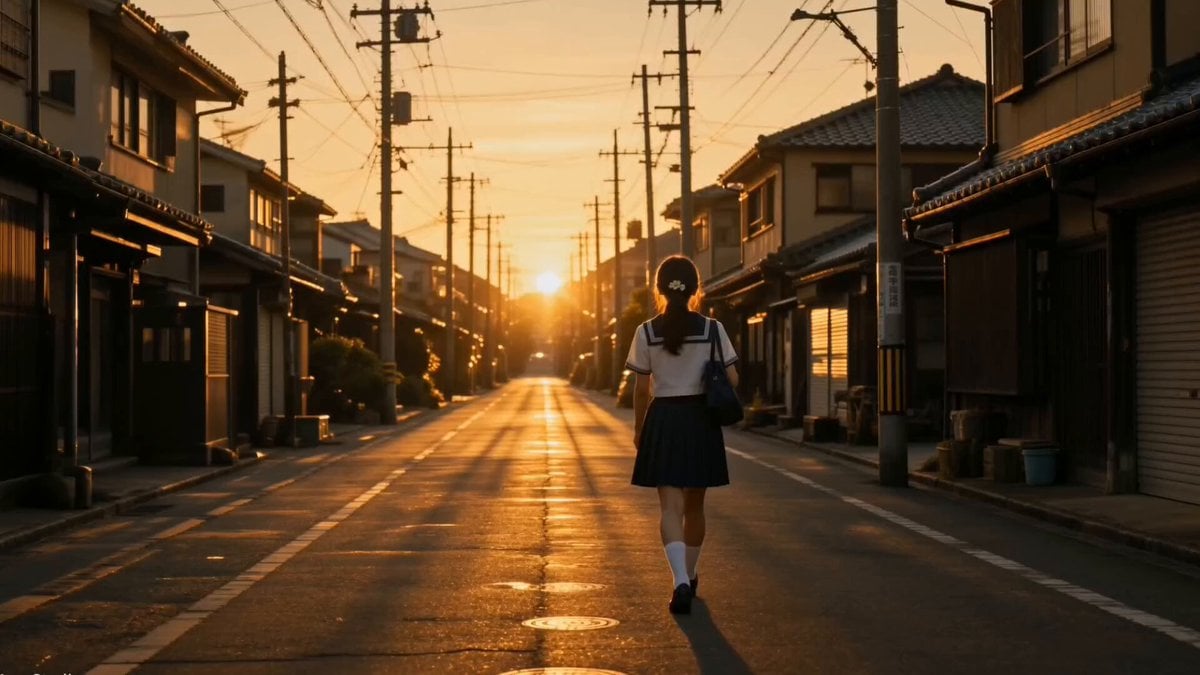
Japanese Coming-of-Age Cinematic Film
90s Camcorder Japanese Seaside Village
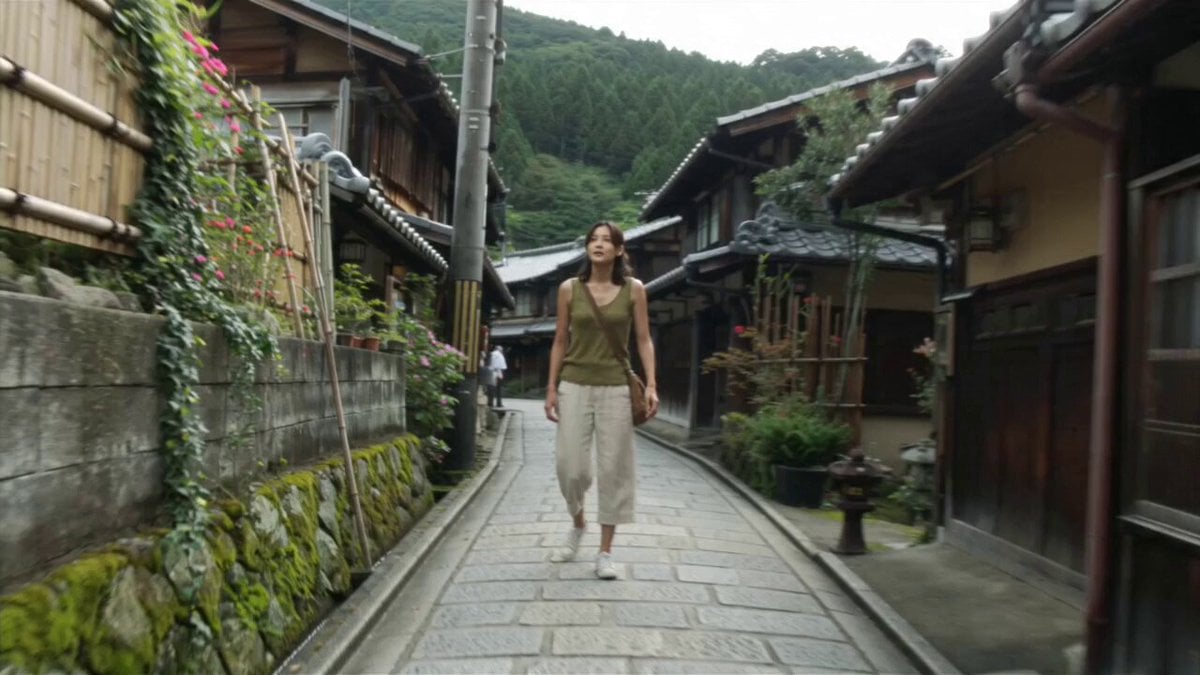
Japanese Village Documentary Realism
Make it yours
Japanese Female Wrestling Finale works as-is. These are the safest ways to change it without losing the look.
Change one field
Copy a single group, rewrite it, and generate again so you can see what that field is doing.
Keep the frame, change the subject
Hold the composition and light of Japanese Female Wrestling Finale, then swap wardrobe, props or the person for a new take.
| If the result… | Why | Fix |
|---|---|---|
| The result drifts from the preview | Too many fields changed at once. | Reuse Japanese Female Wrestling Finale as-is first, then change one group — subject, light, or setting. |
| The model over-stylizes the scene | The prose prompt leaves finish and camera underspecified. | Add one camera or lighting sentence and stay on Seedance 2.0. |
More Seedance 2.0 templates
Other prompts made for Seedance 2.0.

Comical Martial Arts Punch Scene

Maglev Train Action Sequence

Martial Arts Fight Sequence

Wuxia Protection and Trust Script

Vintage Korean Arcade MiniDV Vlog

Mercedes 190 SL Luxury Ad

Rainy Night Supernatural Reverse Comedy Video Script

Amazon Civilization Discovery

Futuristic South Asian City Transformation

Cozy Luxury Cafe Commercial
More video prompts
Fresh picks from across the catalog.
Ancient Dragon Storm Entrance

Realistic UGC Cleanser Review - Seedance 2.5
Watercolor Ink Sword Performance
Anime Crosswalk Rain Jumping Challenge
Barista Cinematic Commercial Video Prompt

Woman on an endless staircase in baroque and deco architecture
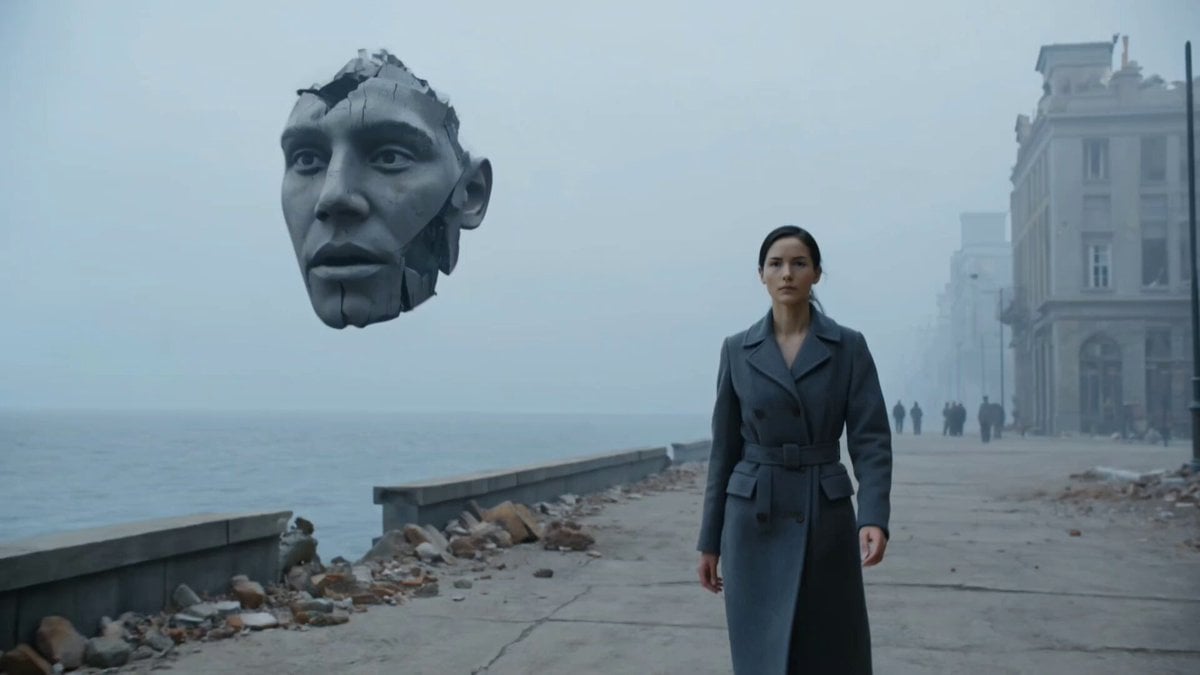
Dystopian Surreal Cinematic Video Prompt for Seedance 2.0

Athena: Matrix Mind Video Prompt

Modern Family Home Walkthrough
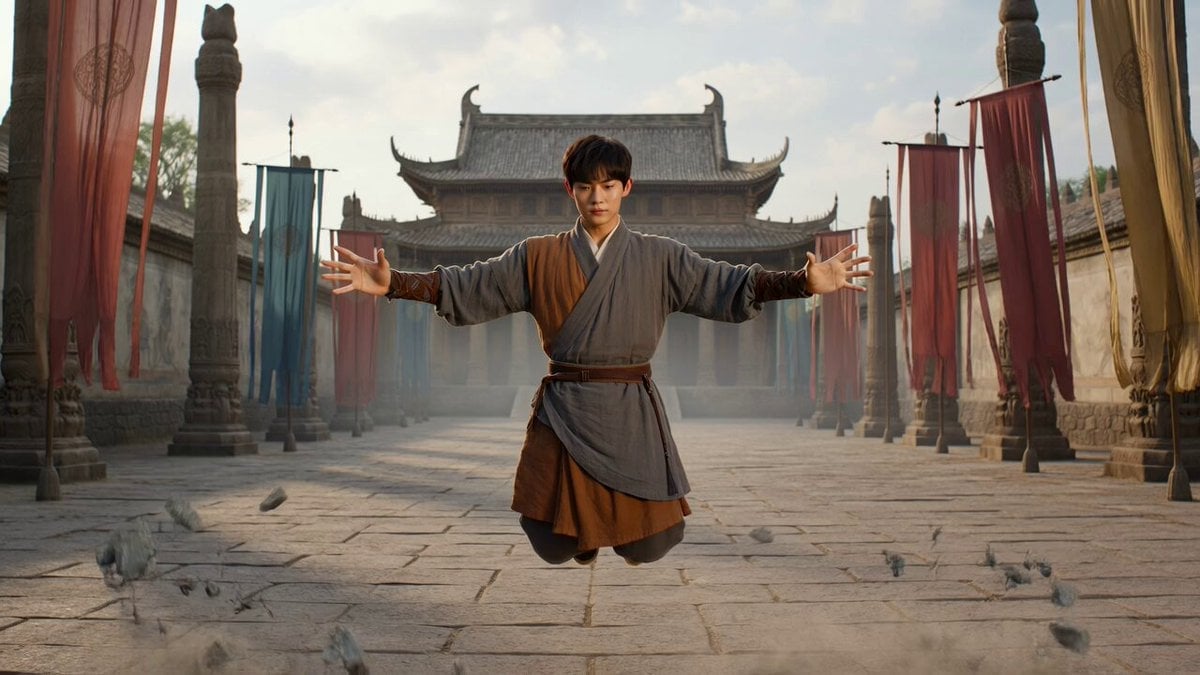
Levitating Warrior Monk Temple Sequence
Browse template categories
Japanese Female Wrestling Finale questions
How do I use the Japanese Female Wrestling Finale template?
Add your photo if the template asks for one, edit the prompt if you like — the template's model and format are already selected — and press Generate. Your version opens in PicX Studio.
Can I customize the Japanese Female Wrestling Finale template?
Yes. You can change the subject, setting, lighting, mood, format, and available model controls before creating your video.
Is the Japanese Female Wrestling Finale template free?
Opening and editing this template is free. Generating uses credits, shown on the Generate button when you are signed in.
Which AI model should I use?
Start with Seedance 2.0, which is the model associated with this template. You can compare another compatible model for a different finish.
Looking for something else? Browse all templates.

Your photo, any look
Thousands of ready templates for every top image and video model, from one credit balance.