
Ancient Dragon Storm Entrance
A dramatic video prompt for a massive ancient dragon descending from storm clouds with fire, lightning, and destructive landing effects.
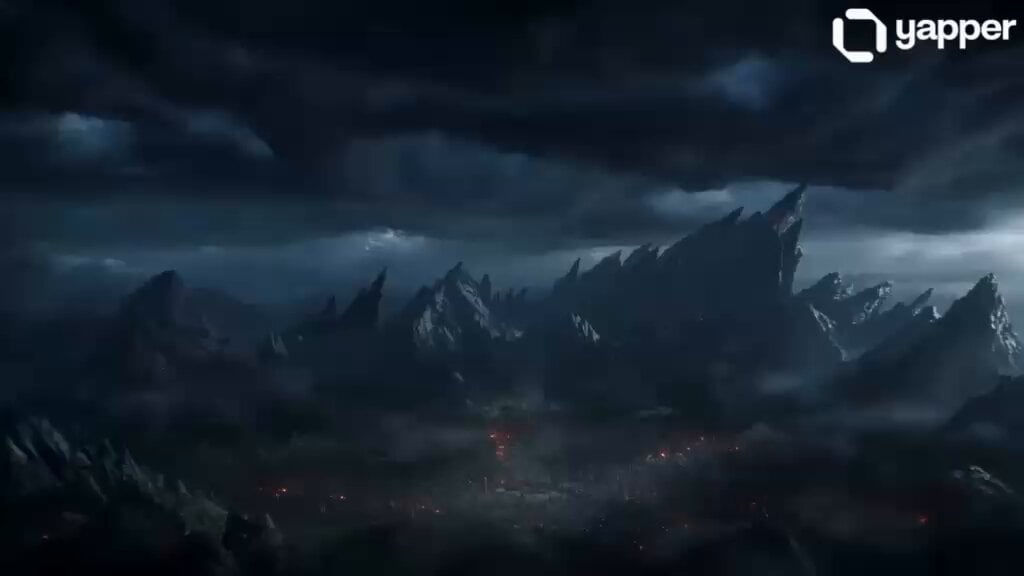
- Prompt included
- Model and format preset
- Free template
The prompt behind this video
Copy the exact prompt behind Ancient Dragon Storm Entrance, or open it in the studio and make it yours.
A colossal ancient dragon bursts into view with a violent, earth-shaking entrance, tearing through storm-filled skies above a dark fantasy landscape. The camera starts with a wide aerial shot, thick black clouds swirling rapidly as lightning cracks illuminate the massive silhouette. With a deafening roar, the dragon dives downward at extreme speed, wings spanning hundreds of feet, tearing the air apart. As it descends, fire ignites within its throat, glowing intensely through its scaled chest before erupting into a massive stream of blazing flames. The impact of its landing sends shockwaves across the ground, dust, rocks, and debris exploding outward in slow motion. Trees bend violently, and nearby structures crumble under the force. Ultra-detailed scales shimmer with metallic reflections, glowing cracks of lava visible between armored plates. Its eyes burn like molten gold, filled with rage and dominance. Smoke, embers, and ash fill the air, illuminated by cinematic volumetric lighting. Camera transitions into a dramatic low-angle close-up as the dragon spreads its wings fully, letting out a thunderous roar. The environment is hyper-realistic: dynamic fire simulation, particle effects, heat distortion, motion blur, and depth of field.
How to use Ancient Dragon Storm Entrance in 3 steps
- 1
Open
The prompt is already in the box next to the preview, with the template's model and format selected.
- 2…a portrait of your subject in softgolden-hour light, 85mm…
Personalize
Edit the subject and creative details for your destination.
- 3Generate
Generate
Press Generate — your video is created in PicX Studio, so you can compare it with the original and refine one variable at a time.
More like this
Templates with the same subject, style or setup. Open one to see its prompt.
Stone Colossus Desert Riders — Golden Fire Reveal

Dragon Rider Cinematic Flight — Seedance 2.5
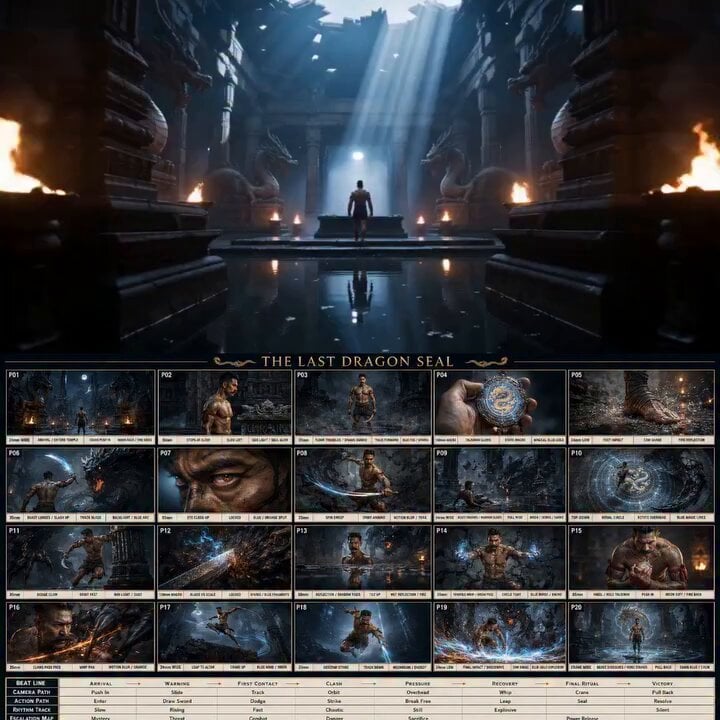
Ancient Dragon Temple Warrior Zoom
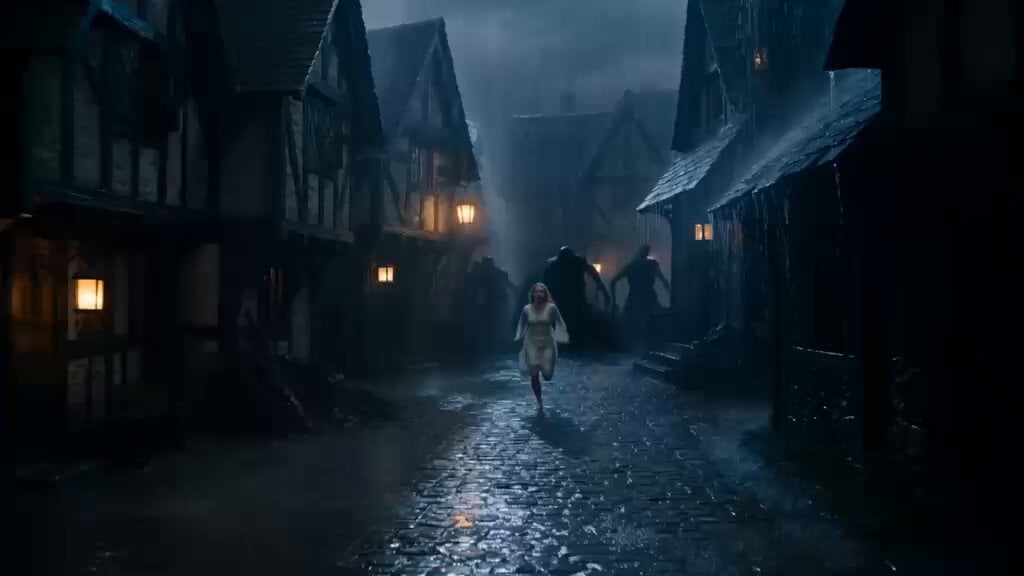
Ancient Guardian Dragon Rescue
Epic Stormborn Dragon Rider
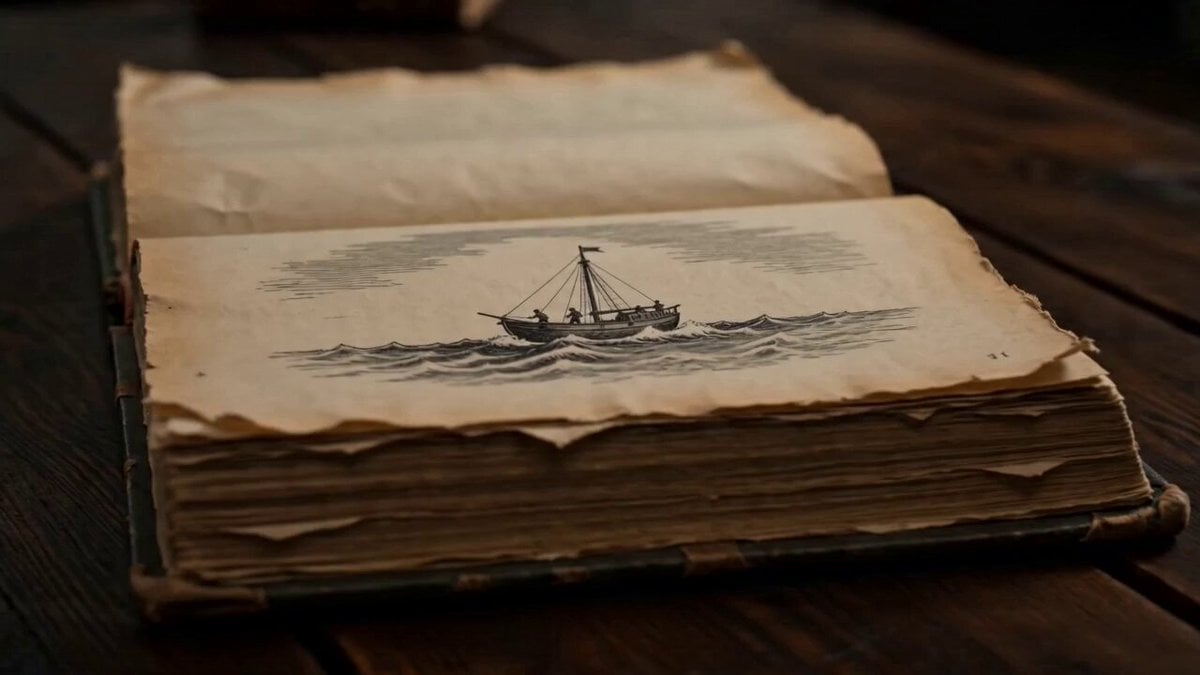
Ancient Book Stormy Sea Diorama
High-Speed Ship Descent with Seedance 2.0
Colossal Sea Creature — Stormy Shore Charge (Seedance)
Dragon Rescue — Volcanic Kingdom Collapse (Seedance)
Sea Serpent vs Crab Titan — Ocean Battle
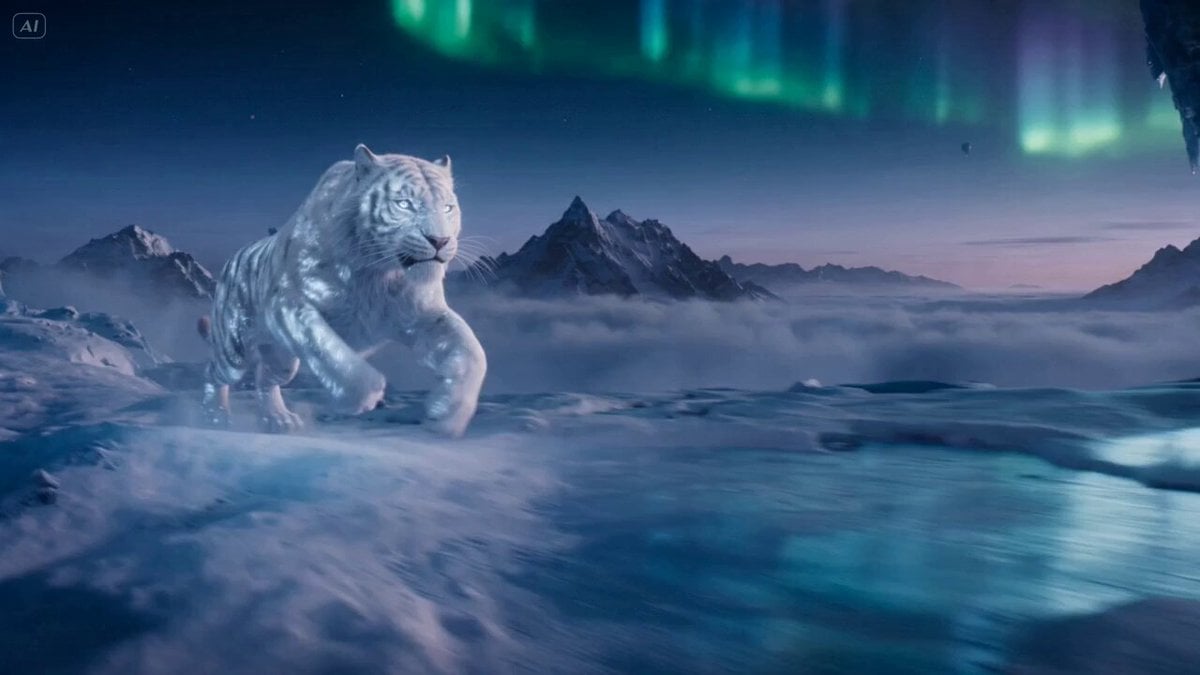
Ice Tiger vs Dragon - Seedance 2.0

Ancient Roman Celestial Flight
Make it yours
Ancient Dragon Storm Entrance works as-is. These are the safest ways to change it without losing the look.
Change one field
Copy a single group, rewrite it, and generate again so you can see what that field is doing.
Keep the frame, change the subject
Hold the composition and light of Ancient Dragon Storm Entrance, then swap wardrobe, props or the person for a new take.
| If the result… | Why | Fix |
|---|---|---|
| The result drifts from the preview | Too many fields changed at once. | Reuse Ancient Dragon Storm Entrance as-is first, then change one group — subject, light, or setting. |
| The model over-stylizes the scene | The prose prompt leaves finish and camera underspecified. | Add one camera or lighting sentence and stay on Seedance 2.0. |
More Seedance 2.0 templates
Other prompts made for Seedance 2.0.

Comical Martial Arts Punch Scene

Maglev Train Action Sequence

Martial Arts Fight Sequence

Wuxia Protection and Trust Script

Vintage Korean Arcade MiniDV Vlog

Mercedes 190 SL Luxury Ad

Rainy Night Supernatural Reverse Comedy Video Script

Amazon Civilization Discovery

Futuristic South Asian City Transformation

Cozy Luxury Cafe Commercial
More video prompts
Fresh picks from across the catalog.
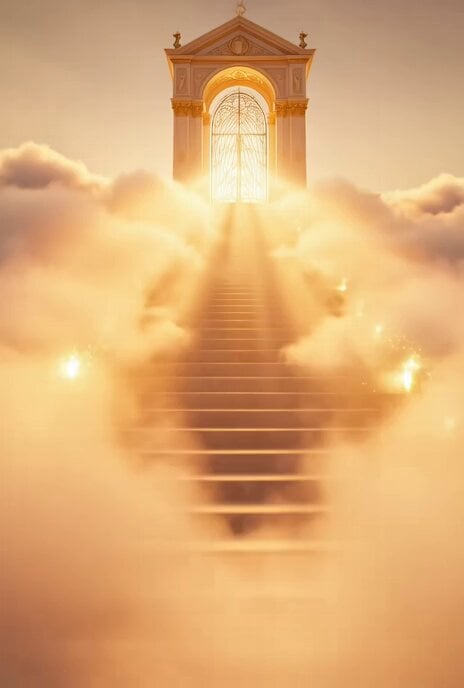
Stairway to Heaven Revival Scene Prompt
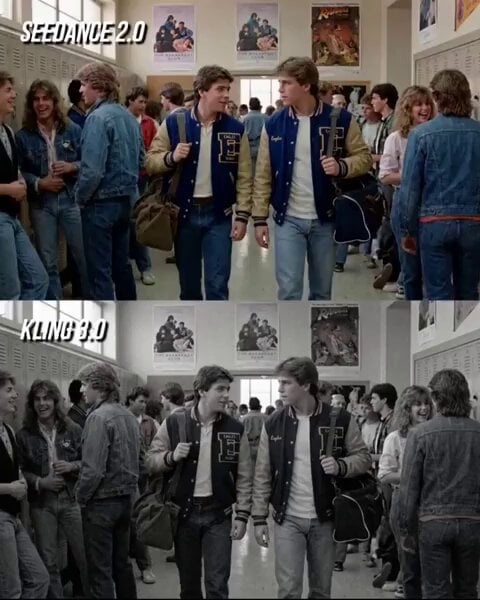
80s Teen Movie Hallway Standoff
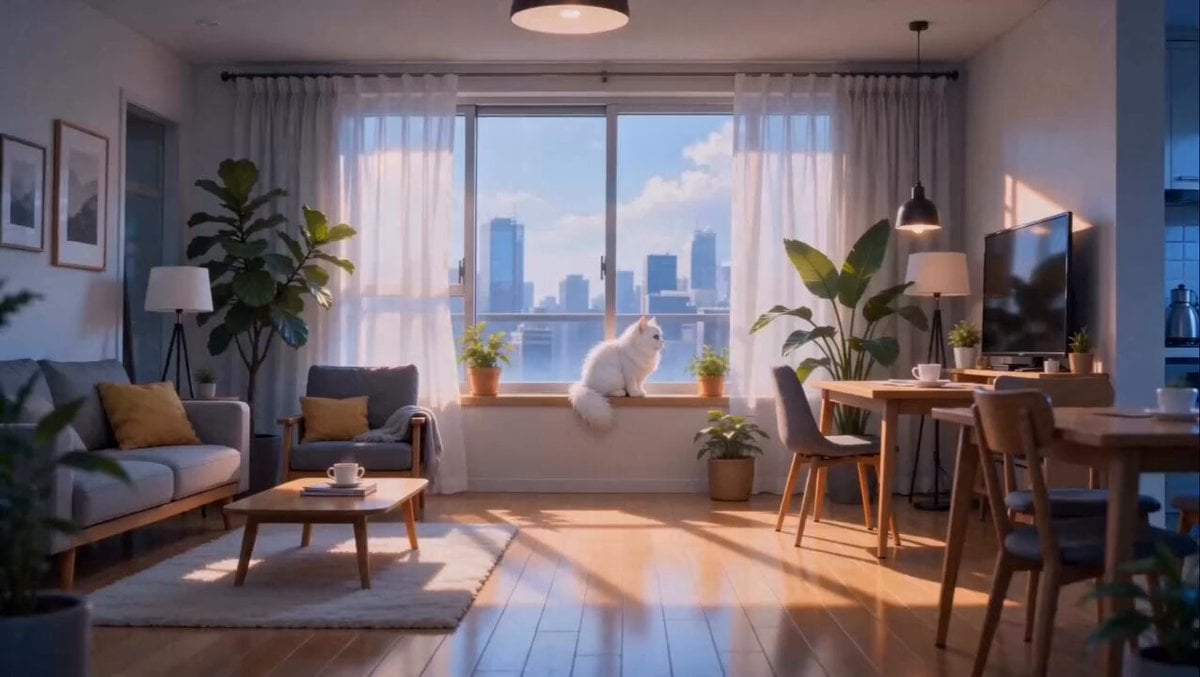
Anime Fluffy Cat Morning Routine
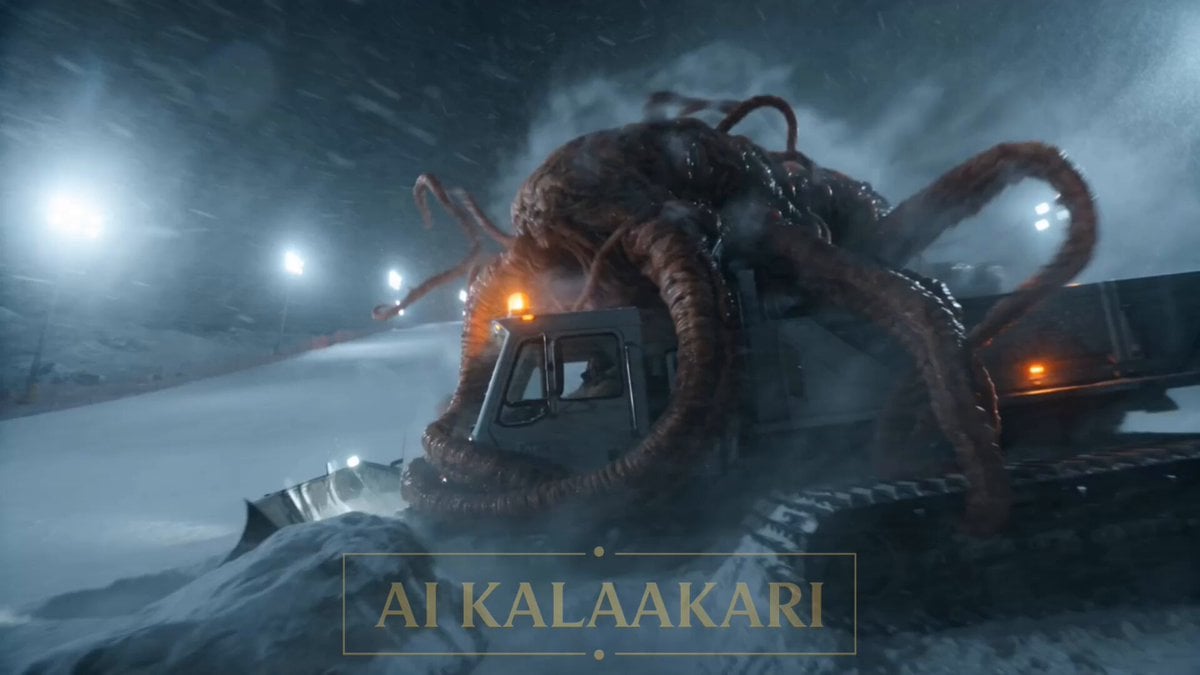
Alien Ski Station Night Ambush
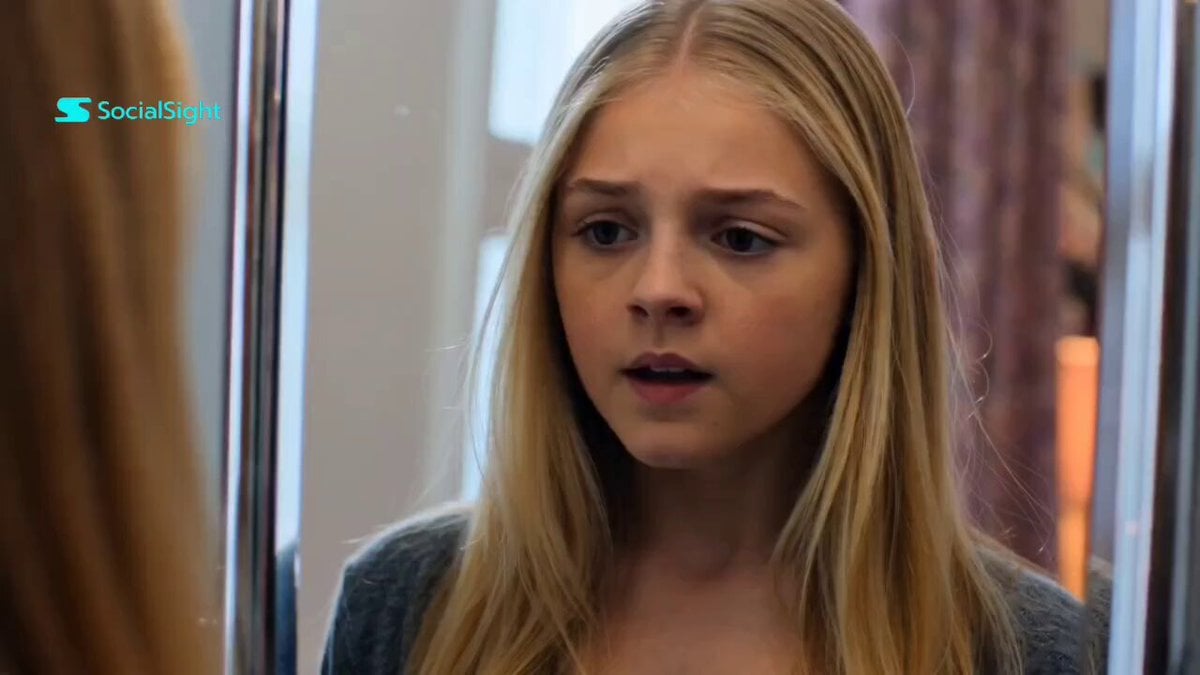
Dance Studio Narrative Progress Sequence
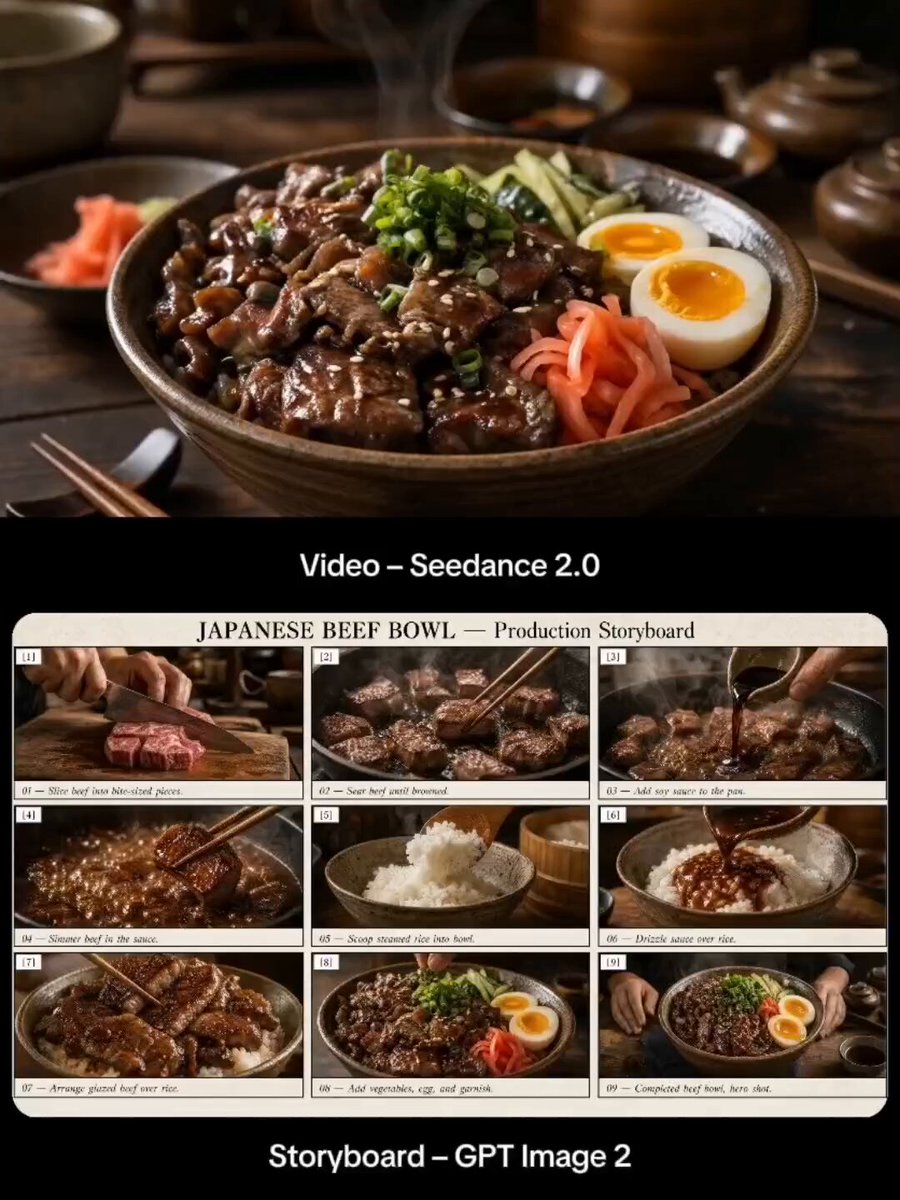
Japanese Beef Bowl Cooking Storyboard
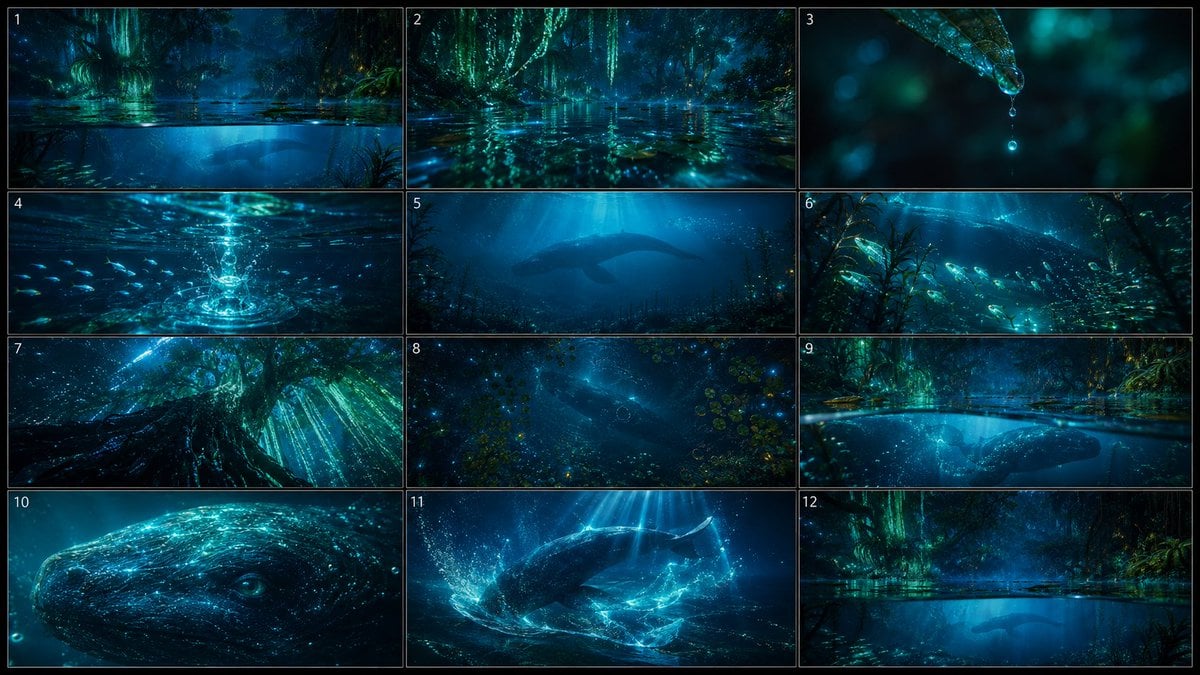
Bioluminescent Night Underwater Creature
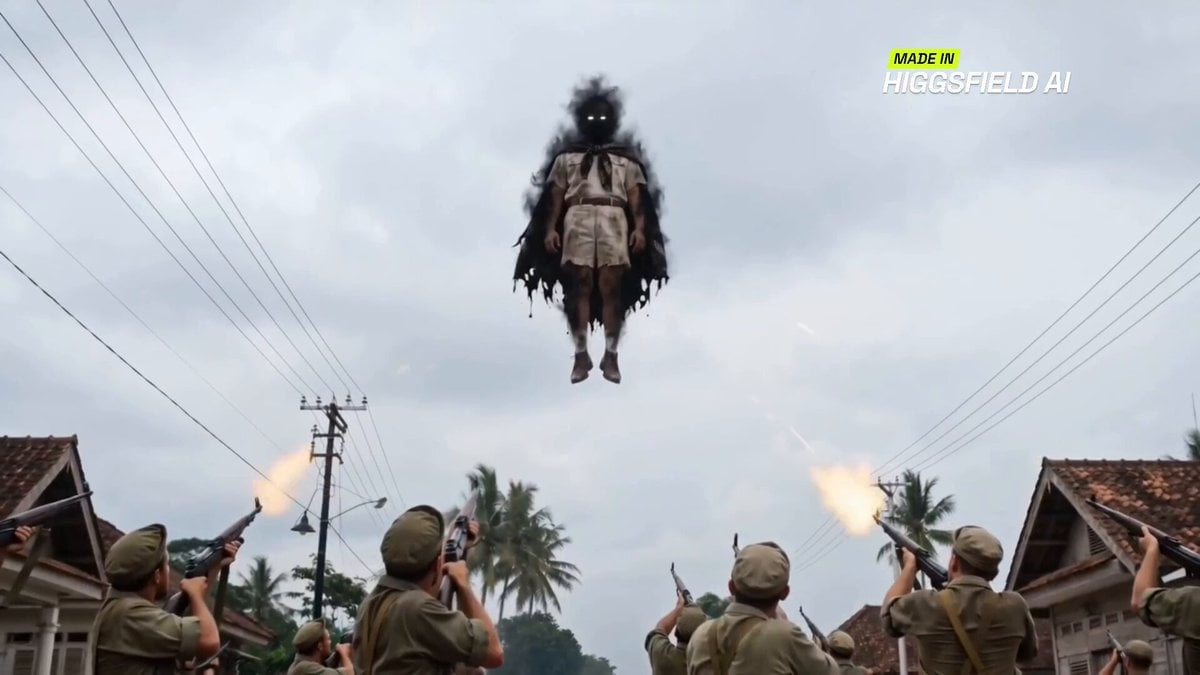
Indonesian superhero combat sequence
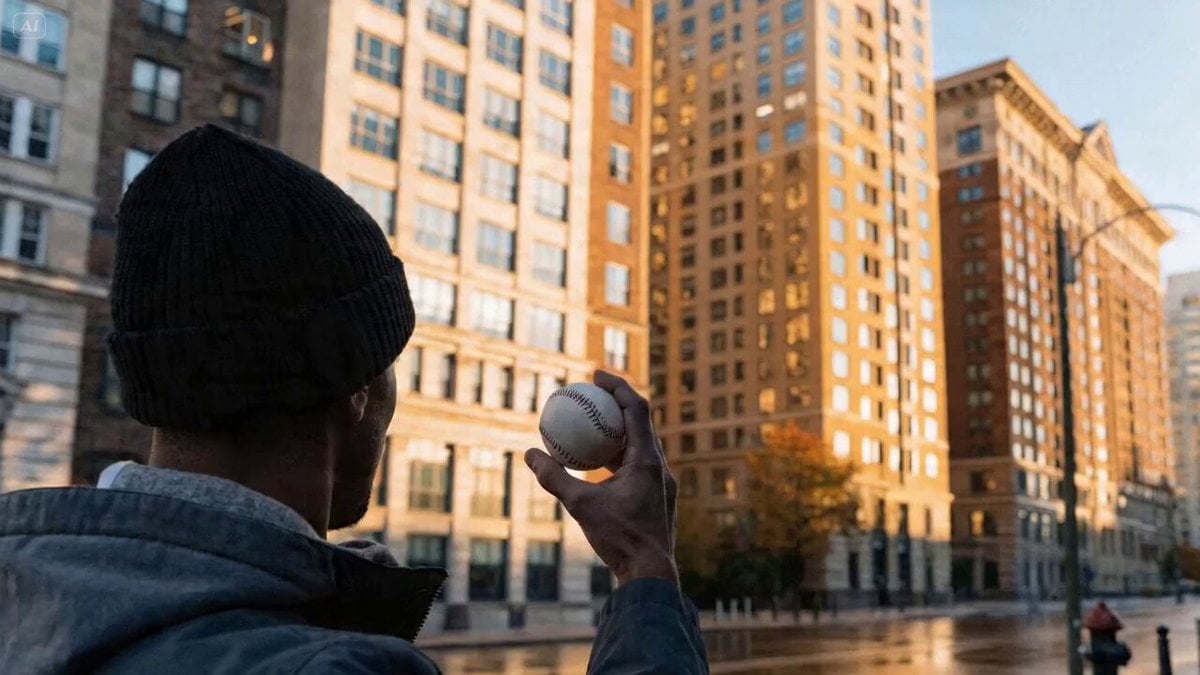
Kit Kat Baseball Throw Video Prompt
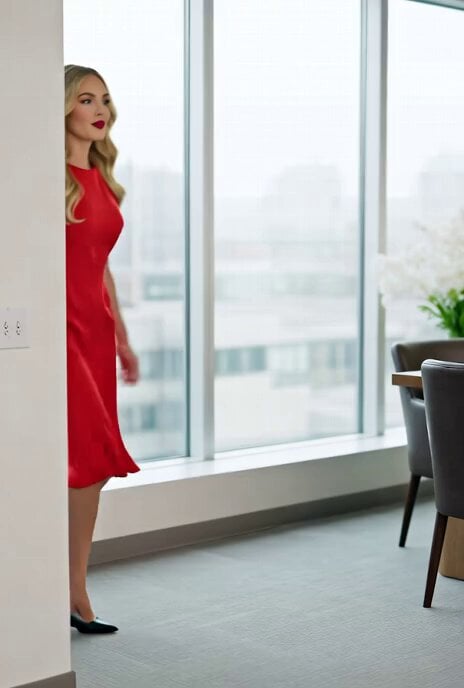
Video prompt for a romance novelist and an elegant editor
Browse template categories
Ancient Dragon Storm Entrance questions
How do I use the Ancient Dragon Storm Entrance template?
Add your photo if the template asks for one, edit the prompt if you like — the template's model and format are already selected — and press Generate. Your version opens in PicX Studio.
Can I customize the Ancient Dragon Storm Entrance template?
Yes. You can change the subject, setting, lighting, mood, format, and available model controls before creating your video.
Is the Ancient Dragon Storm Entrance template free?
Opening and editing this template is free. Generating uses credits, shown on the Generate button when you are signed in.
Which AI model should I use?
Start with Seedance 2.0, which is the model associated with this template. You can compare another compatible model for a different finish.
Looking for something else? Browse all templates.

Your photo, any look
Thousands of ready templates for every top image and video model, from one credit balance.