How do I use the Dance Studio Narrative Progress Sequence template?
Edit the prompt in the box under the preview — the template's model and format are already selected — and press Generate. Your version appears right on this page.
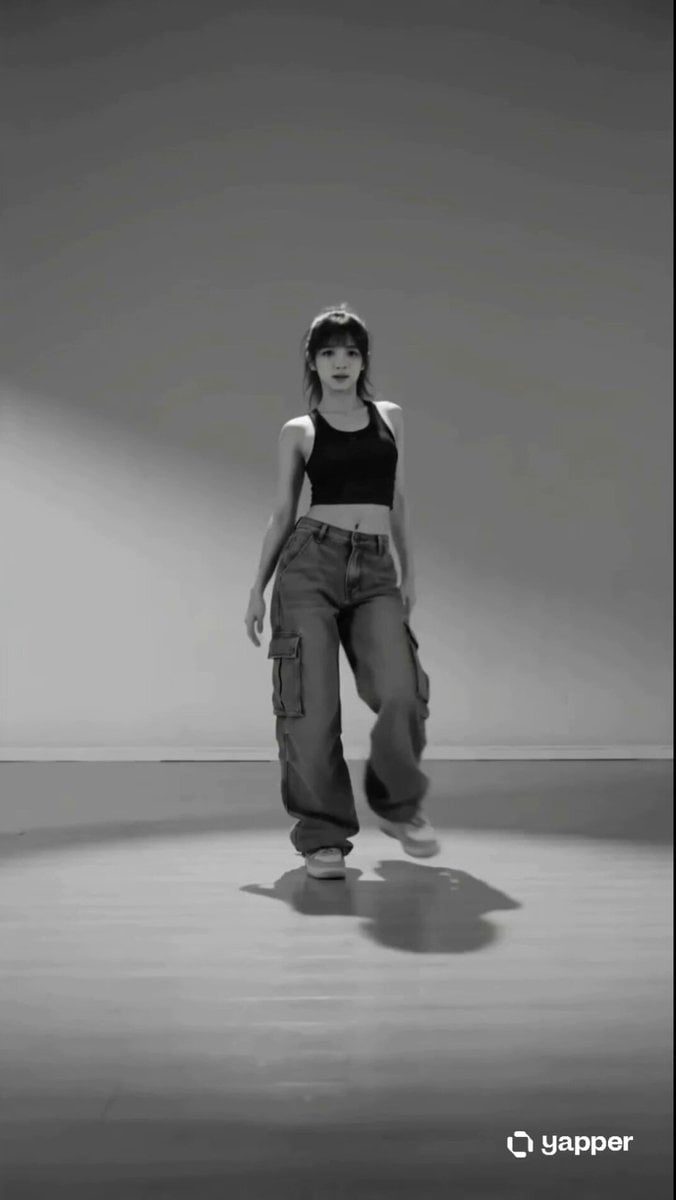
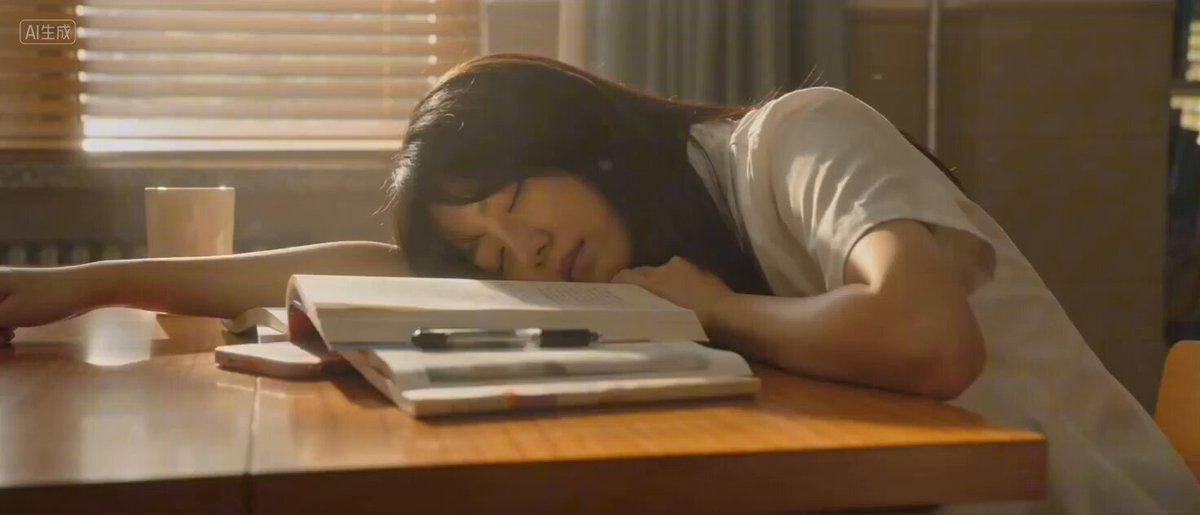
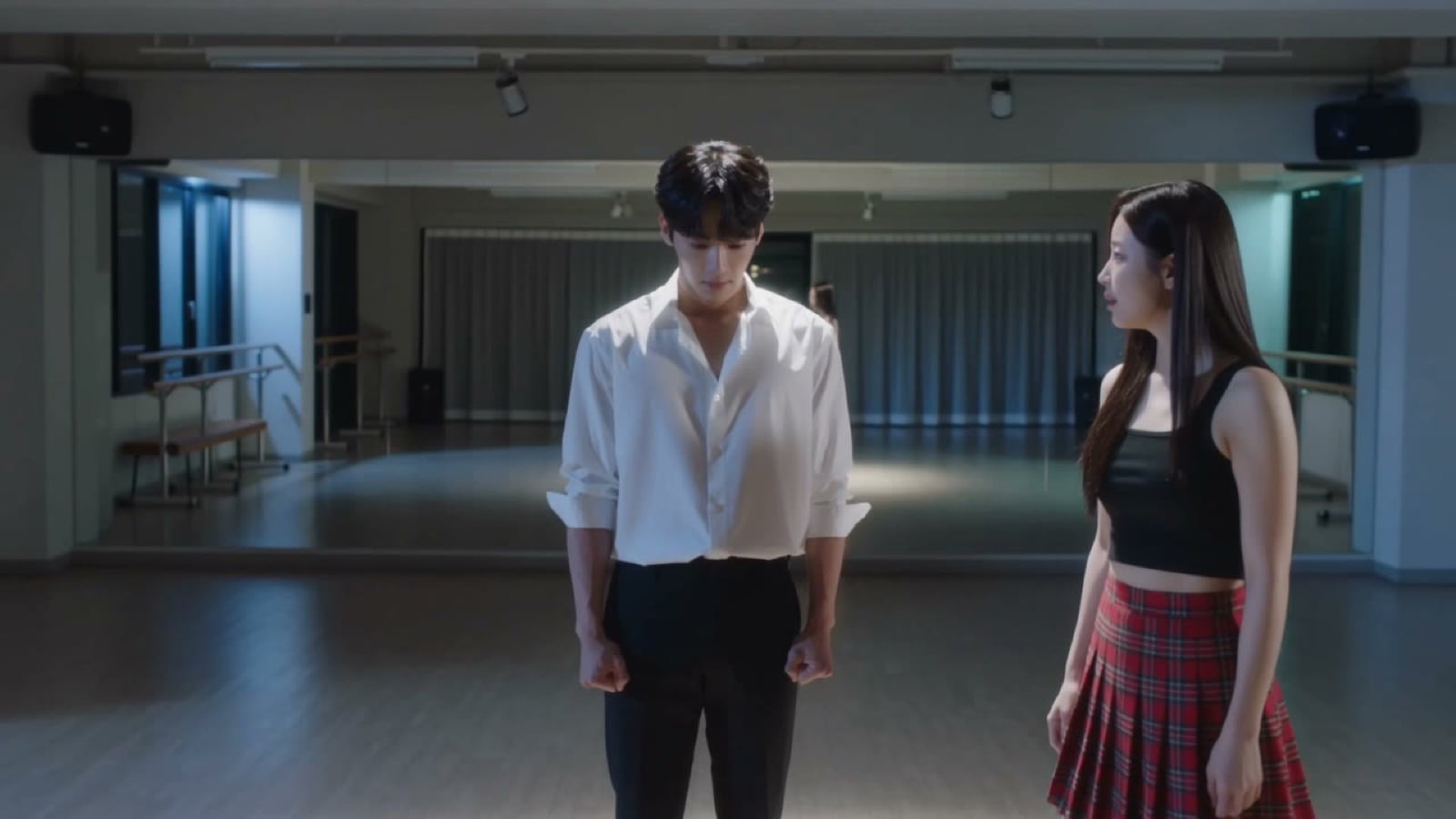
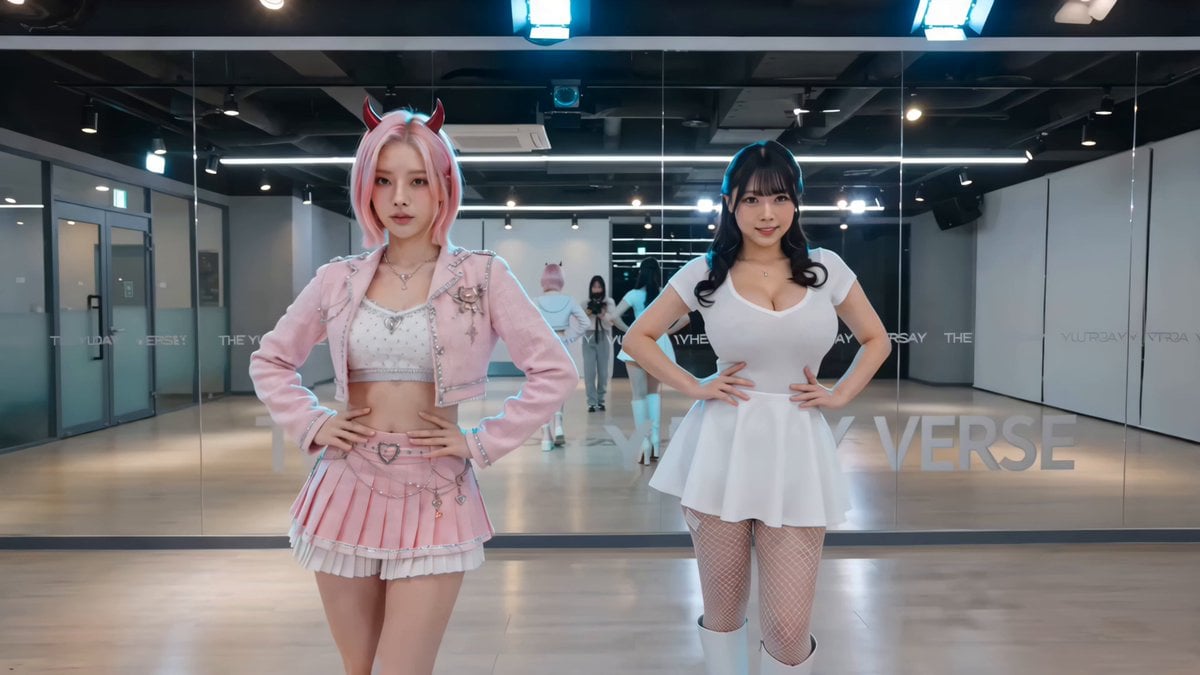
A 15-shot rhythmic sequence depicting a girl's journey from self-doubt to confidence in a dance studio.
FORMAT: 15 seconds / 142 BPM / 15 beat-synced shots SUBJECT: A girl with blonde hair ENVIRONMENT: Room → mirror → outfit → hair styling → studio → rehearsal → misstep → retry → sync → spotlight → sweat → final pose → exit → room → mirror MOOD ARC: Self-doubt → learning → flow → expressive confidence SHOT CHANGES: • Shot 1: unsure expression in mirror • Shot 2: changing into dance outfit • Shot 3: fixing hair neatly • Shot 4: entering studio • Shot 5: watching instructor • Shot 6: attempting moves • Shot 7: messes up timing • Shot 8: pauses, breathes • Shot 9: retries with rhythm • Shot 10: gets into flow • Shot 11: synchronized movement • Shot 12: sweating, fully immersed • Shot 13: final pose hit clean • Shot 14: back home mirror • Shot 15: confident expression
FORMAT: 15 seconds / 142 BPM / 15 beat-synced shots SUBJECT: A girl with blonde hair ENVIRONMENT: Room → mirror → outfit → hair styling → studio → rehearsal → misstep → retry → sync → spotlight → sweat → final pose → exit → room → mirror MOOD ARC: Self-doubt → learning → flow → expressive confidence SHOT CHANGES: • Shot 1: unsure expression in mirror • Shot 2: changing into dance outfit • Shot 3: fixing hair neatly • Shot 4: entering studio • Shot 5: watching instructor • Shot 6: attempting moves • Shot 7: messes up timing • Shot 8: pauses, breathes • Shot 9: retries with rhythm • Shot 10: gets into flow • Shot 11: synchronized movement • Shot 12: sweating, fully immersed • Shot 13: final pose hit clean • Shot 14: back home mirror • Shot 15: confident expression
Edit the prompt in the box under the preview — the template's model and format are already selected — and press Generate. Your version appears right on this page.
Yes. You can change the subject, setting, lighting, mood, format, and available model controls before creating your video.
Opening and editing this template is free. Generating uses credits, shown on the Generate button when you are signed in.
Start with Seedance 2.0, which is the model associated with this template. You can compare another compatible model for a different finish.
Follow a topic to a crawlable collection of related PicX Studio templates.