
Cyberpunk Rooftop Parkour Chase
A high-octane 4K prompt for a cyberpunk night chase featuring rooftop parkour, rain-soaked surfaces, and security drones.
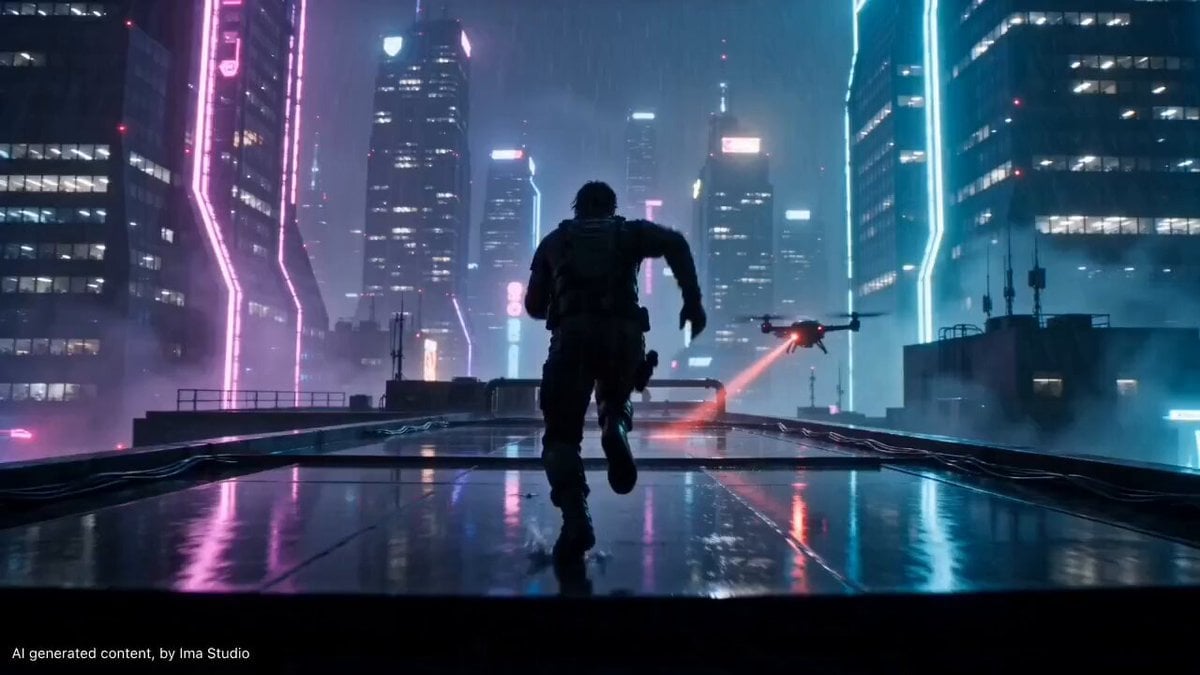
- Prompt included
- Model and format preset
- Premium template
The prompt behind this video
Copy the exact prompt behind Cyberpunk Rooftop Parkour Chase, or open it in the studio and make it yours.
Ultra cinematic cyberpunk rooftop parkour chase at night in a futuristic neon megacity, massive skyscrapers, deep vertical scale, glowing skyline, rain-soaked reflective surfaces, wet metal textures. Smooth drone + gimbal hybrid camera tracking, aggressive forward motion, controlled speed ramps, perfectly stable, no shaky camera, continuous cinematic flow. Main character: same person throughout, consistent face and outfit, athletic male, dark tactical clothing, wet hair, strong silhouette, face partially visible, intense focused expression. Action: sprinting across rooftops, jumping over gaps, sliding under pipes, splashing through rain water, mid-air jump between buildings in slight slow motion, chased by flying security drones with red scanning beams cutting through fog, final leap into darkness disappearing into shadow. Lighting: neon dominant (magenta, cyan, violet), strong reflections on wet surfaces, volumetric fog, backlit rain particles, rim lighting on character. Audio: no music, only diegetic sound — heavy breathing, footsteps on metal, rain, distant sirens, drone hum, wind. Style: Blade Runner aesthetic, cinematic realism, anamorphic lens flares, shallow depth of field, ultra-detailed textures, film grain. Output: 4K ultra HD, hyper realistic, high detail, smooth motion
How to use Cyberpunk Rooftop Parkour Chase in 3 steps
- 1
Open
The prompt is already in the box next to the preview, with the template's model and format selected.
- 2…a portrait of your subject in softgolden-hour light, 85mm…
Personalize
Edit the subject and creative details for your destination.
- 3Generate
Generate
Press Generate — your video is created in PicX Studio, so you can compare it with the original and refine one variable at a time.
More like this
Templates with the same subject, style or setup. Open one to see its prompt.
Rooftop Parkour Motion Control
Vertical City — São Paulo Parkour at Sunset
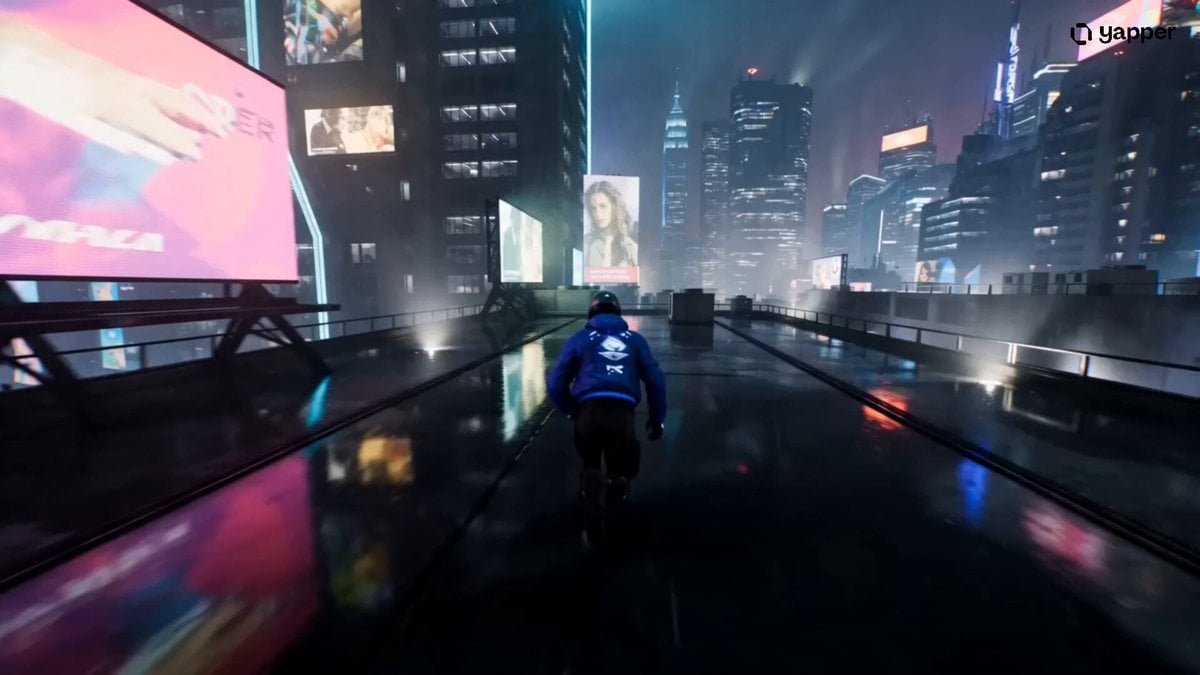
Cyberpunk Rooftop Chase Cinematic Prompt
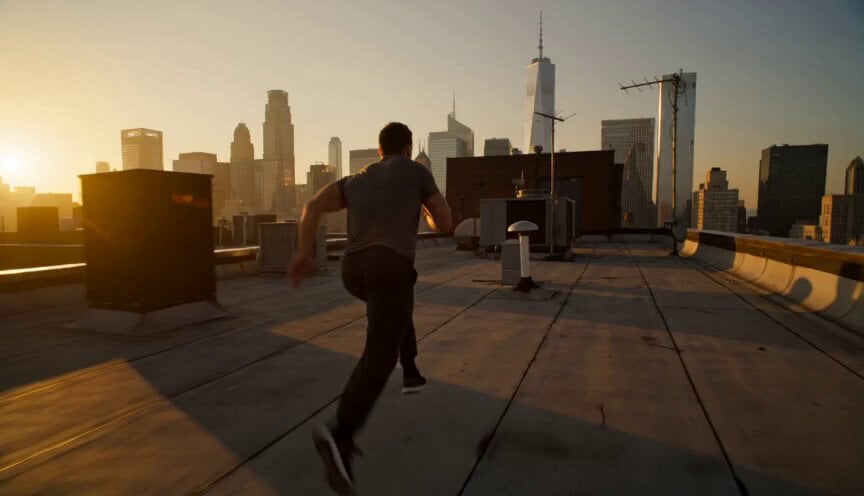
Golden Hour Rooftop Parkour Chase

Cyberpunk Parkour Anime Script

Cyberpunk Holographic Dance Performance - Seedance 2.5
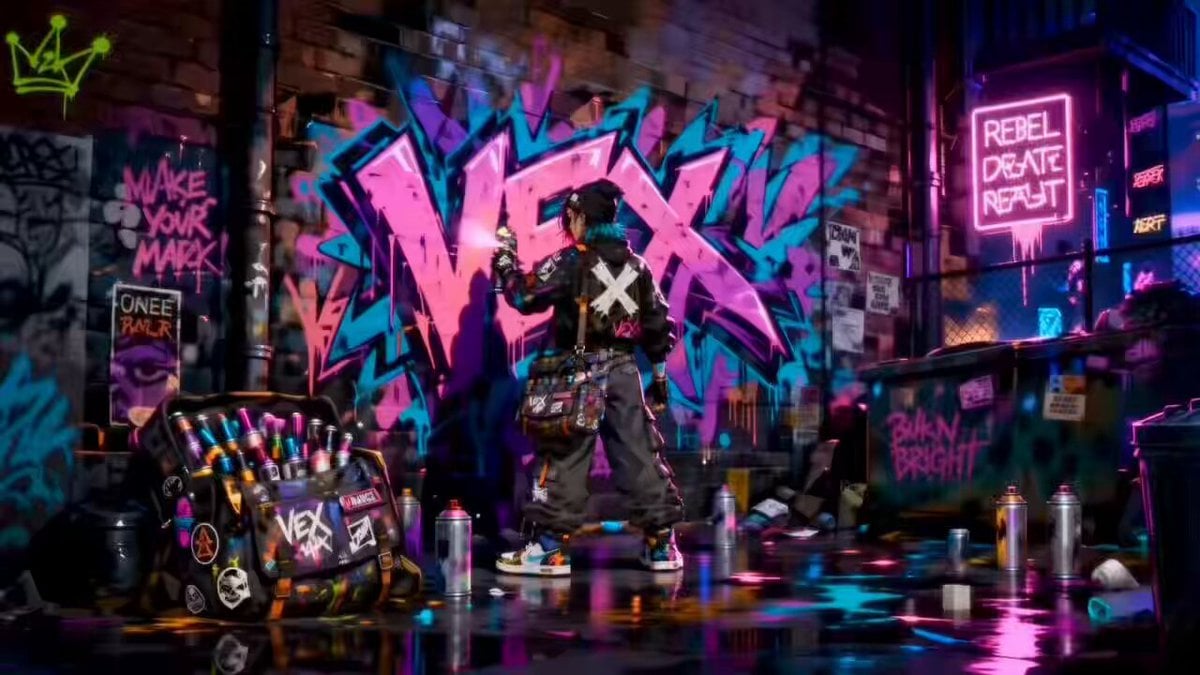
Rooftop Chase Motion Phrases

RX-7 to Mech Transformation Cyberpunk

Luxury Lifestyle Day Vlog
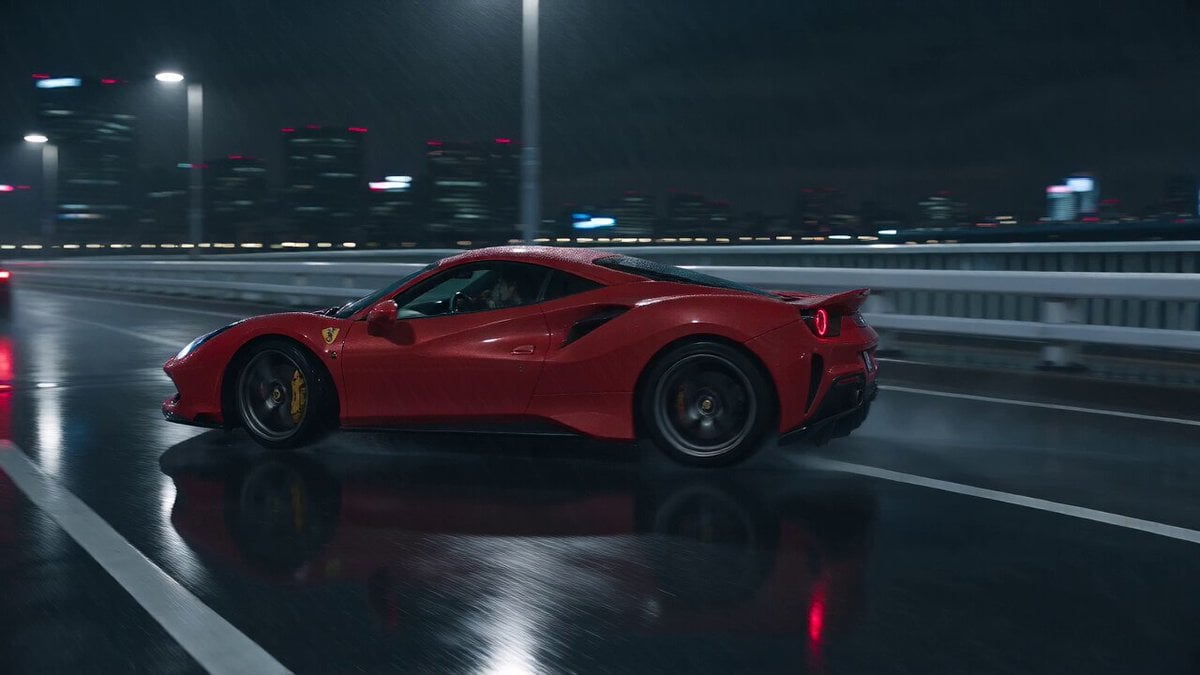
Cyberpunk Tokyo Rainy Car Chase

Cartoon Donut Heist Bakery Chase
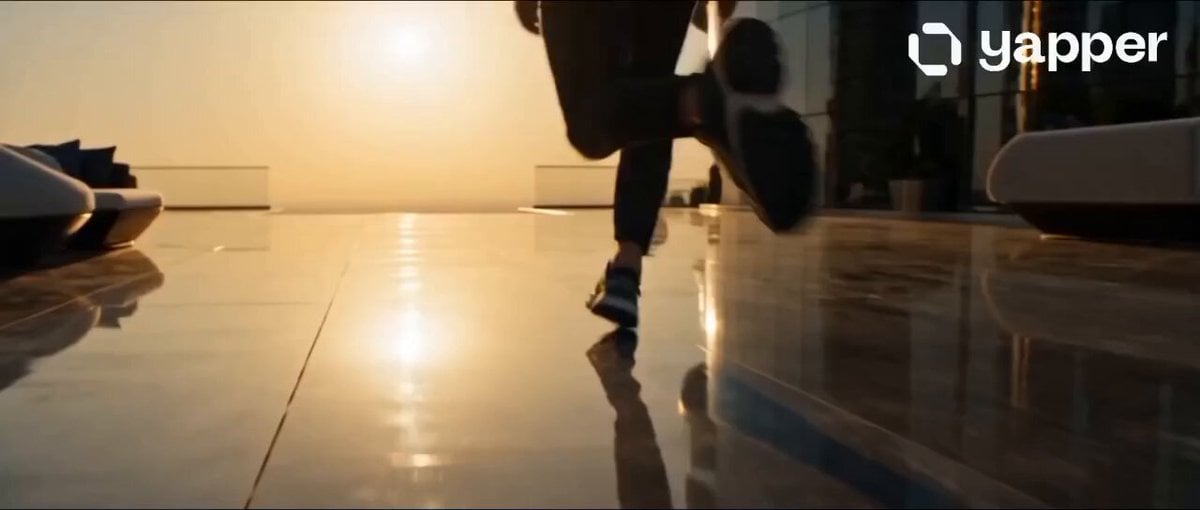
Dubai Rooftop Parkour Action Sequence
Make it yours
Cyberpunk Rooftop Parkour Chase works as-is. These are the safest ways to change it without losing the look.
Change one field
Copy a single group, rewrite it, and generate again so you can see what that field is doing.
Keep the frame, change the subject
Hold the composition and light of Cyberpunk Rooftop Parkour Chase, then swap wardrobe, props or the person for a new take.
| If the result… | Why | Fix |
|---|---|---|
| The result drifts from the preview | Too many fields changed at once. | Reuse Cyberpunk Rooftop Parkour Chase as-is first, then change one group — subject, light, or setting. |
| The model over-stylizes the scene | The prose prompt leaves finish and camera underspecified. | Add one camera or lighting sentence and stay on Seedance 2.0. |
More Seedance 2.0 templates
Other prompts made for Seedance 2.0.

Comical Martial Arts Punch Scene

Maglev Train Action Sequence

Martial Arts Fight Sequence

Wuxia Protection and Trust Script

Vintage Korean Arcade MiniDV Vlog

Mercedes 190 SL Luxury Ad

Rainy Night Supernatural Reverse Comedy Video Script

Amazon Civilization Discovery

Futuristic South Asian City Transformation

Cozy Luxury Cafe Commercial
More video prompts
Fresh picks from across the catalog.
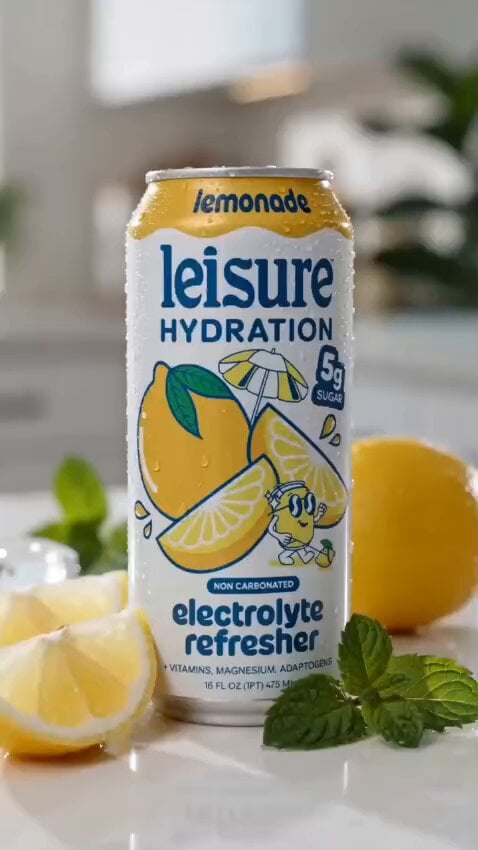
Lemonade Electrolyte Drink Commercial
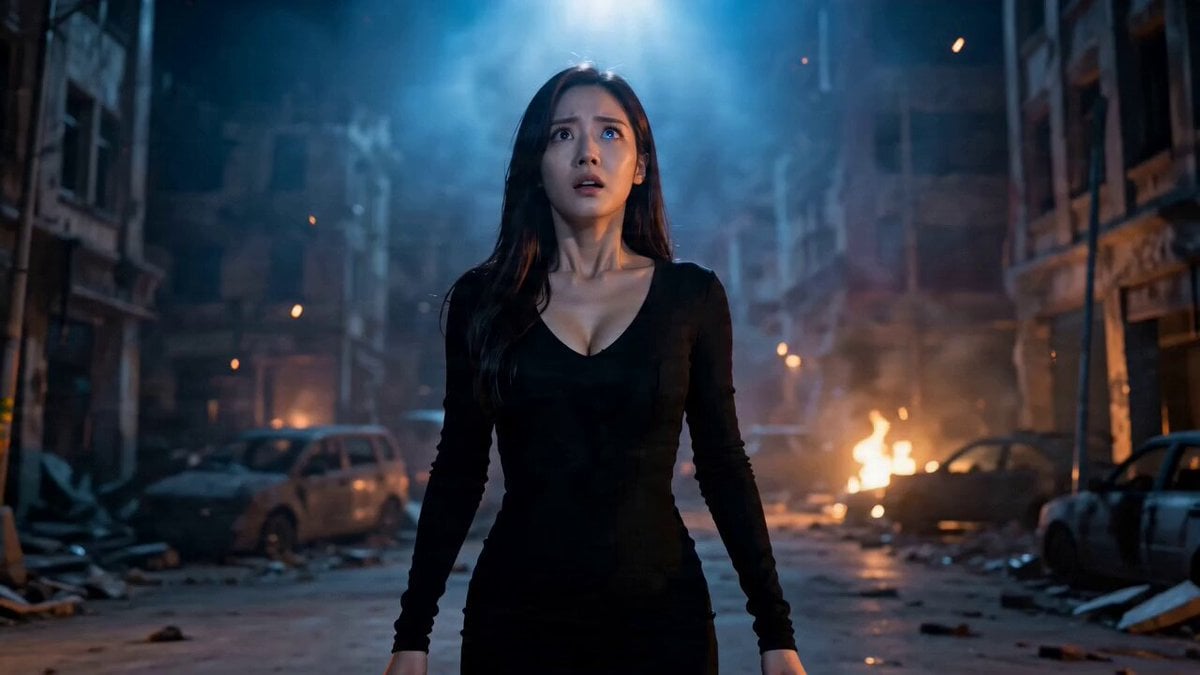
Image-to-Video Transformation Sequence
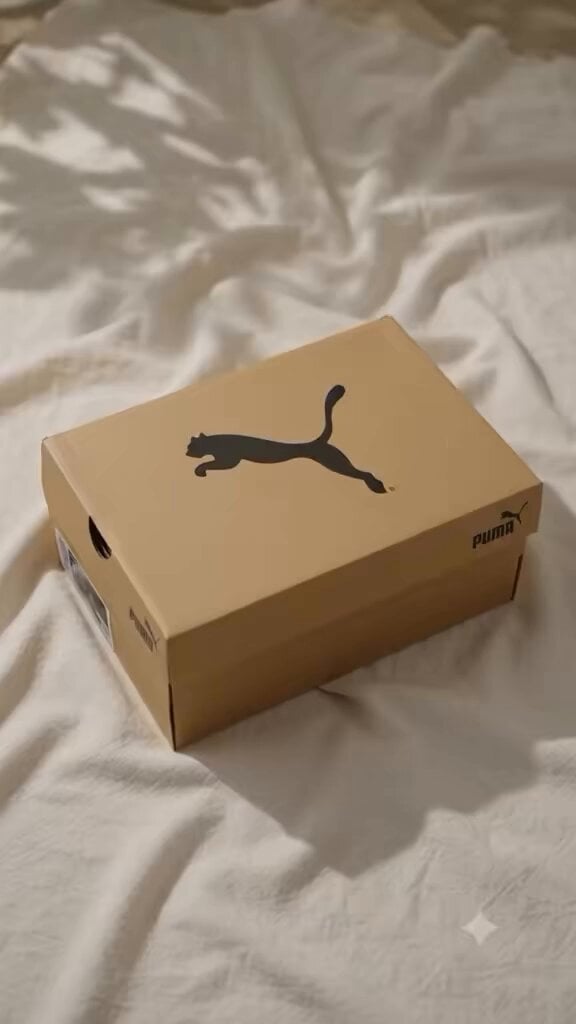
Luxury Shoe Unboxing Reel

Paper Airplane POV Flight
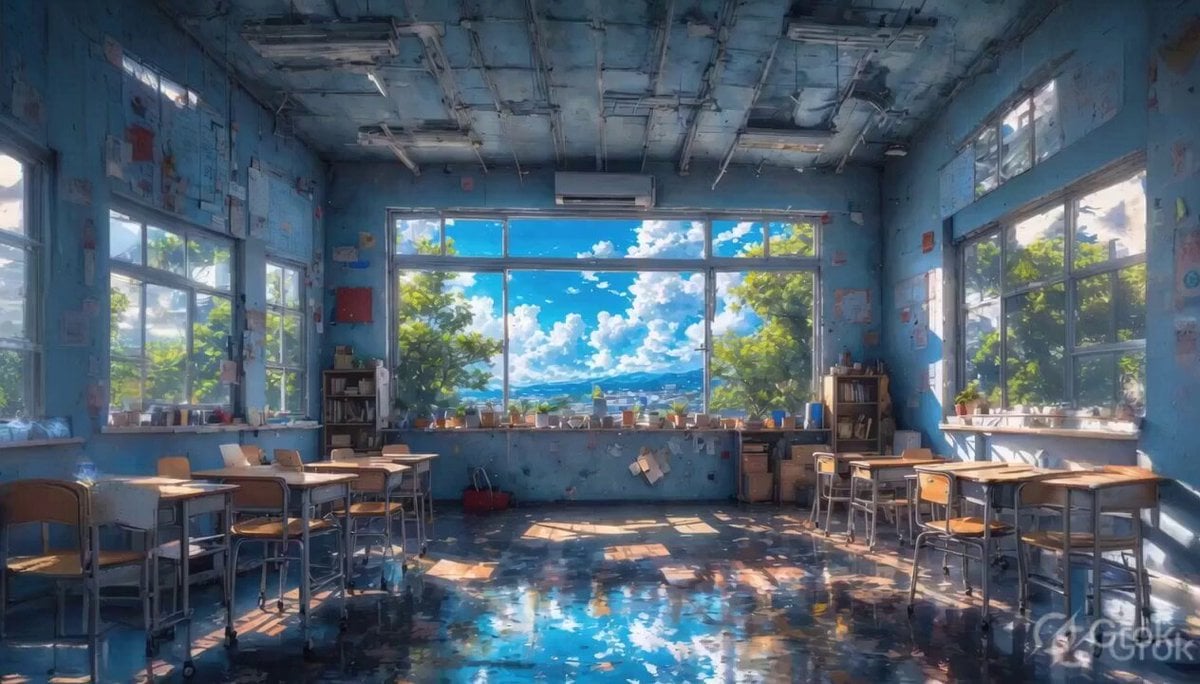
Abandoned Classroom Mountain View
Sinatra and Yogi Berra Pizza Dinner
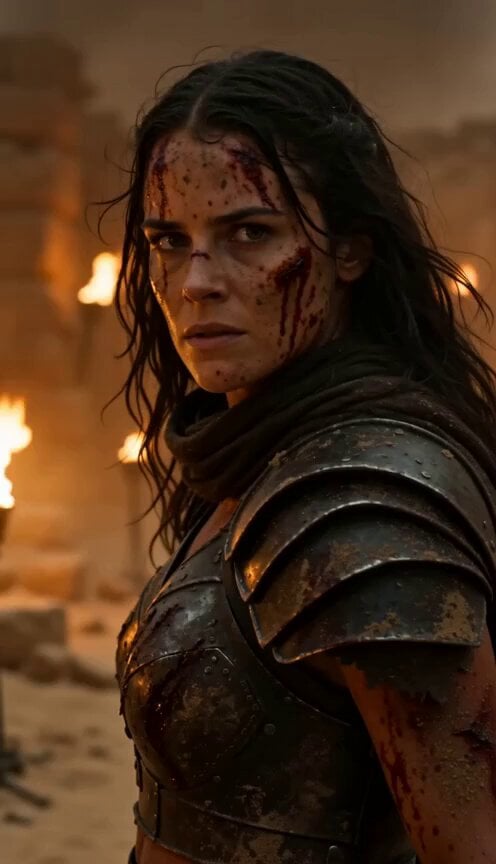
Epic Fantasy Action Battle Storyboard Prompt
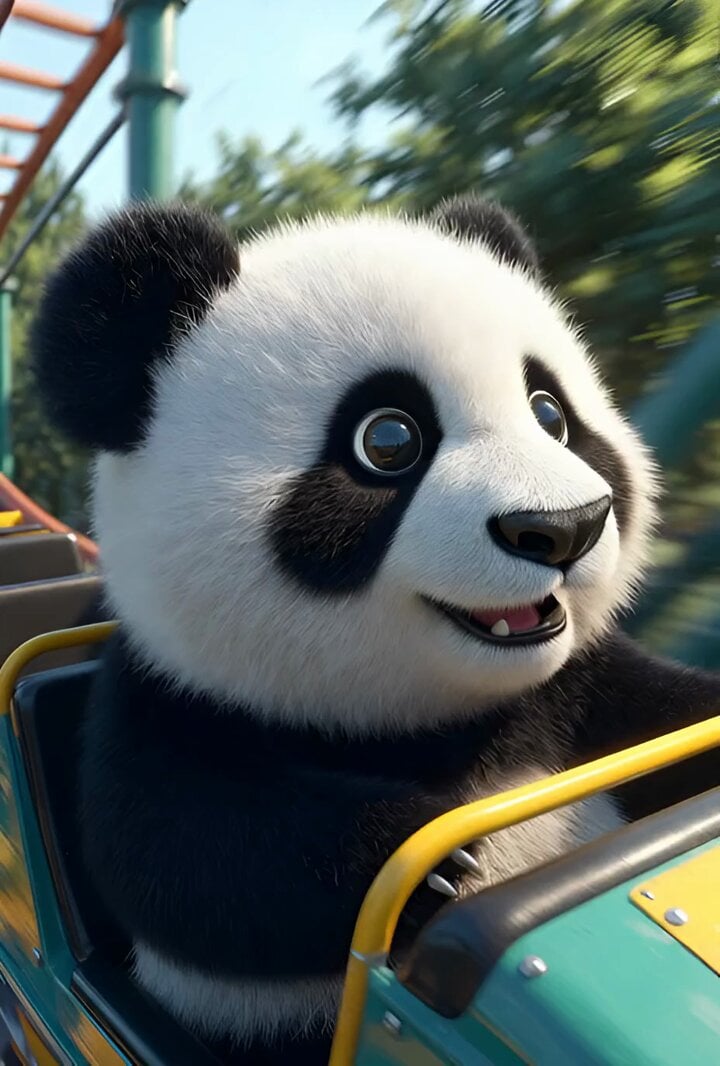
Cartoon panda on a roller coaster
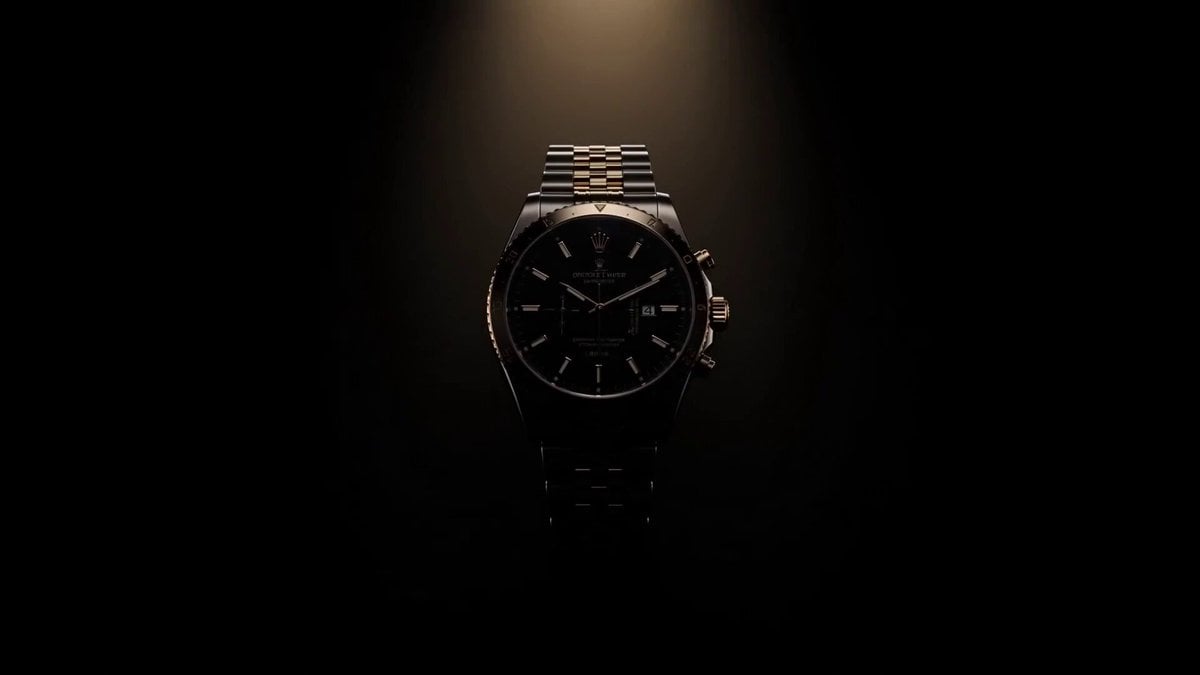
Luxury Watch Commercial Animation
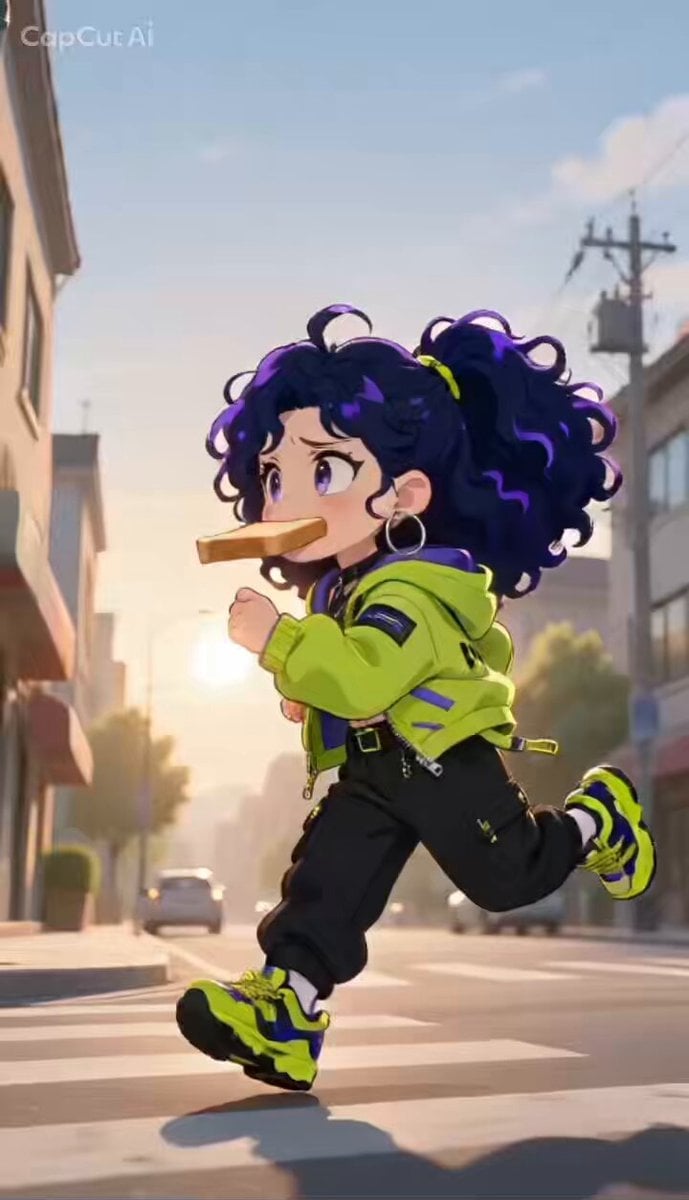
Anime Style Chance Encounter Prompt
Browse template categories
Cyberpunk Rooftop Parkour Chase questions
How do I use the Cyberpunk Rooftop Parkour Chase template?
Add your photo if the template asks for one, edit the prompt if you like — the template's model and format are already selected — and press Generate. Your version opens in PicX Studio.
Can I customize the Cyberpunk Rooftop Parkour Chase template?
Yes. You can change the subject, setting, lighting, mood, format, and available model controls before creating your video.
Is the Cyberpunk Rooftop Parkour Chase template free?
Opening and editing this template is free. Generating uses credits, shown on the Generate button when you are signed in.
Which AI model should I use?
Start with Seedance 2.0, which is the model associated with this template. You can compare another compatible model for a different finish.
Looking for something else? Browse all templates.

Your photo, any look
Thousands of ready templates for every top image and video model, from one credit balance.