How do I use the Image-to-Video Transformation Sequence template?
Edit the prompt in the box under the preview — the template's model and format are already selected — and press Generate. Your version appears right on this page.
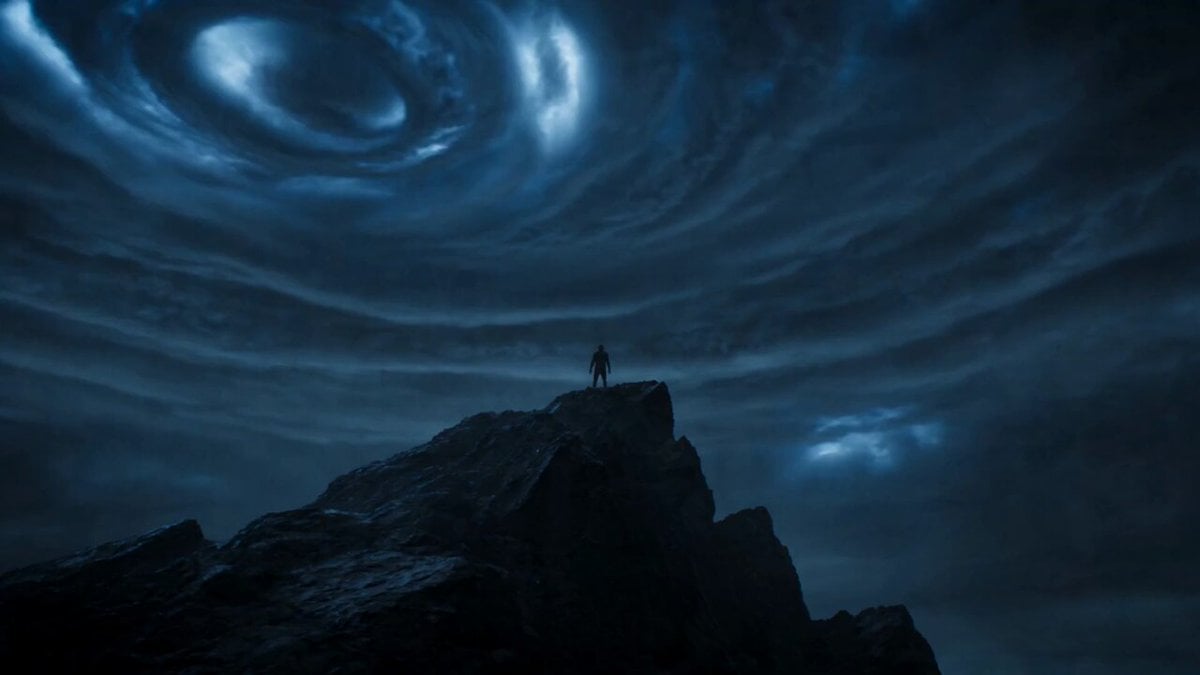
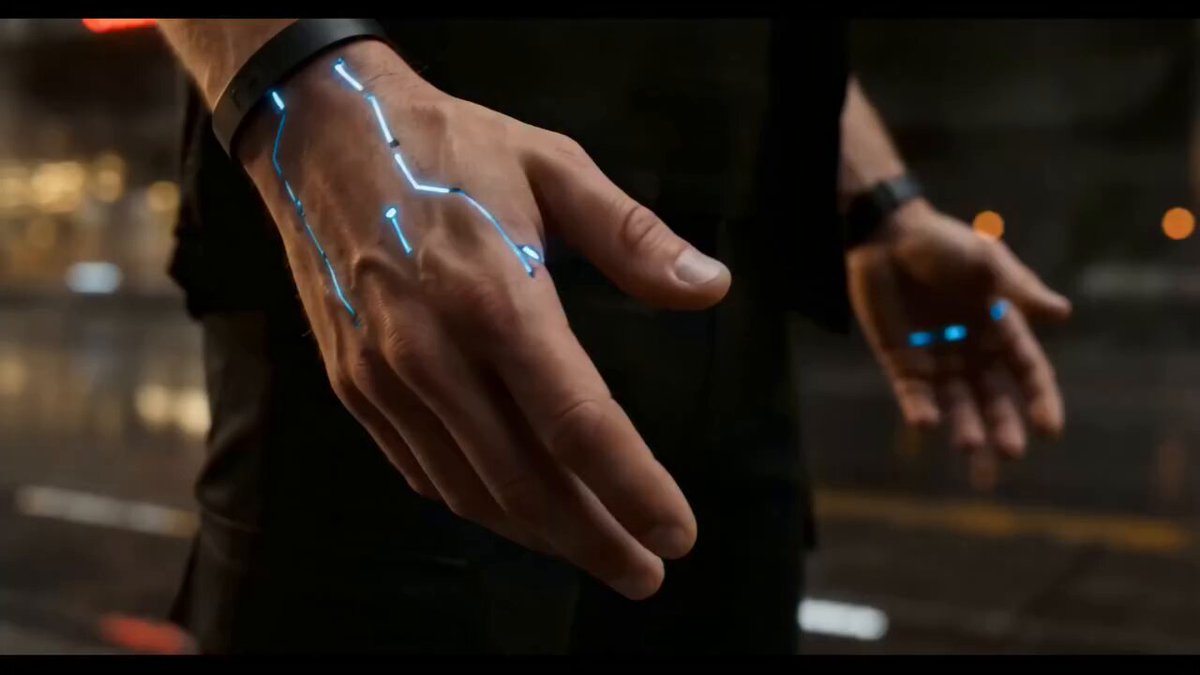
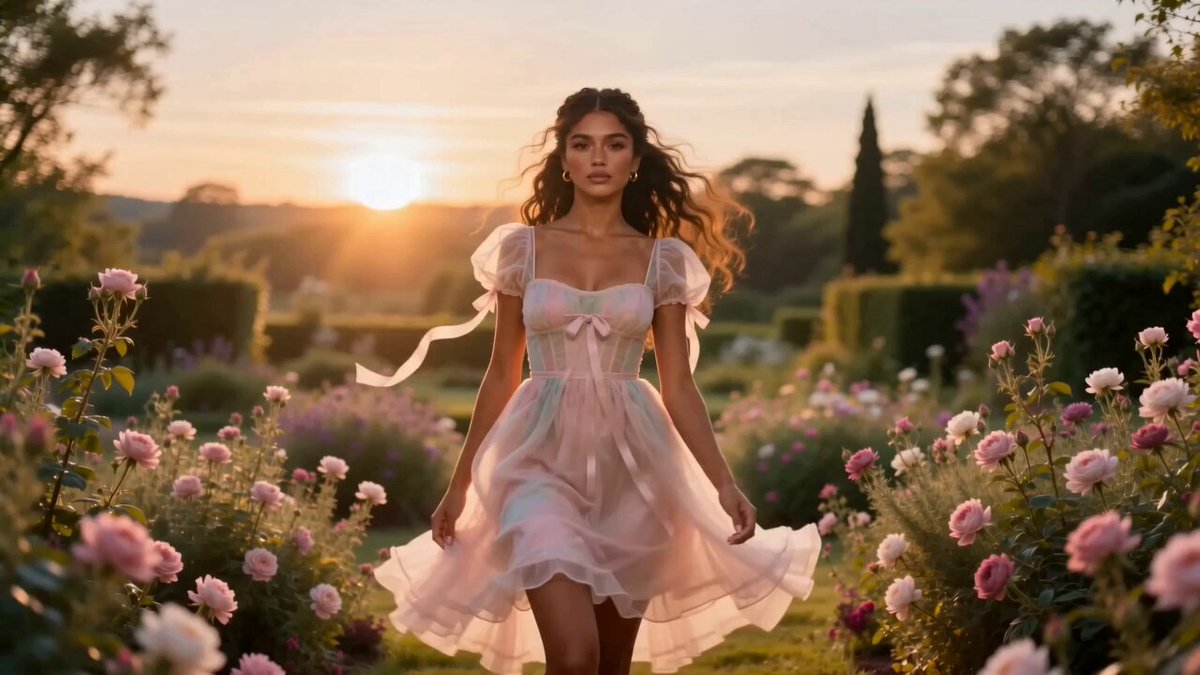
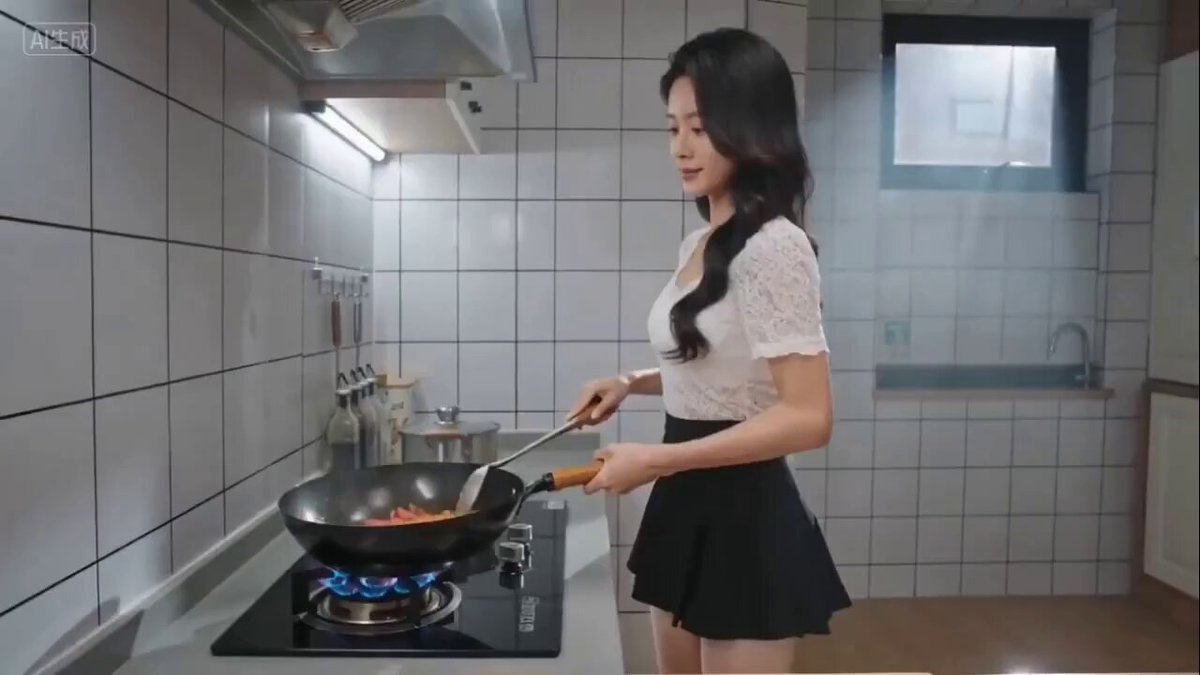
A prompt for generating a 15-second vertical video that transforms based on a four-panel comic strip (@Image 1) with rapid, rhythmic cuts.
Seedance图生视频提示词: 参考@图片1的四格漫画进行快速卡点变身,15秒竖屏。 0-2秒:第一格画面动态化——废墟城市中,黑衣女子惊讶表情,慢镜头推进; 3-5秒:第二格——黑色触手从地面裂缝中涌出,快速缠绕女子身体,她挣扎着,触手黏腻的音效;
Seedance图生视频提示词: 参考@图片1的四格漫画进行快速卡点变身,15秒竖屏。 0-2秒:第一格画面动态化——废墟城市中,黑衣女子惊讶表情,慢镜头推进; 3-5秒:第二格——黑色触手从地面裂缝中涌出,快速缠绕女子身体,她挣扎着,触手黏腻的音效;
Edit the prompt in the box under the preview — the template's model and format are already selected — and press Generate. Your version appears right on this page.
Yes. You can change the subject, setting, lighting, mood, format, and available model controls before creating your video.
Opening and editing this template is free. Generating uses credits, shown on the Generate button when you are signed in.
Start with Seedance 2.0, which is the model associated with this template. You can compare another compatible model for a different finish.
Follow a topic to a crawlable collection of related PicX Studio templates.