How do I use the Car Chase with Transforming Robot template?
Edit the prompt in the box under the preview — the template's model and format are already selected — and press Generate. Your version appears right on this page.
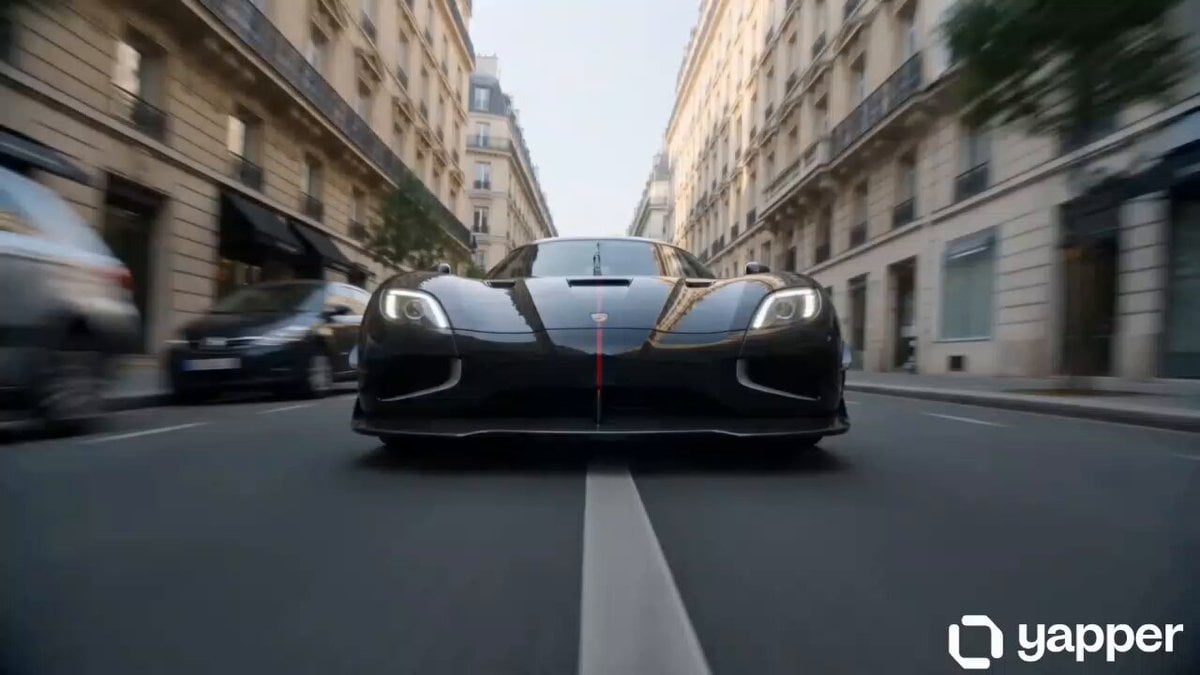
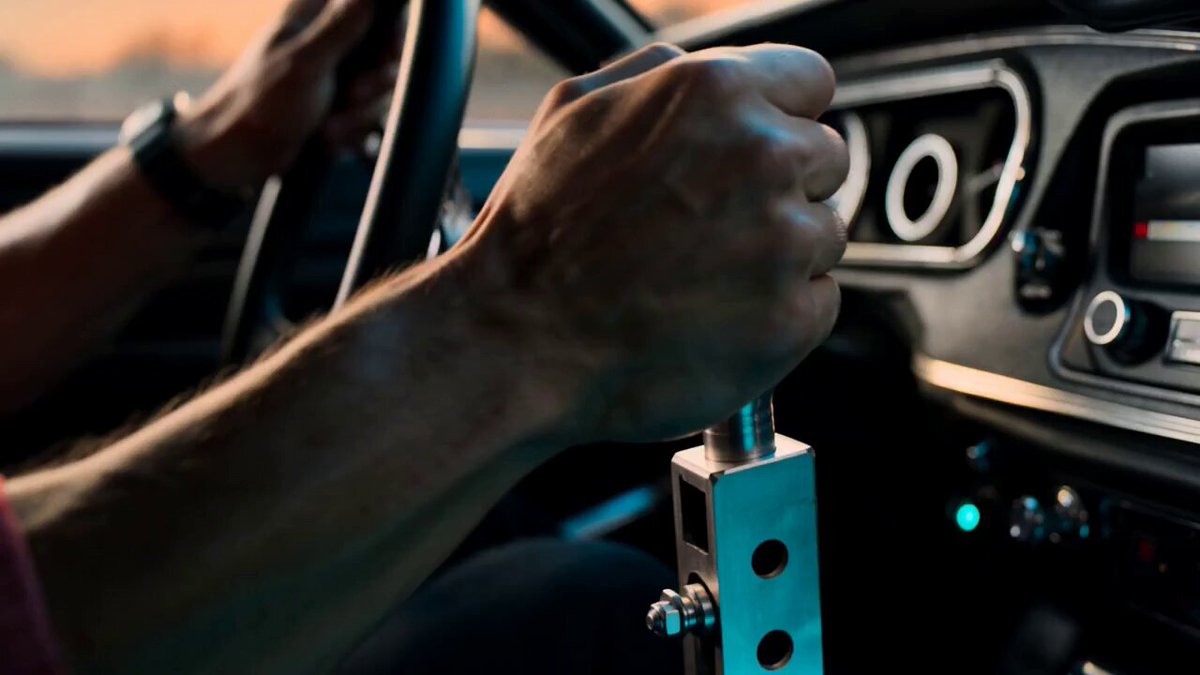
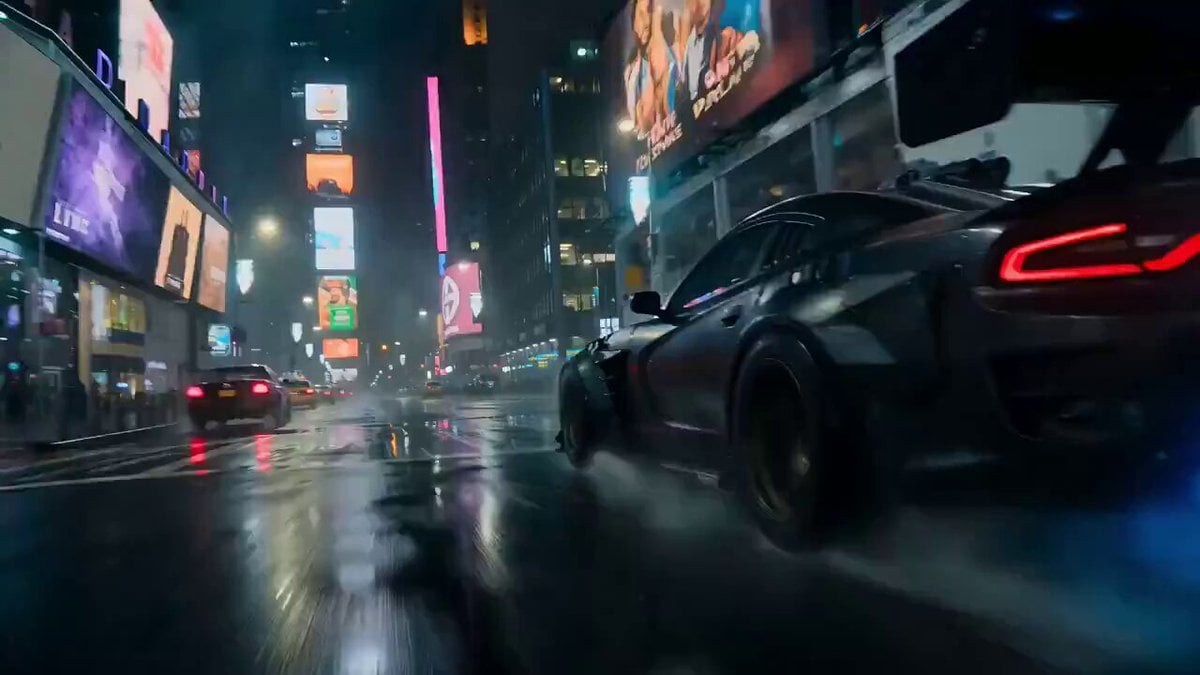
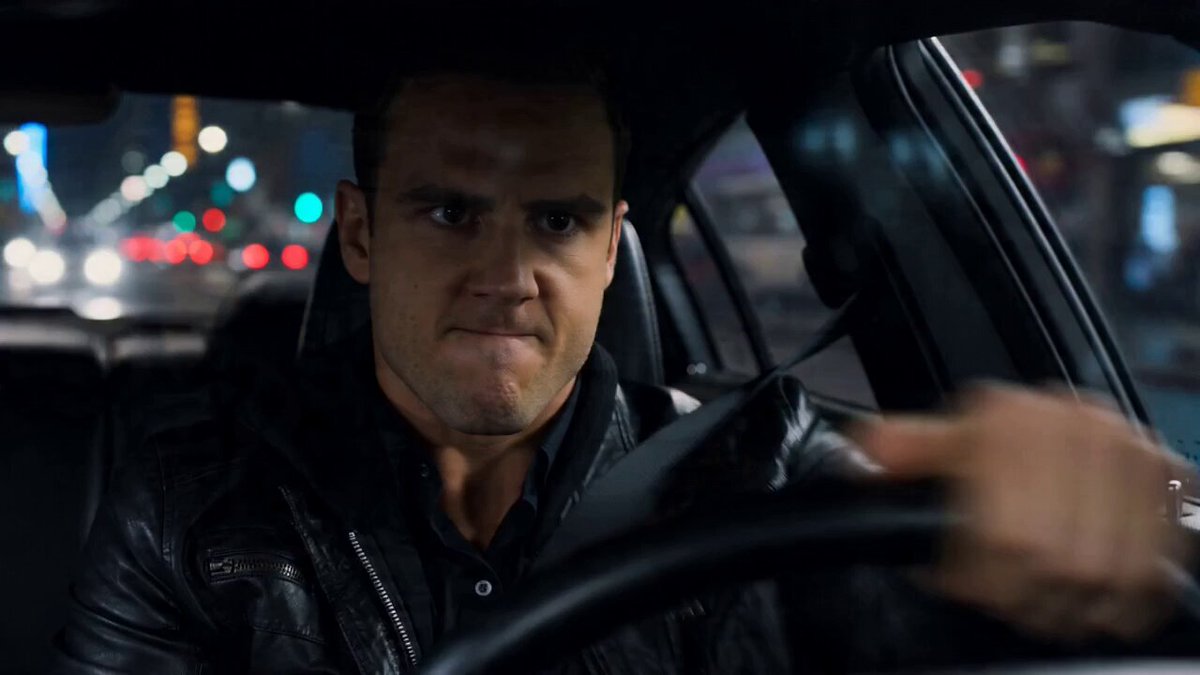
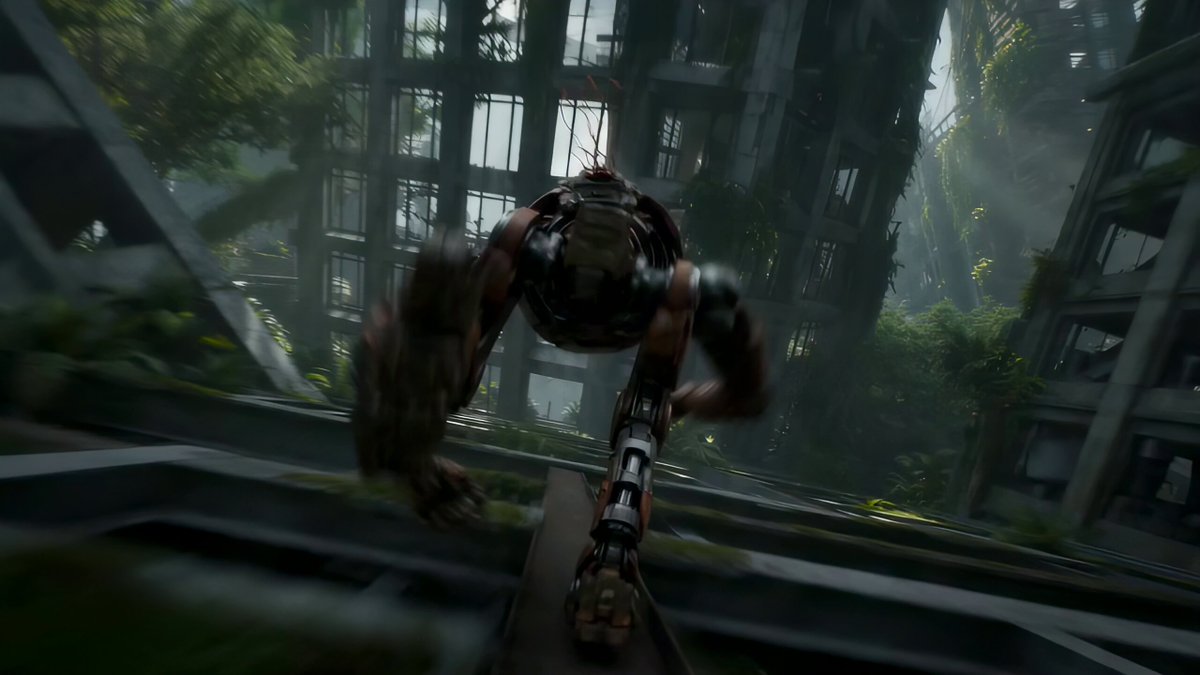
A prompt for generating a movie scene involving a high-speed car chase in the Bronx where a police car pursues a Mustang, which then dramatically transforms into a giant flying robot and escapes.
movie scene , a car chase at full speed, with a police car chasing a Mustang in the streets of the Bronx, then suddenly the Mustang transforms into a giant flying robot and fly away
movie scene , a car chase at full speed, with a police car chasing a Mustang in the streets of the Bronx, then suddenly the Mustang transforms into a giant flying robot and fly away
Edit the prompt in the box under the preview — the template's model and format are already selected — and press Generate. Your version appears right on this page.
Yes. You can change the subject, setting, lighting, mood, format, and available model controls before creating your video.
Opening and editing this template is free. Generating uses credits, shown on the Generate button when you are signed in.
Start with Seedance 2.0, which is the model associated with this template. You can compare another compatible model for a different finish.
Follow a topic to a crawlable collection of related PicX Studio templates.