How do I use the Multi-Shot Jelly Bio-Mech Video Prompt template?
Edit the prompt in the box under the preview — the template's model and format are already selected — and press Generate. Your version appears right on this page.
A highly detailed, multi-shot prompt for Seedance 2.0 describing a massive bio-mech made of translucent turquoise jelly and glowing pink gummy material, specifying its movement, interaction with the environment, and…

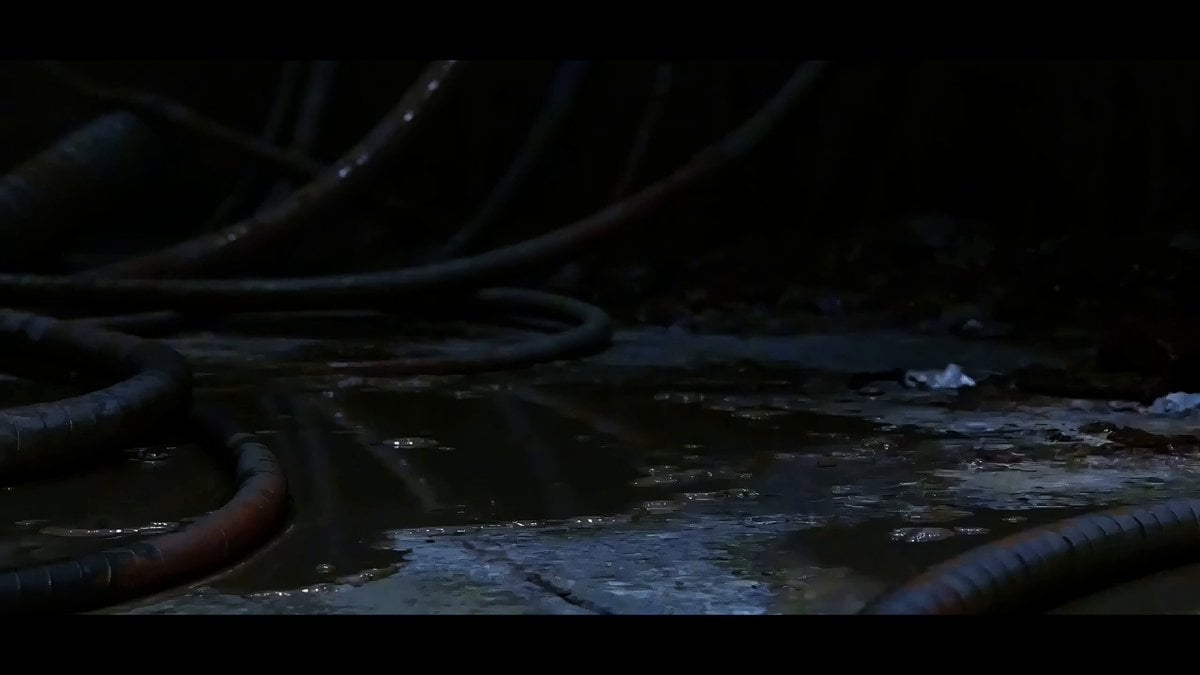
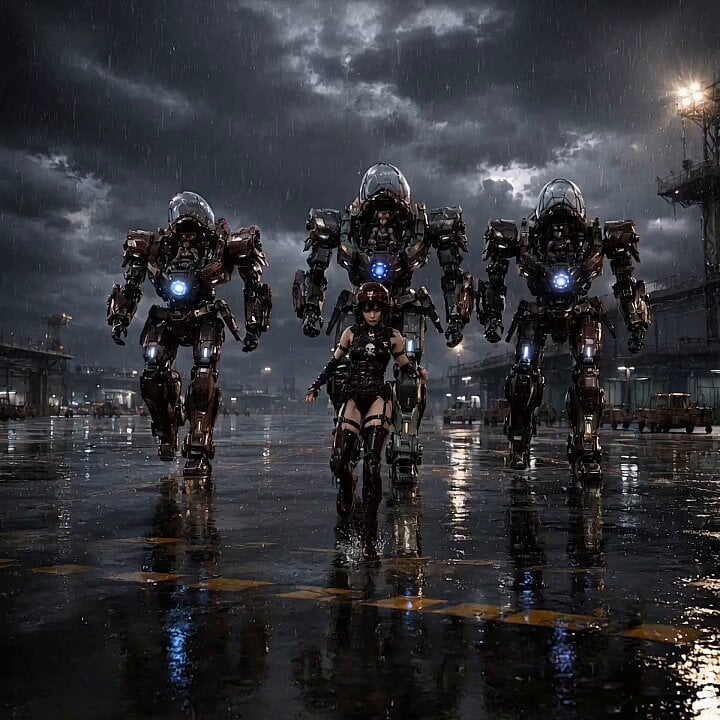
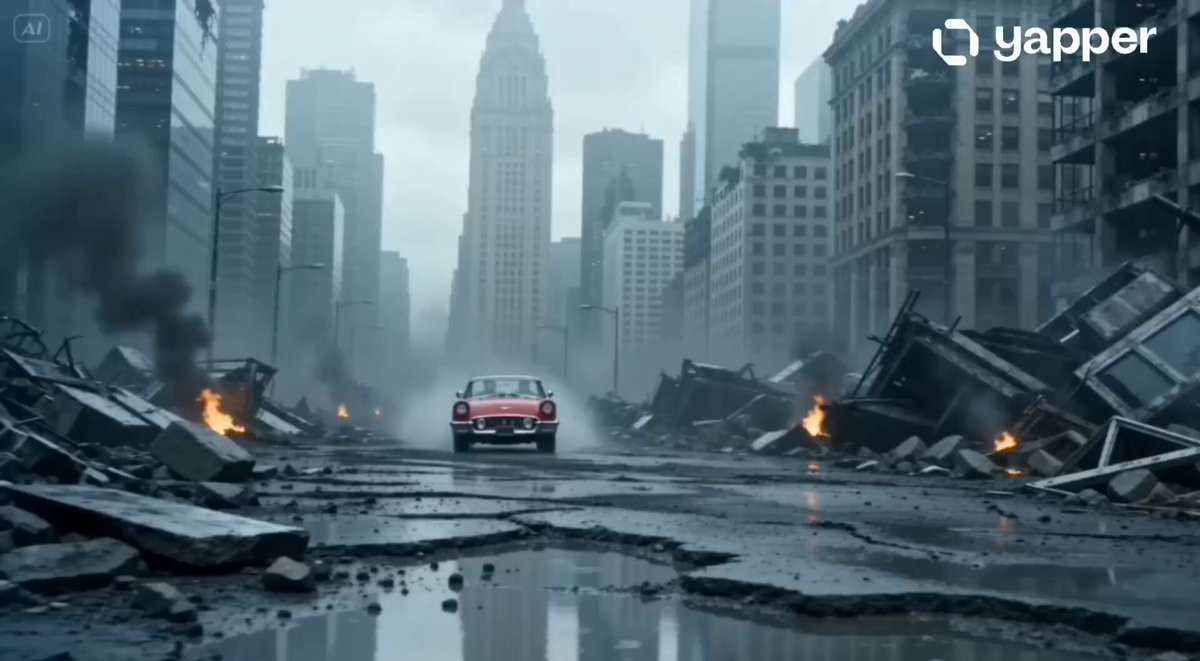
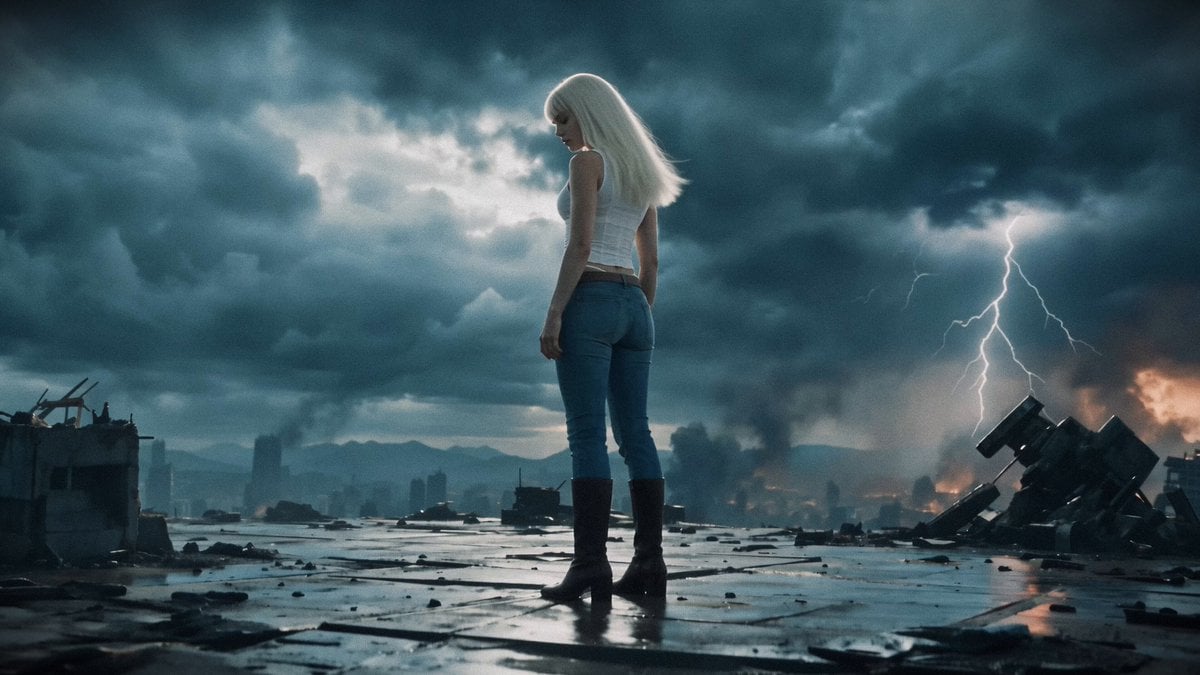
A massive bio-mech made of translucent turquoise jelly and glowing pink gummy material. Shot 1: The mech awakens in a dark lab, its core glowing. Shot 2: It squeezes its gelatinous body through a narrow metallic gap, realistically deforming and snapping back to shape. Shot 3: In a rainy cyberpunk street, glowing projectiles hit its shoulder and bounce off its squishy surface. Shot 4: The mech's arm bubbles and glows intensely as it delivers a heavy punch with liquid shockwaves. Shot 5: The mech's arm bubbles and glows intensely as it delivers a heavy punch with liquid shockwaves. Shot 5: The mech gently tilts its head, its translucent skin reflecting vibrant neon lights. 4k resolution, high-speed fluid physics, masterpiece, unreal engine 5 render style.
A massive bio-mech made of translucent turquoise jelly and glowing pink gummy material. Shot 1: The mech awakens in a dark lab, its core glowing. Shot 2: It squeezes its gelatinous body through a narrow metallic gap, realistically deforming and snapping back to shape. Shot 3: In a rainy cyberpunk street, glowing projectiles hit its shoulder and bounce off its squishy surface. Shot 4: The mech's arm bubbles and glows intensely as it delivers a heavy punch with liquid shockwaves. Shot 5: The mech's arm bubbles and glows intensely as it delivers a heavy punch with liquid shockwaves. Shot 5: The mech gently tilts its head, its translucent skin reflecting vibrant neon lights. 4k resolution, high-speed fluid physics, masterpiece, unreal engine 5 render style.
Edit the prompt in the box under the preview — the template's model and format are already selected — and press Generate. Your version appears right on this page.
Yes. You can change the subject, setting, lighting, mood, format, and available model controls before creating your video.
Opening and editing this template is free. Generating uses credits, shown on the Generate button when you are signed in.
Start with Seedance 2.0, which is the model associated with this template. You can compare another compatible model for a different finish.
Follow a topic to a crawlable collection of related PicX Studio templates.