
Apocalyptic Jakarta Mech Transformation
A cinematic video prompt for Seedance 2.0 featuring a continuous shot of a vehicle transforming into a blue humanoid mech in a rainy, destroyed urban setting.
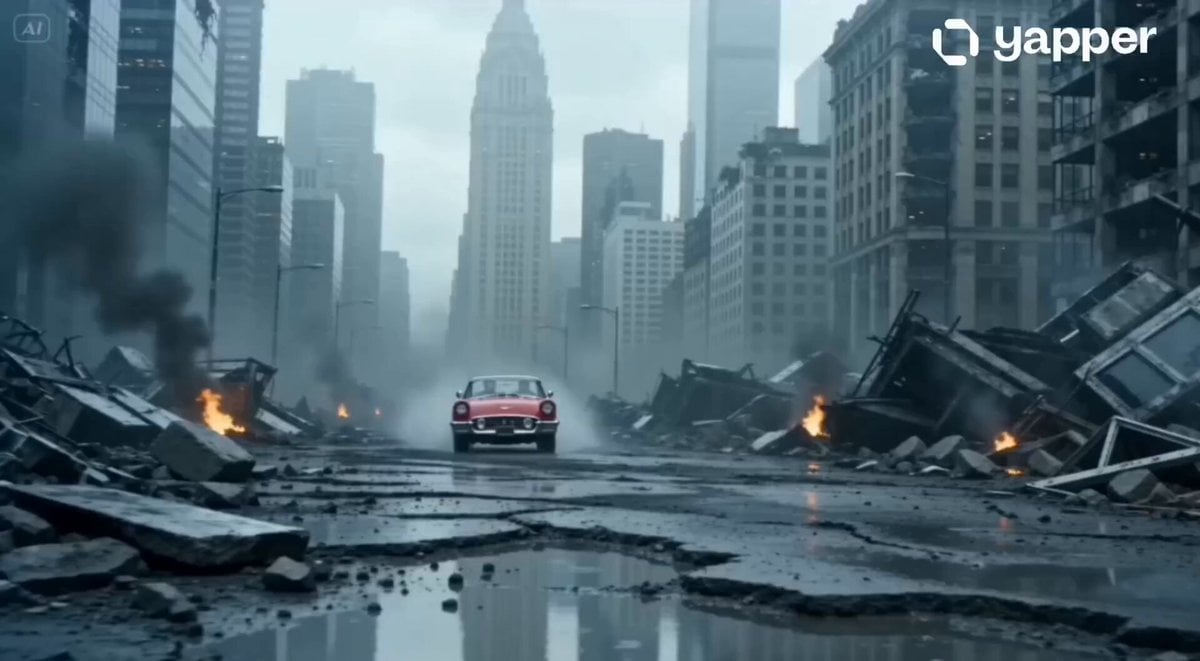
- Prompt included
- Model and format preset
- Free template
The prompt behind this video
Copy the exact prompt behind Apocalyptic Jakarta Mech Transformation, or open it in the studio and make it yours.
Single continuous shot, no cuts. Opening with a medium static shot at approximately a 30° side angle. Environment: a smoke-filled apocalyptic battlefield set in Jakarta. In the distance, ruined skyscrapers and abandoned high-rise buildings dominate the skyline. Strong winds carry light rain. The ground is cracked concrete scattered with metal debris, with puddles reflecting dim, cold light. The camera slowly pushes forward. A vehicle (@Image2 reference) rushes in from the distance at high speed, then performs a sudden hard brake, splashing water mist into the air. Motion blur emphasizes the speed and weight. The protagonist (@Image1 reference) steps out of the car. His expression is serious and heavy. He looks toward the devastated city, exhales deeply, then lightly pats the car hood. At that moment, the vehicle levitates and begins transforming—metal panels shifting and unfolding—into a blue humanoid mech (autobot-like). The transformation is powerful and mechanical, with sharp, precise movements. The mech lands beside the protagonist. They stand side by side, facing forward, ready for battle. Visual Style: highly realistic cinematic rendering, strong impact, dynamic motion blur on fast movements, sharp focus on key subjects. Atmospheric, epic scale, grounded realism. Character Style: professional, authoritative digital human appearance. Audio Style: authoritative, grounded tone design with intense, angry emotional atmosphere. No dialogue. No background music. Only environmental sound, mechanical transformation, wind, rain, and distant destruction.
How to use Apocalyptic Jakarta Mech Transformation in 3 steps
- 1
Open
The prompt is already in the box next to the preview, with the template's model and format selected.
- 2…a portrait of your subject in softgolden-hour light, 85mm…
Personalize
Edit the subject and creative details for your destination.
- 3Generate
Generate
Press Generate — your video is created in PicX Studio, so you can compare it with the original and refine one variable at a time.
More like this
Templates with the same subject, style or setup. Open one to see its prompt.

RX-7 to Mech Transformation Cyberpunk
Mecha Transformation vs Kaiju — 4-Scene Epic
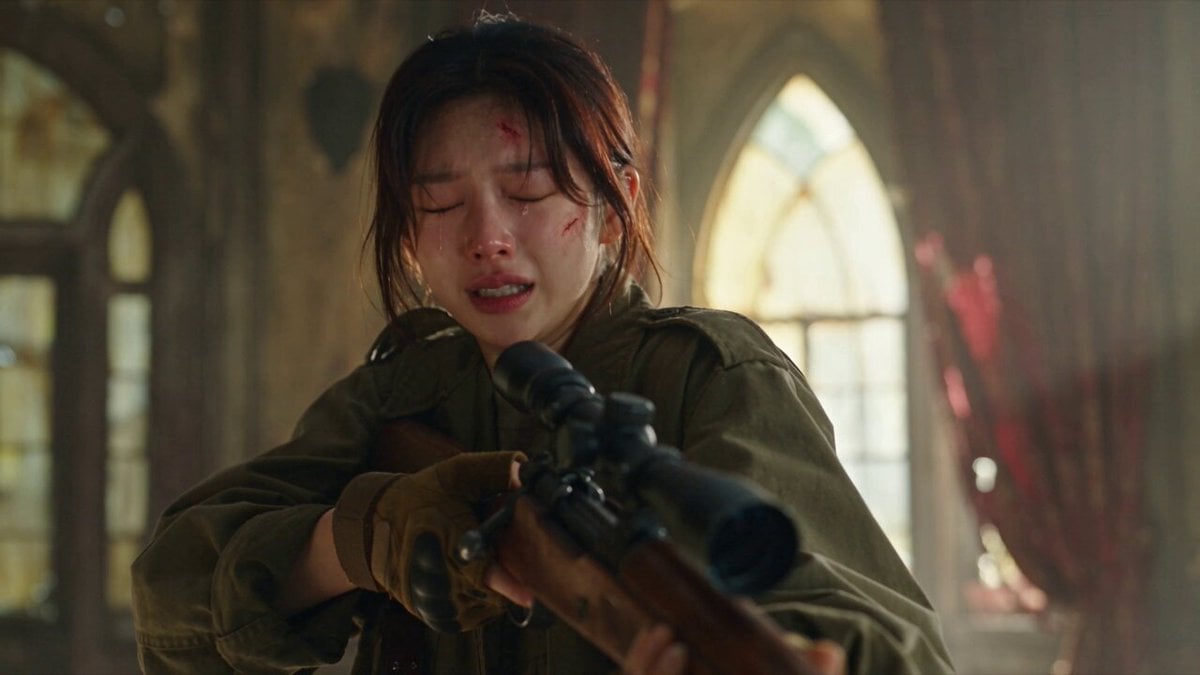
Apocalyptic Cat Transformation Sequence

Magical Room Transformation - Seedance 2.5

Dark Tokusatsu Transformation - Seedance 2.5
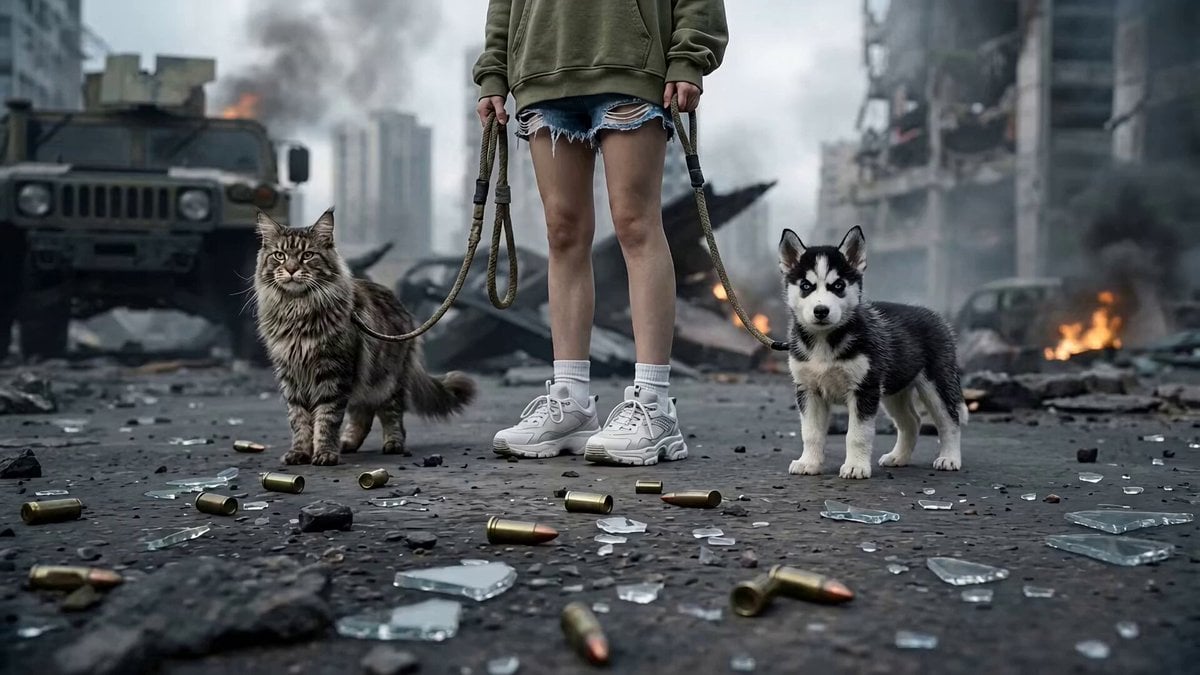
Post-Apocalyptic Cybernetic Transformation
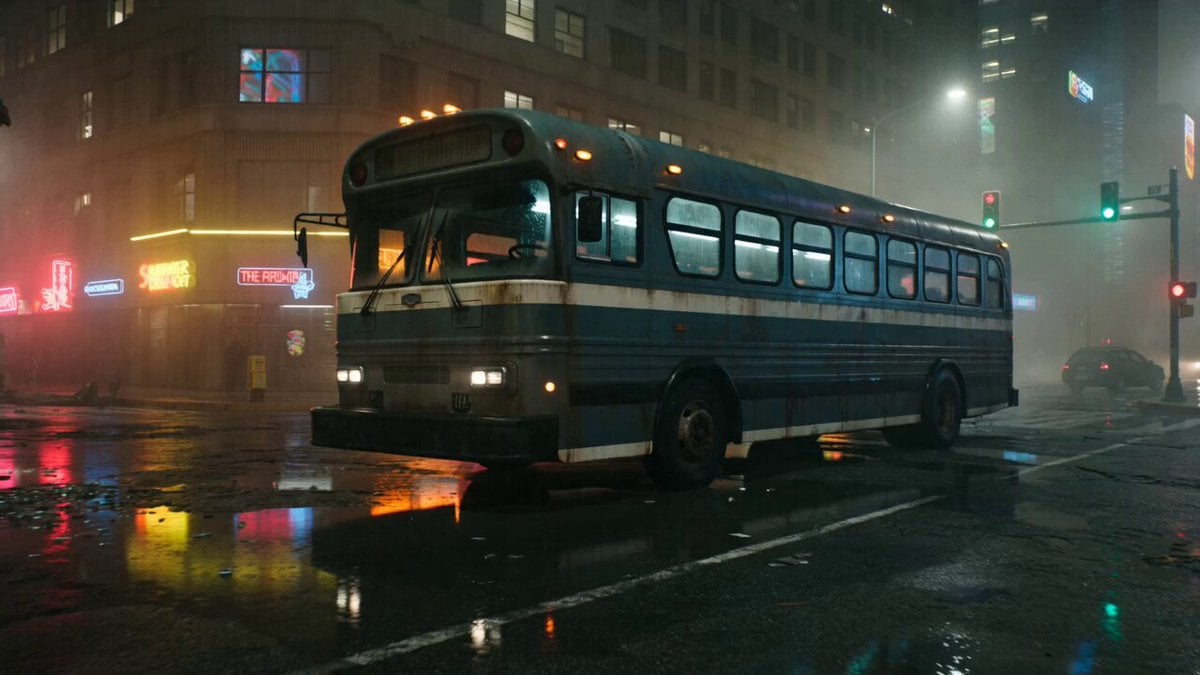
Gritty Cyberpunk Mecha Transformation
East Asian Female Warrior Mecha Transformation
Mecha Armor Transformation Video Prompt for Seedance 2.0
Seedance 2.0 Mecha Transformation Video Prompt
Apocalyptic Transformation Sequence
Epic Post-Apocalyptic Warrior Transformation Video Prompt
Make it yours
Apocalyptic Jakarta Mech Transformation works as-is. These are the safest ways to change it without losing the look.
Change one field
Copy a single group, rewrite it, and generate again so you can see what that field is doing.
Keep the frame, change the subject
Hold the composition and light of Apocalyptic Jakarta Mech Transformation, then swap wardrobe, props or the person for a new take.
| If the result… | Why | Fix |
|---|---|---|
| The result drifts from the preview | Too many fields changed at once. | Reuse Apocalyptic Jakarta Mech Transformation as-is first, then change one group — subject, light, or setting. |
| The model over-stylizes the scene | The prose prompt leaves finish and camera underspecified. | Add one camera or lighting sentence and stay on Seedance 2.0. |
More Seedance 2.0 templates
Other prompts made for Seedance 2.0.

Comical Martial Arts Punch Scene

Maglev Train Action Sequence

Martial Arts Fight Sequence

Wuxia Protection and Trust Script

Vintage Korean Arcade MiniDV Vlog

Mercedes 190 SL Luxury Ad

Rainy Night Supernatural Reverse Comedy Video Script

Amazon Civilization Discovery

Futuristic South Asian City Transformation

Cozy Luxury Cafe Commercial
More video prompts
Fresh picks from across the catalog.
Mad Max-Inspired Desert Chase Storyboard Prompt

Pirate Raid vs Crocheting Grandmas
Desert Truck Racing Action Sequence
Video prompt for a person holding a mirror to show reflections

Vertical Bouncing Motion Video
Ancient Sect Dinner Bell Comedy

Cinematic Flight Towards a Supermassive Black Hole
Mountain Biker Action Sequence
Young Boxer Success Story

Luffy and Goku Fight on the Sunny
Browse template categories
Apocalyptic Jakarta Mech Transformation questions
How do I use the Apocalyptic Jakarta Mech Transformation template?
Add your photo if the template asks for one, edit the prompt if you like — the template's model and format are already selected — and press Generate. Your version opens in PicX Studio.
Can I customize the Apocalyptic Jakarta Mech Transformation template?
Yes. You can change the subject, setting, lighting, mood, format, and available model controls before creating your video.
Is the Apocalyptic Jakarta Mech Transformation template free?
Opening and editing this template is free. Generating uses credits, shown on the Generate button when you are signed in.
Which AI model should I use?
Start with Seedance 2.0, which is the model associated with this template. You can compare another compatible model for a different finish.
Looking for something else? Browse all templates.

Your photo, any look
Thousands of ready templates for every top image and video model, from one credit balance.