
Gritty Cyberpunk Mecha Transformation
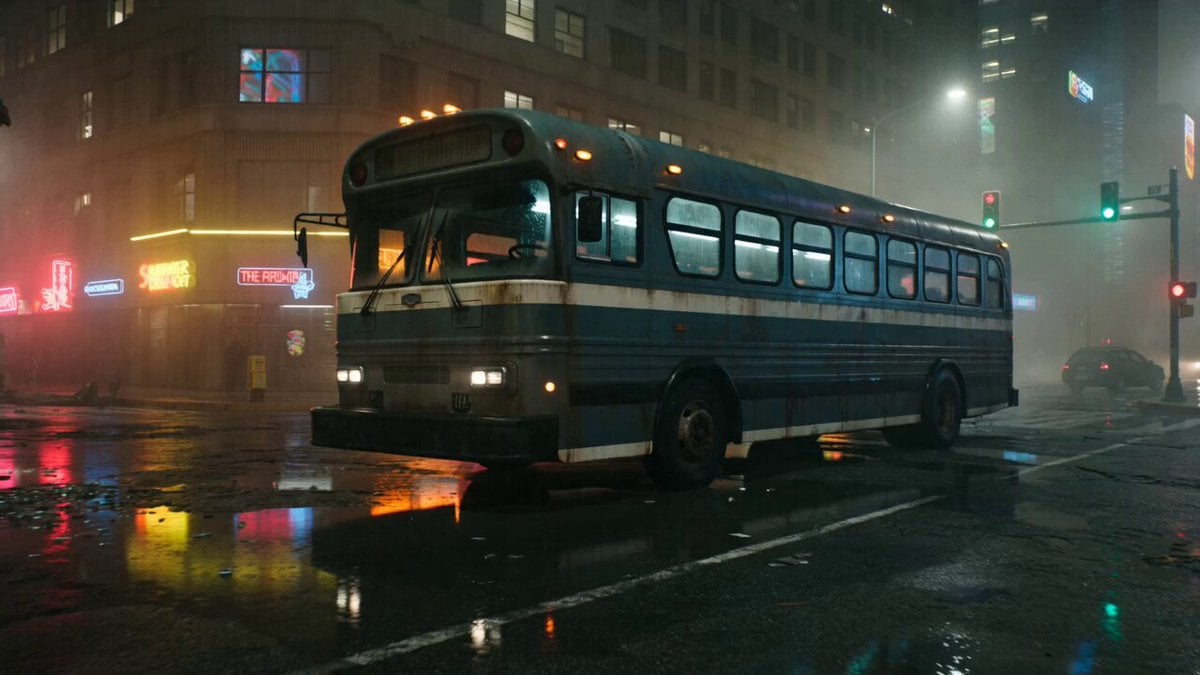
A highly descriptive sci-fi prompt for a cinematic sequence of a rusted bus transforming into a mechanical monster in a gritty, rainy urban setting.
- Prompt included
- Model and format preset
- Premium template
The prompt behind this video
Copy the exact prompt behind Gritty Cyberpunk Mecha Transformation, or open it in the studio and make it yours.
[Cinematography]: Cinematic 4K resolution, shot at 24fps with a cinematic cadence. The sequence begins with a slow push-in shot, transitioning into a dynamic, low-angle tracking shot circling the subject at wheel-height. Highly detailed focus on physics-aware metal deformation, weight simulation, and macro details of dripping rivets and grinding joints. [Subject]: A rusted, dark green city bus that undergoes a monstrous transformation into a massive, mechanical T-Rex. It features a buckling roof, popping rivets, a front bumper that splits into a jaw with hydraulic teeth, a rear axle tail, and armored side panels. [Action]: The abandoned bus shudders violently before its roof buckles from an internal force. Rivets pop in sequence along the side panel. The bumper hinges open like a jaw, the chassis lifts, and two mechanical arms punch through the glass windows, sending shards flying. The fully formed mech T-Rex stands upright, exhaust pipes venting steam, and takes a heavy step that cracks the asphalt, creating a shockwave that bounces a nearby parked car. Final text overlay reads: 'Transfer any motion. To any form. WAN 2.7.' [Context]: An abandoned, rain-soaked city intersection at night, featuring deep puddles on cracked asphalt and a nearby parked car, surrounded by the glow of off-screen neon signs. [Style & Ambiance]: Gritty sci-fi cyberpunk aesthetic with dramatic, rain-soaked night lighting. Vibrant neon reflections bounce off the wet asphalt, shattered glass, and rusted metal. Heavy atmospheric film grain, cinematic contrast, and an intense, heavy industrial mood.
How to use Gritty Cyberpunk Mecha Transformation in 3 steps
- 1
Open
The prompt is already in the box next to the preview, with the template's model and format selected.
- 2…a portrait of your subject in softgolden-hour light, 85mm…
Personalize
Edit the subject and creative details for your destination.
- 3Generate
Generate
Press Generate — your video is created in PicX Studio, so you can compare it with the original and refine one variable at a time.
More like this
Templates with the same subject, style or setup. Open one to see its prompt.

RX-7 to Mech Transformation Cyberpunk
Mecha Transformation vs Kaiju — 4-Scene Epic
Cyberpunk Cyborg Mechanical Transformation
Cyberpunk Android Mechanical Transformation Video

Magical Room Transformation - Seedance 2.5

Dark Tokusatsu Transformation - Seedance 2.5

Cyberpunk Holographic Dance Performance - Seedance 2.5
Cinematic Cyberpunk Armor Transformation
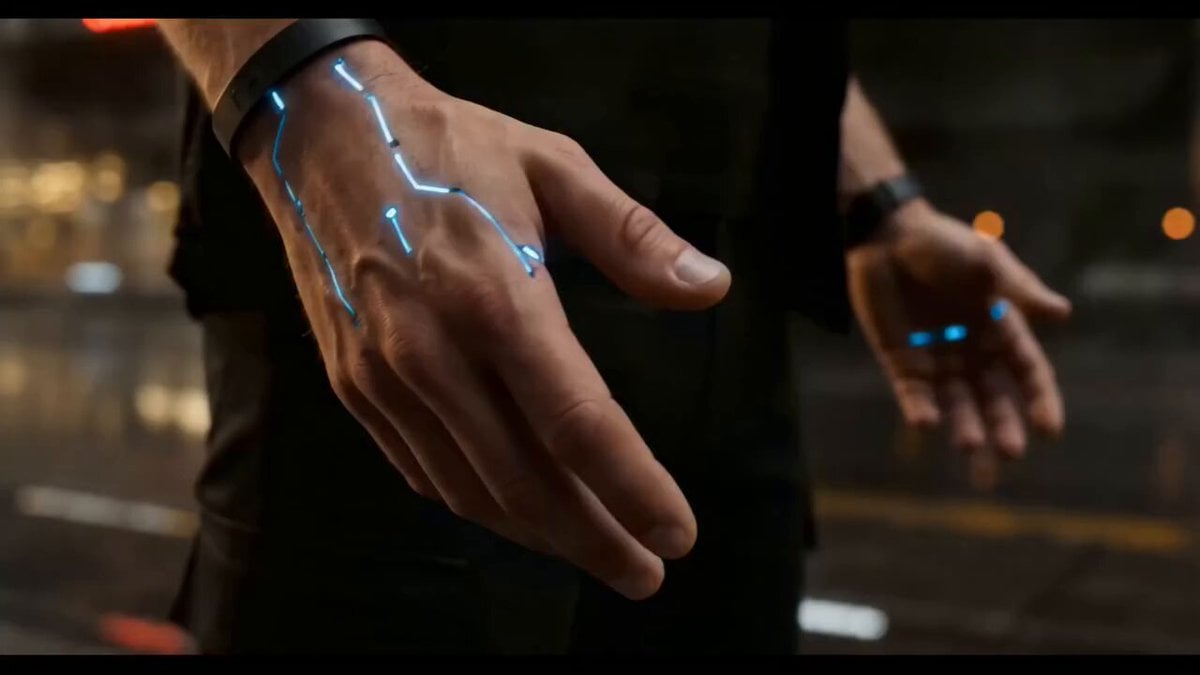
Cyberpunk Exosuit Transformation Sequence
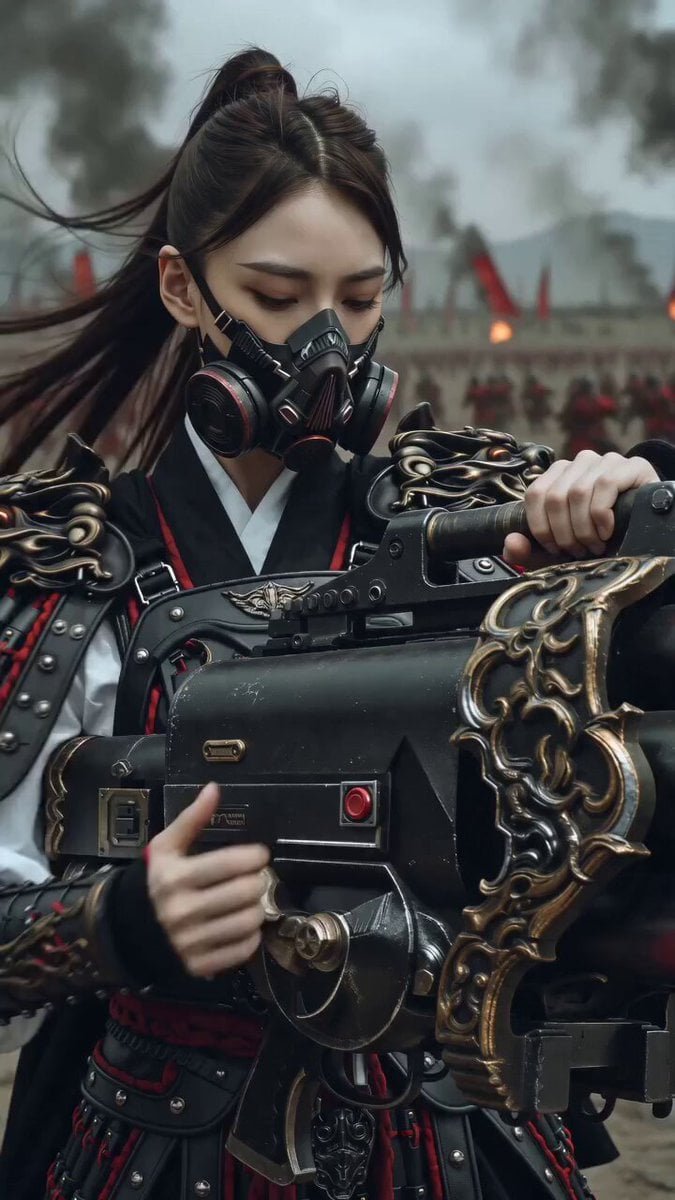
East Asian Female Warrior Mecha Transformation
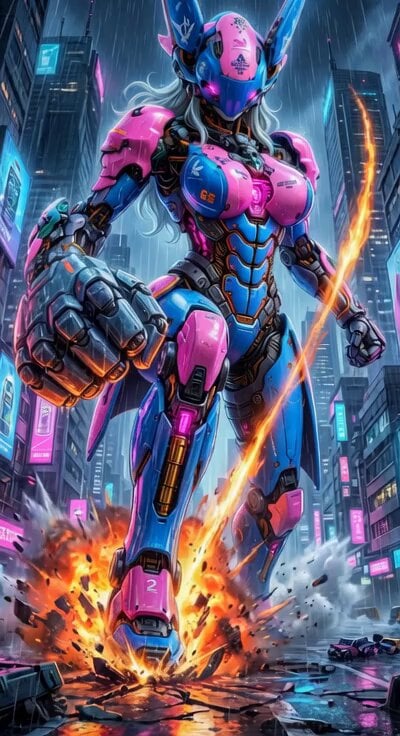
Cyberpunk Mecha Action Scene
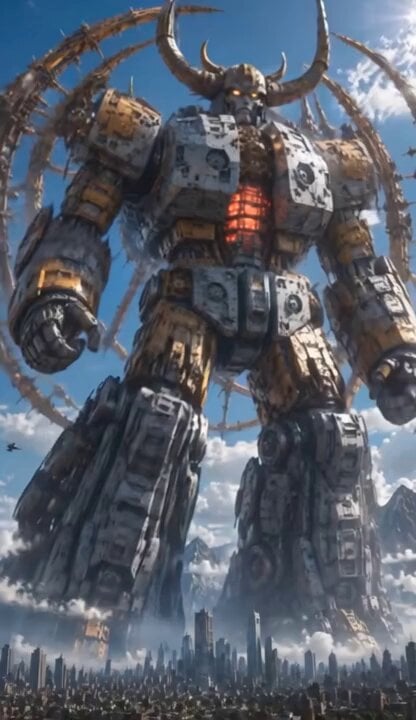
Colossal Biomechanical Cyberpunk Mecha Video
Make it yours
Gritty Cyberpunk Mecha Transformation works as-is. These are the safest ways to change it without losing the look.
Change one field
Copy a single group, rewrite it, and generate again so you can see what that field is doing.
Keep the frame, change the subject
Hold the composition and light of Gritty Cyberpunk Mecha Transformation, then swap wardrobe, props or the person for a new take.
| If the result… | Why | Fix |
|---|---|---|
| The result drifts from the preview | Too many fields changed at once. | Reuse Gritty Cyberpunk Mecha Transformation as-is first, then change one group — subject, light, or setting. |
| The model over-stylizes the scene | The prose prompt leaves finish and camera underspecified. | Add one camera or lighting sentence and stay on Seedance 2.0. |
More Seedance 2.0 templates
Other prompts made for Seedance 2.0.

Comical Martial Arts Punch Scene

Maglev Train Action Sequence

Martial Arts Fight Sequence

Wuxia Protection and Trust Script

Vintage Korean Arcade MiniDV Vlog

Mercedes 190 SL Luxury Ad

Rainy Night Supernatural Reverse Comedy Video Script

Amazon Civilization Discovery

Futuristic South Asian City Transformation

Cozy Luxury Cafe Commercial
More video prompts
Fresh picks from across the catalog.
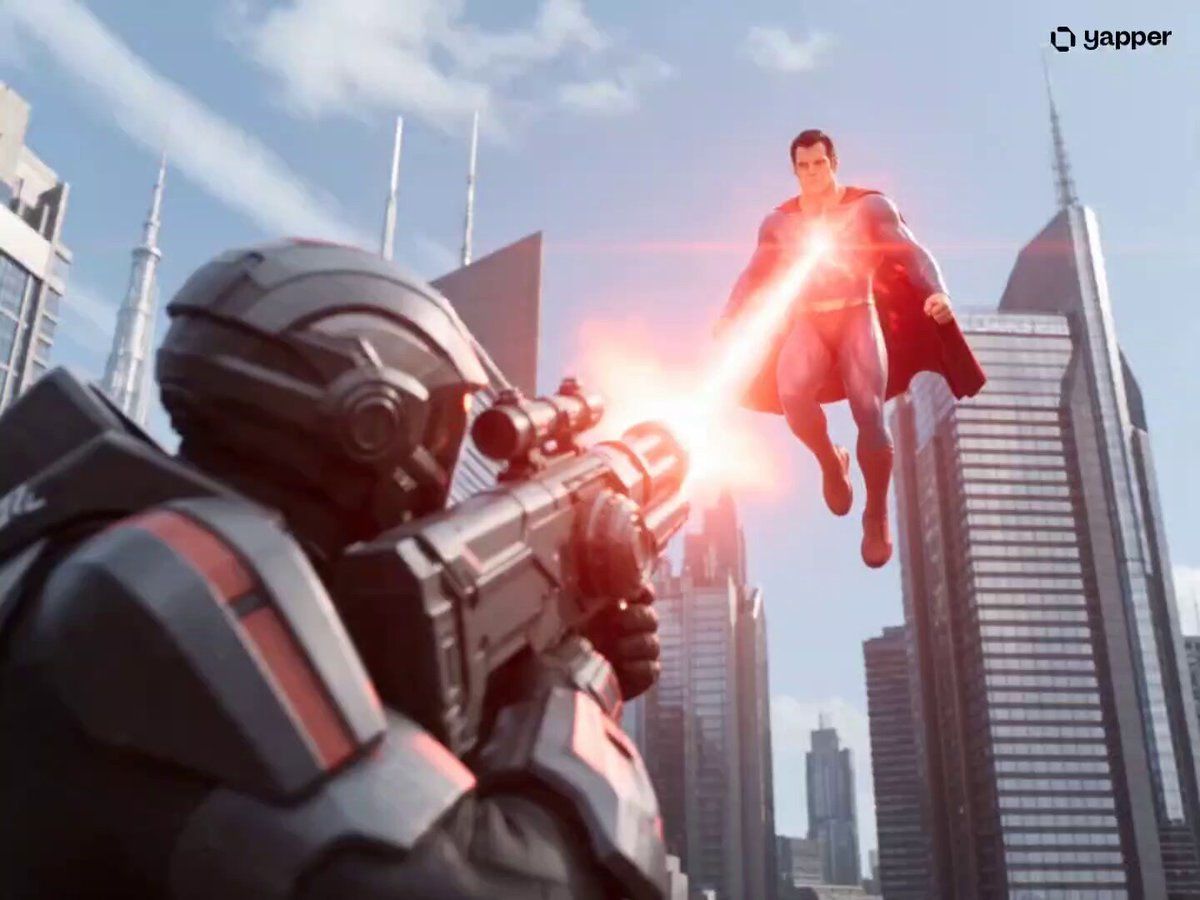
Superman Cinematic Action Sequence
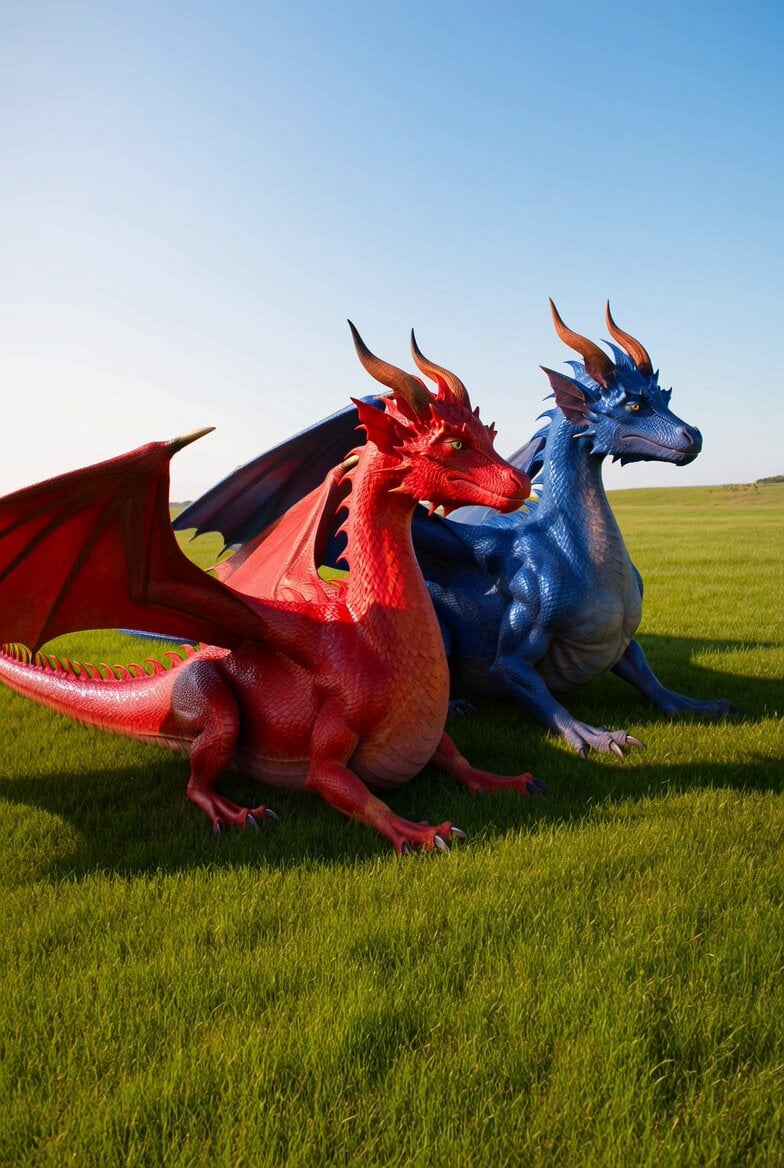
Dragons in the Sun Video
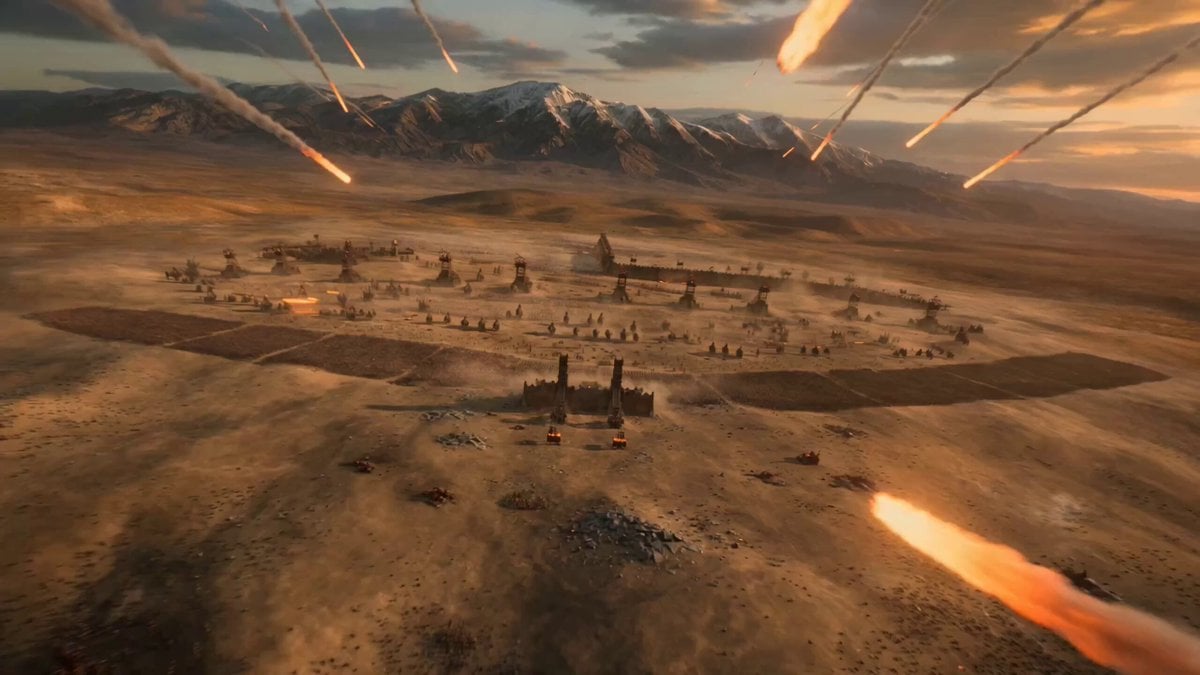
Epic Historical-Fantasy Battle Video Prompt
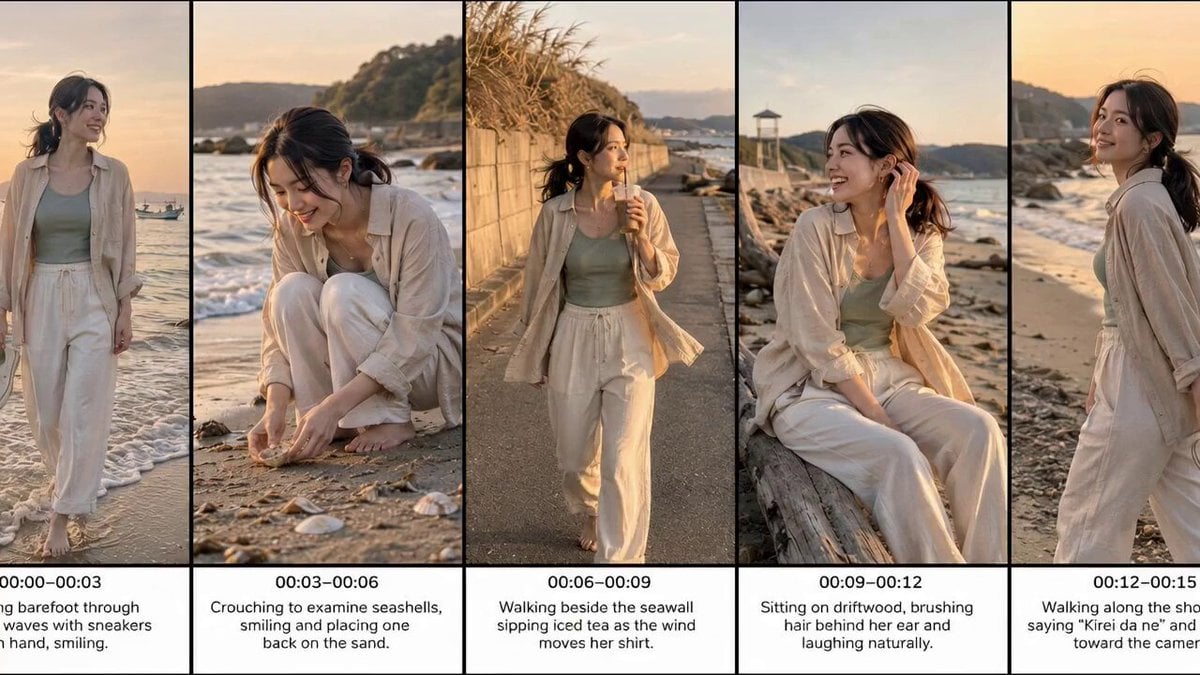
Realistic Beach Vacation Documentary
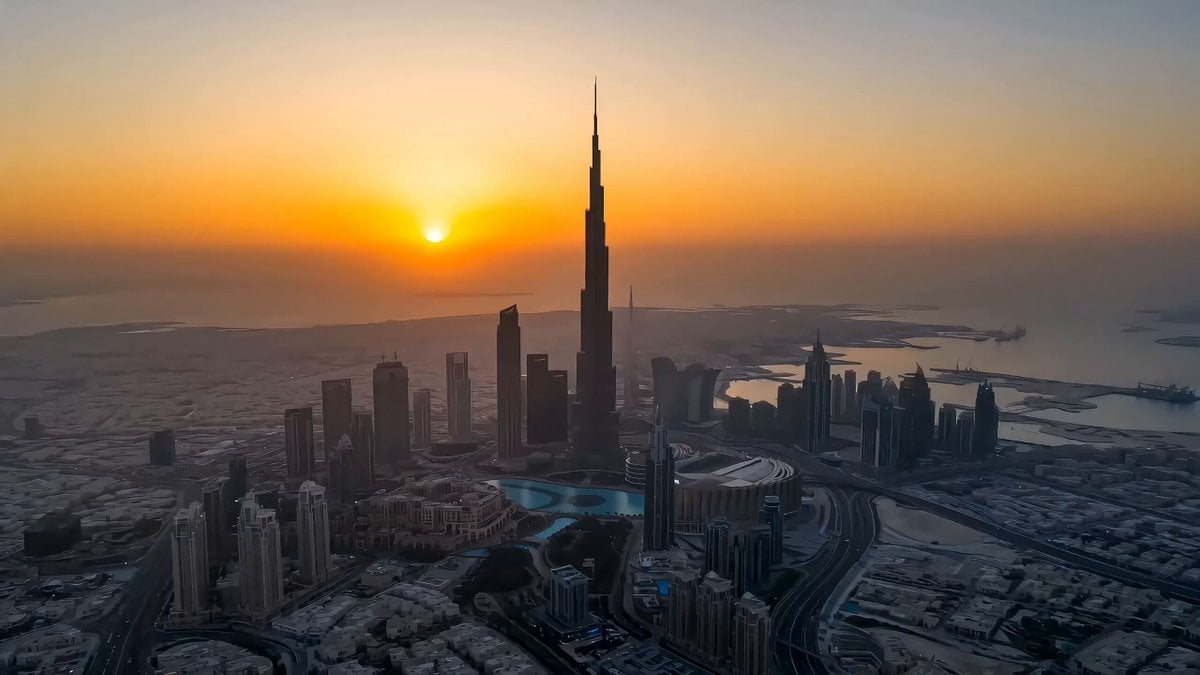
Burj Khalifa Sunset to Night Tour
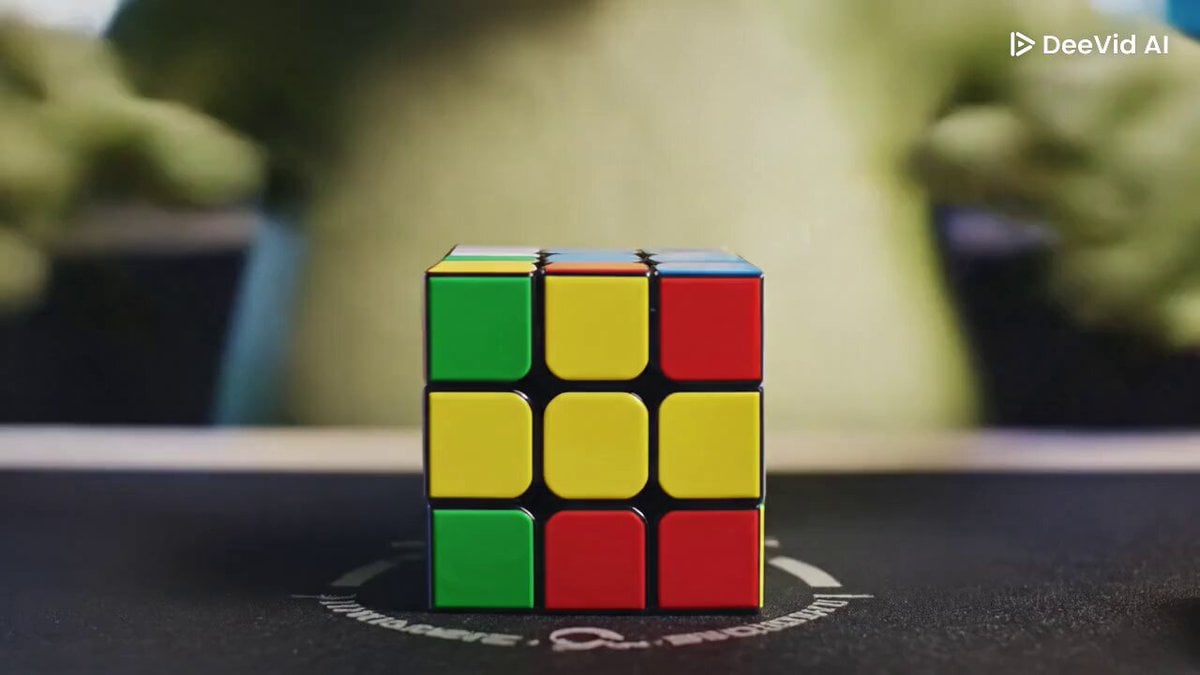
Pepe the Frog Speedcubing Animation Prompt
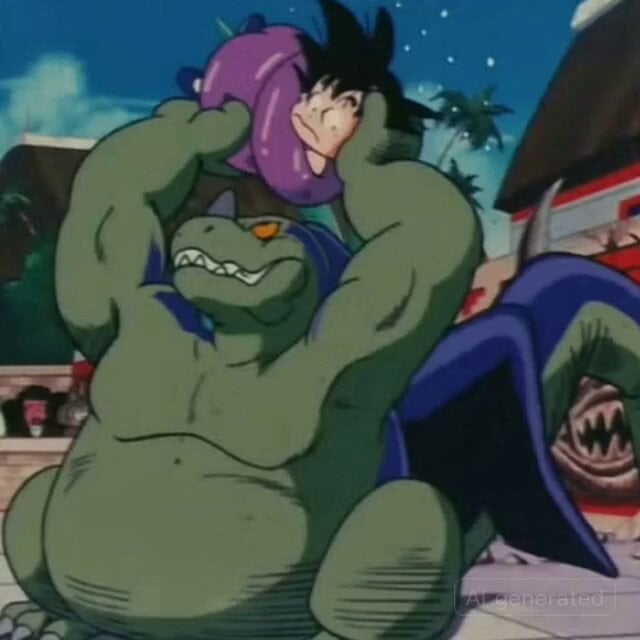
Retro Anime Style Dragon Tickling Story
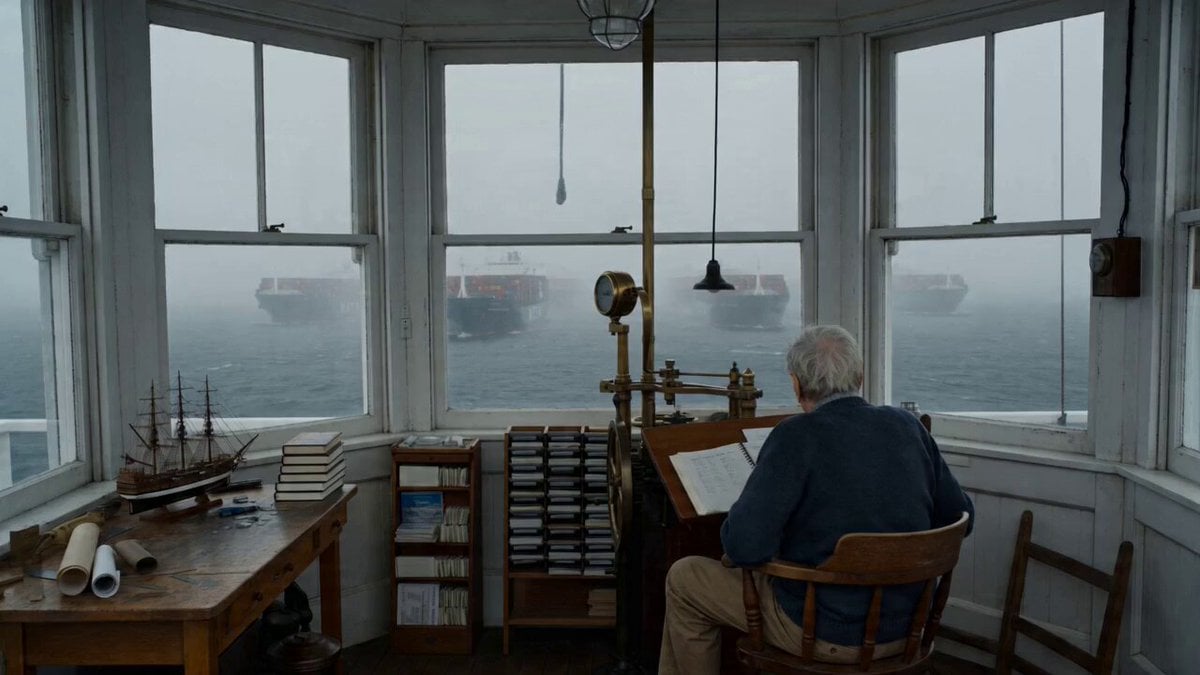
Maine Lighthouse Keeper Character Study
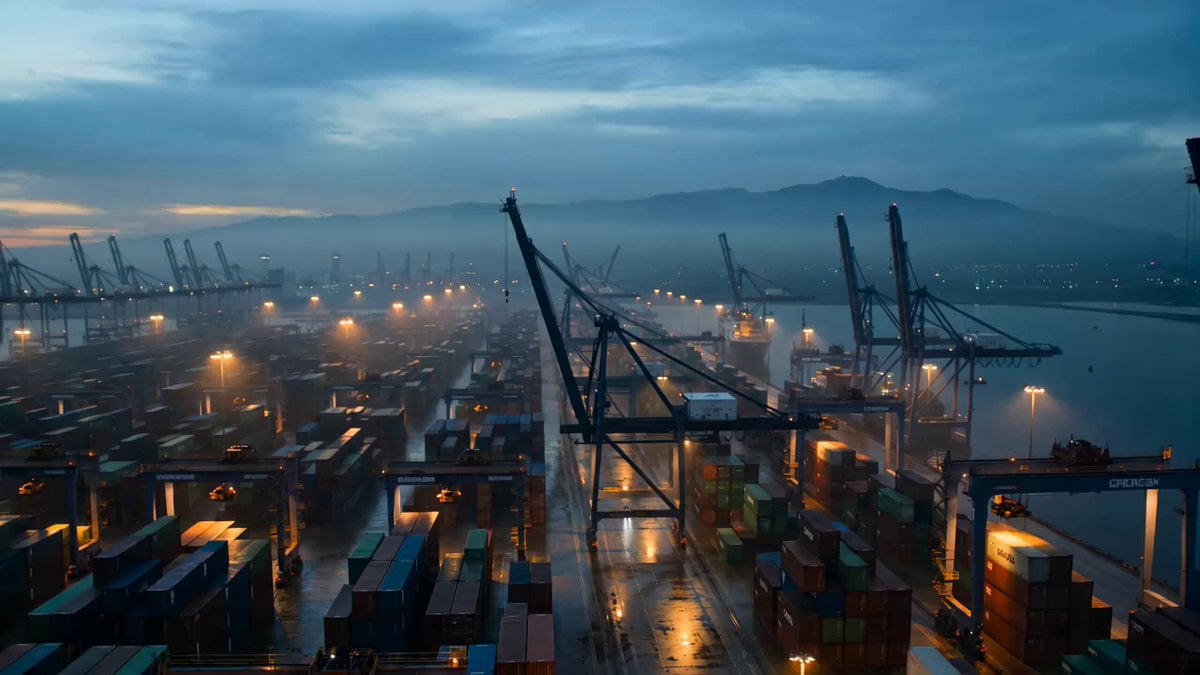
Harbor Break Run Cinematic Pursuit
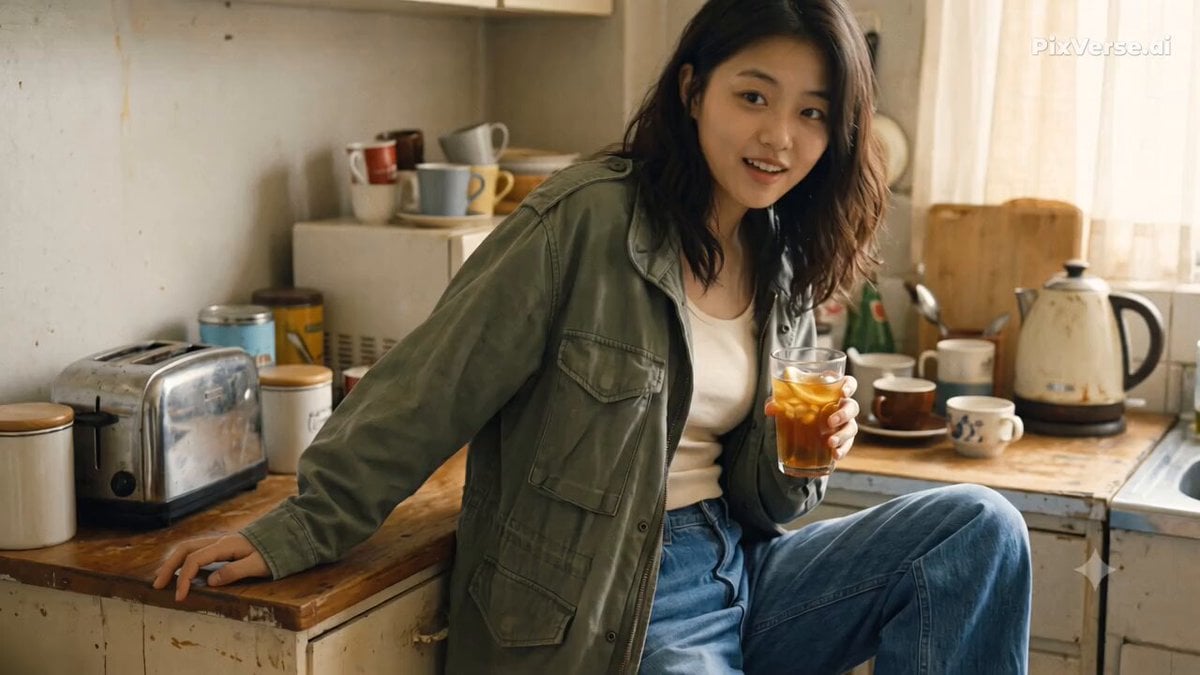
Nostalgic Early 2000s Handheld Home Footage
Browse template categories
Gritty Cyberpunk Mecha Transformation questions
How do I use the Gritty Cyberpunk Mecha Transformation template?
Add your photo if the template asks for one, edit the prompt if you like — the template's model and format are already selected — and press Generate. Your version opens in PicX Studio.
Can I customize the Gritty Cyberpunk Mecha Transformation template?
Yes. You can change the subject, setting, lighting, mood, format, and available model controls before creating your video.
Is the Gritty Cyberpunk Mecha Transformation template free?
Opening and editing this template is free. Generating uses credits, shown on the Generate button when you are signed in.
Which AI model should I use?
Start with Seedance 2.0, which is the model associated with this template. You can compare another compatible model for a different finish.
Looking for something else? Browse all templates.

Your photo, any look
Thousands of ready templates for every top image and video model, from one credit balance.