
Cyberpunk Android Mechanical Transformation Video
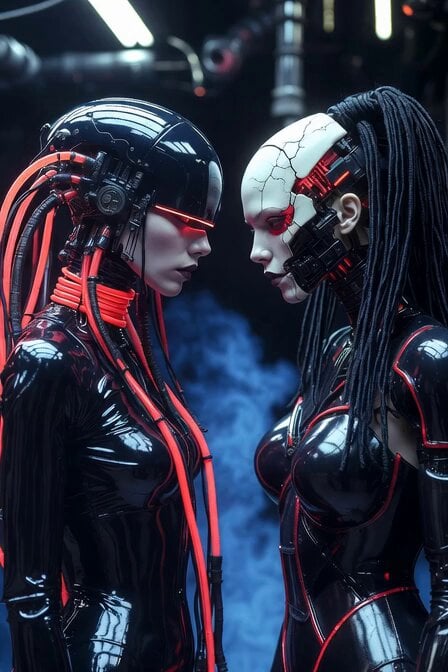
A detailed cinematic prompt for generating a high-end 6-second video of two female androids undergoing a fluid mechanical transformation in a dark industrial hangar.
- Prompt included
- Model and format preset
- Free template
The prompt behind this video
Copy the exact prompt behind Cyberpunk Android Mechanical Transformation Video, or open it in the studio and make it yours.
Cinematic 6-second photorealistic video, ultra-detailed next-level cyberpunk Transformers scene. Two futuristic female androids stand extremely close, facing each other in tense profile confrontation inside a dark, atmospheric industrial hangar filled with blue volumetric fog and glowing neon accents. The android on the left has a glossy black helmet with glowing red visor eyes and complex mechanical neck cables pulsing with red energy. The android on the right has a cracked white porcelain face revealing glowing red cybernetic internals, exposed mechanical jaw, and long black cable dreadlocks. Both wear skin-tight, ultra-shiny black liquid-metal bodysuits with glowing red circuit lines. At 0–2 seconds: slow dramatic close-up as they stare intensely at each other, red lights pulsing stronger, faint sparks and energy arcing between them. At 2–4 seconds: both androids begin a synchronized, fluid next-level transformation — panels on their heads, shoulders, and chests smoothly shift and unfold with mechanical precision like advanced Transformers, revealing more intricate glowing cybernetic structures underneath while maintaining their elegant feminine forms. At 4–6 seconds: the transformation intensifies with dramatic camera orbit around them, bright red and blue lens flares, flying sparks, and energy particles. They slowly raise their hands toward each other as their bodies emit powerful glowing energy, epic cyberpunk atmosphere, dramatic rim lighting, cinematic color grading, hyper-realistic details, 8K, shot on ARRI Alexa 65 + anamorphic lenses, subtle film grain, masterful composition, breathtaking sci-fi visuals. Style: photorealistic, cinematic, cyberpunk, high-end VFX, dramatic lighting, moody and intense.
How to use Cyberpunk Android Mechanical Transformation Video in 3 steps
- 1
Open
The prompt is already in the box next to the preview, with the template's model and format selected.
- 2…a portrait of your subject in softgolden-hour light, 85mm…
Personalize
Edit the subject and creative details for your destination.
- 3Generate
Generate
Press Generate — your video is created in PicX Studio, so you can compare it with the original and refine one variable at a time.
More like this
Templates with the same subject, style or setup. Open one to see its prompt.
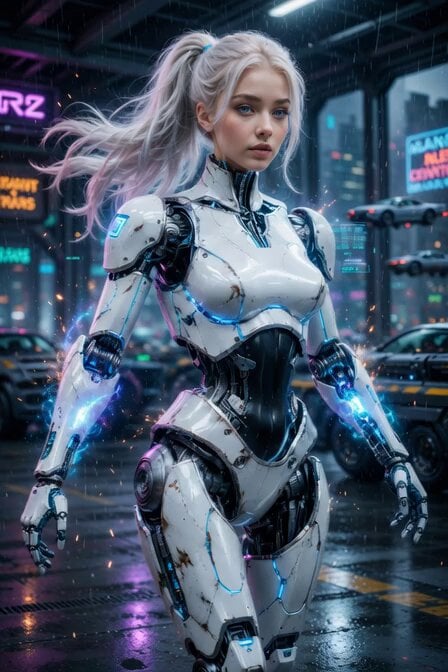
Cyberpunk Cyborg Mechanical Transformation
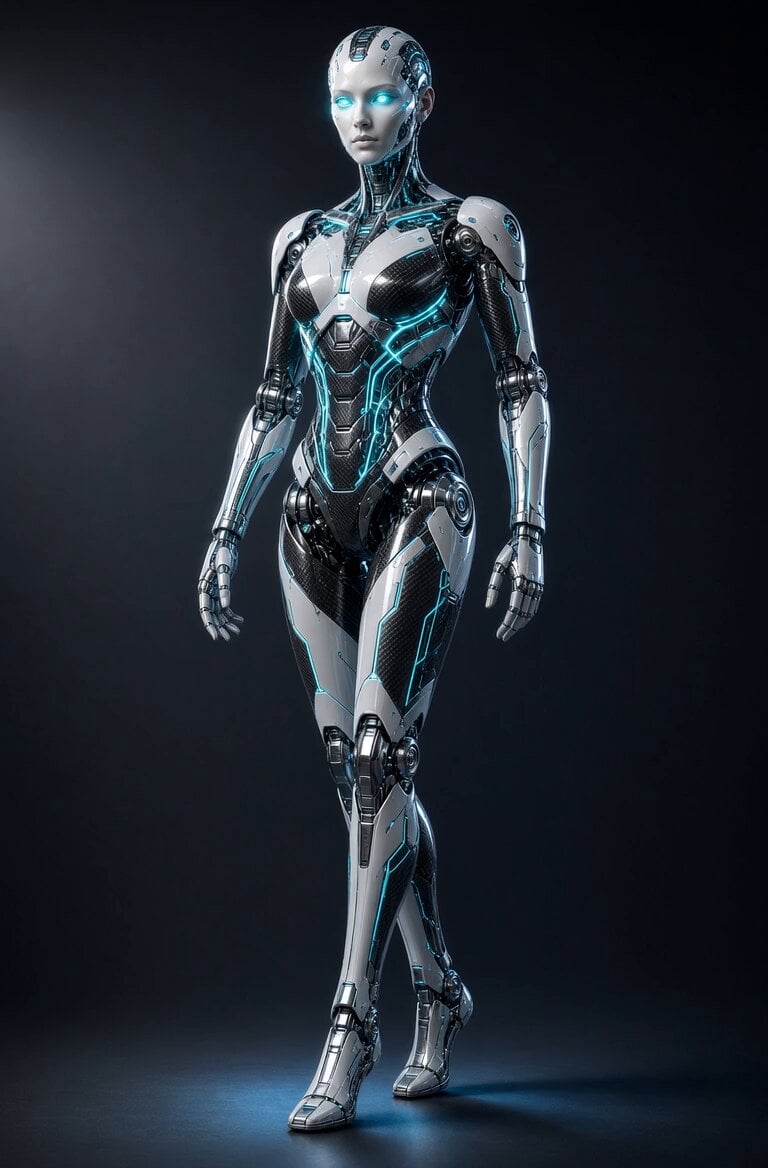
Glowing Android Mechanical Motion

RX-7 to Mech Transformation Cyberpunk
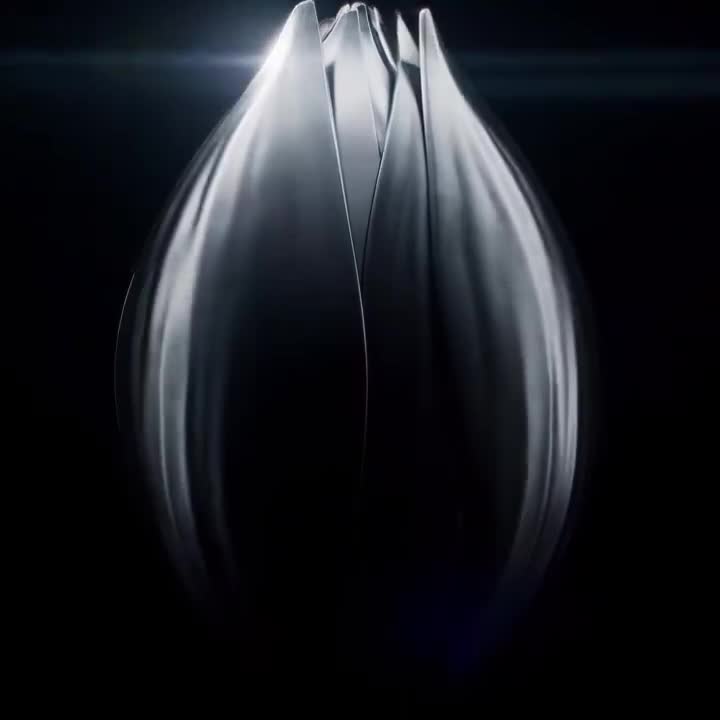
Mechanical Flower Bloom Brand Film
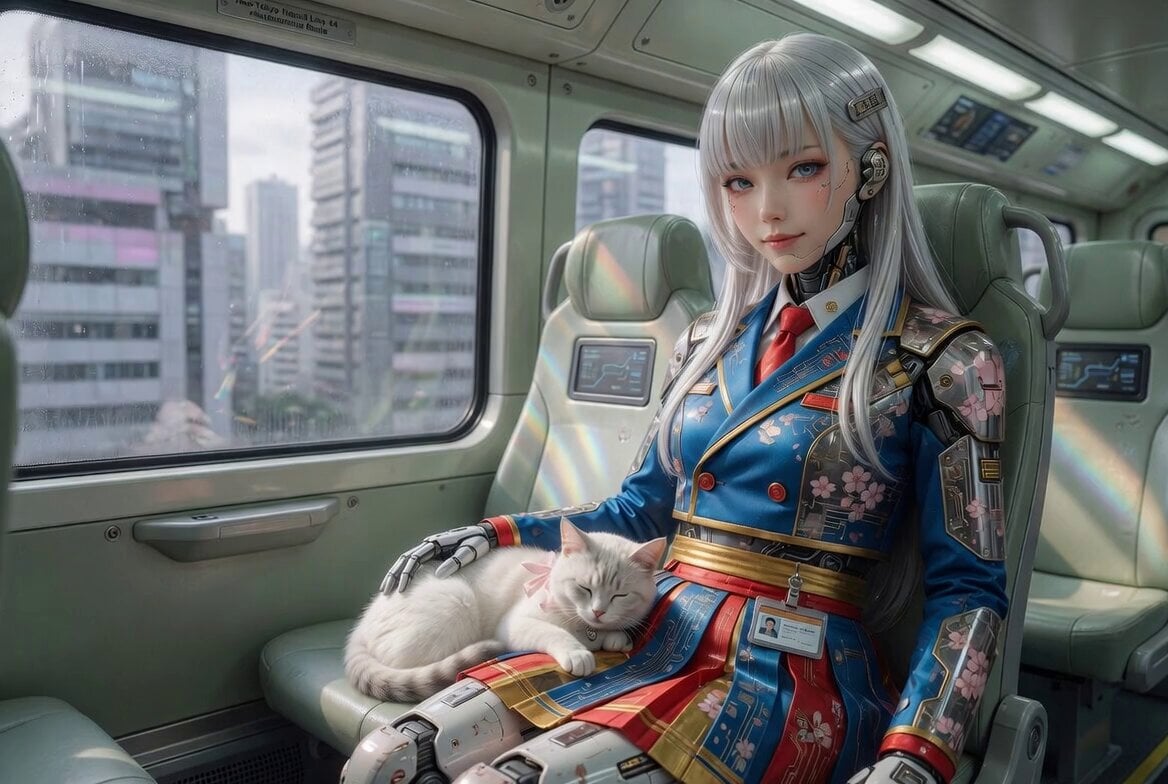
Cyberpunk Android Schoolgirl Video
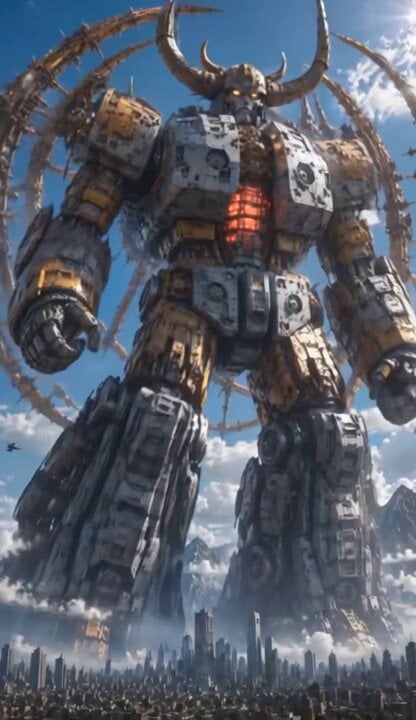
Colossal Biomechanical Cyberpunk Mecha Video

Mechanical Jumping Robot Rabbit

Pterodactyl Transformation Journey
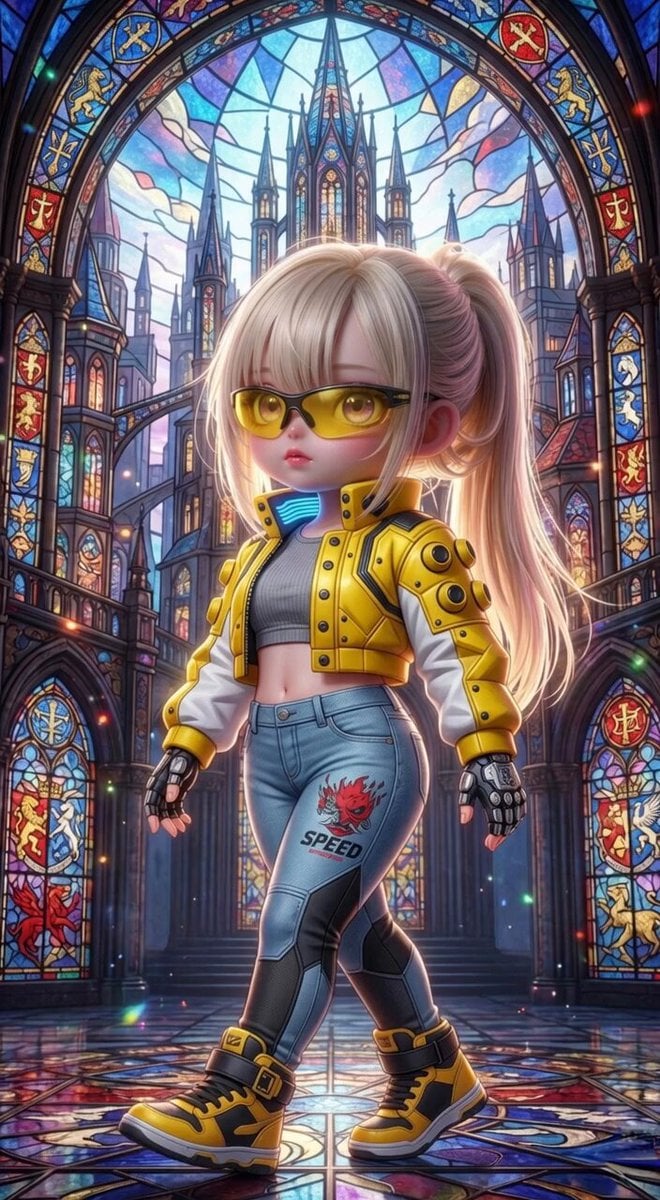
Grok Imagine Mechanical and Ethereal Creature Prompts
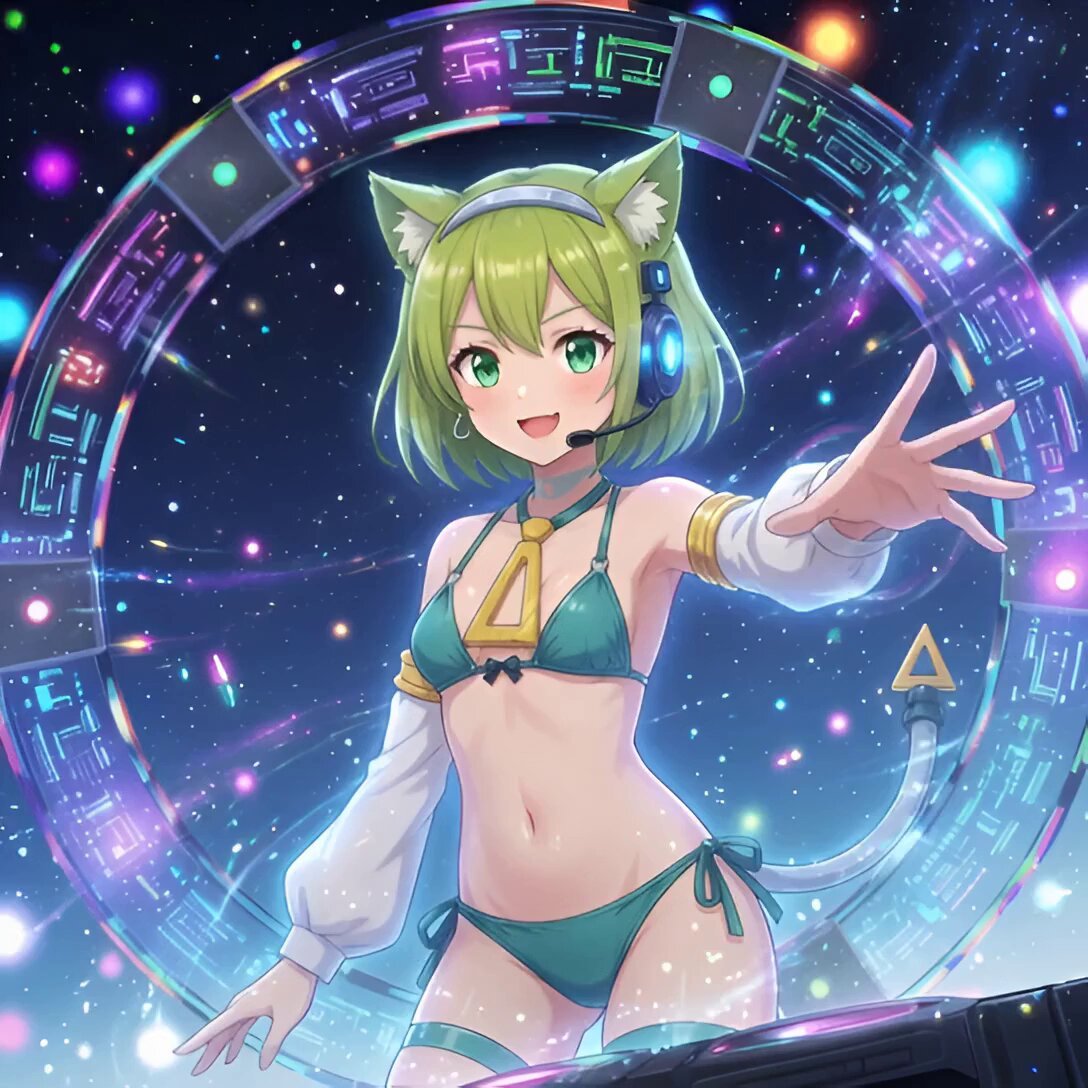
Android Deltamon Anime DJ Loop

Cyberpunk Guerrilla Girl Video Generation
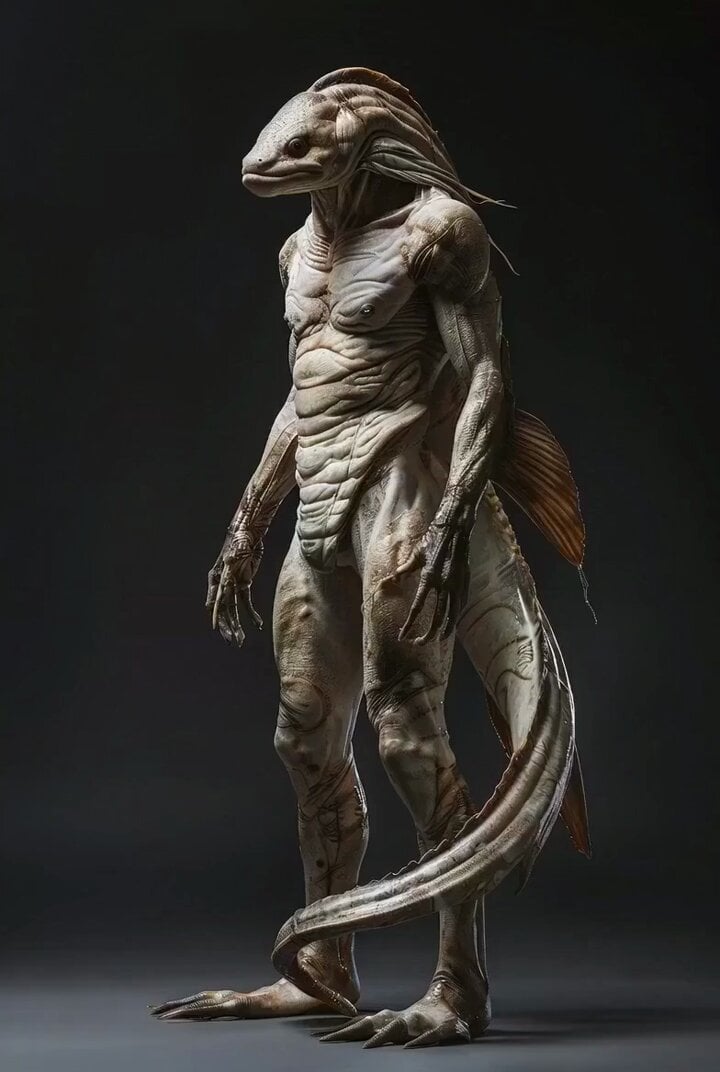
Photorealistic Biomechanical Chrome Alien Warrior
Make it yours
Cyberpunk Android Mechanical Transformation Video works as-is. These are the safest ways to change it without losing the look.
Change one field
Copy a single group, rewrite it, and generate again so you can see what that field is doing.
Keep the frame, change the subject
Hold the composition and light of Cyberpunk Android Mechanical Transformation Video, then swap wardrobe, props or the person for a new take.
| If the result… | Why | Fix |
|---|---|---|
| The result drifts from the preview | Too many fields changed at once. | Reuse Cyberpunk Android Mechanical Transformation Video as-is first, then change one group — subject, light, or setting. |
| The model over-stylizes the scene | The prose prompt leaves finish and camera underspecified. | Add one camera or lighting sentence and stay on Grok Imagine. |
More Grok Imagine templates
Other prompts made for Grok Imagine.

Horror Daffy Duck Video Transition

America 250th Anniversary Celebration

Glowing Water Forest Night Prompt

Soft Pink Roses Dreamer Prompt

Ninja Wizard Levitation Jump

Coffee Cup Interaction Motion

Voice Controlled Water Animation

Candle Mandala Mirror Video

Psychedelic Purple Disc World Video

Mecha Runway Tap Dance Video Prompt
More video prompts
Fresh picks from across the catalog.

Realistic Vanity Character Monologue
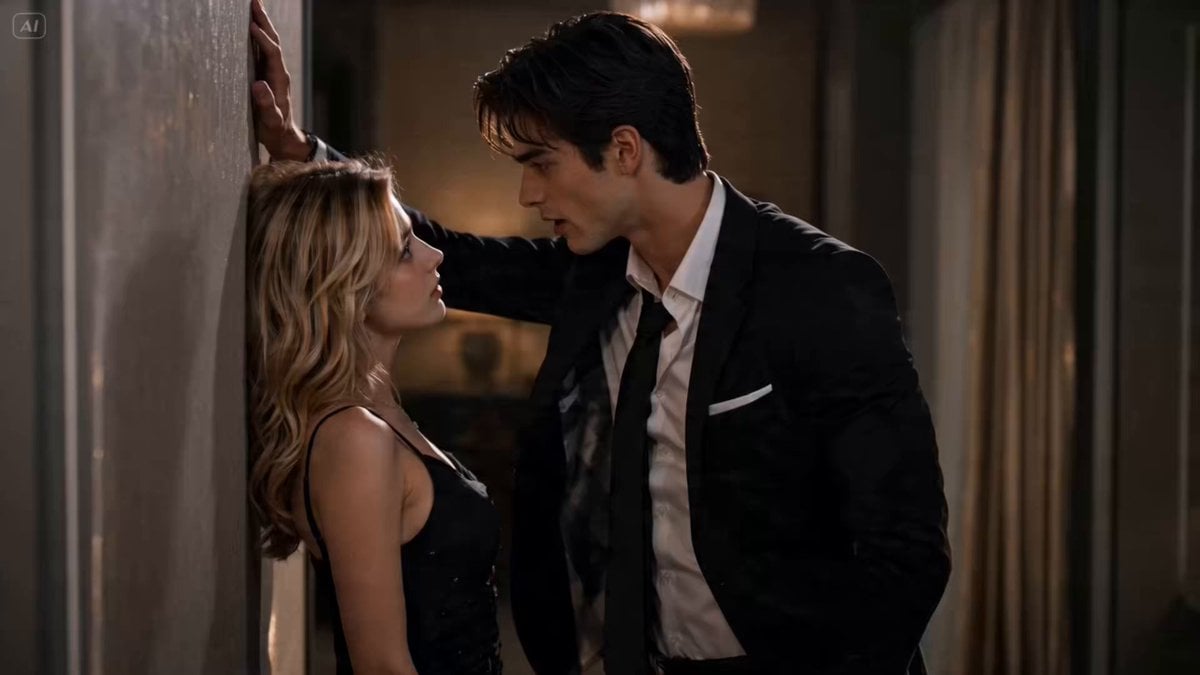
Romantic Comedy Scene: Wall Pin and Flirtation
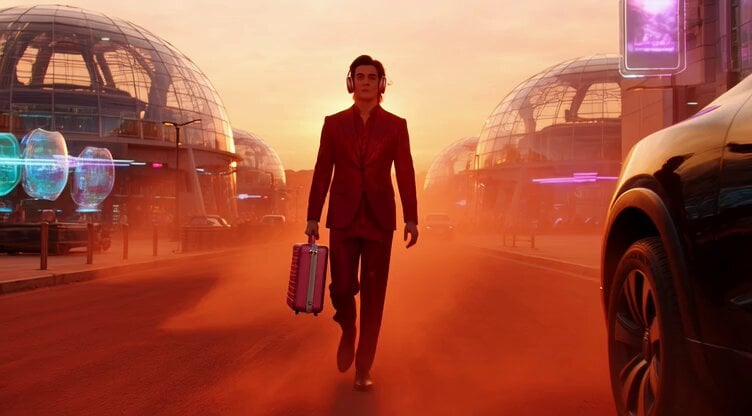
Sci-Fi Fashion on Mars

Naples Pizzeria Animation

Busy Construction Manager Scene
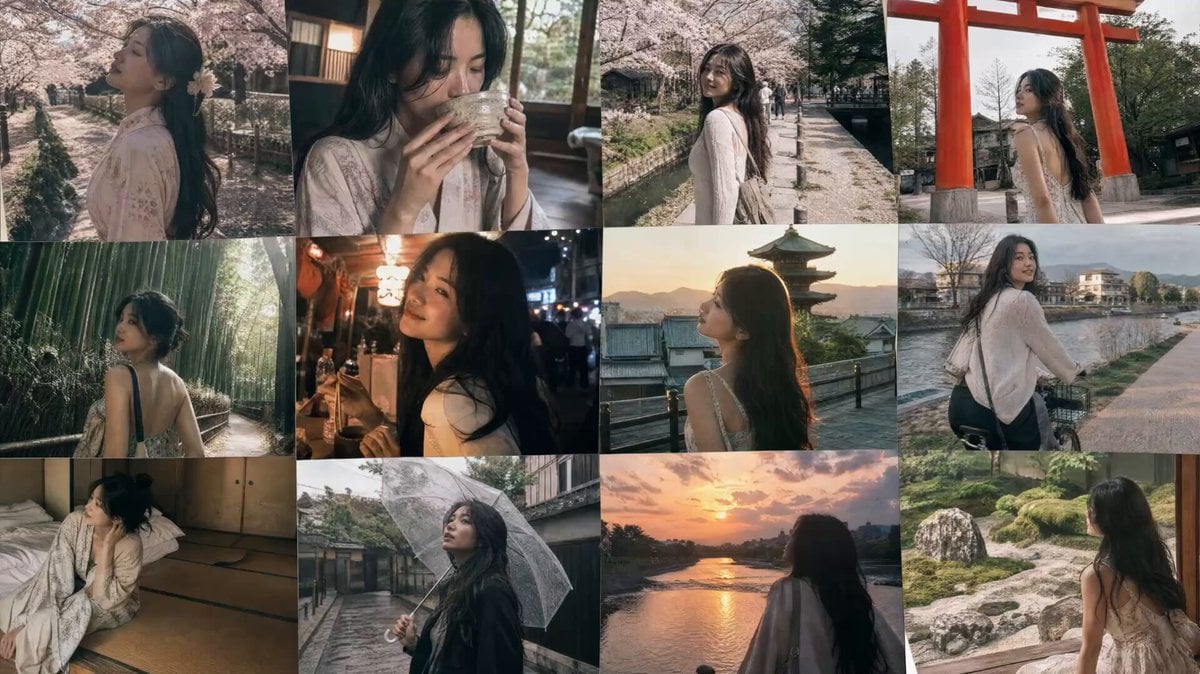
Kyoto Travel Vlog Animation
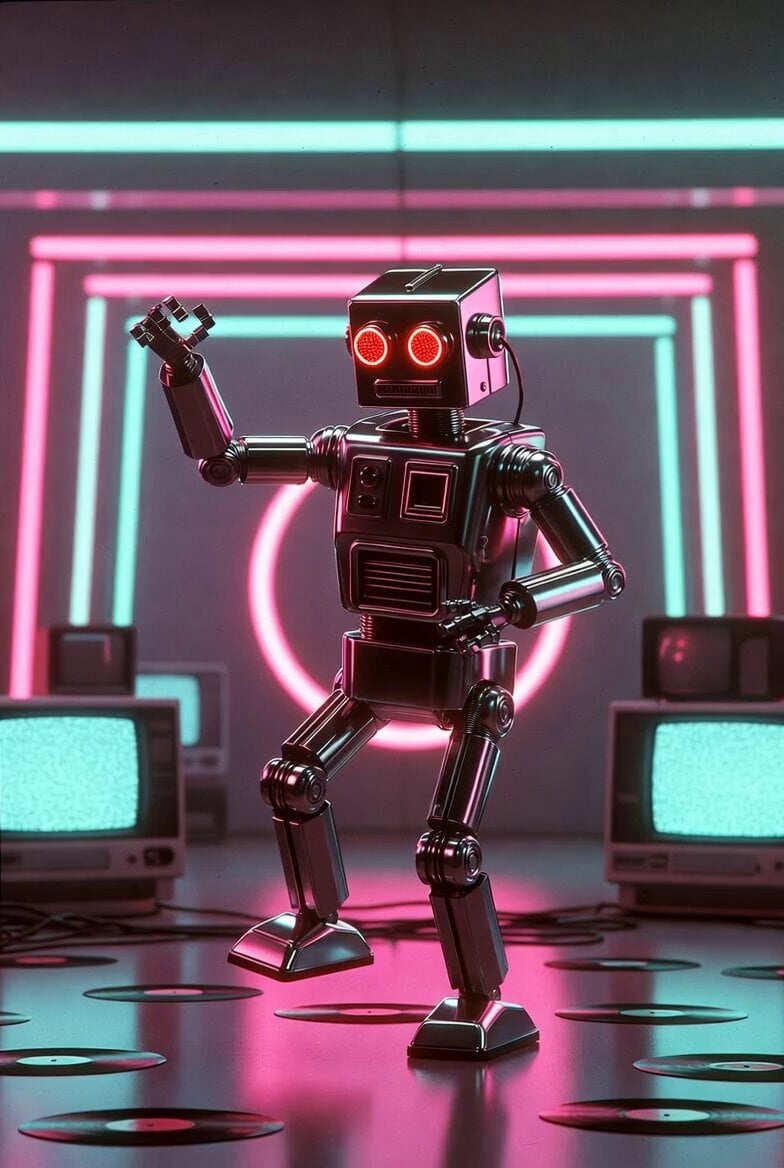
Retro Futuristic Dancing Robot
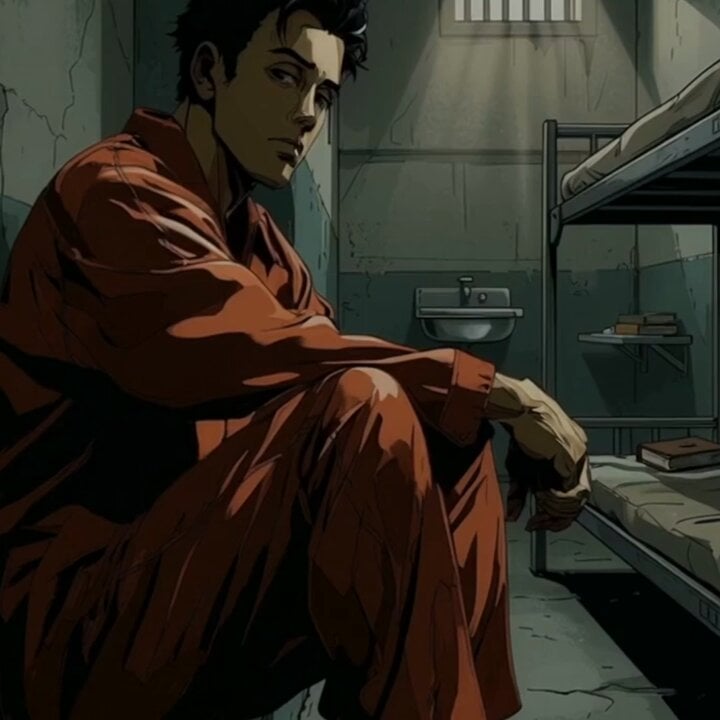
Prison Cell Dialogue Prompt
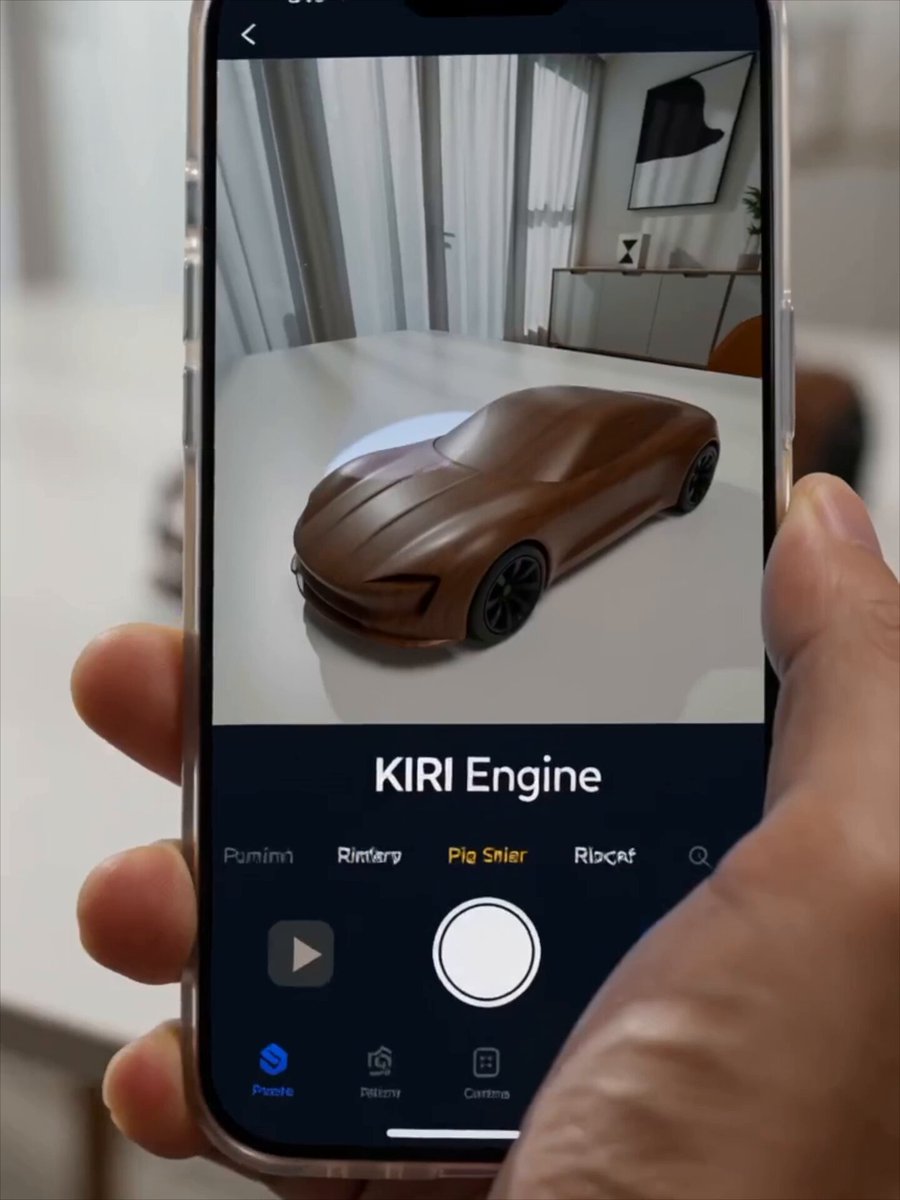
Futuristic Promotional Video for KIRI Engine
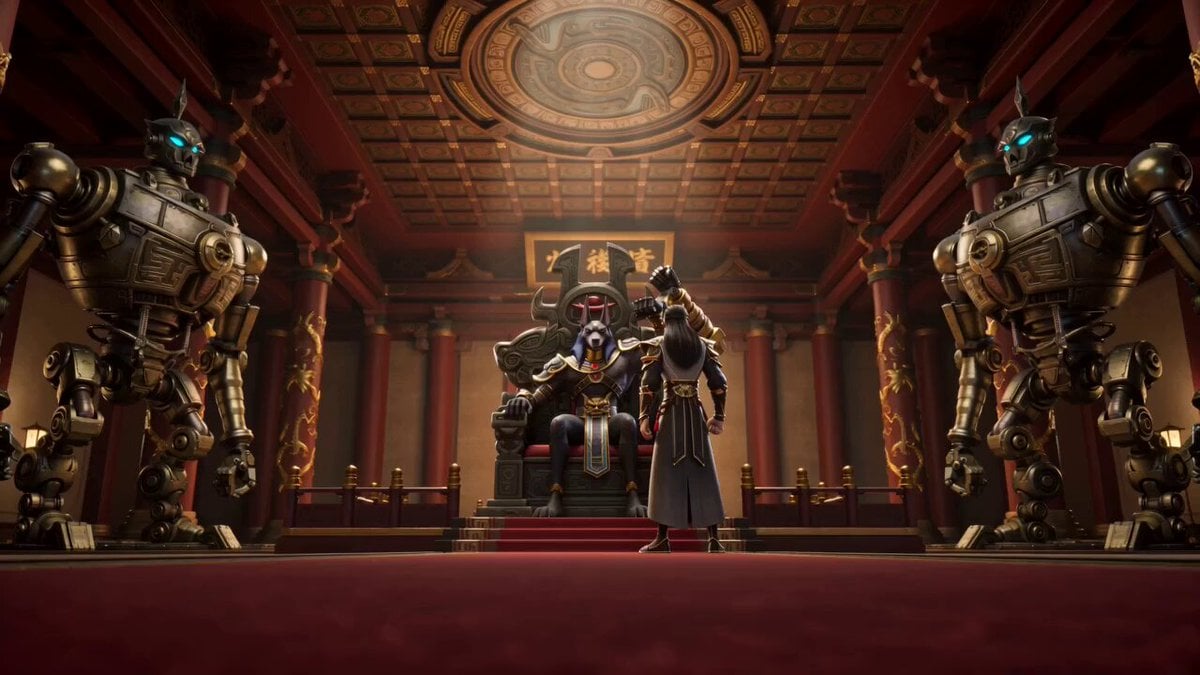
Anubis Tickle Scene
Browse template categories
Cyberpunk Android Mechanical Transformation Video questions
How do I use the Cyberpunk Android Mechanical Transformation Video template?
Add your photo if the template asks for one, edit the prompt if you like — the template's model and format are already selected — and press Generate. Your version opens in PicX Studio.
Can I customize the Cyberpunk Android Mechanical Transformation Video template?
Yes. You can change the subject, setting, lighting, mood, format, and available model controls before creating your video.
Is the Cyberpunk Android Mechanical Transformation Video template free?
Opening and editing this template is free. Generating uses credits, shown on the Generate button when you are signed in.
Which AI model should I use?
Start with Grok Imagine, which is the model associated with this template. You can compare another compatible model for a different finish.
Looking for something else? Browse all templates.

Your photo, any look
Thousands of ready templates for every top image and video model, from one credit balance.