How do I use the Mad Max-Inspired Desert Chase Storyboard Prompt template?
Edit the prompt in the box under the preview — the template's model and format are already selected — and press Generate. Your version appears right on this page.
A highly detailed, multi-scene storyboard prompt for Seedance 2.0, inspired by Mad Max, describing a sequence set in a desert featuring a massive sound tower war vehicle, a red-clad guitarist, and a motorcycle gang…

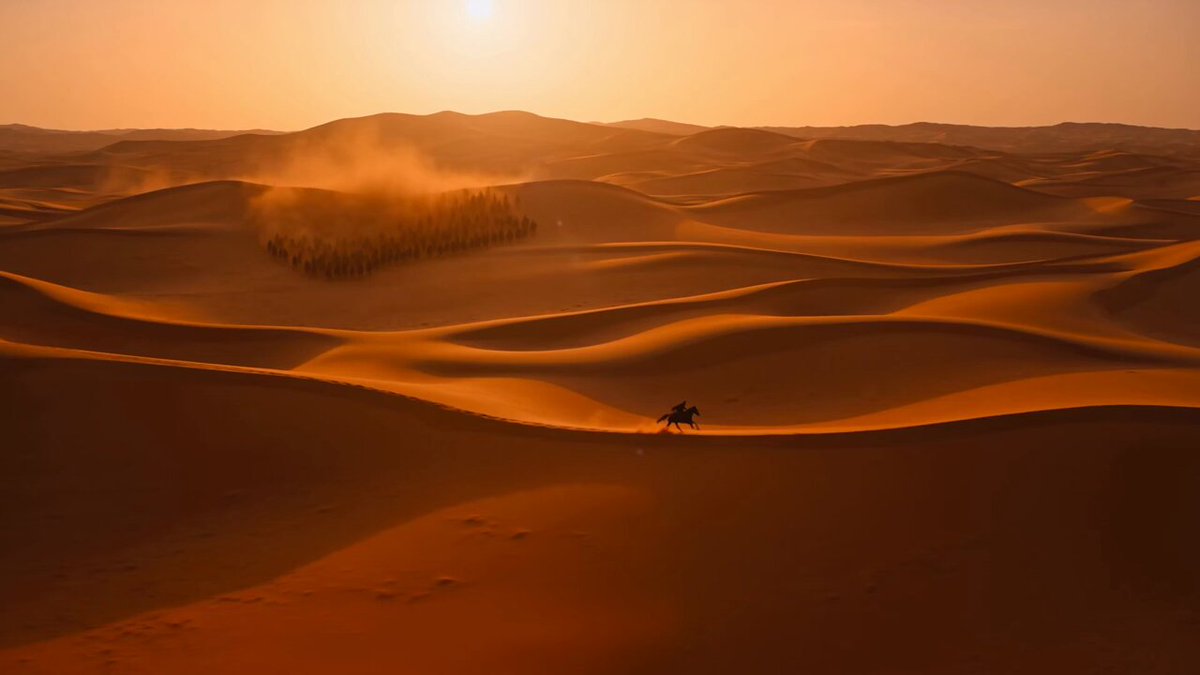
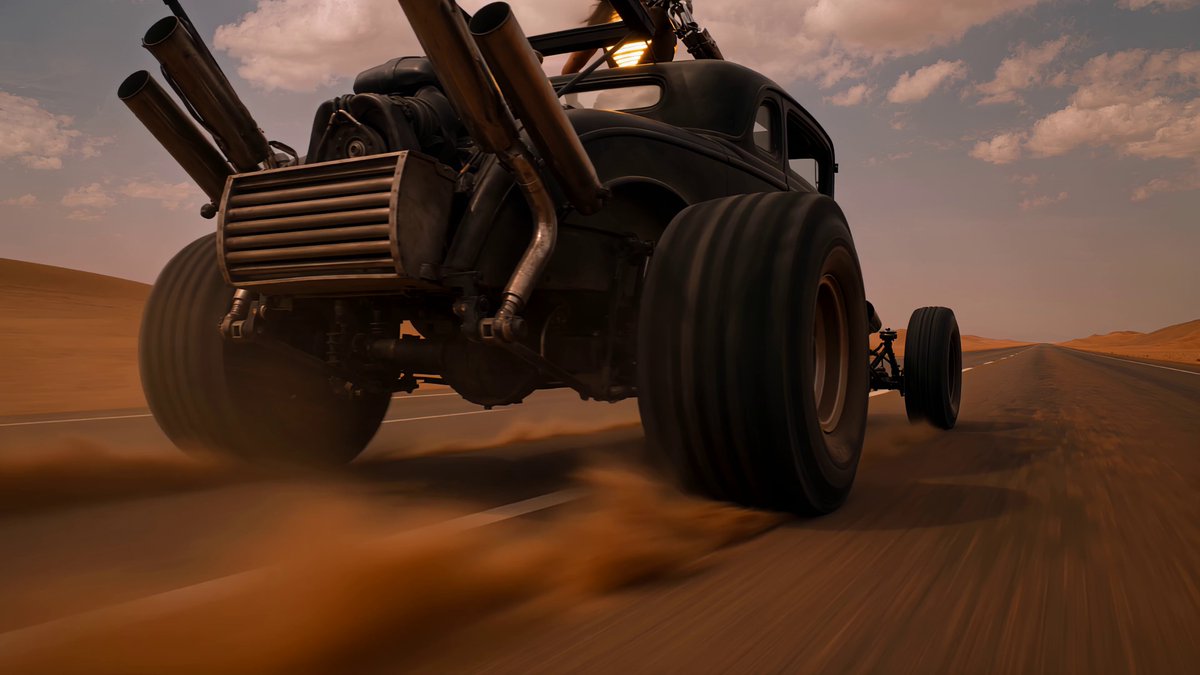
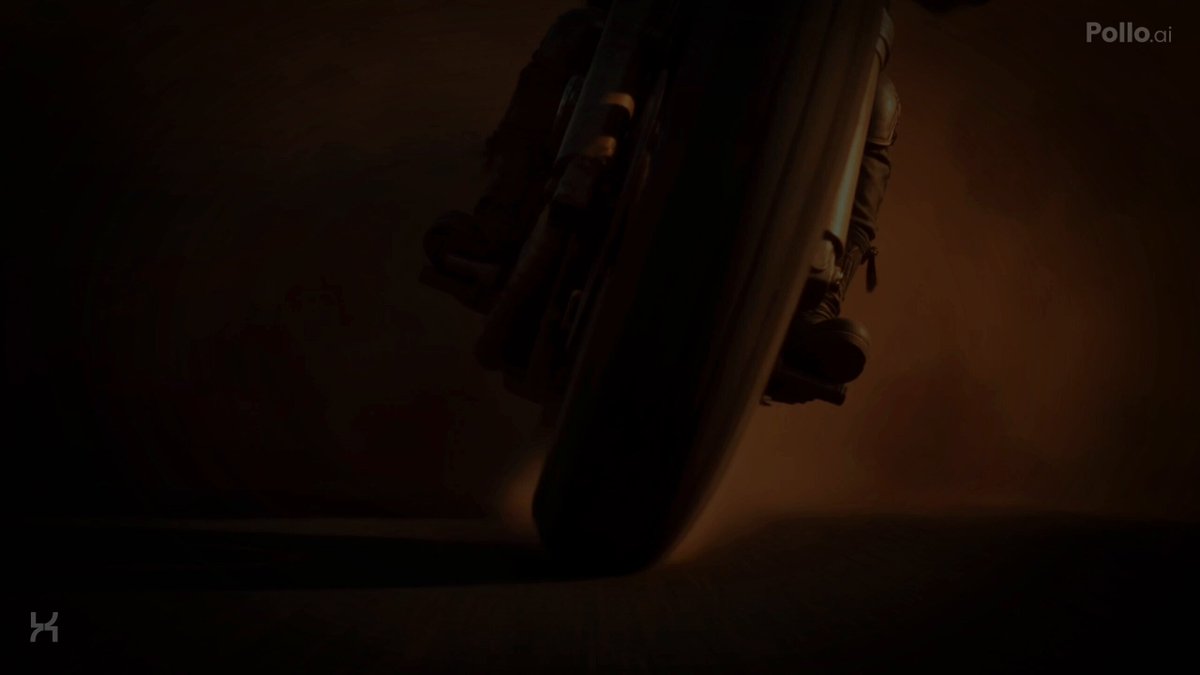
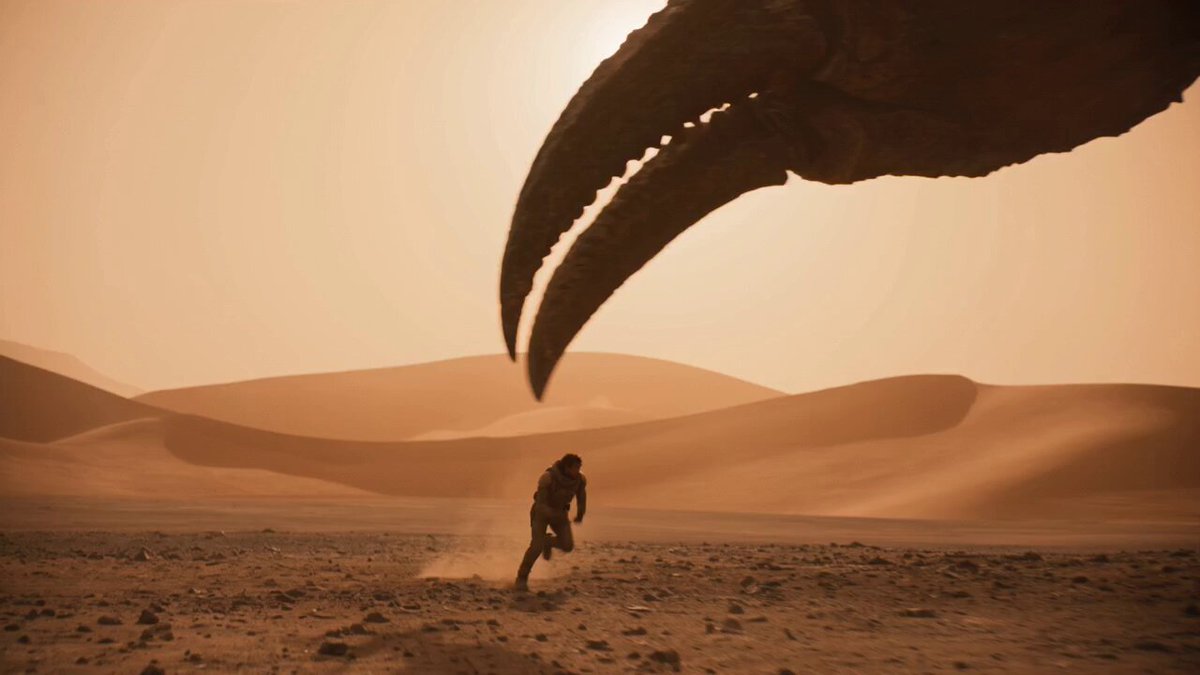
Act One: Desert Prologue (00:00-00:08, 8 seconds) [00:00-00:02] Shot 1 - Ultra-Wide Desert Establishing Shot An IMAX ultra-widescreen opening. An endless desert horizon, the dusk sky a desaturated cool blue-gray. A huge black silhouette appears in the distance — a towering speaker-tower war rig moving slowly forward, kicking up fine dust. A pack of motorcycles flickers faintly in the distance. The camera is completely still, evoking an epic sense of desolation. A low rumble of engines. Coarse film grain. [00:02-00:04] Shot 2 - Medium Push-In on the War Rig The camera slowly pushes in to a medium shot. Details of the giant speaker tower emerge: stacked speakers, a rusted metal frame, chains, skull ornaments. At the top stands the silhouette of a figure in red (the guitarist), not yet clearly visible. The motorcycle pack begins to spread out. The sky shifts from blue-gray to warm orange (sunset progressing). A smooth dolly push, no shake. Villeneuve-style minimalism. [00:04-00:06] Shot 3 - The Guitarist's First Appearance Cut to a medium close-up of the guitarist in red. Her wild red hair blows in the wind, the details of her red leather battle armor visible, gripping a modified flame-thrower guitar (with a flame nozzle mounted on the neck). Her face is stern and focused, scanning the horizon. The guitar is not yet ignited. The background is blurred, the motorcycles out of focus. The camera slowly orbits. Golden-hour side lighting. [00:06-00:08] Shot 4 - The Motorcycle Pack Converges Quick cut to a low ground-level angle. The motorcycle pack converges on the war rig from every direction, kicking up a massive wall of dust. The wasteland mutant riders have twisted, ferocious faces, brandishing weapons and howling. The camera shudders at ground level, beginning to shake slightly. The engine roar intensifies. The sky has turned deep orange. The war rig's speakers emit a low-frequency hum (a sign that the music is about to begin). Act Two: Fire Awakens (00:08-00:15, 7 seconds) [00:08-00:10] Shot 5 - The Instant the Guitar Ignites Cut back to a close-up of the guitarist. She raises the guitar, presses the ignition trigger, and the first jet of flame bursts from the neck. The fire lights up her face, her eyes shifting from stern to feverish. She strikes the first chord — flames pulse out with each note. The camera pushes in to a close-up of the guitar, flames dancing along the neck. The speaker tower begins to shake. Practical fire effects. [00:10-00:12] Shot 6 - The War Rig's First Flame Columns Pull back to a wide shot. The guitarist's full body is visible atop the war rig, wielding the flame guitar as she plays. Flame columns (smaller ones) begin shooting from both sides of the rig. The motorcycle pack begins circling around the rig. The camera shakes noticeably now, following the rig forward. Dust, flame, and smoke mix together. Color: orange-red flame begins to dominate, the blue-gray sky's contrast weakening. [00:12-00:15] Shot 7 - Riders' Ecstatic Montage Rapid-cut sequence: Cut A (1 second): a rider looks up at the flames, his face lit by the fire, an expression of wild ecstasy Cut B (1 second): the guitarist plays wildly, her hair whipping around, flames bursting out Cut C (1 second): close-up of the flame thrower, fuel gushing out, tongues of fire twisting The camera shake intensifies, the cuts speed up. The music reaches its first minor climax. The sky turns dark blue-violet (night falling).
Act One: Desert Prologue (00:00-00:08, 8 seconds) [00:00-00:02] Shot 1 - Ultra-Wide Desert Establishing Shot An IMAX ultra-widescreen opening. An endless desert horizon, the dusk sky a desaturated cool blue-gray. A huge black silhouette appears in the distance — a towering speaker-tower war rig moving slowly forward, kicking up fine dust. A pack of motorcycles flickers faintly in the distance. The camera is completely still, evoking an epic sense of desolation. A low rumble of engines. Coarse film grain. [00:02-00:04] Shot 2 - Medium Push-In on the War Rig The camera slowly pushes in to a medium shot. Details of the giant speaker tower emerge: stacked speakers, a rusted metal frame, chains, skull ornaments. At the top stands the silhouette of a figure in red (the guitarist), not yet clearly visible. The motorcycle pack begins to spread out. The sky shifts from blue-gray to warm orange (sunset progressing). A smooth dolly push, no shake. Villeneuve-style minimalism. [00:04-00:06] Shot 3 - The Guitarist's First Appearance Cut to a medium close-up of the guitarist in red. Her wild red hair blows in the wind, the details of her red leather battle armor visible, gripping a modified flame-thrower guitar (with a flame nozzle mounted on the neck). Her face is stern and focused, scanning the horizon. The guitar is not yet ignited. The background is blurred, the motorcycles out of focus. The camera slowly orbits. Golden-hour side lighting. [00:06-00:08] Shot 4 - The Motorcycle Pack Converges Quick cut to a low ground-level angle. The motorcycle pack converges on the war rig from every direction, kicking up a massive wall of dust. The wasteland mutant riders have twisted, ferocious faces, brandishing weapons and howling. The camera shudders at ground level, beginning to shake slightly. The engine roar intensifies. The sky has turned deep orange. The war rig's speakers emit a low-frequency hum (a sign that the music is about to begin). Act Two: Fire Awakens (00:08-00:15, 7 seconds) [00:08-00:10] Shot 5 - The Instant the Guitar Ignites Cut back to a close-up of the guitarist. She raises the guitar, presses the ignition trigger, and the first jet of flame bursts from the neck. The fire lights up her face, her eyes shifting from stern to feverish. She strikes the first chord — flames pulse out with each note. The camera pushes in to a close-up of the guitar, flames dancing along the neck. The speaker tower begins to shake. Practical fire effects. [00:10-00:12] Shot 6 - The War Rig's First Flame Columns Pull back to a wide shot. The guitarist's full body is visible atop the war rig, wielding the flame guitar as she plays. Flame columns (smaller ones) begin shooting from both sides of the rig. The motorcycle pack begins circling around the rig. The camera shakes noticeably now, following the rig forward. Dust, flame, and smoke mix together. Color: orange-red flame begins to dominate, the blue-gray sky's contrast weakening. [00:12-00:15] Shot 7 - Riders' Ecstatic Montage Rapid-cut sequence: Cut A (1 second): a rider looks up at the flames, his face lit by the fire, an expression of wild ecstasy Cut B (1 second): the guitarist plays wildly, her hair whipping around, flames bursting out Cut C (1 second): close-up of the flame thrower, fuel gushing out, tongues of fire twisting The camera shake intensifies, the cuts speed up. The music reaches its first minor climax. The sky turns dark blue-violet (night falling).
Edit the prompt in the box under the preview — the template's model and format are already selected — and press Generate. Your version appears right on this page.
Yes. You can change the subject, setting, lighting, mood, format, and available model controls before creating your video.
Opening and editing this template is free. Generating uses credits, shown on the Generate button when you are signed in.
Start with Seedance 2.0, which is the model associated with this template. You can compare another compatible model for a different finish.
Follow a topic to a crawlable collection of related PicX Studio templates.