
Post-Apocalyptic Desert Motorcycle Chase
A high-octane cinematic prompt for a motorcycle chase in a post-apocalyptic desert, featuring detailed camera directions and atmospheric effects.
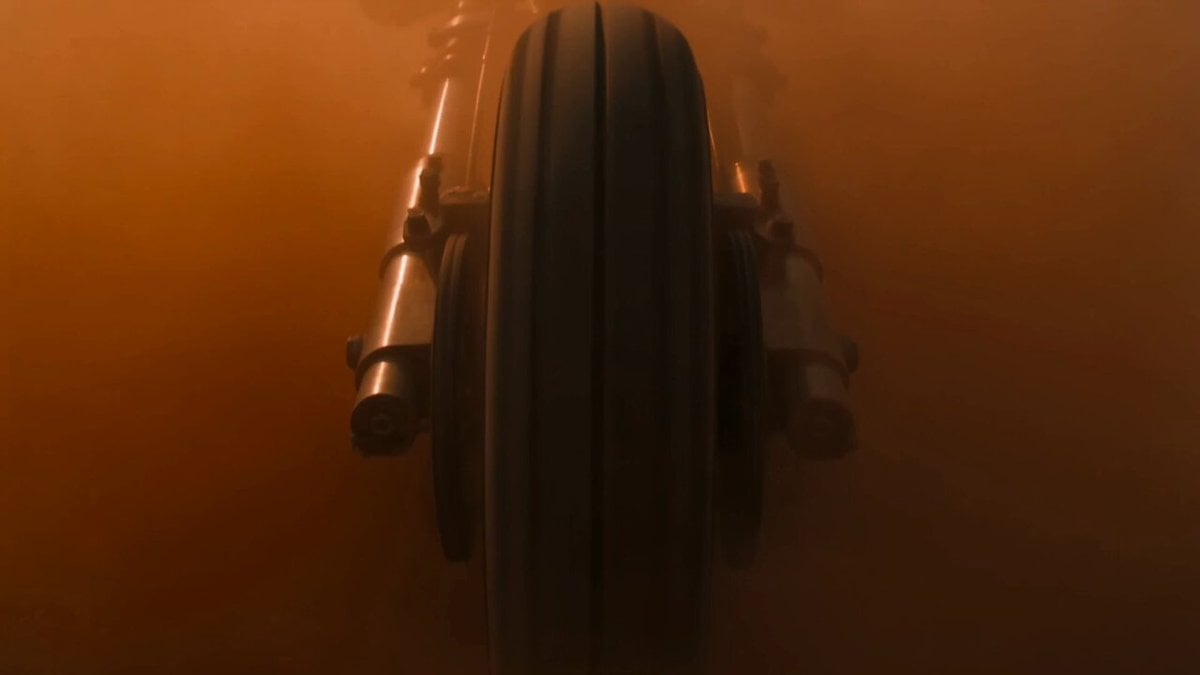
- Prompt included
- Model and format preset
- Premium template
The prompt behind this video
Copy the exact prompt behind Post-Apocalyptic Desert Motorcycle Chase, or open it in the studio and make it yours.
Create a 15-second 16:9 ultra-cinematic desert motorcycle chase. A masked rider on a brutal custom motorcycle charges through a post-apocalyptic desert highway at full speed. The bike is heavy, dirty, metal, aggressive, with exposed engine parts, dust-covered tires, and vibrating handlebars. The scene begins with the motorcycle exploding out of a wall of dust. Behind it, a convoy of rusted armored vehicles appears, chasing the rider. The rider dodges between wrecked cars, slides sideways through sand, jumps over broken metal debris, then lands hard as a huge explosion erupts behind him. Camera style: intense action movie camera, very low to the ground, close to the front wheel, then fast side tracking shot, then rear chase camera, then wide shot showing the whole desert convoy. Use powerful motion blur, dust hitting the lens, controlled handheld shake, dramatic speed ramps, sharp focus on the rider. Lighting: burning sunset, orange desert sky, harsh shadows, dust glowing in the air, gritty contrast, dirty cinematic look, realistic fire and smoke. Mood: brutal, fast, dangerous, survival chase, no comedy, no clean futuristic style. Audio: roaring engine, heavy drums, metal impacts, wind, tire skids, explosions, deep cinematic bass. Keep the same rider and same motorcycle during the whole video. Avoid random text, logos, distorted wheels, changing motorcycle shape, extra riders, floating objects, weak explosions, cartoon style, unstable chaotic camera, unreadable action, flicker, warped body, impossible physics.
How to use Post-Apocalyptic Desert Motorcycle Chase in 3 steps
- 1
Open
The prompt is already in the box next to the preview, with the template's model and format selected.
- 2…a portrait of your subject in softgolden-hour light, 85mm…
Personalize
Edit the subject and creative details for your destination.
- 3Generate
Generate
Press Generate — your video is created in PicX Studio, so you can compare it with the original and refine one variable at a time.
More like this
Templates with the same subject, style or setup. Open one to see its prompt.
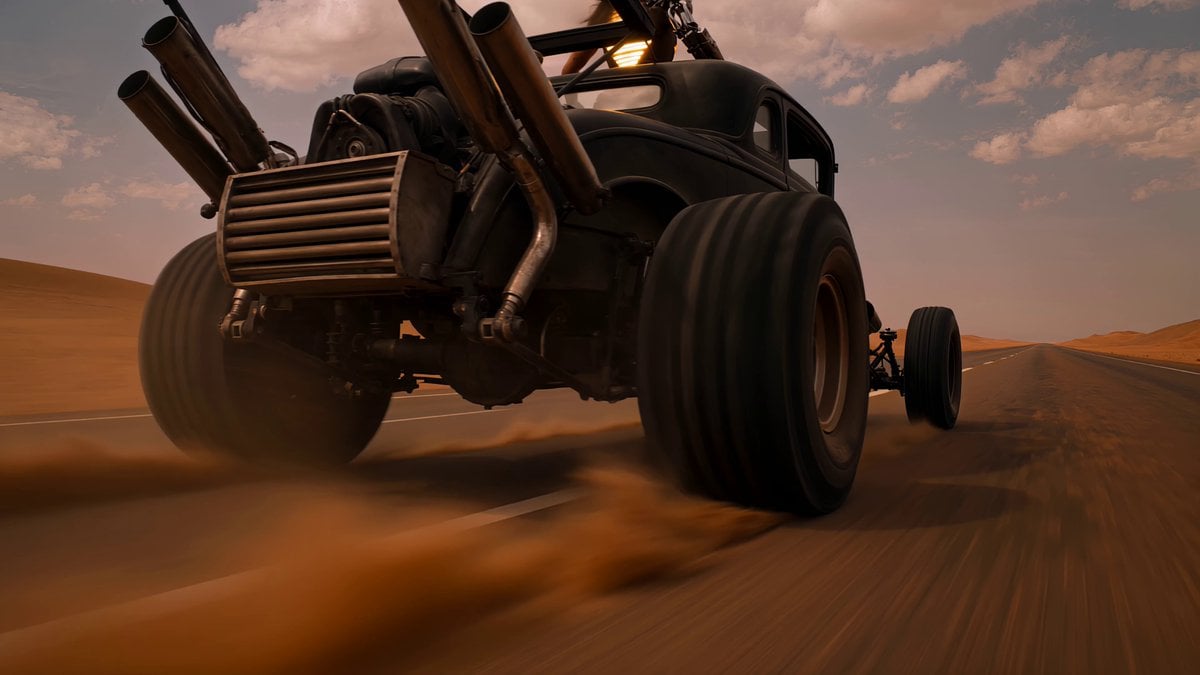
Post-Apocalyptic Desert Warrior Highway Chase

Walking Factory with Rebel on Hoverbike - Wasteland
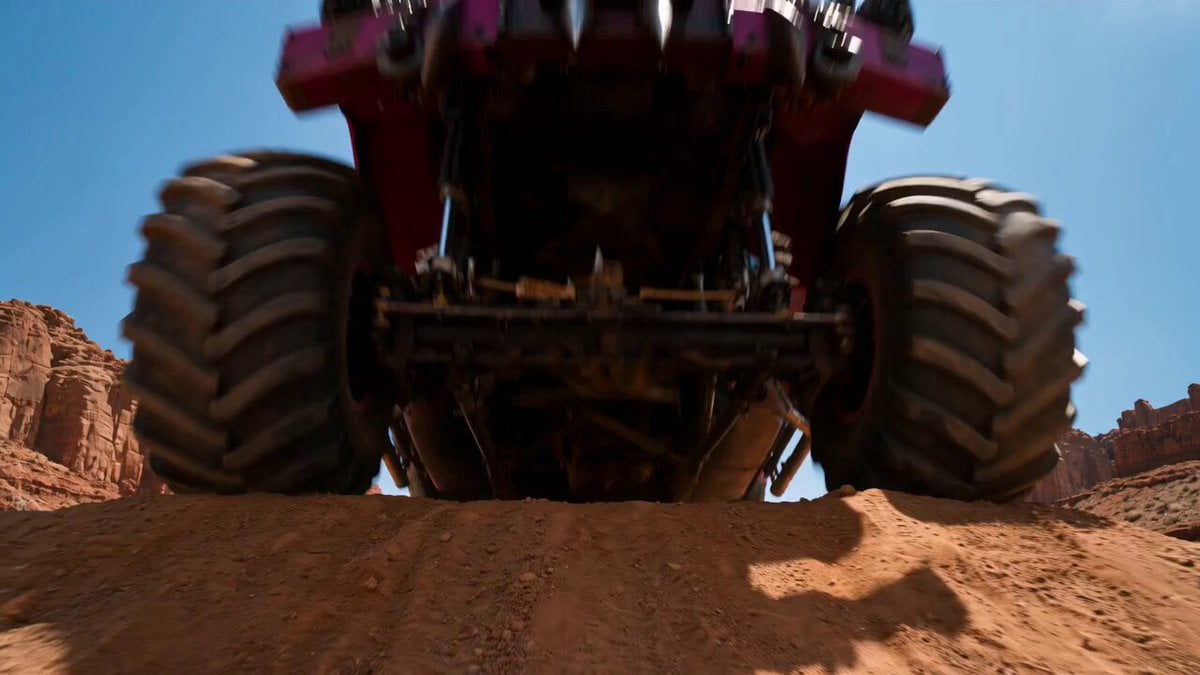
Post-Apocalyptic Desert Truck Action
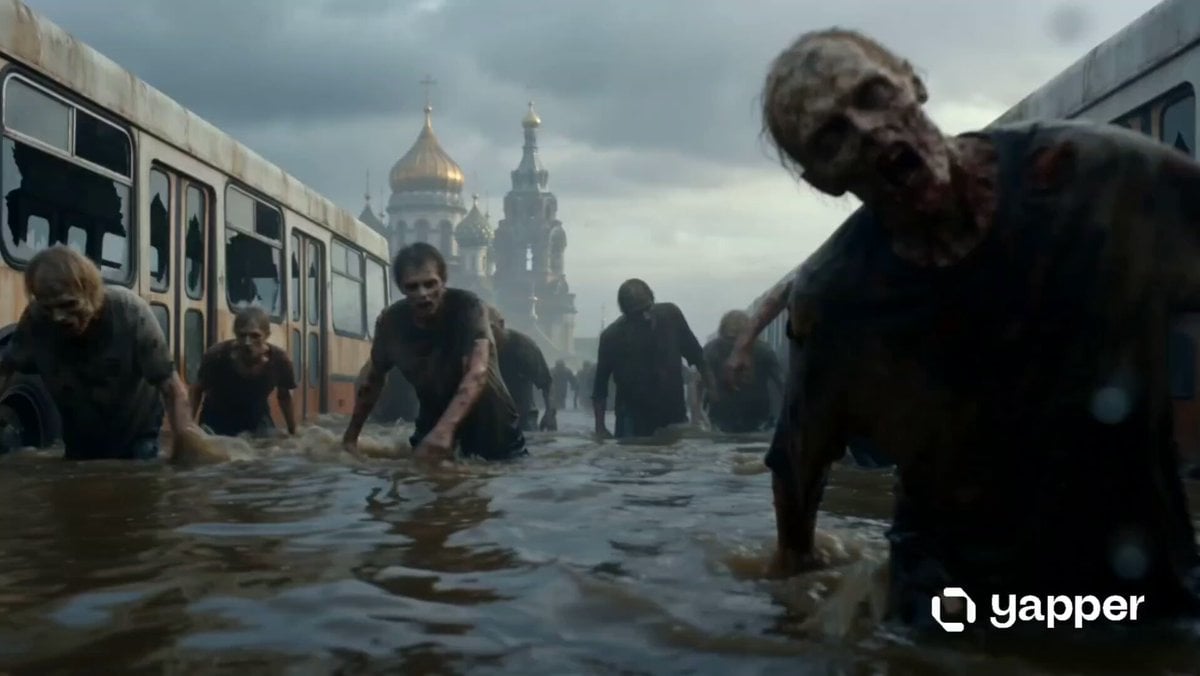
Post-Apocalyptic Flooded City Techwear Chase
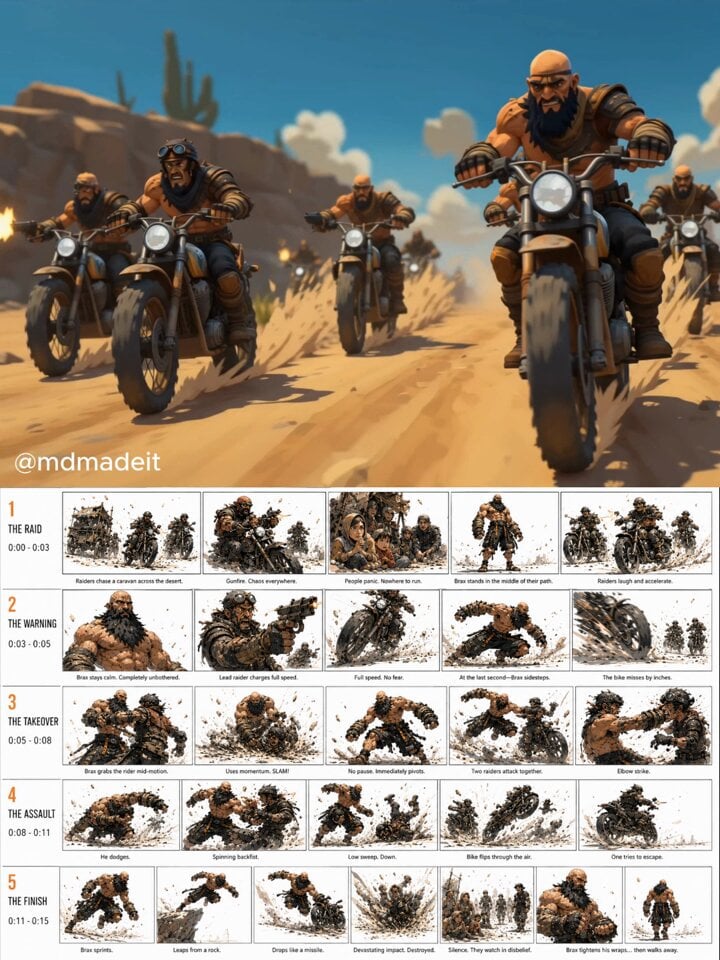
Post-Apocalyptic Desert Action Sequence
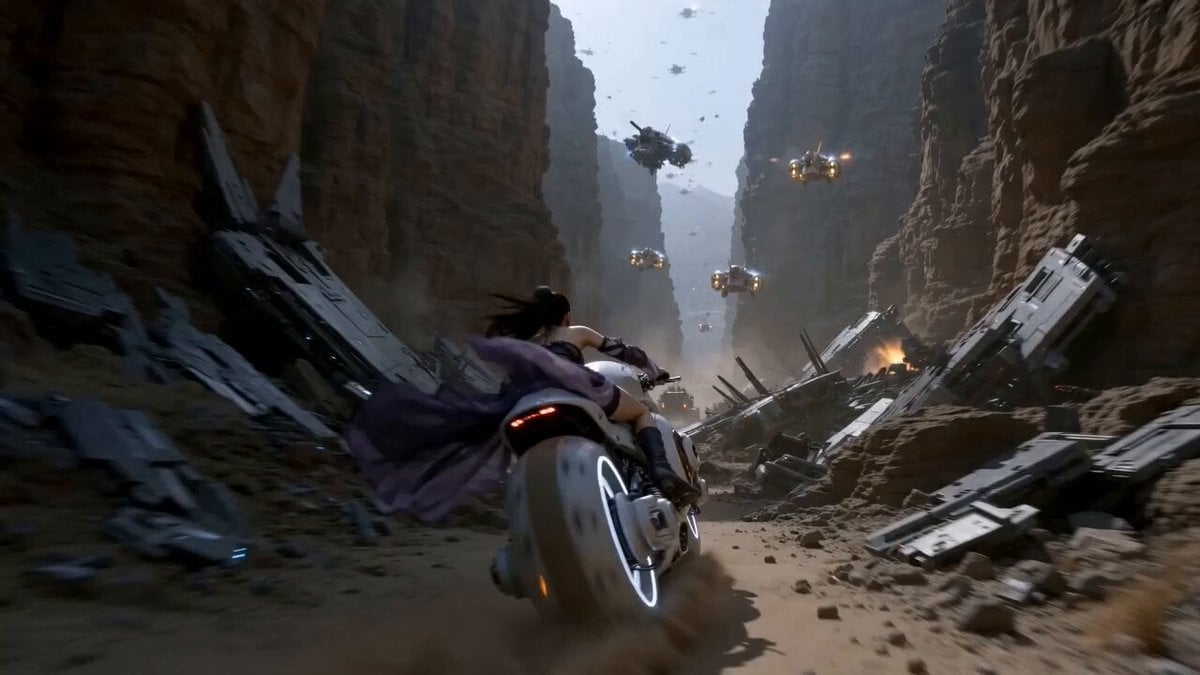
Futuristic Desert Starport Motorcycle Chase
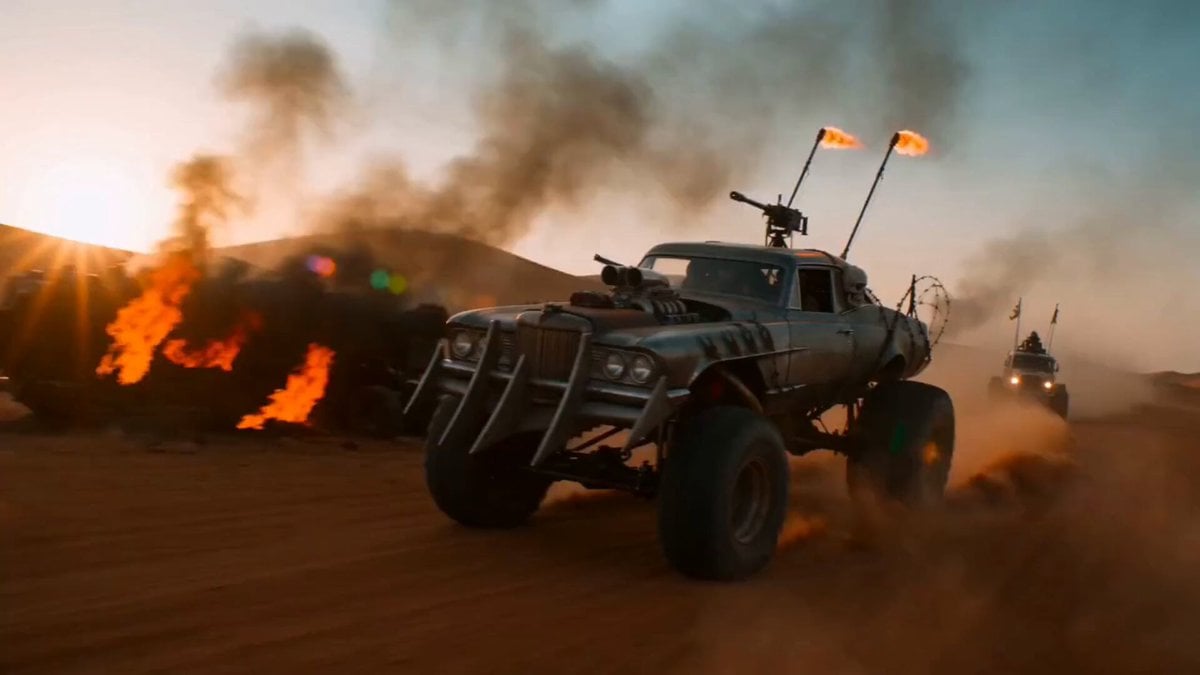
Post-Apocalyptic War Vehicle in Desert
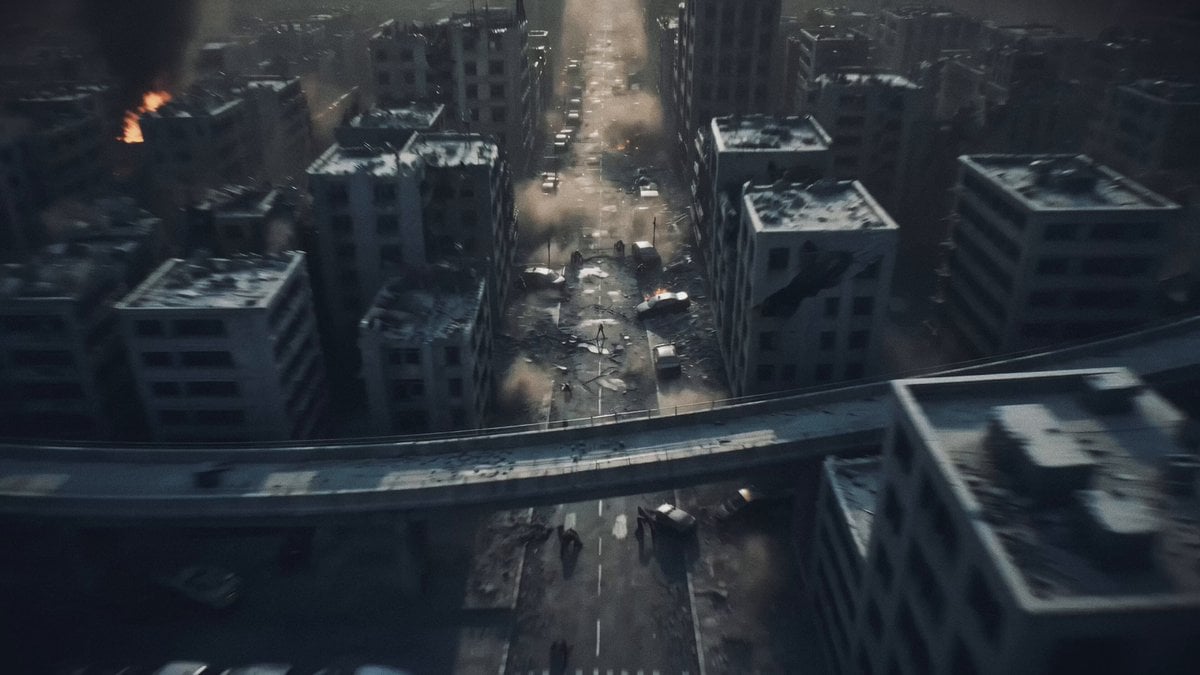
Post-Apocalyptic Biomechanical Battle
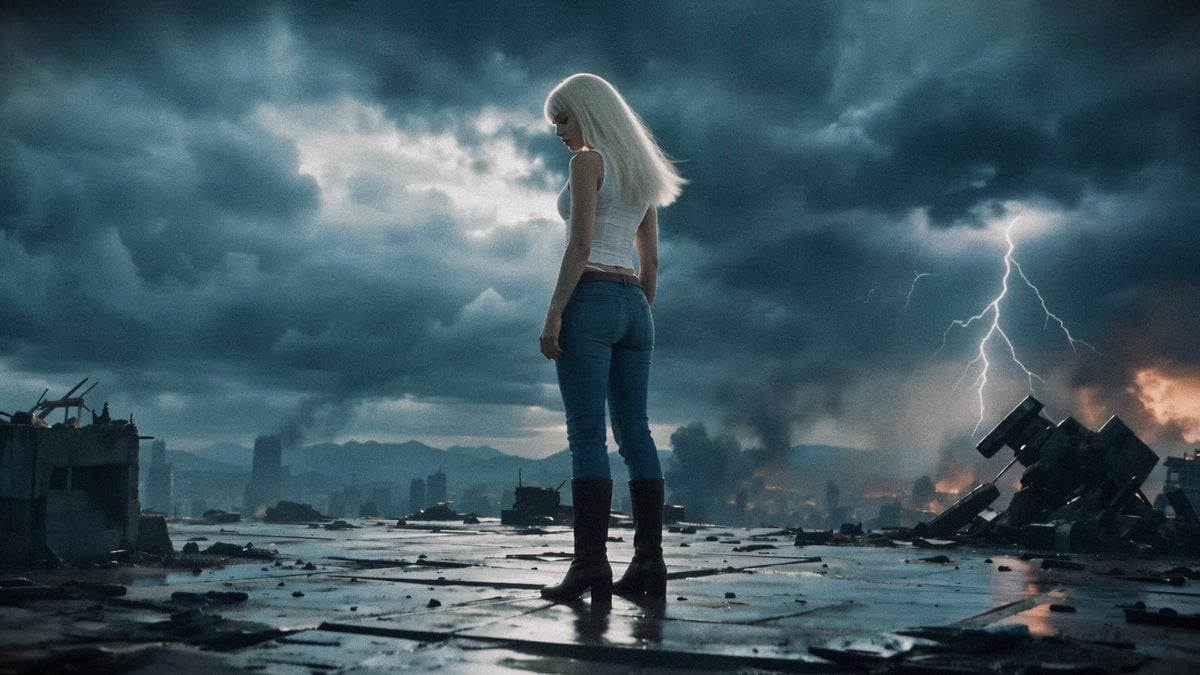
Post-Apocalyptic Mecha Awakening Transformation
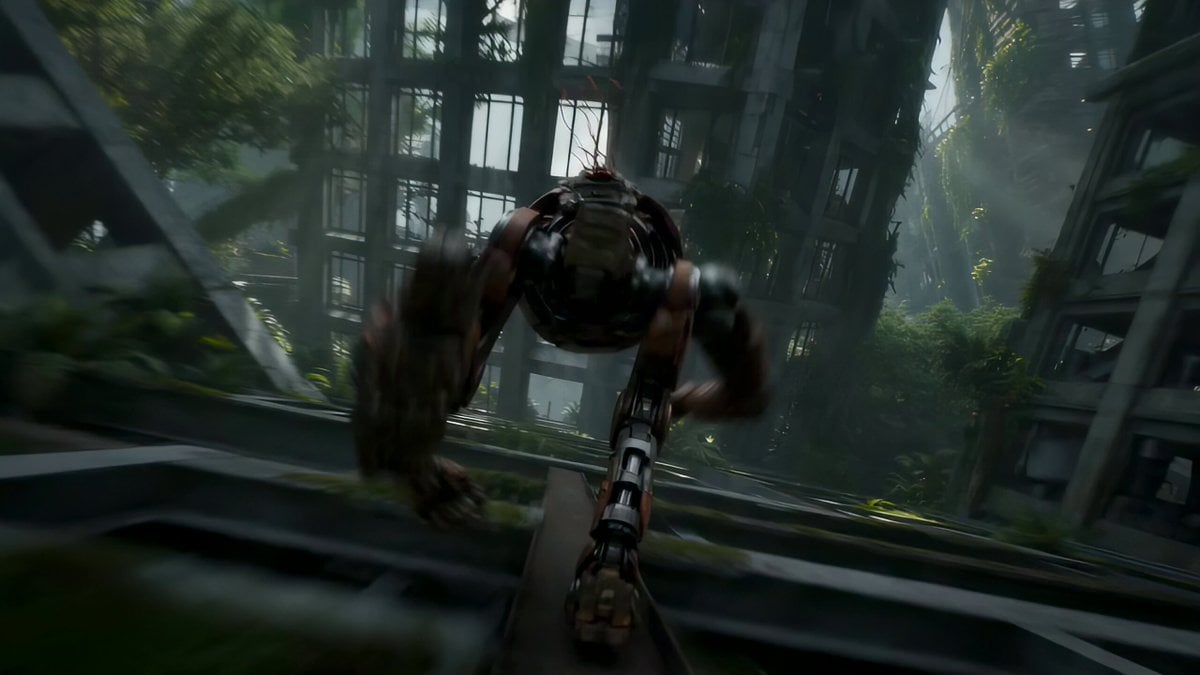
Automaton Post-Apocalyptic Jungle Run
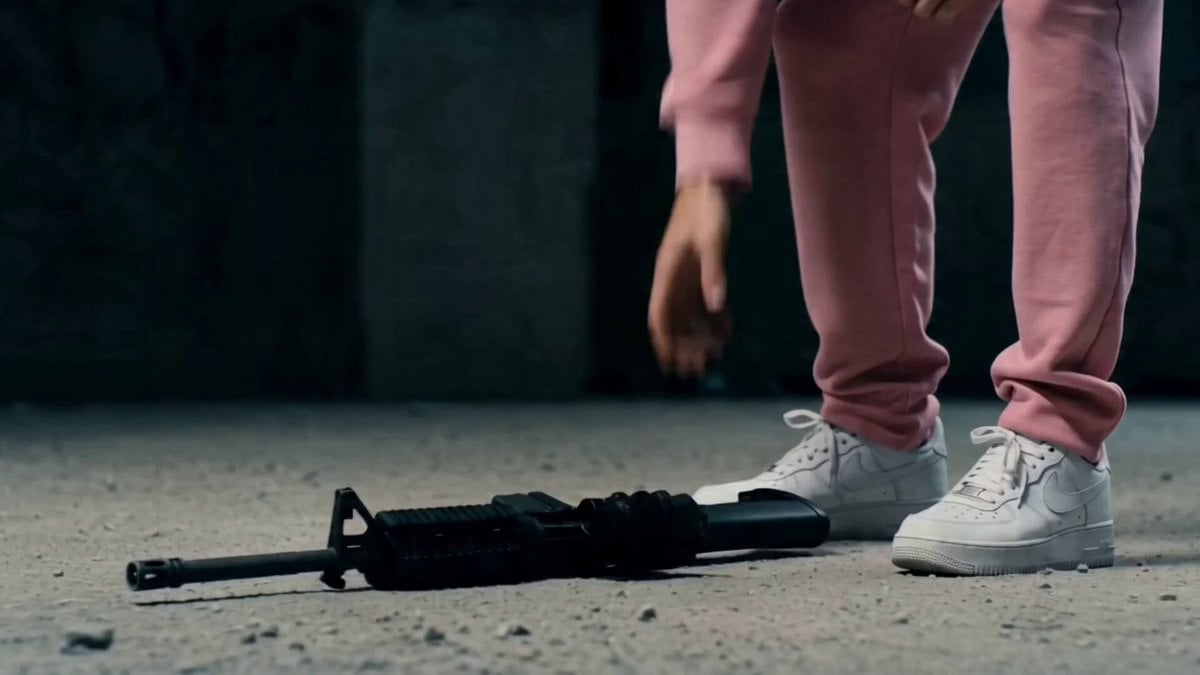
Post-Apocalyptic Survival Thriller Prompt

Desert Horned Lizard Grapefruit Ad
Make it yours
Post-Apocalyptic Desert Motorcycle Chase works as-is. These are the safest ways to change it without losing the look.
Change one field
Copy a single group, rewrite it, and generate again so you can see what that field is doing.
Keep the frame, change the subject
Hold the composition and light of Post-Apocalyptic Desert Motorcycle Chase, then swap wardrobe, props or the person for a new take.
| If the result… | Why | Fix |
|---|---|---|
| The result drifts from the preview | Too many fields changed at once. | Reuse Post-Apocalyptic Desert Motorcycle Chase as-is first, then change one group — subject, light, or setting. |
| The model over-stylizes the scene | The prose prompt leaves finish and camera underspecified. | Add one camera or lighting sentence and stay on Seedance 2.0. |
More Seedance 2.0 templates
Other prompts made for Seedance 2.0.

Comical Martial Arts Punch Scene

Maglev Train Action Sequence

Martial Arts Fight Sequence

Wuxia Protection and Trust Script

Vintage Korean Arcade MiniDV Vlog

Mercedes 190 SL Luxury Ad

Rainy Night Supernatural Reverse Comedy Video Script

Amazon Civilization Discovery

Futuristic South Asian City Transformation

Cozy Luxury Cafe Commercial
More video prompts
Fresh picks from across the catalog.

Clay Crab Riding Bicycle Beach
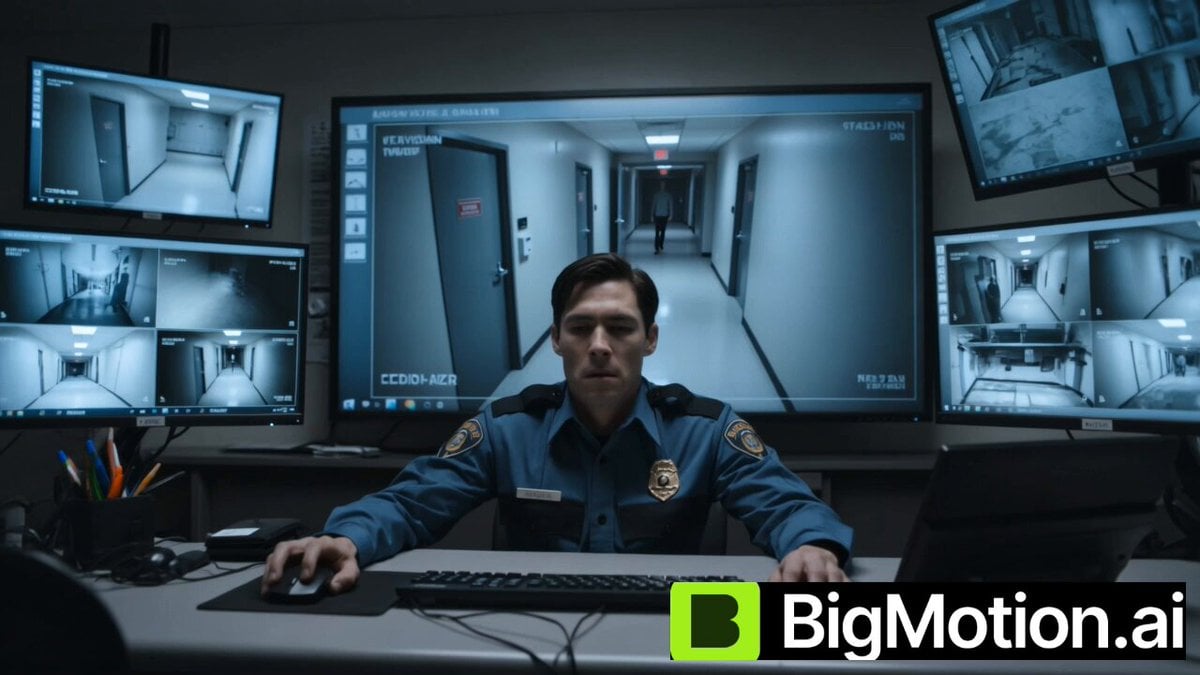
Blink and Move Mannequin Horror
Shaw Brothers Style Cinematic Cat Drama
Epic Fantasy Action Battle Storyboard Prompt
Cinematic K-Pop Dance Video
Sora Test Failure Example
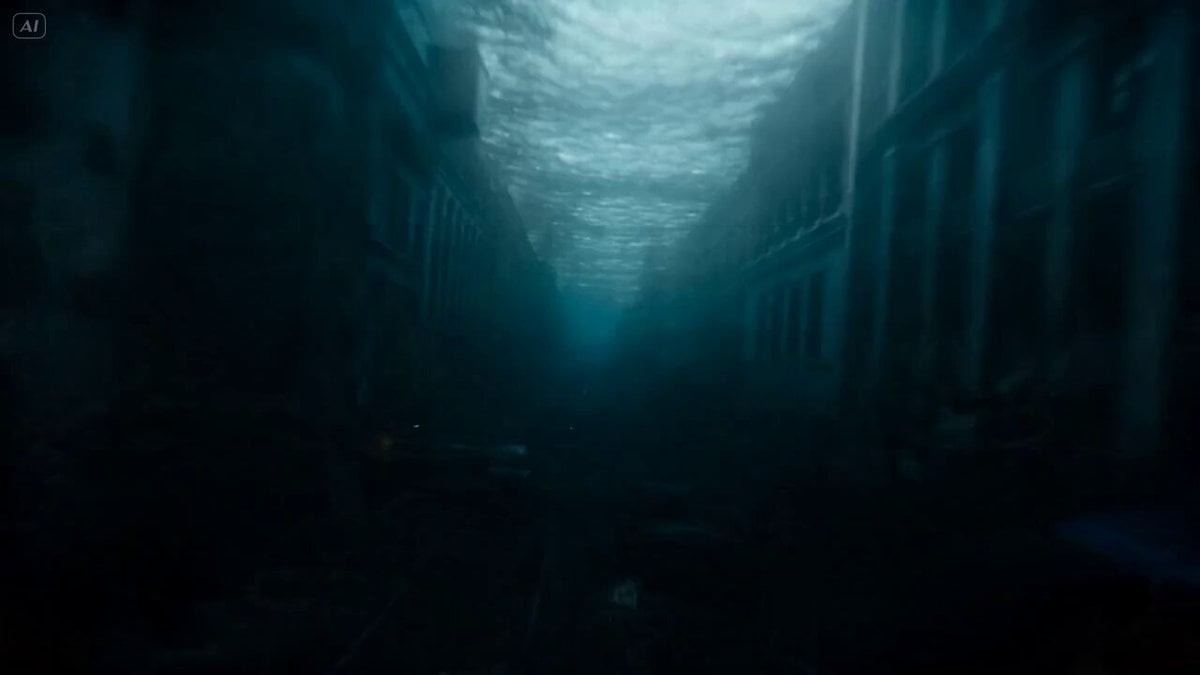
Mutated Shark Urban Apocalypse

Winter Goddess Journey

Dark Tokusatsu Transformation - Seedance 2.5
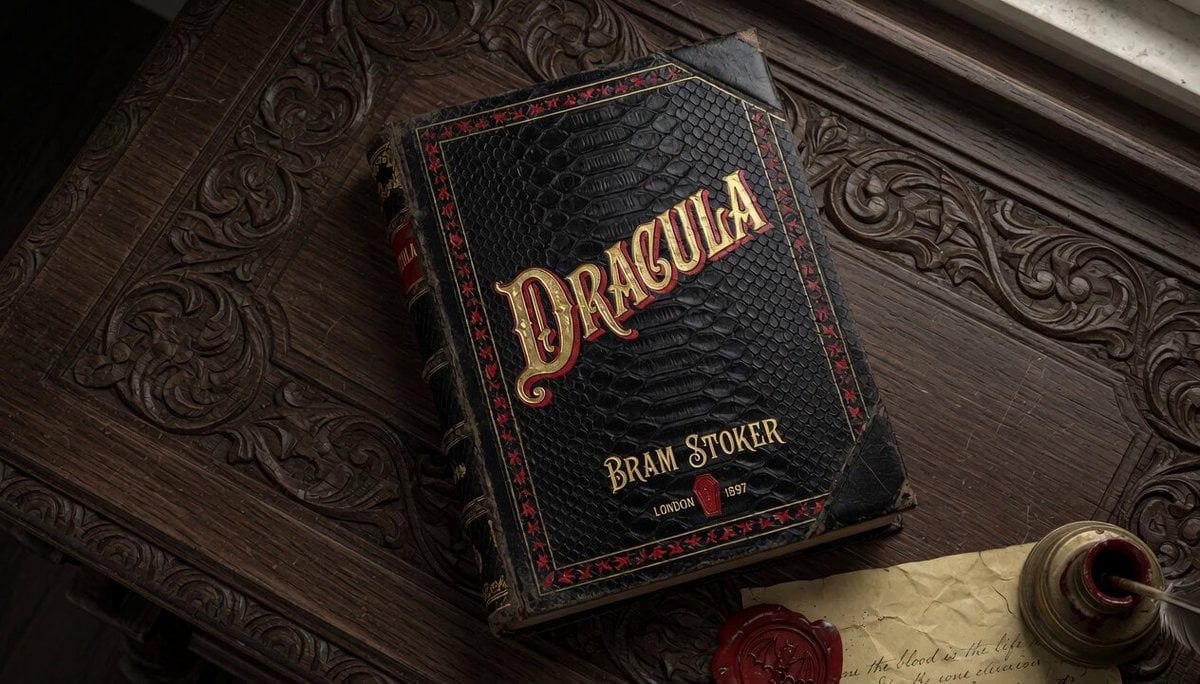
Vintage Dracula Book
Browse template categories
Post-Apocalyptic Desert Motorcycle Chase questions
How do I use the Post-Apocalyptic Desert Motorcycle Chase template?
Add your photo if the template asks for one, edit the prompt if you like — the template's model and format are already selected — and press Generate. Your version opens in PicX Studio.
Can I customize the Post-Apocalyptic Desert Motorcycle Chase template?
Yes. You can change the subject, setting, lighting, mood, format, and available model controls before creating your video.
Is the Post-Apocalyptic Desert Motorcycle Chase template free?
Opening and editing this template is free. Generating uses credits, shown on the Generate button when you are signed in.
Which AI model should I use?
Start with Seedance 2.0, which is the model associated with this template. You can compare another compatible model for a different finish.
Looking for something else? Browse all templates.

Your photo, any look
Thousands of ready templates for every top image and video model, from one credit balance.