
Multiverse Dimensional Portal Fall
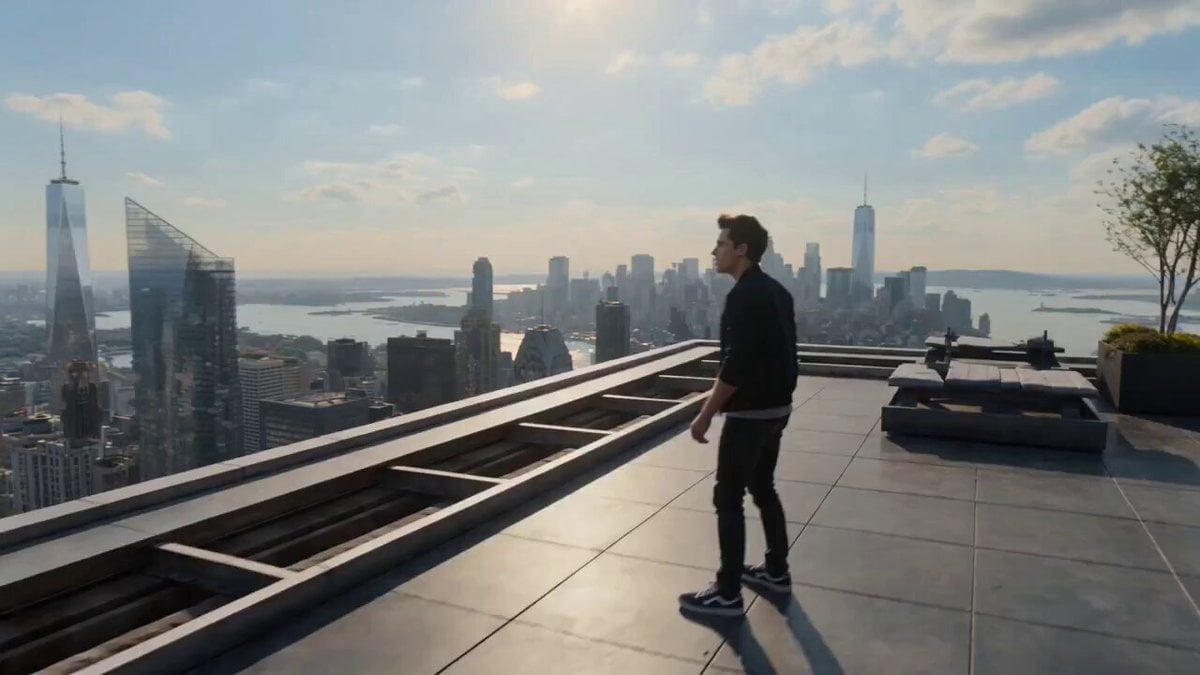
A complex multi-portal journey prompt where a character falls through different dimensions, transforming from a realistic human into animated, voxel, and sci-fi versions.
- Prompt included
- Model and format preset
- Free template
The prompt behind this video
Copy the exact prompt behind Multiverse Dimensional Portal Fall, or open it in the studio and make it yours.
STYLE Ultra-realistic cinematic adventure, live-action quality, blockbuster filmmaking, photorealistic, seamless visual transitions, grounded physics, natural daylight, HDR, immersive storytelling. CHARACTER A handsome young adult male with short dark hair, athletic build, wearing a black jacket over a gray T-shirt, dark jeans, and sneakers. Natural facial expressions and believable reactions. CAMERA Shot on an ARRI Alexa 65 with anamorphic lenses. Smooth cinematic tracking, aerial camera movements, realistic motion blur, shallow depth of field, seamless transitions. LIGHTING Bright natural daylight with physically accurate sunlight, realistic shadows and atmospheric haze. TIMELINE 0.0–4.0s | Scene 1 Real life like realistic style, natural lighting, The man standing on the rooftop of a tall building overlooking a busy modern city. A massive glowing dimensional portal suddenly opens high in the sky beyond the rooftop in front of him. The camera smoothly circles behind him into an over-the-shoulder view. Curious, he begins running toward the mysterious phenomenon. As he reaches it, gravity suddenly shifts, lifting him off the rooftop and pulling him into the portal. He immediately enters a continuous high-speed freefall through an endless sky. His expression changes from curiosity to complete shock. 4.0–8.0s | Scene 2, Still falling with realistic body movement and accurate wind interaction, a glowing portal appears below him. He passes smoothly through it without interruption. Instantly, the entire environment transforms into a vibrant animated city. Buildings, streets, vehicles, people, and even the character become high-quality animation while preserving his hairstyle, facial features, and clothing design. He looks at his animated hands and outfit in amazement while continuing to fall naturally. Another glowing portal appears below. 8.0–12.0s | Scene 3 He falls through the next portal in one seamless motion. The world instantly transforms into a detailed voxel-style universe with block-built cities, roads, trees, clouds, vehicles, and people. His appearance changes into the same voxel style while keeping the same exact outfit and proportions. He continues falling with believable physics, examining his transformed body before spotting another portal beneath him. 12.0–16.0s | Scene 4 Passing through the next portal, everything transforms into a realistic futuristic sci-fi metropolis with advanced architecture, hovering vehicles, holographic displays, and cutting-edge technology. His clothing naturally changes into a sleek high-tech suit matching the environment, still his face and hands visible as the same character . Still falling continuously, he looks at his futuristic gloves and suit with disbelief while another glowing portal forms below. 16.0–20.0s | Scene 5 He enters the final portal in one perfectly smooth transition. The environment
How to use Multiverse Dimensional Portal Fall in 3 steps
- 1
Open
The prompt is already in the box next to the preview, with the template's model and format selected.
- 2…a portrait of your subject in softgolden-hour light, 85mm…
Personalize
Edit the subject and creative details for your destination.
- 3Generate
Generate
Press Generate — your video is created in PicX Studio, so you can compare it with the original and refine one variable at a time.
More like this
Templates with the same subject, style or setup. Open one to see its prompt.

Dimensional Rift Multiverse Collapse
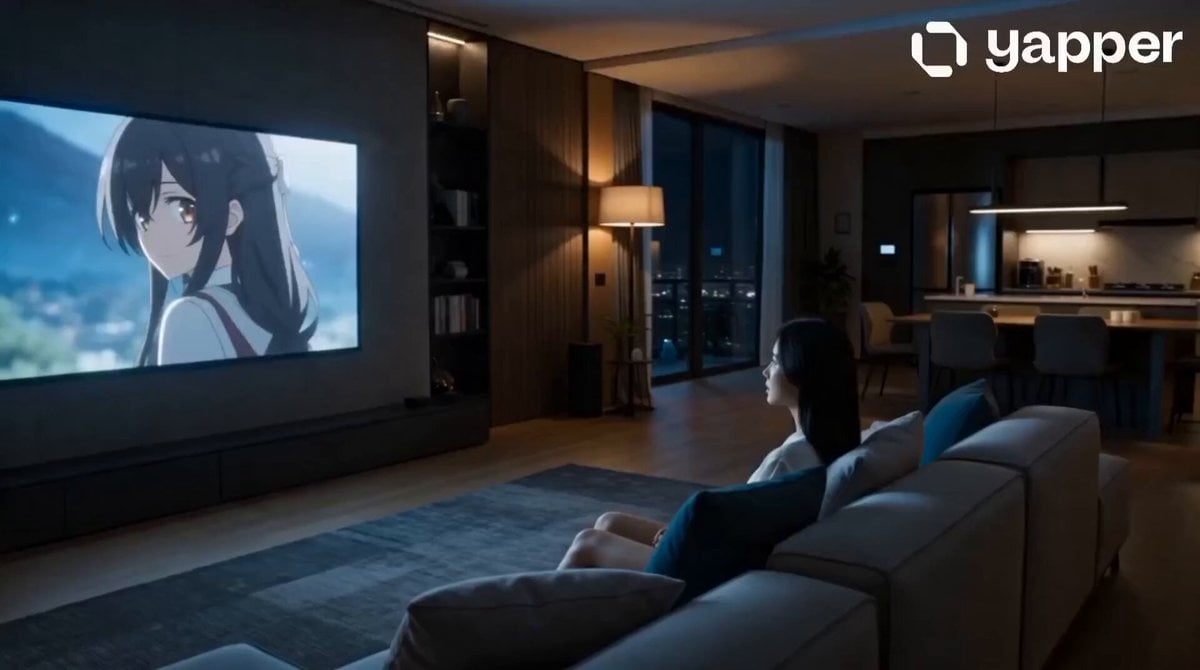
Anime Crossover Dimensional Portal
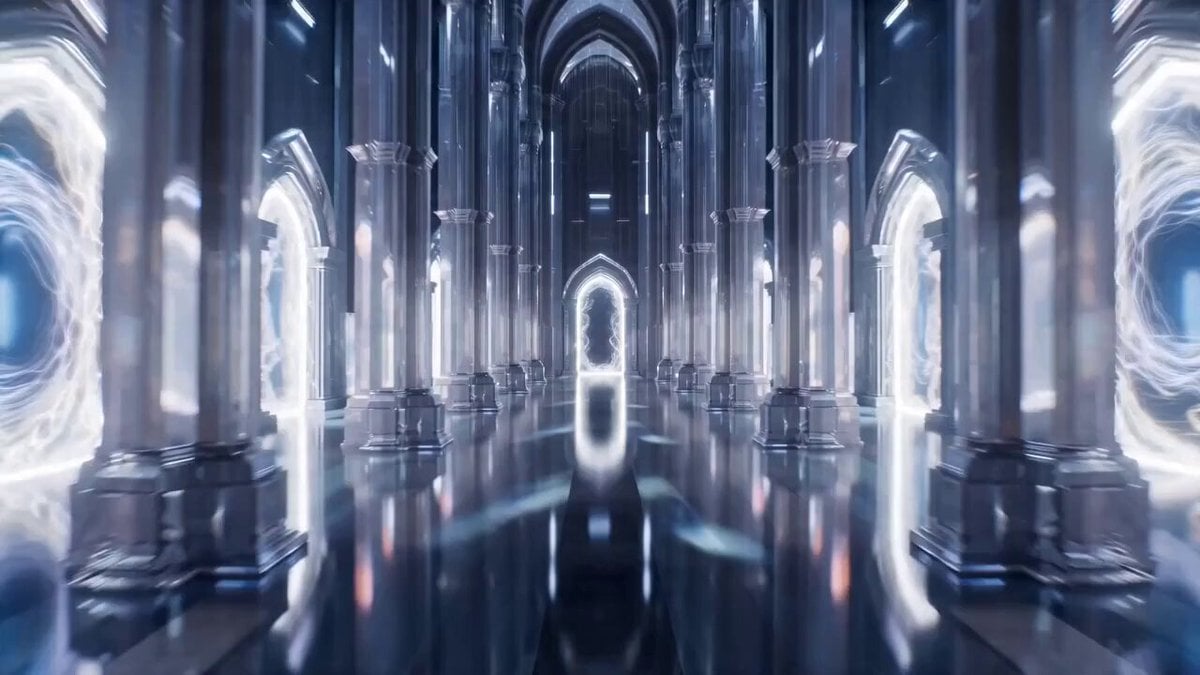
Infinite Palace Multiverse Portals

Easter Bunnies Falling Through a Portal
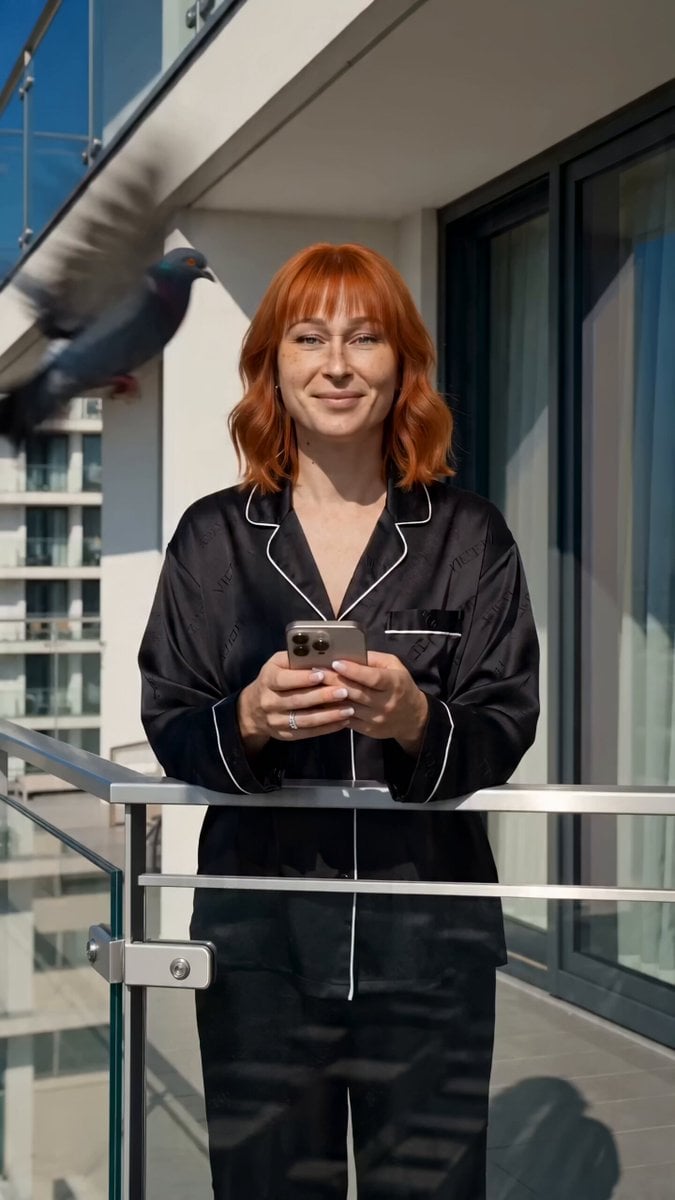
iPhone Free-Fall Multi-Dimensional Chase Video Prompt
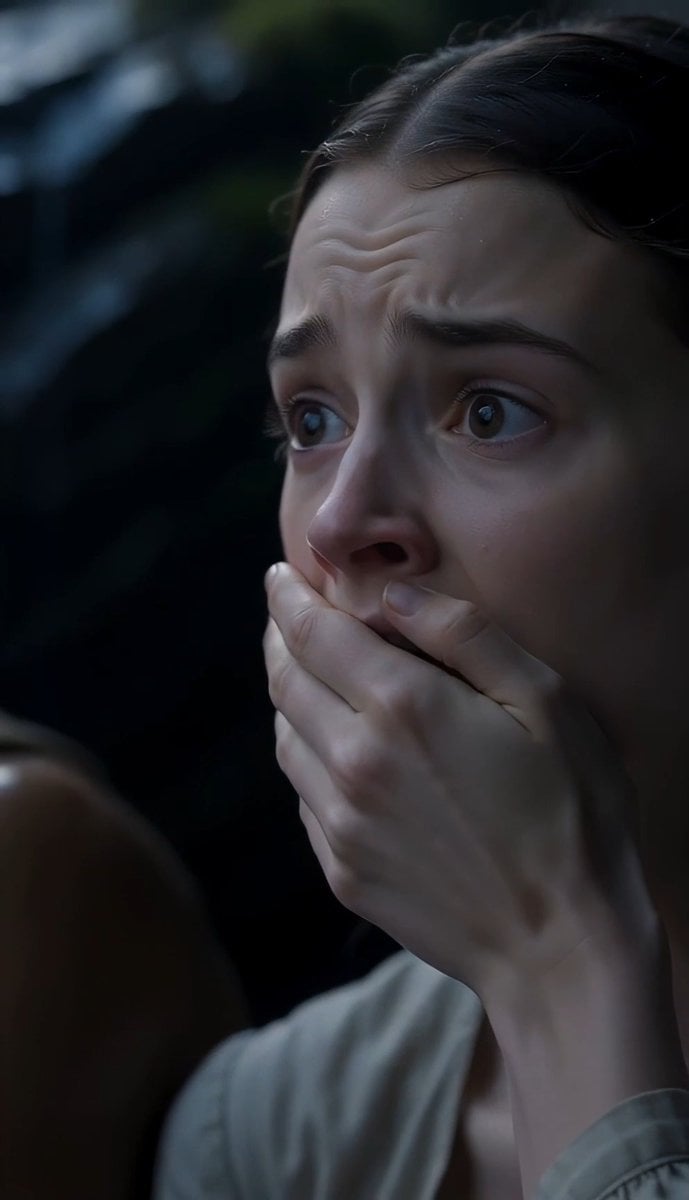
The Last of the Mohicans Waterfall Scene
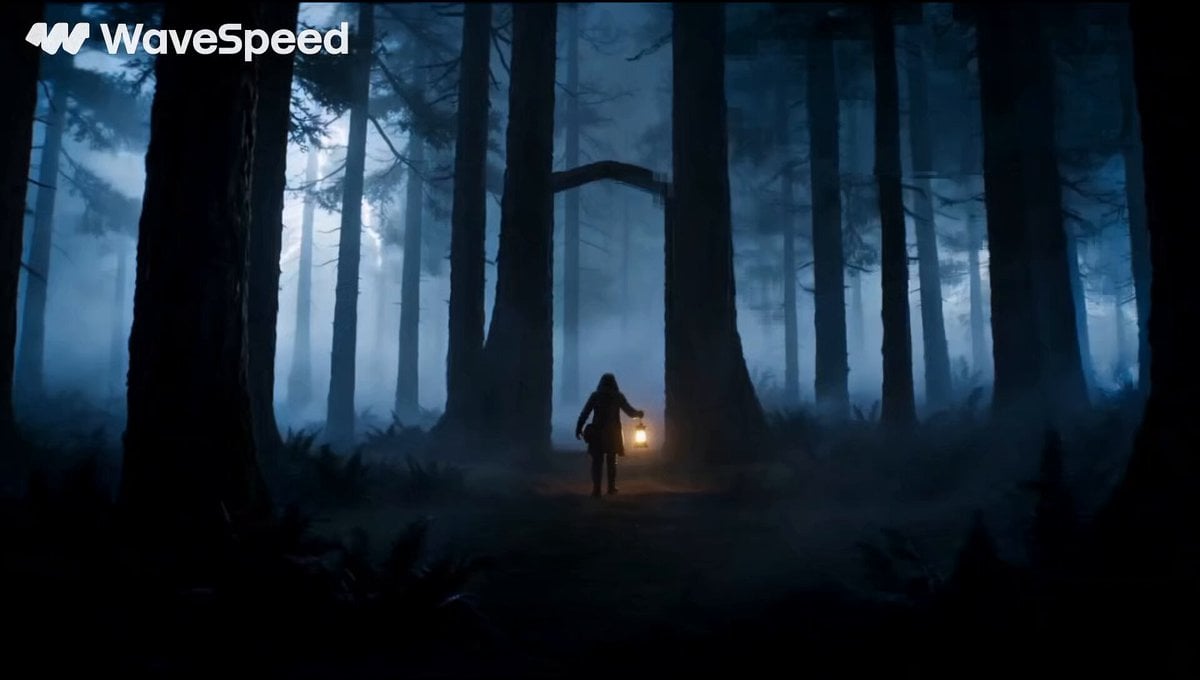
Magical Glowing Forest Portal Journey
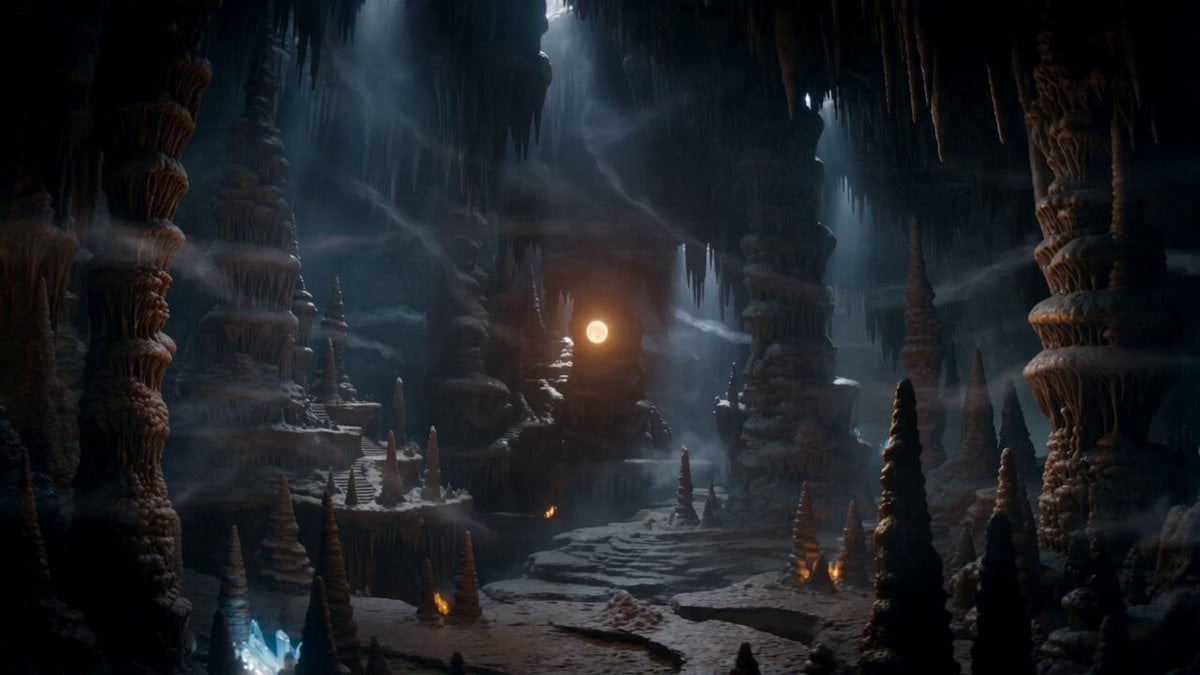
Magical Dragon Portal Cave
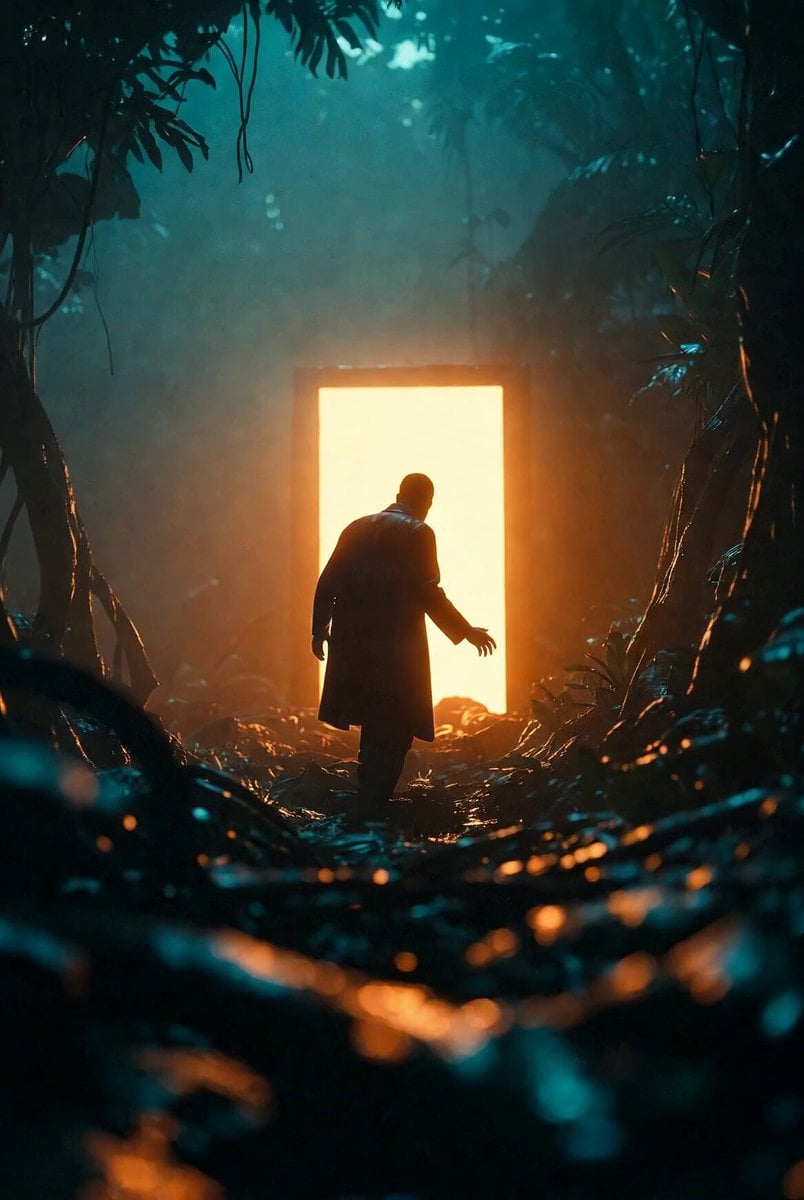
Portal Approach through Fire
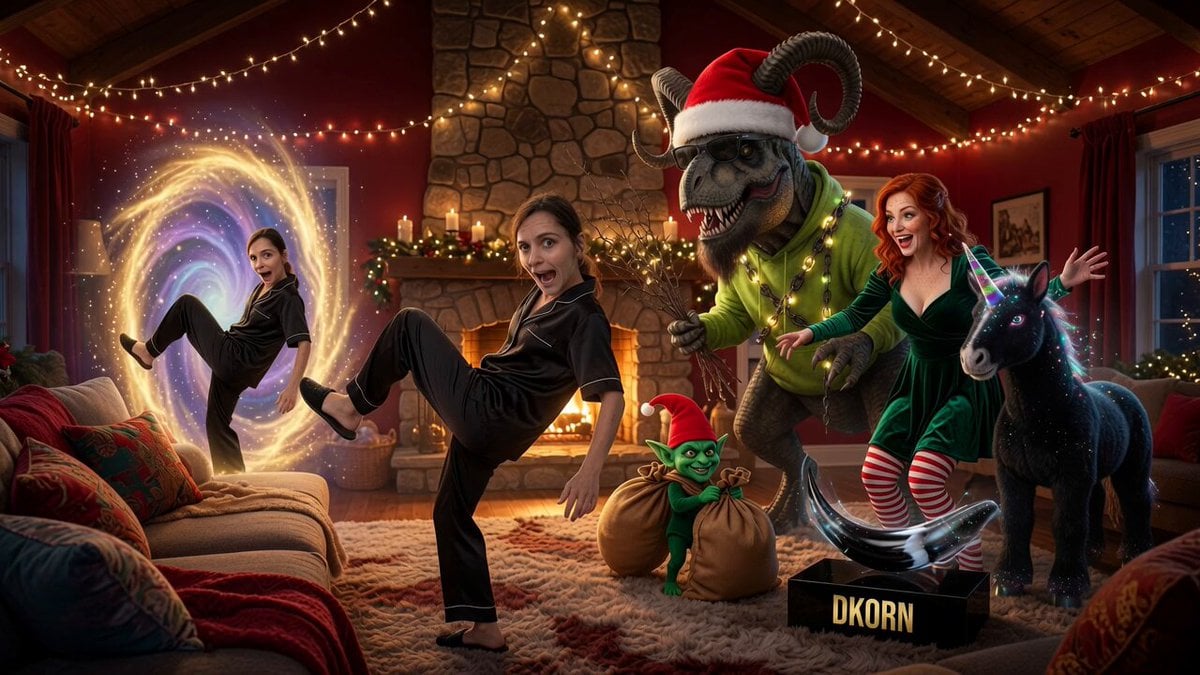
Fantasy Portal Scene Narrative
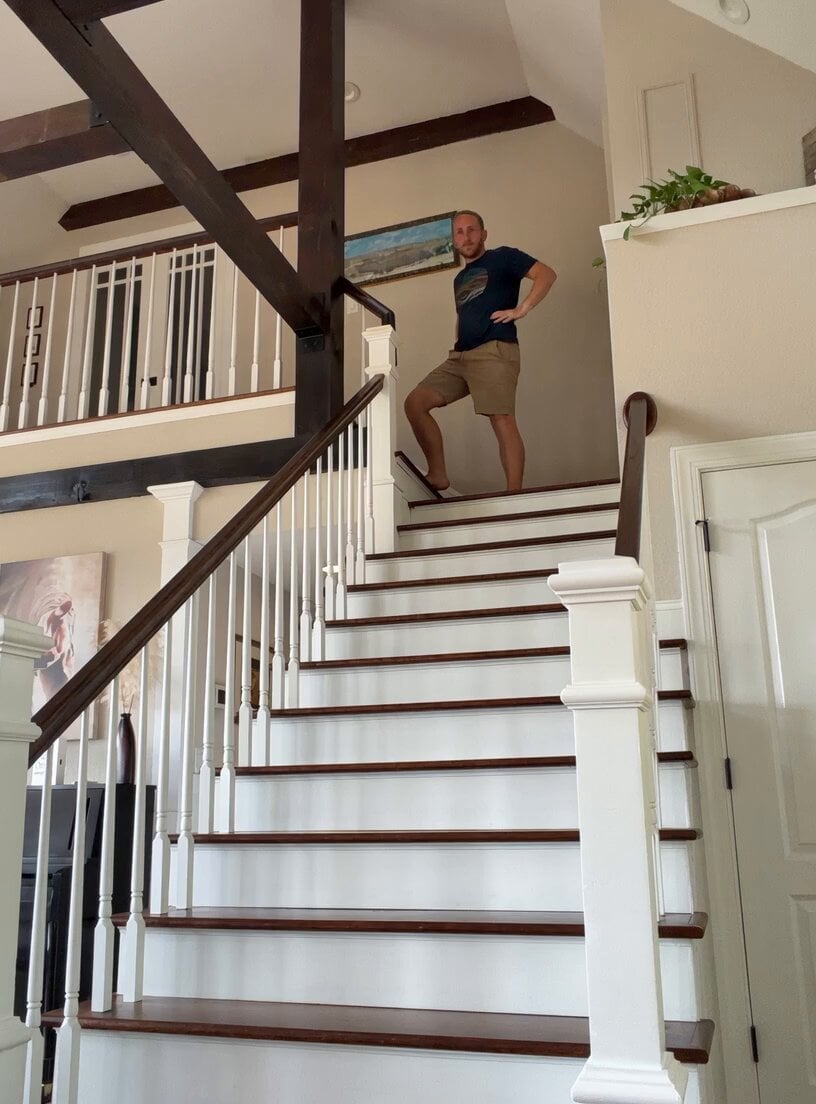
Comical Family Guy Style Stair Fall
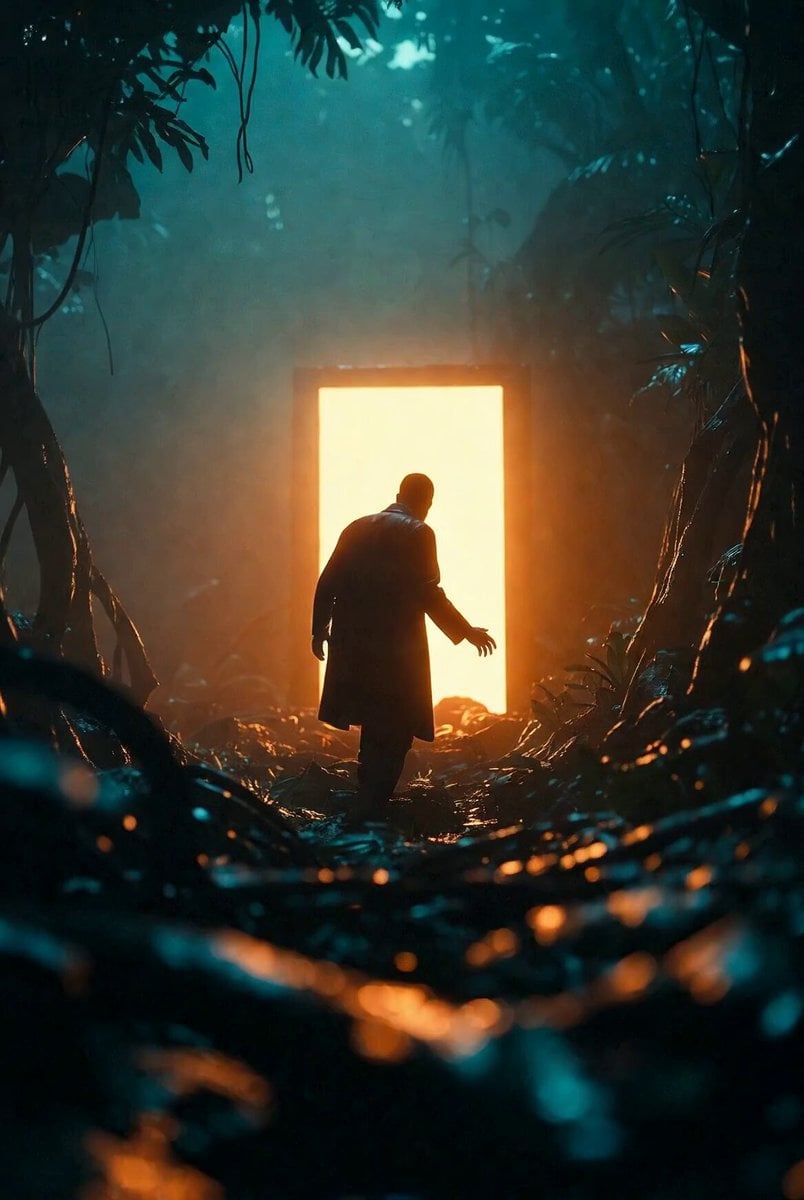
Approaching Space Portal
Make it yours
Multiverse Dimensional Portal Fall works as-is. These are the safest ways to change it without losing the look.
Change one field
Copy a single group, rewrite it, and generate again so you can see what that field is doing.
Keep the frame, change the subject
Hold the composition and light of Multiverse Dimensional Portal Fall, then swap wardrobe, props or the person for a new take.
| If the result… | Why | Fix |
|---|---|---|
| The result drifts from the preview | Too many fields changed at once. | Reuse Multiverse Dimensional Portal Fall as-is first, then change one group — subject, light, or setting. |
| The model over-stylizes the scene | The prose prompt leaves finish and camera underspecified. | Add one camera or lighting sentence and stay on Seedance 2.0. |
More Seedance 2.0 templates
Other prompts made for Seedance 2.0.

Comical Martial Arts Punch Scene

Maglev Train Action Sequence

Martial Arts Fight Sequence

Wuxia Protection and Trust Script

Vintage Korean Arcade MiniDV Vlog

Mercedes 190 SL Luxury Ad

Rainy Night Supernatural Reverse Comedy Video Script

Amazon Civilization Discovery

Futuristic South Asian City Transformation

Cozy Luxury Cafe Commercial
More video prompts
Fresh picks from across the catalog.
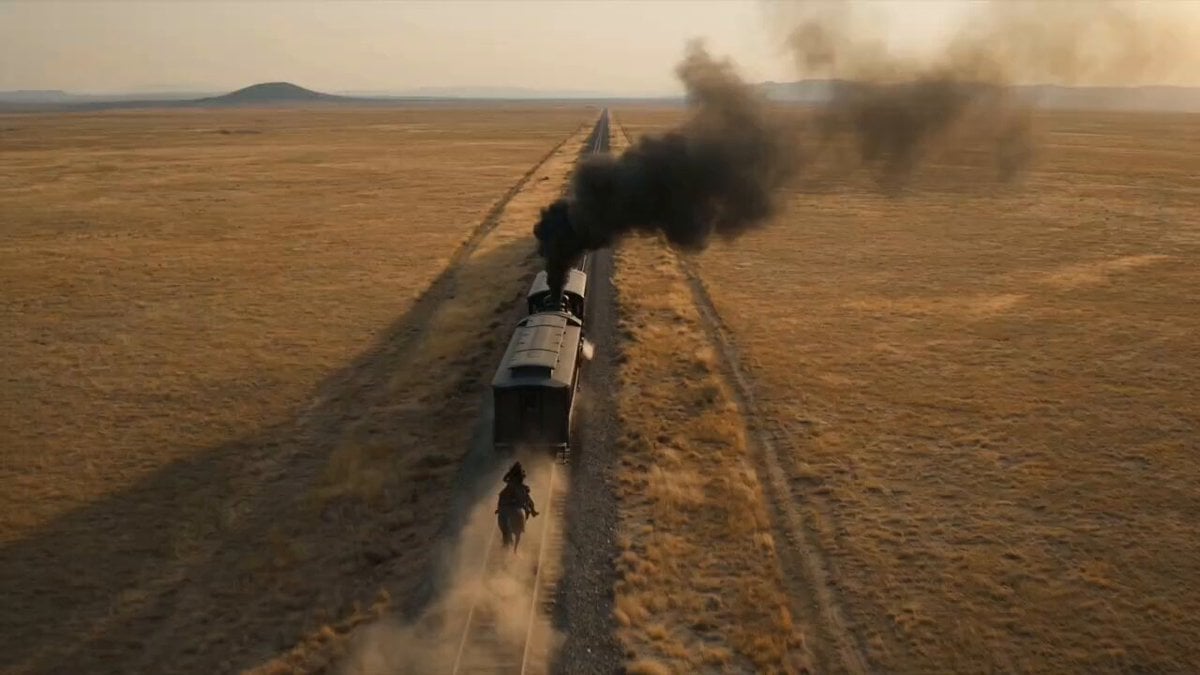
Wild West Gunslinger Train Stunt
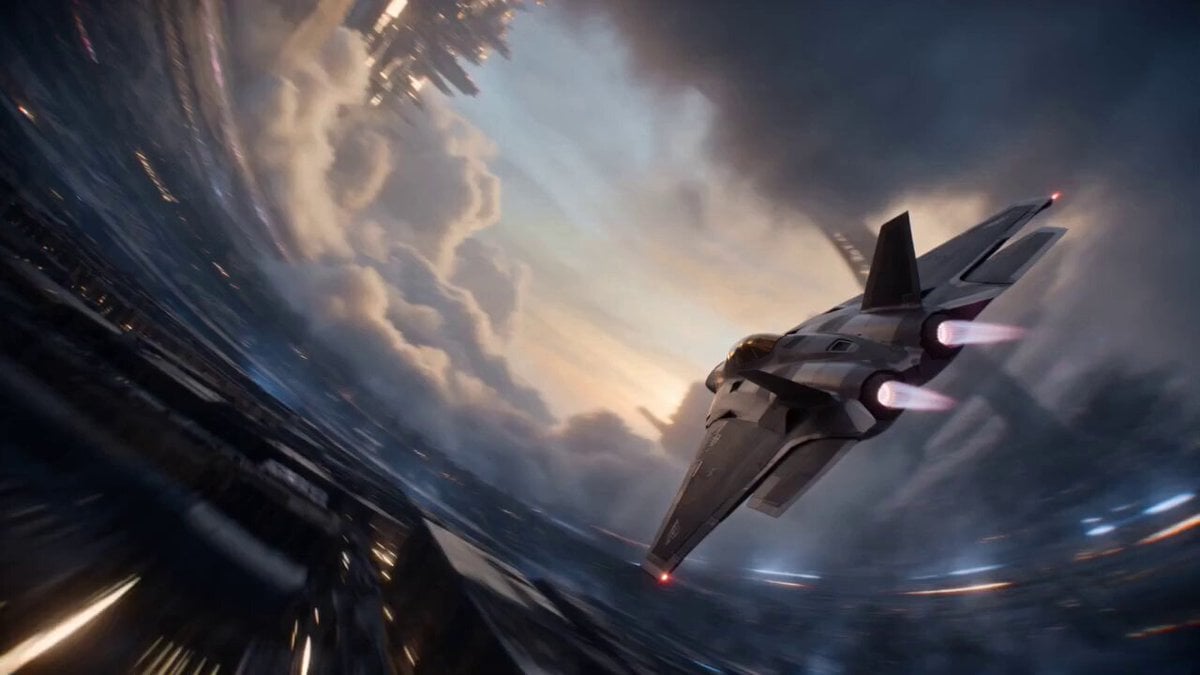
Cinematic Sci-Fi Ring World Action
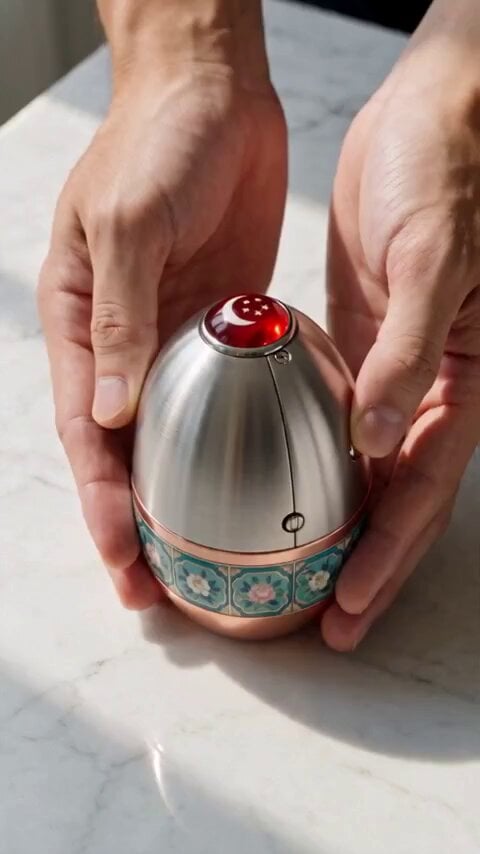
Mechanical Merlion Transformation ASMR

Stormy Rope Bridge Forced Cooperation Video
Grok Imagine video prompt part 1: Morning routine
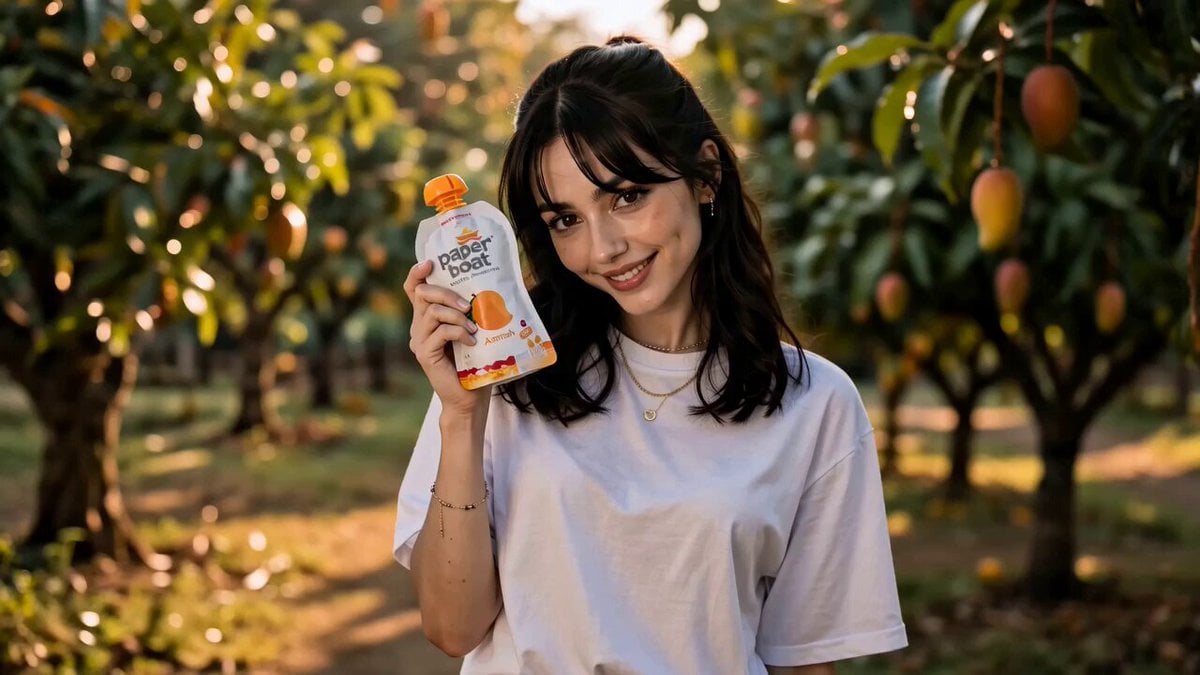
Nostalgic Mango Orchard Commercial
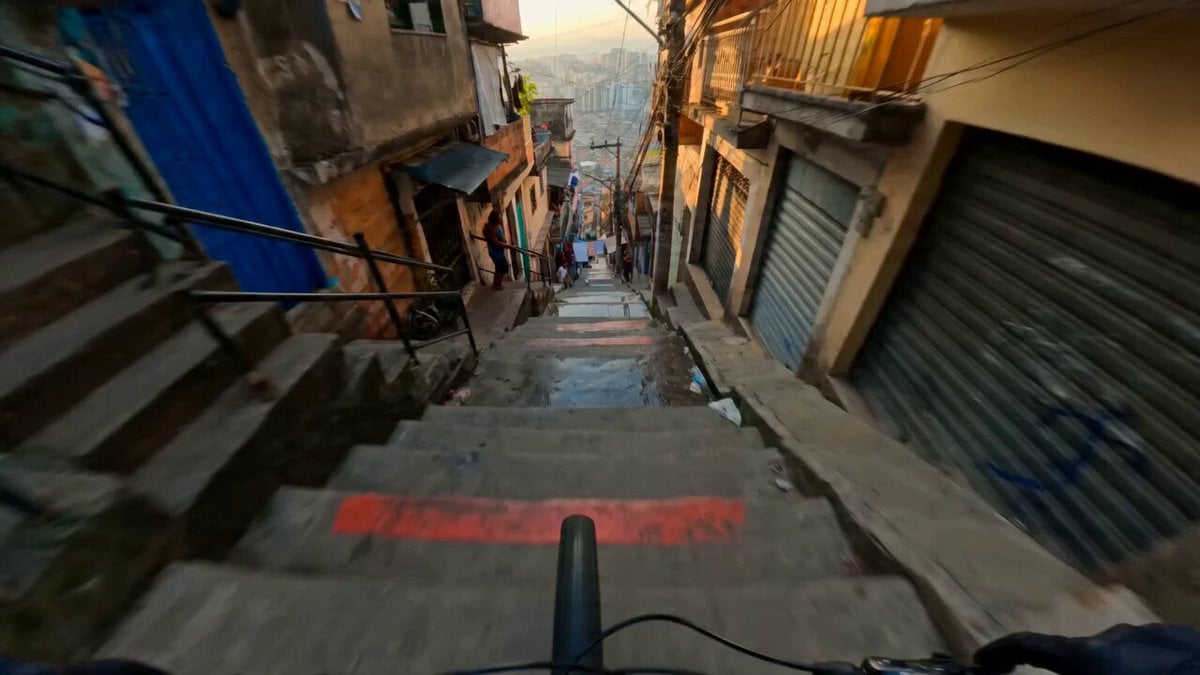
Hyperreal FPV Downhill Stair Run
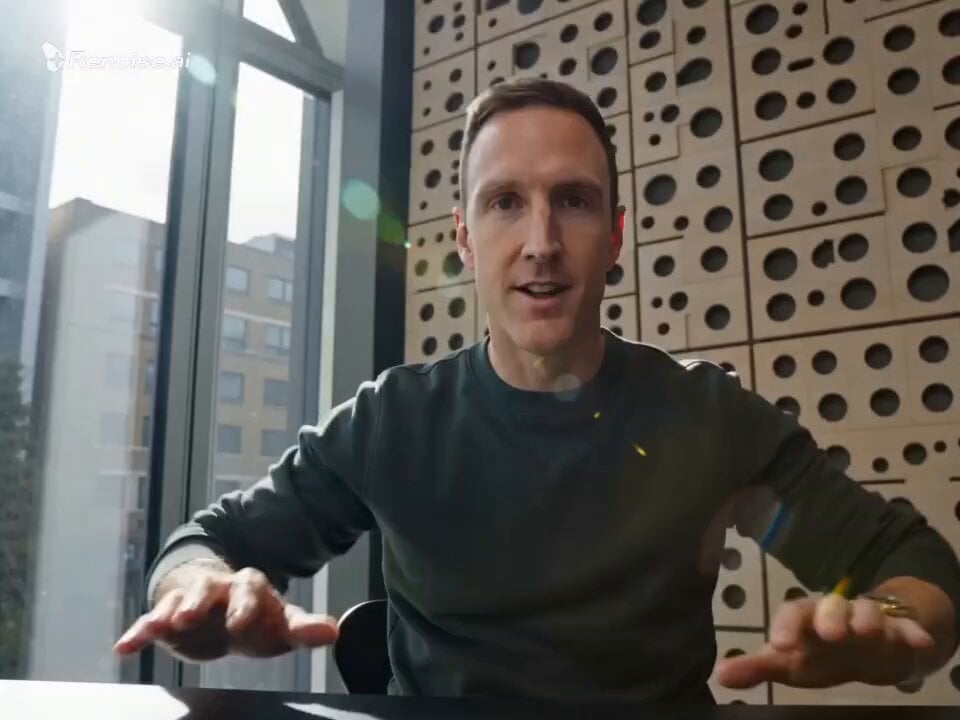
Motivational Speaker Studio Scene
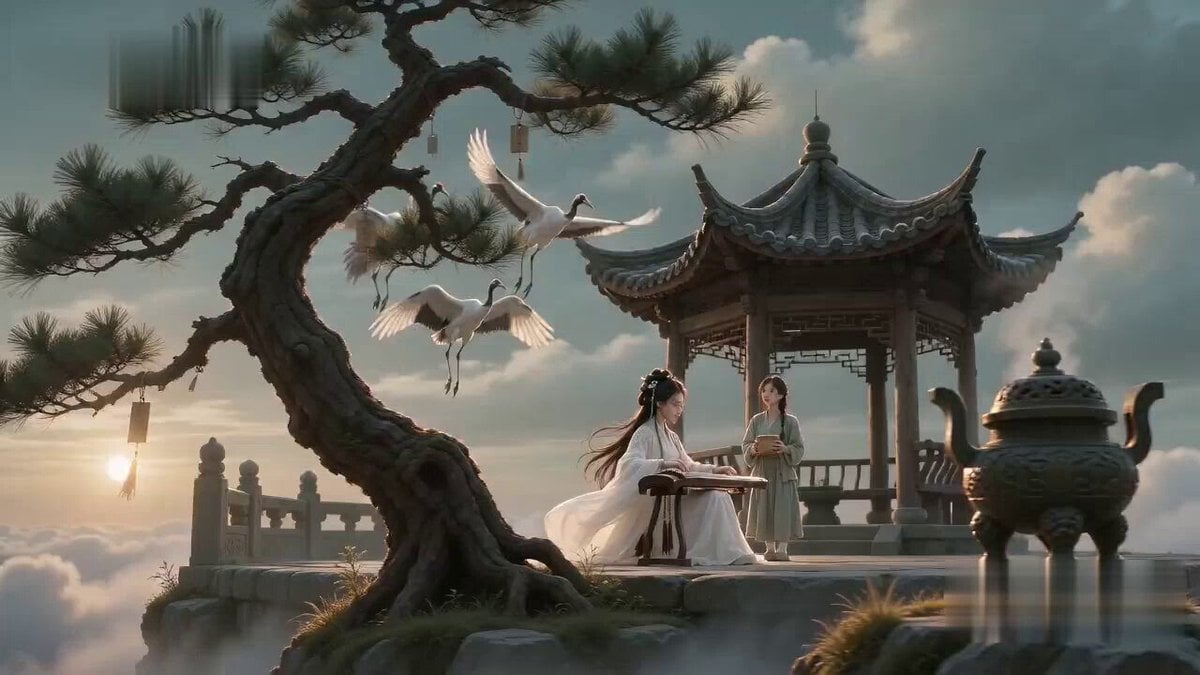
Poetic Martial Arts Comedy: Zither and Cranes
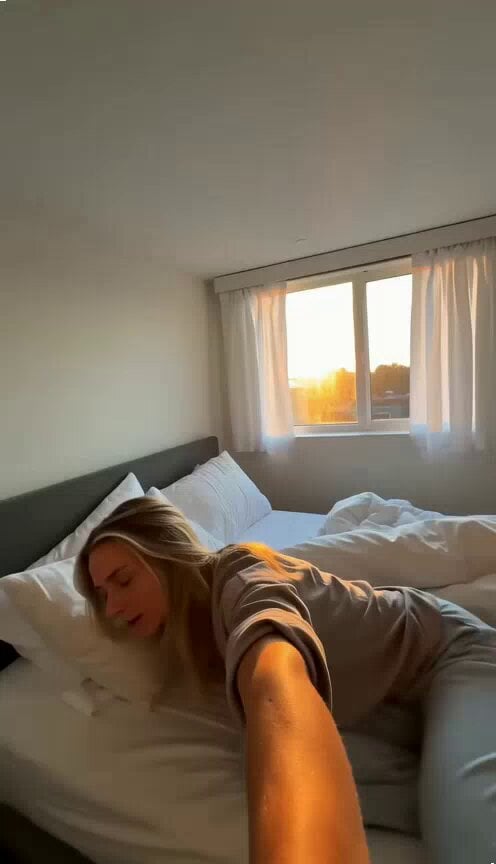
Tiny Apartment Morning Vlog
Browse template categories
Multiverse Dimensional Portal Fall questions
How do I use the Multiverse Dimensional Portal Fall template?
Add your photo if the template asks for one, edit the prompt if you like — the template's model and format are already selected — and press Generate. Your version opens in PicX Studio.
Can I customize the Multiverse Dimensional Portal Fall template?
Yes. You can change the subject, setting, lighting, mood, format, and available model controls before creating your video.
Is the Multiverse Dimensional Portal Fall template free?
Opening and editing this template is free. Generating uses credits, shown on the Generate button when you are signed in.
Which AI model should I use?
Start with Seedance 2.0, which is the model associated with this template. You can compare another compatible model for a different finish.
Looking for something else? Browse all templates.

Your photo, any look
Thousands of ready templates for every top image and video model, from one credit balance.