
iPhone Free-Fall Multi-Dimensional Chase Video Prompt
A highly detailed, scene-by-scene prompt for Seedance 2.0 to create a 10-second continuous free-fall illusion.
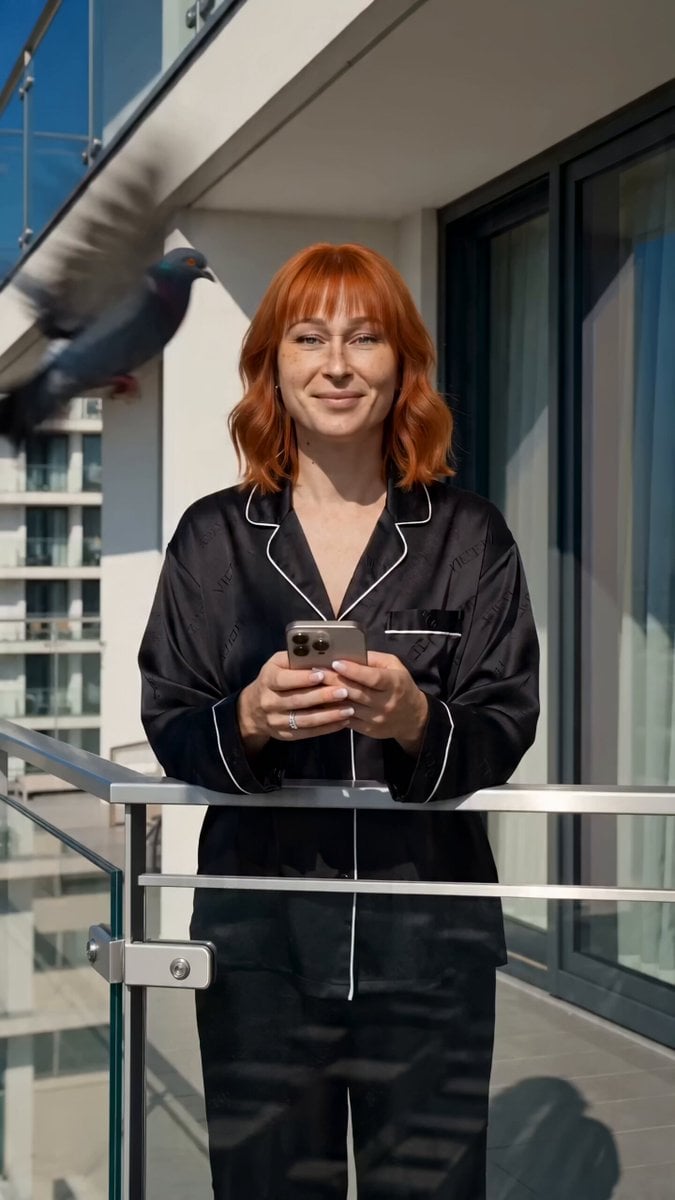
- Prompt included
- Model and format preset
- Free template
The prompt behind this video
Copy the exact prompt behind iPhone Free-Fall Multi-Dimensional Chase Video Prompt, or open it in the studio and make it yours.
Core Concept: A continuous free-fall illusion where an iPhone 17 Pro Max "drops" facing upwards, and the character leaps after it. As they fall together, rapid match-cut background and wardrobe changes simulate passing through multiple dimensions. THE "UNREACHABLE" RULE: During the entire flight sequence (Scenes 2-5), the woman is strictly unable to catch the iPhone. She must be reaching out desperately with empty hands, but the camera (the phone) remains just inches out of her grasp, maintaining the tension of the chase. CRITICAL CAMERA ANGLE & PROP RULE: The falling scenes MUST be shot from an extreme low-angle / worm's-eye view. The camera lens IS the falling iPhone. Therefore, the woman’s hands must be completely EMPTY during the fall. Do NOT show her holding the phone. Universal Rule: A young woman with red hair must appear in all scenes for perfect visual continuity. Strictly use "The same Character" lock. Total Duration: 10.0 seconds. Timeline & Scene-by-Scene Breakdown: Scene 1: The Pigeon & The Vault (00:00 - 00:01.5 | Duration: 1.5 sec) Location: High-end hotel balcony, sunny day. Action: The same Character (casual chic attire, red hair loose) is leaning on the balcony railing, holding her iPhone 17 Pro Max. A pigeon flies aggressively close to her face. Startled, she drops the phone. Camera Sequence: 1. Medium shot of the drop. 2. Tracking the phone tumbling (showing back glass and screen clearly). 3. Close-up of her shock. 4. She vaults the railing like a parkour athlete, diving after it. Scene 2: The City Fall (00:01.5 - 00:03.0 | Duration: 1.5 sec) Location: Sunny blue sky/glass skyscrapers. Camera Angle: Worm's-eye view, looking UP at her. Action: The same Character is freefalling toward the camera. She reaches down with EMPTY hands, but the phone/camera stays just out of reach. Wind blows her red hair upward. Transition: Hard match-cut. Scene 3: The Ocean Dive (00:03.0 - 00:04.5 | Duration: 1.5 sec) Location: Underwater environment. Action: Maintaining the same pose. Hands reaching but failing to grab the camera. Tiny bubbles rush upward past her. Wardrobe Change: Sleek, high-tech WHITE aquatic wetsuit. Transition: Hard match-cut. Scene 4: The Neon Night Fall (00:04.5 - 00:06.0 | Duration: 1.5 sec) Location: Neon-lit cyberpunk city. Action: Continuous downward reach with EMPTY hands. The phone remains uncaptured. Wardrobe Change: Glowing neon streetwear. Transition: Hard match-cut. Scene 5: The Deep Space Fall (00:06.0 - 00:07.5 | Duration: 1.5 sec) Location: Infinite starfield/nebula. Action: Slow-motion zero-gravity hair float. She is still reaching, hands open and EMPTY, unable to close her grip on the camera. Wardrobe Change: Sleek, PINK metallic spacesuit. Transition: Hard match-cut. Scene 6: The Grav
How to use iPhone Free-Fall Multi-Dimensional Chase Video Prompt in 3 steps
- 1
Open
The prompt is already in the box next to the preview, with the template's model and format selected.
- 2…a portrait of your subject in softgolden-hour light, 85mm…
Personalize
Edit the subject and creative details for your destination.
- 3Generate
Generate
Press Generate — your video is created in PicX Studio, so you can compare it with the original and refine one variable at a time.
More like this
Templates with the same subject, style or setup. Open one to see its prompt.
Multiverse Dimensional Portal Fall
Cartoon Donut Heist Bakery Chase

Dimensional Rift Multiverse Collapse

Walking Factory with Rebel on Hoverbike - Wasteland
Multi-Shot High Speed Car Chase
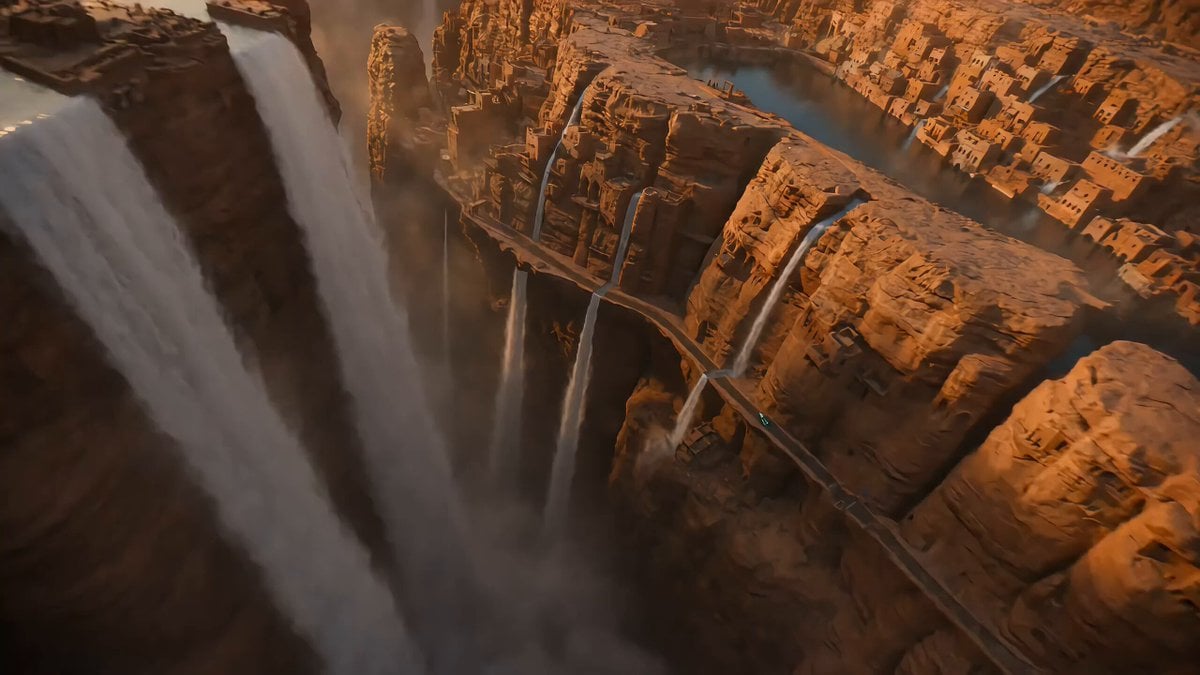
Reversed Waterfall Cliff City Chase
Amazon FPV Drone Chase — Seedance 2.0
Dim Sum Chase — Shrimp Dumpling Monster
Speeder Chase Across a Cliff City
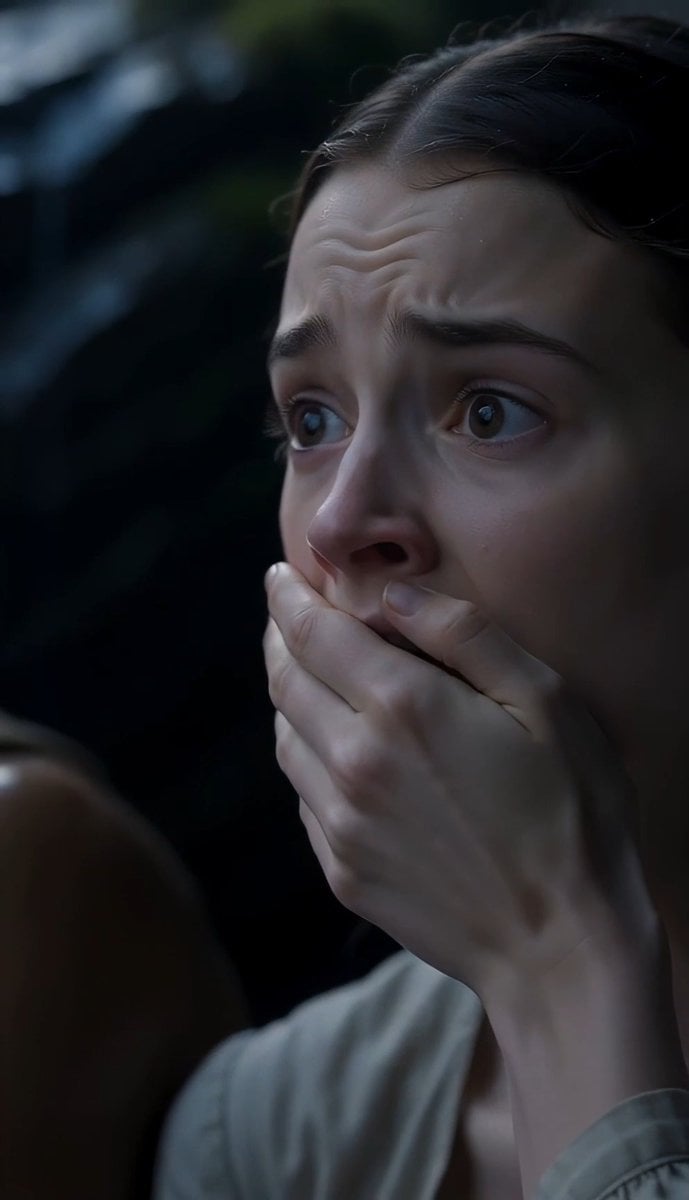
The Last of the Mohicans Waterfall Scene

Extended Multi-Shot Xianxia Battle Sequence
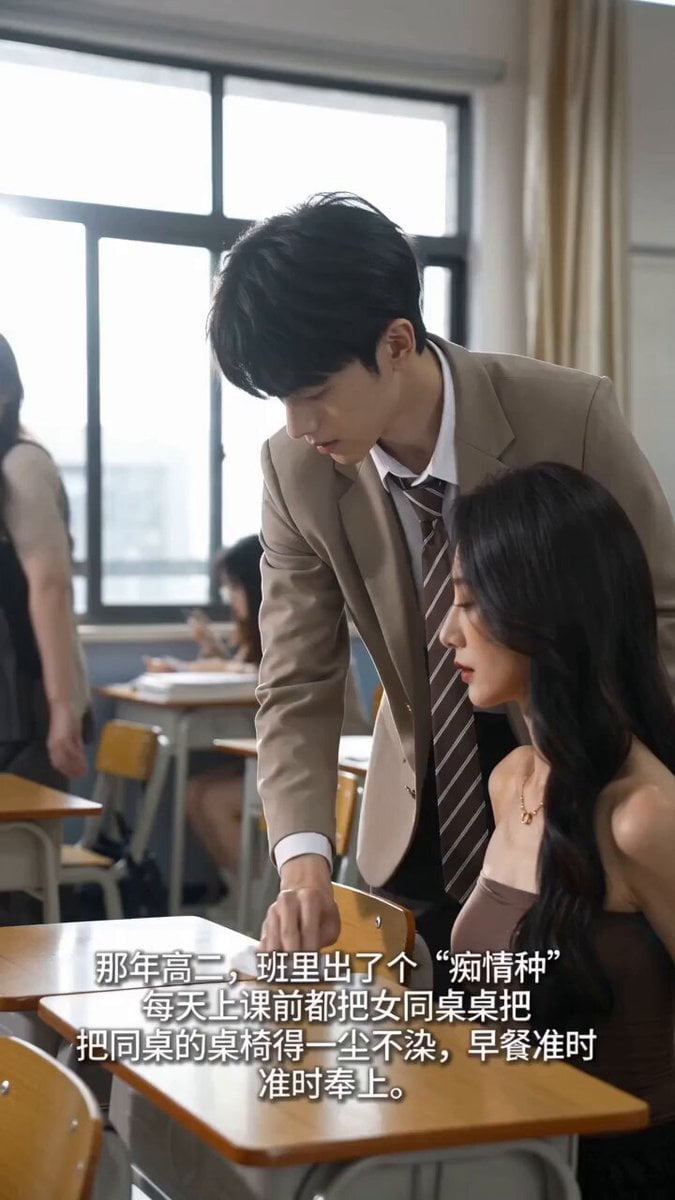
Handheld iPhone Style School Romance
Make it yours
iPhone Free-Fall Multi-Dimensional Chase Video Prompt works as-is. These are the safest ways to change it without losing the look.
Change one field
Copy a single group, rewrite it, and generate again so you can see what that field is doing.
Keep the frame, change the subject
Hold the composition and light of iPhone Free-Fall Multi-Dimensional Chase Video Prompt, then swap wardrobe, props or the person for a new take.
| If the result… | Why | Fix |
|---|---|---|
| The result drifts from the preview | Too many fields changed at once. | Reuse iPhone Free-Fall Multi-Dimensional Chase Video Prompt as-is first, then change one group — subject, light, or setting. |
| The model over-stylizes the scene | The prose prompt leaves finish and camera underspecified. | Add one camera or lighting sentence and stay on Seedance 2.0. |
More Seedance 2.0 templates
Other prompts made for Seedance 2.0.

Comical Martial Arts Punch Scene

Maglev Train Action Sequence

Martial Arts Fight Sequence

Wuxia Protection and Trust Script

Vintage Korean Arcade MiniDV Vlog

Mercedes 190 SL Luxury Ad

Rainy Night Supernatural Reverse Comedy Video Script

Amazon Civilization Discovery

Futuristic South Asian City Transformation

Cozy Luxury Cafe Commercial
More video prompts
Fresh picks from across the catalog.
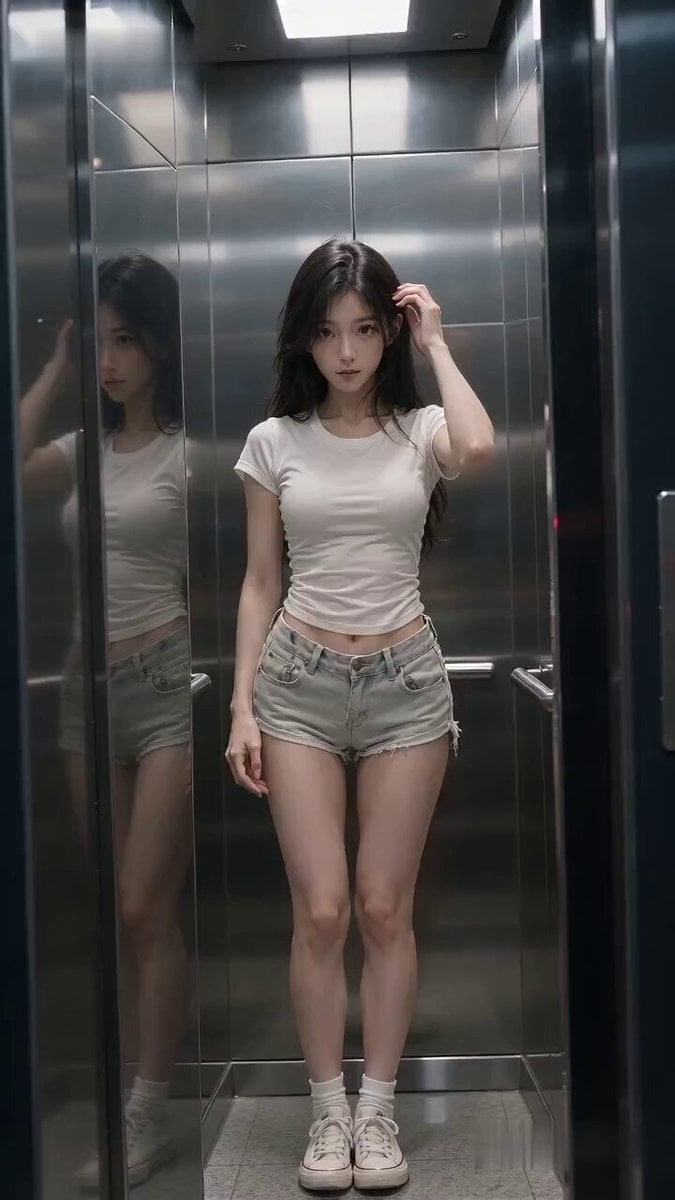
Cinematic Horror Elevator Transition
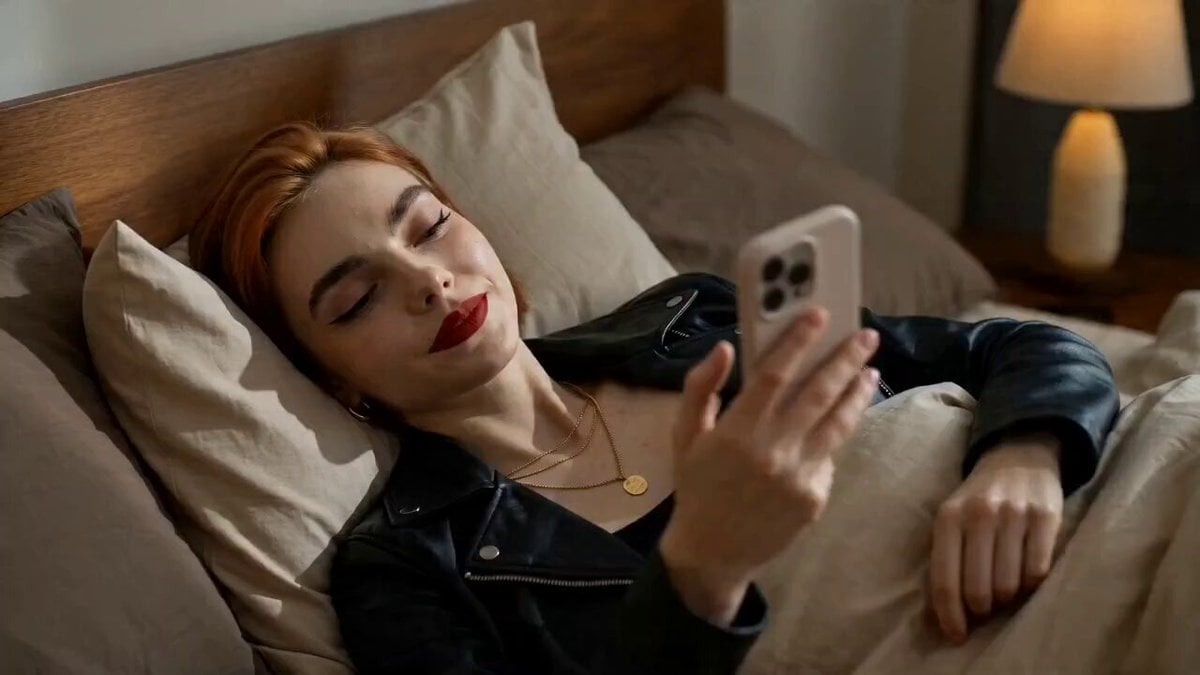
Food Delivery Rush Storyboard
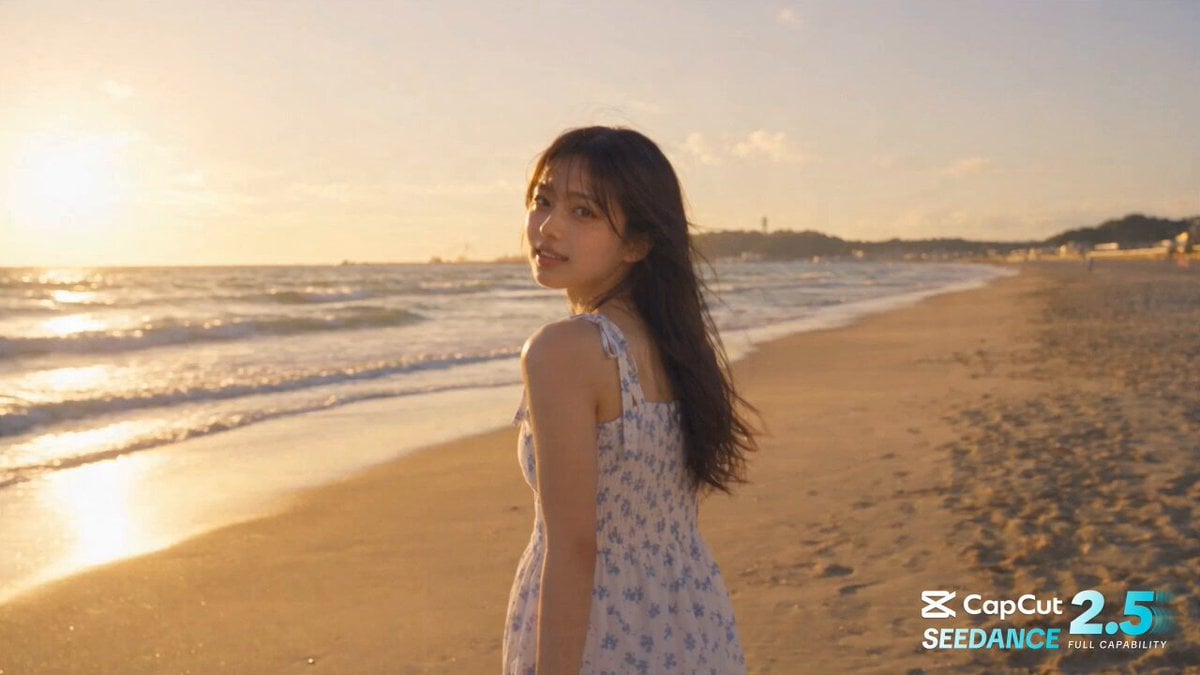
Cinematic One-Shot Beach to Space Video Loop
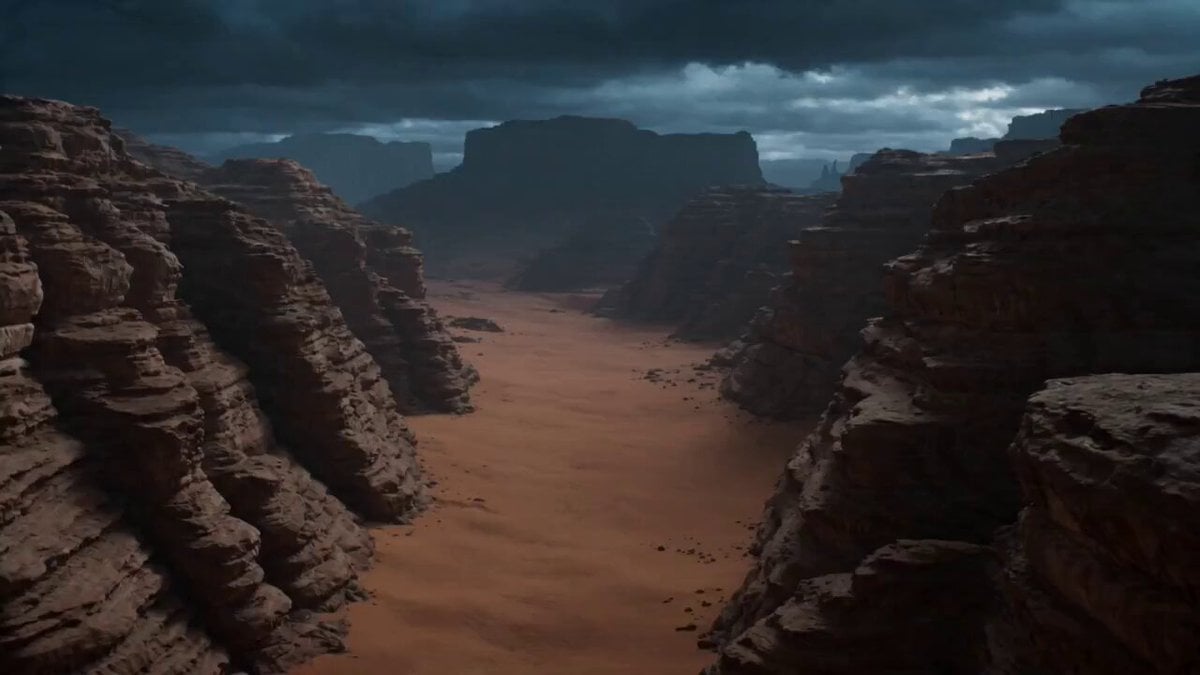
Storm-Wyrm and Shaolin Monk Battle
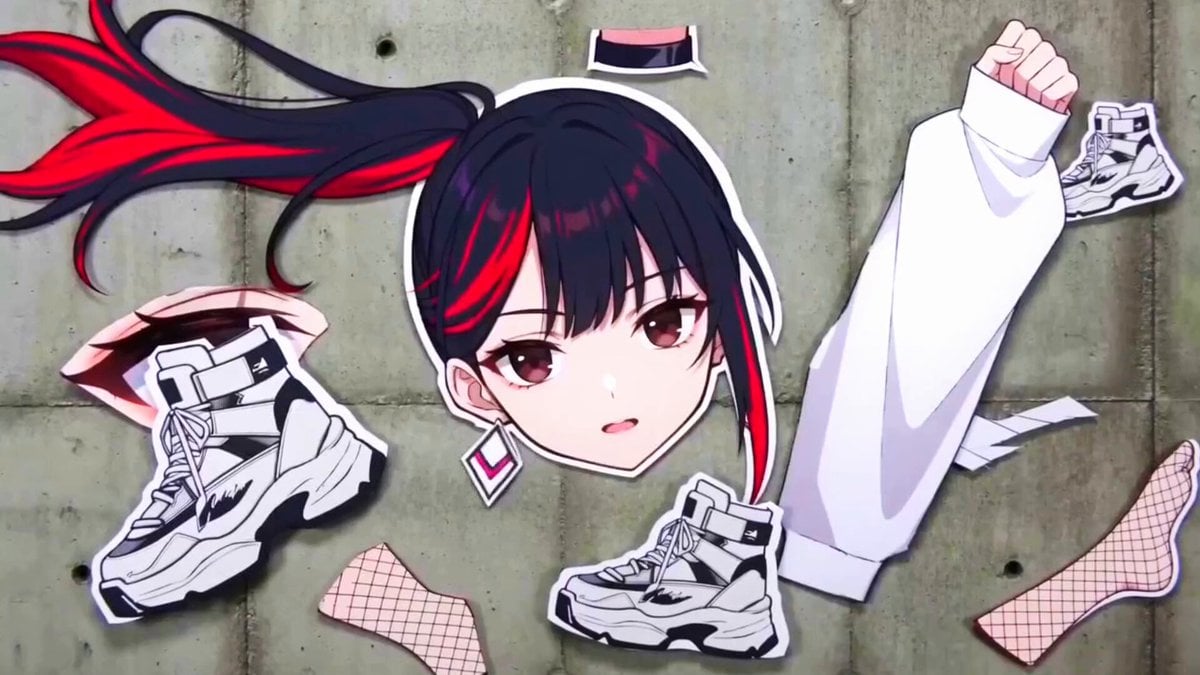
Surreal Collage Animation Prompt
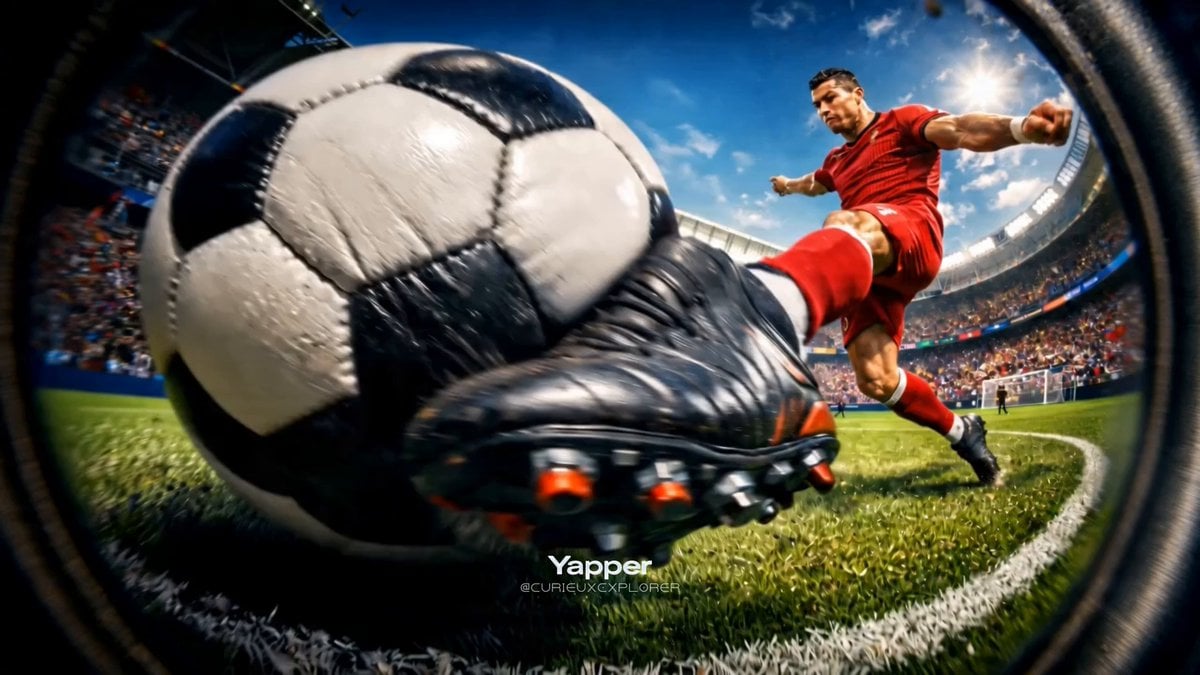
Hyper-Realistic Football Strike Sequence

Star Safari Interstellar Voyage
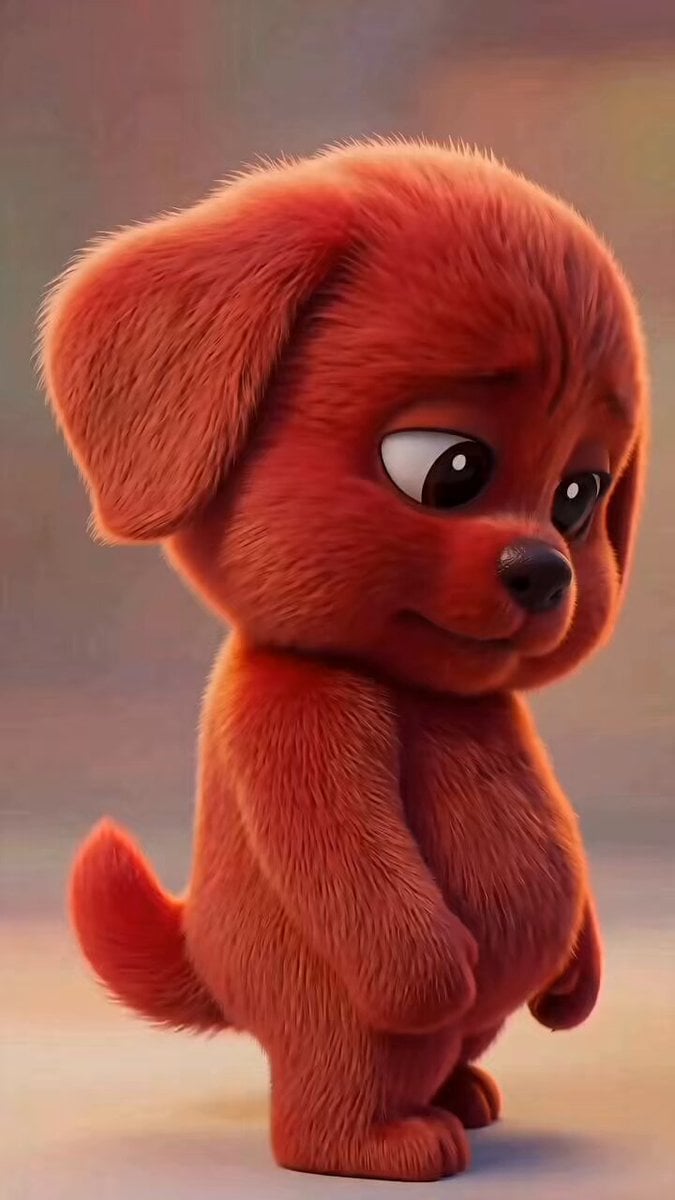
Mischievous Animated Puppy Gesture Sequence
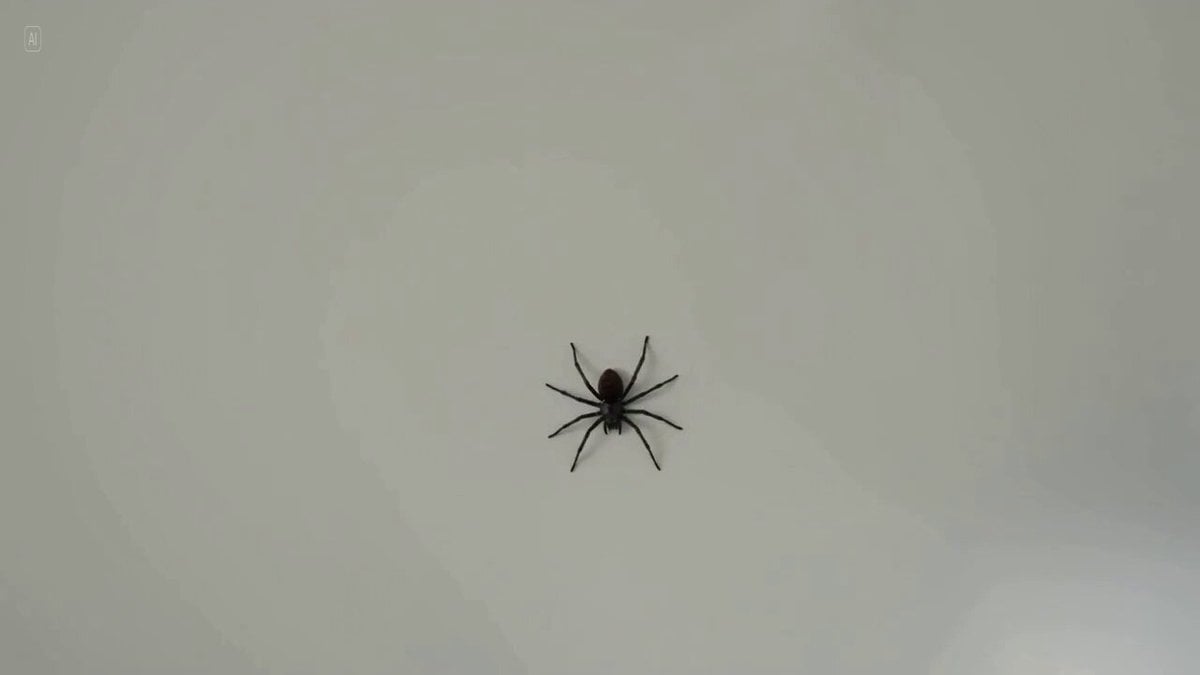
Man's Over-the-Top Reaction to a Spider
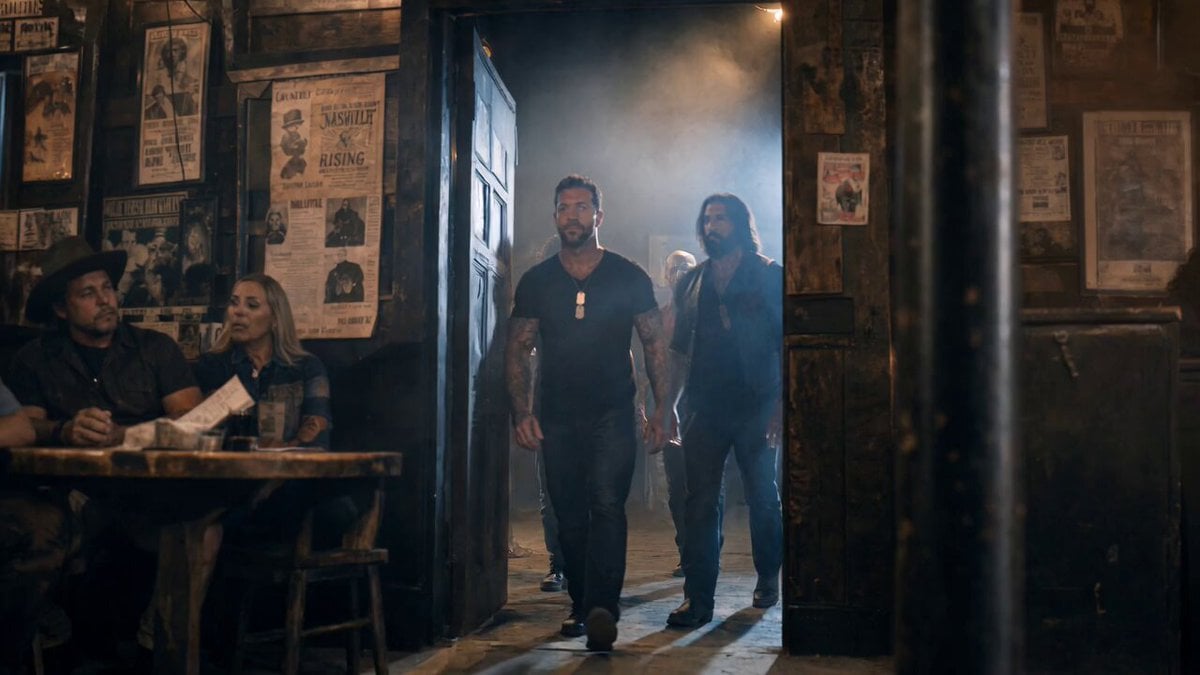
Smoky Bar Entry Shot
Browse template categories
iPhone Free-Fall Multi-Dimensional Chase Video Prompt questions
How do I use the iPhone Free-Fall Multi-Dimensional Chase Video Prompt template?
Add your photo if the template asks for one, edit the prompt if you like — the template's model and format are already selected — and press Generate. Your version opens in PicX Studio.
Can I customize the iPhone Free-Fall Multi-Dimensional Chase Video Prompt template?
Yes. You can change the subject, setting, lighting, mood, format, and available model controls before creating your video.
Is the iPhone Free-Fall Multi-Dimensional Chase Video Prompt template free?
Opening and editing this template is free. Generating uses credits, shown on the Generate button when you are signed in.
Which AI model should I use?
Start with Seedance 2.0, which is the model associated with this template. You can compare another compatible model for a different finish.
Looking for something else? Browse all templates.

Your photo, any look
Thousands of ready templates for every top image and video model, from one credit balance.