
Cinematic One-Shot Beach to Space Video Loop
A complex 30-second seamless one-shot video prompt that transitions through multiple environments including a beach at sunset, an underwater scene, a New York City street, and outer space, eventually looping back to the…
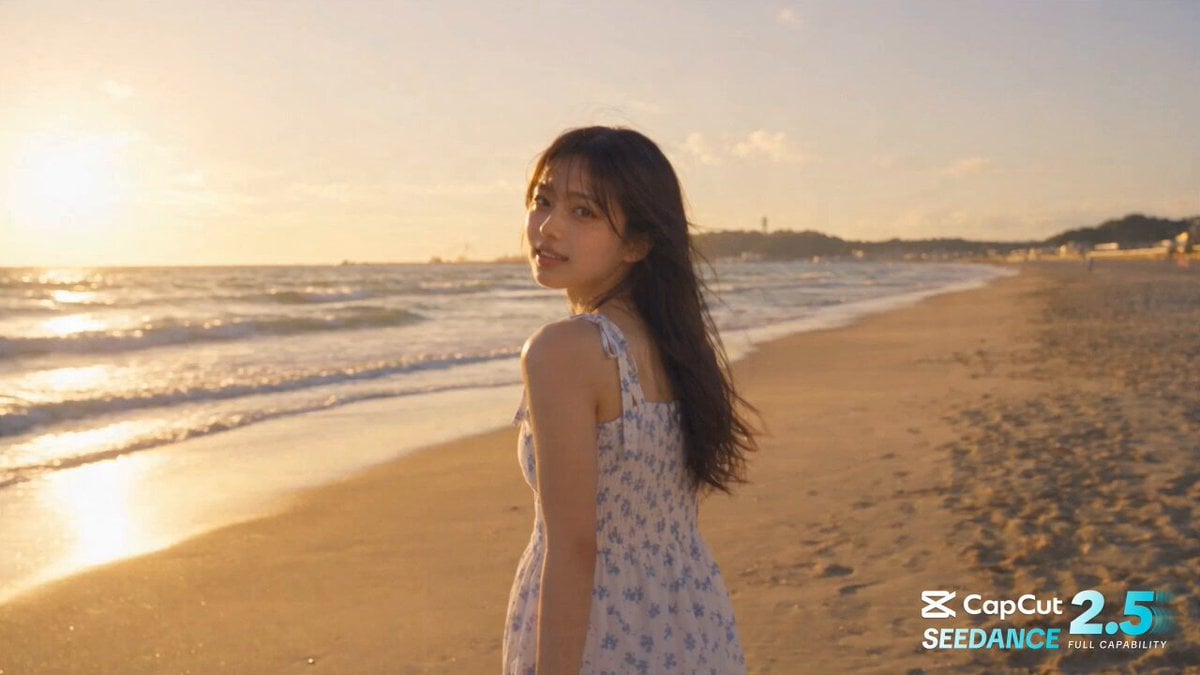
- Prompt included
- Model and format preset
- Free template
The prompt behind this video
Copy the exact prompt behind Cinematic One-Shot Beach to Space Video Loop, or open it in the studio and make it yours.
A breathtaking, high-quality, ultra-photorealistic cinematic 30-second single-shot video with smooth, continuous camera work and no cuts. The young Japanese woman from Image 1, with her signature long dark hair, wispy bangs, serene face, and warm smile, wearing an elegant white summer dress with a blue floral pattern, is the main character throughout. [0-5s] Japan Beach Golden Hour: The young woman is walking gracefully along the sandy shore of Shonan Beach during a glorious golden hour sunset. Warm, soft rim light glows on her hair and shoulders. She looks back over her right shoulder directly toward the camera, smiling warmly. The camera slowly orbits 360 degrees around her clockwise. [5-10s] Hawaii Beach Walk: As the 360-degree rotation completes, the scenery seamlessly transitions into a tropical Hawaiian beach with turquoise waters. Her facial identity, hairstyle, and smile remain perfectly consistent. She continues walking into the gentle waves of the ocean. The camera follows her, submerging smoothly under the clear water with natural motion blur. [10-15s] Majestic Undersea: Beautiful sun rays pierce through the water surface. The young woman glides gracefully and peacefully through the crystal-clear deep ocean water. Her hair and dress flow naturally with the gentle currents. Colorful tropical fish swim around her. A small vibrant fish swims upwards, and the camera follows it, rising rapidly to the surface. [15-20s] New York City: Breaking through the water surface, the scene seamlessly transforms into a bustling street in Manhattan, New York, during sunset. She continues walking elegantly along the sidewalk, her facial identity and serene expression perfectly consistent. A chic, modern light coat naturally appears over her dress. The camera tracks her smoothly as she walks toward a grand glass-walled skyscraper. [20-25s] Building Interior to Rooftop: The camera seamlessly enters the building through the glass, moving past a modern office lobby. She walks through the corridor and steps onto a spacious high-rise rooftop helipad. The camera slowly orbits her and begins to ascend vertically, revealing the beautiful city skyline scaling down below under a purple sunset sky. [25-30s] Space to Shonan (Perfect Loop): The camera passes through the soft clouds into the high atmosphere and outer space, showing a beautiful panoramic view of the Earth. The young woman floats weightlessly and peacefully in space. The camera rotates 180 degrees around her and dives gracefully back down through the clouds. A splash of water clears, returning to the original Shonan Beach. She stands in the exact same position, looking back and smiling warmly at the camera, forming a perfect, seamless loop.
How to use Cinematic One-Shot Beach to Space Video Loop in 3 steps
- 1Upload ImagePNG, JPG or paste
Add your photo
Upload the photo the template builds on. The prompt, model and format are already set.
- 2…a portrait of your subject in softgolden-hour light, 85mm…
Personalize
Edit the subject and creative details for your destination.
- 3Generate
Generate
Press Generate — your video is created in PicX Studio, so you can compare it with the original and refine one variable at a time.
More like this
Templates with the same subject, style or setup. Open one to see its prompt.
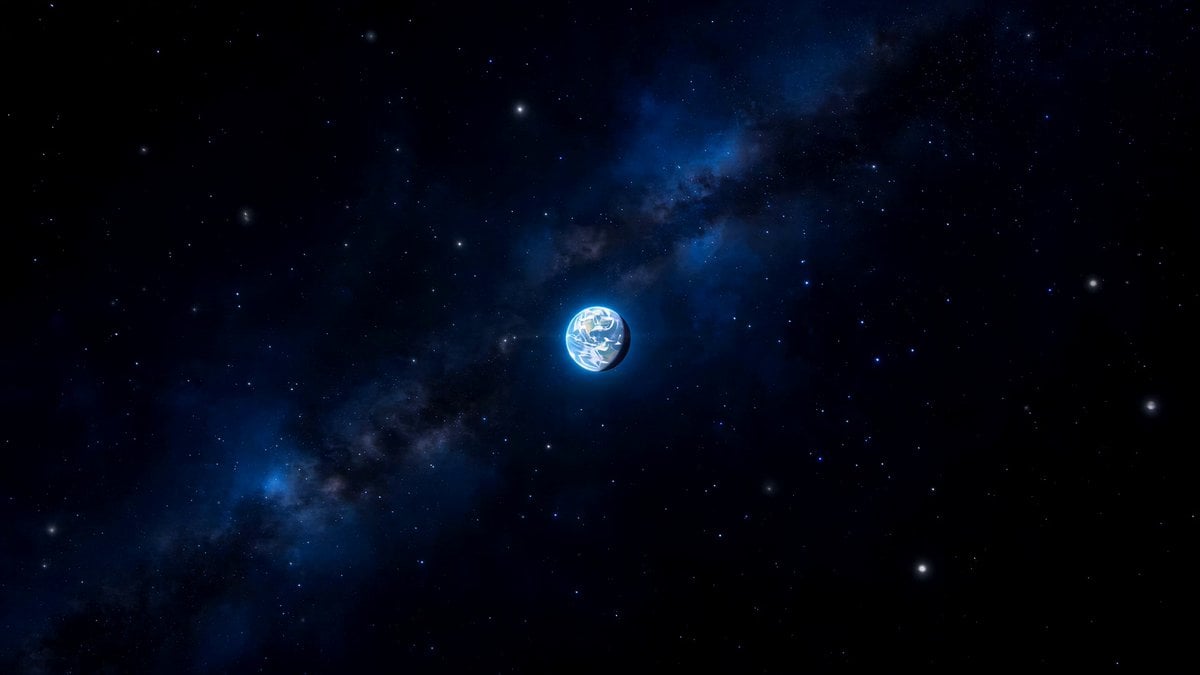
Space to Beach Seamless One-Shot

Multilingual Creative Typography Loop
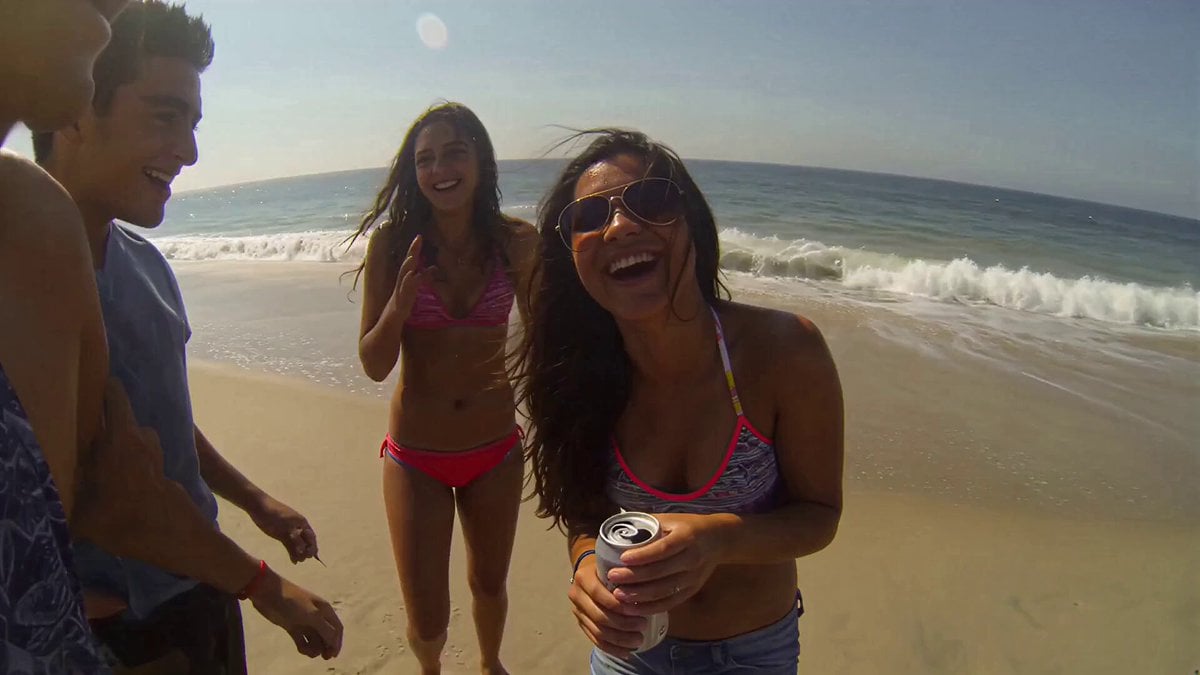
Handheld Smartphone Beach Video
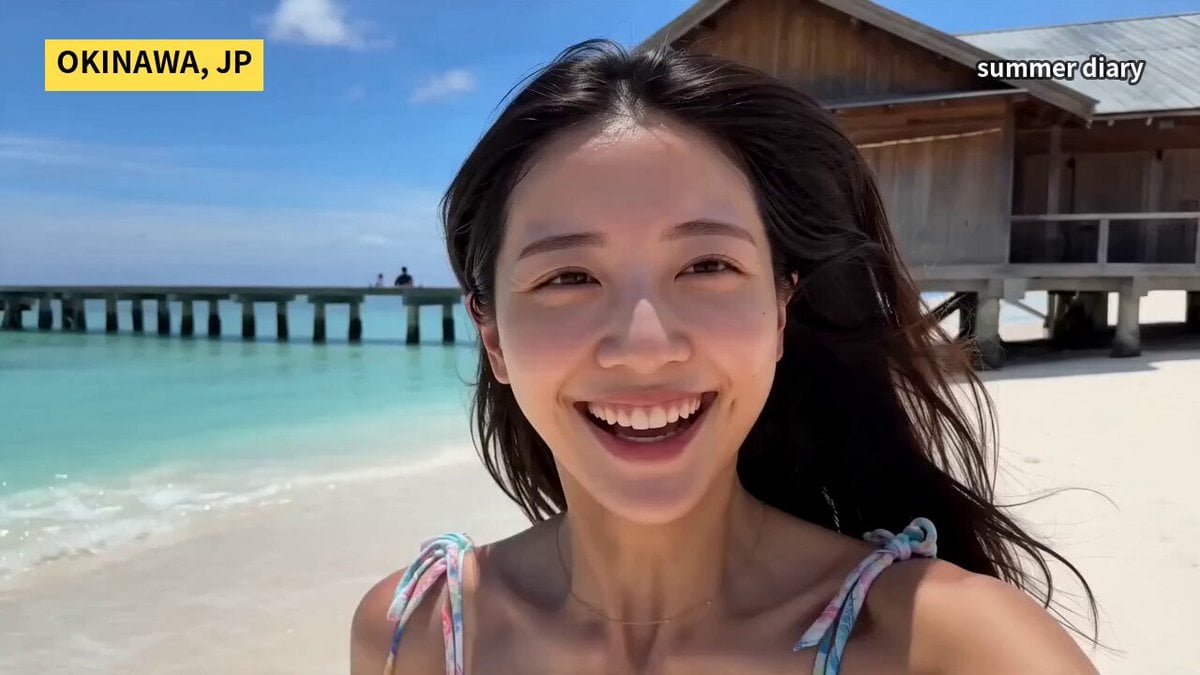
Okinawa Summer Beach Smartphone Vlog
Lone Space Soldier Cinematic Scene
Abandoned Spacecraft Reactivation
Tropical Beach Drone Shot
High-Speed Ship Descent with Seedance 2.0
Futuristic Space Station Transformation Video
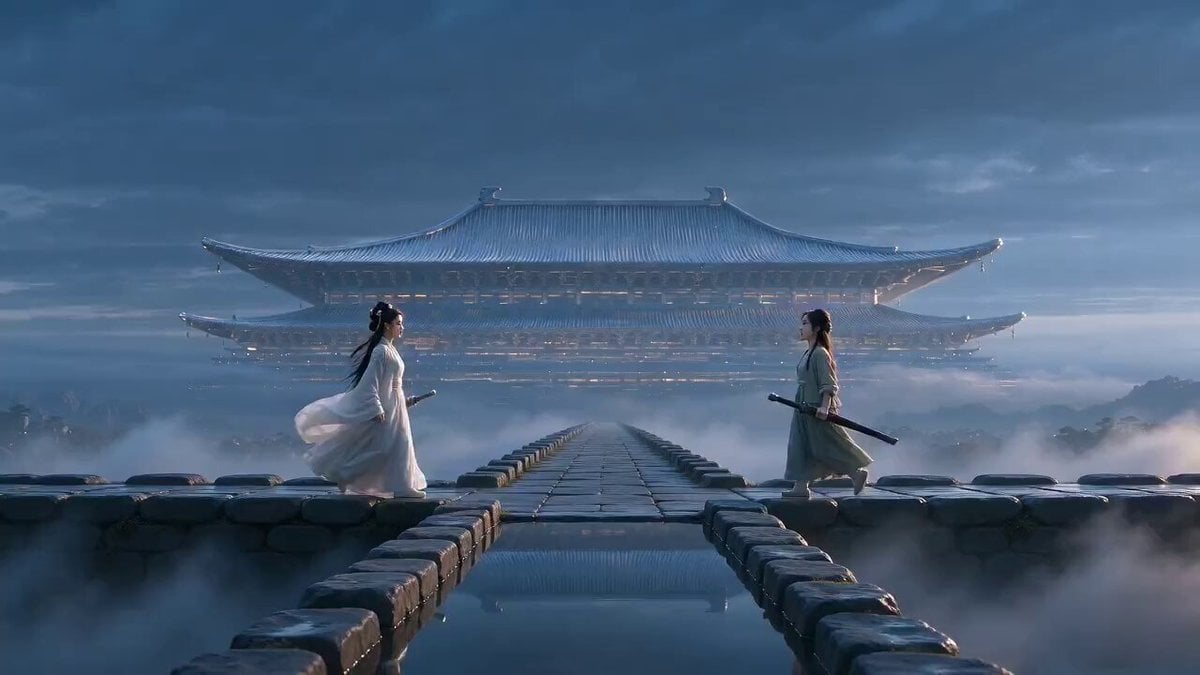
Xianxia Polite Loop Comedy
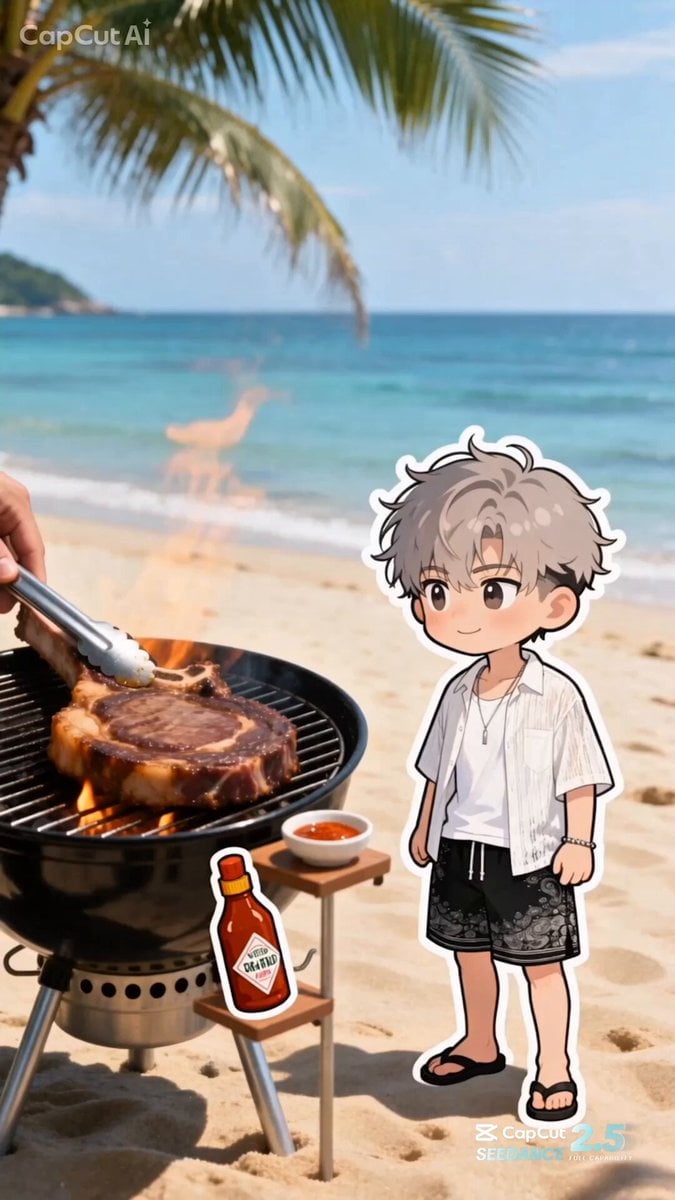
Summer Beach BBQ and Anime Character Sticker
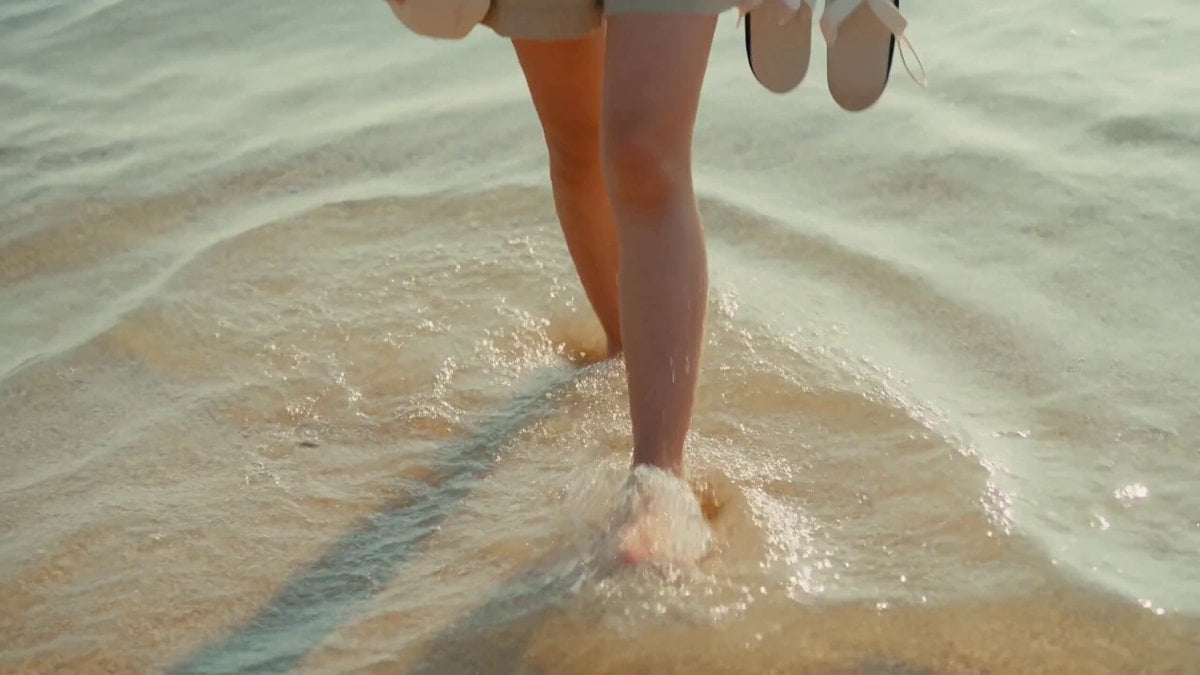
2000s MiniDV Jeju Island Beach Walk
Make it yours
Cinematic One-Shot Beach to Space Video Loop works as-is. These are the safest ways to change it without losing the look.
Change one field
Copy a single group, rewrite it, and generate again so you can see what that field is doing.
Keep the frame, change the subject
Hold the composition and light of Cinematic One-Shot Beach to Space Video Loop, then swap wardrobe, props or the person for a new take.
| If the result… | Why | Fix |
|---|---|---|
| The result drifts from the preview | Too many fields changed at once. | Reuse Cinematic One-Shot Beach to Space Video Loop as-is first, then change one group — subject, light, or setting. |
| The model over-stylizes the scene | The prose prompt leaves finish and camera underspecified. | Add one camera or lighting sentence and stay on Seedance 2.0. |
More Seedance 2.0 templates
Other prompts made for Seedance 2.0.

Comical Martial Arts Punch Scene

Maglev Train Action Sequence

Martial Arts Fight Sequence

Wuxia Protection and Trust Script

Vintage Korean Arcade MiniDV Vlog

Mercedes 190 SL Luxury Ad

Rainy Night Supernatural Reverse Comedy Video Script

Amazon Civilization Discovery

Futuristic South Asian City Transformation

Cozy Luxury Cafe Commercial
More video prompts
Fresh picks from across the catalog.
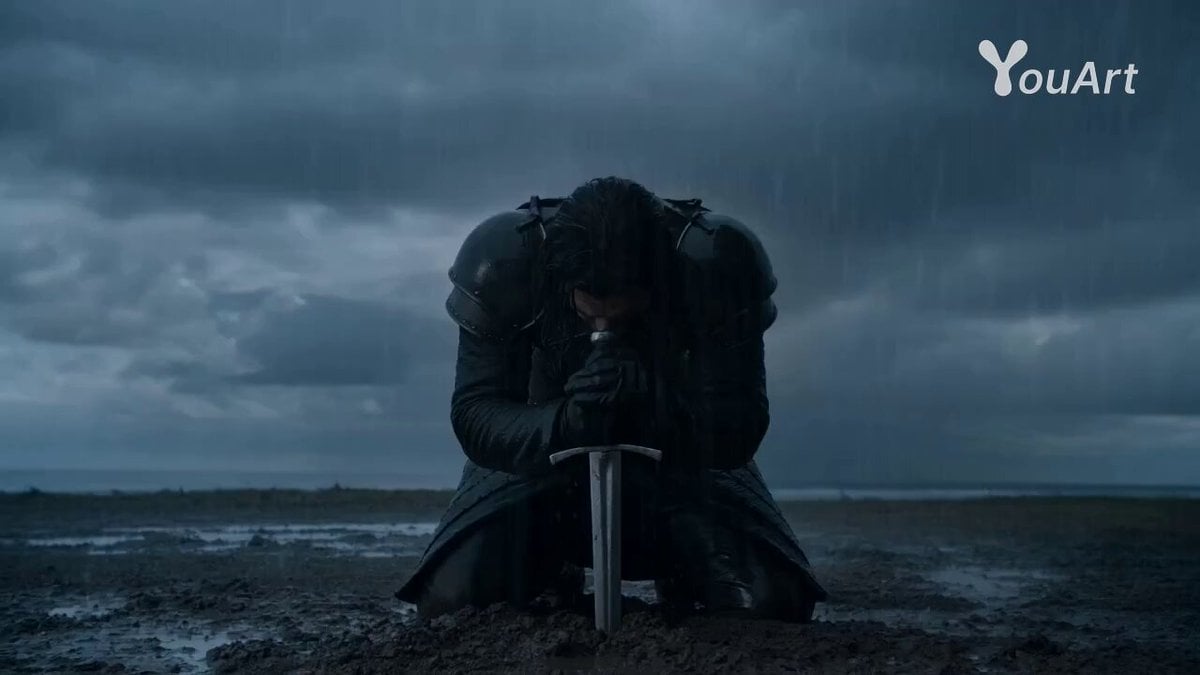
Warrior's Maniacal Transformation into a Villain
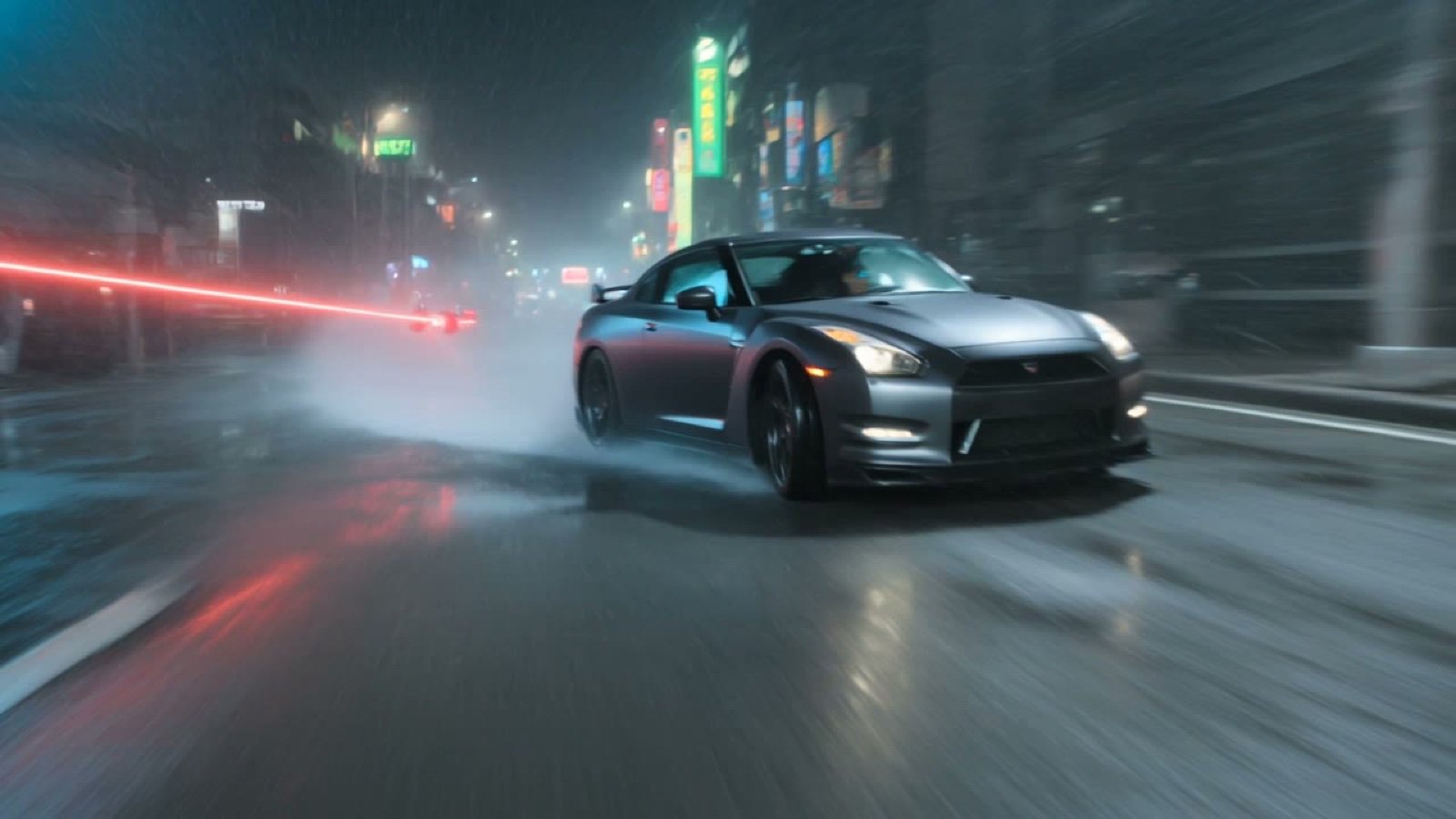
Cyberpunk Tokyo Kung Fu Chase

Anime Woman on Dark Stairwell
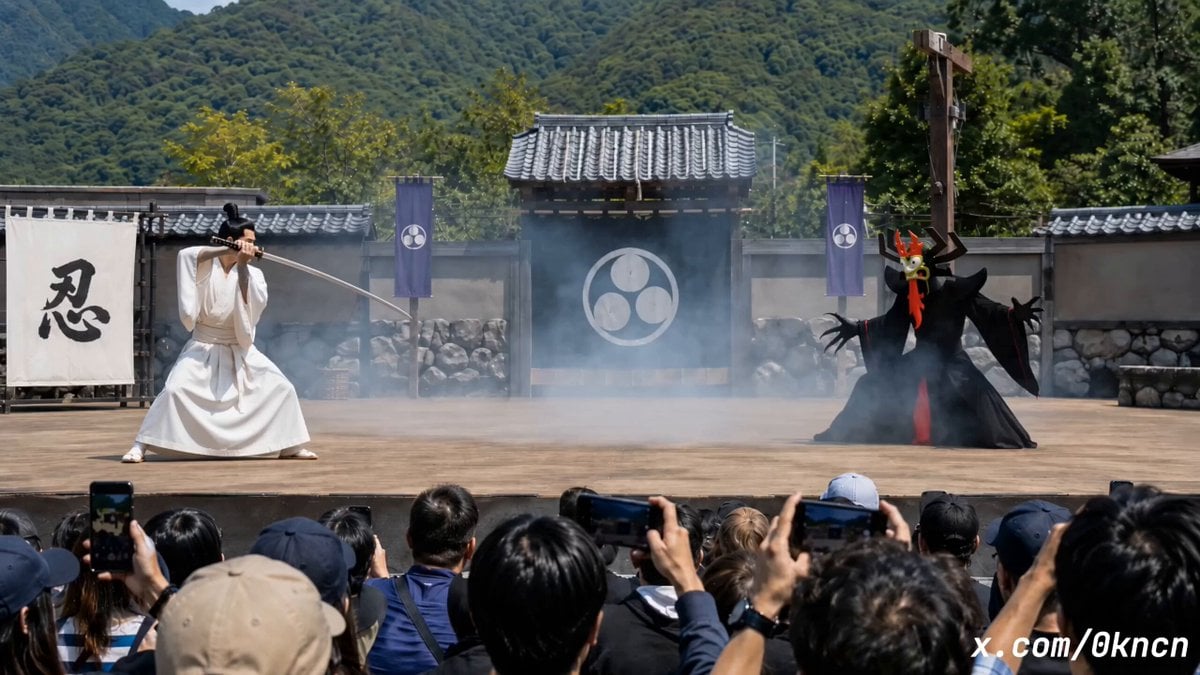
Japanese Feudal Village Theater POV
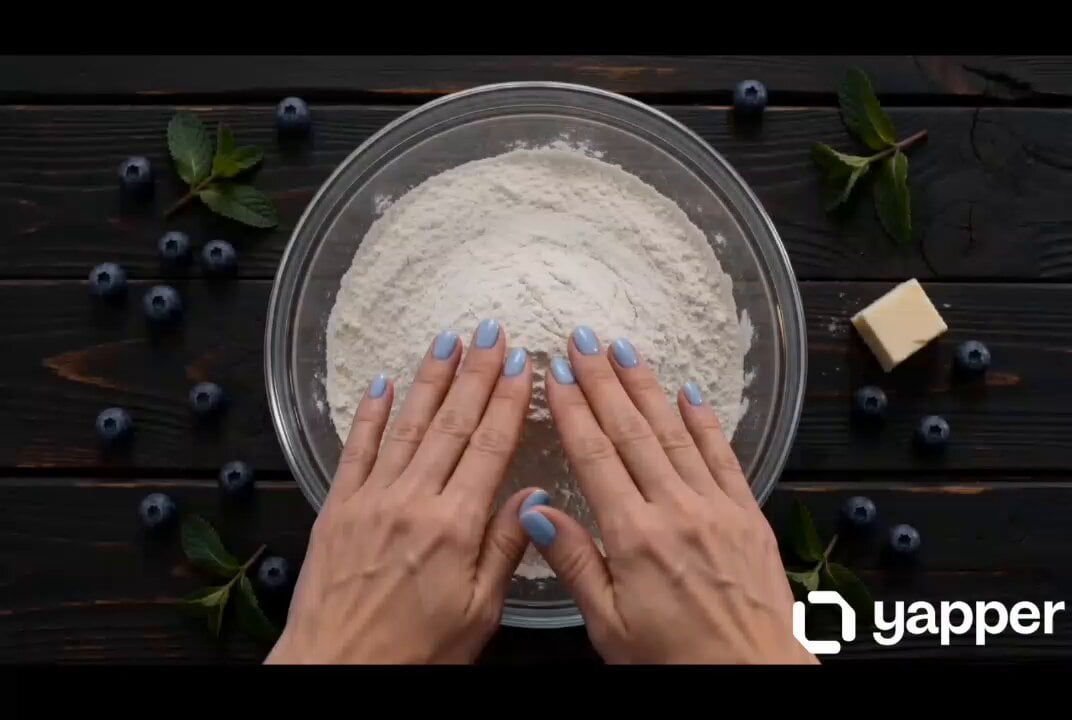
Blueberry Pie Baking Storyboard

Second Continuous Action Sequence
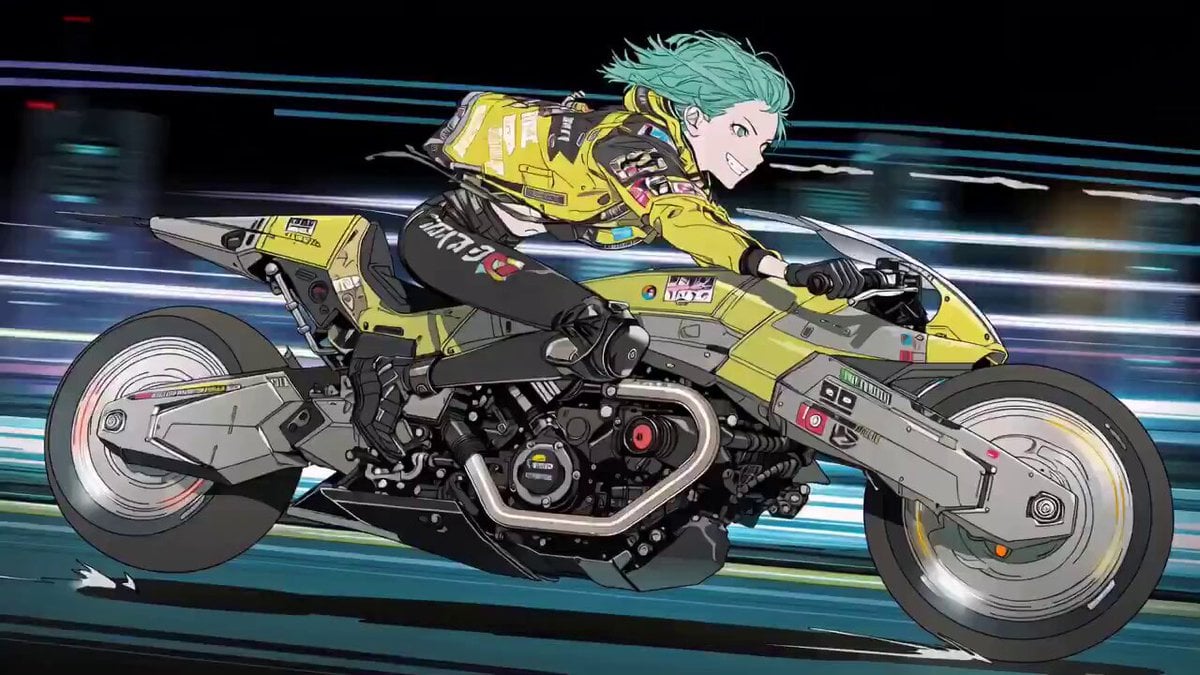
Cyberpunk Anime Trailer Test Prompt with Lip Sync
Tactical Agent Hotel Combat Sequence
Ancient Korean Fantasy Romance
Downhill POV Cycling Chaos Prompt
Browse template categories
Cinematic One-Shot Beach to Space Video Loop questions
How do I use the Cinematic One-Shot Beach to Space Video Loop template?
Add your photo if the template asks for one, edit the prompt if you like — the template's model and format are already selected — and press Generate. Your version opens in PicX Studio.
Can I customize the Cinematic One-Shot Beach to Space Video Loop template?
Yes. You can change the subject, setting, lighting, mood, format, and available model controls before creating your video.
Is the Cinematic One-Shot Beach to Space Video Loop template free?
Opening and editing this template is free. Generating uses credits, shown on the Generate button when you are signed in.
Which AI model should I use?
Start with Seedance 2.0, which is the model associated with this template. You can compare another compatible model for a different finish.
Looking for something else? Browse all templates.

Your photo, any look
Thousands of ready templates for every top image and video model, from one credit balance.