
Abandoned Spacecraft Reactivation
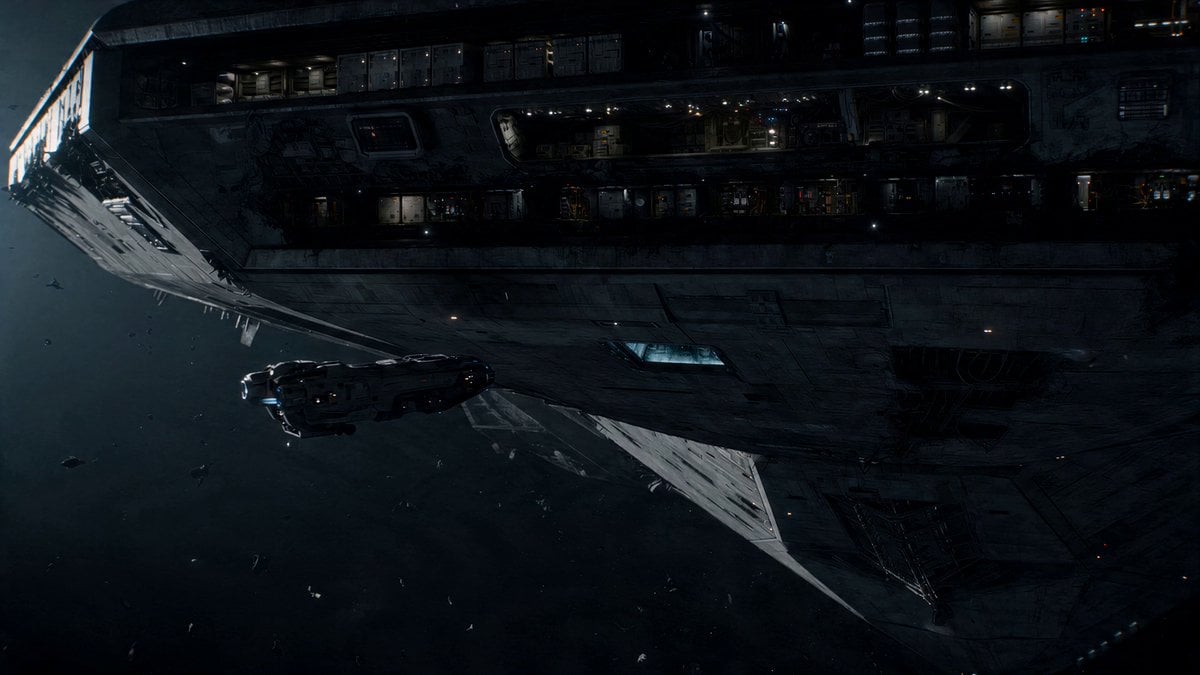
A narrative-driven prompt describing the tense reactivation of an abandoned spacecraft, featuring gravity shifts and shifting internal layouts.
- Prompt included
- Model and format preset
- Free template
The prompt behind this video
Copy the exact prompt behind Abandoned Spacecraft Reactivation, or open it in the studio and make it yours.
Massive abandoned spacecraft, drifting, silent, until sudden partial reactivation creates unstable, shifting internal conditions. Docking approach: small ship attaches carefully, everything still. Entry: interior dark, debris floating, no gravity. First change: lights flicker violently, sections powering up unevenly. Floor shift: gravity slams back on in one section, throwing everything down. Corridor movement: bulkheads begin sliding, layout changing in real time. Near-trap: path closes behind the pilot, forcing a sprint forward. System surge: doors opening and slamming unpredictably. Pressure breach: one wrong turn leads to a sudden decompression blast. Escape run: pilot navigating a corridor that’s actively reconfiguring. Final moment: ship barely undocks as the entire structure begins moving under its own power. Claustrophobic, mechanical instability, constant “wrong place at the wrong time.”
How to use Abandoned Spacecraft Reactivation in 3 steps
- 1
Open
The prompt is already in the box next to the preview, with the template's model and format selected.
- 2…a portrait of your subject in softgolden-hour light, 85mm…
Personalize
Edit the subject and creative details for your destination.
- 3Generate
Generate
Press Generate — your video is created in PicX Studio, so you can compare it with the original and refine one variable at a time.
More like this
Templates with the same subject, style or setup. Open one to see its prompt.
Futuristic Spacecraft Console Interaction
Alien Spacecraft Orbital Duel
Multi-Scene Spacecraft Flight Video
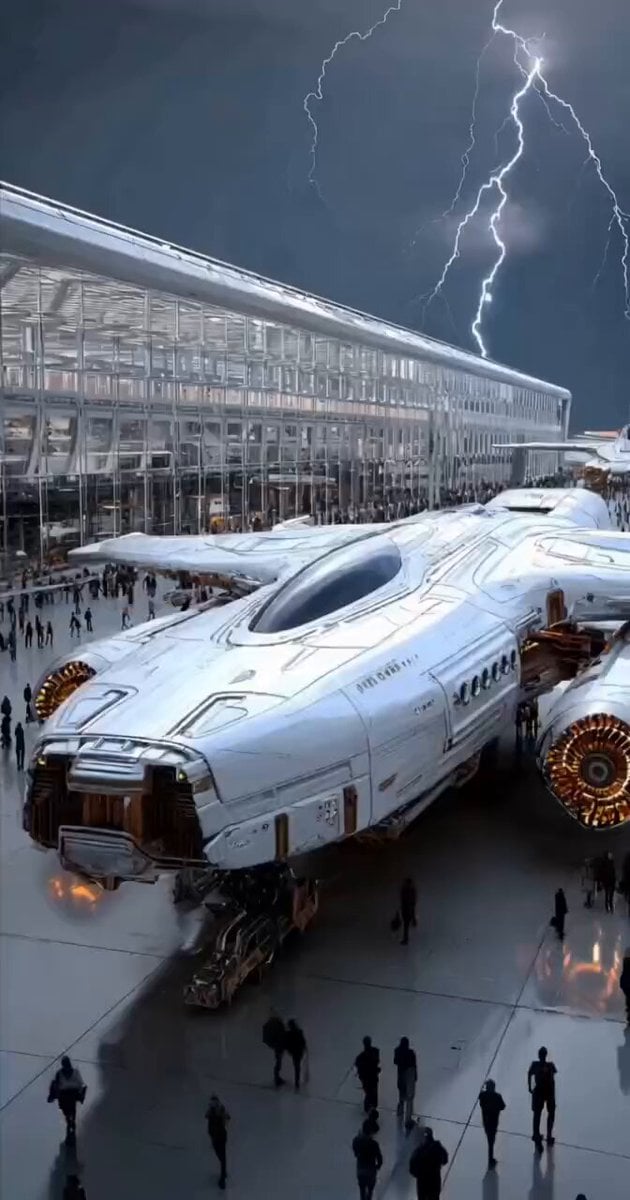
Futuristic Spacecraft Launch
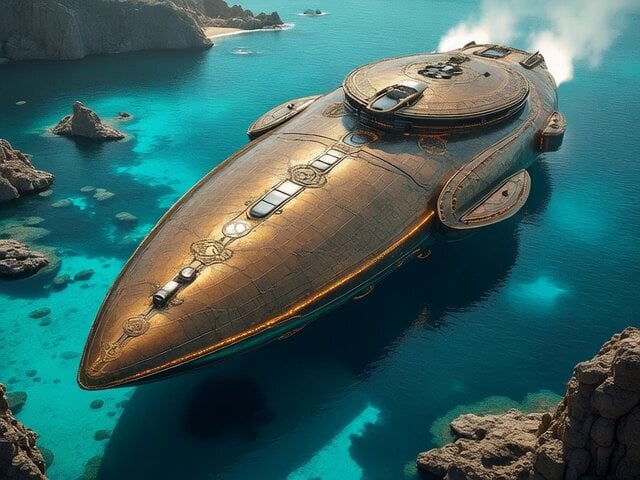
Cinematic Spacecraft Launch Video Prompt
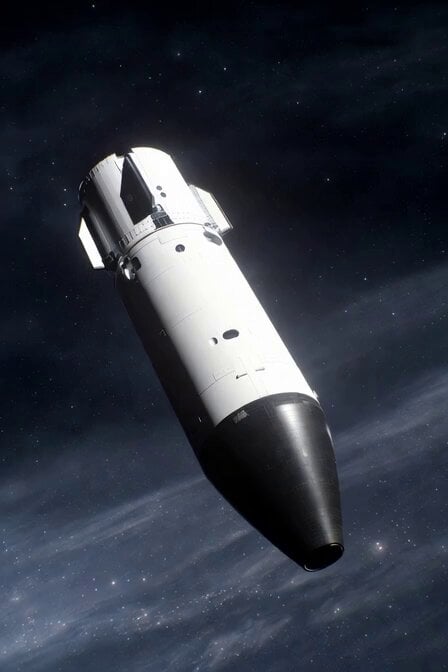
Realistic Spacecraft Flyby
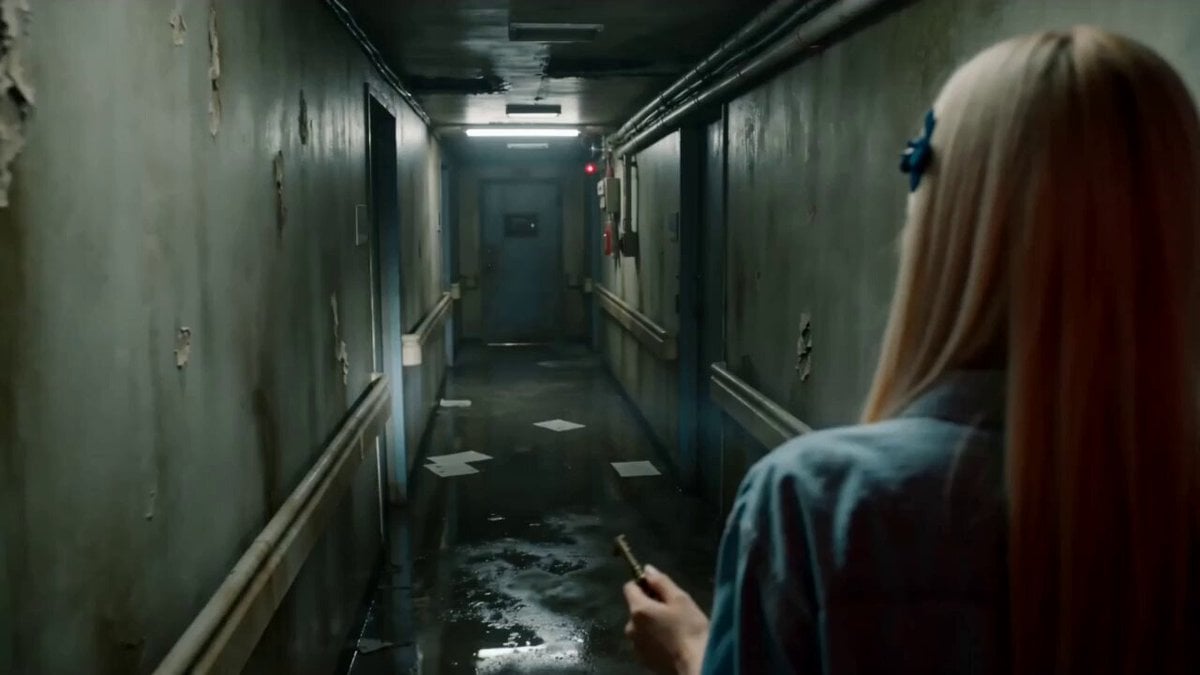
Abandoned Hospital Horror POV Film
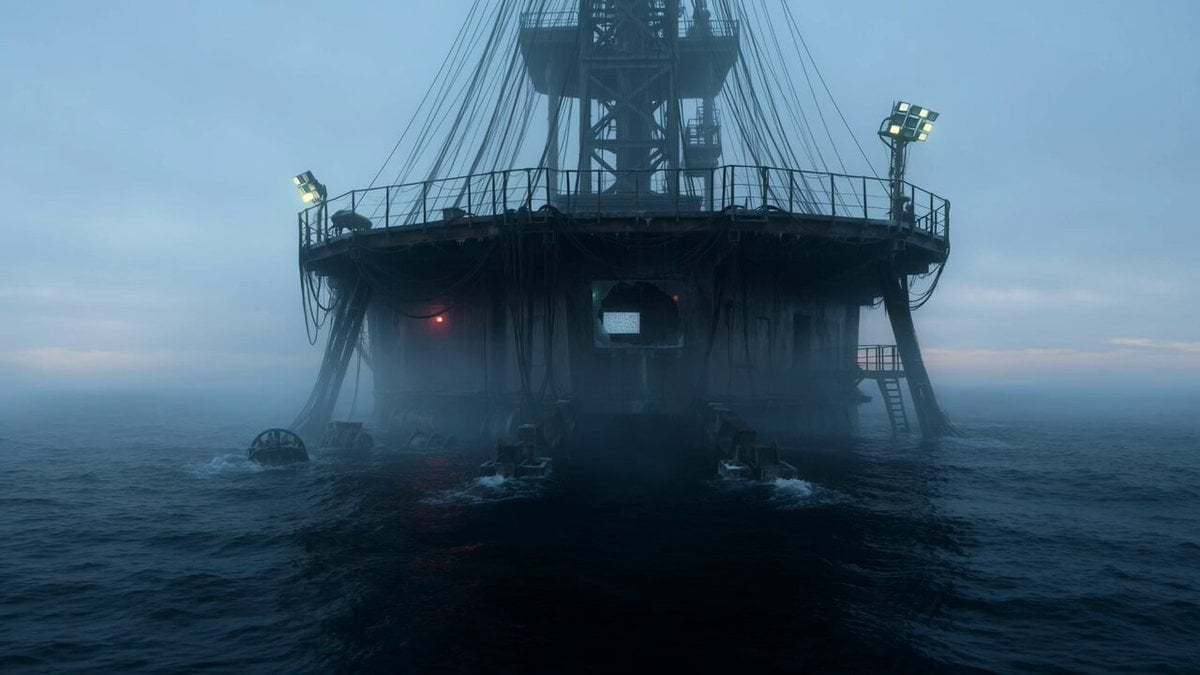
Abandoned Deep-Sea Drilling Platform
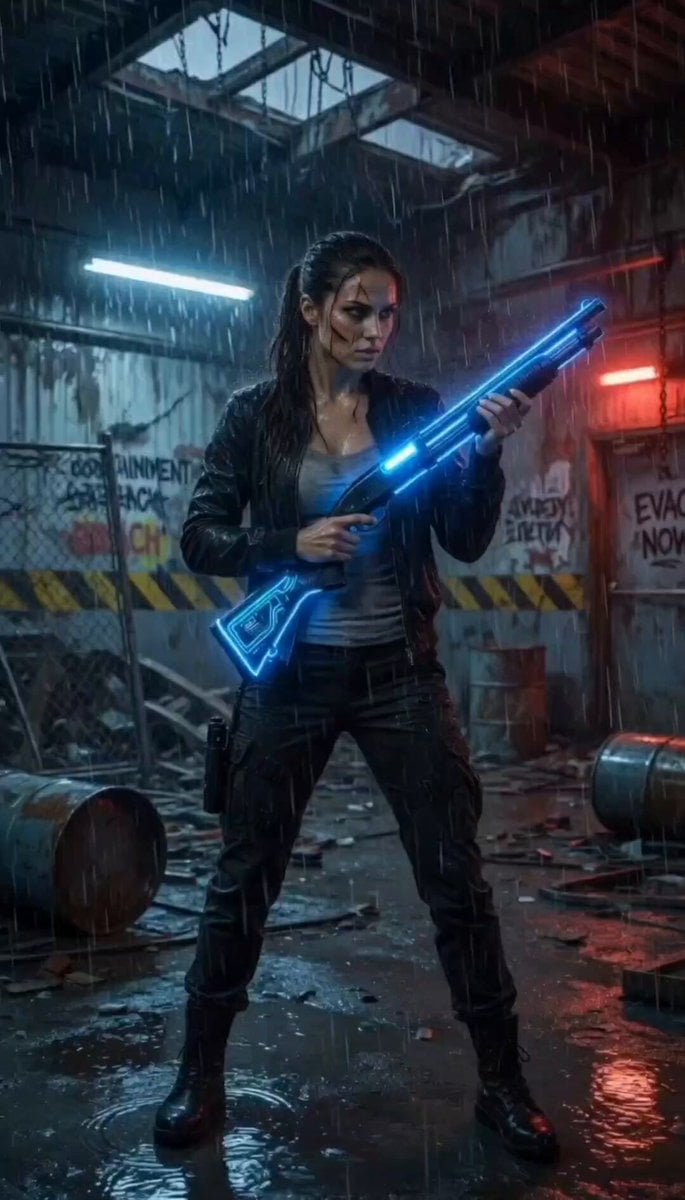
Cinematic Abandoned Warehouse Horror Scene
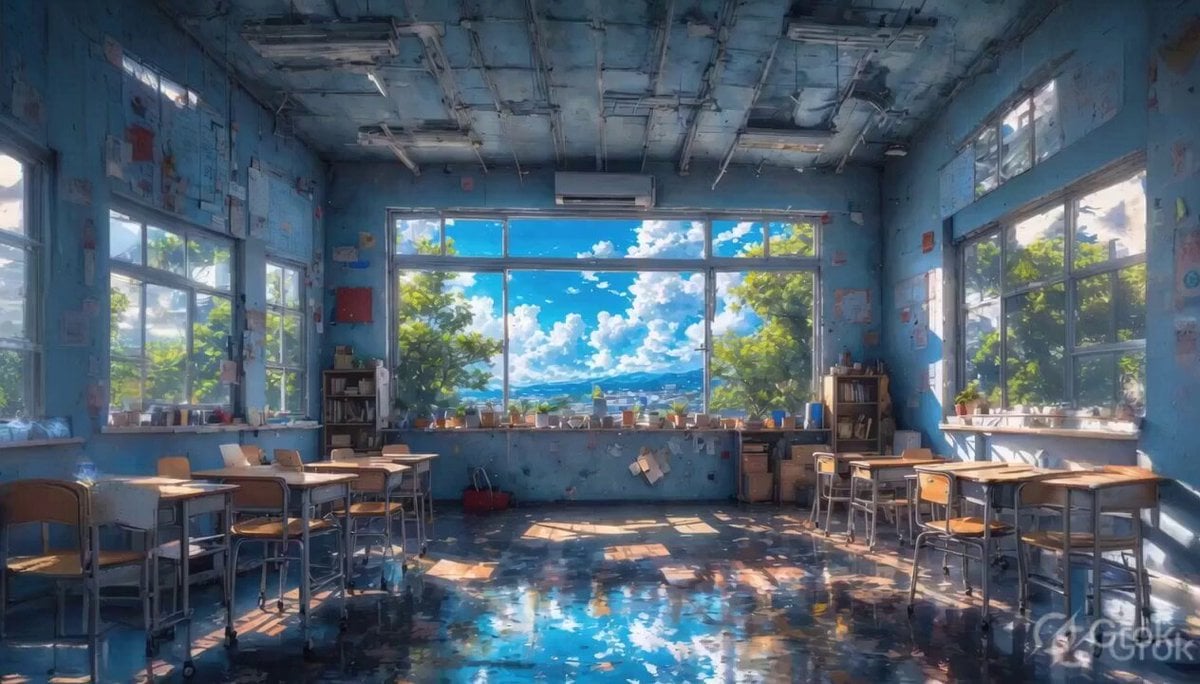
Abandoned Classroom Mountain View
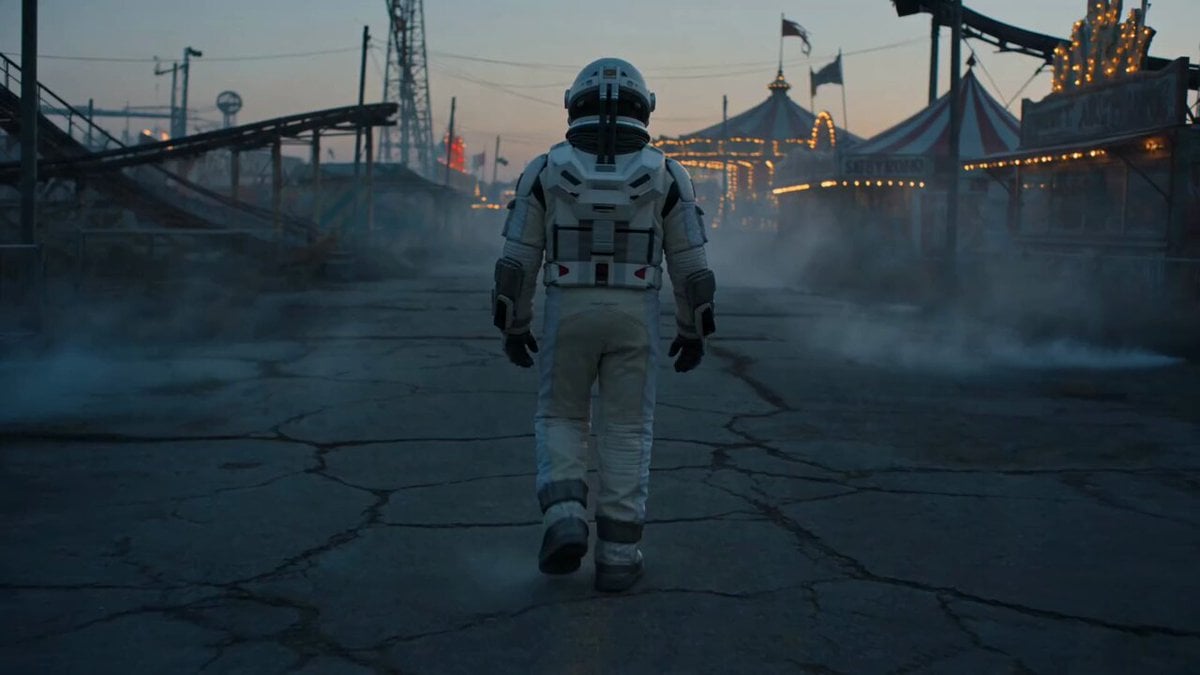
Astronaut in Abandoned Amusement Park
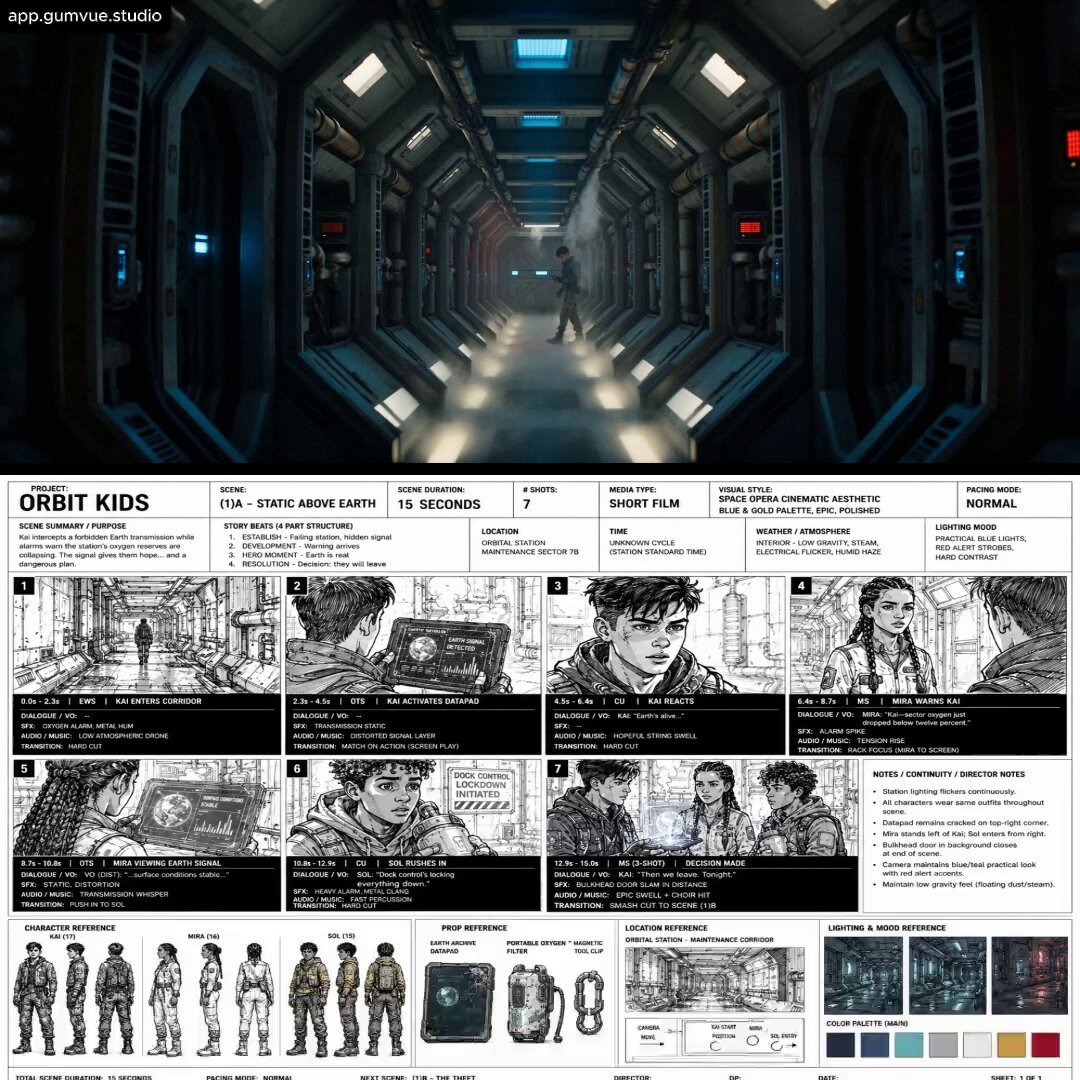
Abandoned Earth Sci-Fi Plot
Make it yours
Abandoned Spacecraft Reactivation works as-is. These are the safest ways to change it without losing the look.
Change one field
Copy a single group, rewrite it, and generate again so you can see what that field is doing.
Keep the frame, change the subject
Hold the composition and light of Abandoned Spacecraft Reactivation, then swap wardrobe, props or the person for a new take.
| If the result… | Why | Fix |
|---|---|---|
| The result drifts from the preview | Too many fields changed at once. | Reuse Abandoned Spacecraft Reactivation as-is first, then change one group — subject, light, or setting. |
| The model over-stylizes the scene | The prose prompt leaves finish and camera underspecified. | Add one camera or lighting sentence and stay on Seedance 2.0. |
More Seedance 2.0 templates
Other prompts made for Seedance 2.0.

Comical Martial Arts Punch Scene

Maglev Train Action Sequence

Wuxia Protection and Trust Script

Vintage Korean Arcade MiniDV Vlog

Ancient Roman Celestial Flight

Mercedes 190 SL Luxury Ad

Rainy Night Supernatural Reverse Comedy Video Script

Amazon Civilization Discovery

Futuristic South Asian City Transformation

Cozy Luxury Cafe Commercial
More video prompts
Fresh picks from across the catalog.

Parisian Fashion Campaign Streetwear Editorial

Handheld Vlog Alley Cat Sequence
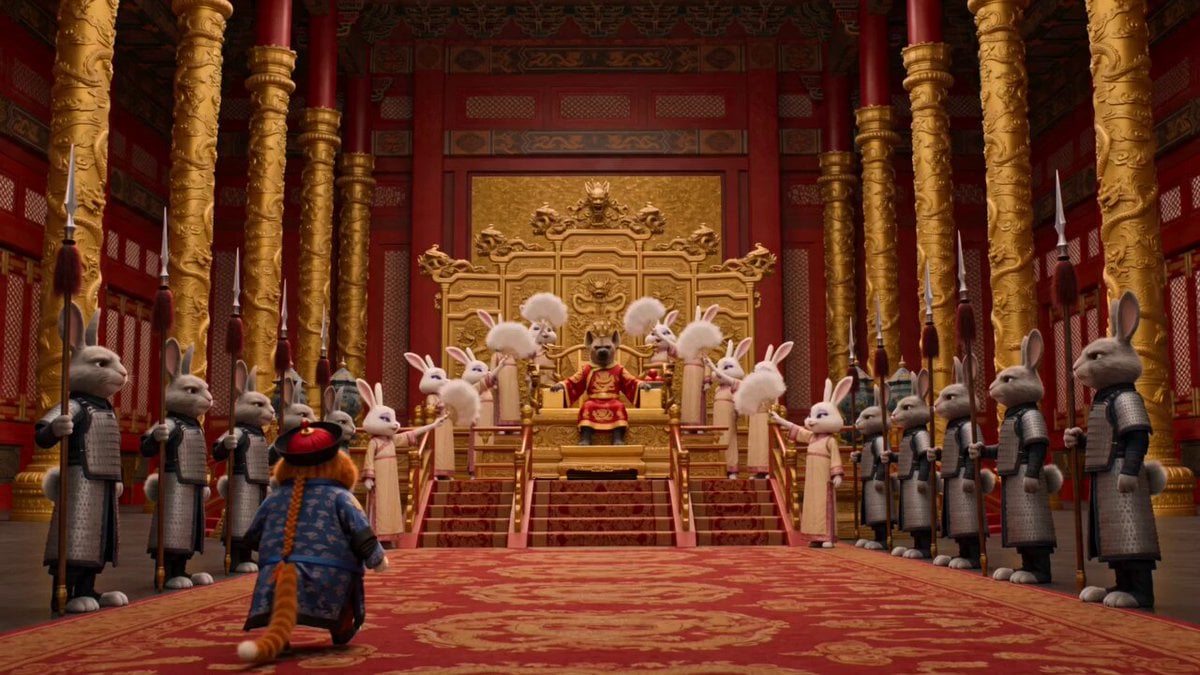
Forbidden City Cat Satire

Continuous Seamless Sketchbook Fantasy World

Klimt-Inspired Impasto Painting of Lovers (Midjourney/Grok Imagine)
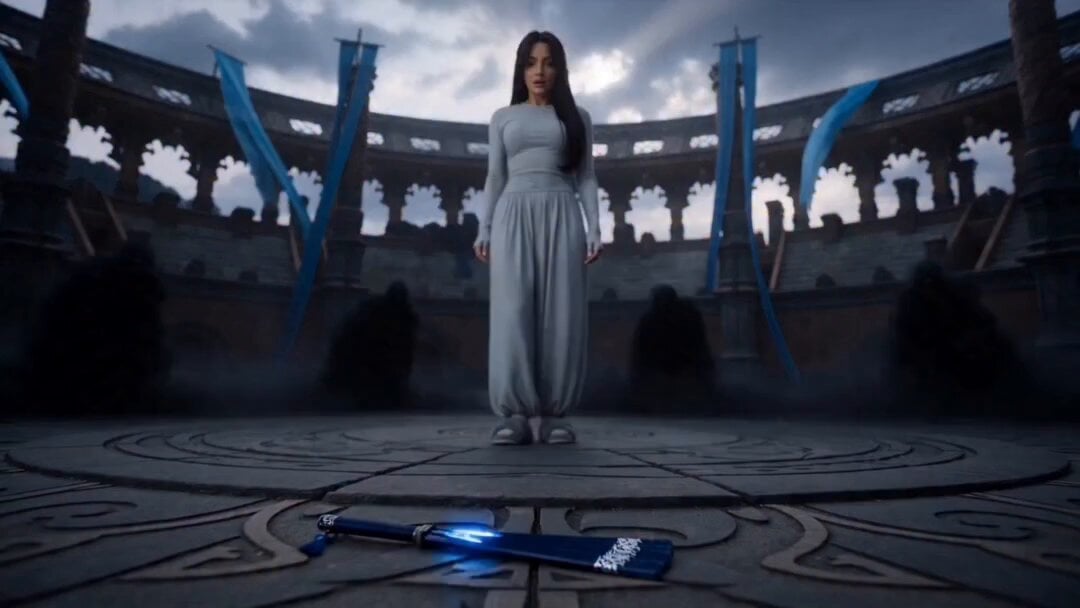
Blue Warrior Magical Transformation
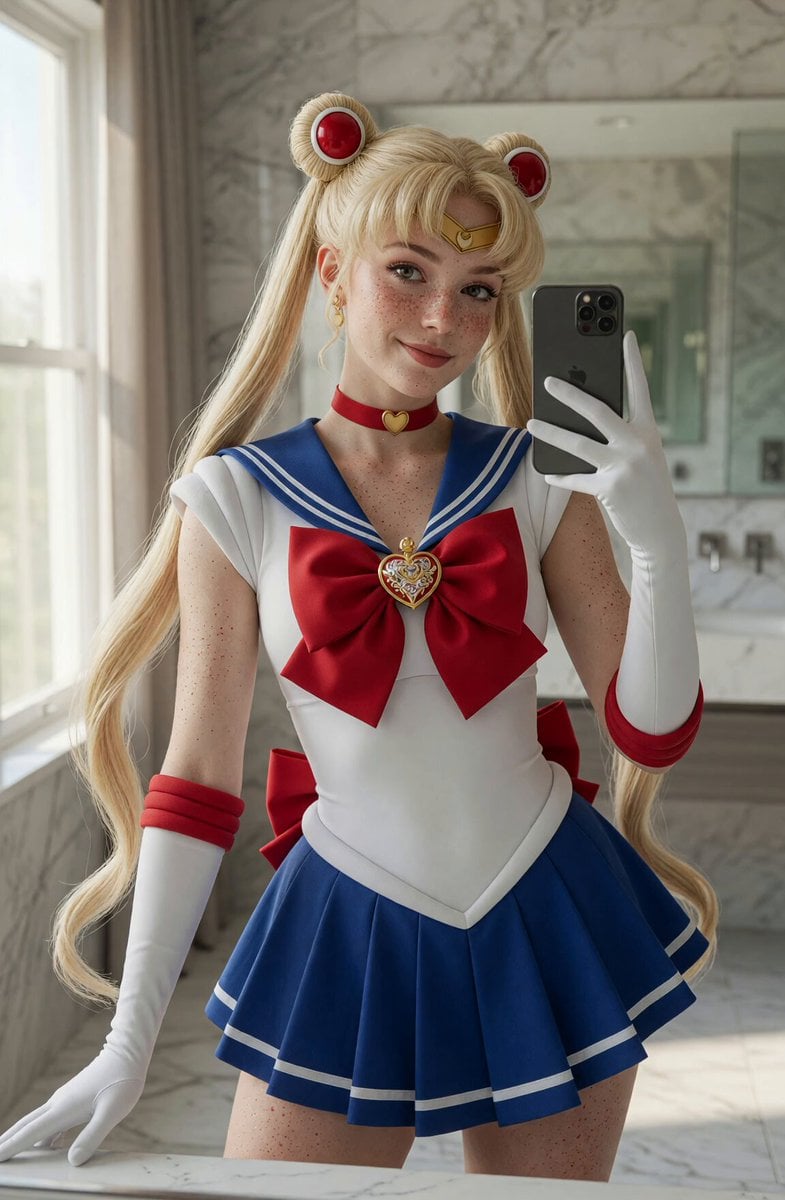
Sailor Moon Mirror Selfie Video
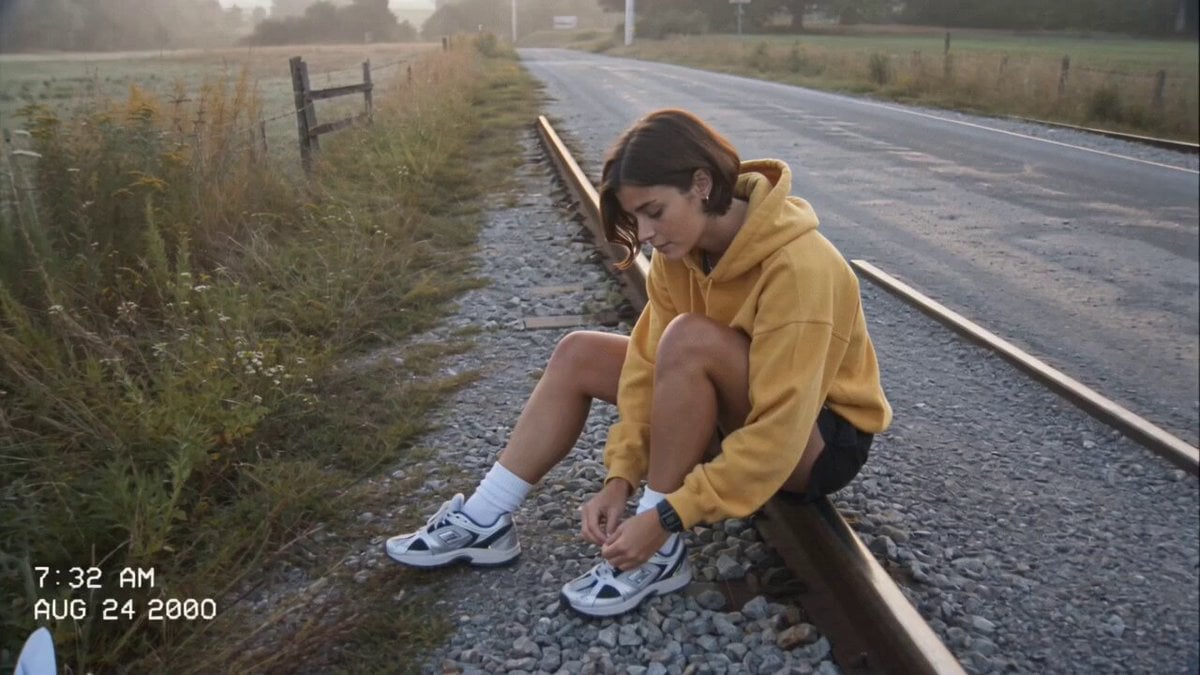
Amateur Camcorder Countryside Vlog
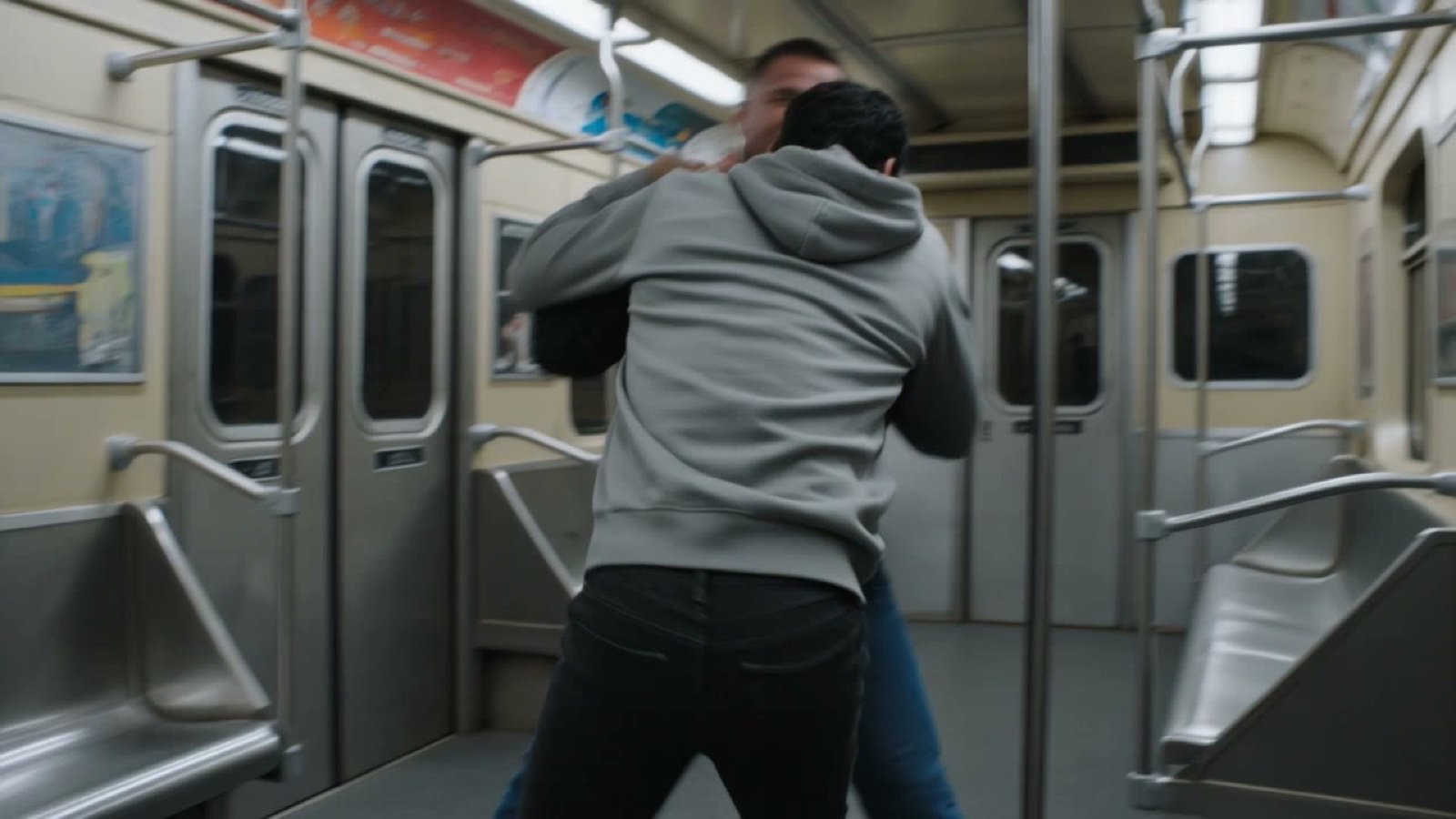
Claustrophobic Action Scene Prompt
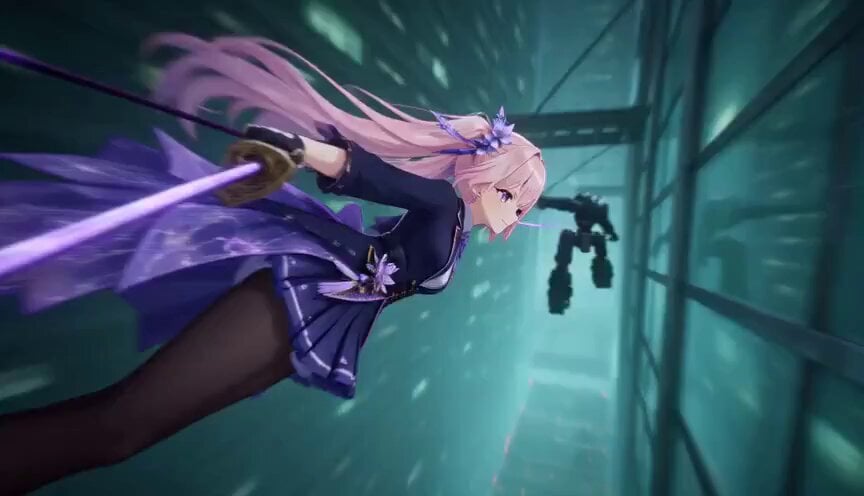
Cinematic 3D Sword Combo Animation
Browse template categories
Abandoned Spacecraft Reactivation questions
How do I use the Abandoned Spacecraft Reactivation template?
Add your photo if the template asks for one, edit the prompt if you like — the template's model and format are already selected — and press Generate. Your version opens in PicX Studio.
Can I customize the Abandoned Spacecraft Reactivation template?
Yes. You can change the subject, setting, lighting, mood, format, and available model controls before creating your video.
Is the Abandoned Spacecraft Reactivation template free?
Opening and editing this template is free. Generating uses credits, shown on the Generate button when you are signed in.
Which AI model should I use?
Start with Seedance 2.0, which is the model associated with this template. You can compare another compatible model for a different finish.
Looking for something else? Browse all templates.

Your photo, any look
Thousands of ready templates for every top image and video model, from one credit balance.