How do I use the Warrior's Maniacal Transformation into a Villain template?
Edit the prompt in the box under the preview — the template's model and format are already selected — and press Generate. Your version appears right on this page.
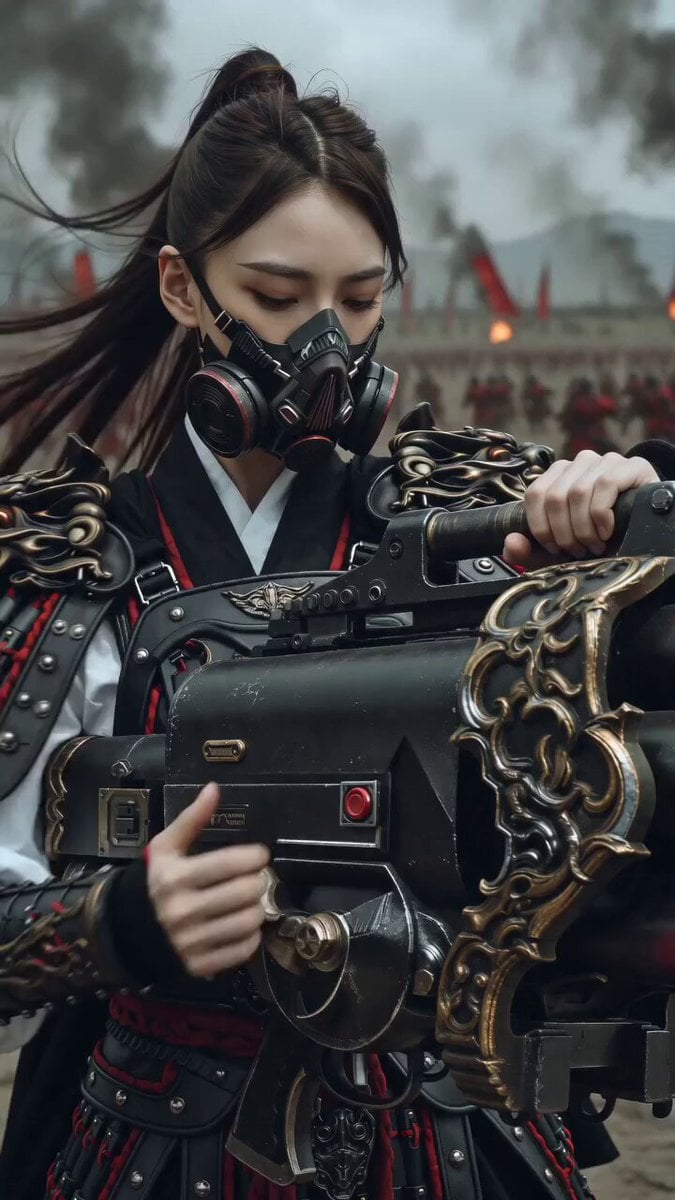
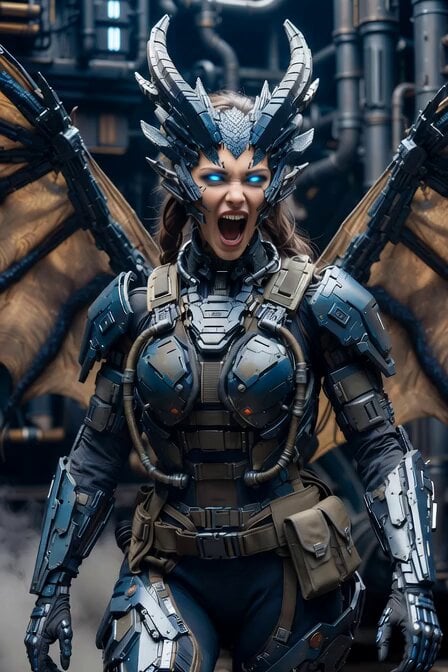
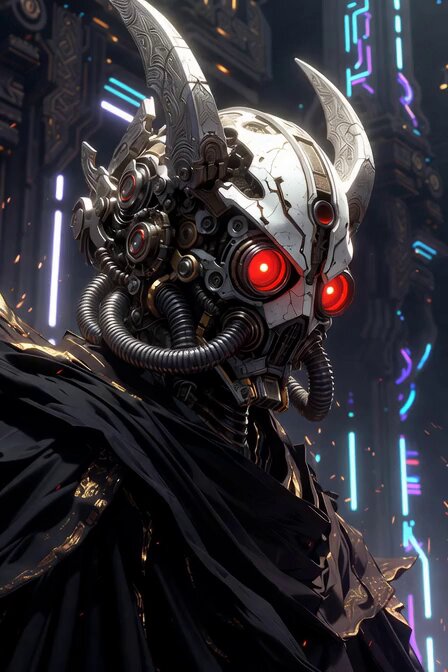
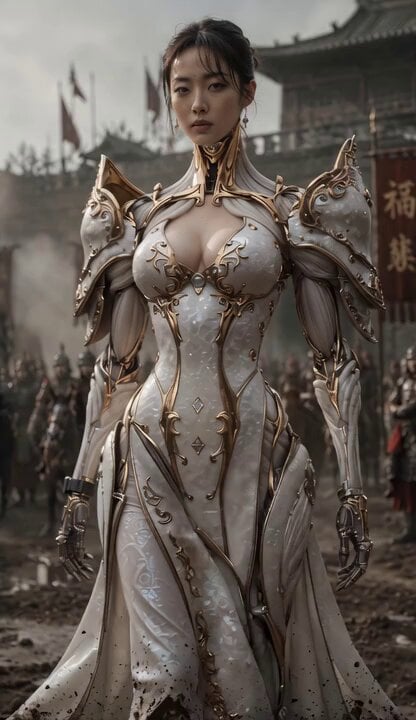
A highly detailed, multi-scene cinematic prompt for Seedance 2.0, describing a warrior kneeling in the rain, experiencing an emotional breakdown, and transforming into a monster/villain with glowing silver eyes…
Live-action cinematic sequence. Static camera. The warrior kneels in the rain, head down, hands gripping his sword stuck in the mud. Rain pours heavily. Thunder rumbles. Slow zoom in. His shoulders shake—he's either crying or laughing. Cut to close-up of his face as he slowly lifts his head. Rain streams down his face. His eyes are bloodshot. He starts laughing maniacally and says through the laughter: "You want me to be the villain? FINE!" He stands up abruptly, yanking the sword from the ground. Mud flies. Cut to low-angle shot looking up at him as lightning strikes behind him, silhouetting his figure. His hair whips wildly in the wind. He points the sword at the camera and screams: "I'll give you a monster!" His eyes glow bright silver. The camera rapidly zooms into his glowing eye. White flash. Cut to black.
Live-action cinematic sequence. Static camera. The warrior kneels in the rain, head down, hands gripping his sword stuck in the mud. Rain pours heavily. Thunder rumbles. Slow zoom in. His shoulders shake—he's either crying or laughing. Cut to close-up of his face as he slowly lifts his head. Rain streams down his face. His eyes are bloodshot. He starts laughing maniacally and says through the laughter: "You want me to be the villain? FINE!" He stands up abruptly, yanking the sword from the ground. Mud flies. Cut to low-angle shot looking up at him as lightning strikes behind him, silhouetting his figure. His hair whips wildly in the wind. He points the sword at the camera and screams: "I'll give you a monster!" His eyes glow bright silver. The camera rapidly zooms into his glowing eye. White flash. Cut to black.
Edit the prompt in the box under the preview — the template's model and format are already selected — and press Generate. Your version appears right on this page.
Yes. You can change the subject, setting, lighting, mood, format, and available model controls before creating your video.
Opening and editing this template is free. Generating uses credits, shown on the Generate button when you are signed in.
Start with Seedance 2.0, which is the model associated with this template. You can compare another compatible model for a different finish.
Follow a topic to a crawlable collection of related PicX Studio templates.