How do I use the Korean Park Selfie Vlog with Puppy template?
Edit the prompt in the box under the preview — the template's model and format are already selected — and press Generate. Your version appears right on this page.
A realistic smartphone-style vlog prompt of a woman walking in a park and encountering a puppy, emphasizing authentic motion and interactions.
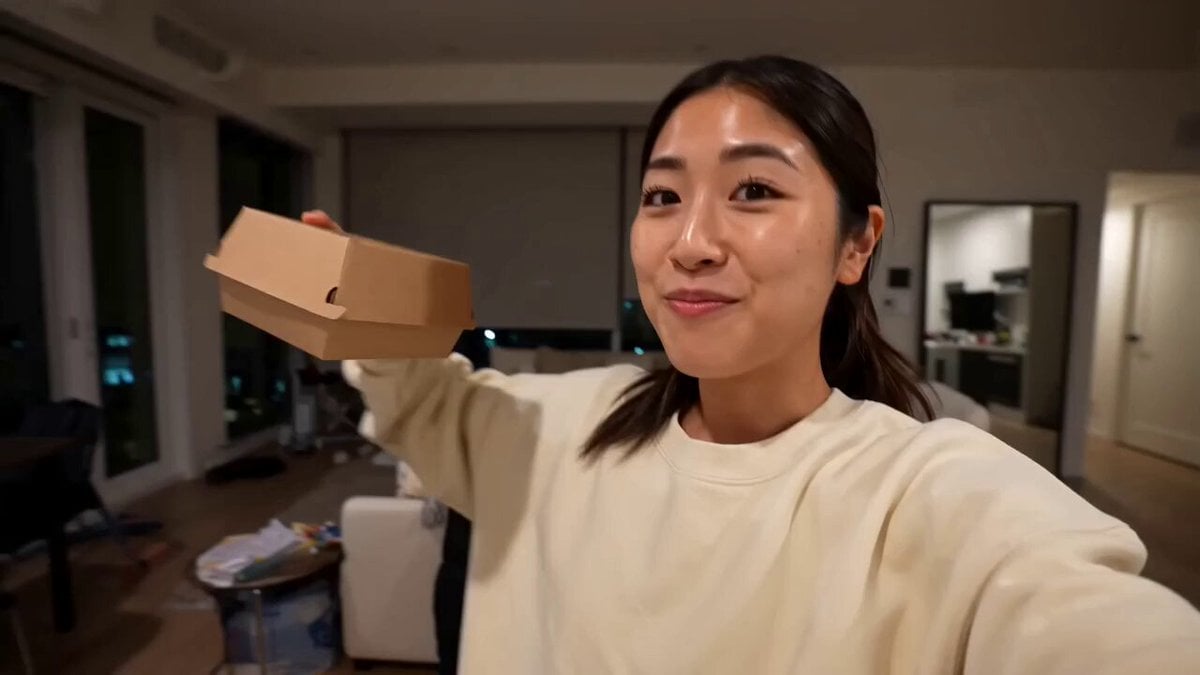
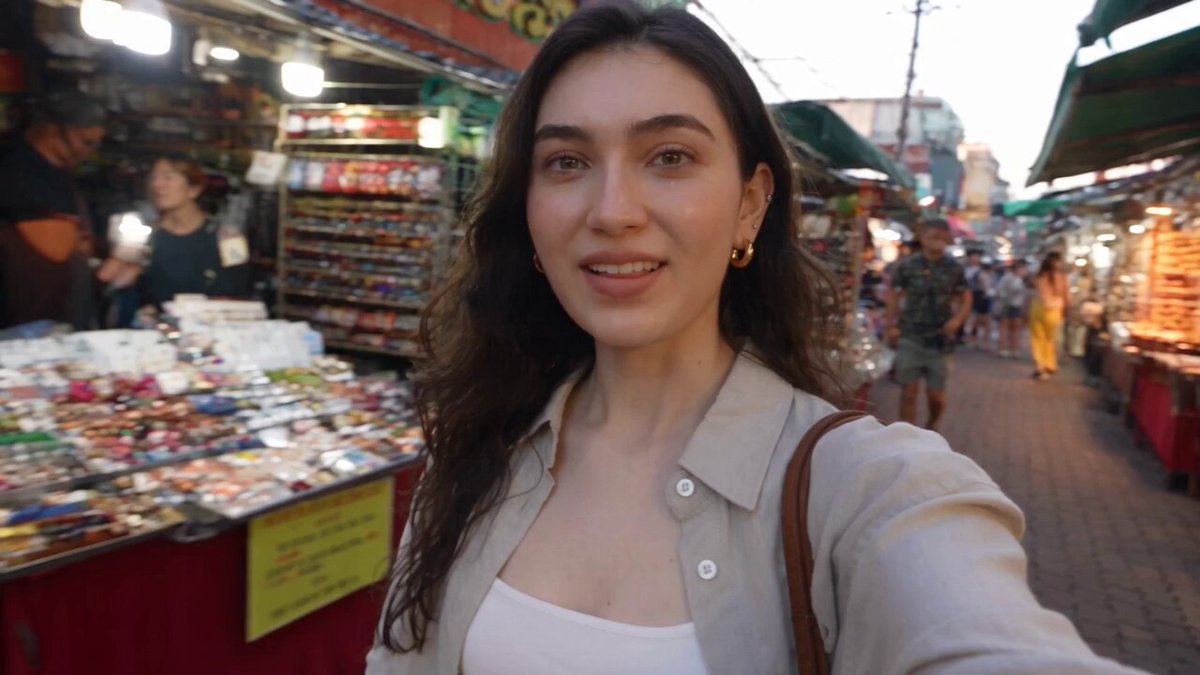
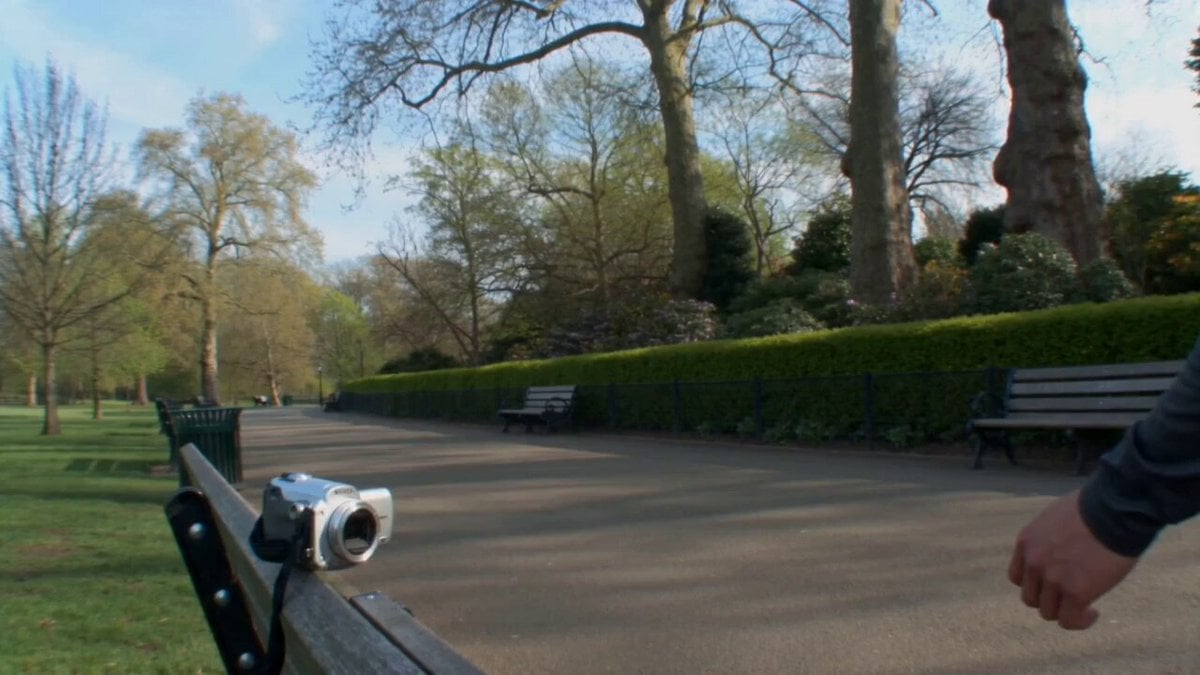
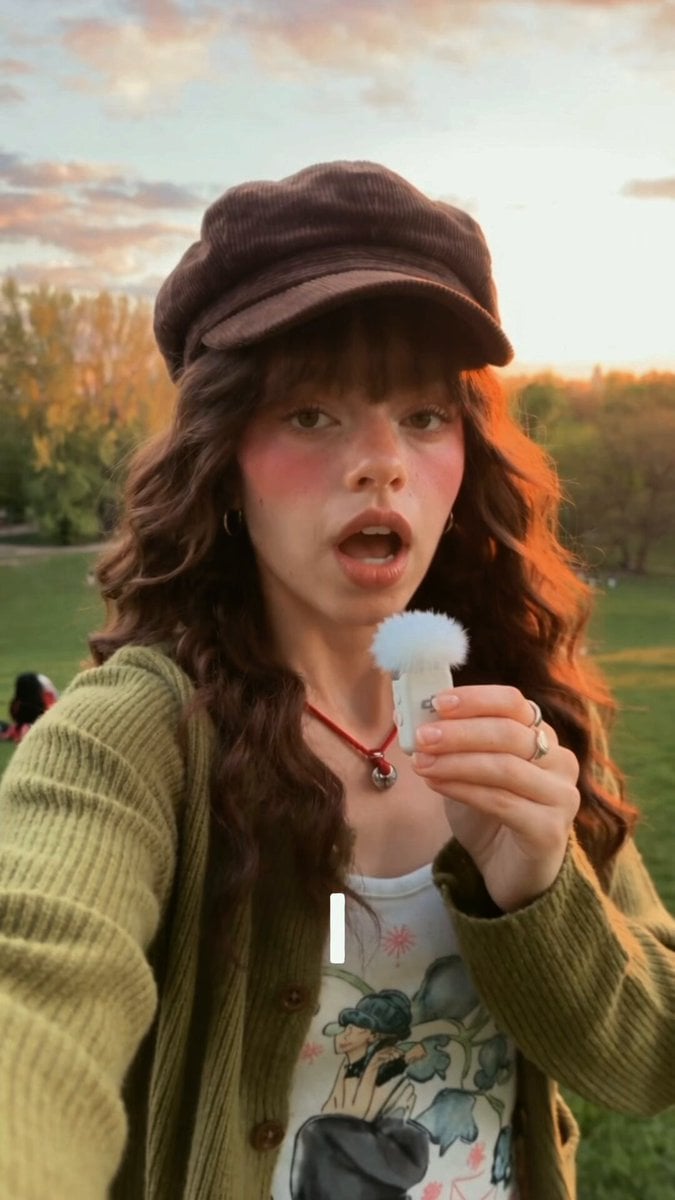
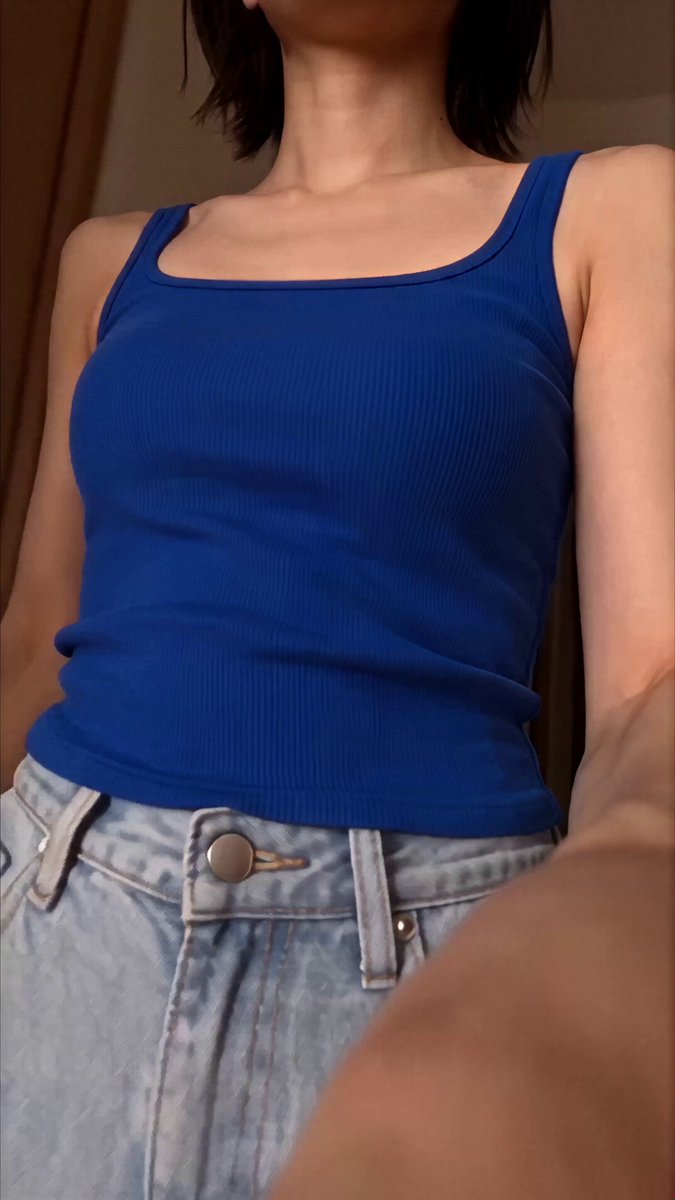
A photorealistic smartphone selfie vlog that looks exactly like a real mobile phone recording. A young woman (image = her face and hair) is walking alone through a peaceful green park on a sunny afternoon, holding her phone in selfie mode with natural handheld movement, slight hand shake, realistic autofocus, authentic smartphone stabilization, and true-to-life colors. As she happily talks to the camera in Korean, a small fluffy golden puppy unexpectedly starts following behind her. She notices it, turns around with a surprised laugh, crouches down, gently pets its head, and says, "너 어디서 왔어?" The puppy wags its tail excitedly and stays beside her as they continue walking together. She picks it up for a moment, cuddles it with a big smile, then sets it back down. At the end, the puppy lovingly licks her hand, making her laugh naturally before she looks into the camera, waves, and says, "오늘 새로운 친구를 만났어요. 안녕!" She reaches toward the phone to stop the recording. The video should feel completely real with natural human motion, consistent facial features, realistic puppy behavior, accurate interactions, authentic outdoor lighting, no beauty filters, no CGI, no AI-plastic appearance, no subtitles, no logos, no watermark, and no background music—only real park ambience, birds, footsteps, distant conversations, and the puppy's soft barks.
A photorealistic smartphone selfie vlog that looks exactly like a real mobile phone recording. A young woman (image = her face and hair) is walking alone through a peaceful green park on a sunny afternoon, holding her phone in selfie mode with natural handheld movement, slight hand shake, realistic autofocus, authentic smartphone stabilization, and true-to-life colors. As she happily talks to the camera in Korean, a small fluffy golden puppy unexpectedly starts following behind her. She notices it, turns around with a surprised laugh, crouches down, gently pets its head, and says, "너 어디서 왔어?" The puppy wags its tail excitedly and stays beside her as they continue walking together. She picks it up for a moment, cuddles it with a big smile, then sets it back down. At the end, the puppy lovingly licks her hand, making her laugh naturally before she looks into the camera, waves, and says, "오늘 새로운 친구를 만났어요. 안녕!" She reaches toward the phone to stop the recording. The video should feel completely real with natural human motion, consistent facial features, realistic puppy behavior, accurate interactions, authentic outdoor lighting, no beauty filters, no CGI, no AI-plastic appearance, no subtitles, no logos, no watermark, and no background music—only real park ambience, birds, footsteps, distant conversations, and the puppy's soft barks.
Edit the prompt in the box under the preview — the template's model and format are already selected — and press Generate. Your version appears right on this page.
Yes. You can change the subject, setting, lighting, mood, format, and available model controls before creating your video.
Opening and editing this template is free. Generating uses credits, shown on the Generate button when you are signed in.
Start with Seedance 2.0, which is the model associated with this template. You can compare another compatible model for a different finish.
Follow a topic to a crawlable collection of related PicX Studio templates.