How do I use the 1990s VHS Home Video Style template?
Edit the prompt in the box under the preview — the template's model and format are already selected — and press Generate. Your version appears right on this page.
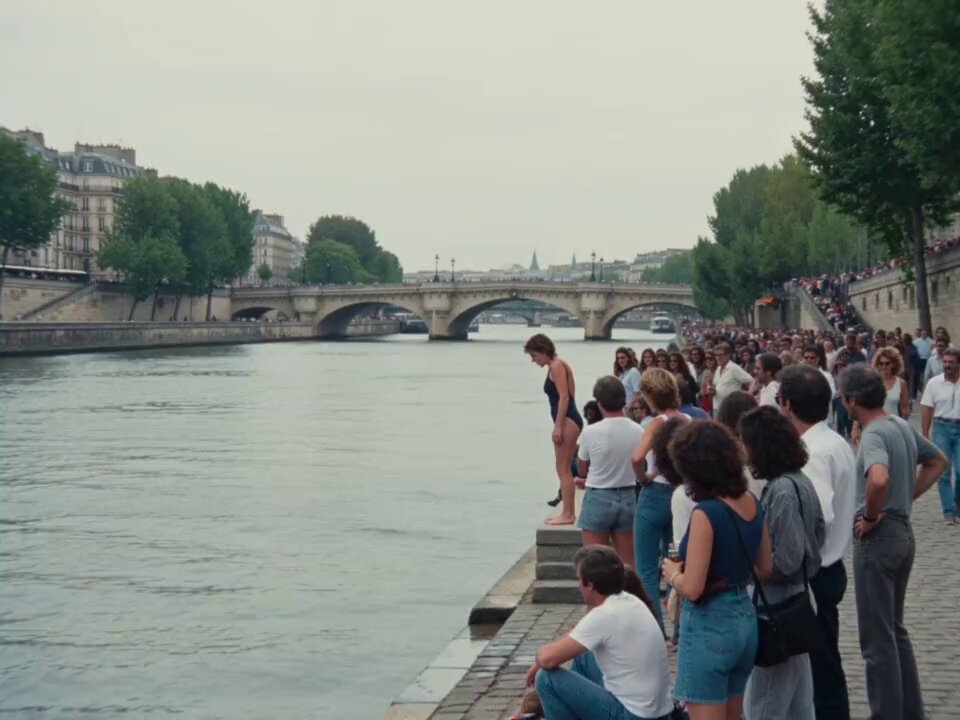
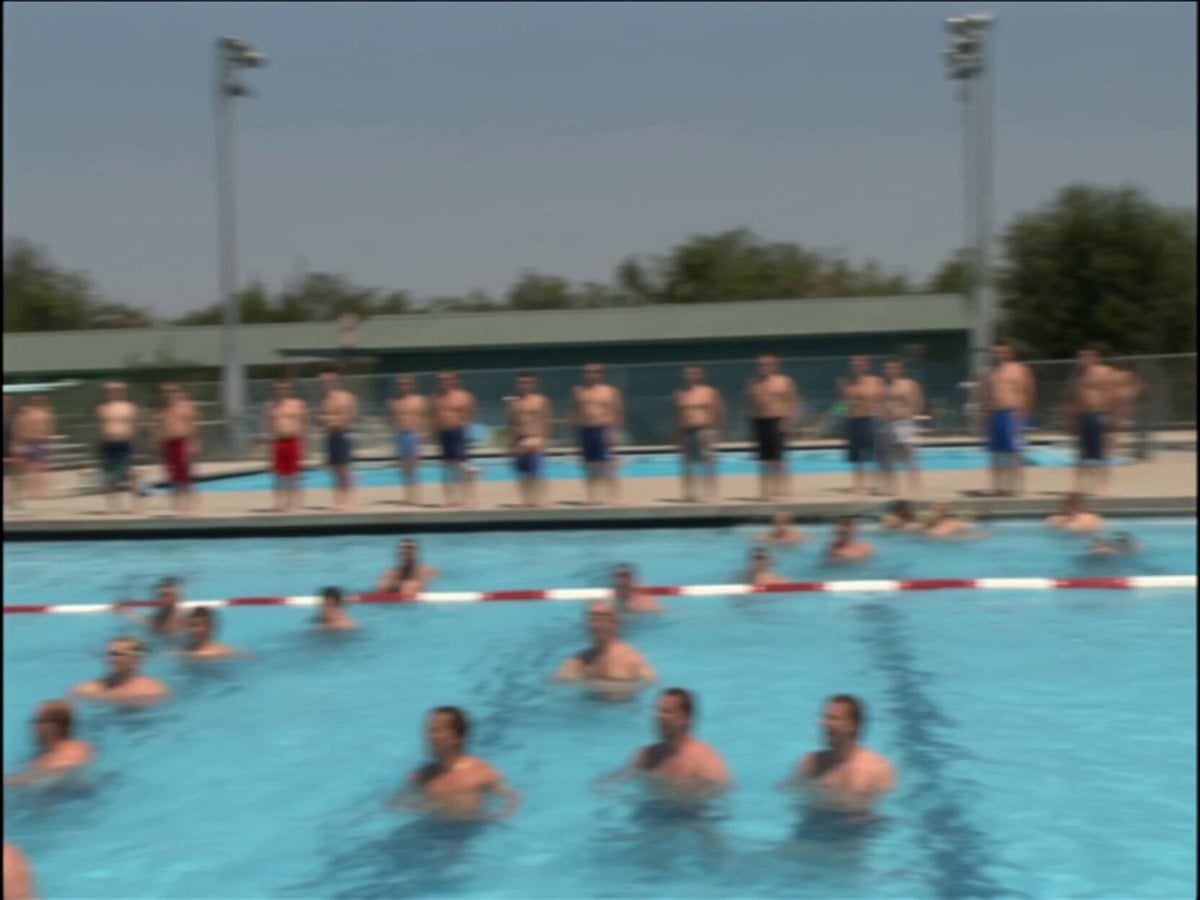
A detailed prompt aimed at recreating the authentic look of a 1990s VHS home video showing children playing in a neighborhood park.
Create a 15-second cinematic home-video style outdoor scene set in the early 1990s. Several children are playing together in a neighborhood park, capturing the authentic spirit of 1990s childhood. The environment feels genuinely period-correct: simple playground equipment, worn metal swings, old slide, dusty paths, apartment blocks in the background, parked older cars, muted signage, no modern objects, no digital screens, no contemporary fashion. The children wear realistic 1990s clothing: colorful sweaters, loose jackets, patterned shirts, simple sneakers, overalls, knit hats or hair clips. They run, laugh, chase each other, swing, and gather naturally with playful energy. Camera style: filmed on a real 1990s consumer VHS camcorder by an adult watching from nearby, handheld documentary realism, slight zoom-ins and reframing, casual family-recorded composition, imperfect horizon, subtle autofocus drift, mild motion smear, analog tape noise, scanlines, color bleed, soft contrast, low-resolution interlaced image, slight exposure shifts under daylight, occasional tape distortion, authentic outdoor VHS texture from start to finish. Scene tone: warm nostalgic childhood memory, innocent neighborhood life, soft natural daylight, slightly faded colors, believable 1990s public park atmosphere, candid and unstaged behavior, true analog home video quality, emotional but realistic, a living memory of kids growing up in the 90s.
Create a 15-second cinematic home-video style outdoor scene set in the early 1990s. Several children are playing together in a neighborhood park, capturing the authentic spirit of 1990s childhood. The environment feels genuinely period-correct: simple playground equipment, worn metal swings, old slide, dusty paths, apartment blocks in the background, parked older cars, muted signage, no modern objects, no digital screens, no contemporary fashion. The children wear realistic 1990s clothing: colorful sweaters, loose jackets, patterned shirts, simple sneakers, overalls, knit hats or hair clips. They run, laugh, chase each other, swing, and gather naturally with playful energy. Camera style: filmed on a real 1990s consumer VHS camcorder by an adult watching from nearby, handheld documentary realism, slight zoom-ins and reframing, casual family-recorded composition, imperfect horizon, subtle autofocus drift, mild motion smear, analog tape noise, scanlines, color bleed, soft contrast, low-resolution interlaced image, slight exposure shifts under daylight, occasional tape distortion, authentic outdoor VHS texture from start to finish. Scene tone: warm nostalgic childhood memory, innocent neighborhood life, soft natural daylight, slightly faded colors, believable 1990s public park atmosphere, candid and unstaged behavior, true analog home video quality, emotional but realistic, a living memory of kids growing up in the 90s.
Edit the prompt in the box under the preview — the template's model and format are already selected — and press Generate. Your version appears right on this page.
Yes. You can change the subject, setting, lighting, mood, format, and available model controls before creating your video.
Opening and editing this template is free. Generating uses credits, shown on the Generate button when you are signed in.
Start with Seedance 2.0, which is the model associated with this template. You can compare another compatible model for a different finish.
Follow a topic to a crawlable collection of related PicX Studio templates.