
VHS Home Video Jetpack Jump
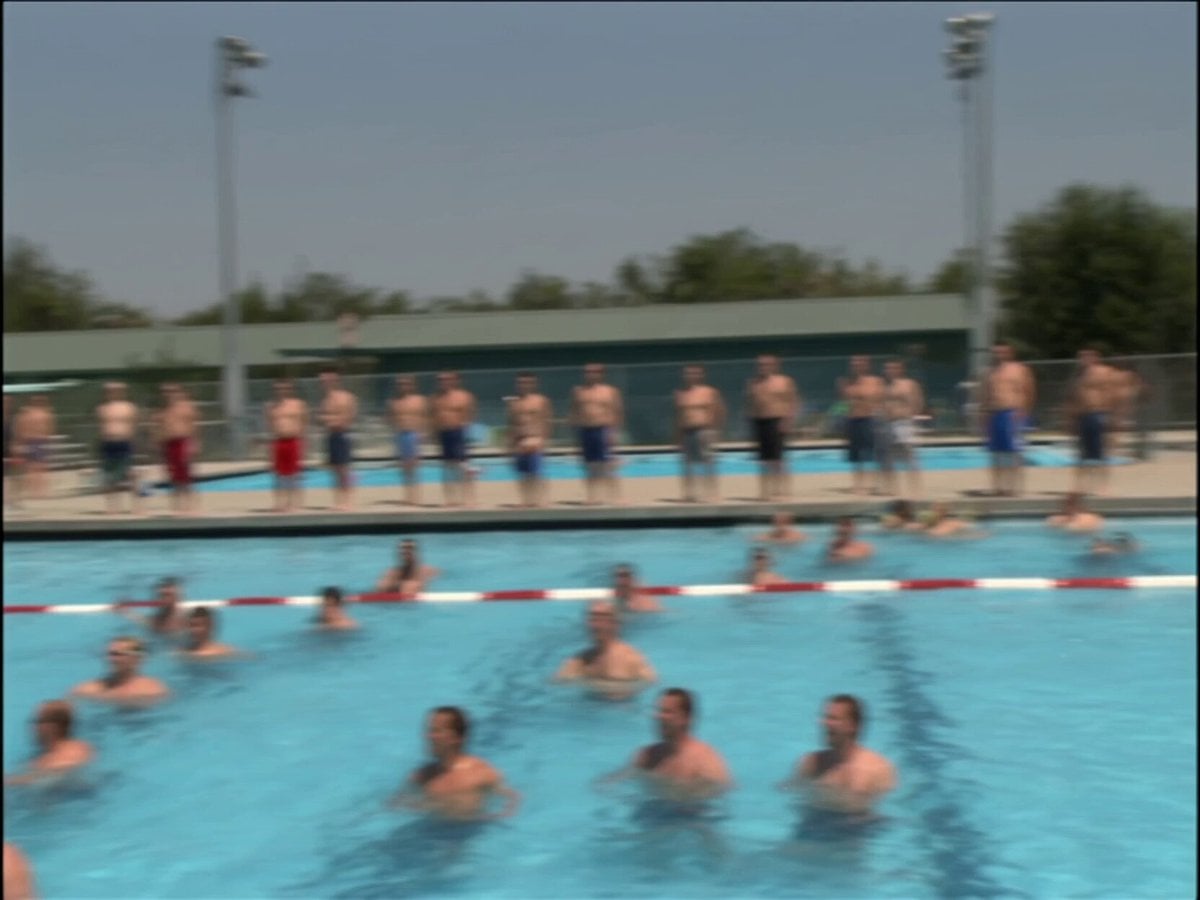
A detailed prompt for generating a nostalgic, shaky early 2000s home video style clip of a man attempting a jetpack jump at a public pool.
- Prompt included
- Model and format preset
- Premium template
The prompt behind this video
Copy the exact prompt behind VHS Home Video Jetpack Jump, or open it in the studio and make it yours.
This is real early 2000s home video footage shot on a VHS camcorder at a crowded public swimming pool. The video has the typical grain, color, and soft quality of consumer video from that era. The camera is very shaky and handheld, filming from the side of the pool. On the diving board there is a very fat man wearing a homemade jetpack made out of what looks like metal tubes and bottles strapped to his back. A group of people around the pool are cheering and laughing, hyping him up. The guy runs and jumps off the diving board, then activates the jetpack mid-air. He manages to fly a few meters forward over the pool, but the jetpack starts struggling under his weight. He slowly loses height and ends up crashing into the water with a big splash. Right after he falls in, another fat guy with a mullet haircut jumps into the pool holding a can of beer. He swims over to the guy with the jetpack, who is still half-floating with the device on, and hands him the beer. The jetpack guy takes it and starts drinking while still in the water. Everyone around the pool goes crazy cheering and laughing at the whole scene. The camera movement is extremely shaky and reactive the entire time, with constant motion, motion blur during the jump and the crash, and the typical imperfections of someone filming with an old camcorder in a crowded place. There are several fast, unplanned cuts as the person filming tries to follow the chaos. Natural sound only: people cheering and laughing, the sound of the jetpack, the big splash when he crashes, and general pool ambience recorded with the camcorder microphone. The result must feel like authentic raw early 2000s home video of someone casually filming an absolutely ridiculous moment at a public swimming pool.
How to use VHS Home Video Jetpack Jump in 3 steps
- 1
Open
The prompt is already in the box next to the preview, with the template's model and format selected.
- 2…a portrait of your subject in softgolden-hour light, 85mm…
Personalize
Edit the subject and creative details for your destination.
- 3Generate
Generate
Press Generate — your video is created in PicX Studio, so you can compare it with the original and refine one variable at a time.
More like this
Templates with the same subject, style or setup. Open one to see its prompt.

Mysterious Home Exploration Vlog - Seedance 2.5
1990s VHS Home Video Style
Kyoto 1987 VHS Slice of Life
Cinematic Anime Jump Roper Short Film
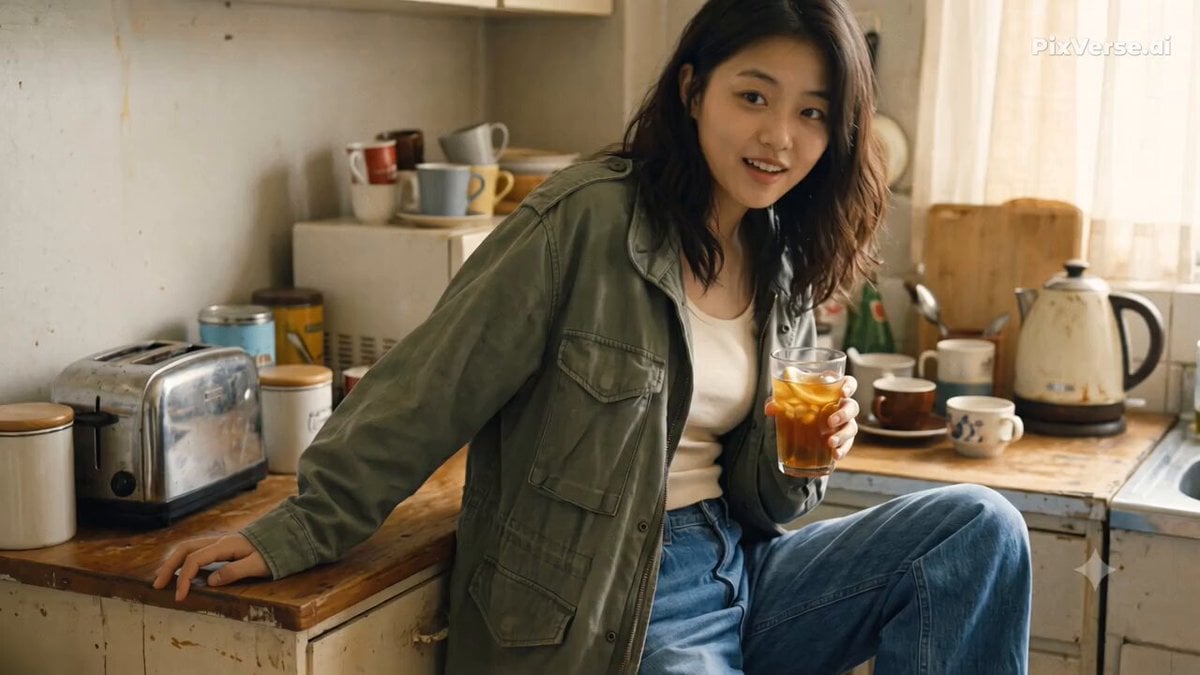
Nostalgic Early 2000s Handheld Home Footage
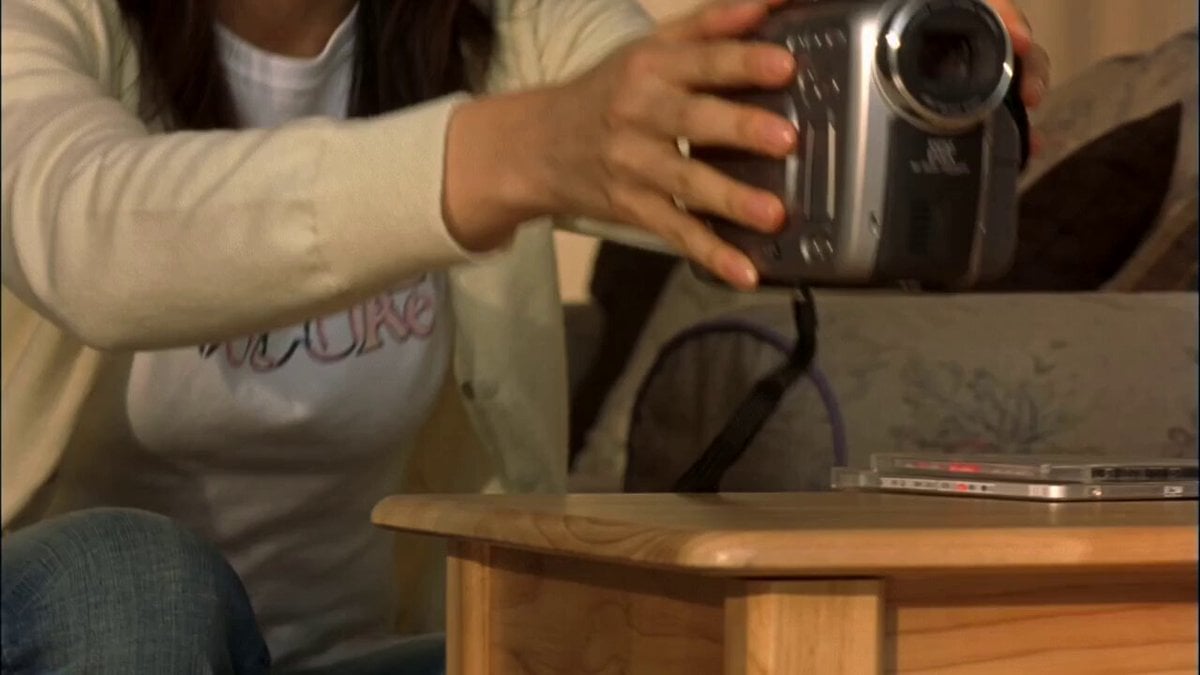
Early 2000s MiniDV home video aesthetic style
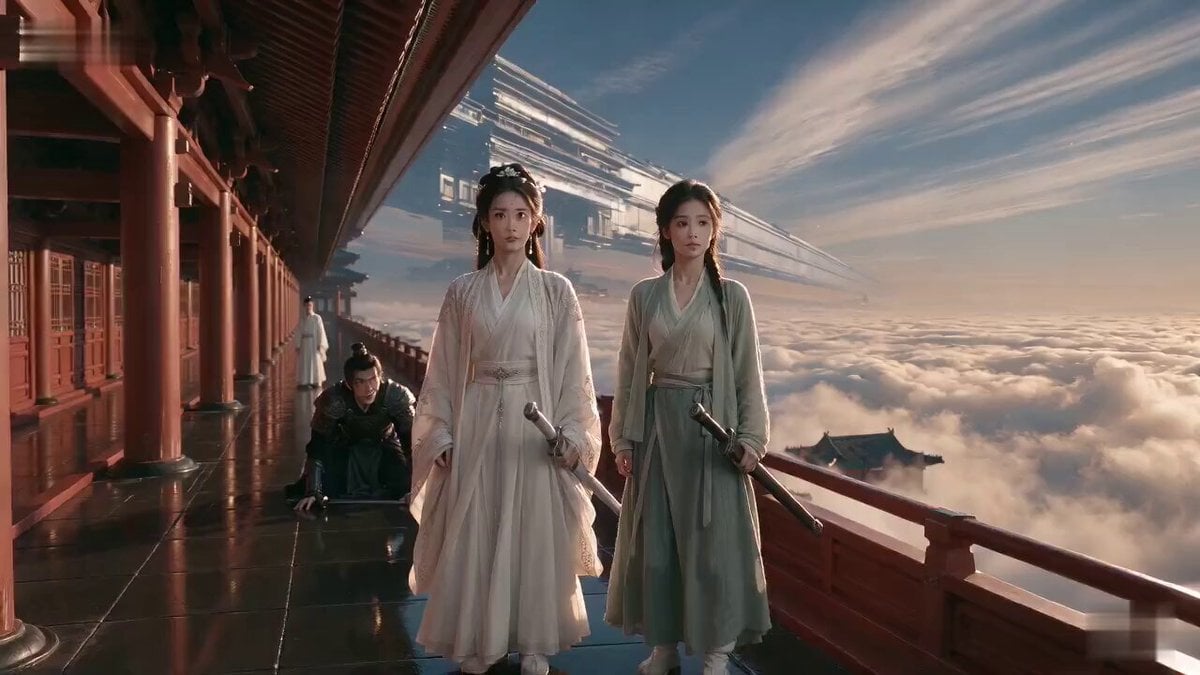
Wuxia Weakness and Home Drama
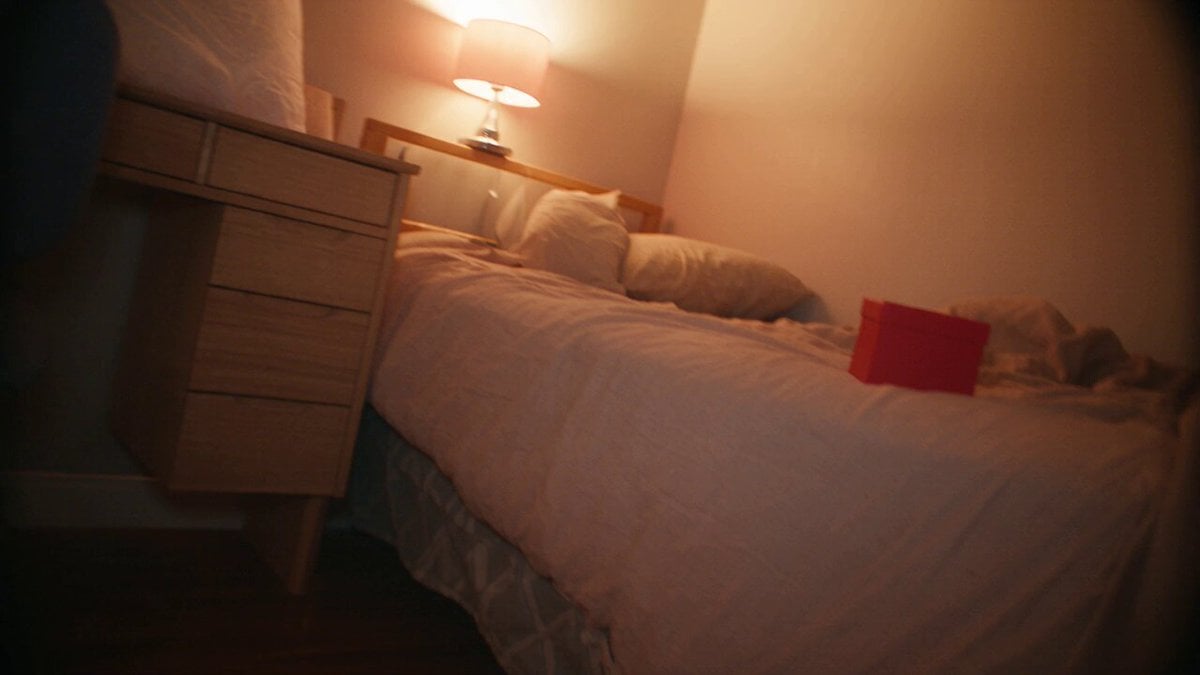
Nostalgic MiniDV Korean Home Video
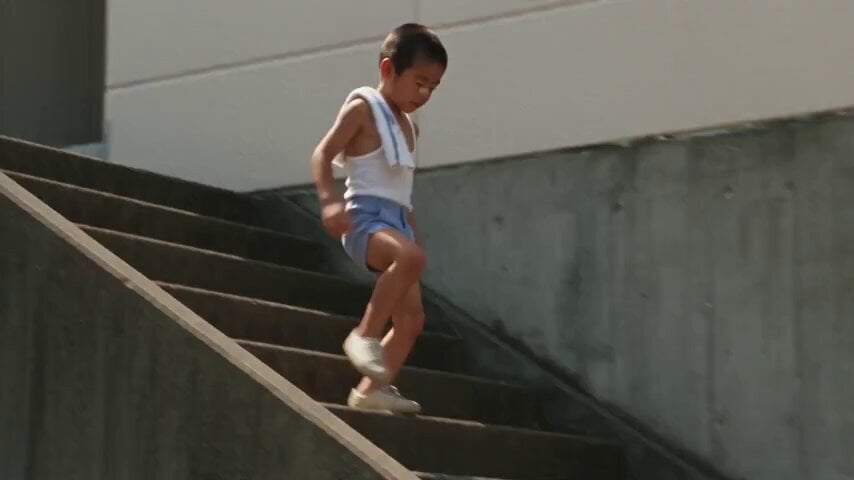
1984 Showa Era Home Video
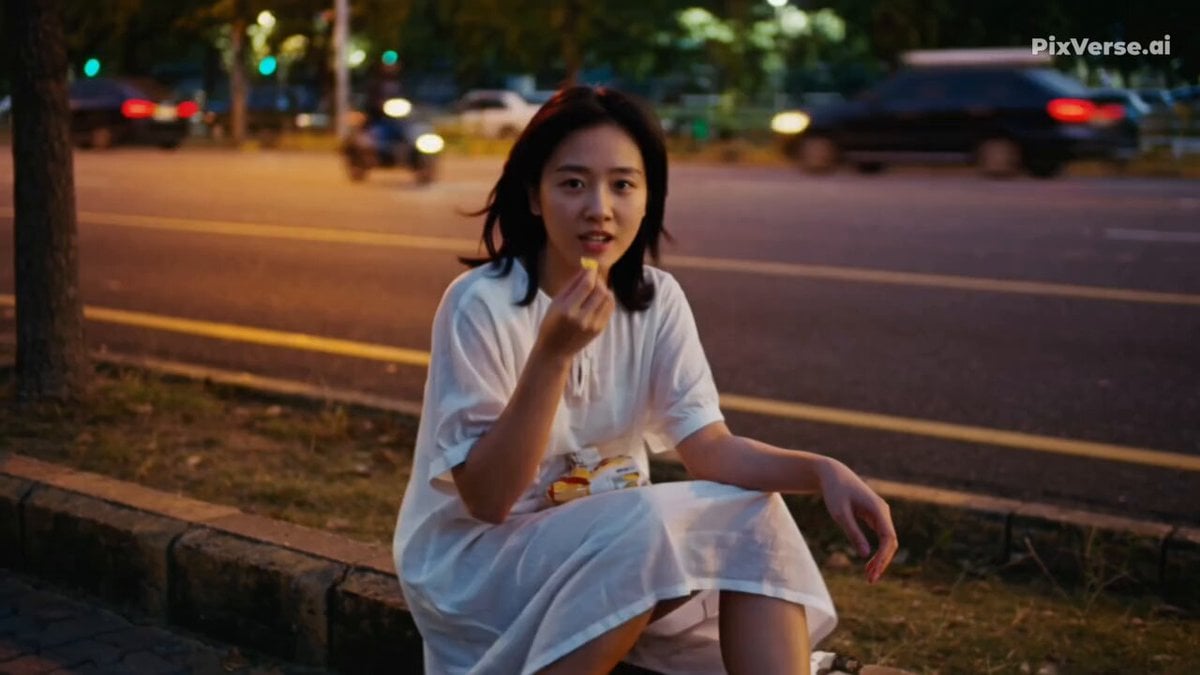
Realistic 2000s Home Video Snack Fail
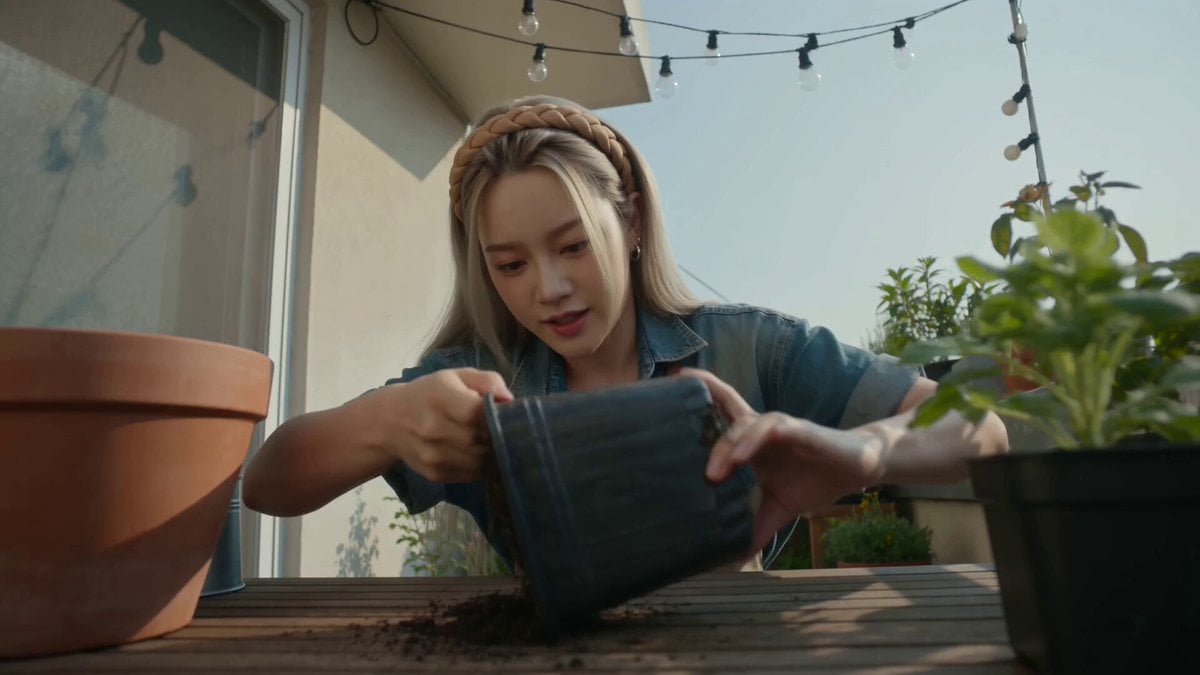
Handheld Home Video Gardening Montage

Cozy Home Cooking Video
Make it yours
VHS Home Video Jetpack Jump works as-is. These are the safest ways to change it without losing the look.
Change one field
Copy a single group, rewrite it, and generate again so you can see what that field is doing.
Keep the frame, change the subject
Hold the composition and light of VHS Home Video Jetpack Jump, then swap wardrobe, props or the person for a new take.
| If the result… | Why | Fix |
|---|---|---|
| The result drifts from the preview | Too many fields changed at once. | Reuse VHS Home Video Jetpack Jump as-is first, then change one group — subject, light, or setting. |
| The model over-stylizes the scene | The prose prompt leaves finish and camera underspecified. | Add one camera or lighting sentence and stay on Seedance 2.0. |
More Seedance 2.0 templates
Other prompts made for Seedance 2.0.

Comical Martial Arts Punch Scene

Maglev Train Action Sequence

Martial Arts Fight Sequence

Wuxia Protection and Trust Script

Vintage Korean Arcade MiniDV Vlog

Mercedes 190 SL Luxury Ad

Rainy Night Supernatural Reverse Comedy Video Script

Amazon Civilization Discovery

Futuristic South Asian City Transformation

Cozy Luxury Cafe Commercial
More video prompts
Fresh picks from across the catalog.

Dynamic animation CG of Shogi strategy in space

Robot and Girl at Sunset

Dark Xianxia Movie Combat Scene
Cinematic Sci-Fi Mecha Short
UGC Shampoo Video Advertisement

Wind Blows Paper, Camera Follows
Cyberpunk Romance Scene: School Anniversary Night
MLB Baseball Stadium Fan Reaction
Girl and Penguin Melting Ice Cream Chaos
Epic White Tiger Summoning Prompt
Browse template categories
VHS Home Video Jetpack Jump questions
How do I use the VHS Home Video Jetpack Jump template?
Add your photo if the template asks for one, edit the prompt if you like — the template's model and format are already selected — and press Generate. Your version opens in PicX Studio.
Can I customize the VHS Home Video Jetpack Jump template?
Yes. You can change the subject, setting, lighting, mood, format, and available model controls before creating your video.
Is the VHS Home Video Jetpack Jump template free?
Opening and editing this template is free. Generating uses credits, shown on the Generate button when you are signed in.
Which AI model should I use?
Start with Seedance 2.0, which is the model associated with this template. You can compare another compatible model for a different finish.
Looking for something else? Browse all templates.

Your photo, any look
Thousands of ready templates for every top image and video model, from one credit balance.