
Handheld Home Video Gardening Montage
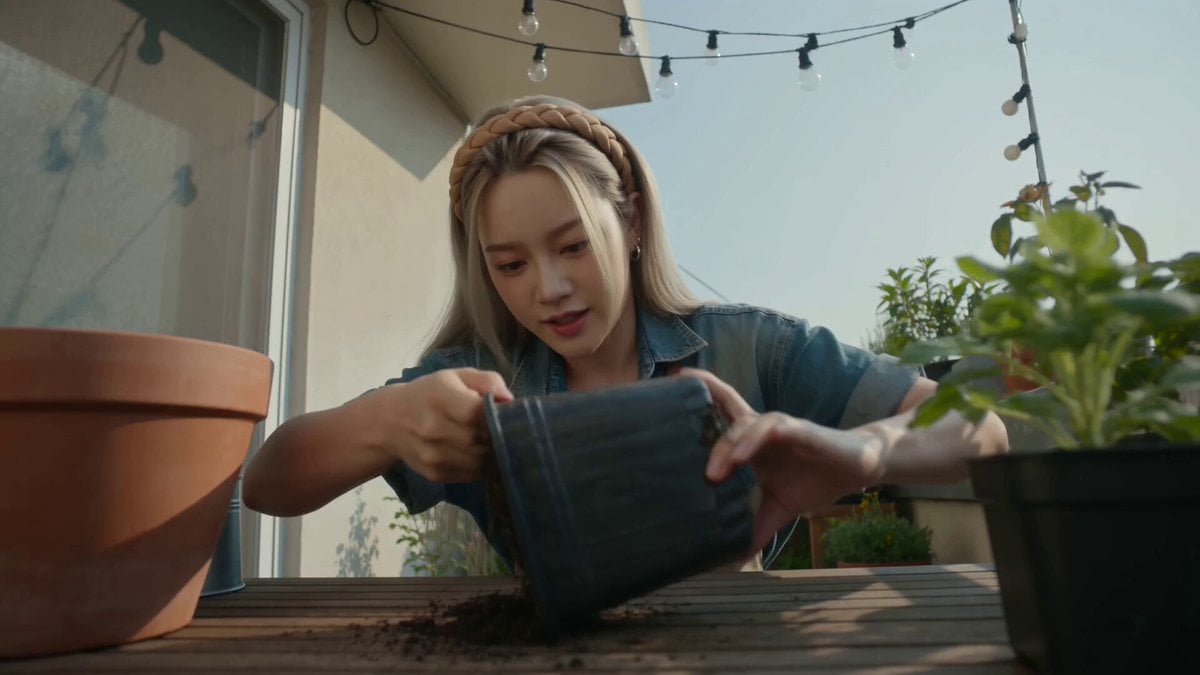
A photorealistic handheld phone-style montage showing a woman repotting a houseplant with natural sound and lighting.
- Prompt included
- Model and format preset
- Free template
The prompt behind this video
Copy the exact prompt behind Handheld Home Video Gardening Montage, or open it in the studio and make it yours.
Handheld home-video style montage, 7 continuous shots with varied angles (avoid a single camera angle or one-take). Filmed one-handed on a phone with slight handheld shake, natural outdoor daylight, subtle film grain, photorealistic realism. A woman Image1 repots a houseplant alone on a cozy apartment balcony. Image1 is used only for her face and hairstyle. She wears a faded denim short-sleeve shirt over a white tank top with a dirt-smudged canvas gardening apron. The narrow balcony has potted plants, terracotta pots, potting soil, gardening tools, string lights, and warm midday sunlight. She is the only person in the video. The plant goes from being root-bound in a cracked plastic pot to freshly repotted and watered. Dialogue is natural spoken Korean. Shot 1 (0–2s): She taps and squeezes the old plastic pot to loosen the plant. "자, 나와라~" Shot 2 (2–4s): Close overhead as she removes the plant, exposing tightly coiled roots and gently loosening them. Shot 3 (4–6s): She places it into a terracotta pot, fills it with fresh soil by hand, and says, "훨씬 낫다." Shot 4 (6–8s): She brushes dirt from the leaves, straightens the plant, and says, "There we go." Shot 5 (8–10s): She wipes her dirty hands on her apron and smiles with a small approving nod. Shot 6 (10–13s): She waters the plant with a small metal watering can. Soil darkens as it absorbs the water. "쭉쭉 마셔." Shot 7 (13–15s): She steps back, leans on the balcony railing, admires the plant, wipes her brow, and exhales contentedly. Audio: No music—only natural sounds of tapping plastic, crumbling soil, rustling roots, patting soil, fabric movement, pouring water, light breeze, birds, and a quiet satisfied breath. No subtitles, text, logos, or watermarks. Do not recreate or copy the reference image itself.
How to use Handheld Home Video Gardening Montage in 3 steps
- 1Upload ImagePNG, JPG or paste
Add your photo
Upload the photo the template builds on. The prompt, model and format are already set.
- 2…a portrait of your subject in softgolden-hour light, 85mm…
Personalize
Edit the subject and creative details for your destination.
- 3Generate
Generate
Press Generate — your video is created in PicX Studio, so you can compare it with the original and refine one variable at a time.
More like this
Templates with the same subject, style or setup. Open one to see its prompt.

Rushed Morning Routine Montage
DV Camcorder POV Gym Montage — Seedance 2.5
DV Camcorder POV Gym Montage — Seedance 2.5
Iced Coffee Dog Good-News Montage
Nostalgic Early 2000s Handheld Home Footage
Handheld DV Influencer Montage

Nostalgic Handheld Home Video

Mysterious Home Exploration Vlog - Seedance 2.5

Handheld Tokyo Travel Vlog - Seedance 2.5
Mediterranean Morning Coffee Run Vlog (Seedance 2.5)
Handheld Neon Chaos Motion Blur — Kling 3.0 v3 Pro
Fighter Jet Aerial Combat Montage — Seedance 2.5
Make it yours
Handheld Home Video Gardening Montage works as-is. These are the safest ways to change it without losing the look.
Change one field
Copy a single group, rewrite it, and generate again so you can see what that field is doing.
Keep the frame, change the subject
Hold the composition and light of Handheld Home Video Gardening Montage, then swap wardrobe, props or the person for a new take.
| If the result… | Why | Fix |
|---|---|---|
| The result drifts from the preview | Too many fields changed at once. | Reuse Handheld Home Video Gardening Montage as-is first, then change one group — subject, light, or setting. |
| The model over-stylizes the scene | The prose prompt leaves finish and camera underspecified. | Add one camera or lighting sentence and stay on Seedance 2.0. |
More Seedance 2.0 templates
Other prompts made for Seedance 2.0.

Comical Martial Arts Punch Scene

Maglev Train Action Sequence

Martial Arts Fight Sequence

Wuxia Protection and Trust Script

Vintage Korean Arcade MiniDV Vlog

Mercedes 190 SL Luxury Ad

Rainy Night Supernatural Reverse Comedy Video Script

Amazon Civilization Discovery

Futuristic South Asian City Transformation

Cozy Luxury Cafe Commercial
More video prompts
Fresh picks from across the catalog.
Anime Fantasy Wuxia Fight
Cat Watching Sunrise Landscape

Floating Happily in Space Video Prompt

Cosmic Horror Shattered Mirror Universe

Rousseau AI Talking Head
Woman vs Combat Robot Battle

Draconis Academy Dragon Classroom

Ancient Egyptian Warrior vs. Nile Mud Beast
Samurai Frame Breaking Action Prompt
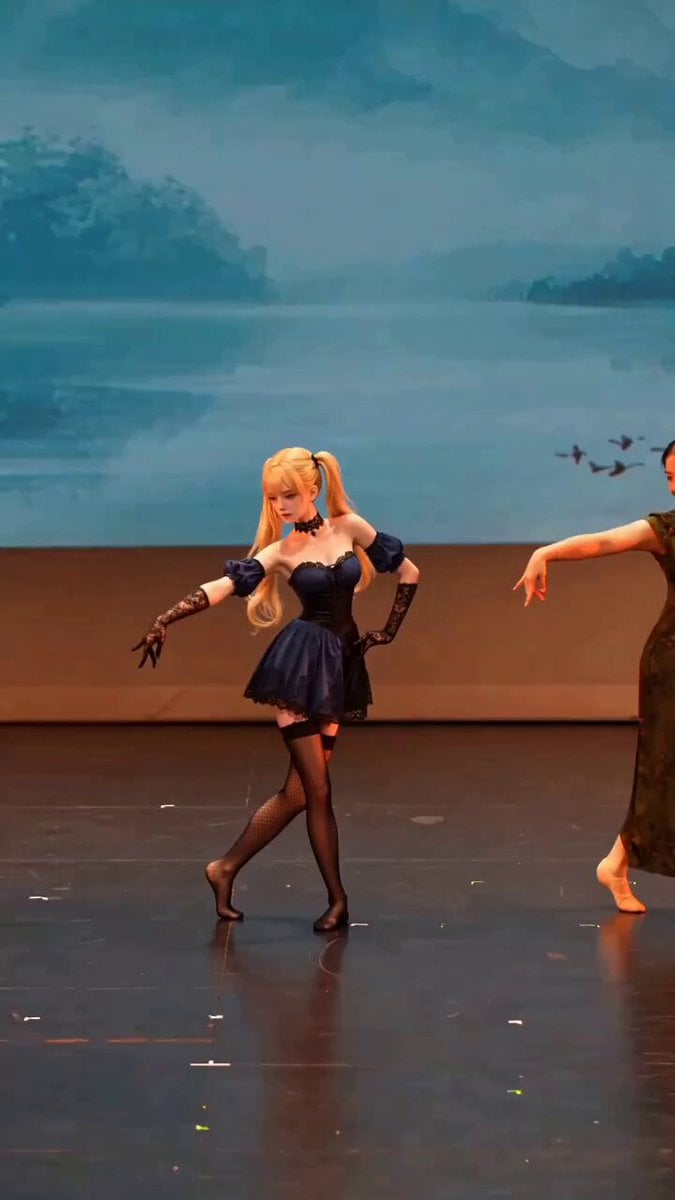
Anime Girl Stage Dance with Motion Capture
Browse template categories
Handheld Home Video Gardening Montage questions
How do I use the Handheld Home Video Gardening Montage template?
Add your photo if the template asks for one, edit the prompt if you like — the template's model and format are already selected — and press Generate. Your version opens in PicX Studio.
Can I customize the Handheld Home Video Gardening Montage template?
Yes. You can change the subject, setting, lighting, mood, format, and available model controls before creating your video.
Is the Handheld Home Video Gardening Montage template free?
Opening and editing this template is free. Generating uses credits, shown on the Generate button when you are signed in.
Which AI model should I use?
Start with Seedance 2.0, which is the model associated with this template. You can compare another compatible model for a different finish.
Looking for something else? Browse all templates.

Your photo, any look
Thousands of ready templates for every top image and video model, from one credit balance.