
Nostalgic Handheld Home Video
A detailed cinematic prompt for creating a nostalgic handheld home-video style sequence of a woman shopping for groceries in Seoul, capturing natural movements and interactions.
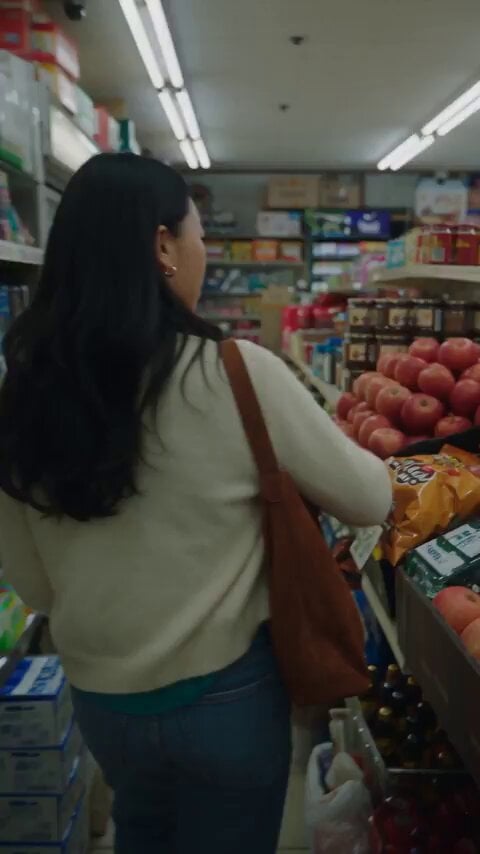
- Prompt included
- Model and format preset
- Free template
The prompt behind this video
Copy the exact prompt behind Nostalgic Handheld Home Video, or open it in the studio and make it yours.
30s, 1080p, 9:16, nostalgic handheld home-video style, friend filming w/ old digicam. Korean woman (cream cardigan, sage blouse, jeans) buys groceries, bag rips on the walk home, apples spill, she laughs, stranger helps, bites an apple: "now we're safe." Natural audio only, no music/text/logo.\nUse exactly one reference image for the woman. Preserve her identity, face, skin tone, hairstyle, body proportions and wardrobe consistently.\n\nCharacter:\n\nYoung Korean woman, early 20s, cream cardigan, sage-green blouse, blue jeans, white sneakers, brown shoulder bag, silver earrings. Natural makeup, realistic skin and hair.\n\nStyle:\n\nCasual friend-recorded smartphone footage. Handheld, imperfect framing, autofocus shifts, natural exposure, slight motion blur/compression. Real Seoul neighborhood and morning light. No CGI, beauty filter or polished commercial look.\n\nREALISM:\n\nProgressive bag tearing, believable item weight and gravity, accurate hands, payment, walking and object continuity. No teleporting, duplication, disappearing objects, warped hands, extra fingers or wardrobe changes.\n\nAUDIO:\n\nNatural grocery store ambience, refrigeration hum, plastic bag rustling, footsteps, traffic, register beeps, payment sounds, rolling apple sounds, fabric movement and genuine laughter. No music, narration, subtitles, logos or watermark.\n\nVideo:\n\n00:00–00:04 — Grocery Store: She walks through a small neighborhood grocery store, picks up apples and eyes them, says, "These look fresh." Grabs a few items — apples, a carton of eggs, a bag of rice — and puts them in a plastic shopping bag.\n\n00:04–00:08 — Payment: She pays at the counter, thanks the cashier, picks up the full bag with both hands and heads out the door.\n\n00:08–00:12 — Drop: Walking down the street, the bag's handle slowly stretches and rips. An apple rolls out. She doesn't notice; the camera catches it.\n\n00:12–00:16 — Discovery: The sound behind her makes her stop. She turns, sees the apple and the torn handle. "Oh no…" She crouches down.\n\n00:16–00:21 — Chaos: As she lifts the bag, the eggs carton tips and more apples spill out. She catches one apple and chases another rolling toward the curb. She laughs nervously; the camera shakes naturally.\n\n00:21–00:25 — Help: A shopkeeper or passerby comes over with a sturdier bag. They gather everything together, double-checking the eggs are intact. She checks the bag's strength before standing.\n\n00:25–00:30 — Payoff: She walks away, pulls out one apple, takes a bite and smiles: "Okay… now we're safe." She glances at the eggs carton, relieved it survived. The camera operator quietly laughs. Cut naturally while moving.
How to use Nostalgic Handheld Home Video in 3 steps
- 1Upload ImagePNG, JPG or paste
Add your photo
Upload the photo the template builds on. The prompt, model and format are already set.
- 2…a portrait of your subject in softgolden-hour light, 85mm…
Personalize
Edit the subject and creative details for your destination.
- 3Generate
Generate
Press Generate — your video is created in PicX Studio, so you can compare it with the original and refine one variable at a time.
More like this
Templates with the same subject, style or setup. Open one to see its prompt.
Nostalgic Early 2000s Handheld Home Footage
Nostalgic MiniDV Korean Home Video
Handheld Home Video Gardening Montage
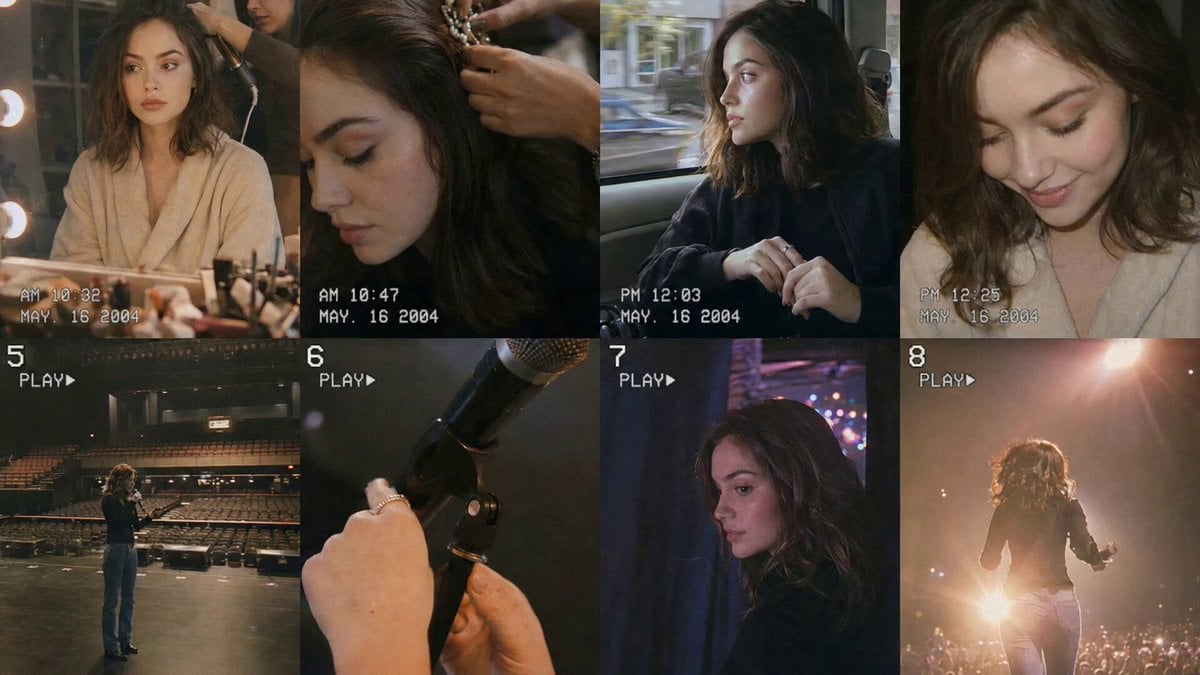
Nostalgic Idol Home Video Storyboard

Mysterious Home Exploration Vlog - Seedance 2.5

Handheld Tokyo Travel Vlog - Seedance 2.5
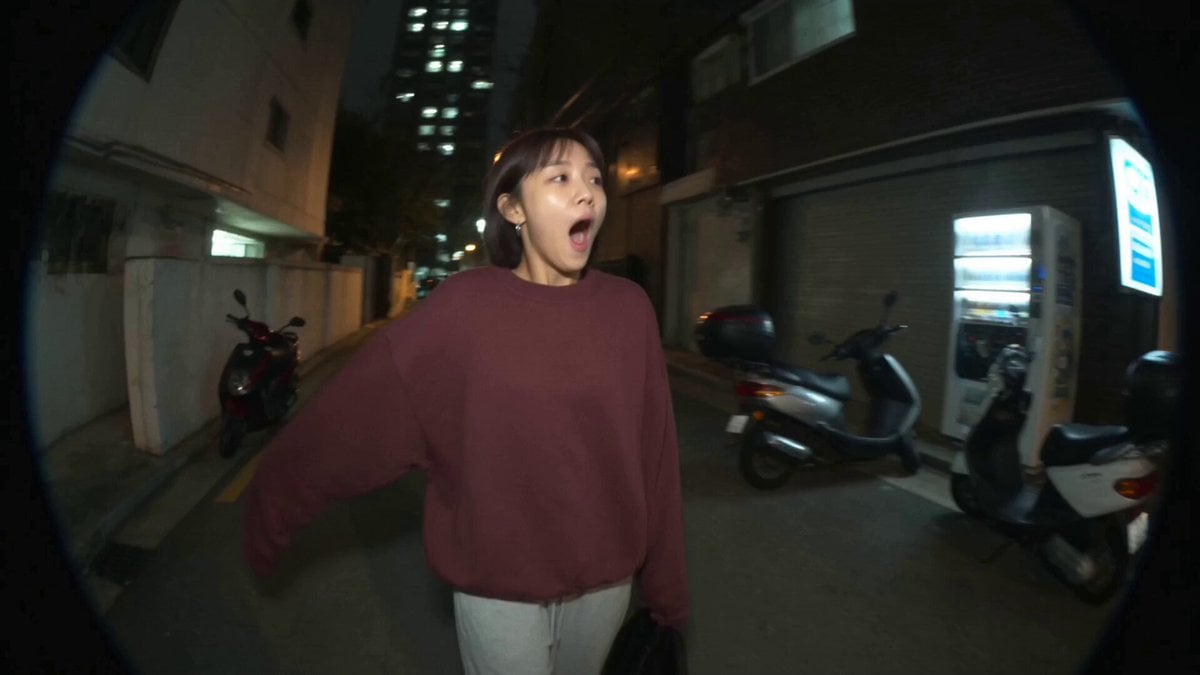
Nostalgic MiniDV Convenience Store Vlog - Seedance 2.5
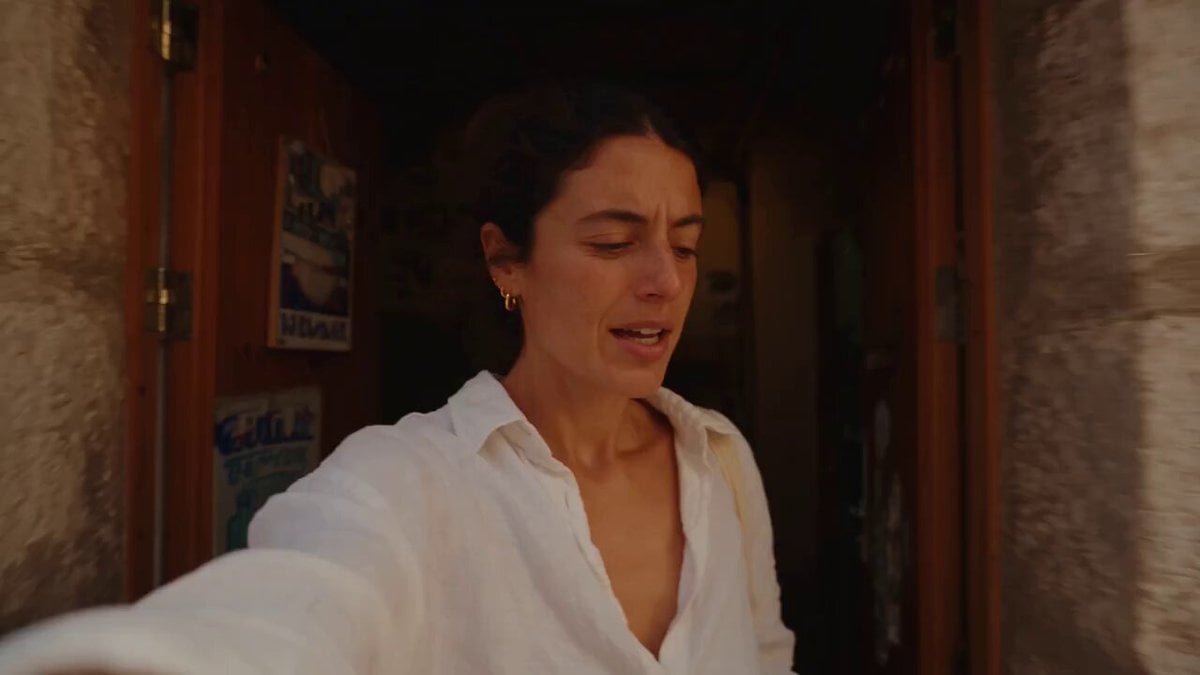
Mediterranean Morning Coffee Run Vlog (Seedance 2.5)
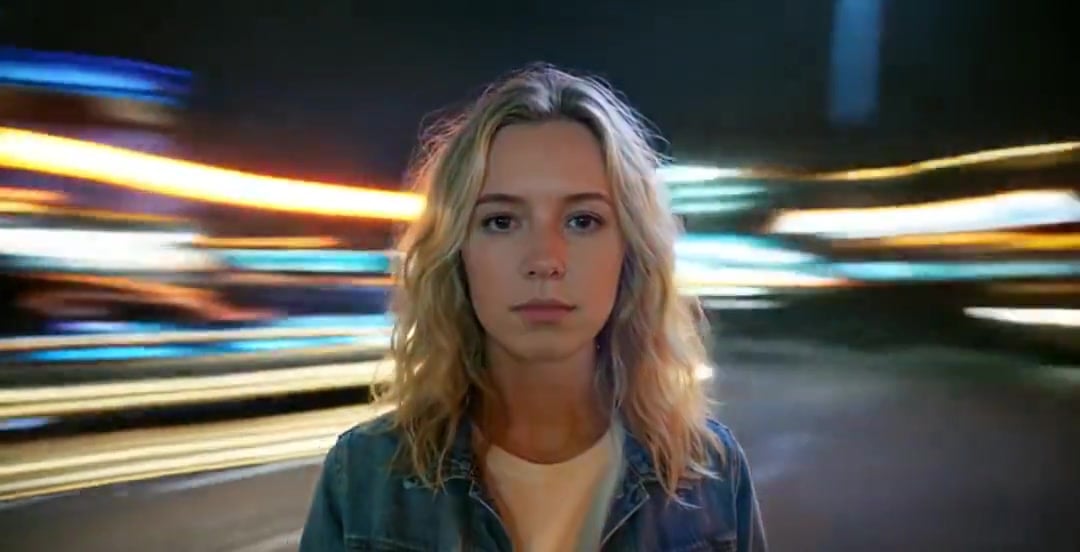
Handheld Neon Chaos Motion Blur — Kling 3.0 v3 Pro
Rushed Morning Routine Montage
Early-2000s Trainee Flashback Film
NYC Wingsuit Hot Dog Landing
Make it yours
Nostalgic Handheld Home Video works as-is. These are the safest ways to change it without losing the look.
Change one field
Copy a single group, rewrite it, and generate again so you can see what that field is doing.
Keep the frame, change the subject
Hold the composition and light of Nostalgic Handheld Home Video, then swap wardrobe, props or the person for a new take.
| If the result… | Why | Fix |
|---|---|---|
| The result drifts from the preview | Too many fields changed at once. | Reuse Nostalgic Handheld Home Video as-is first, then change one group — subject, light, or setting. |
| The model over-stylizes the scene | The prose prompt leaves finish and camera underspecified. | Add one camera or lighting sentence and stay on Seedance 2.0. |
More Seedance 2.0 templates
Other prompts made for Seedance 2.0.

Comical Martial Arts Punch Scene

Maglev Train Action Sequence

Martial Arts Fight Sequence

Wuxia Protection and Trust Script

Vintage Korean Arcade MiniDV Vlog

Mercedes 190 SL Luxury Ad

Rainy Night Supernatural Reverse Comedy Video Script

Amazon Civilization Discovery

Futuristic South Asian City Transformation

Cozy Luxury Cafe Commercial
More video prompts
Fresh picks from across the catalog.

Cinematic Urban Billboard Liquid Paint

Dark Fantasy Frozen Mountain Battle
Extreme Skateboarding Cinematic Video

Open-World RPG Grocery Store Quest Prompt
Claude Prompt: Deep KPI and Trend Dashboard Generator

Tree of Hearts and Crows

Comic-book Style Woman in Field Video Prompt
Giant Leviathan Under Frozen Lake
Dubai CEO Short Drama with Cat Twist
East Asian Fashion Portrait Animation
Browse template categories
Nostalgic Handheld Home Video questions
How do I use the Nostalgic Handheld Home Video template?
Add your photo if the template asks for one, edit the prompt if you like — the template's model and format are already selected — and press Generate. Your version opens in PicX Studio.
Can I customize the Nostalgic Handheld Home Video template?
Yes. You can change the subject, setting, lighting, mood, format, and available model controls before creating your video.
Is the Nostalgic Handheld Home Video template free?
Opening and editing this template is free. Generating uses credits, shown on the Generate button when you are signed in.
Which AI model should I use?
Start with Seedance 2.0, which is the model associated with this template. You can compare another compatible model for a different finish.
Looking for something else? Browse all templates.

Your photo, any look
Thousands of ready templates for every top image and video model, from one credit balance.