How do I use the East Asian Fashion Portrait Animation template?
Edit the prompt in the box under the preview — the template's model and format are already selected — and press Generate. Your version appears right on this page.
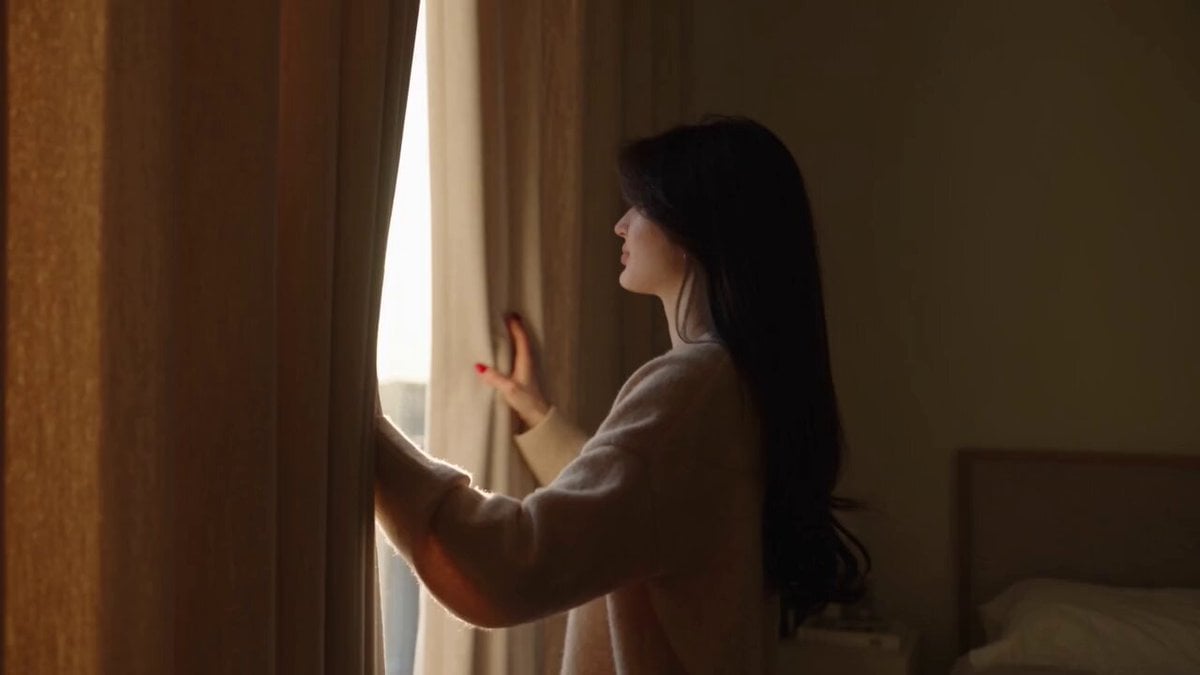
A high-detail video prompt for a photorealistic fashion portrait of a young East Asian woman with long black hair, wearing an oversized blue t-shirt.
Photorealistic fashion portrait of a beautiful young East Asian woman with long, straight jet-black hair, sitting casually on a black chair. She wears black oval sunglasses, subtle makeup with glossy pinkish-red lips, and a delicate silver necklace with the name "Ani". She is dressed in an oversized slate-blue t-shirt with black text across the chest, black biker shorts, and black-and-white sneakers with bright blue laces tied in big bows. Her right hand gently touches her hair near her temple, while her left hand holds the strap of a black shoulder bag. The bag has a cute white teddy bear keychain wearing blue clothes and a large fluffy blue pom-pom attached. Background is a solid textured blue wall with the word "Comeback" written in large, bold black cursive script. Natural daylight lighting, soft shadows, realistic skin texture, sharp focus, high detail, Instagram fashion photography style, full body shot from slightly low angle, confident pose
Photorealistic fashion portrait of a beautiful young East Asian woman with long, straight jet-black hair, sitting casually on a black chair. She wears black oval sunglasses, subtle makeup with glossy pinkish-red lips, and a delicate silver necklace with the name "Ani". She is dressed in an oversized slate-blue t-shirt with black text across the chest, black biker shorts, and black-and-white sneakers with bright blue laces tied in big bows. Her right hand gently touches her hair near her temple, while her left hand holds the strap of a black shoulder bag. The bag has a cute white teddy bear keychain wearing blue clothes and a large fluffy blue pom-pom attached. Background is a solid textured blue wall with the word "Comeback" written in large, bold black cursive script. Natural daylight lighting, soft shadows, realistic skin texture, sharp focus, high detail, Instagram fashion photography style, full body shot from slightly low angle, confident pose
Edit the prompt in the box under the preview — the template's model and format are already selected — and press Generate. Your version appears right on this page.
Yes. You can change the subject, setting, lighting, mood, format, and available model controls before creating your video.
Opening and editing this template is free. Generating uses credits, shown on the Generate button when you are signed in.
Start with Grok Imagine, which is the model associated with this template. You can compare another compatible model for a different finish.
Follow a topic to a crawlable collection of related PicX Studio templates.