How do I use the UGC Shampoo Video Advertisement template?
Edit the prompt in the box under the preview — the template's model and format are already selected — and press Generate. Your version appears right on this page.
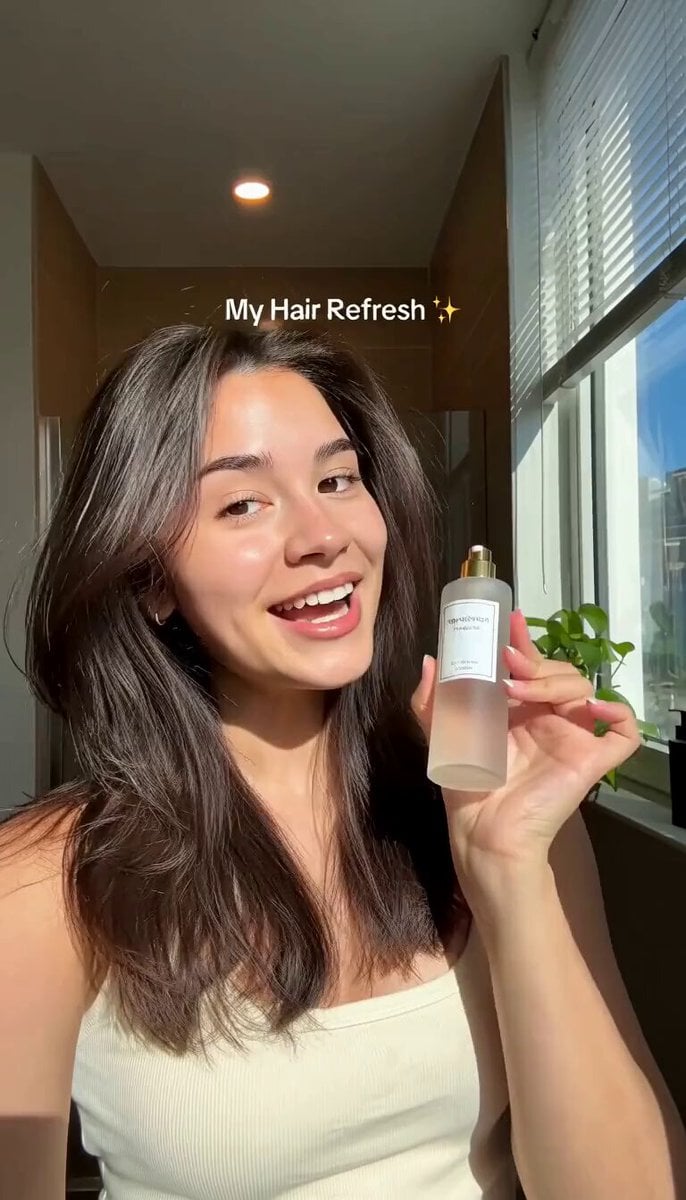
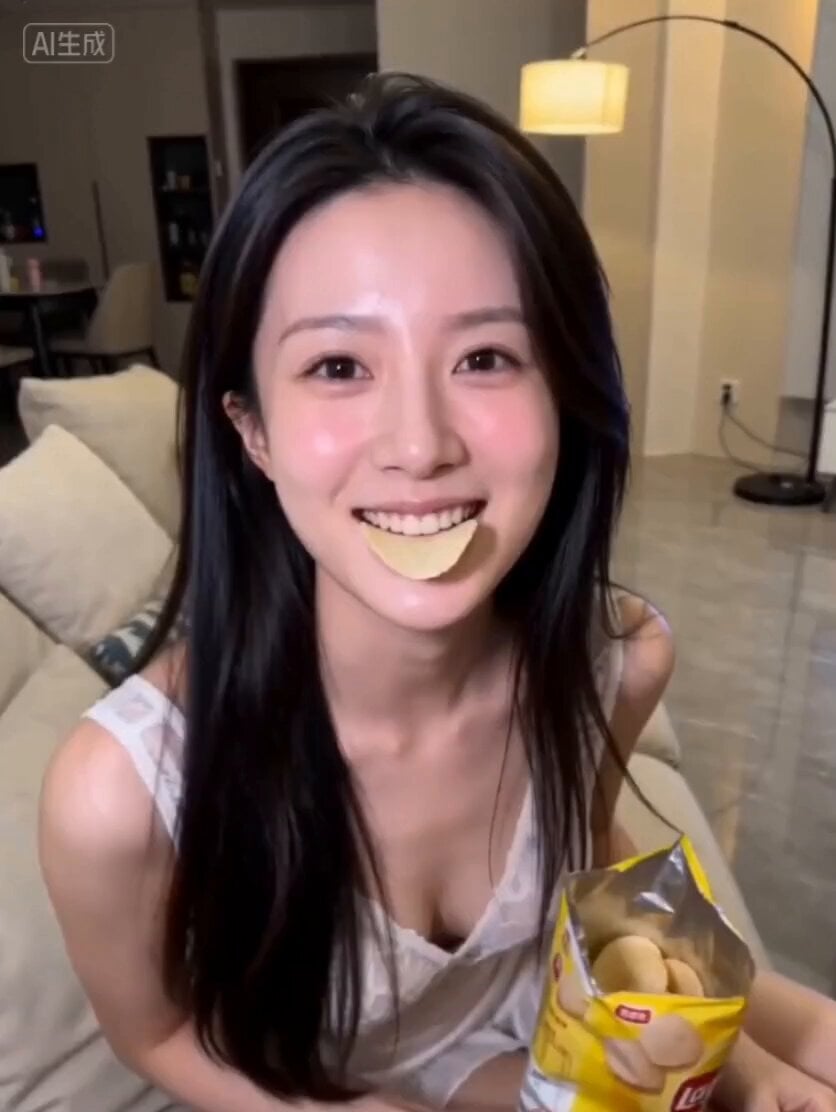
An authentic, social-media ready UGC-style shampoo advertisement featuring a woman in a modern bathroom with realistic smartphone quality.
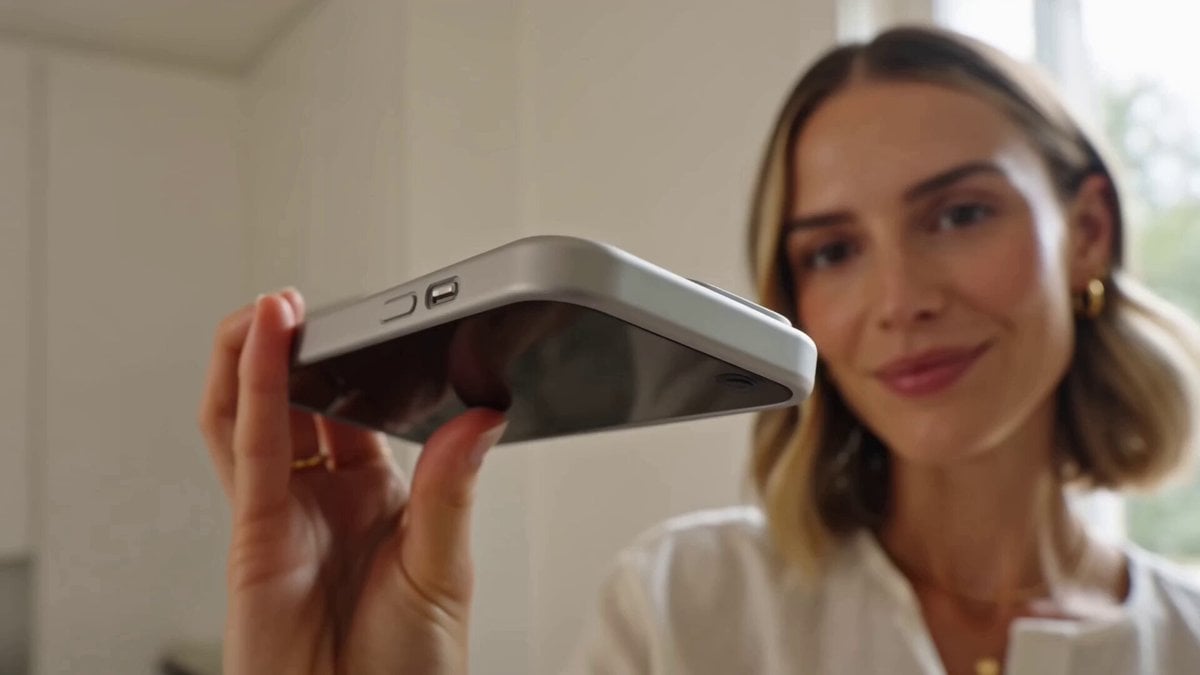
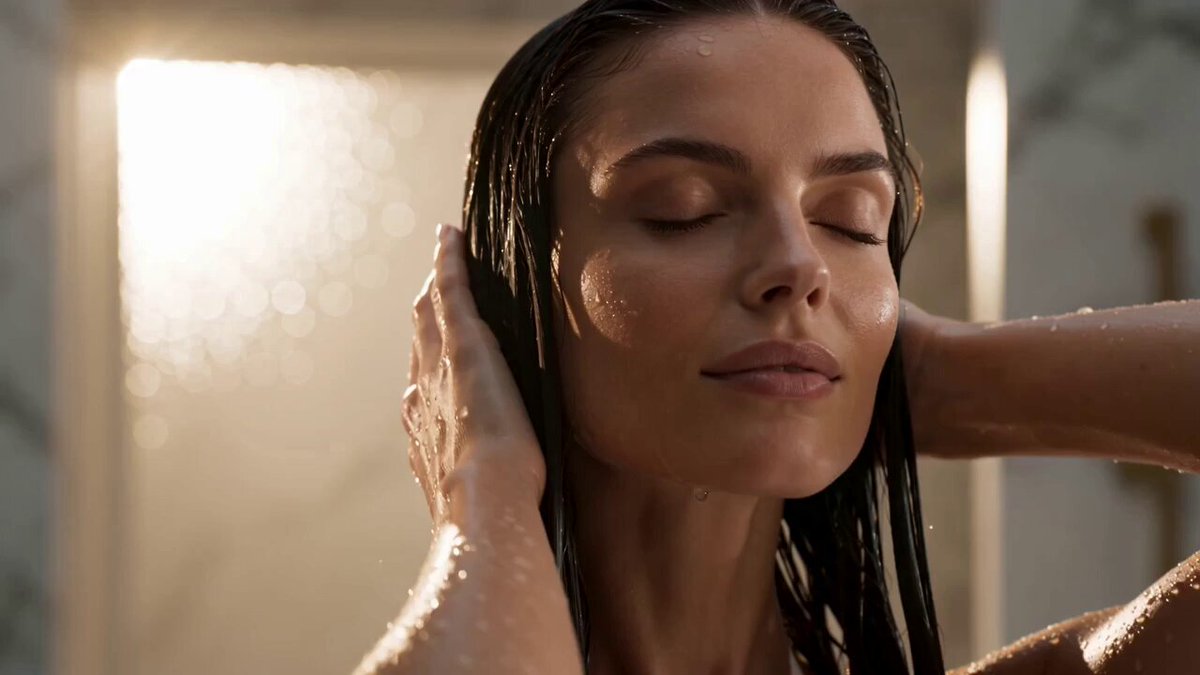
Create a 15-second vertical 16:9 UGC-style shampoo advertisement that feels authentic, premium, and social-media ready. A confident young woman stands in a bright, modern bathroom with soft natural morning light. She holds the shampoo bottle close to the camera, smiling warmly as if recommending it to a friend. Her hair is long, healthy, shiny, and naturally bouncy. She speaks directly to the camera: "I've finally found a shampoo that leaves my hair feeling soft, strong, and incredibly shiny. It cleans without drying, smells amazing, and honestly makes every wash feel like a salon treatment. If you're looking for healthier-looking hair, you have to try this!" Storyboard: Scene 1: Close-up of the shampoo bottle in her hand as she introduces it. Scene 2: She dispenses the shampoo into her palm, creating a rich, creamy lather. Scene 3: Beauty shots of her gently washing and massaging her hair, with realistic foam and flowing water. Scene 4: After drying, she flips her silky, glossy hair while smiling confidently at the camera. Scene 5: Final hero shot holding the shampoo beside her face with a clean, premium bathroom background. She smiles and says, "Highly recommend!" The video should have realistic smartphone camera quality, natural handheld movement, genuine facial expressions, smooth transitions, accurate lip sync, premium product visibility throughout, and a polished yet authentic UGC aesthetic. The shampoo bottle label remains sharp, readable, and consistently visible in every product shot.
Create a 15-second vertical 16:9 UGC-style shampoo advertisement that feels authentic, premium, and social-media ready. A confident young woman stands in a bright, modern bathroom with soft natural morning light. She holds the shampoo bottle close to the camera, smiling warmly as if recommending it to a friend. Her hair is long, healthy, shiny, and naturally bouncy. She speaks directly to the camera: "I've finally found a shampoo that leaves my hair feeling soft, strong, and incredibly shiny. It cleans without drying, smells amazing, and honestly makes every wash feel like a salon treatment. If you're looking for healthier-looking hair, you have to try this!" Storyboard: Scene 1: Close-up of the shampoo bottle in her hand as she introduces it. Scene 2: She dispenses the shampoo into her palm, creating a rich, creamy lather. Scene 3: Beauty shots of her gently washing and massaging her hair, with realistic foam and flowing water. Scene 4: After drying, she flips her silky, glossy hair while smiling confidently at the camera. Scene 5: Final hero shot holding the shampoo beside her face with a clean, premium bathroom background. She smiles and says, "Highly recommend!" The video should have realistic smartphone camera quality, natural handheld movement, genuine facial expressions, smooth transitions, accurate lip sync, premium product visibility throughout, and a polished yet authentic UGC aesthetic. The shampoo bottle label remains sharp, readable, and consistently visible in every product shot.
Edit the prompt in the box under the preview — the template's model and format are already selected — and press Generate. Your version appears right on this page.
Yes. You can change the subject, setting, lighting, mood, format, and available model controls before creating your video.
Opening and editing this template is free. Generating uses credits, shown on the Generate button when you are signed in.
Start with Seedance 2.0, which is the model associated with this template. You can compare another compatible model for a different finish.
Follow a topic to a crawlable collection of related PicX Studio templates.