
Grok Imagine Prompt: Ultra Luxurious Romantic Warrior Queen
A highly detailed cinematic prompt for Grok Imagine describing an ultra-luxurious romantic warrior queen beneath a giant red moon, emphasizing Art Deco armor, dramatic lighting, and hyper-realistic gold reflections.

- Prompt included
- Model and format preset
- Free template
The prompt behind this video
Copy the exact prompt behind Grok Imagine Prompt: Ultra Luxurious Romantic Warrior Queen, or open it in the studio and make it yours.
Ultra luxurious romantic warrior queen beneath a giant red moon, cinematic close up from waist up, her face both strong and vulnerable, wearing a breathtaking Art Deco inspired golden armor gown, sculptural metallic plates shaped like petals, black velvet underlayers, glowing red crystal core at her chest, fine engravings telling a love story across the armor, long flowing cape catching the wind, soft emotional gaze toward unseen lover, background of ancient stone ruins lit by crimson moonlight, sparks drifting in the air, atmosphere heavy with passion and memory, hyper realistic gold reflections, dramatic lighting, masterpiece, cinematic romance.
How to use Grok Imagine Prompt: Ultra Luxurious Romantic Warrior Queen in 3 steps
- 1
Open
The prompt is already in the box next to the preview, with the template's model and format selected.
- 2…a portrait of your subject in softgolden-hour light, 85mm…
Personalize
Edit the subject and creative details for your destination.
- 3Generate
Generate
Press Generate — your video is created in PicX Studio, so you can compare it with the original and refine one variable at a time.
More like this
Templates with the same subject, style or setup. Open one to see its prompt.
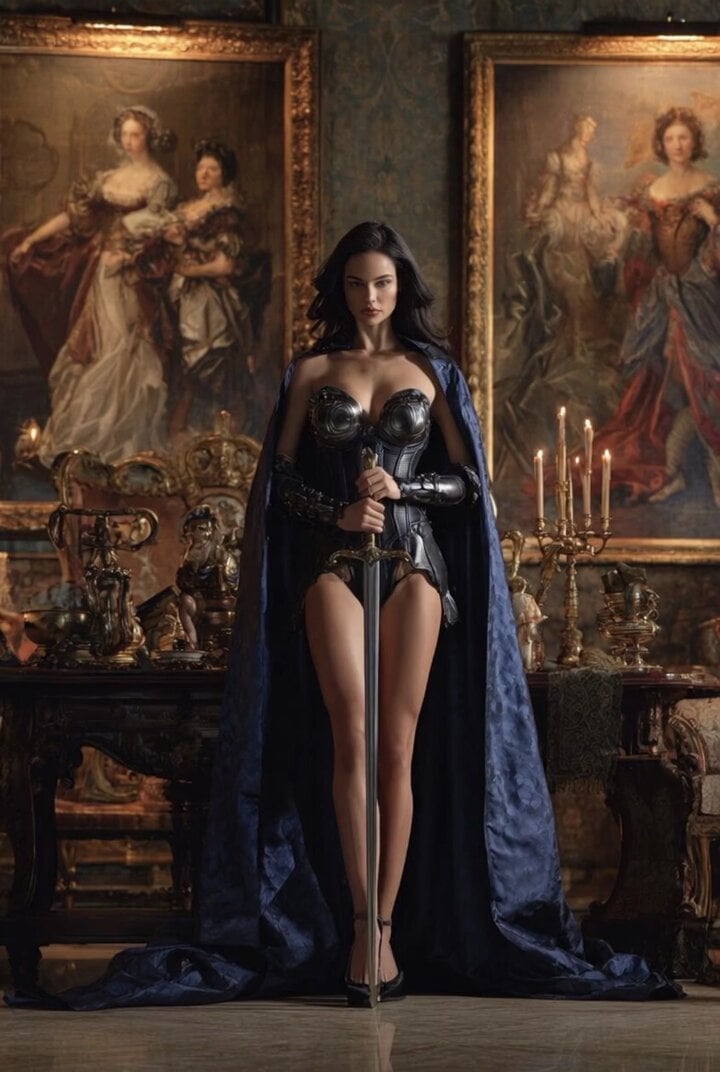
Grok Imagine Video of a Graceful Warrior
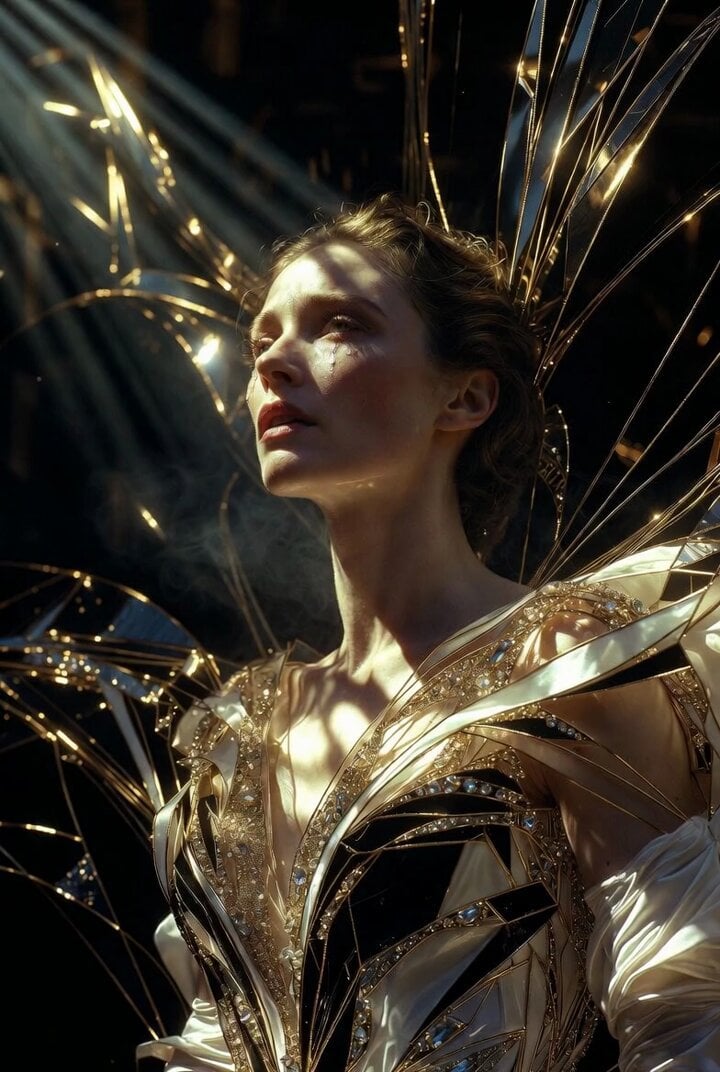
Grok Imagine Prompt: Ultra Luxurious Art Deco Imperial Opera Scene
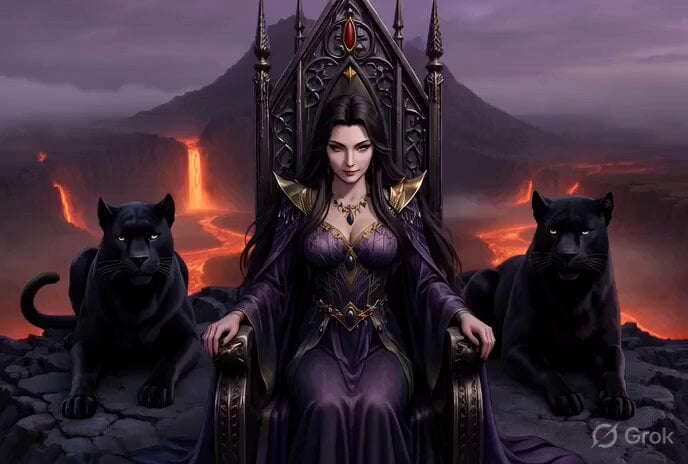
Grok Imagine Video Prompt: Conan-esque Queen on a Volcano Throne
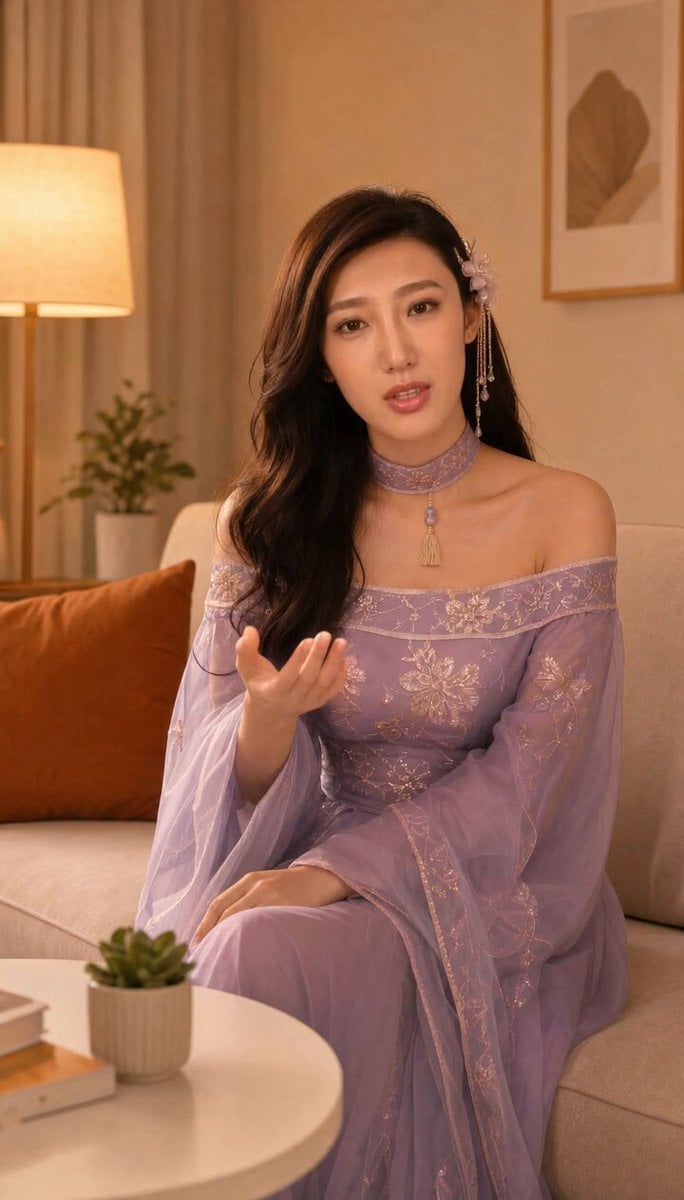
Grok-imagine 1.5 Digital Human Video Script
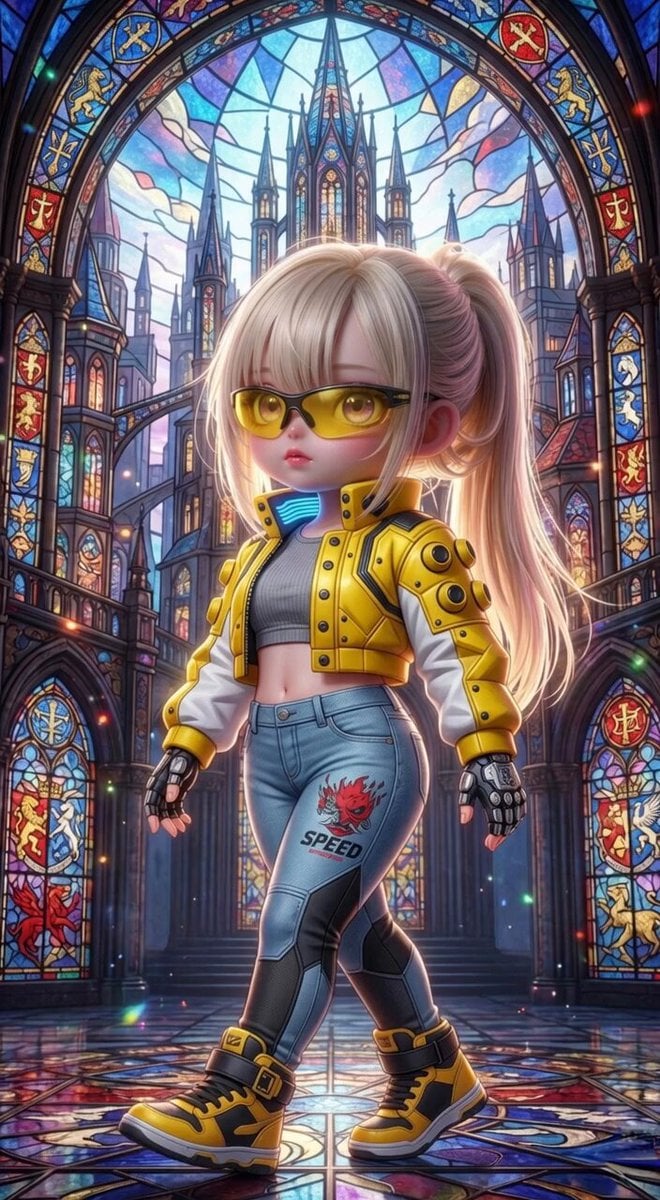
Grok Imagine Mechanical and Ethereal Creature Prompts
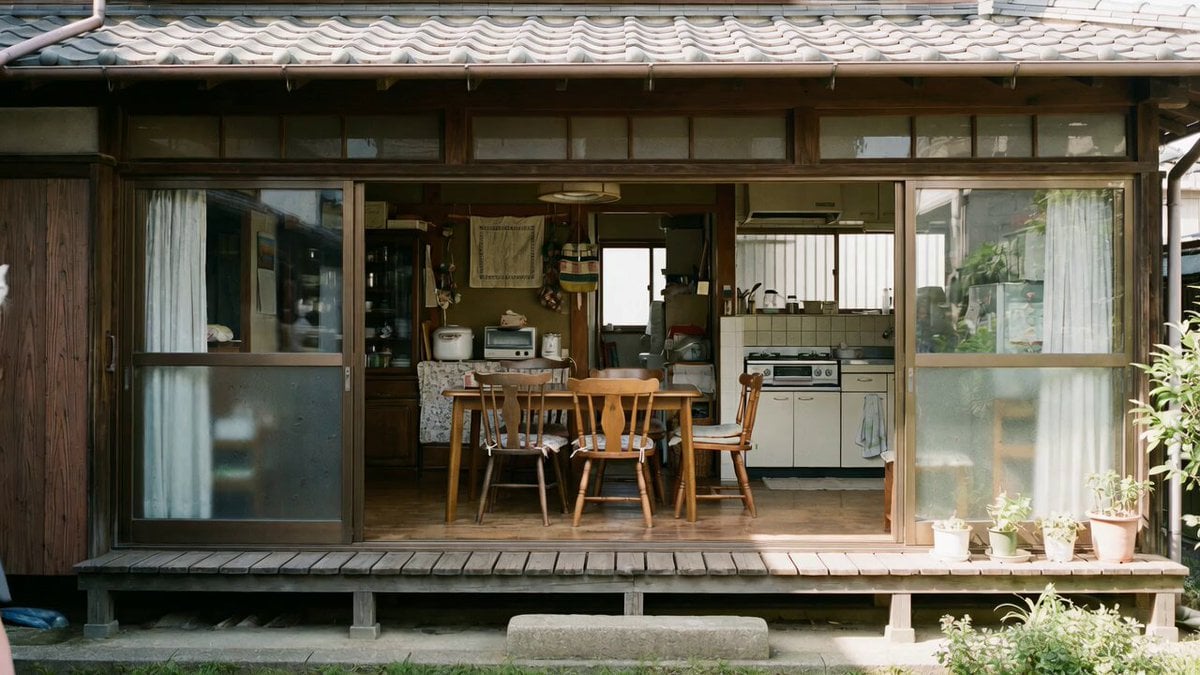
Grok Imagine prompt with negative constraints and scenario

Grok Imagine prompt for cinematic VFX scene (Scene 2 - Landing)
Grok Imagine video prompt part 1: Morning routine
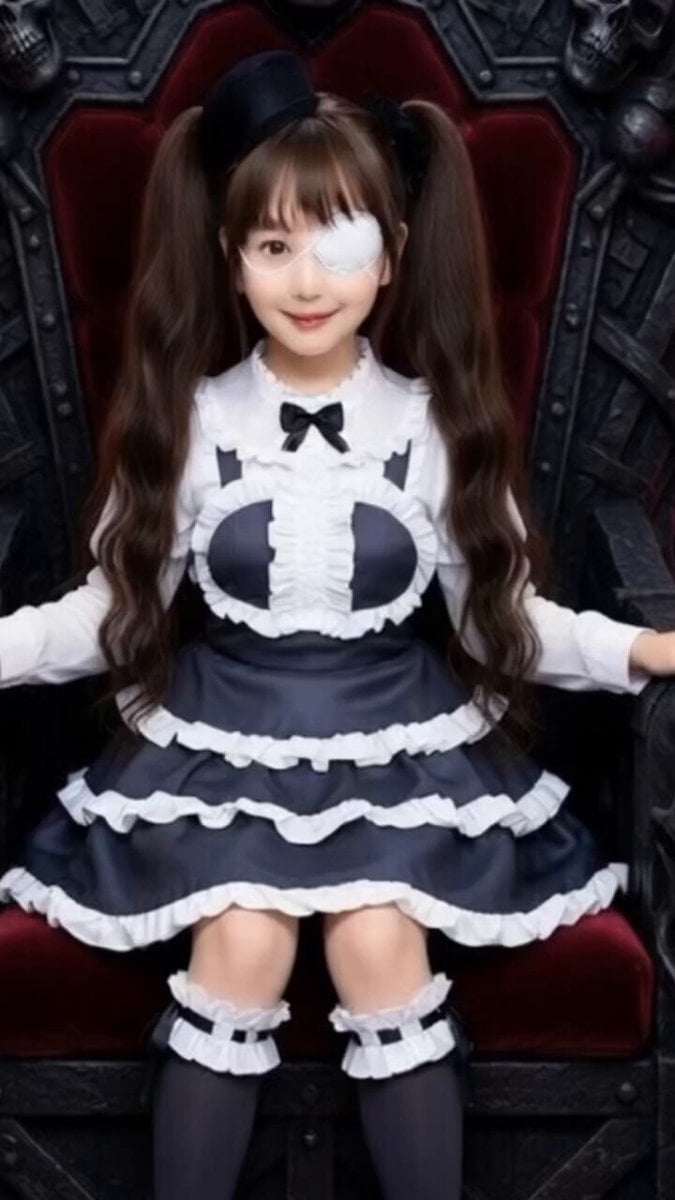
Grok Imagine Prompt: Yurine Kingdom Apocalypse Day
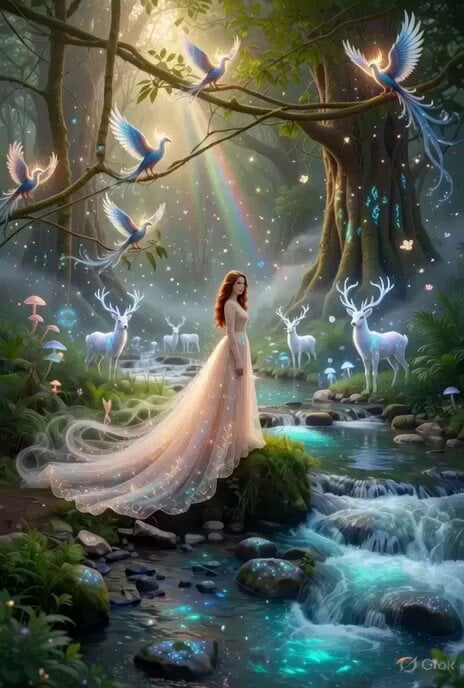
Enchanting Forest Grok Imagine Video Prompt
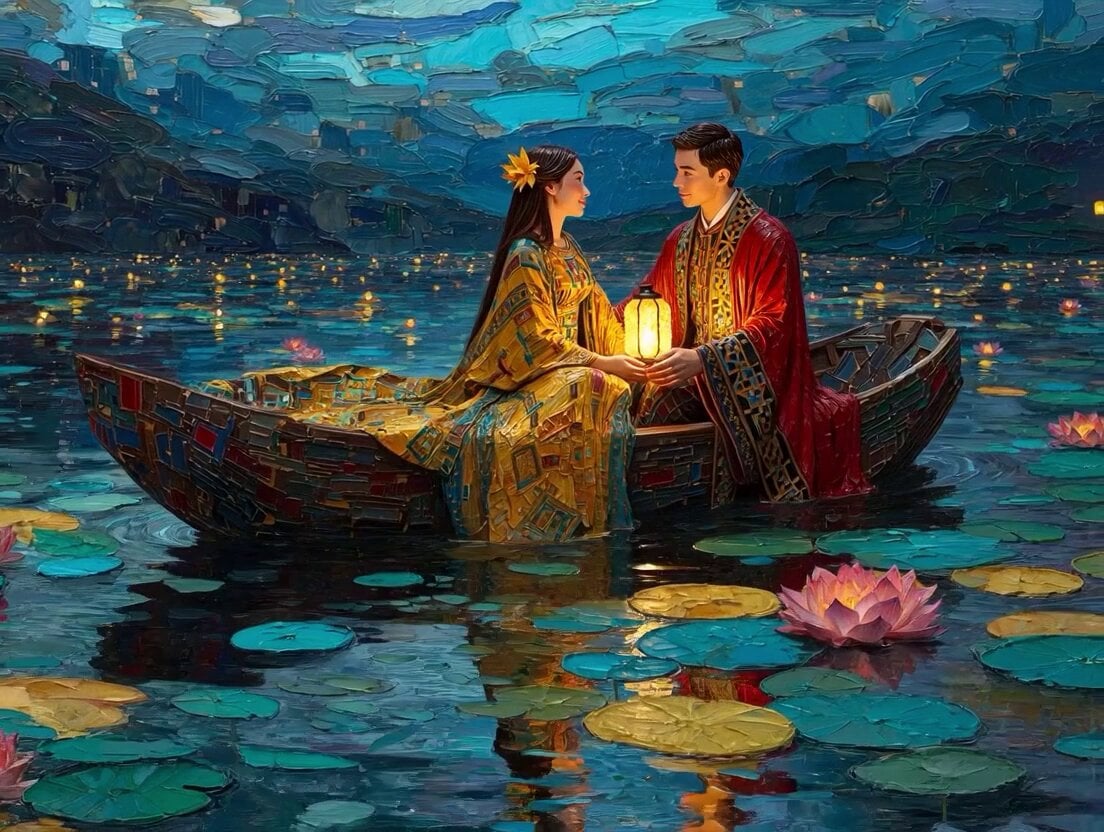
Klimt-Inspired Impasto Painting of Lovers (Midjourney/Grok Imagine)

Grok Imagine prompt: Grok driving a cosmic hot rod spaceship
Make it yours
Grok Imagine Prompt: Ultra Luxurious Romantic Warrior Queen works as-is. These are the safest ways to change it without losing the look.
Change one field
Copy a single group, rewrite it, and generate again so you can see what that field is doing.
Keep the frame, change the subject
Hold the composition and light of Grok Imagine Prompt: Ultra Luxurious Romantic Warrior Queen, then swap wardrobe, props or the person for a new take.
| If the result… | Why | Fix |
|---|---|---|
| The result drifts from the preview | Too many fields changed at once. | Reuse Grok Imagine Prompt: Ultra Luxurious Romantic Warrior Queen as-is first, then change one group — subject, light, or setting. |
| The model over-stylizes the scene | The prose prompt leaves finish and camera underspecified. | Add one camera or lighting sentence and stay on Grok Imagine. |
More Grok Imagine templates
Other prompts made for Grok Imagine.

Kaleidoscopic Cosmic Dolphin Video

Horror Daffy Duck Video Transition

America 250th Anniversary Celebration

Glowing Water Forest Night Prompt

Soft Pink Roses Dreamer Prompt

Ninja Wizard Levitation Jump

Coffee Cup Interaction Motion

Voice Controlled Water Animation

Pterodactyl Transformation Journey

Candle Mandala Mirror Video
More video prompts
Fresh picks from across the catalog.
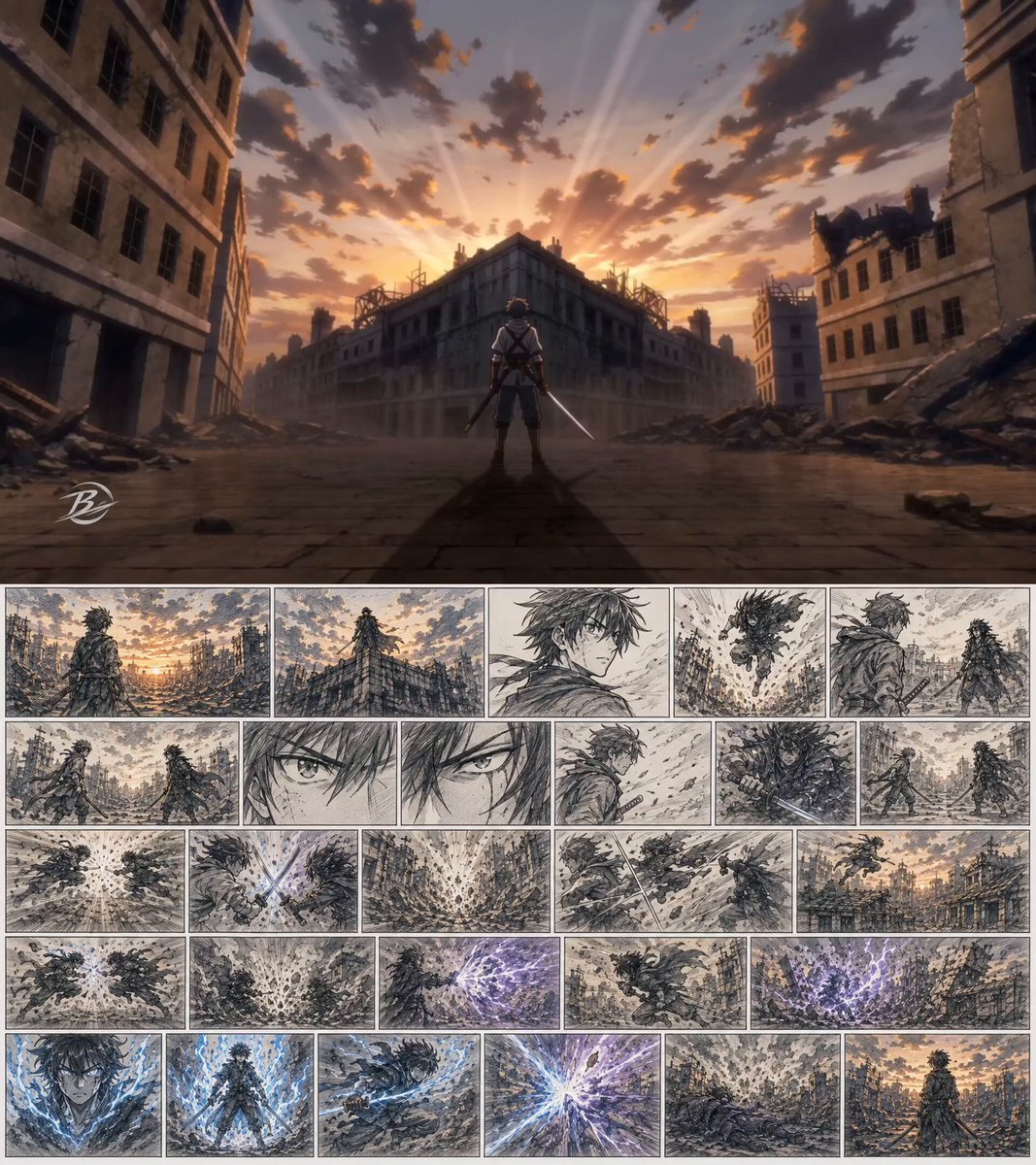
Cinematic Anime Action Sequence
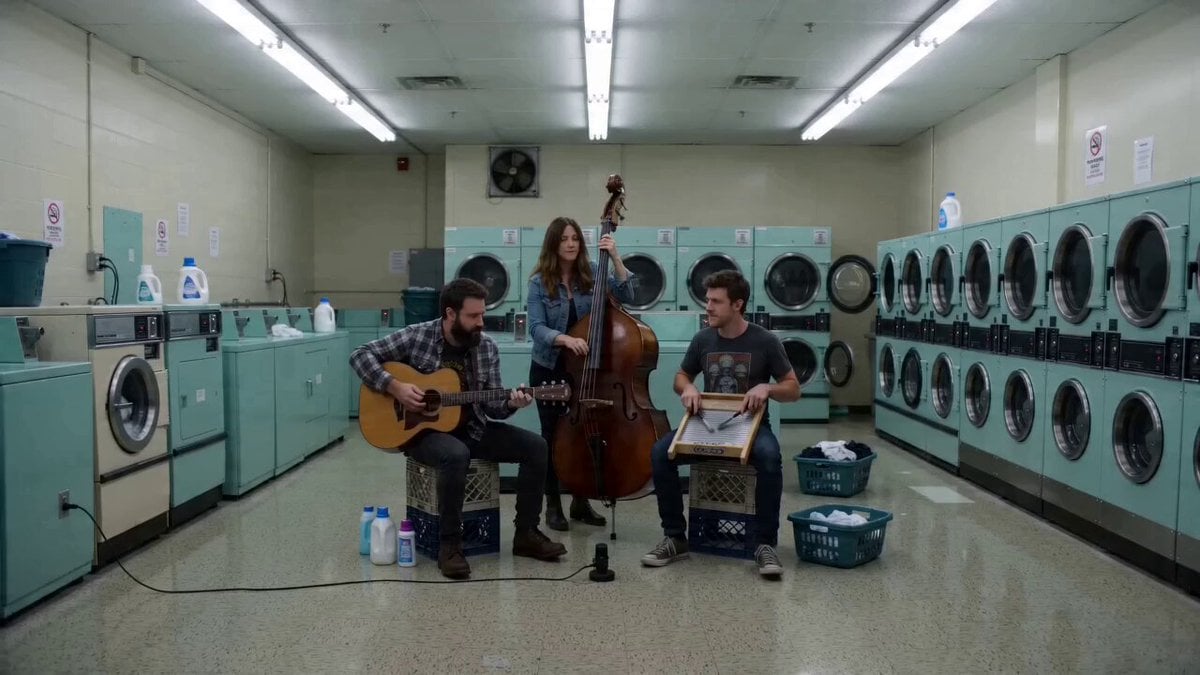
Laundromat Blues Folk Trio
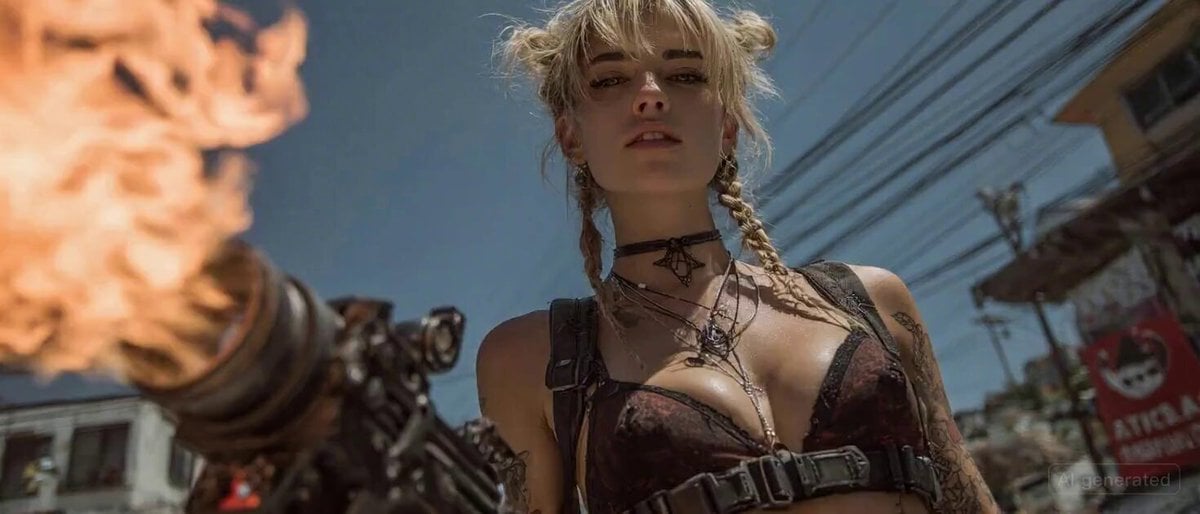
Pirate Tavern Entrance with Flamethrower

Soldier Close-up Combat Scene
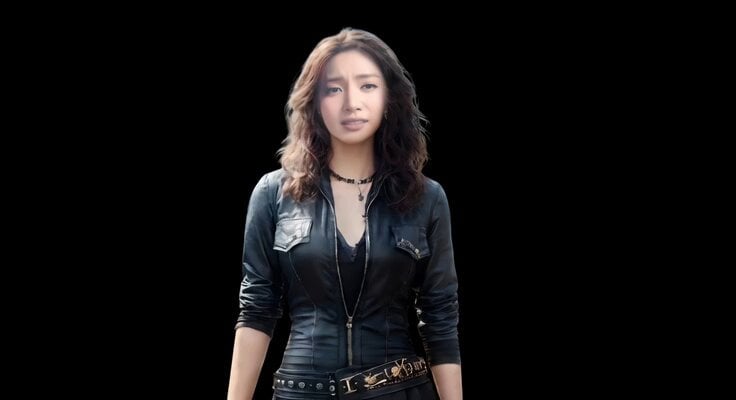
Realistic Emotional Natural Tears Video

Cinematic Hospital Drama Script
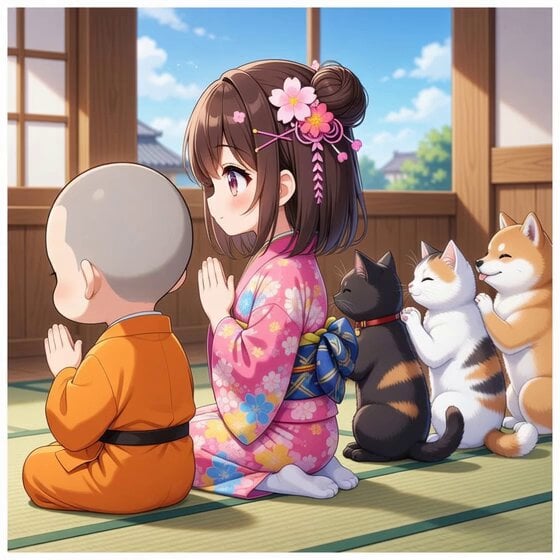
Monk, girl, cat, and dog sitting and praying
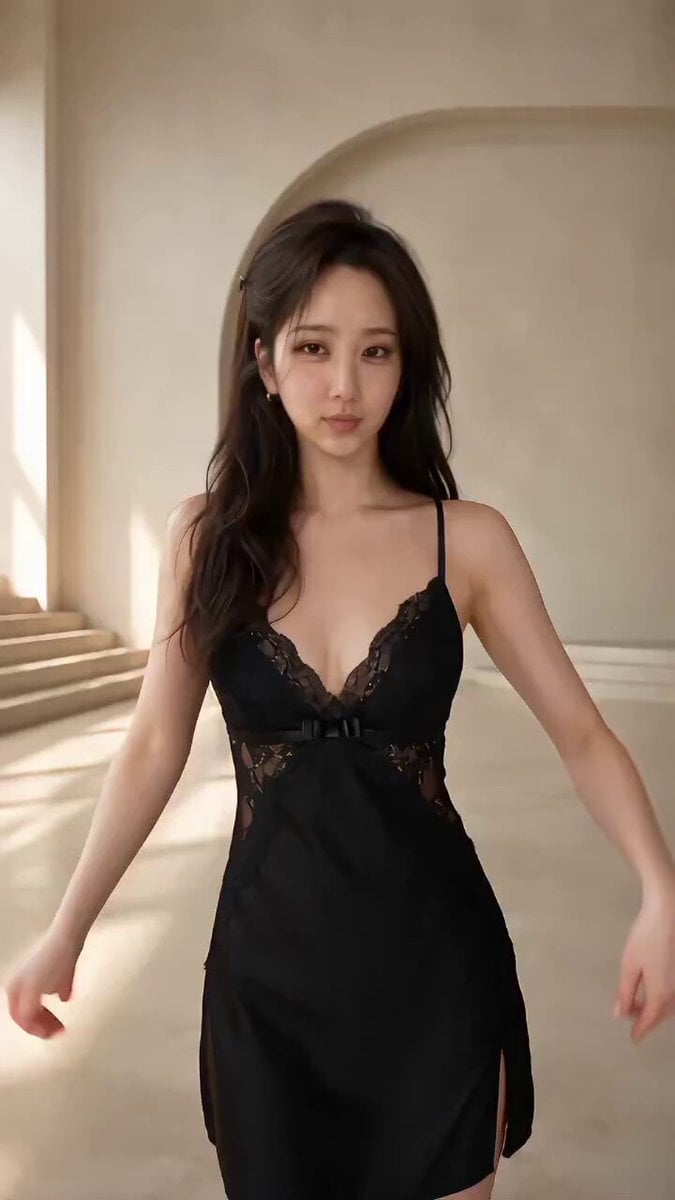
Seedance 2.5 Fashion Display Video Prompt
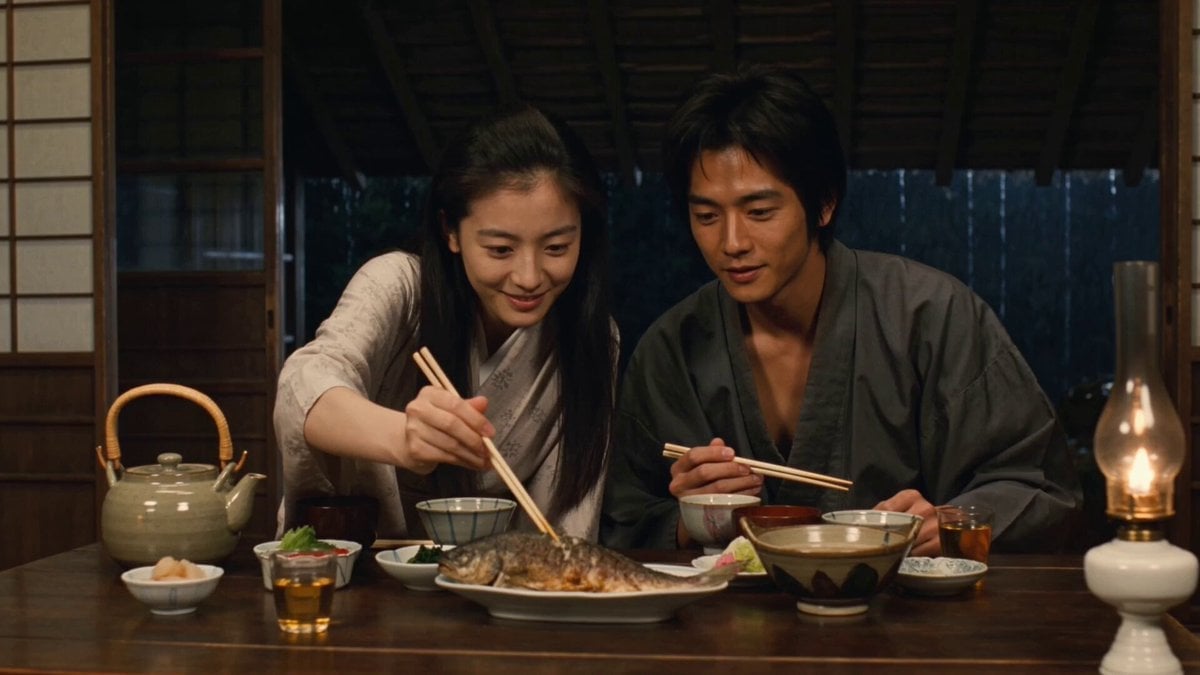
Traditional Japanese Farmhouse Dinner Scene
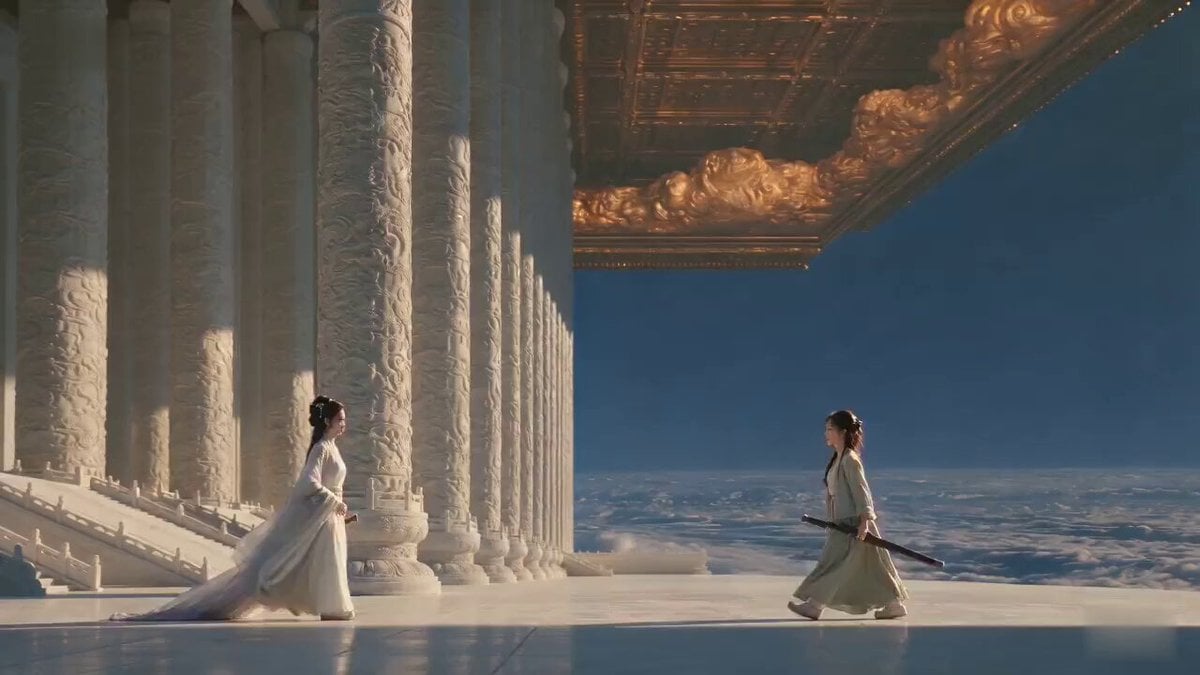
Cinematic Xianxia Apology Drama
Browse template categories
Grok Imagine Prompt: Ultra Luxurious Romantic Warrior Queen questions
How do I use the Grok Imagine Prompt: Ultra Luxurious Romantic Warrior Queen template?
Add your photo if the template asks for one, edit the prompt if you like — the template's model and format are already selected — and press Generate. Your version opens in PicX Studio.
Can I customize the Grok Imagine Prompt: Ultra Luxurious Romantic Warrior Queen template?
Yes. You can change the subject, setting, lighting, mood, format, and available model controls before creating your video.
Is the Grok Imagine Prompt: Ultra Luxurious Romantic Warrior Queen template free?
Opening and editing this template is free. Generating uses credits, shown on the Generate button when you are signed in.
Which AI model should I use?
Start with Grok Imagine, which is the model associated with this template. You can compare another compatible model for a different finish.
Looking for something else? Browse all templates.

Your photo, any look
Thousands of ready templates for every top image and video model, from one credit balance.