
Cinematic Anime Action Sequence
A highly detailed timestamped prompt for generating a professional anime action scene featuring a swordsman in a ruined city at sunset.
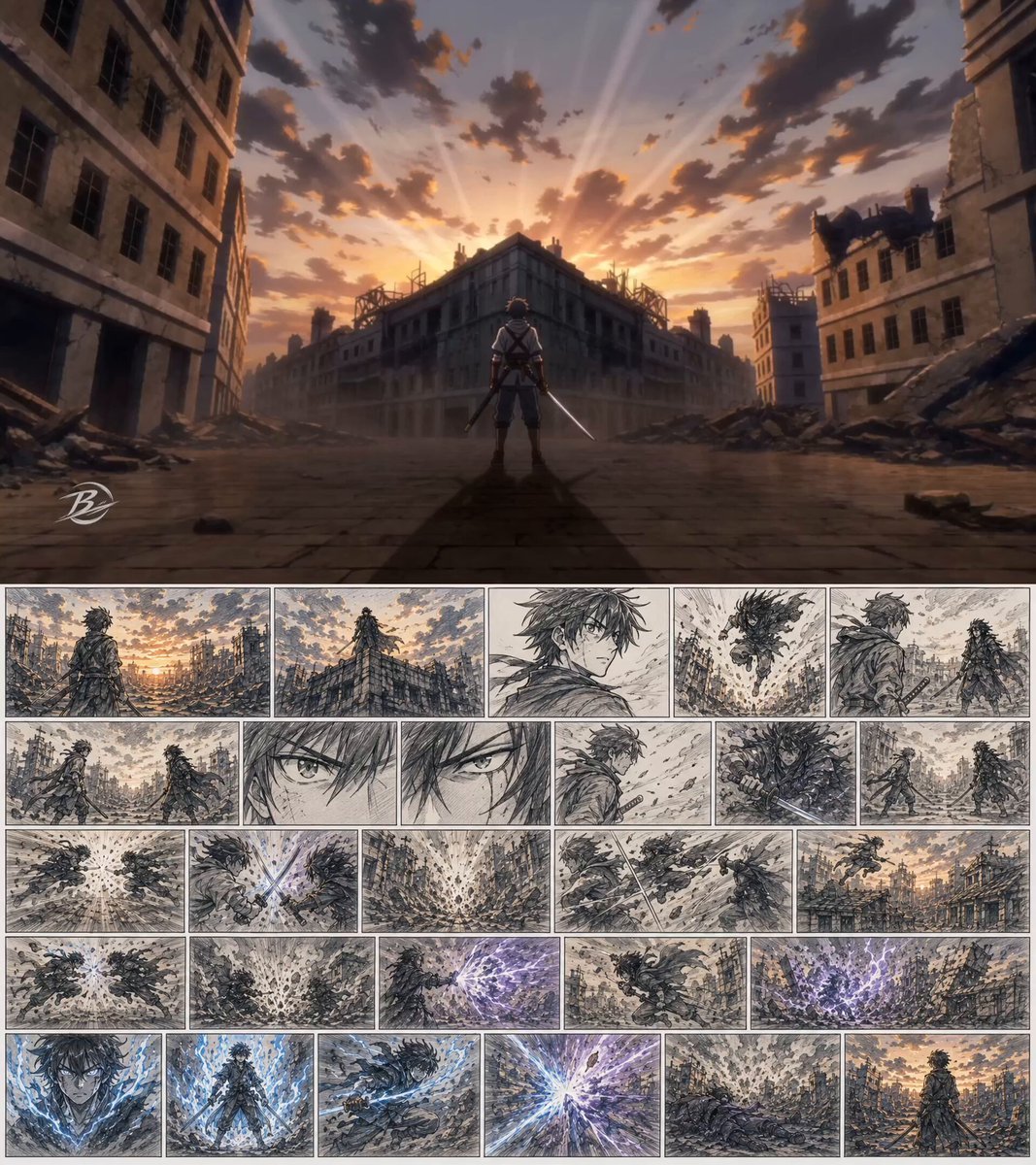
- Prompt included
- Model and format preset
- Free template
The prompt behind this video
Copy the exact prompt behind Cinematic Anime Action Sequence, or open it in the studio and make it yours.
Use the uploaded storyboard only as a continuity guide. Do NOT show storyboard pages, storyboard sketches, panel borders, paper texture, drawings, or storyboard elements. The storyboard is NOT the first frame. Start immediately as a finished anime film sequence. Anime feature film quality, cinematic action, consistent character design, ruined city at sunset, dramatic clouds, volumetric lighting, high-speed combat, dynamic camera movement, emotional intensity. [00:00-00:02] Young swordsman stands alone in a ruined city at sunset. A dark warrior appears on a distant rooftop. [00:02-00:04] The enemy leaps down. Both warriors approach each other. Close-up eye contact. [00:04-00:06] Both draw swords. Brief standoff. Wind blows through the street. [00:06-00:08] Explosive dash. First sword clash. Massive shockwave. [00:08-00:10] Rapid exchange of attacks. Rooftop chase. Mid-air sword collision. [00:10-00:12] Enemy unleashes a devastating energy attack. Buildings collapse. [00:12-00:14] The swordsman awakens hidden power. Blue energy erupts. Final charge and finishing clash. [00:14-00:15] Explosion of light. Smoke clears. Enemy falls. Final wide shot of the victorious swordsman standing alone beneath the sunset sky. Anime movie quality. High-speed action. Ruined city. Volumetric lighting. Dynamic camera movement. Consistent character design. No text. No subtitles. No logos.
How to use Cinematic Anime Action Sequence in 3 steps
- 1Upload ImagePNG, JPG or paste
Add your photo
Upload the photo the template builds on. The prompt, model and format are already set.
- 2…a portrait of your subject in softgolden-hour light, 85mm…
Personalize
Edit the subject and creative details for your destination.
- 3Generate
Generate
Press Generate — your video is created in PicX Studio, so you can compare it with the original and refine one variable at a time.
More like this
Templates with the same subject, style or setup. Open one to see its prompt.
Mecha Transformation vs Kaiju — 4-Scene Epic

Maglev Train Action Sequence

MiniMax H3 Character Introduction

Japanese Pure Love Short Film
Cinematic Swordswoman Action Sequence
Anime Style Football Striker Cinematic Action

Theatrical Anime Action Market Battle
Underwater Glass Tunnel Action Sequence
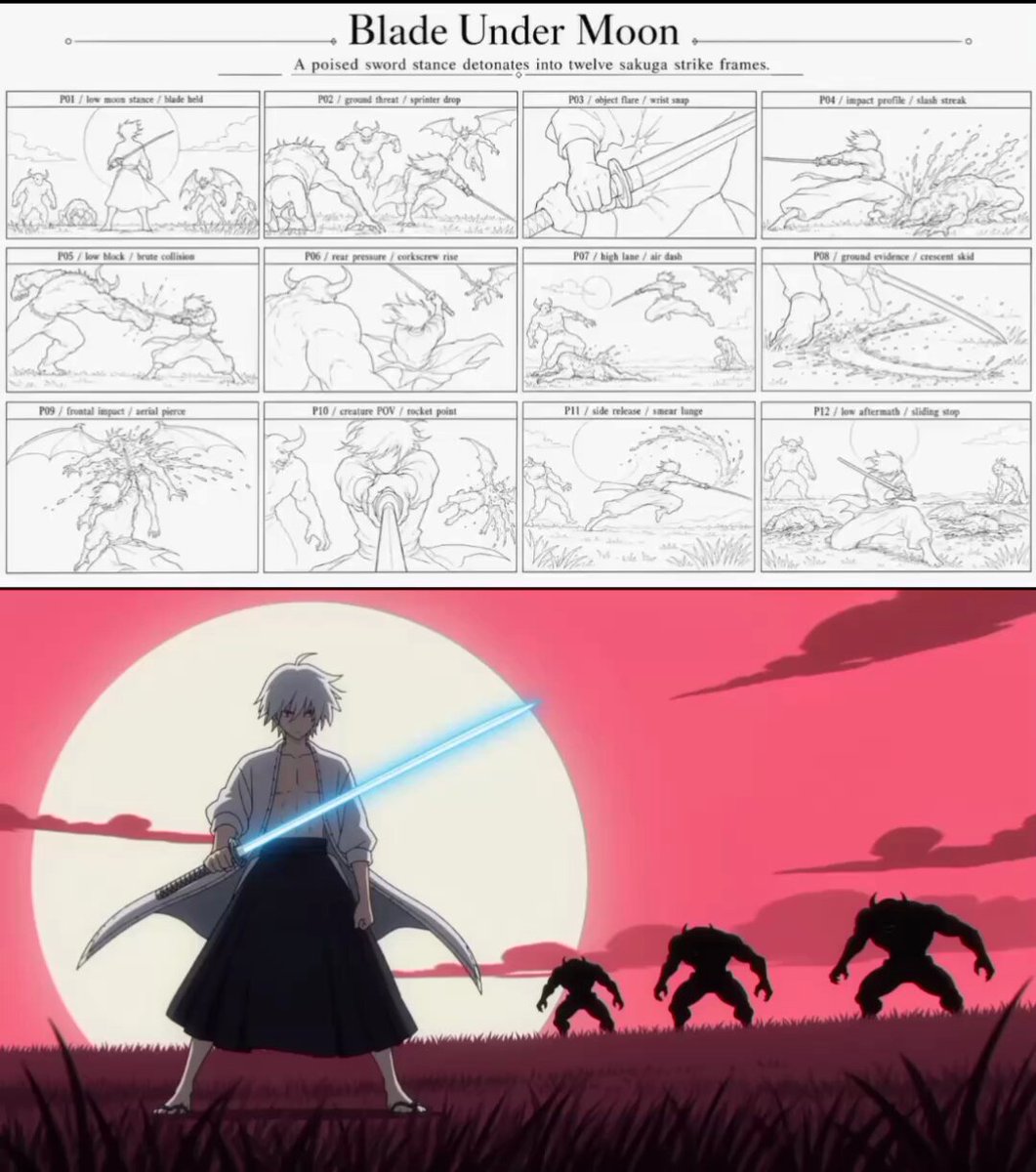
Sakuga Anime Action Storyboard
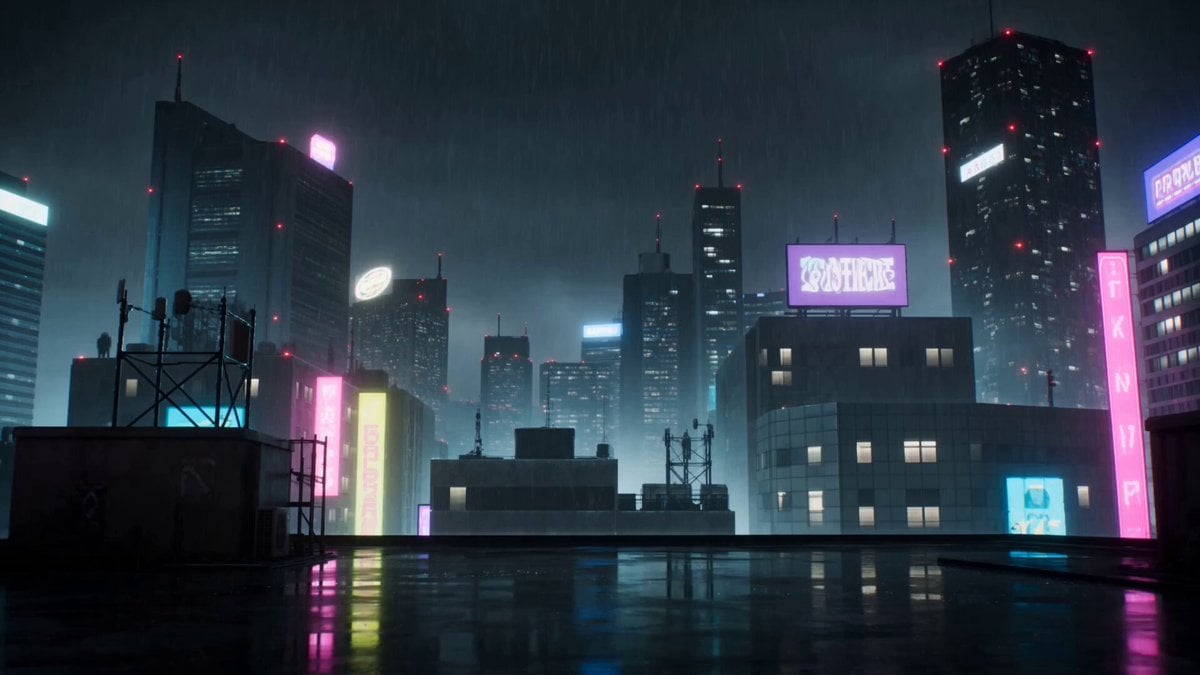
Cyberpunk Anime Duel Action
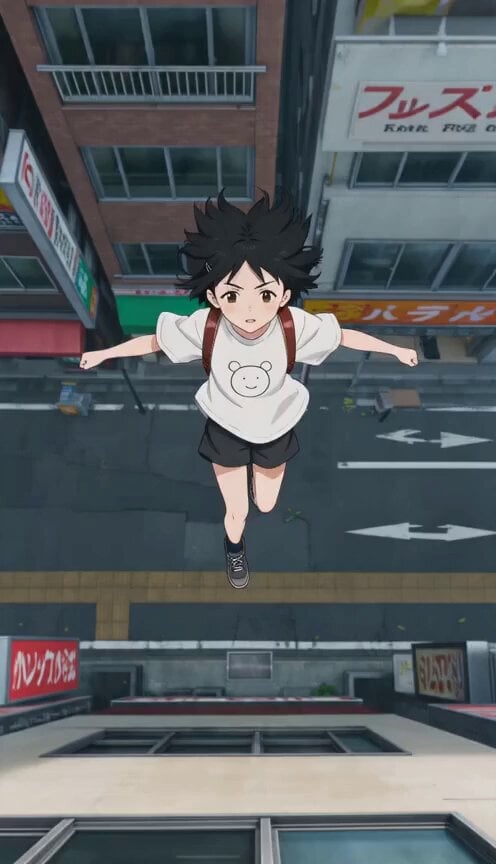
Anime Wall Running Action Scene
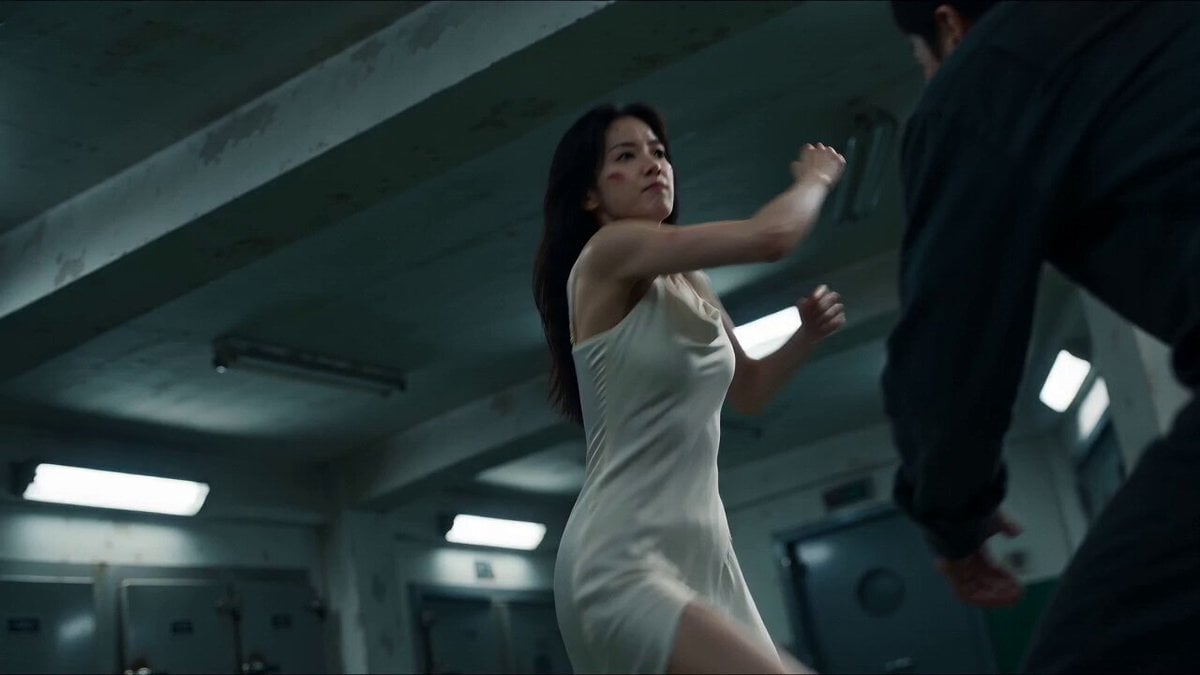
Cinematic Morgue Action Sequence
Make it yours
Cinematic Anime Action Sequence works as-is. These are the safest ways to change it without losing the look.
Change one field
Copy a single group, rewrite it, and generate again so you can see what that field is doing.
Keep the frame, change the subject
Hold the composition and light of Cinematic Anime Action Sequence, then swap wardrobe, props or the person for a new take.
| If the result… | Why | Fix |
|---|---|---|
| The result drifts from the preview | Too many fields changed at once. | Reuse Cinematic Anime Action Sequence as-is first, then change one group — subject, light, or setting. |
| The model over-stylizes the scene | The prose prompt leaves finish and camera underspecified. | Add one camera or lighting sentence and stay on Seedance 2.0. |
More Seedance 2.0 templates
Other prompts made for Seedance 2.0.

Comical Martial Arts Punch Scene

Martial Arts Fight Sequence

Wuxia Protection and Trust Script

Vintage Korean Arcade MiniDV Vlog

Mercedes 190 SL Luxury Ad

Rainy Night Supernatural Reverse Comedy Video Script

Amazon Civilization Discovery

Futuristic South Asian City Transformation

Cozy Luxury Cafe Commercial

Cyber Ronin Nanotech Transformation Video
More video prompts
Fresh picks from across the catalog.
Real-Life to Anime Combat Transition
Tiny Man and Giant Quesadilla
Anime style video prompt of a personified psychotropic drug explaining its effects

Cinematic Desert Arena Warrior Action
Hyper-realistic Live Football Broadcast
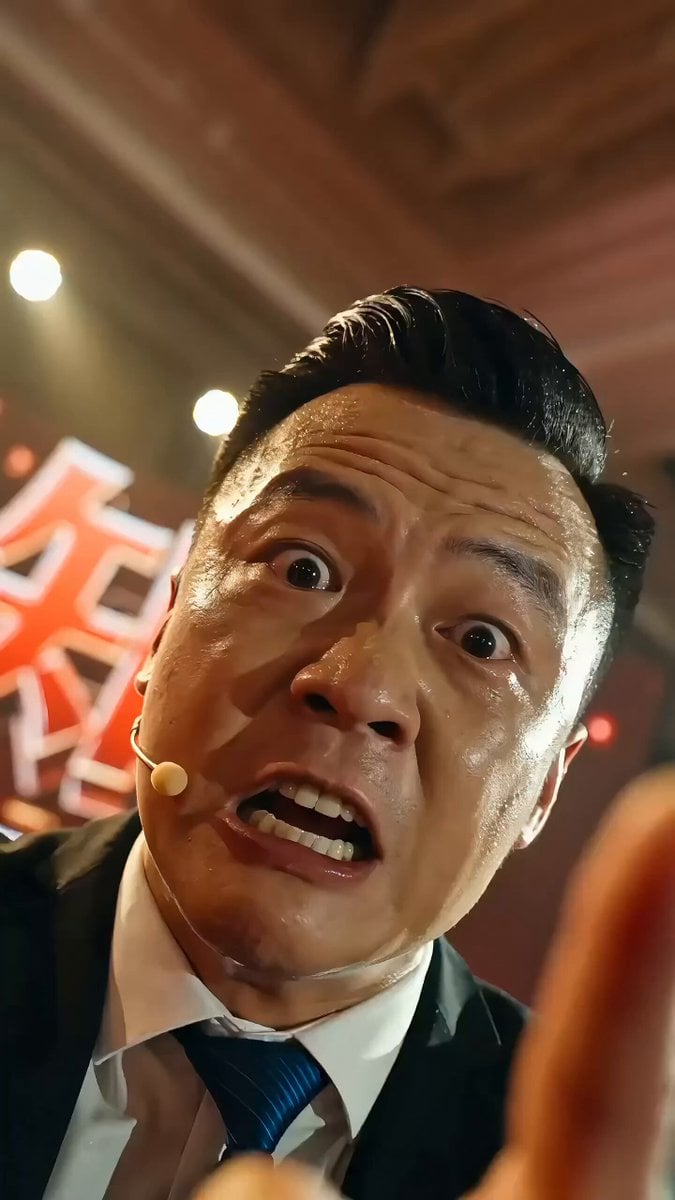
Chinese Success Seminar (Chicken Soup) Video Prompt
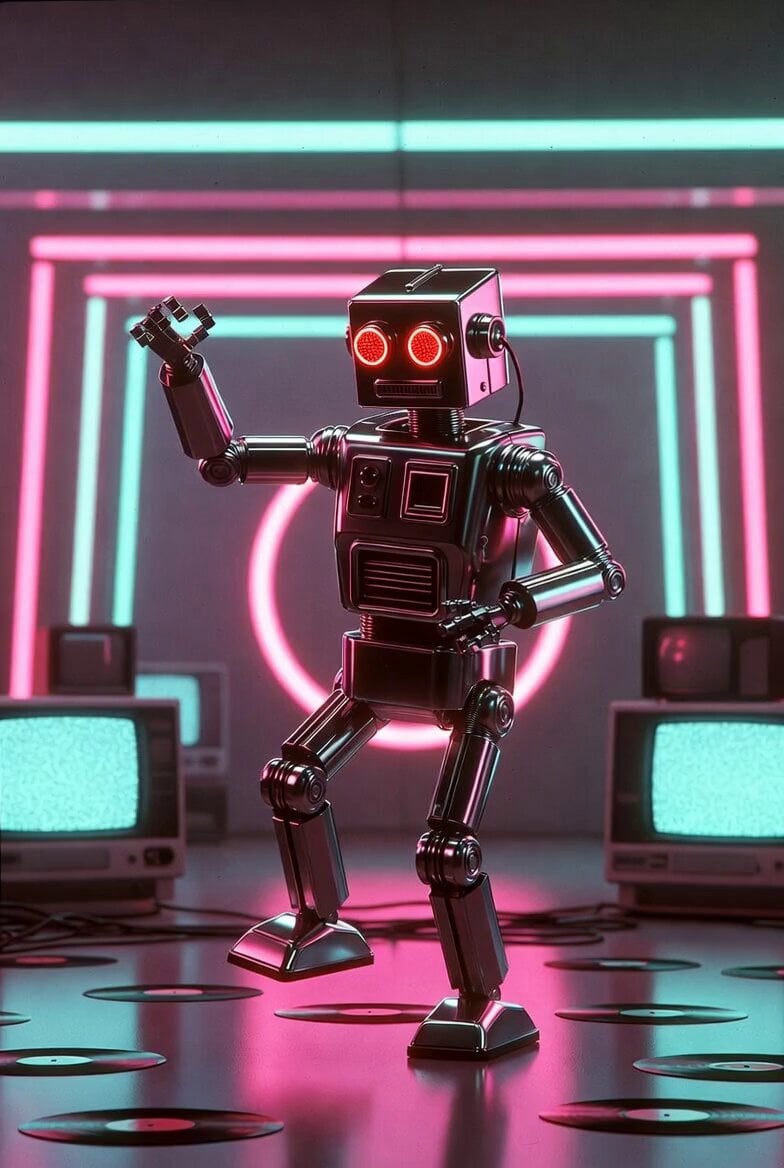
Retro Futuristic Dancing Robot
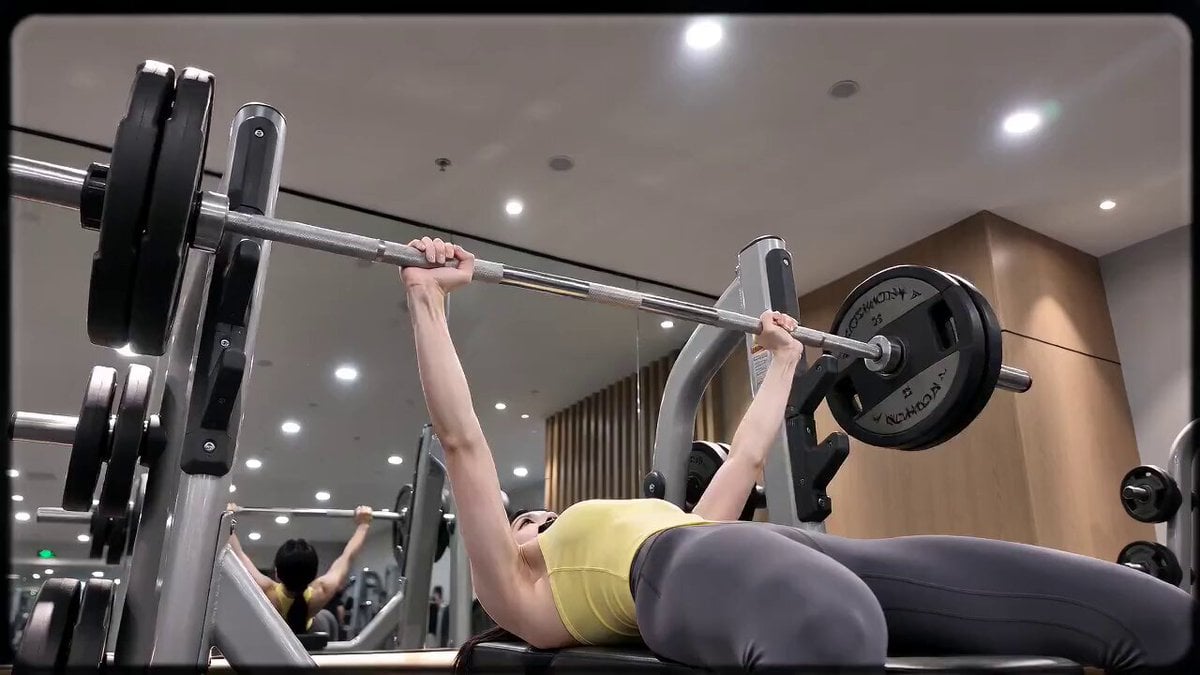
16mm DV Fitness Vlog POV
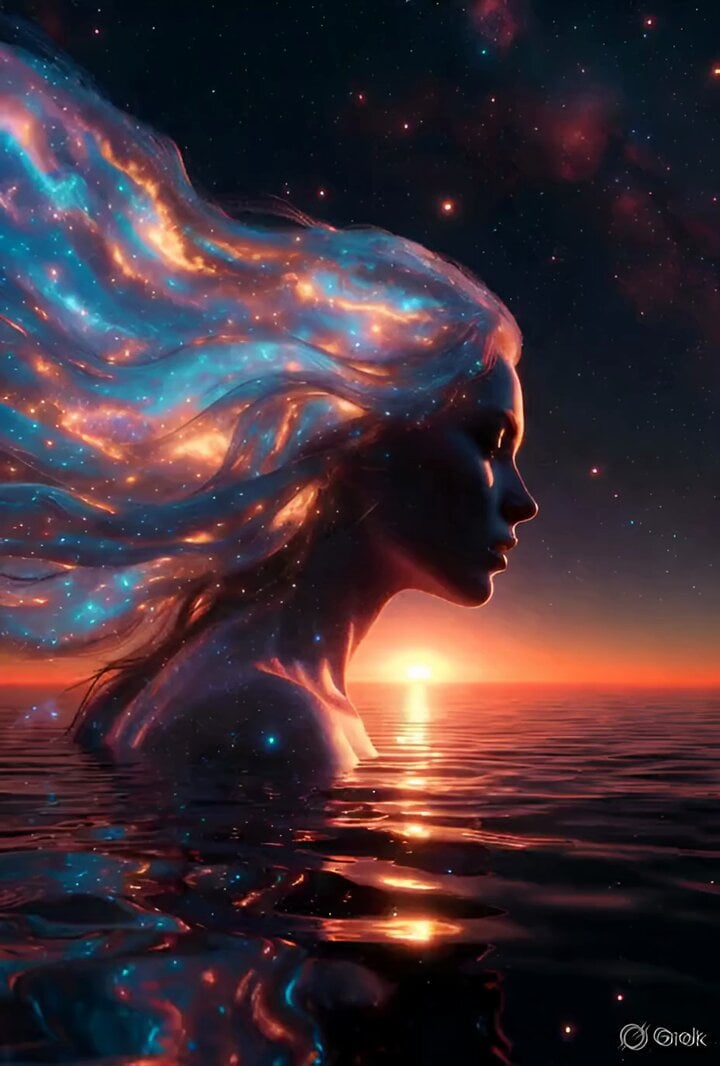
Woman's Profile Emerging from Cosmic Sunset
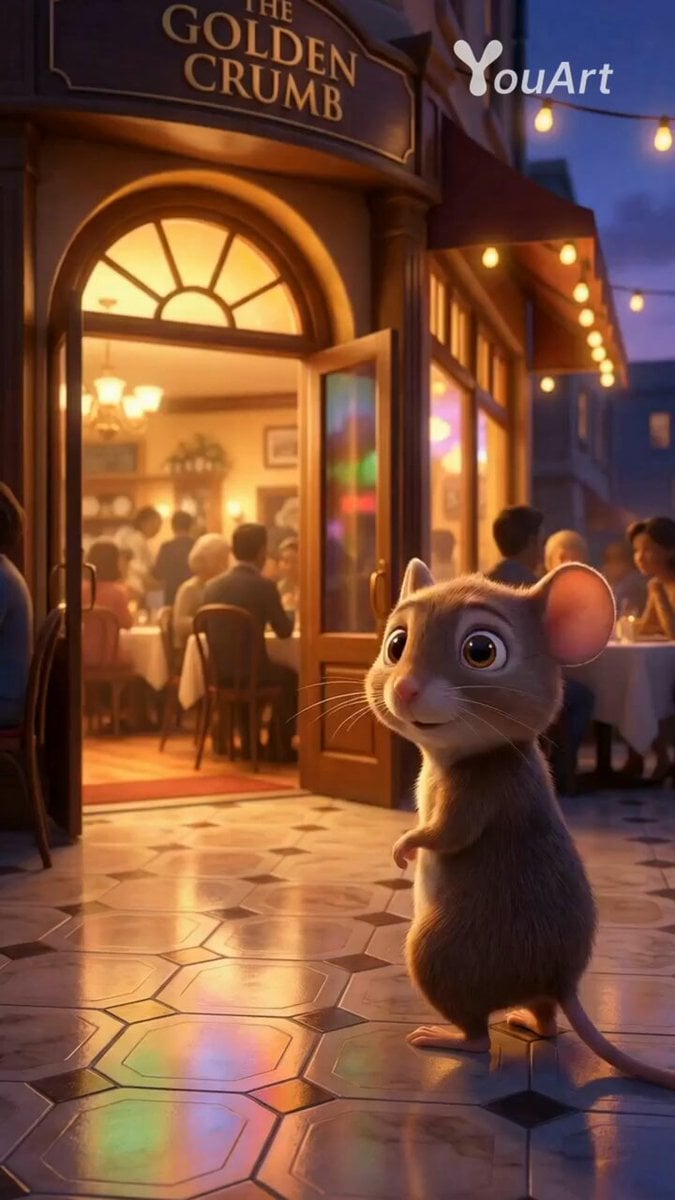
Mouse Searching for Food and Being Chased
Browse template categories
Cinematic Anime Action Sequence questions
How do I use the Cinematic Anime Action Sequence template?
Add your photo if the template asks for one, edit the prompt if you like — the template's model and format are already selected — and press Generate. Your version opens in PicX Studio.
Can I customize the Cinematic Anime Action Sequence template?
Yes. You can change the subject, setting, lighting, mood, format, and available model controls before creating your video.
Is the Cinematic Anime Action Sequence template free?
Opening and editing this template is free. Generating uses credits, shown on the Generate button when you are signed in.
Which AI model should I use?
Start with Seedance 2.0, which is the model associated with this template. You can compare another compatible model for a different finish.
Looking for something else? Browse all templates.

Your photo, any look
Thousands of ready templates for every top image and video model, from one credit balance.