How do I use the Anime Wall Running Action Scene template?
Edit the prompt in the box under the preview — the template's model and format are already selected — and press Generate. Your version appears right on this page.
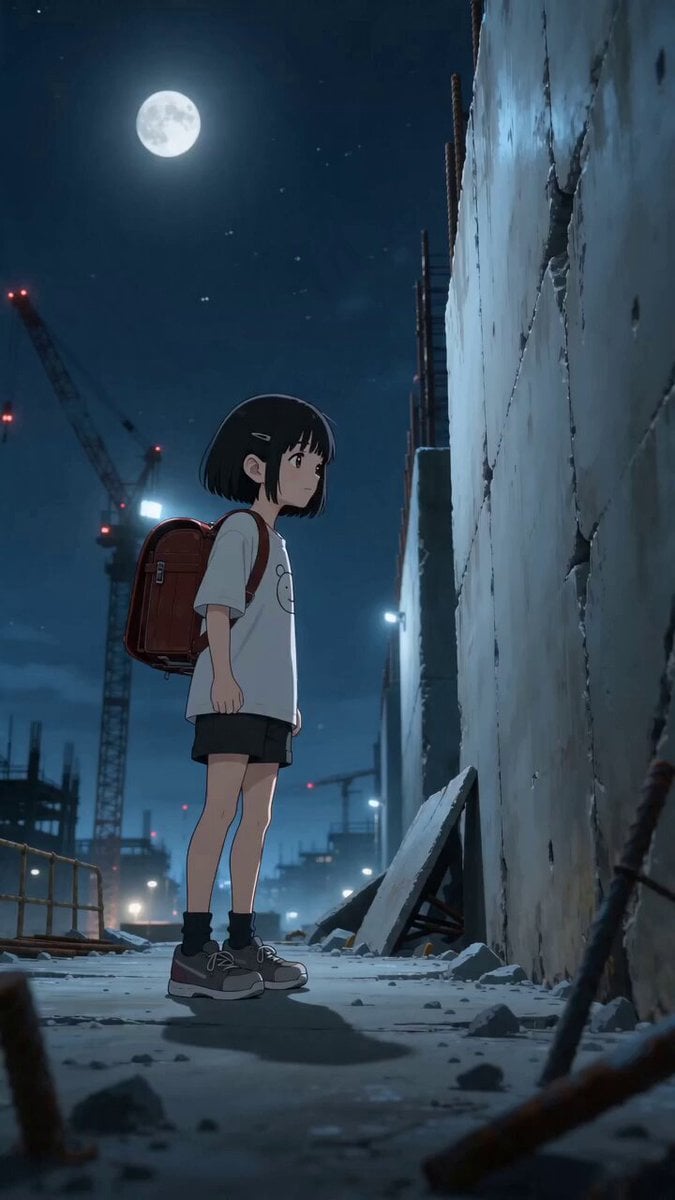
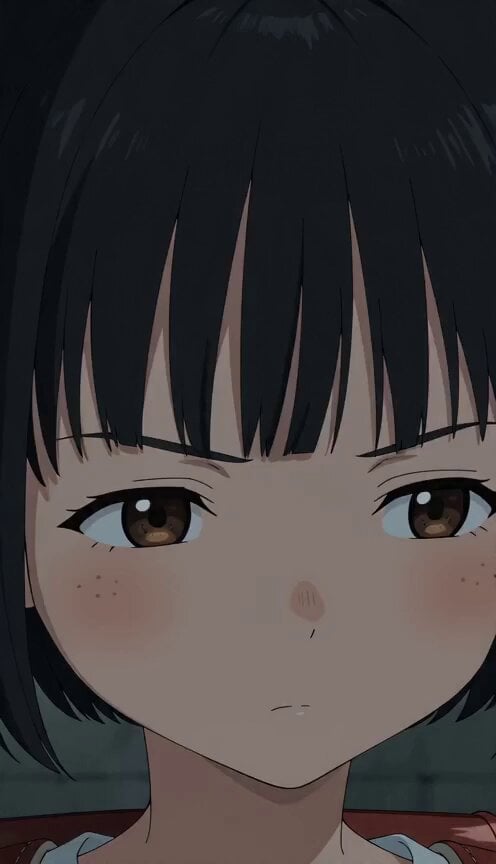
A Japanese anime action prompt featuring a primary school student performing a wall-running and gliding sequence through a shopping district.
【主役】黒髪ボブの小学2年生 【舞台】シャッター街の商店街 【動画スタイル】 15秒。日本のフルカラーアニメ。予算5億円規模の高密度2Dアニメーション。緻密な背景美術、なめらかな中割り、映画品質の撮影処理。 同じような絵が続かないように、構図、カメラアングル、画面サイズ、キャラクターの距離感を変えて魅力的に展開する。字幕なし、透かしなし、BGMなし。環境音あり。 【映像構成】ビルから落ちる主役キャラが、壁の看板蹴りを使って落下をジグザグの滑空に変える。落下速度を殺して一瞬だけ空中を水平に走り、最後は地面すれすれの前転で勢いを前方への疾走へ変換する。 【この1本だけの見せ場(Shot5〜7のどこかに必ず入れる)】蹴った看板の電源が入り、降りた軌跡どおりに店の灯りが点いていく Shot1(落下フック): シャッター街の商店街。落下する主役キャラが壁の看板蹴りを使い、落下の向きがぐんと曲がる。驚きの中にも冷静さを残す表情。 Shot2(ジグザグ): 壁の看板蹴りを続けて使う。軌道が折れ線になり、速度が殺されていく。集中しきった真剣な顔つき。 Shot3(水平走): 一瞬だけ空中を水平に走る。窓の中の人と目が合う。主役はいたずらっぽく小さく手を振る。 Shot4(減速): 壁の看板蹴りで最後の減速。髪と服が風で大きく膨らむ。歯を食いしばる真剣な表情。 Shot5(すれすれ): 地面すれすれで前転し、落下の勢いを前方への疾走へ変換する。埃が輪になって広がる。着地の衝撃に一瞬顔をしかめる。 Shot6(整え): 走り続けながら身なりを整える。髪だけがまだ落下の風を覚えている。落ち着きを取り戻した涼しい顔。 Shot7(決め): 走りながら振り返らずに、飄々とした声で「エレベーター待つより速い」と言う。
【主役】黒髪ボブの小学2年生 【舞台】シャッター街の商店街 【動画スタイル】 15秒。日本のフルカラーアニメ。予算5億円規模の高密度2Dアニメーション。緻密な背景美術、なめらかな中割り、映画品質の撮影処理。 同じような絵が続かないように、構図、カメラアングル、画面サイズ、キャラクターの距離感を変えて魅力的に展開する。字幕なし、透かしなし、BGMなし。環境音あり。 【映像構成】ビルから落ちる主役キャラが、壁の看板蹴りを使って落下をジグザグの滑空に変える。落下速度を殺して一瞬だけ空中を水平に走り、最後は地面すれすれの前転で勢いを前方への疾走へ変換する。 【この1本だけの見せ場(Shot5〜7のどこかに必ず入れる)】蹴った看板の電源が入り、降りた軌跡どおりに店の灯りが点いていく Shot1(落下フック): シャッター街の商店街。落下する主役キャラが壁の看板蹴りを使い、落下の向きがぐんと曲がる。驚きの中にも冷静さを残す表情。 Shot2(ジグザグ): 壁の看板蹴りを続けて使う。軌道が折れ線になり、速度が殺されていく。集中しきった真剣な顔つき。 Shot3(水平走): 一瞬だけ空中を水平に走る。窓の中の人と目が合う。主役はいたずらっぽく小さく手を振る。 Shot4(減速): 壁の看板蹴りで最後の減速。髪と服が風で大きく膨らむ。歯を食いしばる真剣な表情。 Shot5(すれすれ): 地面すれすれで前転し、落下の勢いを前方への疾走へ変換する。埃が輪になって広がる。着地の衝撃に一瞬顔をしかめる。 Shot6(整え): 走り続けながら身なりを整える。髪だけがまだ落下の風を覚えている。落ち着きを取り戻した涼しい顔。 Shot7(決め): 走りながら振り返らずに、飄々とした声で「エレベーター待つより速い」と言う。
Edit the prompt in the box under the preview — the template's model and format are already selected — and press Generate. Your version appears right on this page.
Yes. You can change the subject, setting, lighting, mood, format, and available model controls before creating your video.
Opening and editing this template is free. Generating uses credits, shown on the Generate button when you are signed in.
Start with Seedance 2.0, which is the model associated with this template. You can compare another compatible model for a different finish.
Follow a topic to a crawlable collection of related PicX Studio templates.