
Sunset Anime Supermarket Scene with Voice Control
A complex Grok Imagine video prompt for a cinematic anime scene featuring voice synchronization, lighting details, and character acting instructions.

- Prompt included
- Model and format preset
- Free template
The prompt behind this video
Copy the exact prompt behind Sunset Anime Supermarket Scene with Voice Control, or open it in the studio and make it yours.
A cinematic slice-of-life anime scene set in a supermarket checkout during sunset. Center: a black-haired adult woman wearing a white blouse and deep green apron with an FP1 badge, calm and slightly tired expression. Left: a blonde woman with a gentle expression, same uniform and flower accessory. Right: a brown-haired woman with a realistic expression, same uniform and flower accessory. Front: a small teddy bear wearing a deep green apron with an FP1 badge, standing still. All characters wear matching soft flower crowns symbolizing hope. Soft pastel colors, thin delicate anime lineart, minimal shading, soft ambient sunset lighting, rainbow visible through the window, gentle warm atmosphere. Camera: natural human eye-level, slight 45-degree angle, no zoom, no camera movement. Dialogue (Japanese voice only): 中央の黒髪女性(落ち着いた大人の女性の声) 「今日は何曜日?ずっと休みなく働いている気がするな」 Acting: subtle facial expression, small natural movements only. IMPORTANT RULE: only the speaking character moves their mouth, all other characters keep their mouths completely closed, no lip movement for non-speaking characters No text on screen. Voice: Natural native Japanese adult woman, calm and slightly tired tone, smooth natural intonation, proper Japanese rhythm, no Chinese accent, no robotic voice, no slow speech, emotional subtle delivery, perfect pronunciation. Speaking: Only the center black-haired woman speaks with accurate mouth movement. All other characters have completely closed mouths, no lip sync at all.
How to use Sunset Anime Supermarket Scene with Voice Control in 3 steps
- 1
Open
The prompt is already in the box next to the preview, with the template's model and format selected.
- 2…a portrait of your subject in softgolden-hour light, 85mm…
Personalize
Edit the subject and creative details for your destination.
- 3Generate
Generate
Press Generate — your video is created in PicX Studio, so you can compare it with the original and refine one variable at a time.
More like this
Templates with the same subject, style or setup. Open one to see its prompt.

Voice Controlled Water Animation
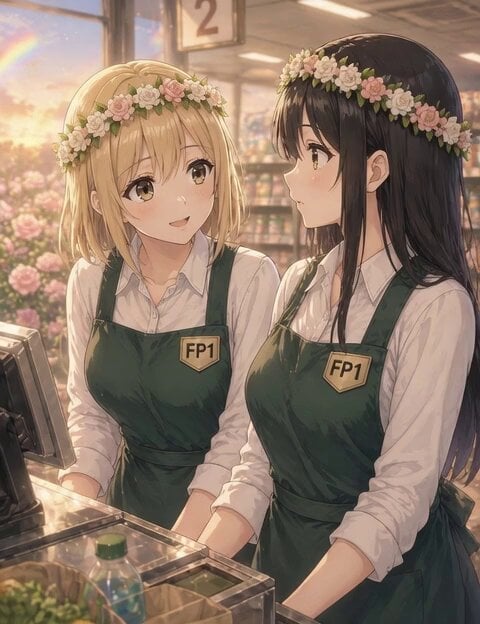
Introspective sunset supermarket scene
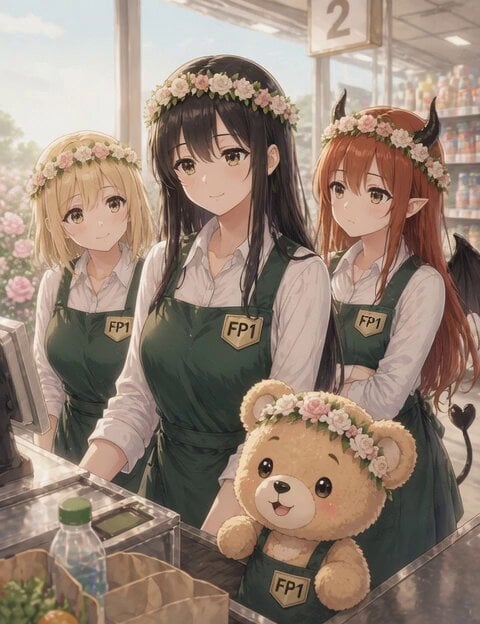
Anime Supermarket Scene with Talking Teddy Bear

Anime Supermarket Checkout Video Prompt
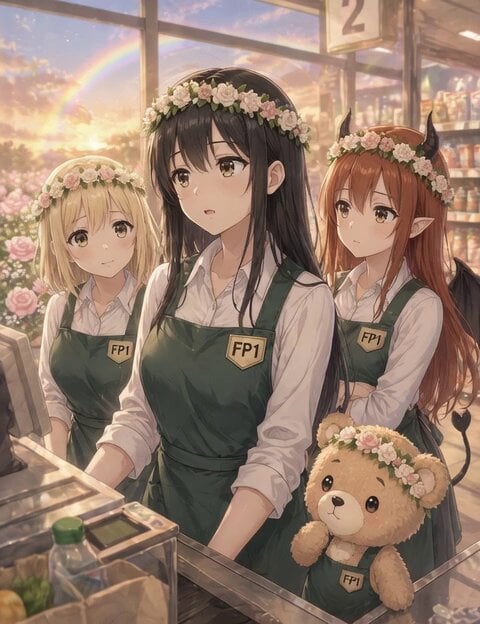
Cinematic Sunset Anime Video Prompt
Serene Sunset Beach Scene

Spanish Political Voiceover Prompt
Death Metal Video with Voiceover

Woman's Profile Emerging from Cosmic Sunset
Towel swan transforms into real swan at sunset

Flock of Swans Taking Flight at Sunset
Child in Space with Voiceover
Make it yours
Sunset Anime Supermarket Scene with Voice Control works as-is. These are the safest ways to change it without losing the look.
Change one field
Copy a single group, rewrite it, and generate again so you can see what that field is doing.
Keep the frame, change the subject
Hold the composition and light of Sunset Anime Supermarket Scene with Voice Control, then swap wardrobe, props or the person for a new take.
| If the result… | Why | Fix |
|---|---|---|
| The result drifts from the preview | Too many fields changed at once. | Reuse Sunset Anime Supermarket Scene with Voice Control as-is first, then change one group — subject, light, or setting. |
| The model over-stylizes the scene | The prose prompt leaves finish and camera underspecified. | Add one camera or lighting sentence and stay on Grok Imagine. |
More Grok Imagine templates
Other prompts made for Grok Imagine.

Ninja Wizard Levitation Jump

Coffee Cup Interaction Motion

Pterodactyl Transformation Journey

Candle Mandala Mirror Video

Psychedelic Purple Disc World Video

Mecha Runway Tap Dance Video Prompt
Quantum Inventor in Sonoran Desert

Emotional Angry Couple Drama
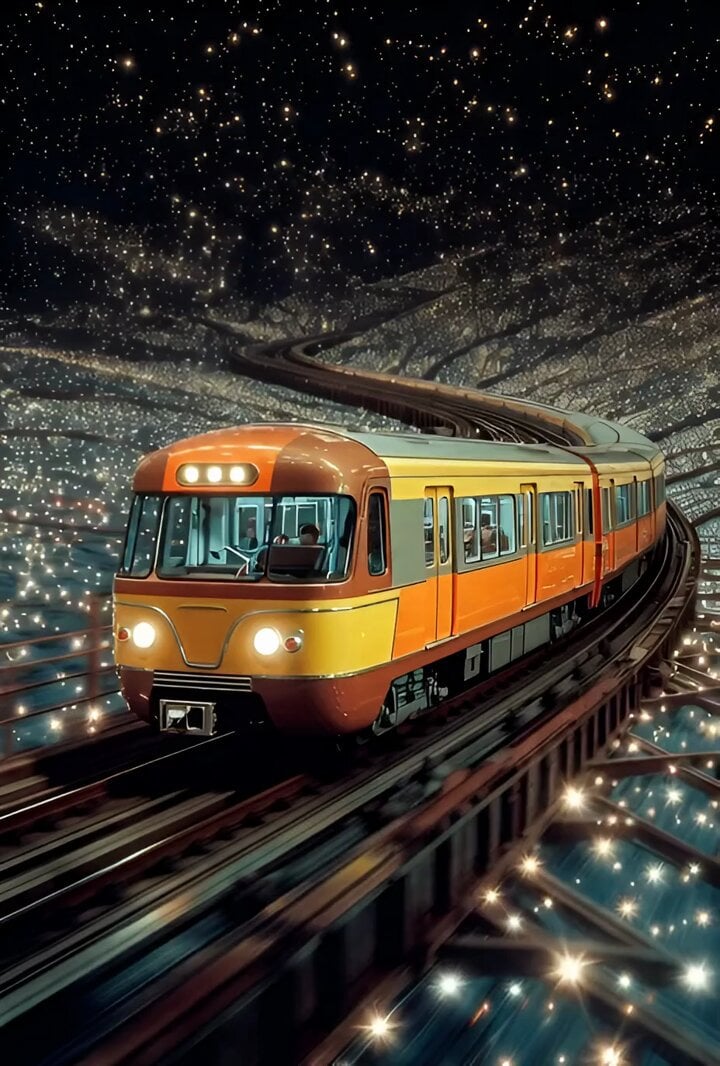
Train Zooming in Star Field Video Prompt

Cyberpunk Guerrilla Girl Video Generation
More video prompts
Fresh picks from across the catalog.
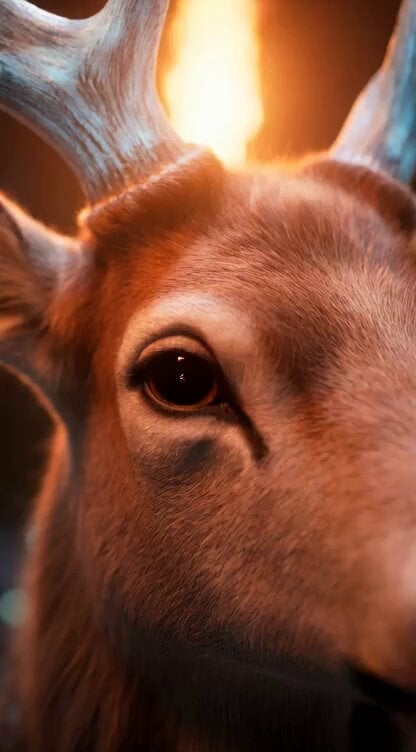
Detailed 10-Second Grok Imagine Video Prompt (Seamless Continuation)

Hidden Rainbow Cove Lagoon
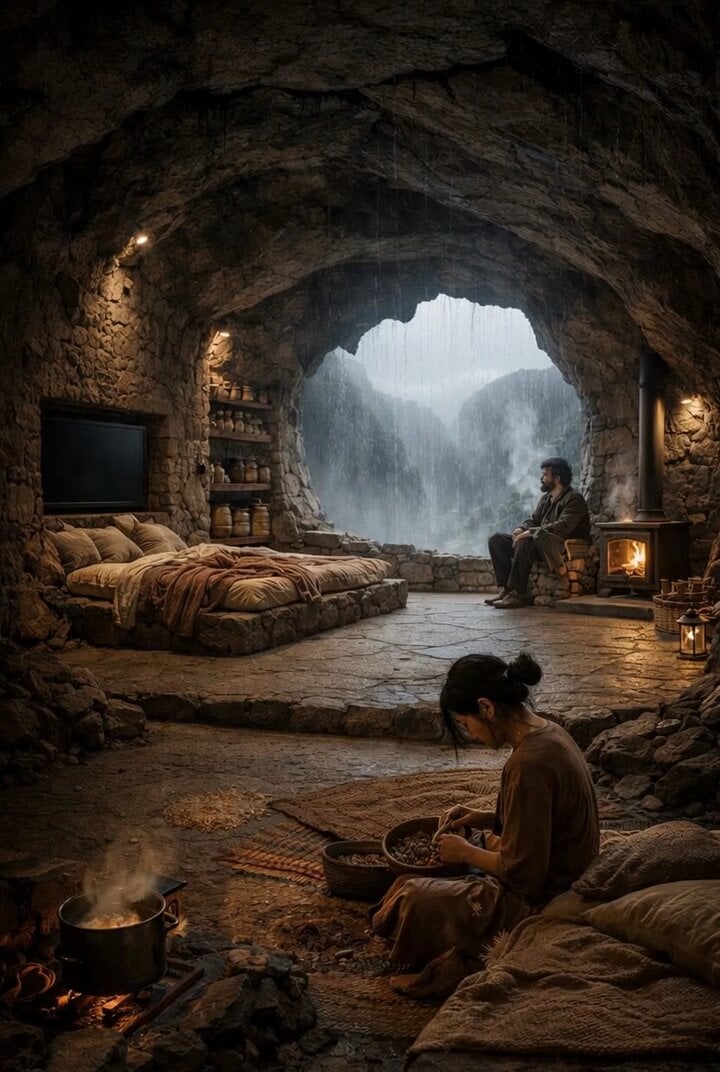
Cinematic Drone Shot of Mountain Cave Entrance

Video Prompt for Flying Ship Action Scene
Funny Farmyard Hen Surprise
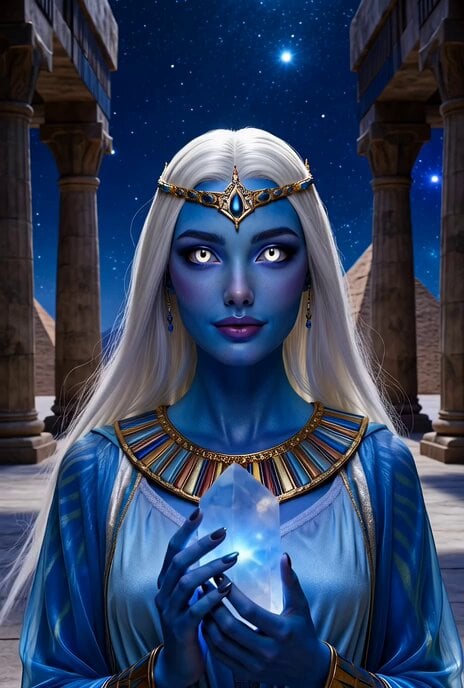
Blue Alien Woman Egyptian Scifi
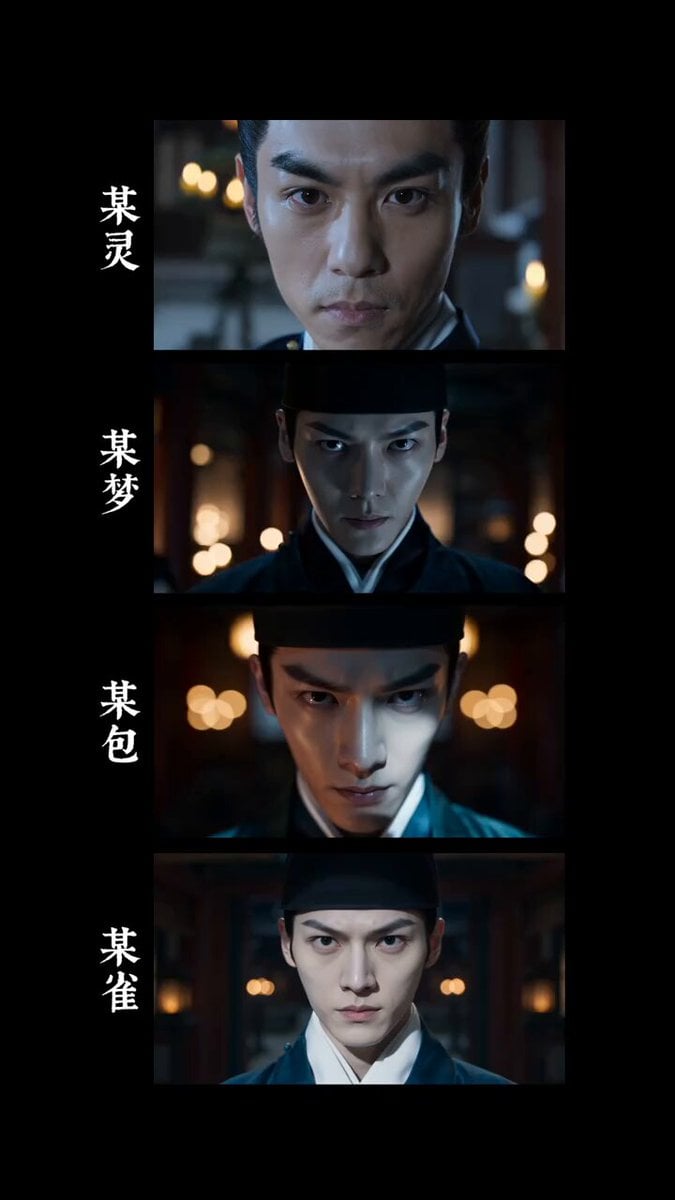
4K Realistic Ancient Chinese Movie Courtyard

Football Trailer Cinematic Transitions
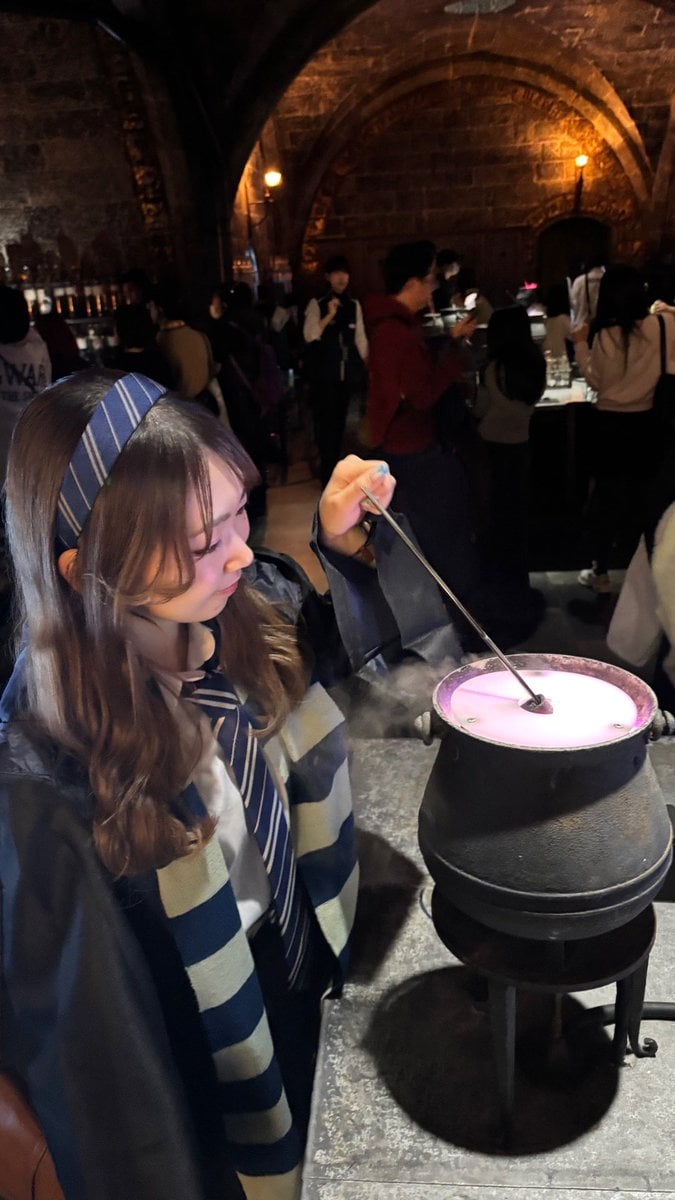
February Schedule Prompt
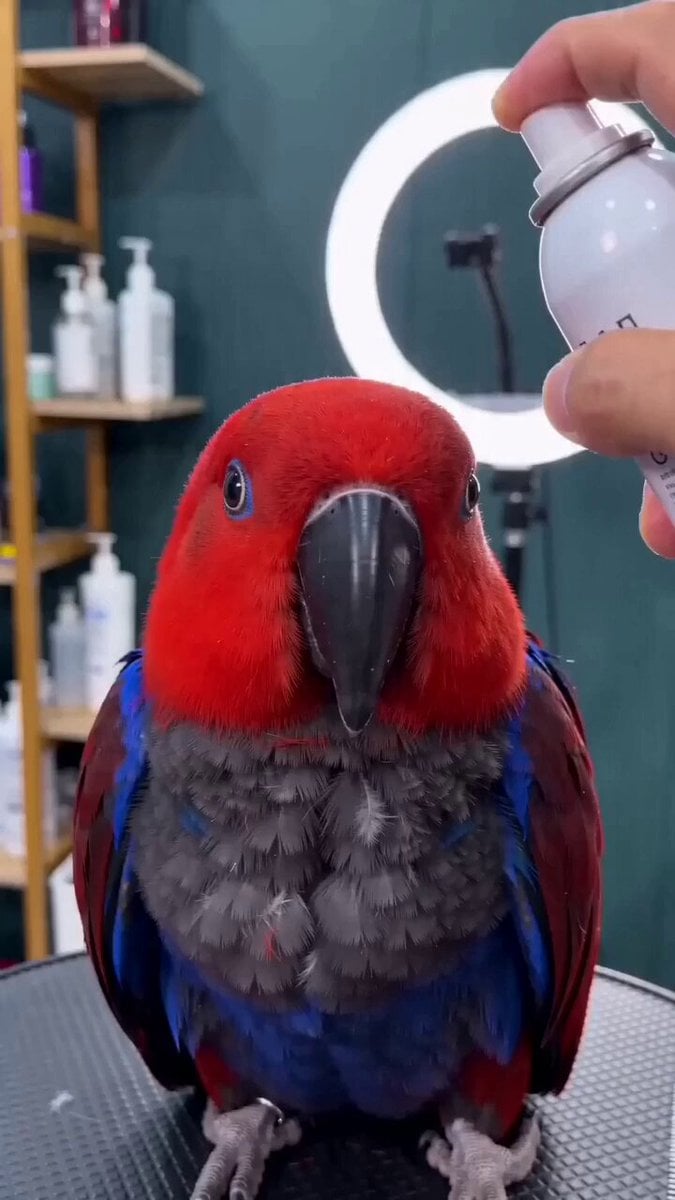
Close-up of a parrot getting a haircut, scene 1
Browse template categories
Sunset Anime Supermarket Scene with Voice Control questions
How do I use the Sunset Anime Supermarket Scene with Voice Control template?
Add your photo if the template asks for one, edit the prompt if you like — the template's model and format are already selected — and press Generate. Your version opens in PicX Studio.
Can I customize the Sunset Anime Supermarket Scene with Voice Control template?
Yes. You can change the subject, setting, lighting, mood, format, and available model controls before creating your video.
Is the Sunset Anime Supermarket Scene with Voice Control template free?
Opening and editing this template is free. Generating uses credits, shown on the Generate button when you are signed in.
Which AI model should I use?
Start with Grok Imagine, which is the model associated with this template. You can compare another compatible model for a different finish.
Looking for something else? Browse all templates.

Your photo, any look
Thousands of ready templates for every top image and video model, from one credit balance.