How do I use the Close-up of a parrot getting a haircut, scene 1 template?
Edit the prompt in the box under the preview — the template's model and format are already selected — and press Generate. Your version appears right on this page.
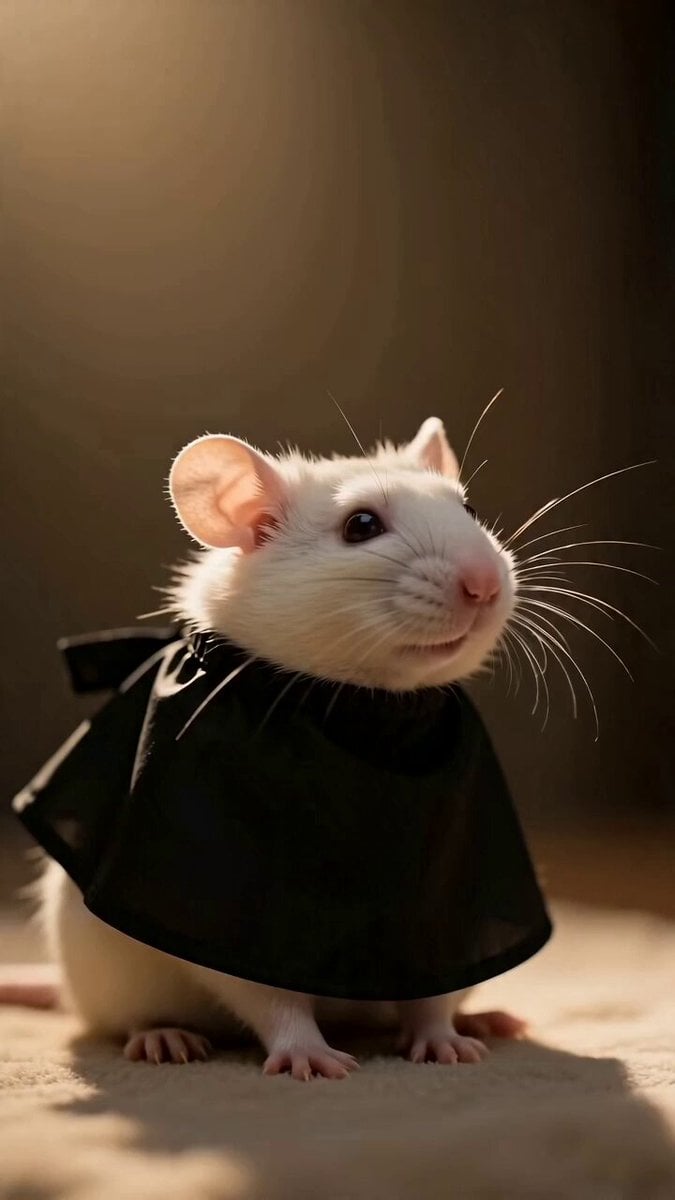
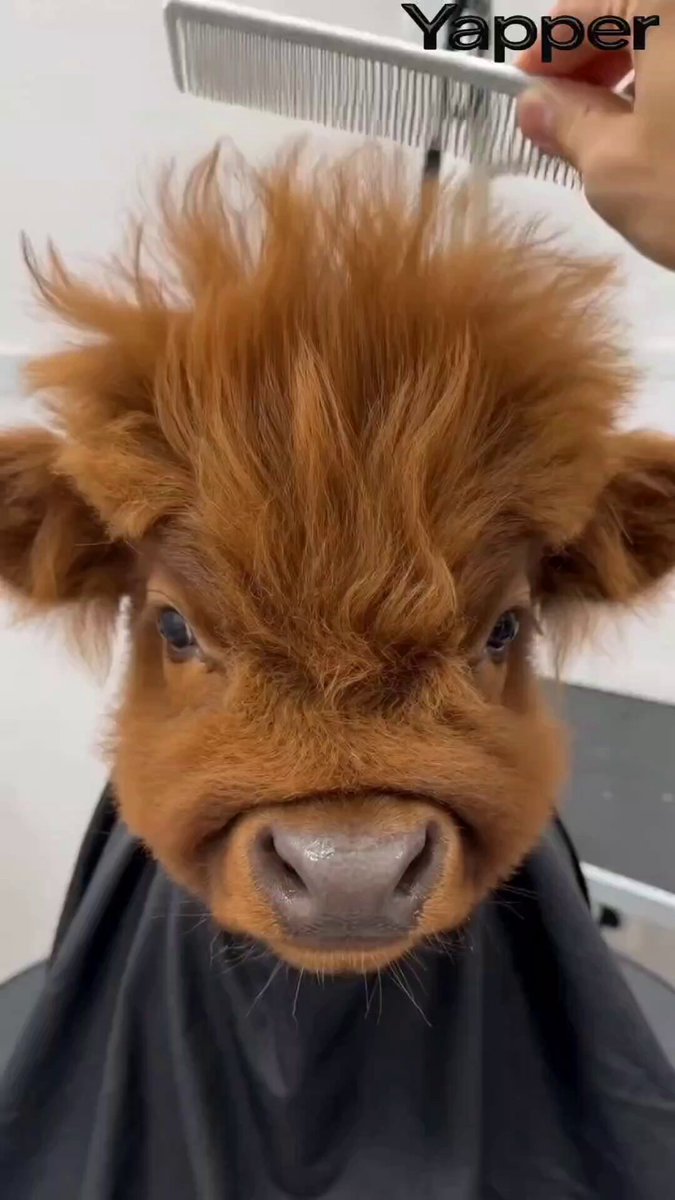
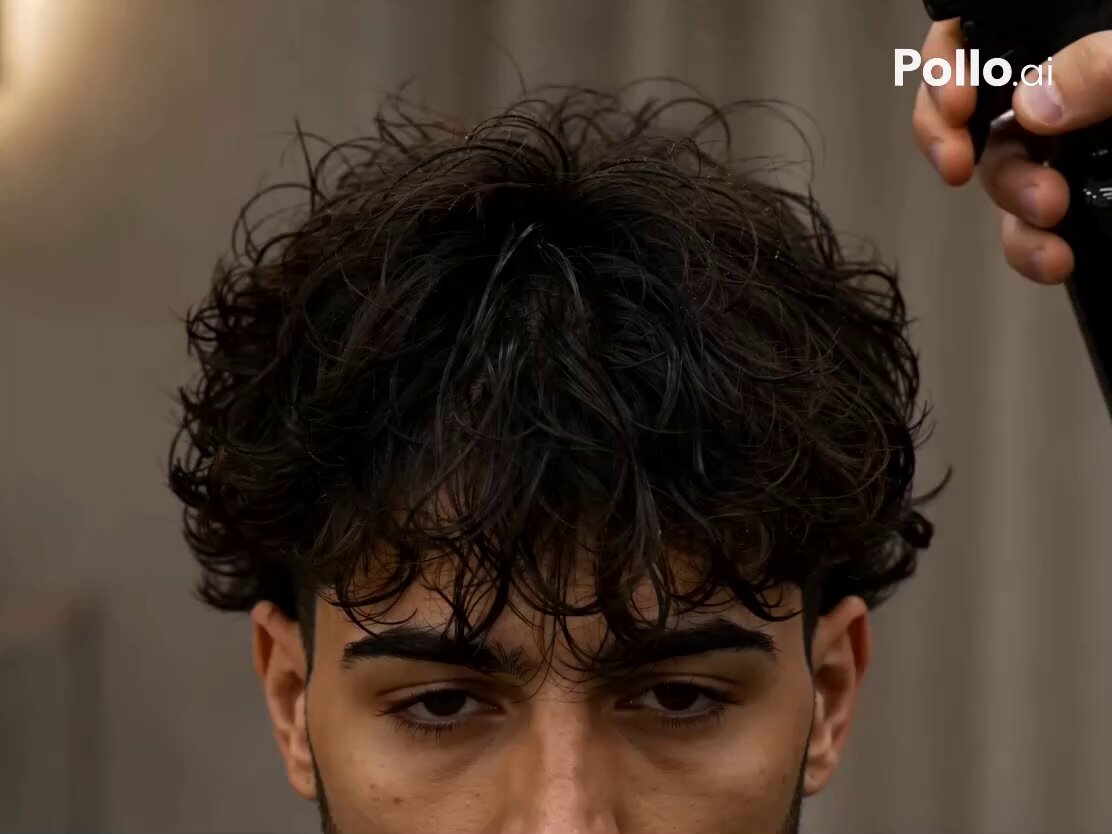
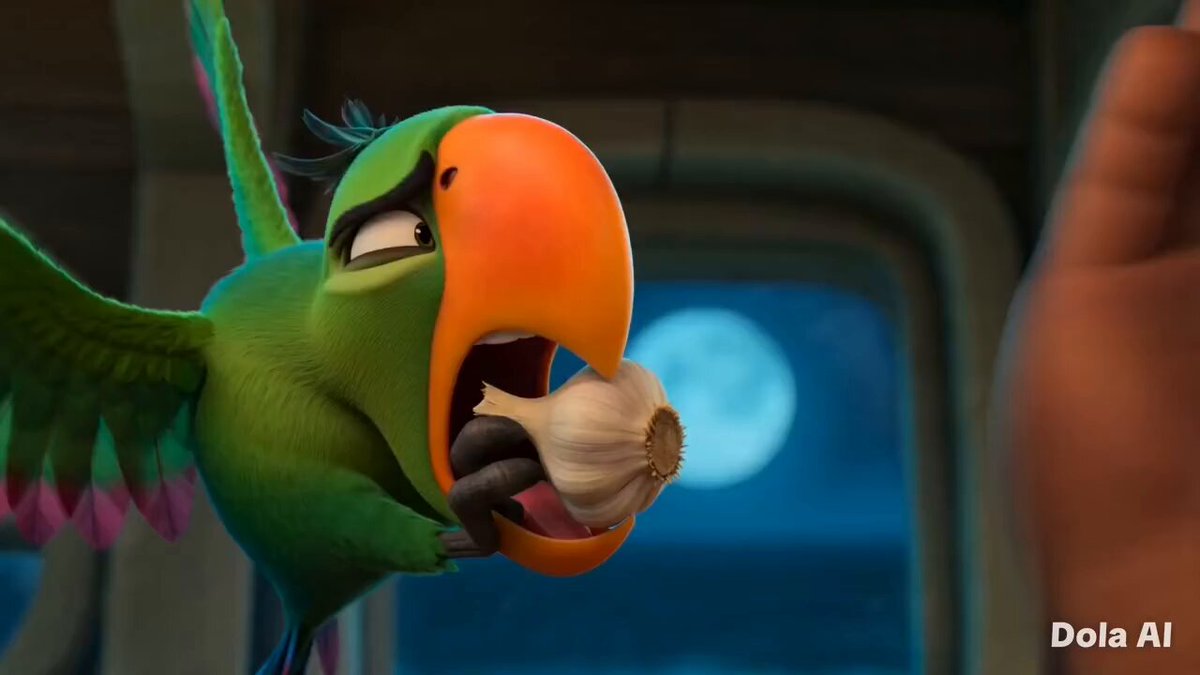
The first scene of a video prompt detailing a close-up shot of a parrot receiving a haircut.
01-00特写理发师用梳子挑起头顶羽毛,精细修剪。CU, orange-headed parrot wearing a black hair salon cape, stylist hands using silver scissors and a comb to trim top feathers, professional salon lighting, ring light reflection in eyes.0200:01中景理发师拿起喷壶,向鹦鹉头顶喷洒细水雾。
01-00特写理发师用梳子挑起头顶羽毛,精细修剪。CU, orange-headed parrot wearing a black hair salon cape, stylist hands using silver scissors and a comb to trim top feathers, professional salon lighting, ring light reflection in eyes.0200:01中景理发师拿起喷壶,向鹦鹉头顶喷洒细水雾。
Edit the prompt in the box under the preview — the template's model and format are already selected — and press Generate. Your version appears right on this page.
Yes. You can change the subject, setting, lighting, mood, format, and available model controls before creating your video.
Opening and editing this template is free. Generating uses credits, shown on the Generate button when you are signed in.
Start with Seedance 2.0, which is the model associated with this template. You can compare another compatible model for a different finish.
Follow a topic to a crawlable collection of related PicX Studio templates.