
Pirate Chef and Parrot ASMR Comedy
A Pixar-style 3D animated comedy sequence featuring a burly pirate chef and a mischievous parrot in a galley with detailed sound and motion events.
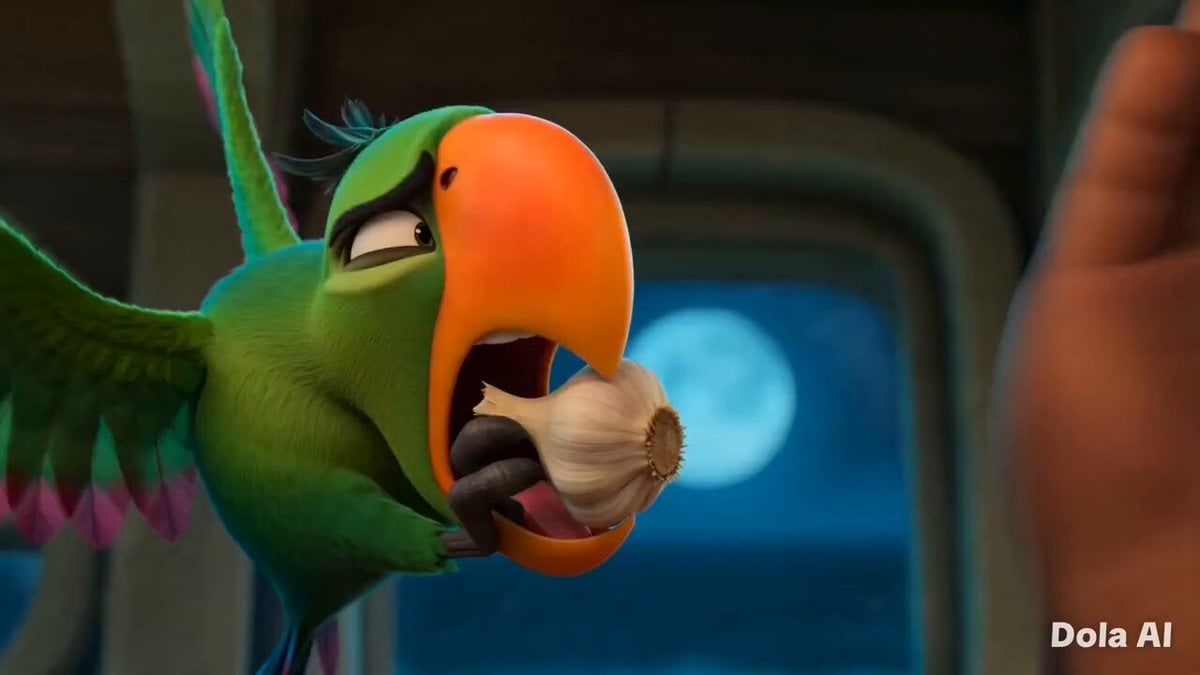
- Prompt included
- Model and format preset
- Free template
The prompt behind this video
Copy the exact prompt behind Pirate Chef and Parrot ASMR Comedy, or open it in the studio and make it yours.
Pixar-quality 3D ASMR comedy aboard a lantern-lit pirate ship galley. A burly pirate chef cooks while a mischievous green parrot constantly tries to steal ingredients. Warm amber lighting, cinematic depth of field, slapstick humor, crisp food ASMR. 0–2s: Extreme close-up. Parrot grabs a garlic bulb. Pirate's hand slams down beside it. Frozen stare. The parrot slowly looks up. Record-scratch silence. 2–4s: Pirate flicks the parrot away. Slow-motion cartwheel. The parrot lands on a pot rack pretending nothing happened. Pirate chops garlic rapidly. Crisp ASMR. 4–6s: Parrot tiptoes toward a tomato in the background while the pirate cooks. Garlic hits hot oil with a huge sizzle, startling the parrot into falling off the rack. Cup clangs. 6–8s: Fast montage. Tomatoes sizzle, herbs tear, olive oil pours in golden slow motion. Pirate grins in flow state. Rich ASMR layering. 8–9s: Parrot strains to drag the skillet away. Pirate turns and stares. Parrot freezes while still holding the handle. 9–10s: Pirate serves the meal and slides a tiny plate of sauce and bread to the parrot. The parrot does a happy bounce and eats beside him. Warm lantern glow, ship gently swaying, soft accordion note fading out.
How to use Pirate Chef and Parrot ASMR Comedy in 3 steps
- 1
Open
The prompt is already in the box next to the preview, with the template's model and format selected.
- 2…a portrait of your subject in softgolden-hour light, 85mm…
Personalize
Edit the subject and creative details for your destination.
- 3Generate
Generate
Press Generate — your video is created in PicX Studio, so you can compare it with the original and refine one variable at a time.
More like this
Templates with the same subject, style or setup. Open one to see its prompt.
Animal Garden Party Bar — Comedy Short
Viking in Modern America Comedy - Seedance 2.5
Comedy Coke Bottle Prank Reel — Kling 3.0 O3 Pro

Cartoon Donut Heist Bakery Chase
Cat Ramen Chef ASMR Video Prompt for Seedance 2.0
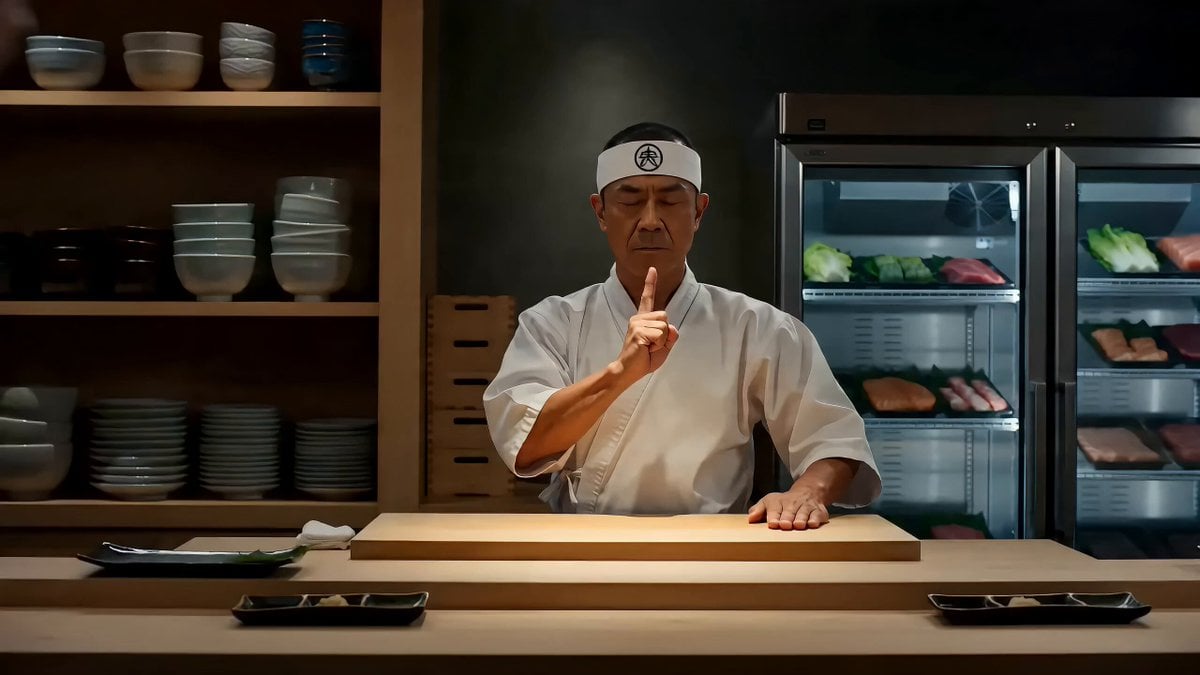
Samurai Sushi Chef Comedy Hook Prompt
Dim Sum Chase — Shrimp Dumpling Monster
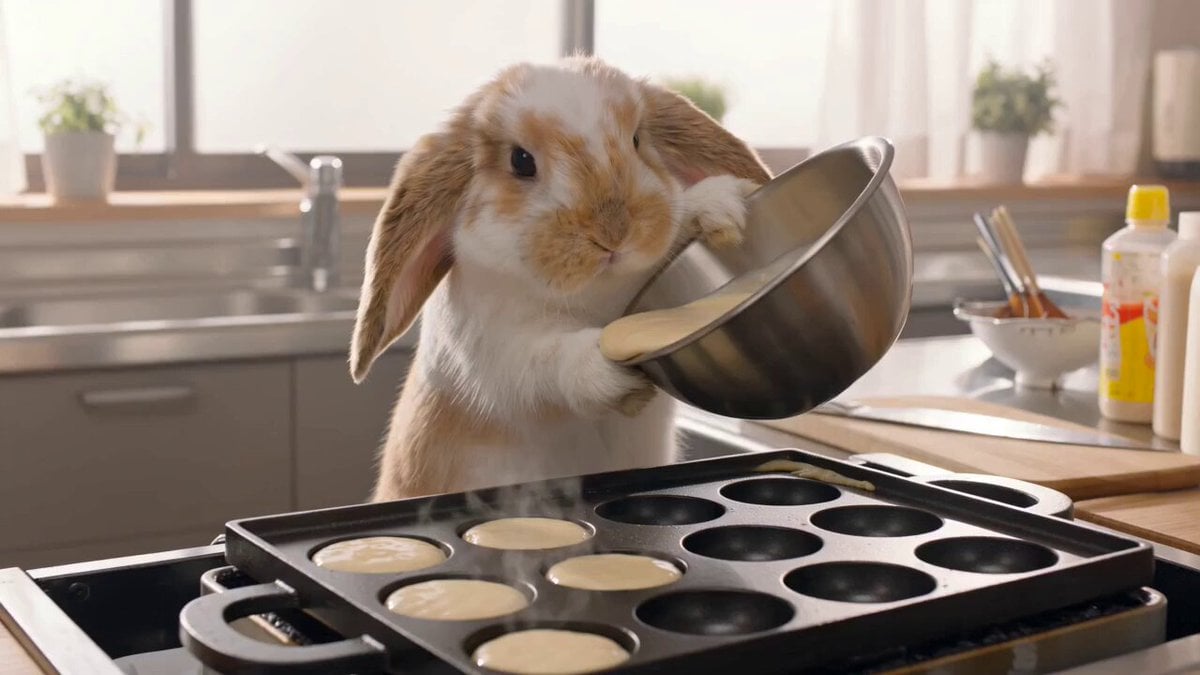
Lop-Eared Bunny Takoyaki Chef
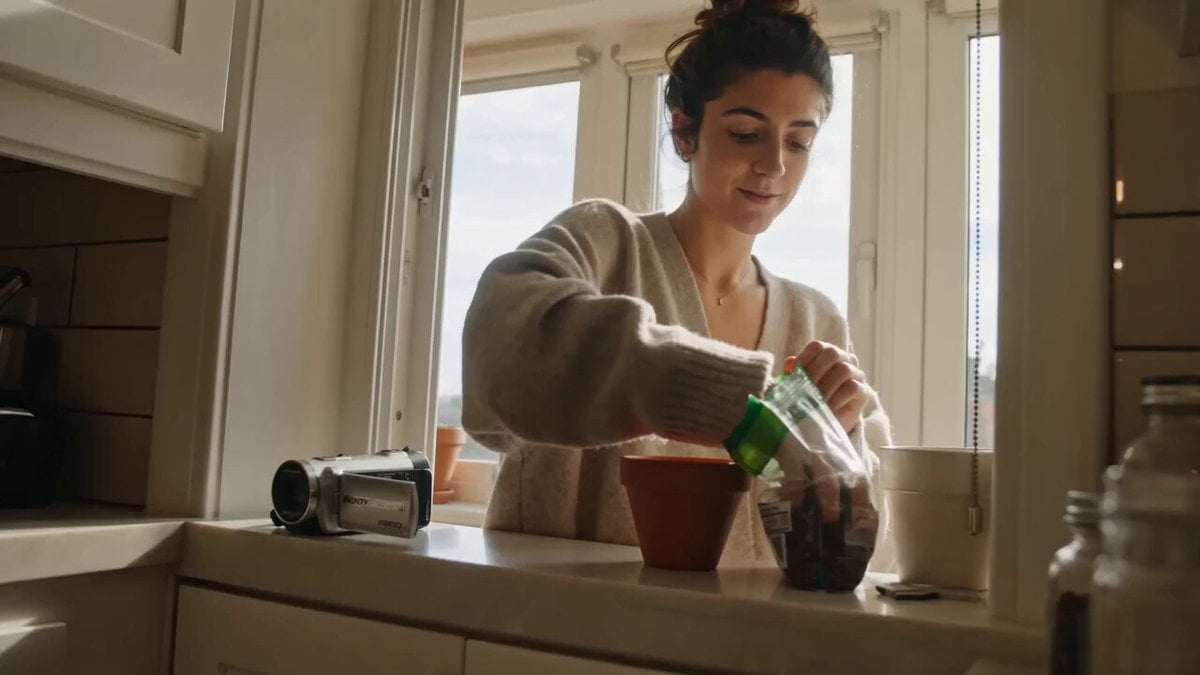
ASMR Plant Care Mini DV Vlog
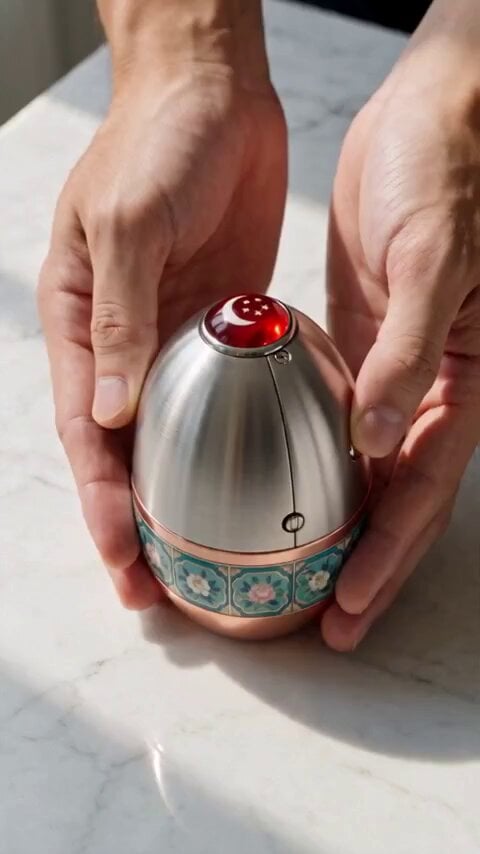
Mechanical Merlion Transformation ASMR
ASMR Pink Lip Gloss Creation
3D Pixar Style Salon ASMR Prompt
Make it yours
Pirate Chef and Parrot ASMR Comedy works as-is. These are the safest ways to change it without losing the look.
Change one field
Copy a single group, rewrite it, and generate again so you can see what that field is doing.
Keep the frame, change the subject
Hold the composition and light of Pirate Chef and Parrot ASMR Comedy, then swap wardrobe, props or the person for a new take.
| If the result… | Why | Fix |
|---|---|---|
| The result drifts from the preview | Too many fields changed at once. | Reuse Pirate Chef and Parrot ASMR Comedy as-is first, then change one group — subject, light, or setting. |
| The model over-stylizes the scene | The prose prompt leaves finish and camera underspecified. | Add one camera or lighting sentence and stay on Seedance 2.0. |
More Seedance 2.0 templates
Other prompts made for Seedance 2.0.

Comical Martial Arts Punch Scene

Maglev Train Action Sequence

Martial Arts Fight Sequence

Wuxia Protection and Trust Script

Vintage Korean Arcade MiniDV Vlog

Mercedes 190 SL Luxury Ad

Amazon Civilization Discovery

Futuristic South Asian City Transformation

Cozy Luxury Cafe Commercial

Cyber Ronin Nanotech Transformation Video
More video prompts
Fresh picks from across the catalog.
Magic Baking Kitchen Cat Transformation
Blooming Fractal Flowers Video
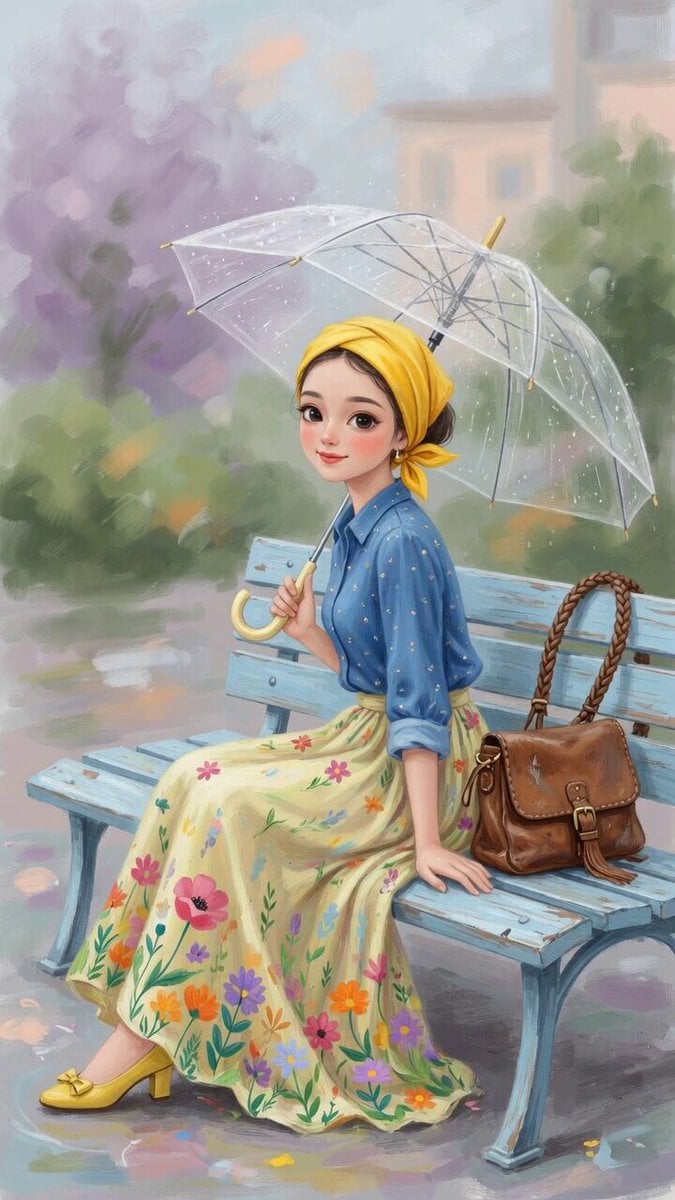
Charming Painterly Illustration
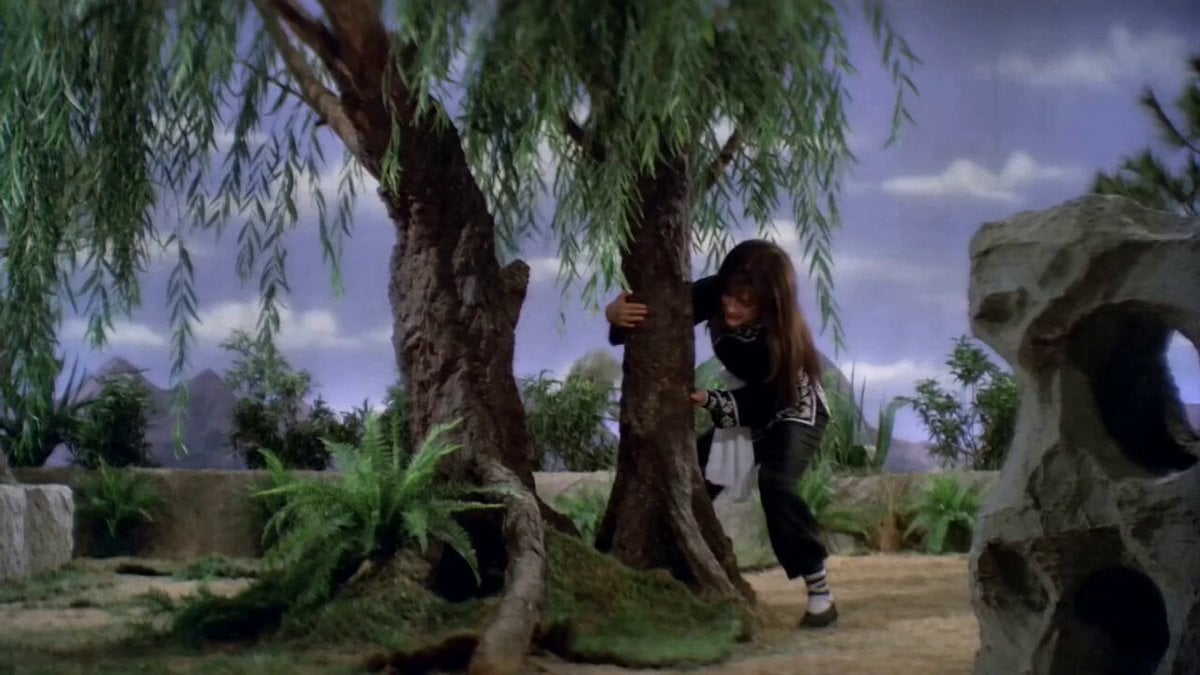
Pupu Pulling Up a Willow Tree: Shaw Brothers Wuxia Style
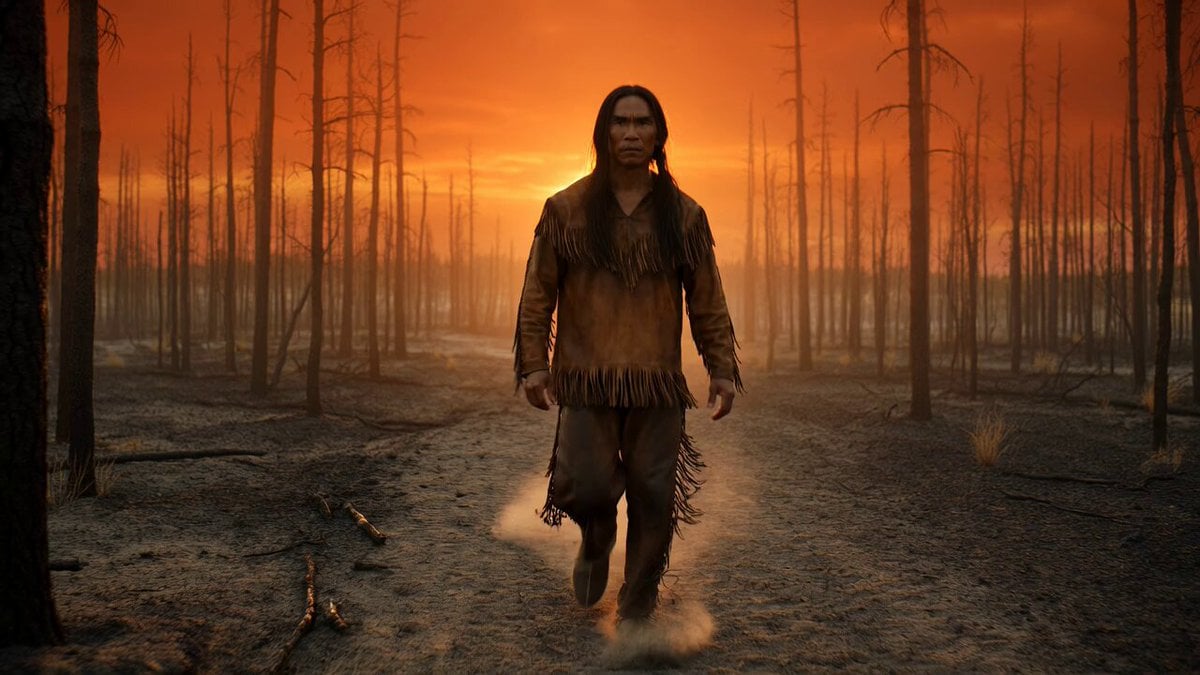
Native American Warrior Cinematic Video
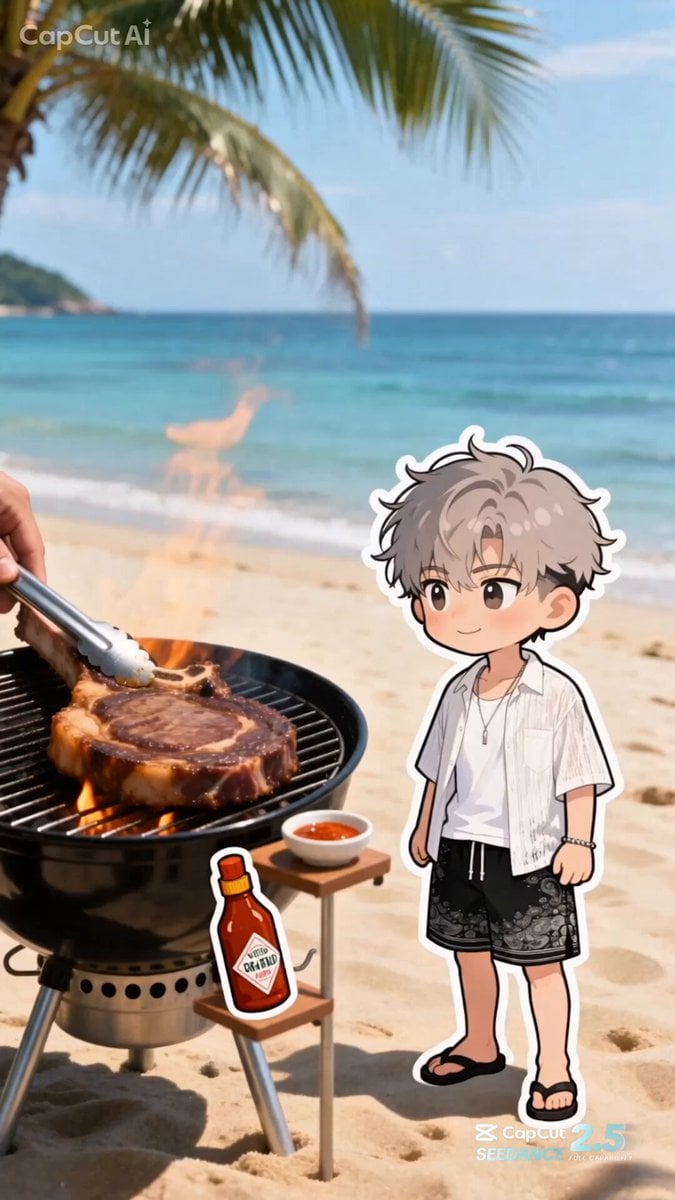
Summer Beach BBQ and Anime Character Sticker
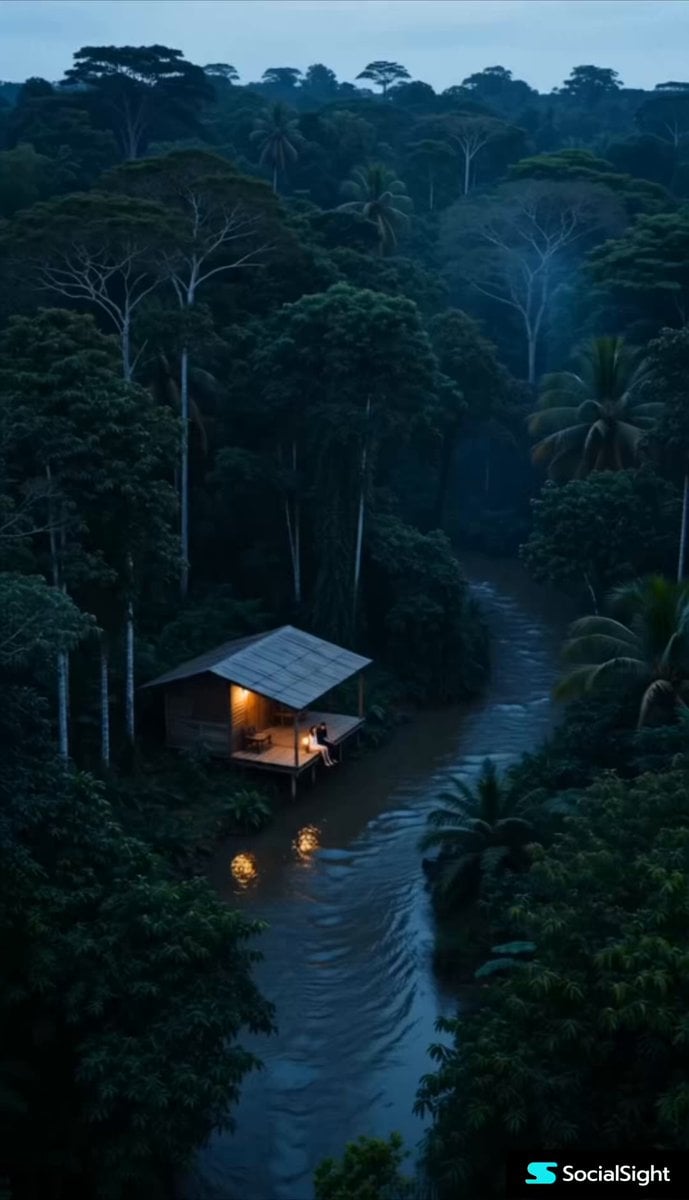
Rainforest Water Beast Horror
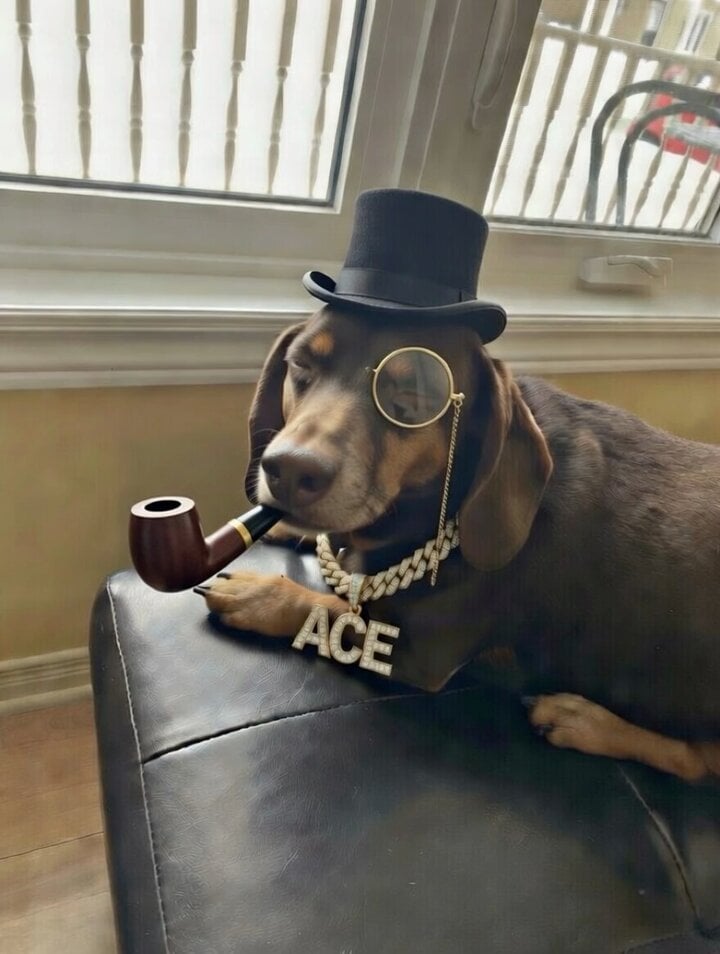
Brother dog in a tuxedo with cognac and gold chain video prompt

Orion Warrior Woman Sci-Fi Portrait
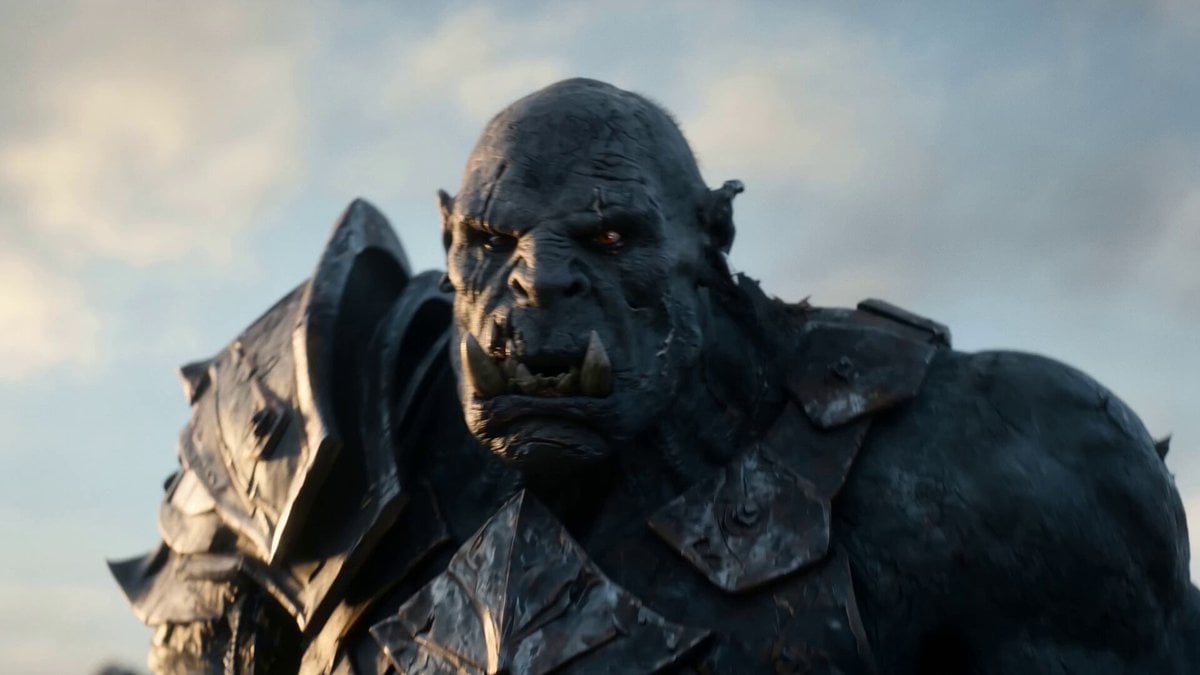
Elven vs Orc Epic Battle
Browse template categories
Pirate Chef and Parrot ASMR Comedy questions
How do I use the Pirate Chef and Parrot ASMR Comedy template?
Add your photo if the template asks for one, edit the prompt if you like — the template's model and format are already selected — and press Generate. Your version opens in PicX Studio.
Can I customize the Pirate Chef and Parrot ASMR Comedy template?
Yes. You can change the subject, setting, lighting, mood, format, and available model controls before creating your video.
Is the Pirate Chef and Parrot ASMR Comedy template free?
Opening and editing this template is free. Generating uses credits, shown on the Generate button when you are signed in.
Which AI model should I use?
Start with Seedance 2.0, which is the model associated with this template. You can compare another compatible model for a different finish.
Looking for something else? Browse all templates.

Your photo, any look
Thousands of ready templates for every top image and video model, from one credit balance.