
Rainforest Water Beast Horror
A cinematic horror video prompt with multi-scene progression featuring a creature attack in a dark rainforest.
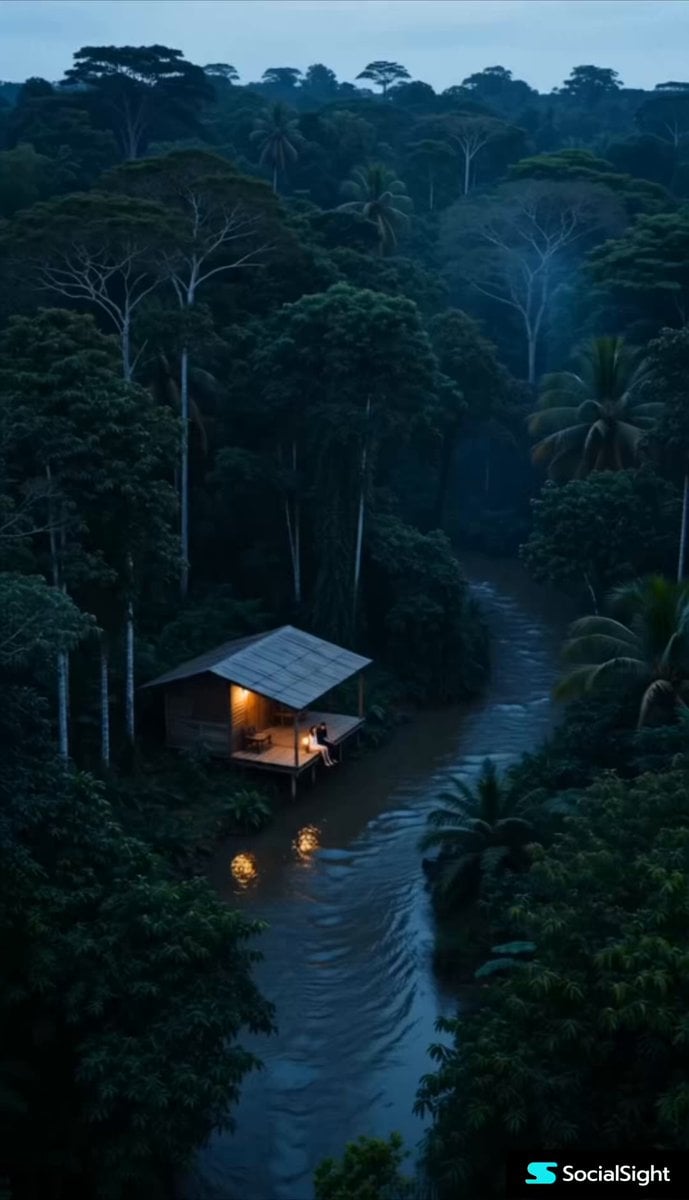
- Prompt included
- Model and format preset
- Free template
The prompt behind this video
Copy the exact prompt behind Rainforest Water Beast Horror, or open it in the studio and make it yours.
Ultra-realistic 4K cinematic horror scene in a dark rainforest at dusk. Moody blue-black color grading, dim lantern lighting, foggy atmosphere, realistic water physics, anamorphic lens look, natural skin texture, handheld cinematic camera movement, grounded realism, suspenseful pacing, terrifying scale, Dolby-style sound design, no bright colors. **Scene 1 (0–4s):** Wide drone shot of a small wooden jungle hut built above a flowing river stream deep inside a dense rainforest. A young couple sits peacefully on the front terrace deck with legs hanging near the water, quietly enjoying the view. Dim lantern light glows beside them. Water gently flows under the hut. Camera slowly pushes forward with subtle handheld motion. Calm but unsettling atmosphere. Wet wood reflections, fog over water, dark green jungle tones, cinematic depth of field. Soft ambient music, insects, distant jungle sounds. **Scene 2 (4–7s):** Cut to low angle near the river surface. Water begins vibrating unnaturally. Ripples spread rapidly beneath the terrace. Lantern light flickers softly. Camera shake increases slightly. A gigantic dark underwater silhouette moves beneath the hut, partially visible through murky water. The couple notices movement and becomes nervous. Deep underwater rumble, wood creaking, suspenseful bass tones. **Scene 3 (7–11s):** Suddenly a gigantic horrifying mammal-like water beast explodes from the river beside the terrace in terrifying ultra-realistic detail. Massive jaws open wide with huge sharp teeth. Violent slow-motion water splash everywhere. Wet scarred skin with realistic reflections and dark gray-black texture. Creature partially climbs onto the wooden deck. Couple screams and backs away in panic. Camera rapidly pulls backward with intense handheld shaking like a real movie cameraman reacting naturally. Dramatic lantern and moonlight reflections, cinematic destruction, terrifying scale. **Scene 4 (11–15s):** The giant creature aggressively crawls toward the couple across the wooden terrace while roaring. Wood cracks beneath its massive weight. Couple runs into the dark jungle behind the hut. Camera follows behind with frantic handheld movement through fog and darkness. Final shot: creature stops near river edge and stares directly into camera with glowing eye reflections and heavy breathing. Instant hard cut to black. Loud roar echoes, music abruptly stops, distant flowing water continues in darkness. Negative Prompt cartoon, fantasy colors, unrealistic CGI, oversaturated lighting, blurry textures, low realism, anime style, fake water physics, goofy expressions, distorted anatomy, bright daylight, cheerful mood, low detail, extra limbs.
How to use Rainforest Water Beast Horror in 3 steps
- 1
Open
The prompt is already in the box next to the preview, with the template's model and format selected.
- 2…a portrait of your subject in softgolden-hour light, 85mm…
Personalize
Edit the subject and creative details for your destination.
- 3Generate
Generate
Press Generate — your video is created in PicX Studio, so you can compare it with the original and refine one variable at a time.
More like this
Templates with the same subject, style or setup. Open one to see its prompt.
Rainforest Thriller — Searching the Unseen
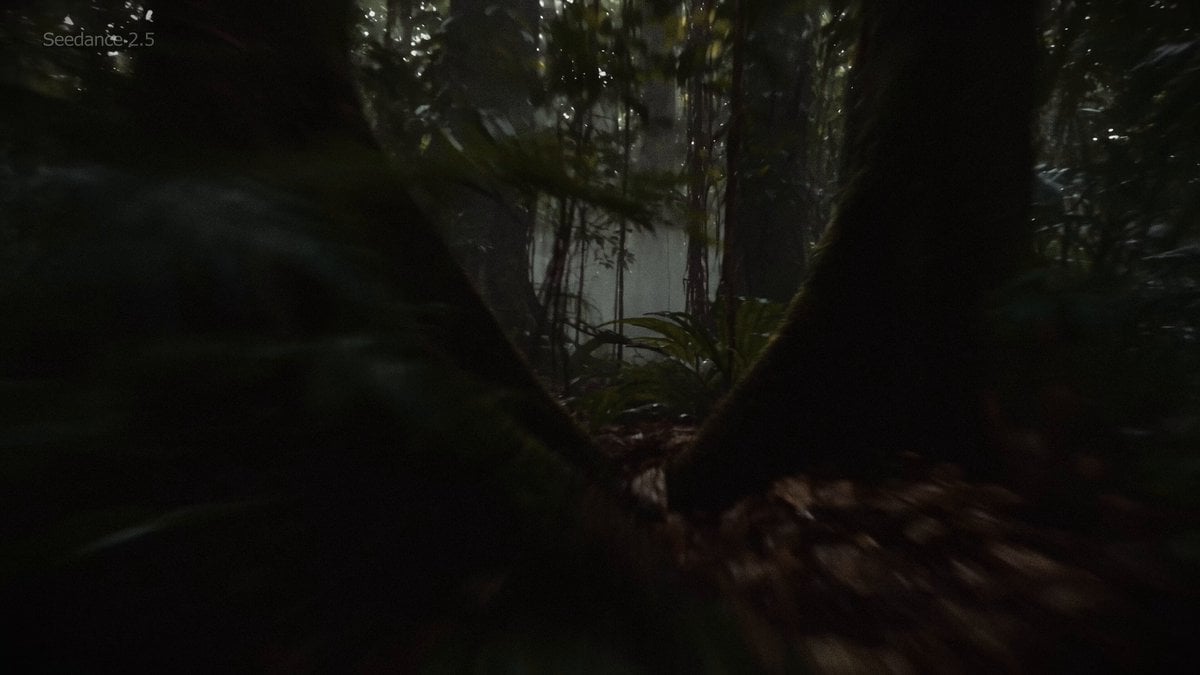
Amazon Rainforest Horror Monster Encounter
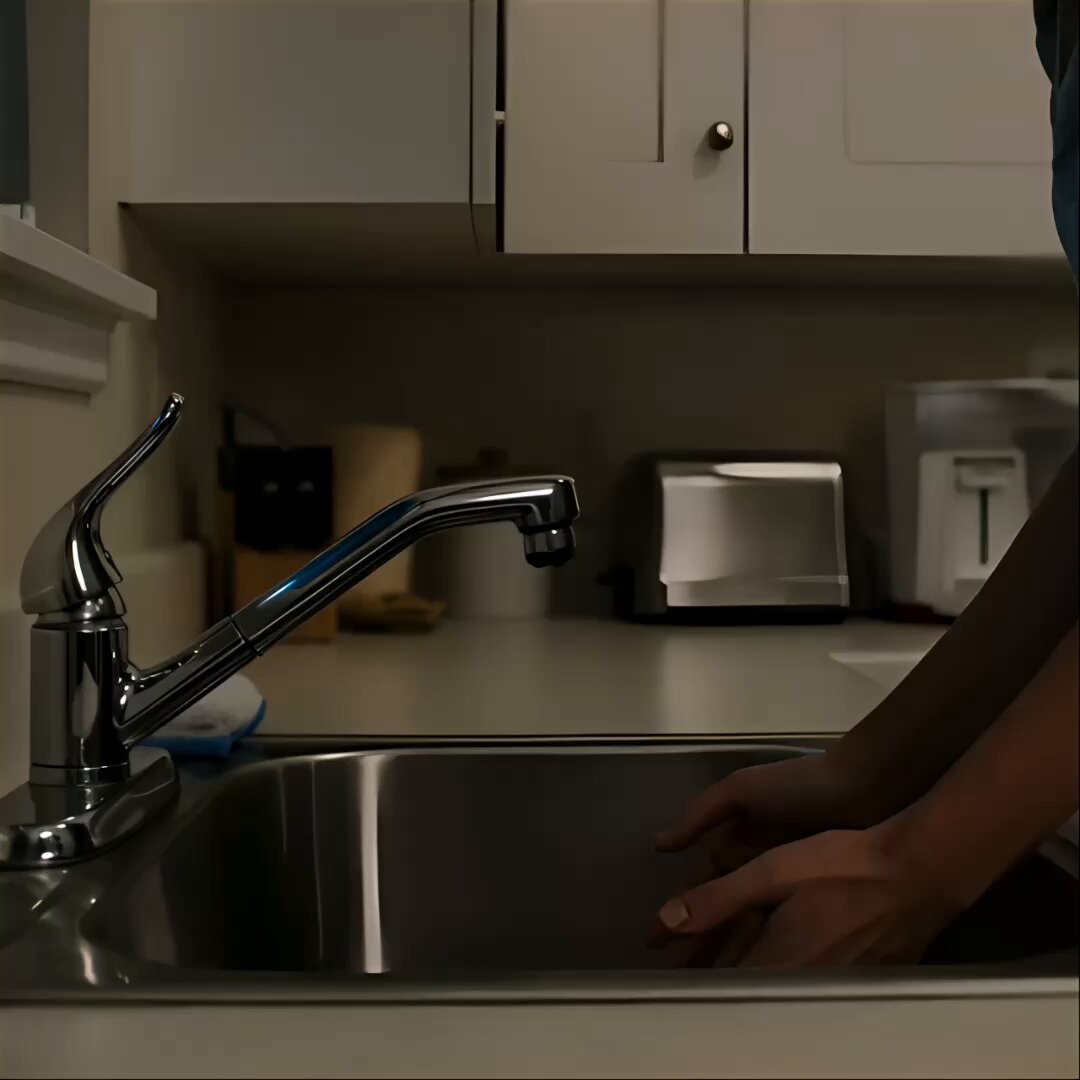
Black Alien Water Horror Sequence
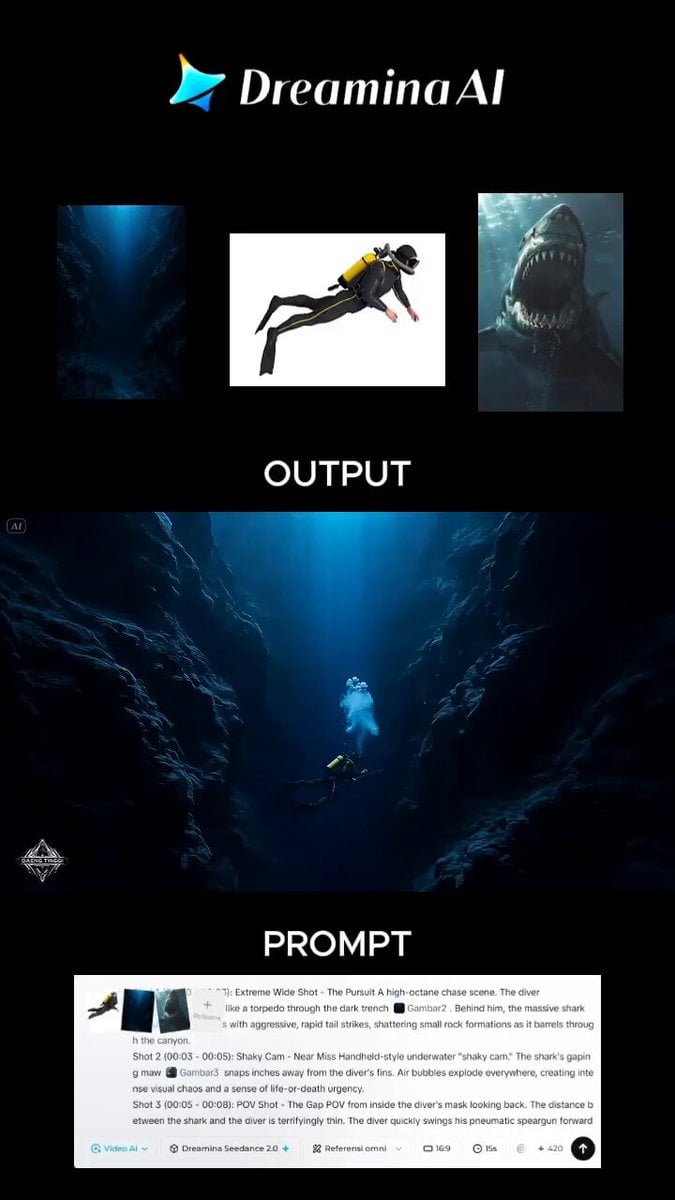
Action-Horror Underwater Chase Prompt
Ballerina Opera House — Seedance 2.0
Thornmaw Monarch — Crimson Glass Desert Beast
Chibi Cave Adventure — He Doesn't Know What's Coming
Subway Flood — Epic Tunnel Chaos
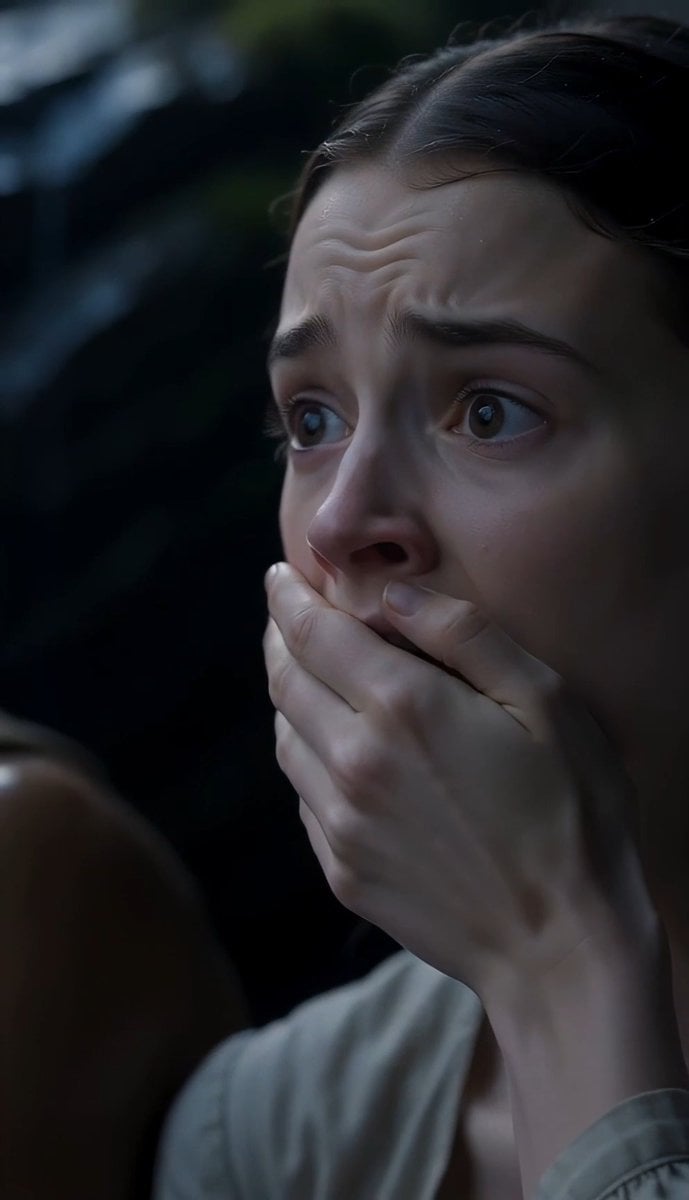
The Last of the Mohicans Waterfall Scene
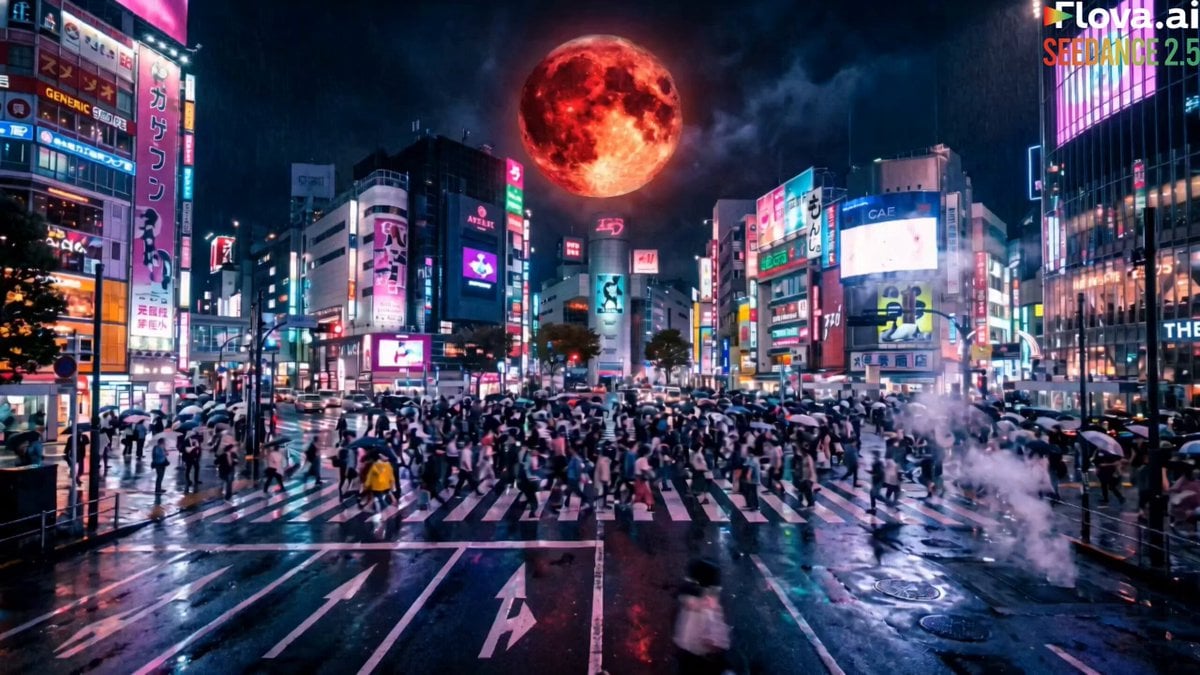
Cinematic Beast Transformation Sequence
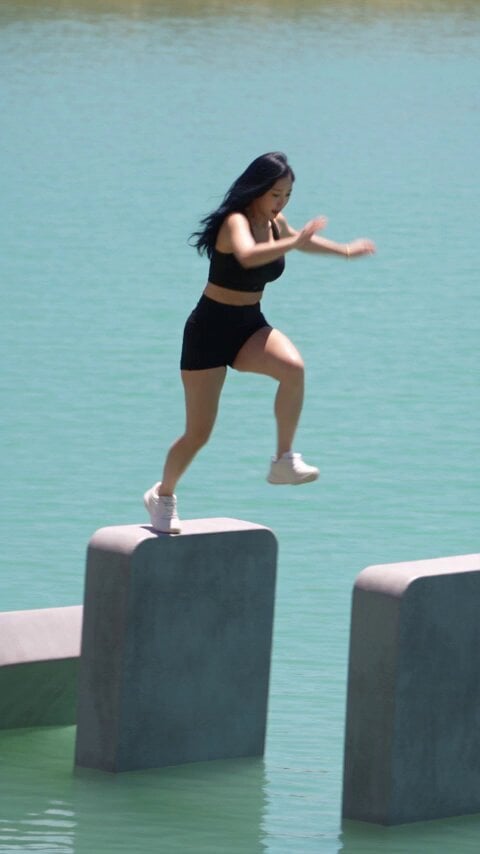
Giant Domino Water Parkour Challenge
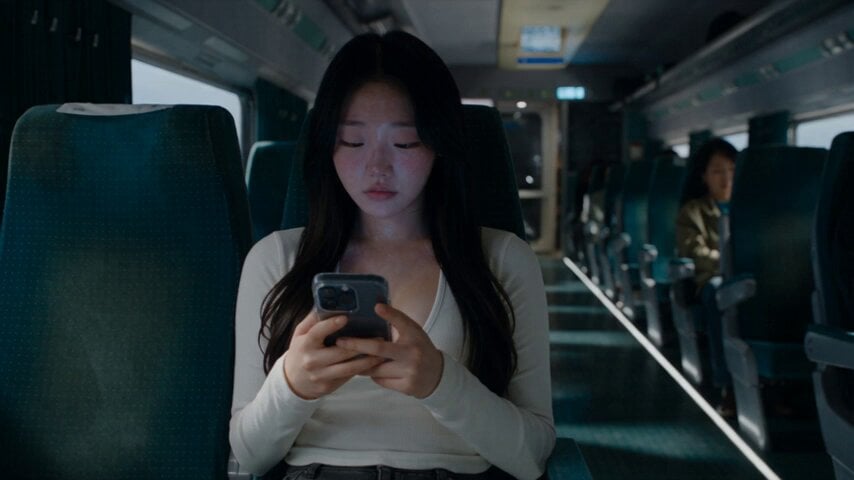
Last Ride Train Outbreak Horror
Make it yours
Rainforest Water Beast Horror works as-is. These are the safest ways to change it without losing the look.
Change one field
Copy a single group, rewrite it, and generate again so you can see what that field is doing.
Keep the frame, change the subject
Hold the composition and light of Rainforest Water Beast Horror, then swap wardrobe, props or the person for a new take.
| If the result… | Why | Fix |
|---|---|---|
| The result drifts from the preview | Too many fields changed at once. | Reuse Rainforest Water Beast Horror as-is first, then change one group — subject, light, or setting. |
| The model over-stylizes the scene | The prose prompt leaves finish and camera underspecified. | Add one camera or lighting sentence and stay on Seedance 2.0. |
More Seedance 2.0 templates
Other prompts made for Seedance 2.0.

Comical Martial Arts Punch Scene

Maglev Train Action Sequence

Martial Arts Fight Sequence

Wuxia Protection and Trust Script

Vintage Korean Arcade MiniDV Vlog

Mercedes 190 SL Luxury Ad

Rainy Night Supernatural Reverse Comedy Video Script

Amazon Civilization Discovery

Futuristic South Asian City Transformation

Cozy Luxury Cafe Commercial
More video prompts
Fresh picks from across the catalog.
White Tiger Hunter in Glacial Canyon
90s Asian Art Movie Cinematic Portrait
Impossible Camera Move through a Southeast Asian Night Market
Astronaut Martian High Heels Ad

Coastal Parkour Anime Action

Lady Thistlewaite Tinklewink Tea Party
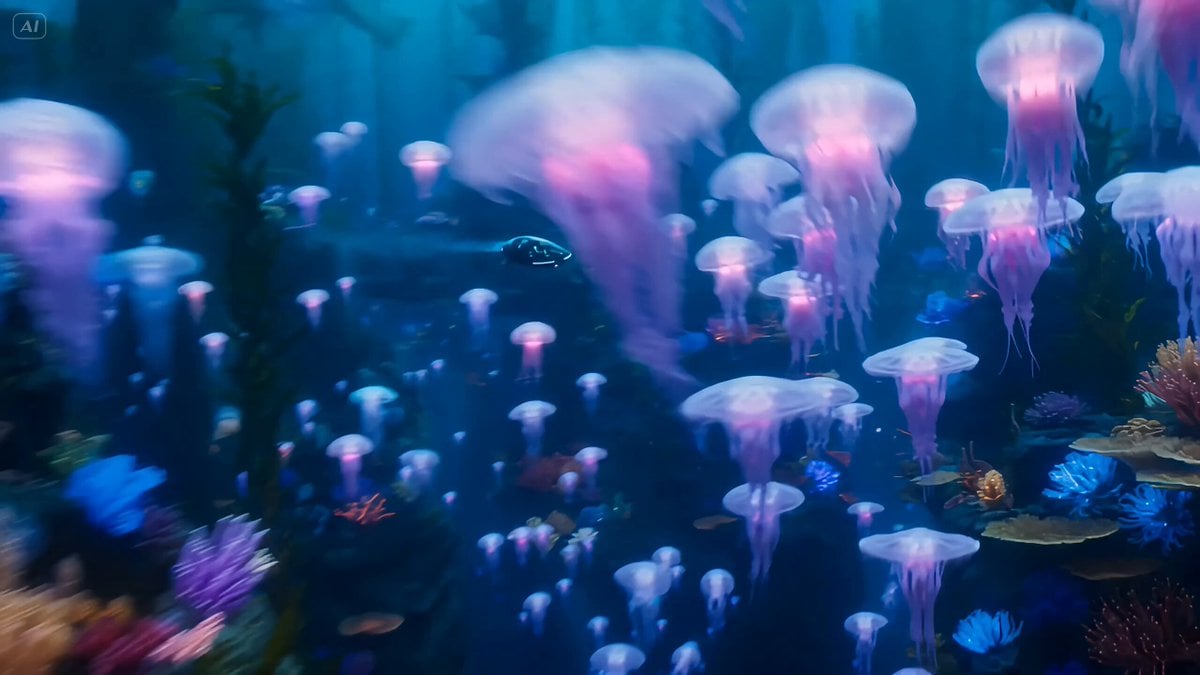
Deep-Sea Explorer in a Bio-Luminescent Coral City
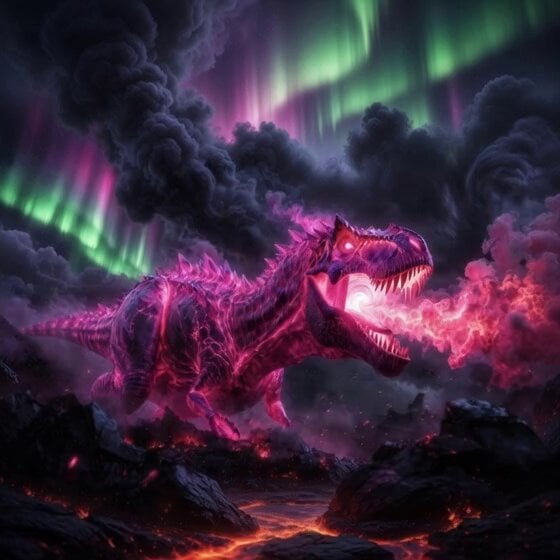
Colossal pink Tyrannosaurus Rex infused with ancient magic
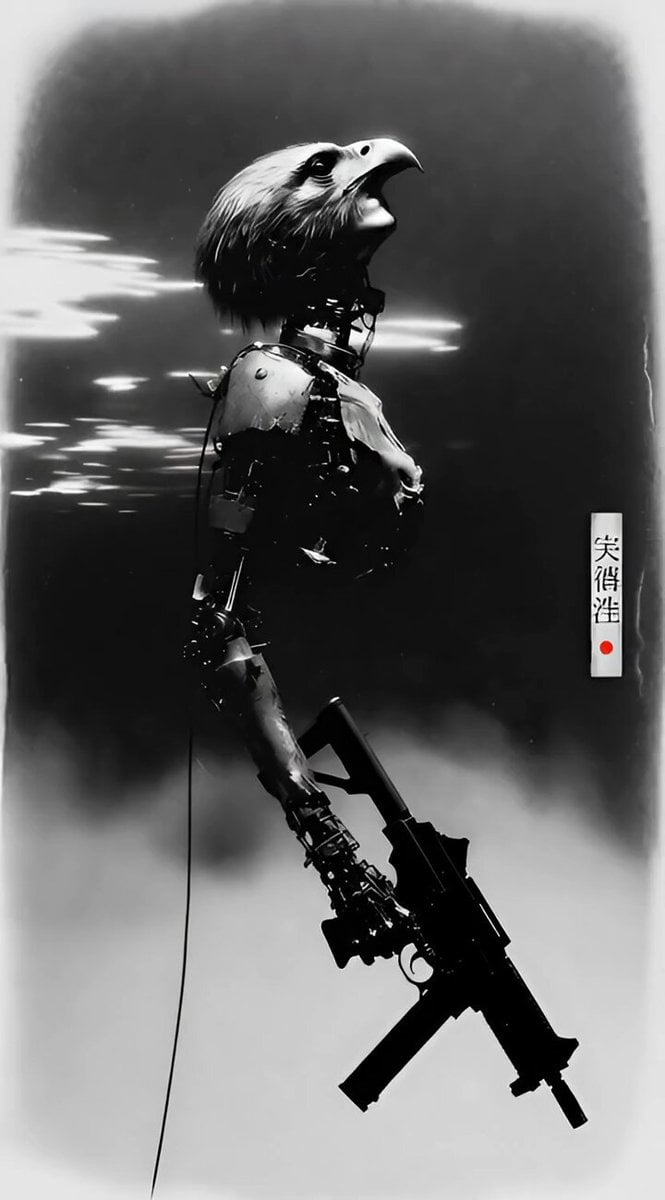
Battle Android Photograph
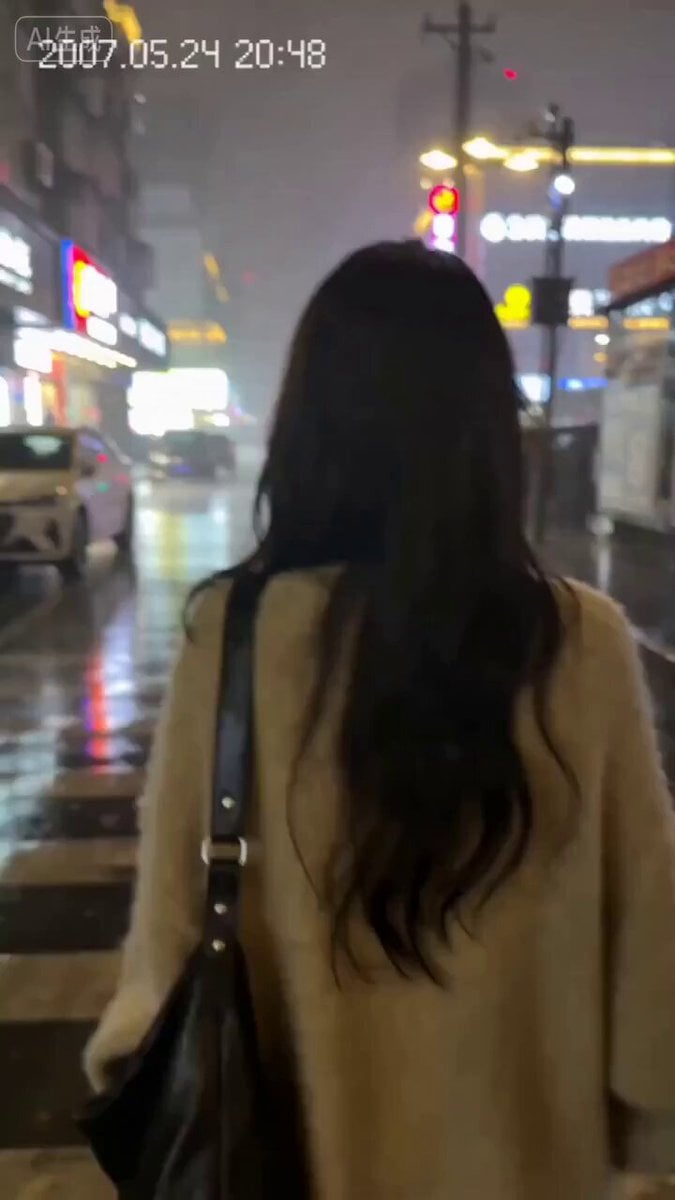
Nostalgic 2007 Style Breakup Video Prompt for Seedance 2.0
Browse template categories
Rainforest Water Beast Horror questions
How do I use the Rainforest Water Beast Horror template?
Add your photo if the template asks for one, edit the prompt if you like — the template's model and format are already selected — and press Generate. Your version opens in PicX Studio.
Can I customize the Rainforest Water Beast Horror template?
Yes. You can change the subject, setting, lighting, mood, format, and available model controls before creating your video.
Is the Rainforest Water Beast Horror template free?
Opening and editing this template is free. Generating uses credits, shown on the Generate button when you are signed in.
Which AI model should I use?
Start with Seedance 2.0, which is the model associated with this template. You can compare another compatible model for a different finish.
Looking for something else? Browse all templates.

Your photo, any look
Thousands of ready templates for every top image and video model, from one credit balance.