How do I use the Coastal Parkour Anime Action template?
Edit the prompt in the box under the preview — the template's model and format are already selected — and press Generate. Your version appears right on this page.
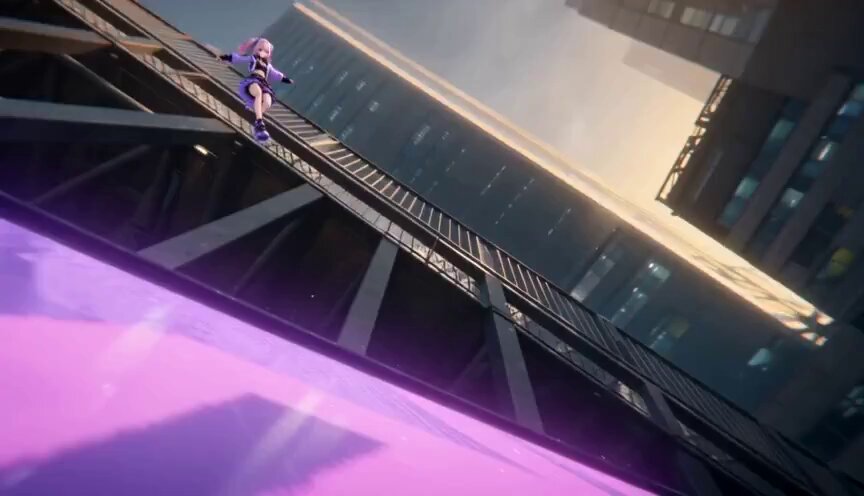
A highly detailed 15-second cinematic prompt for Seedance 2.0 that blends 2D anime parkour action with a photorealistic Japanese coastal environment across 8 distinct camera shots.
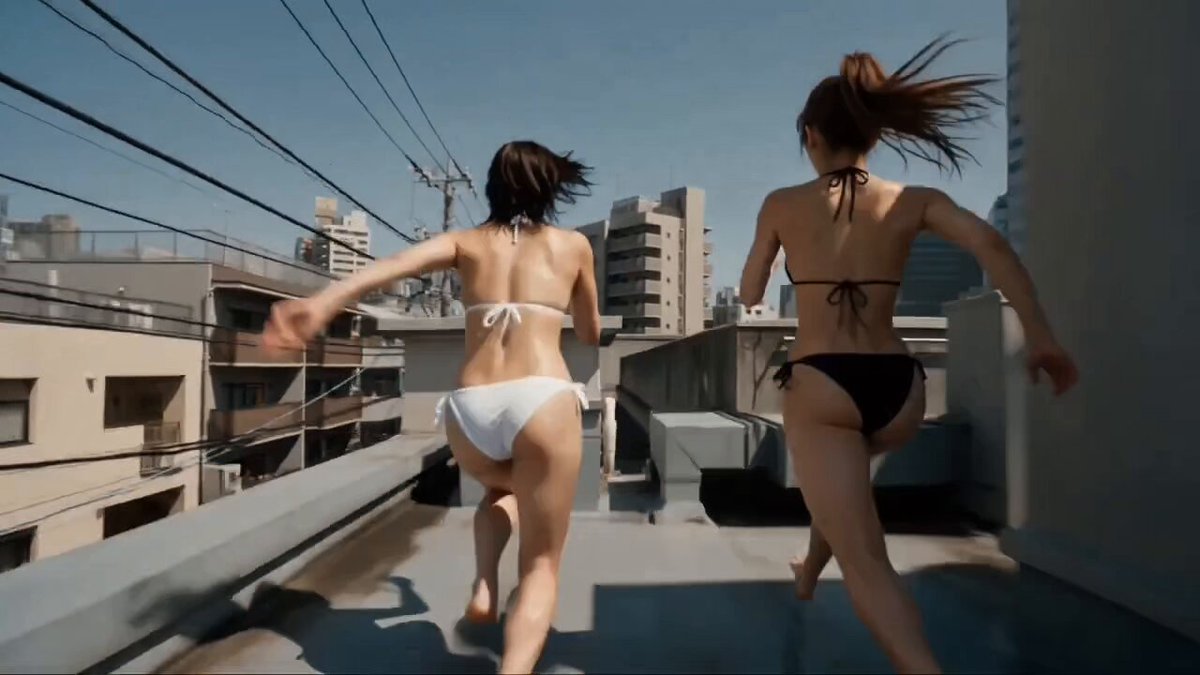
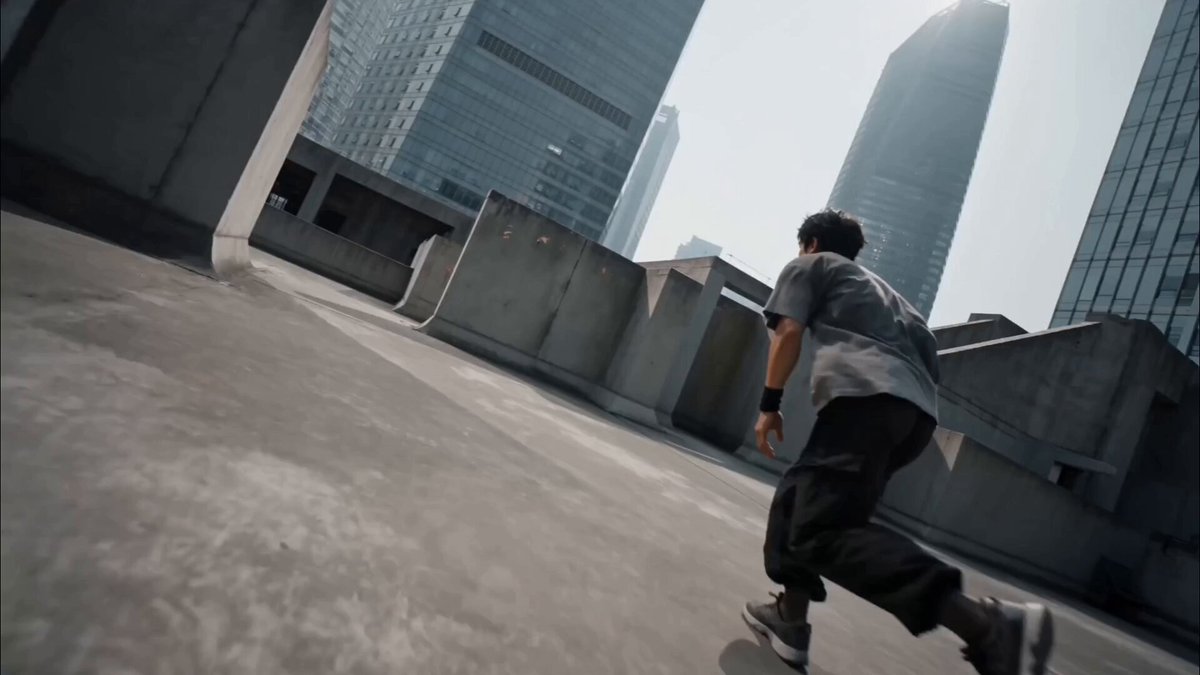
15-second cinematic parkour action video, 16:9, 1080p, 8 hard cuts. The protagonist is the 2D anime character from image . Her face, hairstyle, costume, and all character features must be preserved exactly in every cut. The 2D anime-style character coexists naturally within a live-action photorealistic real-world coastal Japanese town environment. Setting: real contemporary Japanese seaside town — coastal promenade, harbor walkways, seawalls, concrete breakwaters, wooden boardwalks, fishing port streets, beachside stairs, waterfront railings, piers, marina structures, coastal buildings, ocean views, and distant islands typical of Yokohama Bay, Enoshima, Atami, or Kobe waterfront. Natural daylight or golden-hour coastal lighting. Shot 1 [00:00–00:01.20]: Low rear 3/4 tracking shot, ground-level camera nearly scraping the pavement of a seaside promenade. Protagonist crouches then explodes into a sprint toward a low concrete seawall. Camera follows close behind. Shot 2 [00:01.20–00:03.60]: Front 3/4 low-angle follow shot. Protagonist launches into a forward flip over the first seawall. At peak, full body clears the obstacle. Cinematic framing against the ocean and coastal buildings. Shallow depth of field. Shot 3 [00:03.60–00:04.93]: True side close shot near ground. Landing flows seamlessly into a running forward roll along the promenade — shoulder-to-back weight transfer, rises immediately. Full body in frame. Shot 4 [00:04.93–00:07.33]: Opposite low side angle on a waterfront observation deck. Protagonist accelerates and launches a large forward flip over a concrete seawall. Ocean horizon fills the background. Shot 5 [00:07.33–00:08.67]: Near-overhead bird's-eye shot. Protagonist lands and rolls along the coastal walkway. Harbor, piers, and waterfront scenery visible around her. Body stays on surface. Shot 6 [00:08.67–00:11.07]: Retreating front-facing follow camera. Protagonist charges a waterfront staircase railing or concrete breakwater barrier, forward flip captured from the front. Camera retreats with slight handheld shake. Shot 7 [00:11.07–00:12.40]: Rear diagonal close tracking. Quick forward roll then sprint toward the final seawall obstacle. Low camera, handheld feel, protagonist fully in frame. Shot 8 [00:12.40–00:15.00]: Hero climax shot. Maximum-height forward flip over a large concrete breakwater against the sunset ocean skyline. Camera arcs from front 3/4 to opposite side during rotation. Protagonist lands and runs powerfully out of frame. Global rules: No T-poses, no teleportation, no body penetrating obstacles. Character appearance identical in every cut. 2D anime character style preserved against fully live-action photorealistic coastal Japanese town background.
15-second cinematic parkour action video, 16:9, 1080p, 8 hard cuts. The protagonist is the 2D anime character from image . Her face, hairstyle, costume, and all character features must be preserved exactly in every cut. The 2D anime-style character coexists naturally within a live-action photorealistic real-world coastal Japanese town environment. Setting: real contemporary Japanese seaside town — coastal promenade, harbor walkways, seawalls, concrete breakwaters, wooden boardwalks, fishing port streets, beachside stairs, waterfront railings, piers, marina structures, coastal buildings, ocean views, and distant islands typical of Yokohama Bay, Enoshima, Atami, or Kobe waterfront. Natural daylight or golden-hour coastal lighting. Shot 1 [00:00–00:01.20]: Low rear 3/4 tracking shot, ground-level camera nearly scraping the pavement of a seaside promenade. Protagonist crouches then explodes into a sprint toward a low concrete seawall. Camera follows close behind. Shot 2 [00:01.20–00:03.60]: Front 3/4 low-angle follow shot. Protagonist launches into a forward flip over the first seawall. At peak, full body clears the obstacle. Cinematic framing against the ocean and coastal buildings. Shallow depth of field. Shot 3 [00:03.60–00:04.93]: True side close shot near ground. Landing flows seamlessly into a running forward roll along the promenade — shoulder-to-back weight transfer, rises immediately. Full body in frame. Shot 4 [00:04.93–00:07.33]: Opposite low side angle on a waterfront observation deck. Protagonist accelerates and launches a large forward flip over a concrete seawall. Ocean horizon fills the background. Shot 5 [00:07.33–00:08.67]: Near-overhead bird's-eye shot. Protagonist lands and rolls along the coastal walkway. Harbor, piers, and waterfront scenery visible around her. Body stays on surface. Shot 6 [00:08.67–00:11.07]: Retreating front-facing follow camera. Protagonist charges a waterfront staircase railing or concrete breakwater barrier, forward flip captured from the front. Camera retreats with slight handheld shake. Shot 7 [00:11.07–00:12.40]: Rear diagonal close tracking. Quick forward roll then sprint toward the final seawall obstacle. Low camera, handheld feel, protagonist fully in frame. Shot 8 [00:12.40–00:15.00]: Hero climax shot. Maximum-height forward flip over a large concrete breakwater against the sunset ocean skyline. Camera arcs from front 3/4 to opposite side during rotation. Protagonist lands and runs powerfully out of frame. Global rules: No T-poses, no teleportation, no body penetrating obstacles. Character appearance identical in every cut. 2D anime character style preserved against fully live-action photorealistic coastal Japanese town background.
Edit the prompt in the box under the preview — the template's model and format are already selected — and press Generate. Your version appears right on this page.
Yes. You can change the subject, setting, lighting, mood, format, and available model controls before creating your video.
Opening and editing this template is free. Generating uses credits, shown on the Generate button when you are signed in.
Start with Seedance 2.0, which is the model associated with this template. You can compare another compatible model for a different finish.
Follow a topic to a crawlable collection of related PicX Studio templates.