How do I use the Historical Siege Scene Prompt (Part 1) template?
Edit the prompt in the box under the preview — the template's model and format are already selected — and press Generate. Your version appears right on this page.
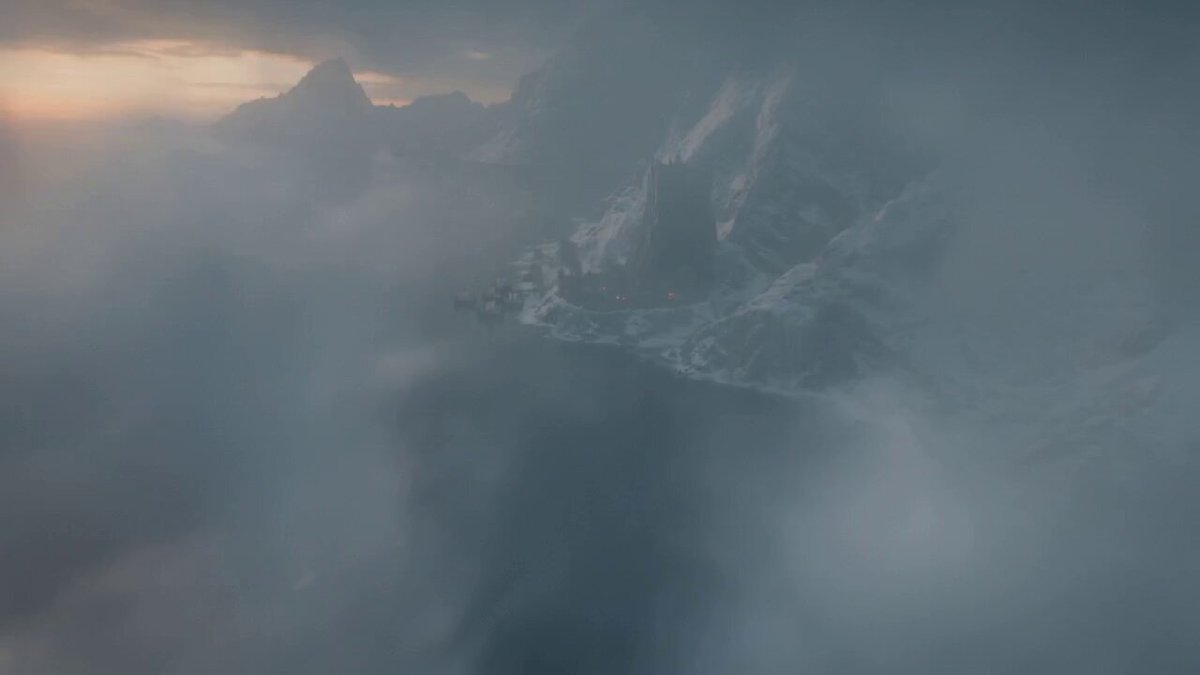
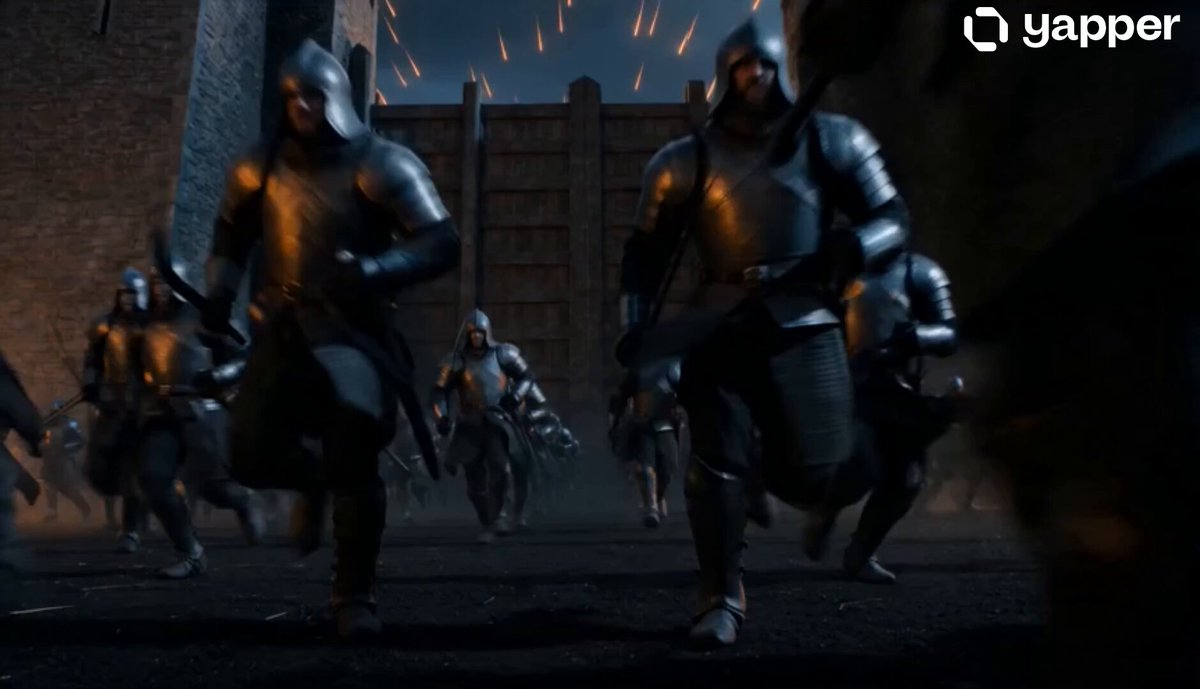
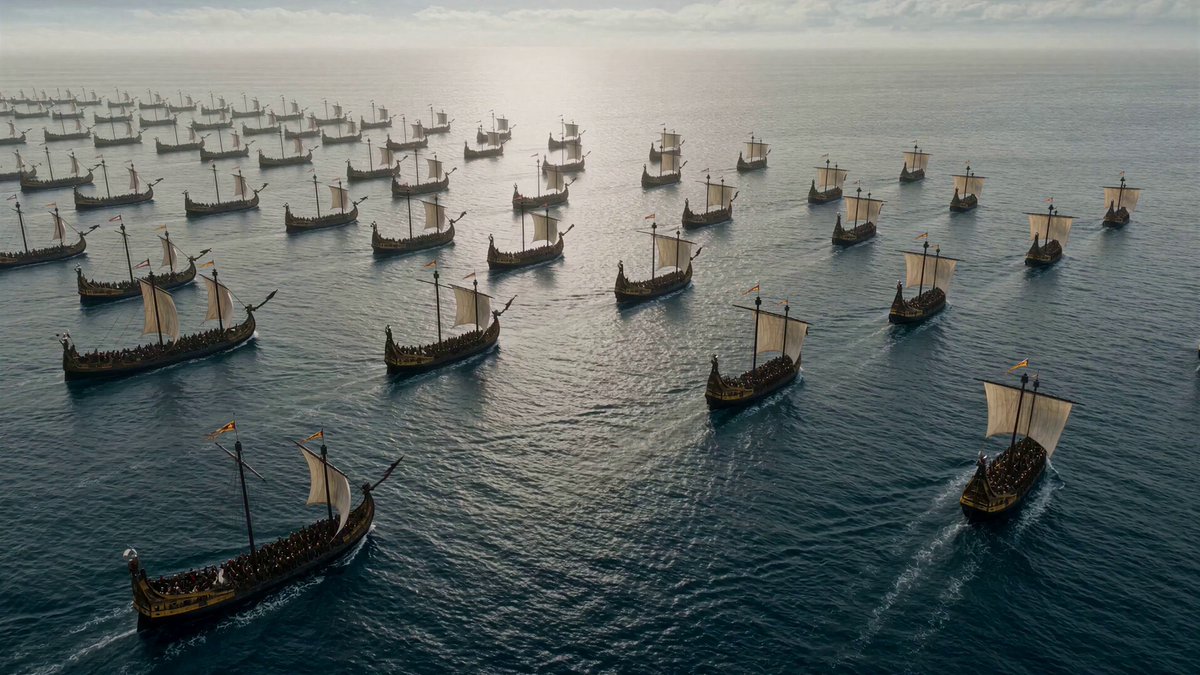
The beginning of a prompt for a historical scene with dramatic lighting, detailing the opening shot of a Venetian galley fleet approaching Constantinople at dawn, followed by a quick cut to an Ottoman cannon.
Historical scene with dramatic lighting. [0-3 seconds] Opening shot: Venetian galley fleet approaches Constantinople at dawn, cannons blazing. Massive city walls loom in background, Byzantine banners fluttering defiantly. [3-6 seconds] Quick cut: Ottoman cannon
Historical scene with dramatic lighting. [0-3 seconds] Opening shot: Venetian galley fleet approaches Constantinople at dawn, cannons blazing. Massive city walls loom in background, Byzantine banners fluttering defiantly. [3-6 seconds] Quick cut: Ottoman cannon
Edit the prompt in the box under the preview — the template's model and format are already selected — and press Generate. Your version appears right on this page.
Yes. You can change the subject, setting, lighting, mood, format, and available model controls before creating your video.
Opening and editing this template is free. Generating uses credits, shown on the Generate button when you are signed in.
Start with Seedance 2.0, which is the model associated with this template. You can compare another compatible model for a different finish.
Follow a topic to a crawlable collection of related PicX Studio templates.