
Cinematic Night Battlefield Siege
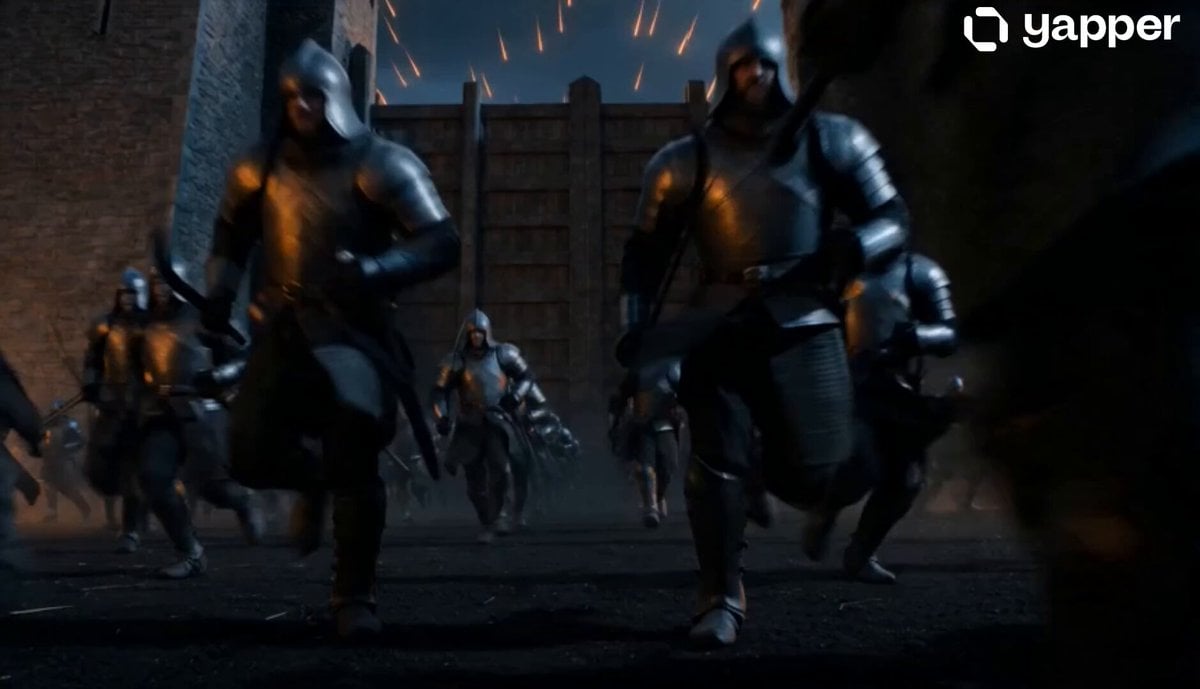
A highly detailed cinematic prompt for generating an epic night-time battlefield scene with flaming arrows, armored soldiers, and a looming castle fortress.
- Prompt included
- Model and format preset
- Free template
The prompt behind this video
Copy the exact prompt behind Cinematic Night Battlefield Siege, or open it in the studio and make it yours.
visual_world": { "light": "Night battlefield illuminated by firelight from flaming arrows and burning siege debris, orange flickering light reflecting across armored soldiers and stone walls, cold moonlight outlining the towering castle silhouette.", "color": "Dark iron grays and soot-black ground tones contrast with intense orange flame trails in the sky, dim blue moonlight washing over the stone fortress and smoke clouds.", "film": "Large format digital cinema camera with aerial drone movement, 28mm anamorphic lens, 2.39:1 aspect ratio, subtle film grain simulation, high dynamic contrast between flame highlights and shadowed battlefield.", "atmosphere": "Thick smoke drifting across the battlefield, sparks falling through the air, dust rising under charging soldiers, burning arrow trails streaking across the sky." }, "audio": { "speech": "", "ambience": [ "whistling flaming arrows cutting through the air", "distant war horns echoing across the field", "heavy footsteps and armor clashing as soldiers charge", "crackling fire from burning siege equipment", "stone impacts as arrows strike castle walls" ], "music": "Deep orchestral drums at 90 BPM with low brass pulses and aggressive string tremolo building intensity." }, "sequence": { "duration": "14s", "pacing": "Fast epic cinematic movement", "shots": [ { "time": "0-3s", "description": "Ground-level shot using a handheld cinema camera, 35mm lens, 2.39:1 aspect ratio. Flaming arrows streak overhead while armored soldiers sprint across the dark battlefield toward massive wooden gates." }, { "time": "3-7s", "description": "Low-angle tracking shot beside charging soldiers using a stabilized gimbal camera, 40mm lens. Dust and sparks kick up under heavy boots as the towering castle walls rise ahead." }, { "time": "7-11s", "description": "Rapid upward drone lift using a 24mm anamorphic lens. The camera climbs above the battlefield revealing hundreds of soldiers advancing while volleys of flaming arrows arc across the sky." }, { "time": "11-14s", "description": "High aerial flyover shot circling the castle fortress, 28mm lens. The full siege becomes visible with soldiers surrounding the walls, smoke rising, and streams of flaming arrows crossing the night sky.
How to use Cinematic Night Battlefield Siege in 3 steps
- 1
Open
The prompt is already in the box next to the preview, with the template's model and format selected.
- 2…a portrait of your subject in softgolden-hour light, 85mm…
Personalize
Edit the subject and creative details for your destination.
- 3Generate
Generate
Press Generate — your video is created in PicX Studio, so you can compare it with the original and refine one variable at a time.
More like this
Templates with the same subject, style or setup. Open one to see its prompt.
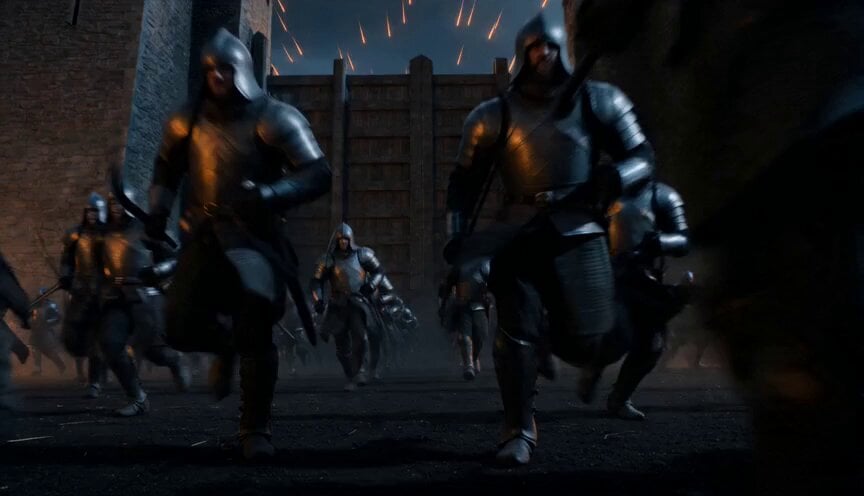
Epic Night Battlefield Siege

Cinematic Istanbul Night Fight - Seedance 2.5
Late Night Kitchen Phone Recording - Seedance 2.5

Korean Night Market Bullet-Time Scene - Seedance 2.5

Forest Fantasy Girl Short Film

Necromancer Battlefield Orbit

Live-Action Firefighter Rescue Night Scene
Epic Dragon Riding Knight Battlefield
Ice Queen — Frozen Battlefield Time Control (Seedance)
Porsche 911 GT3 RS Night Racing — Neon City Streets
Rainforest Thriller — Searching the Unseen
Asteroid Impact City Destruction
Make it yours
Cinematic Night Battlefield Siege works as-is. These are the safest ways to change it without losing the look.
Change one field
Copy a single group, rewrite it, and generate again so you can see what that field is doing.
Keep the frame, change the subject
Hold the composition and light of Cinematic Night Battlefield Siege, then swap wardrobe, props or the person for a new take.
| If the result… | Why | Fix |
|---|---|---|
| The result drifts from the preview | Too many fields changed at once. | Reuse Cinematic Night Battlefield Siege as-is first, then change one group — subject, light, or setting. |
| The model over-stylizes the scene | The prose prompt leaves finish and camera underspecified. | Add one camera or lighting sentence and stay on Seedance 2.0. |
More Seedance 2.0 templates
Other prompts made for Seedance 2.0.

Comical Martial Arts Punch Scene

Maglev Train Action Sequence

Martial Arts Fight Sequence

Wuxia Protection and Trust Script

Vintage Korean Arcade MiniDV Vlog

Mercedes 190 SL Luxury Ad

Amazon Civilization Discovery

Futuristic South Asian City Transformation

Cozy Luxury Cafe Commercial

Cyber Ronin Nanotech Transformation Video
More video prompts
Fresh picks from across the catalog.
Two Strangers Surreal Dream Island Dance
Massive Coastal Tsunami Disaster
Cinematic Fashion Travel Orbit Shot

Fluffy Creature Story Sequence
POV Skateboard Half-Pipe Action
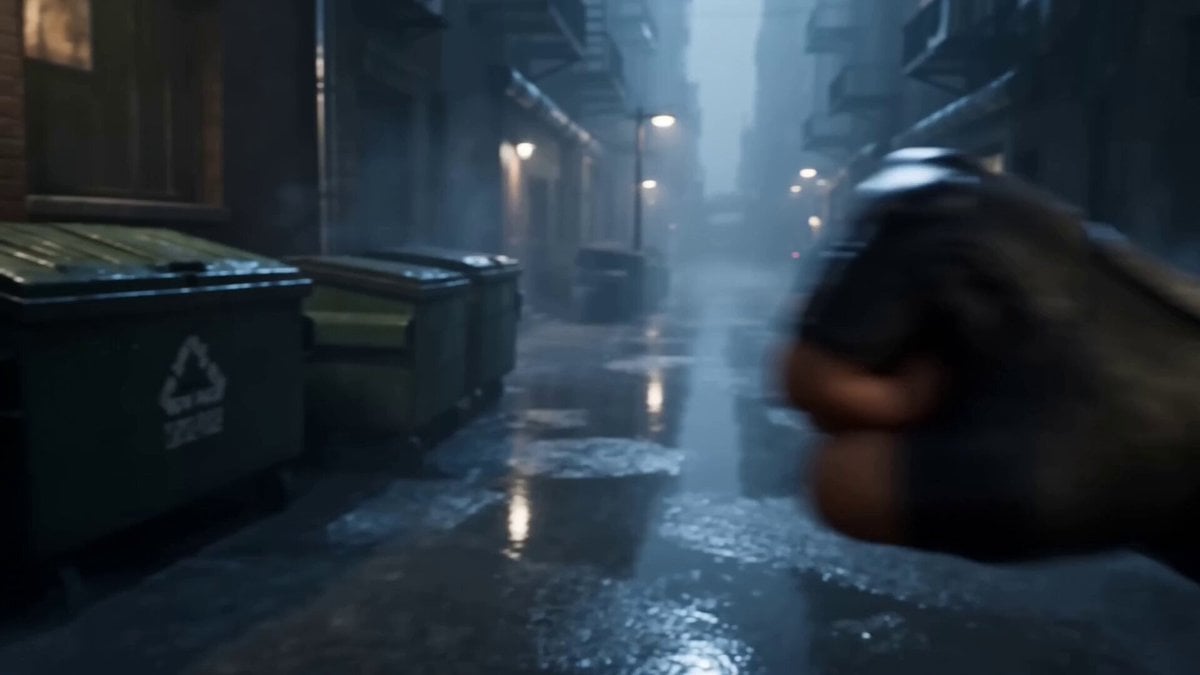
POV Street Fight Cinematic Prompt
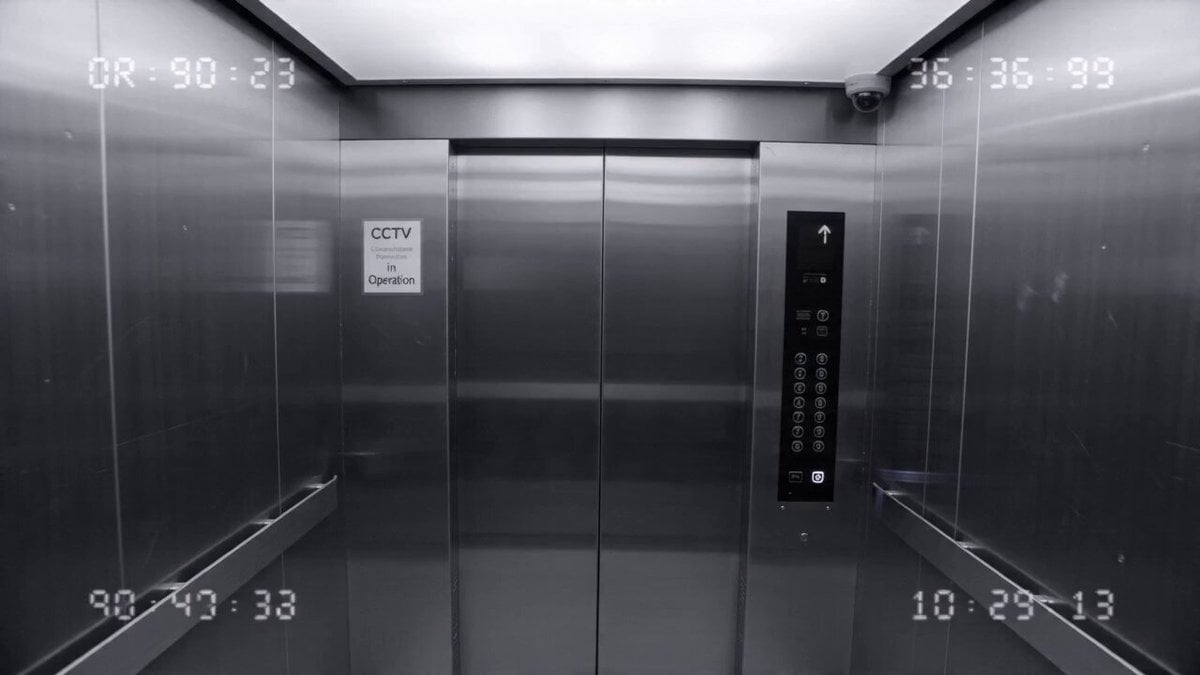
Elevator CCTV Glitch Horror
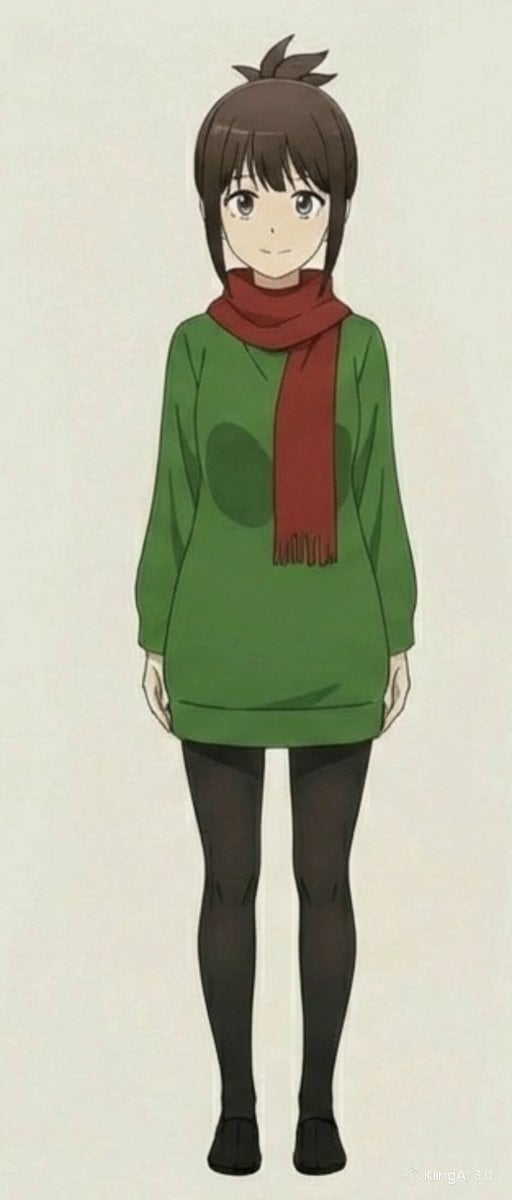
Anime Character Book Catch
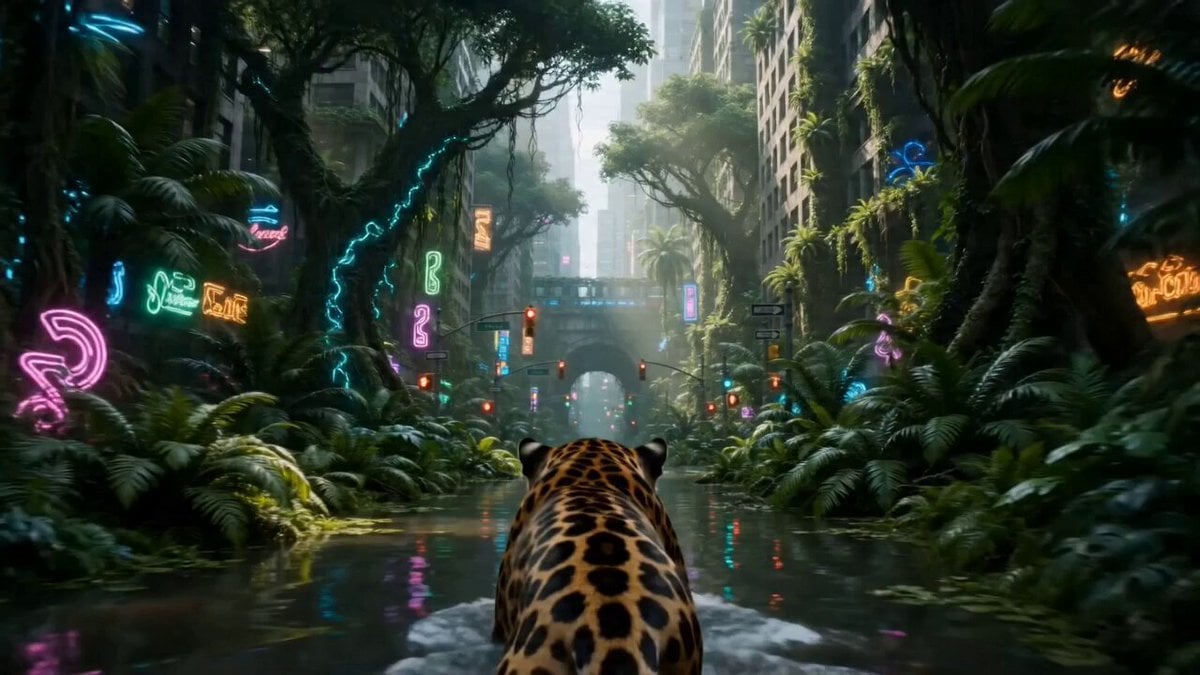
Overgrown Megacity Jungle
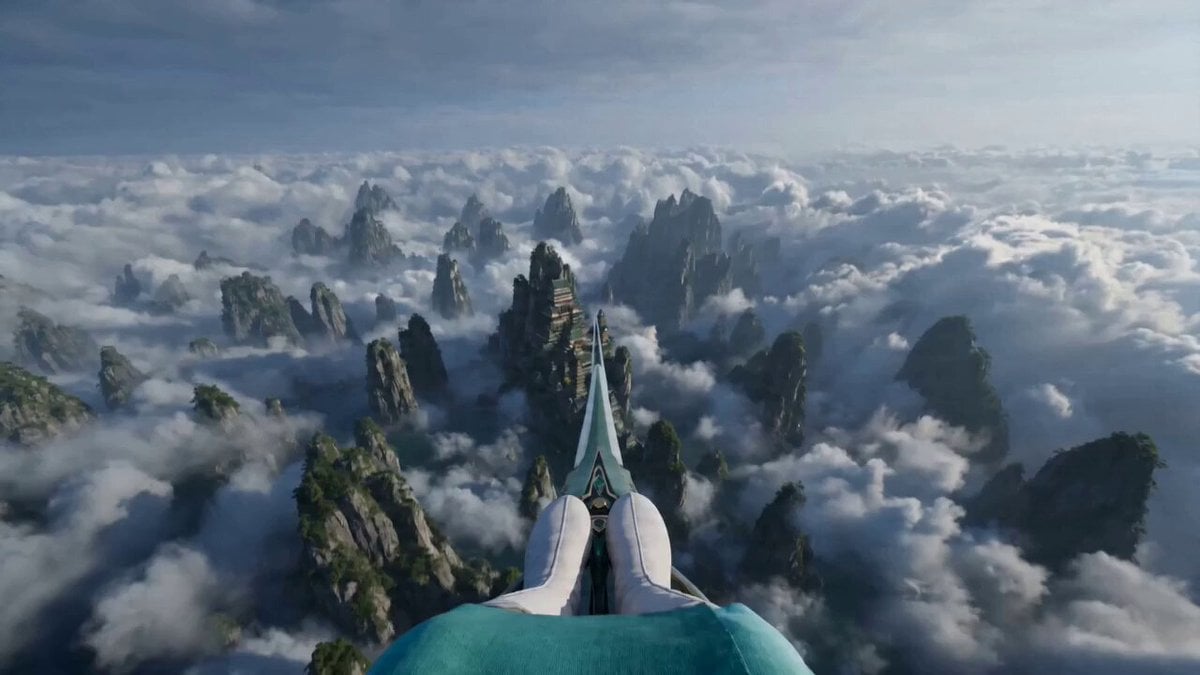
First-Person POV Sword Flying
Browse template categories
Cinematic Night Battlefield Siege questions
How do I use the Cinematic Night Battlefield Siege template?
Add your photo if the template asks for one, edit the prompt if you like — the template's model and format are already selected — and press Generate. Your version opens in PicX Studio.
Can I customize the Cinematic Night Battlefield Siege template?
Yes. You can change the subject, setting, lighting, mood, format, and available model controls before creating your video.
Is the Cinematic Night Battlefield Siege template free?
Opening and editing this template is free. Generating uses credits, shown on the Generate button when you are signed in.
Which AI model should I use?
Start with Seedance 2.0, which is the model associated with this template. You can compare another compatible model for a different finish.
Looking for something else? Browse all templates.

Your photo, any look
Thousands of ready templates for every top image and video model, from one credit balance.