
Epic Dragon Riding Knight Battlefield
A detailed cinematic prompt for a large-scale medieval battle scene featuring a dragon-riding knight in black armor.
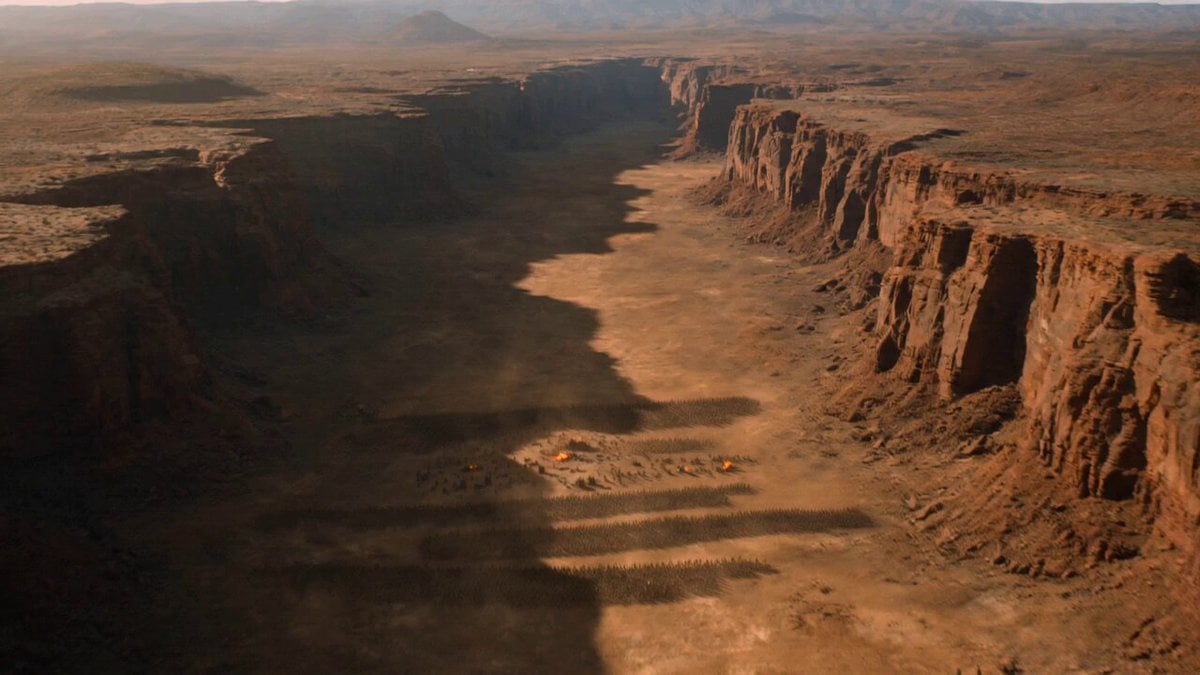
- Prompt included
- Model and format preset
- Free template
The prompt behind this video
Copy the exact prompt behind Epic Dragon Riding Knight Battlefield, or open it in the studio and make it yours.
A gigantic dragon-riding knight clad in black steel armor scarred by countless battles, crimson cape torn by war, face hidden beneath a horned helmet 0–4s: rides an enormous dragon through a canyon as an enemy army marches below, camera flying alongside the dragon’s wings before diving toward the battlefield; 4–10s: dragon unleashes torrents of fire across siege engines and infantry formations while the knight leaps from its back into the middle of enemy lines, cutting through soldiers with devastating two-handed strikes, sparks and blood flying through the air; 10–15s: confronts the enemy king atop a burning siege tower, defeats him in a brutal duel, then the dragon crashes through the tower causing it to collapse entirely, ending with the knight standing atop the ruins as the enemy army breaks and flees + Hyper-realistic heroic fantasy, large-scale medieval battle, practical fire VFX, cinematic daylight destruction, brutal combat choreography.
How to use Epic Dragon Riding Knight Battlefield in 3 steps
- 1
Open
The prompt is already in the box next to the preview, with the template's model and format selected.
- 2…a portrait of your subject in softgolden-hour light, 85mm…
Personalize
Edit the subject and creative details for your destination.
- 3Generate
Generate
Press Generate — your video is created in PicX Studio, so you can compare it with the original and refine one variable at a time.
More like this
Templates with the same subject, style or setup. Open one to see its prompt.
Dragon Rescue — Volcanic Kingdom Collapse (Seedance)

Dragon Rider Cinematic Flight — Seedance 2.5

Oceanic Civilization Epic Sci-Fi Film

Necromancer Battlefield Orbit
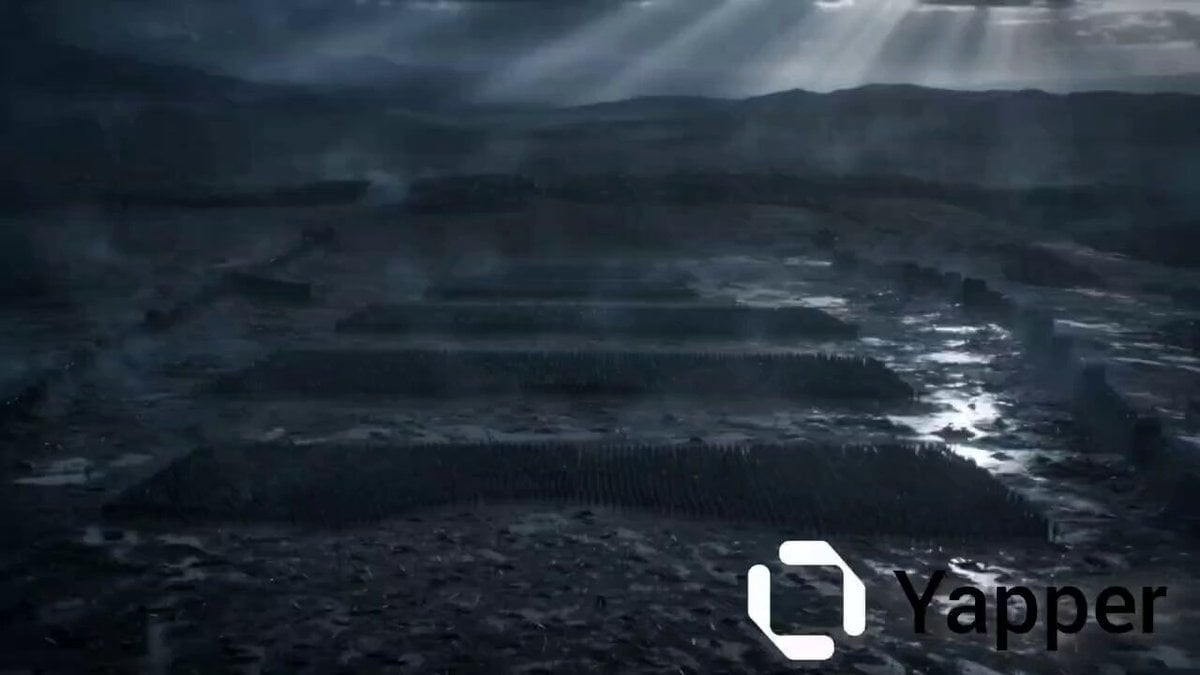
Epic Battlefield King Cinematic

Knight in dark armor riding a glowing green horse at night
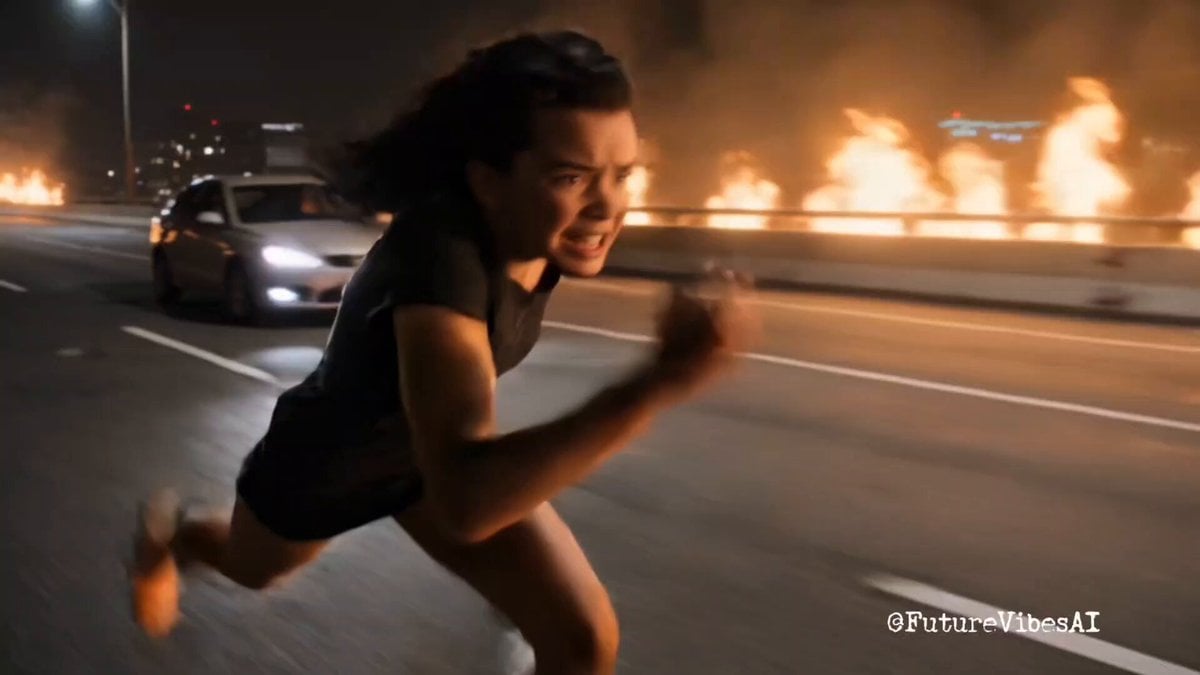
Epic Superhero Transformation and Dragon Fight Video Prompt
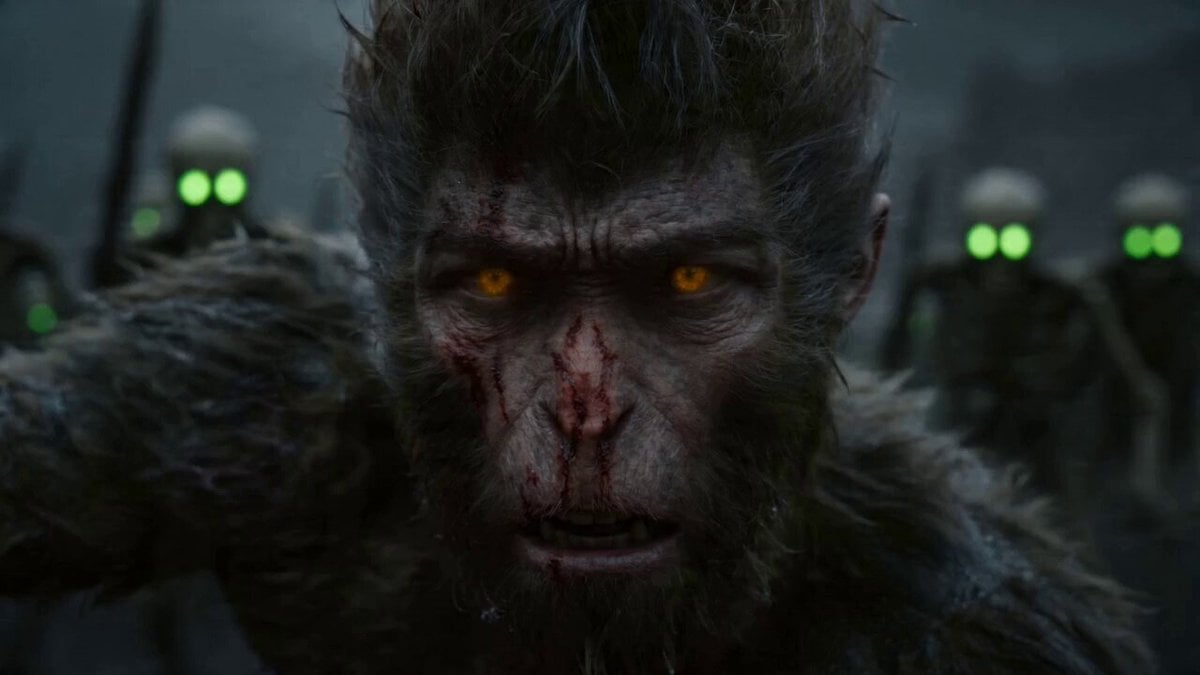
Epic Multi-Shot Sequence of Sun Wukong on a Mythological Battlefield
Warrior Woman Riding a Dragon Cinematic Video Prompt
Epic Battle Between Giant Python and Chinese Dragon
Epic Mountain Dragon Sequence
Knight vs Dragon Dark Fantasy Battle
Make it yours
Epic Dragon Riding Knight Battlefield works as-is. These are the safest ways to change it without losing the look.
Change one field
Copy a single group, rewrite it, and generate again so you can see what that field is doing.
Keep the frame, change the subject
Hold the composition and light of Epic Dragon Riding Knight Battlefield, then swap wardrobe, props or the person for a new take.
| If the result… | Why | Fix |
|---|---|---|
| The result drifts from the preview | Too many fields changed at once. | Reuse Epic Dragon Riding Knight Battlefield as-is first, then change one group — subject, light, or setting. |
| The model over-stylizes the scene | The prose prompt leaves finish and camera underspecified. | Add one camera or lighting sentence and stay on Seedance 2.0. |
More Seedance 2.0 templates
Other prompts made for Seedance 2.0.

Comical Martial Arts Punch Scene

Maglev Train Action Sequence

Martial Arts Fight Sequence

Wuxia Protection and Trust Script

Vintage Korean Arcade MiniDV Vlog

Mercedes 190 SL Luxury Ad

Rainy Night Supernatural Reverse Comedy Video Script

Amazon Civilization Discovery

Futuristic South Asian City Transformation

Cozy Luxury Cafe Commercial
More video prompts
Fresh picks from across the catalog.
Seedance 2.0 Prompt Generated via VSCode and Claude Code Analysis
Serene Sunset Beach Scene
California Girl SpaceX Commentary
Hachiko as a Cosmic Weaver of Loyalty
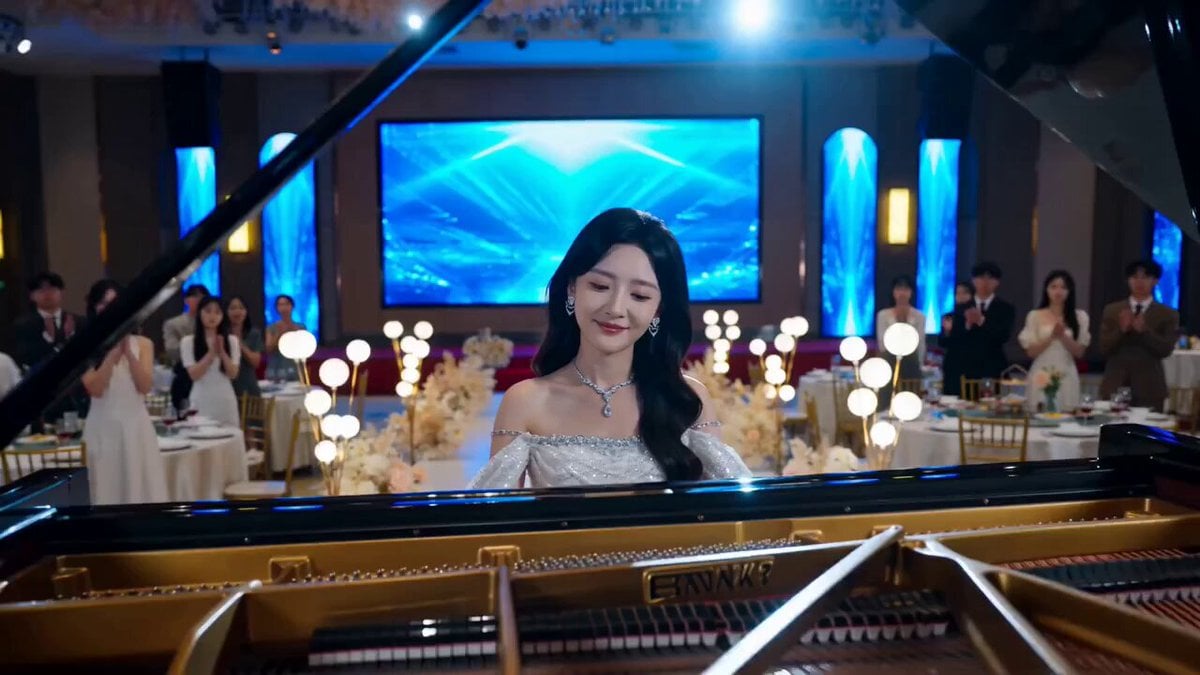
Dramatic Scene Generation Prompt
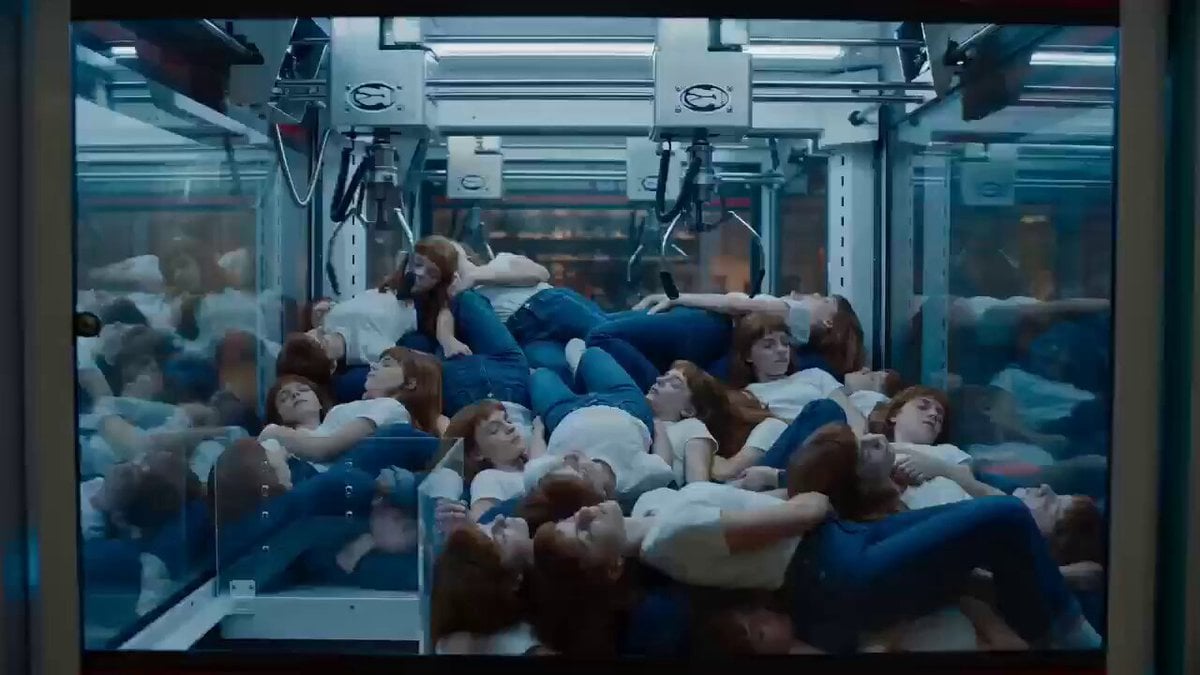
Surrealist Cinematic Playground Scene
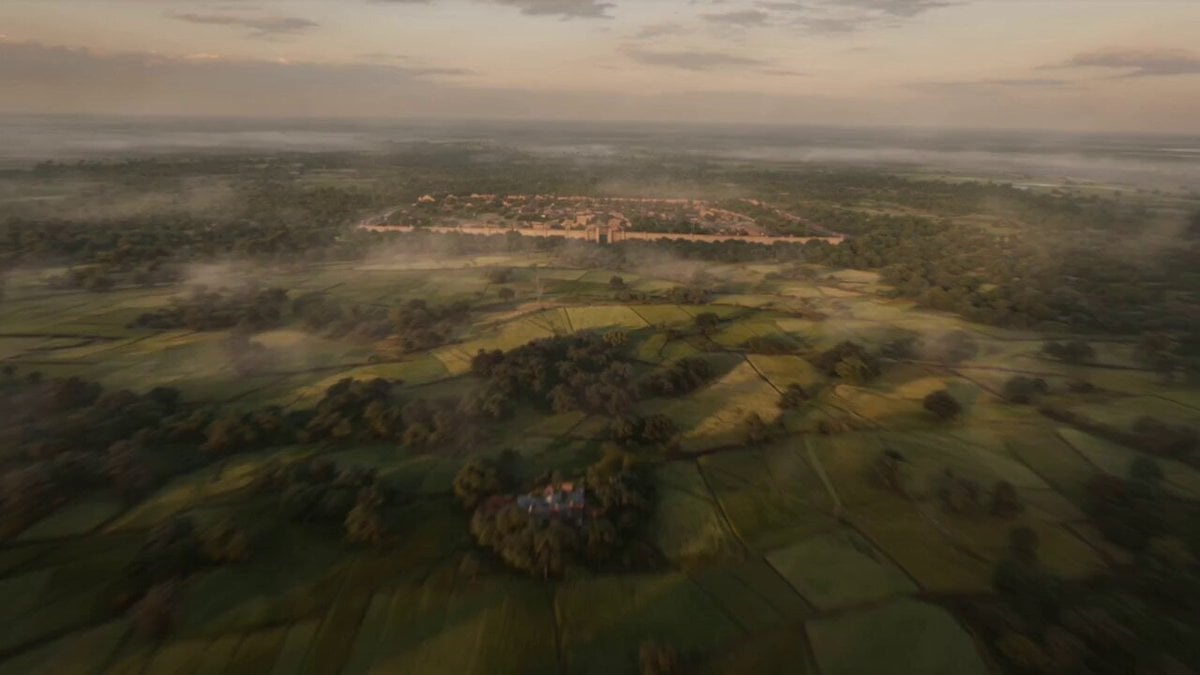
Ancient Indian Kingdom FPV Flight
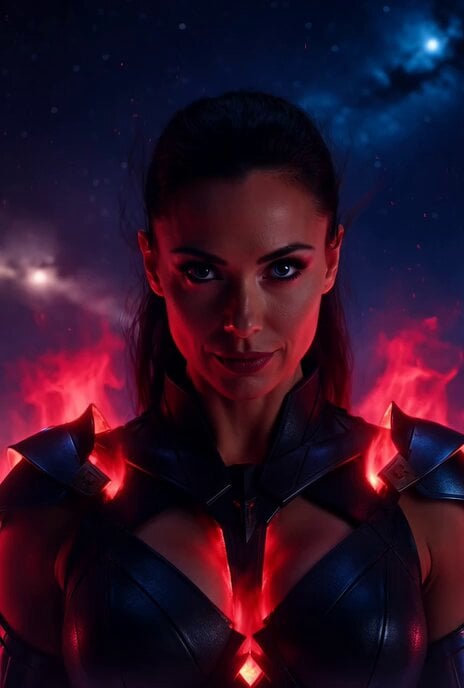
Orion Warrior Woman Sci-Fi Portrait

Dragon Quest Roto's Crest Fusion Magic 'Bagira' Video Generation Prompt
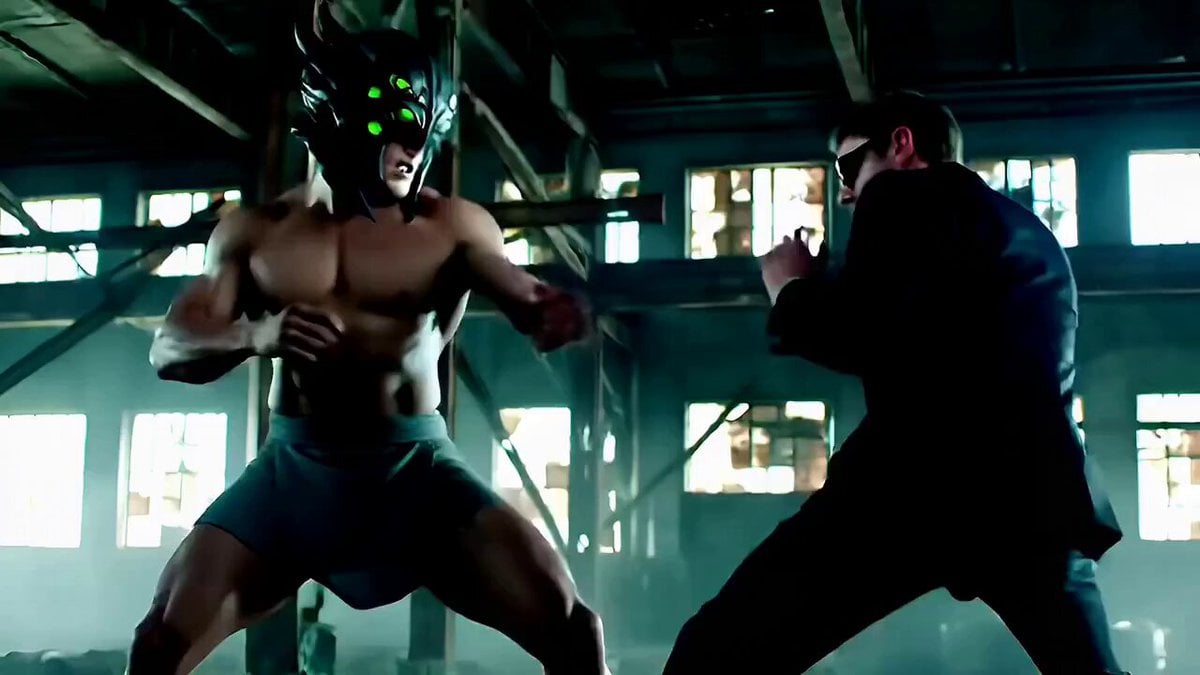
Cinematic Fight Scene Prompt for Seedance 2.0
Browse template categories
Epic Dragon Riding Knight Battlefield questions
How do I use the Epic Dragon Riding Knight Battlefield template?
Add your photo if the template asks for one, edit the prompt if you like — the template's model and format are already selected — and press Generate. Your version opens in PicX Studio.
Can I customize the Epic Dragon Riding Knight Battlefield template?
Yes. You can change the subject, setting, lighting, mood, format, and available model controls before creating your video.
Is the Epic Dragon Riding Knight Battlefield template free?
Opening and editing this template is free. Generating uses credits, shown on the Generate button when you are signed in.
Which AI model should I use?
Start with Seedance 2.0, which is the model associated with this template. You can compare another compatible model for a different finish.
Looking for something else? Browse all templates.

Your photo, any look
Thousands of ready templates for every top image and video model, from one credit balance.