
Dramatic Scene Generation Prompt
A detailed prompt for generating a dramatic scene set at a top-tier charity gala, involving a pianist's daughter and a disfigured woman on a wheelchair who exposes her as an imposter.
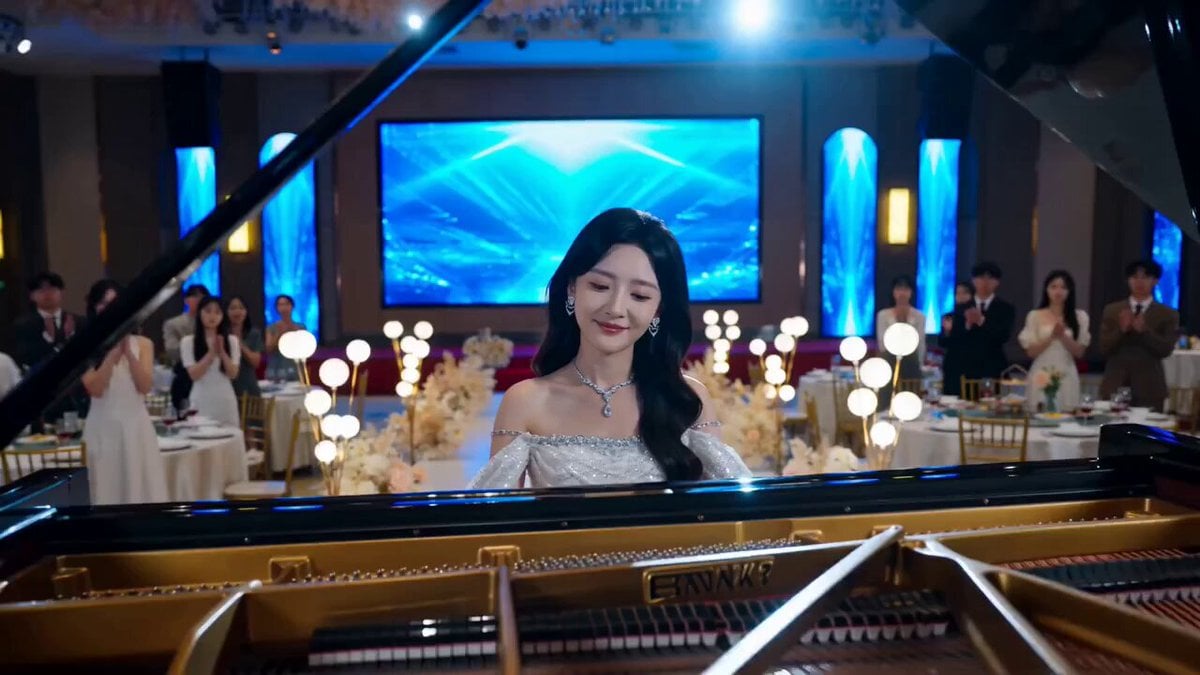
- Prompt included
- Model and format preset
- Premium template
The prompt behind this video
Copy the exact prompt behind Dramatic Scene Generation Prompt, or open it in the studio and make it yours.
场景:顶级慈善晚宴——备受追捧的钢琴家千金正在演奏。 动机:一位面容被毁、坐着轮椅的女人被推上台,当众揭露台上光鲜亮丽的“千金”,实则是当年偷换她人生、并纵火想烧死她的冒牌货。 画面: (不要和明星撞脸,要现实中不存在的人物)
How to use Dramatic Scene Generation Prompt in 3 steps
- 1
Open
The prompt is already in the box next to the preview, with the template's model and format selected.
- 2…a portrait of your subject in softgolden-hour light, 85mm…
Personalize
Edit the subject and creative details for your destination.
- 3Generate
Generate
Press Generate — your video is created in PicX Studio, so you can compare it with the original and refine one variable at a time.
More like this
Templates with the same subject, style or setup. Open one to see its prompt.
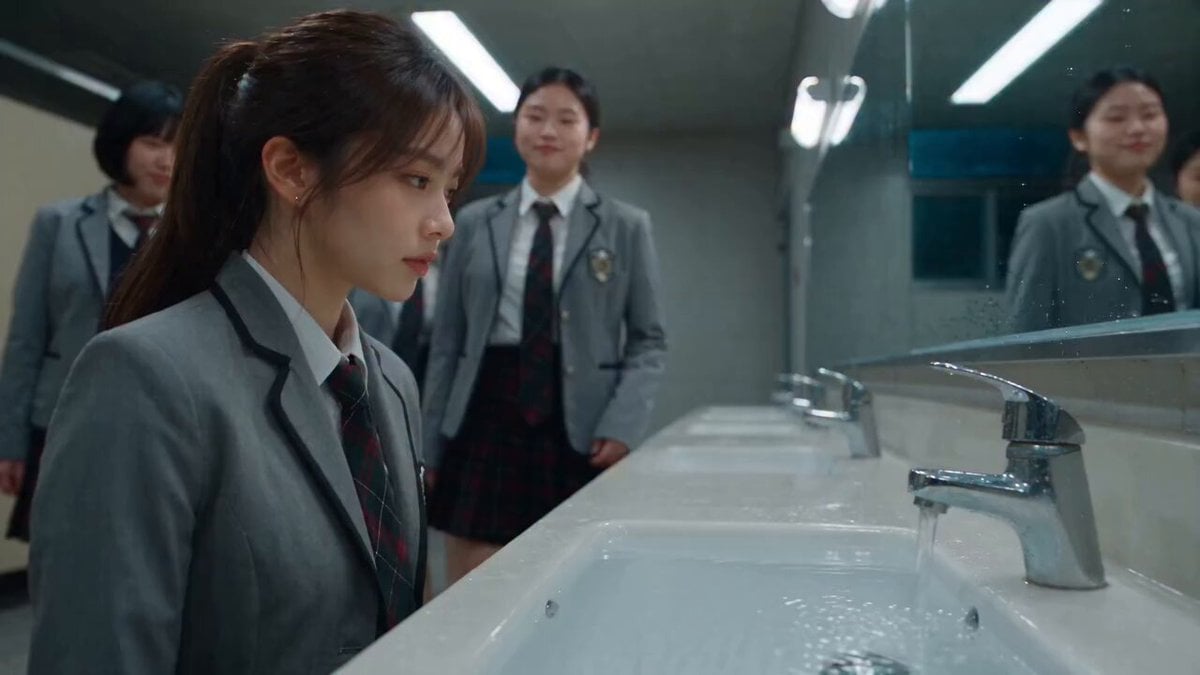
Dramatic School Bathroom Water Fight
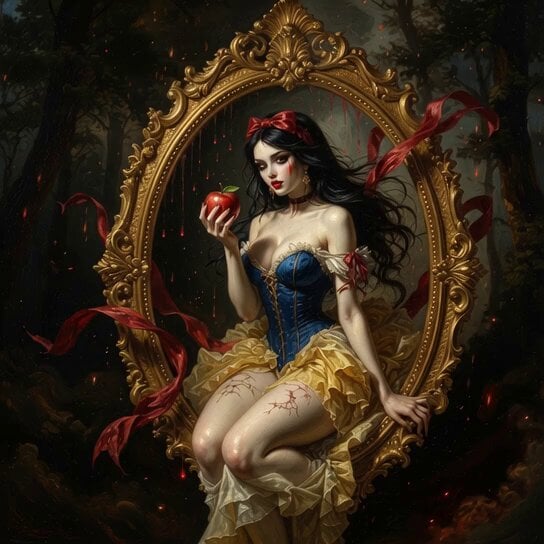
Baroque Style Dramatic Transformation
Dramatic Jungle Chase Sequence
Phone Upgrade Dramatic Story
Dramatic Female Football Nutmeg Sequence

Dramatic Anime Screaming Scene

Dramatic Lone Hero in Destroyed City Prompt
Dramatic Poetry Reading Handshake
Office Drama with Dramatic Twist
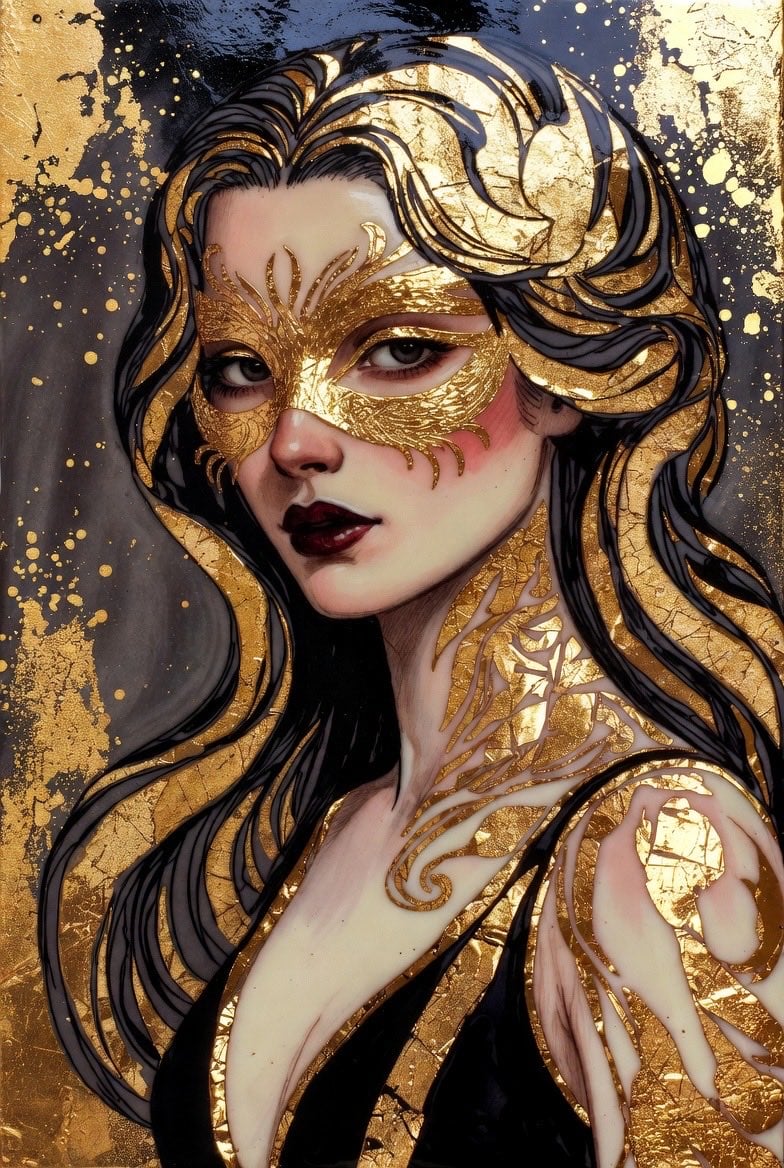
Dramatic fantasy portrait video

Grok Imagine prompt for a dramatic dinosaur fight scene
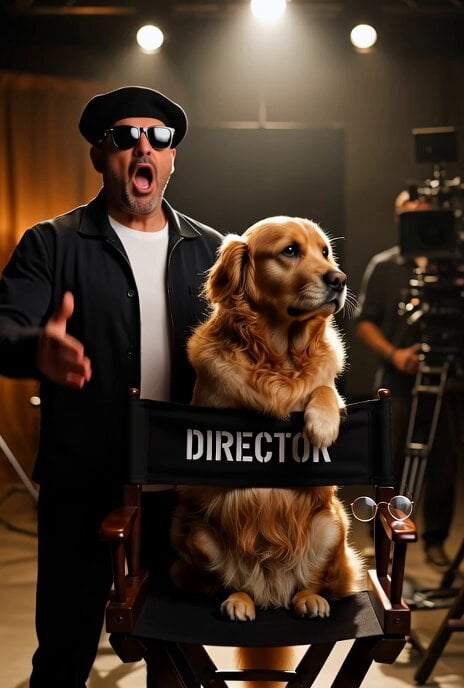
Dramatic Hollywood Director and Golden Retriever
Make it yours
Dramatic Scene Generation Prompt works as-is. These are the safest ways to change it without losing the look.
Change one field
Copy a single group, rewrite it, and generate again so you can see what that field is doing.
Keep the frame, change the subject
Hold the composition and light of Dramatic Scene Generation Prompt, then swap wardrobe, props or the person for a new take.
| If the result… | Why | Fix |
|---|---|---|
| The result drifts from the preview | Too many fields changed at once. | Reuse Dramatic Scene Generation Prompt as-is first, then change one group — subject, light, or setting. |
| The model over-stylizes the scene | The prose prompt leaves finish and camera underspecified. | Add one camera or lighting sentence and stay on Seedance 2.0. |
More Seedance 2.0 templates
Other prompts made for Seedance 2.0.

Comical Martial Arts Punch Scene

Maglev Train Action Sequence

Martial Arts Fight Sequence

Wuxia Protection and Trust Script

Vintage Korean Arcade MiniDV Vlog

Mercedes 190 SL Luxury Ad

Rainy Night Supernatural Reverse Comedy Video Script

Amazon Civilization Discovery

Futuristic South Asian City Transformation

Cozy Luxury Cafe Commercial
More video prompts
Fresh picks from across the catalog.
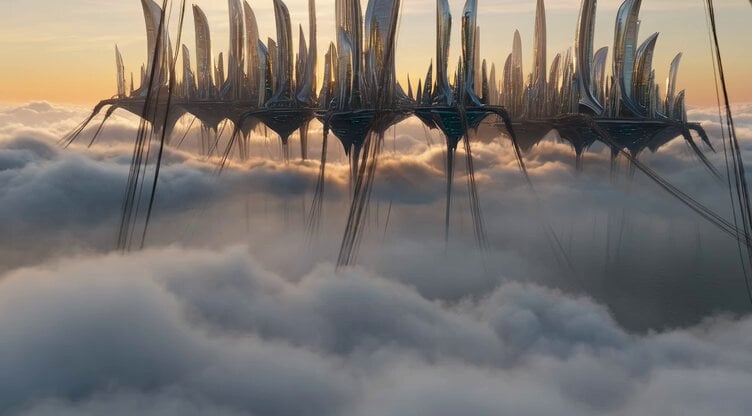
Futuristic Metropolis on Moving Clouds

Street to Stadium Football Dream
Dark Energy Combat Sequence
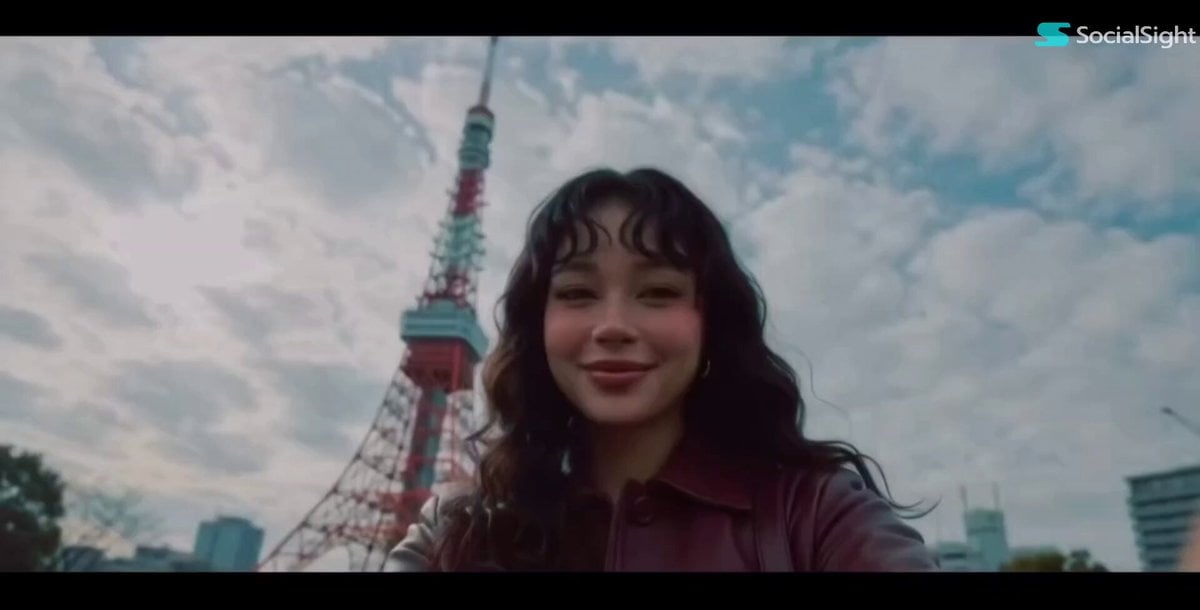
Cinematic Tokyo Travel Vlog Montage

Emotional Robot and Boy Animation
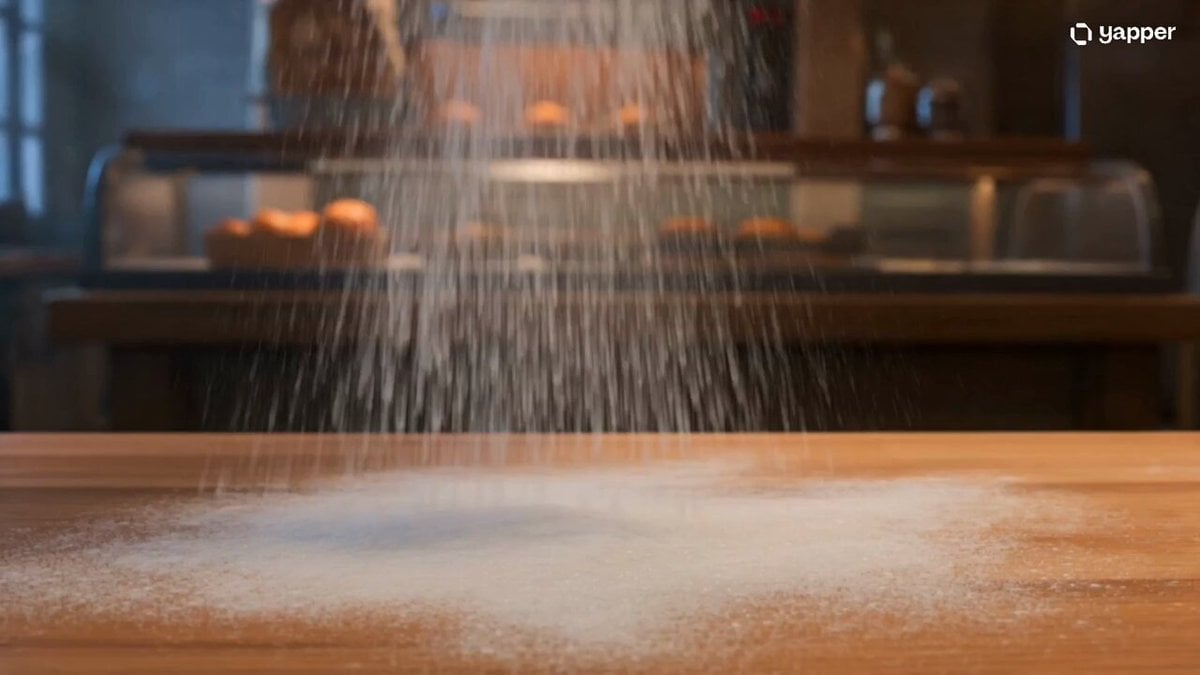
Midnight Bakery Showdown Animation
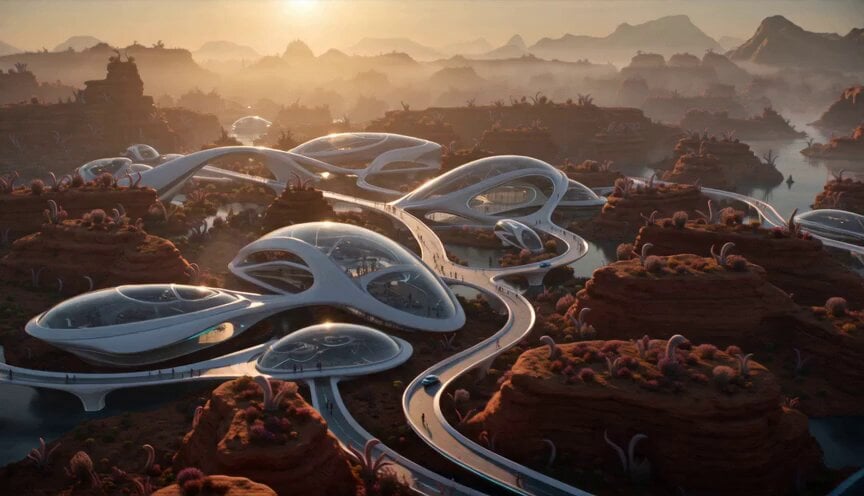
Alien Planet Morning Routine

Epic Michael Bay style aircraft carrier launch
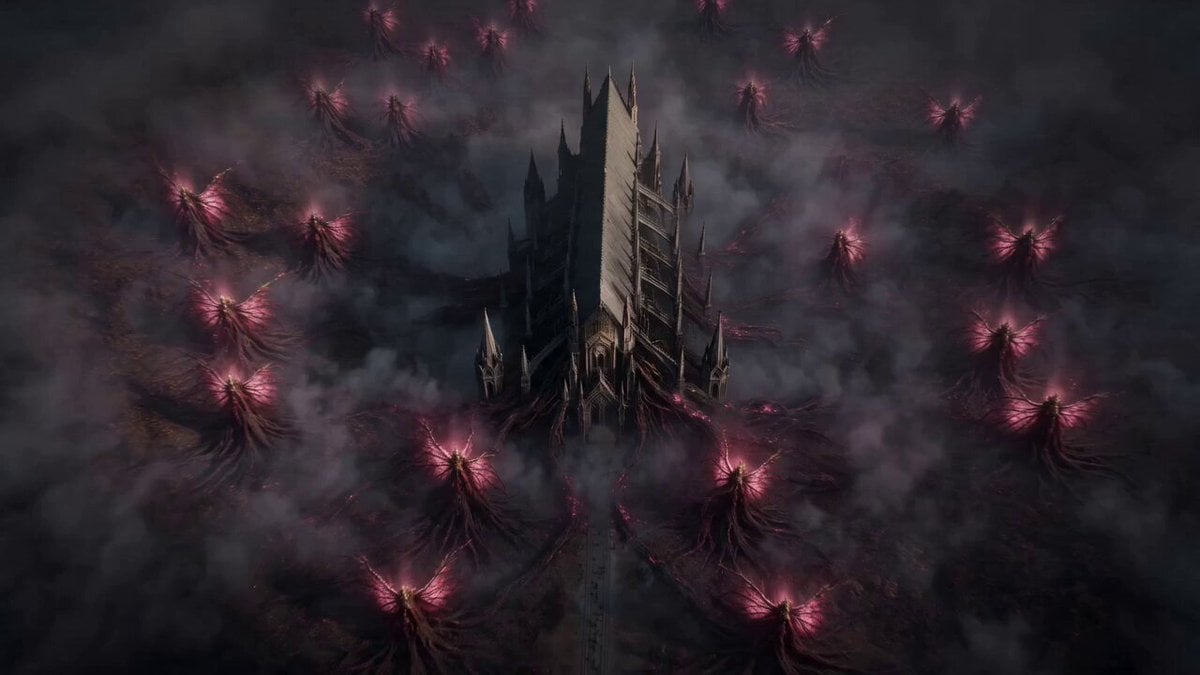
Vespira the Pestilent Empress Cinematic Sequence
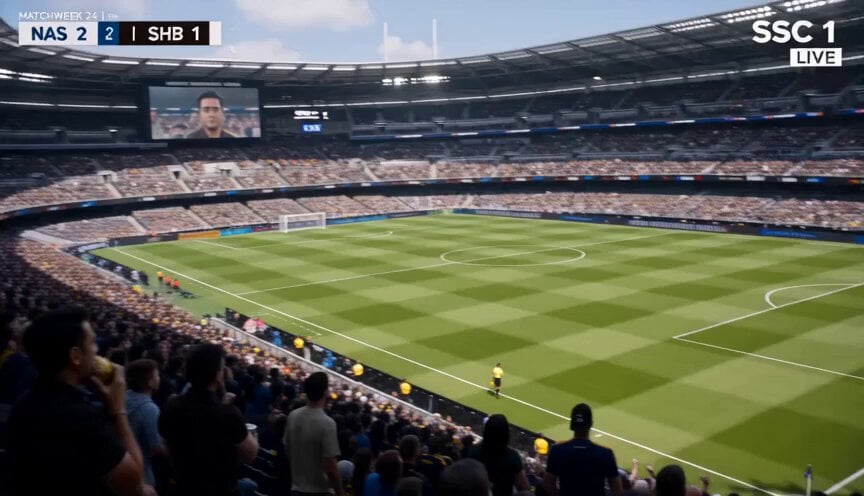
Football Broadcast Fan Goal Scenario
Browse template categories
Dramatic Scene Generation Prompt questions
How do I use the Dramatic Scene Generation Prompt template?
Add your photo if the template asks for one, edit the prompt if you like — the template's model and format are already selected — and press Generate. Your version opens in PicX Studio.
Can I customize the Dramatic Scene Generation Prompt template?
Yes. You can change the subject, setting, lighting, mood, format, and available model controls before creating your video.
Is the Dramatic Scene Generation Prompt template free?
Opening and editing this template is free. Generating uses credits, shown on the Generate button when you are signed in.
Which AI model should I use?
Start with Seedance 2.0, which is the model associated with this template. You can compare another compatible model for a different finish.
Looking for something else? Browse all templates.

Your photo, any look
Thousands of ready templates for every top image and video model, from one credit balance.